Power Tips . . . who knew!
I have been using Procreate for sometime now, but that didn't mean I either knew or remembered a number of tips shared in this class. The most useful for me was the tip to create an outline (sticker effect). However, I save a step in the beginning after I duplicate my layer that I want the outline for, I select the Hue/Saturation/Brightness option under adjustments and slide the brightness slider to 100. Then I follow the rest of Claire's instructions to create the outline.
I have never thought to try applying a gradient adjustment to change colors. I'm totally going to remember this one.
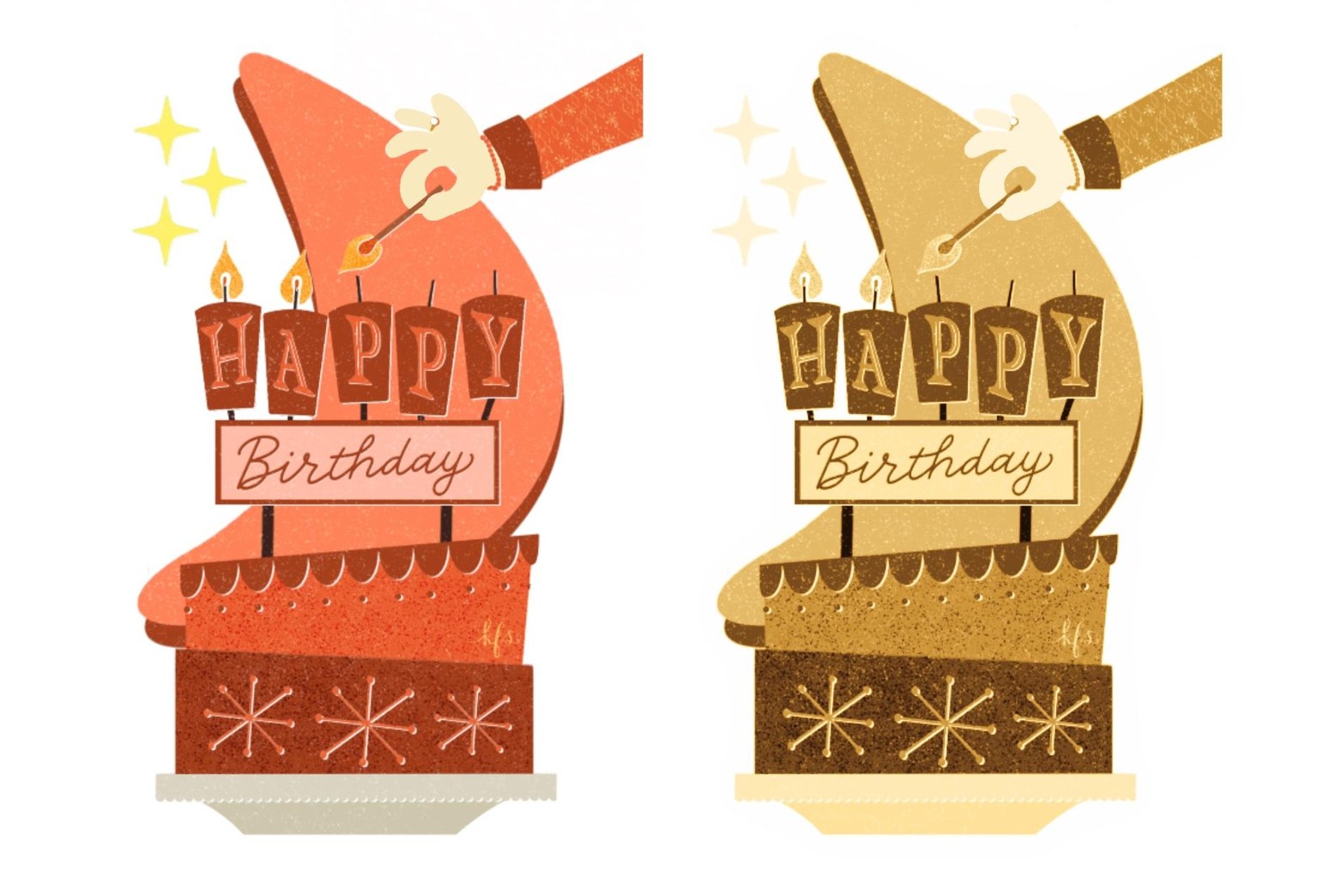
Here is my sticker that I created from a very recent class (on the left) and then with a gradient adjustment applied (on the right).
Thanks Claire!