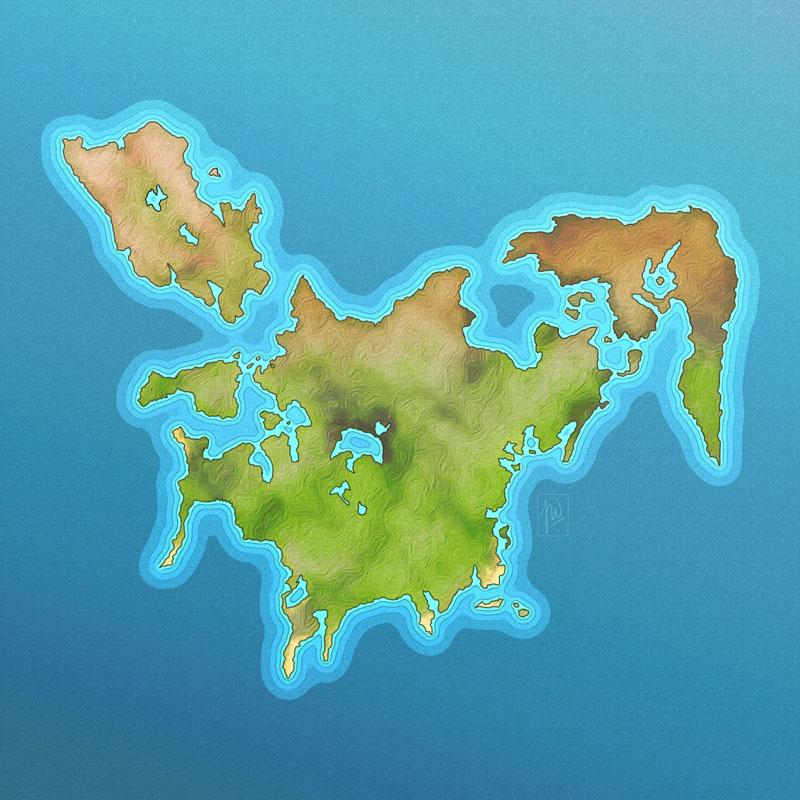
Map Drawing I - Coastline
I found Daniels Class in search of a way to create nice looking maps (fantasy or otherwise) with a clean and easy workflow. This first lessons I found very informativ and the coastline techniques are easy to make and add a realy nice effect without much hassle.
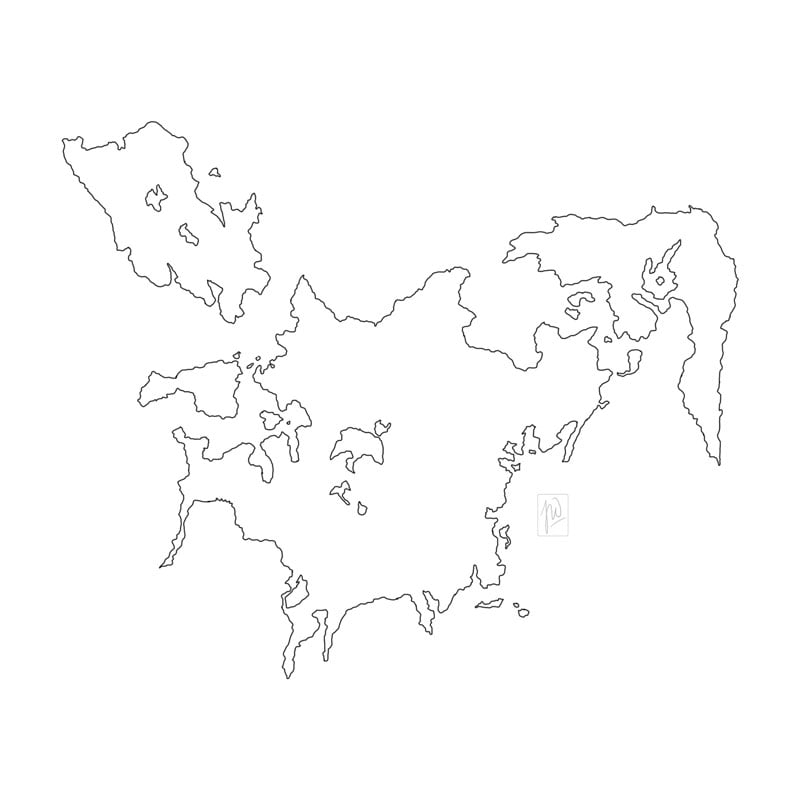
Step 1: Drawn the lines of my Islands with basic round brush at 2px. (I was working at 300dpi). To find the form I pushed around denmark for a while.
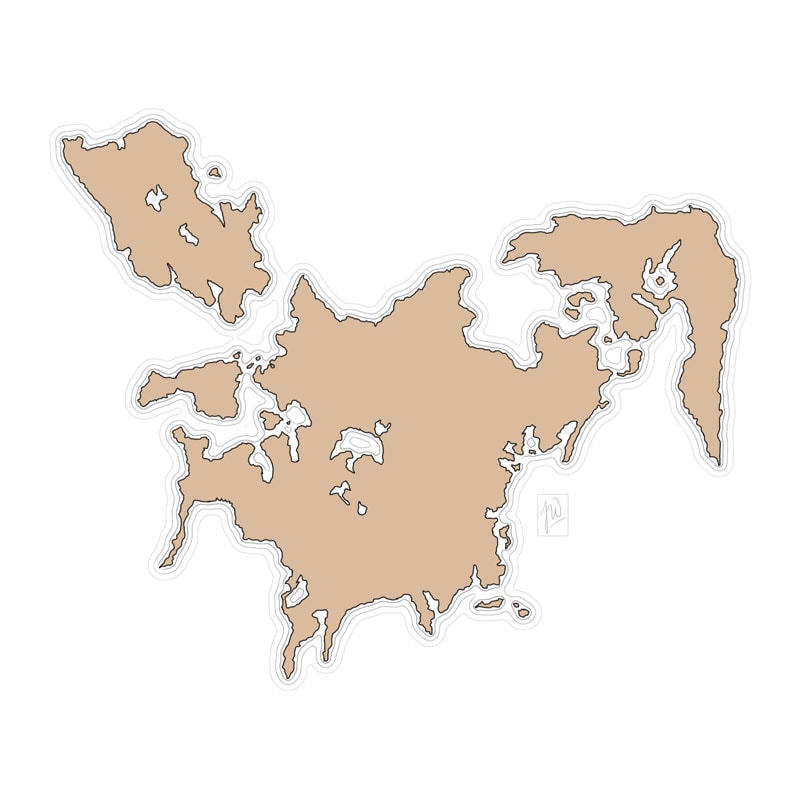
Step 2: Using Daniels technique I added the coastline. Love the subtle effect of this.
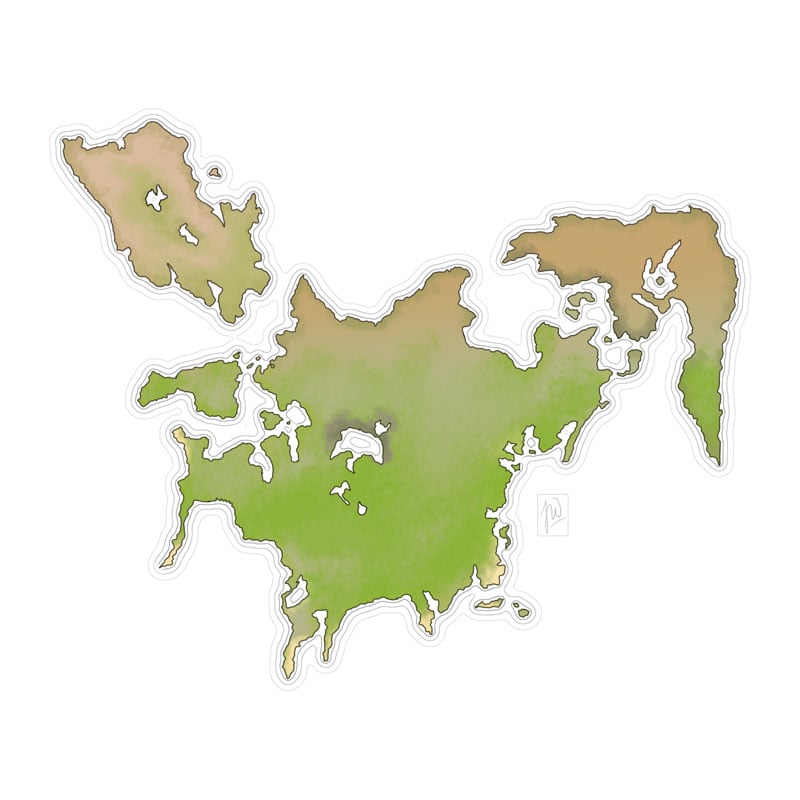
Step 3: Blocked in colors with a irregular shaped brush. And (not sure if you can see it) changed the colors of the outlines from black to greenish/brownish.
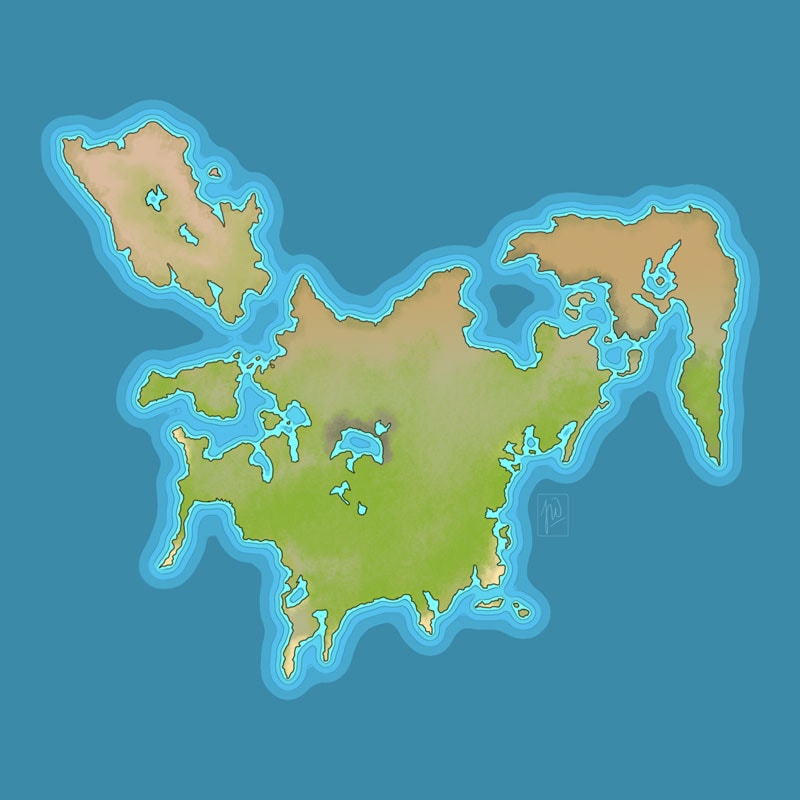
Step 4: Using the same technique as in step 3 I created the color-transition for the background. I like Daniels background, too. But it wasnt what I was aiming for. So I strayed from the lesson.
This could be the finished picture from this class, because Daniel will add more details in the next lessons. But the heck.. I added some textures just to look how it feels.
So this is my finished piece for this class. Some parts needs a bit cleaning, will do this in the following classes.
Thank you Daniel. This was a nice class and your instructions were clear and understandable.