Lush Floral Portrait Animation
Hey Guys! Here are some process screenshots from making the animation for the class. I can't wait to see your animated portraits! You can upload screenshots of your process or upload your video to YouTube and link it here.
FYI - you can make the same portrait in this class Drawing People Portraits with Procreate Symmetry: Stylized Character Illustration
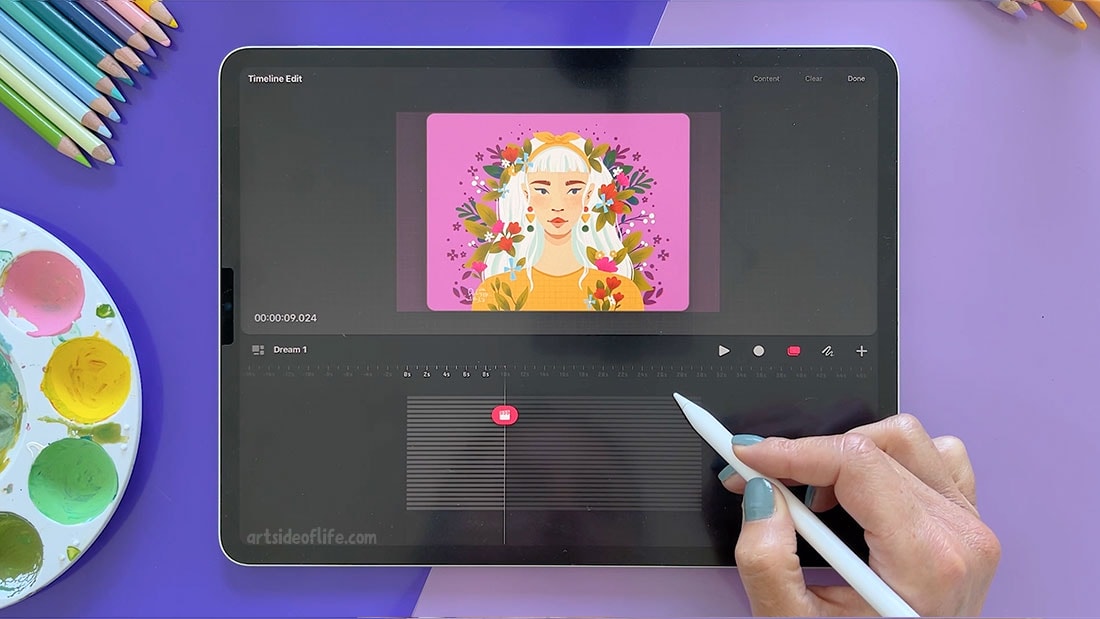
Starting with adjusting the timeline for our animation after importing the artwork.
Animating the accessories.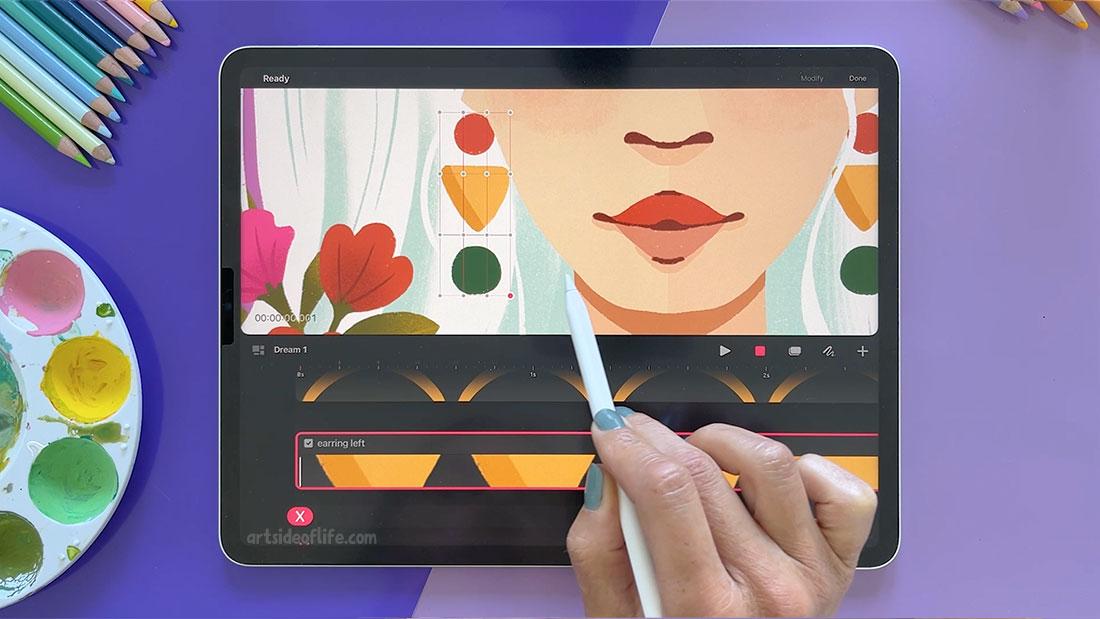
After adding movement to the hair, it's time to add that nice bounce to the florals using keyframes.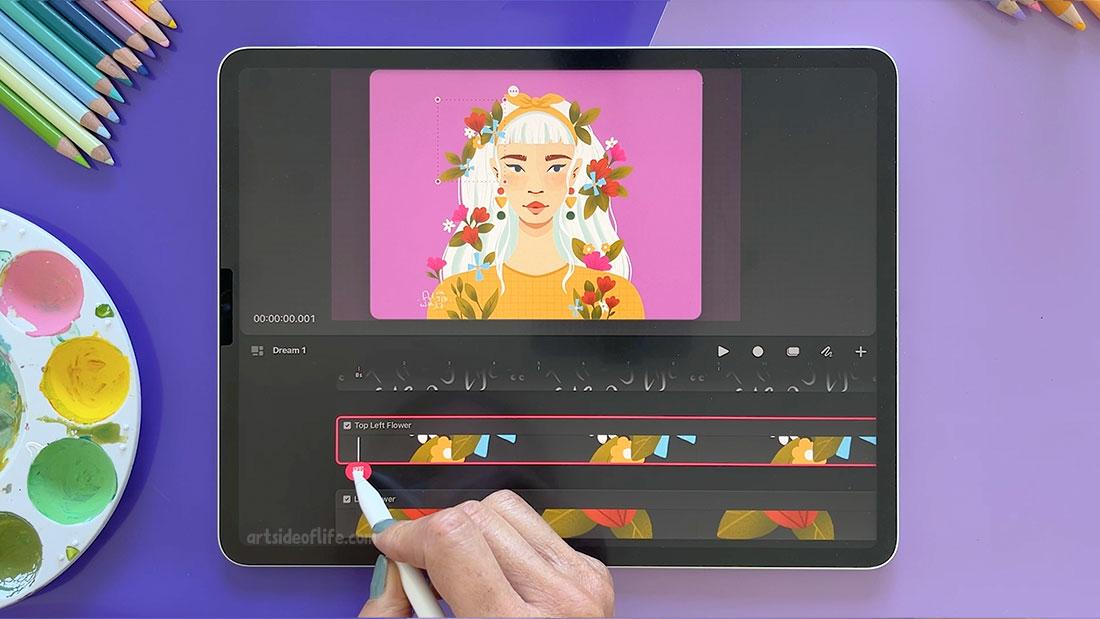
Then cleaning up and adjusting the timeline to synchronize the eye and flower movements.
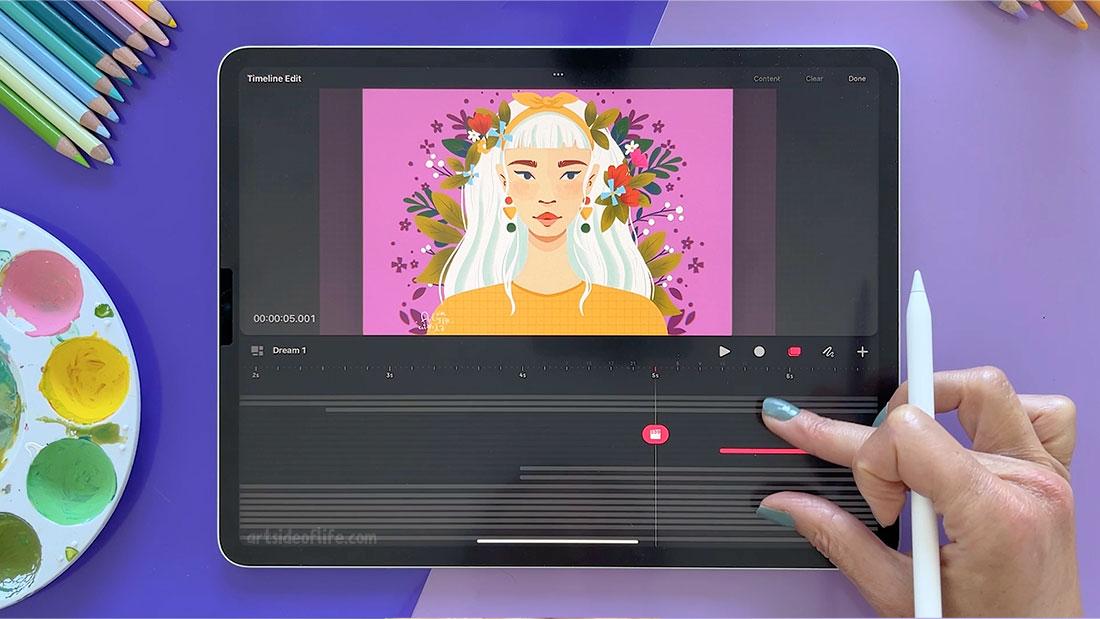
In the end, we are adding the movement of the eyelids frame by frame using the flipbook view to add more life to the illustration.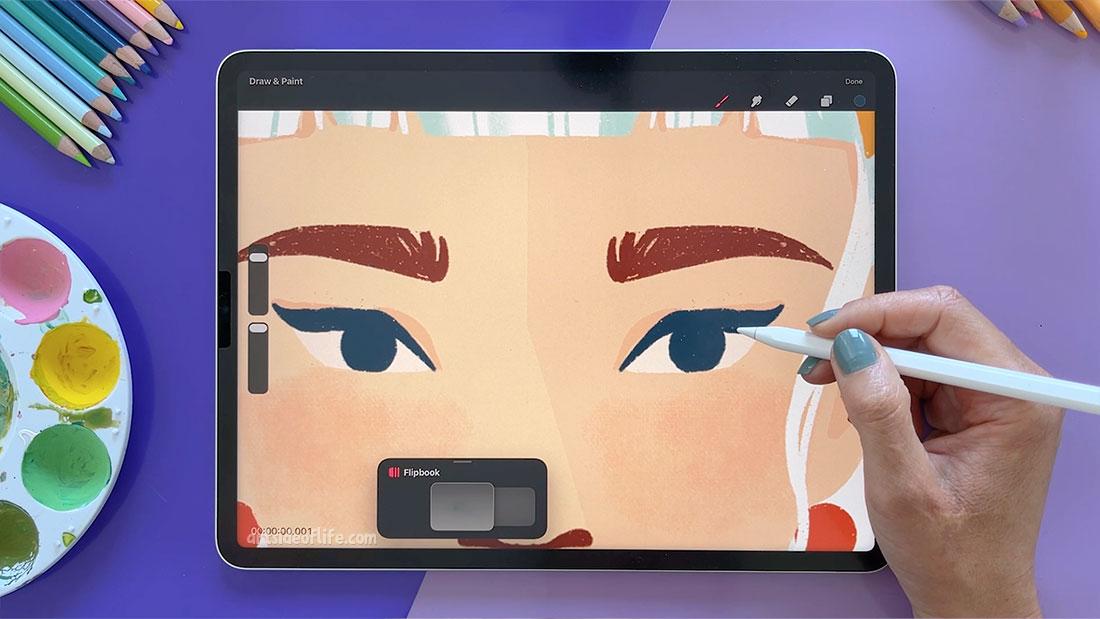
I hope that you will love your animations and I am looking forward to seeing your porojects.