Isa's Travel Blog
Hey Web Dev Community,
I'm super excited to show you what I've been working on! Tony's web development class series was super helpful for beginners like me. After trial and error and going through the HTML, CSS, and Publishing classes, I've learned a lot and managed to created my own travel website, and I can't believe it's already published!
Here's the website's link: check it out!
The class series teaches the basics of web development, and I used what I learned to make my travel blog site. I put it out there for everyone to see using GitHub Pages. Now, I can easily share my travel stories and experiences with my friends and anyone who's interested.
To build it, I leveraged Tony's example project's code as a starting point to make my own changes and eded up with my own website! Here's what I did to make my website special:
1. New Navigation:
I changed the menu to make it easier for visitors to find their way around my site.
2. Separate Blog Posts:
I made separate pages for each of my travel stories and linked them to the home page. So, if you want to read about a specific trip, you can jump right to it from the landing page (home).
3. Cool Fonts:
I played with different fonts to give my website a unique look. It's amazing how changing the letters can change the whole feeling of the site!
4. Better Content:
To make my stories more interesting, I added pictures and tables to show my adventures. It's a lot more fun to read about places when you can see what they look like.
I'm really proud of what I've done, and it's all thanks to Tony's 3-class series. If you're just starting with web development, this is a great place to begin.
Feel free to check out my travel website and let me know what you think. I'd love to hear your thoughts!
Happy coding and happy travels,
Isa
Check out the website's code in my GitHub repo.
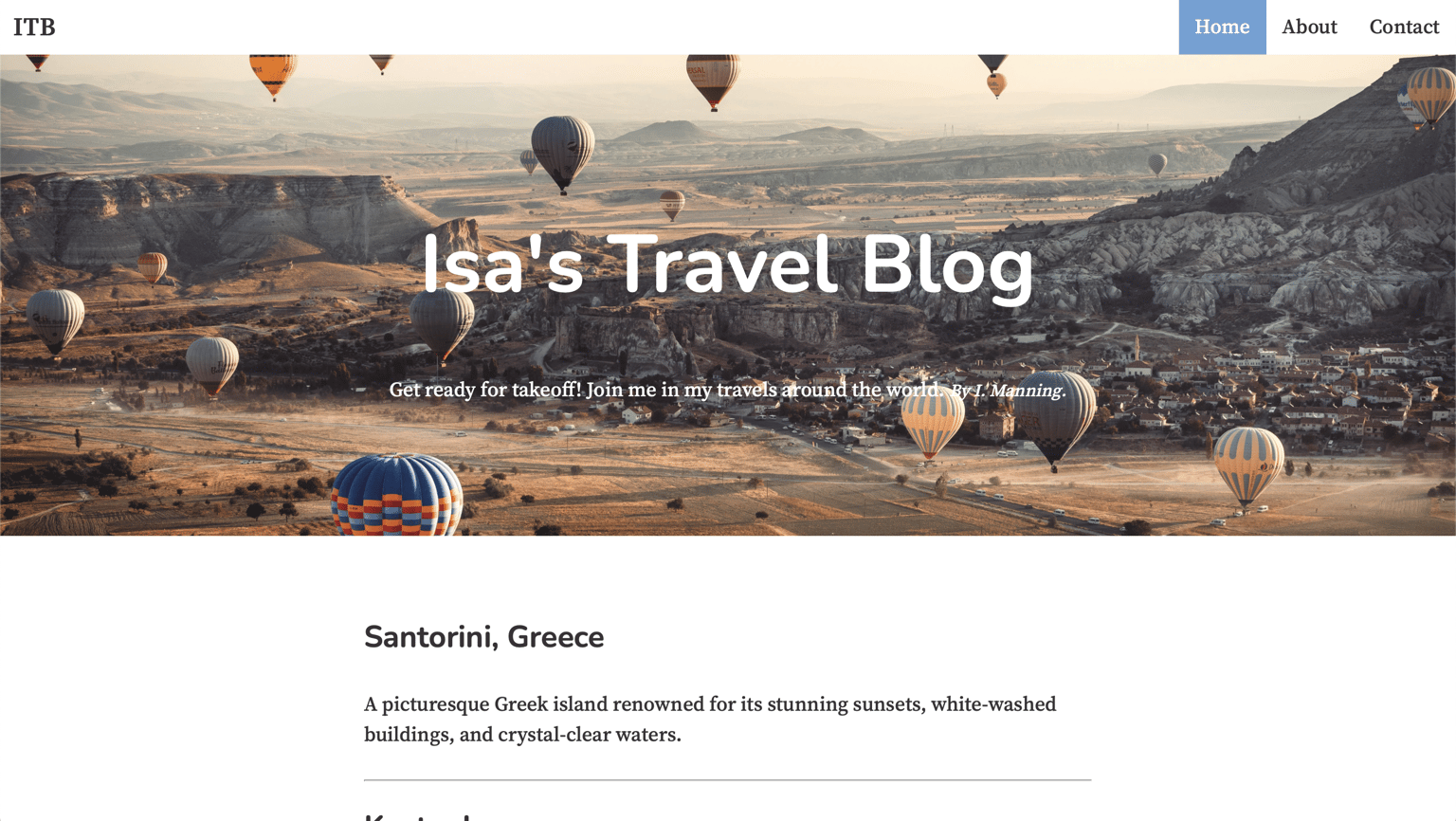
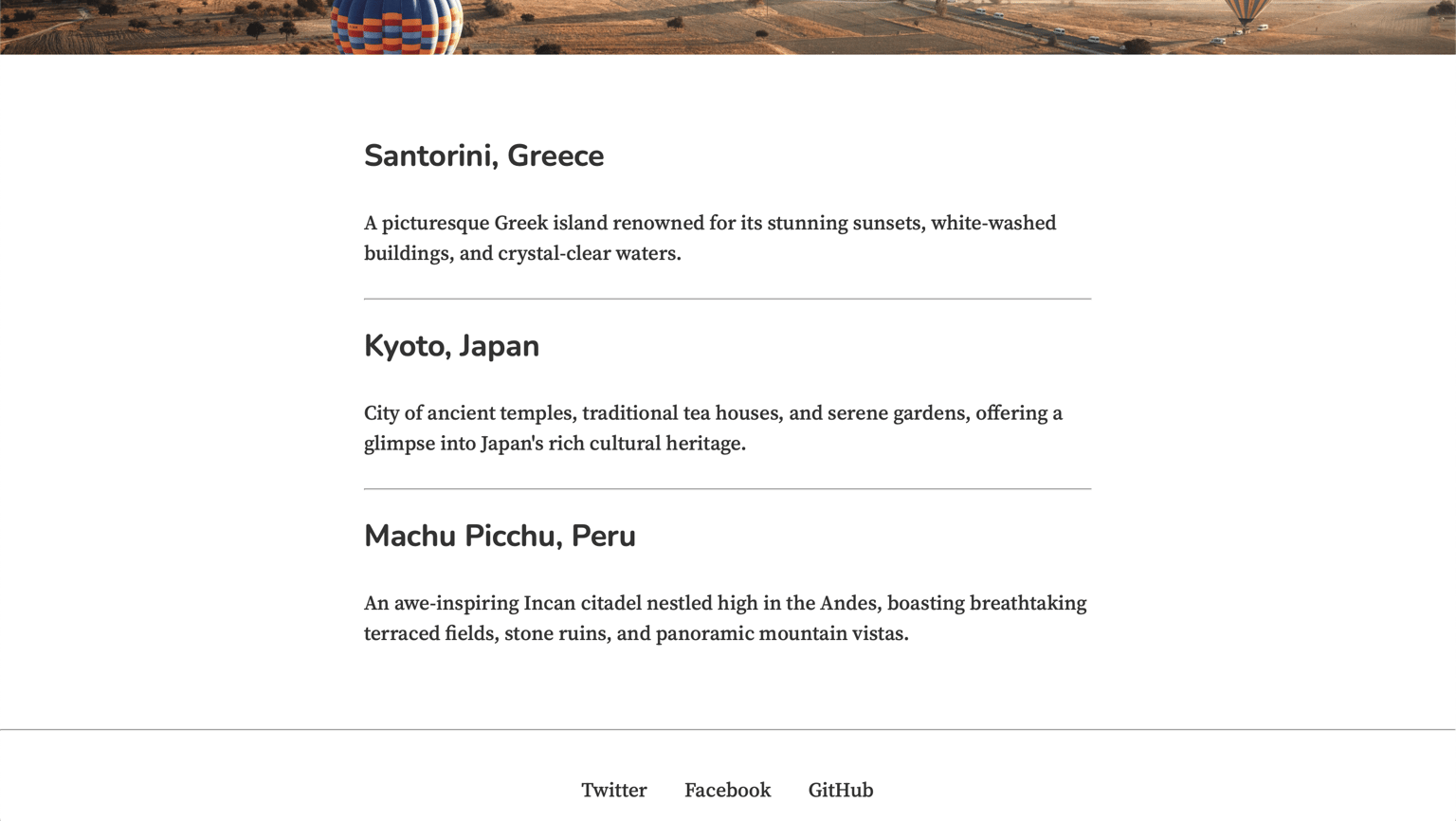
You can explore the website more easily by following the website's link. However, if you prefer, here are some screenshots for you to check out right here:
Home Page: it has improved navigation, new fonts to add my own feel, list of blog posts with respective links, new background, etc.
First Blog Post (Sanorini, Greece): the posts have several HTML elements, such as images, paragraphs, headings, and tables.
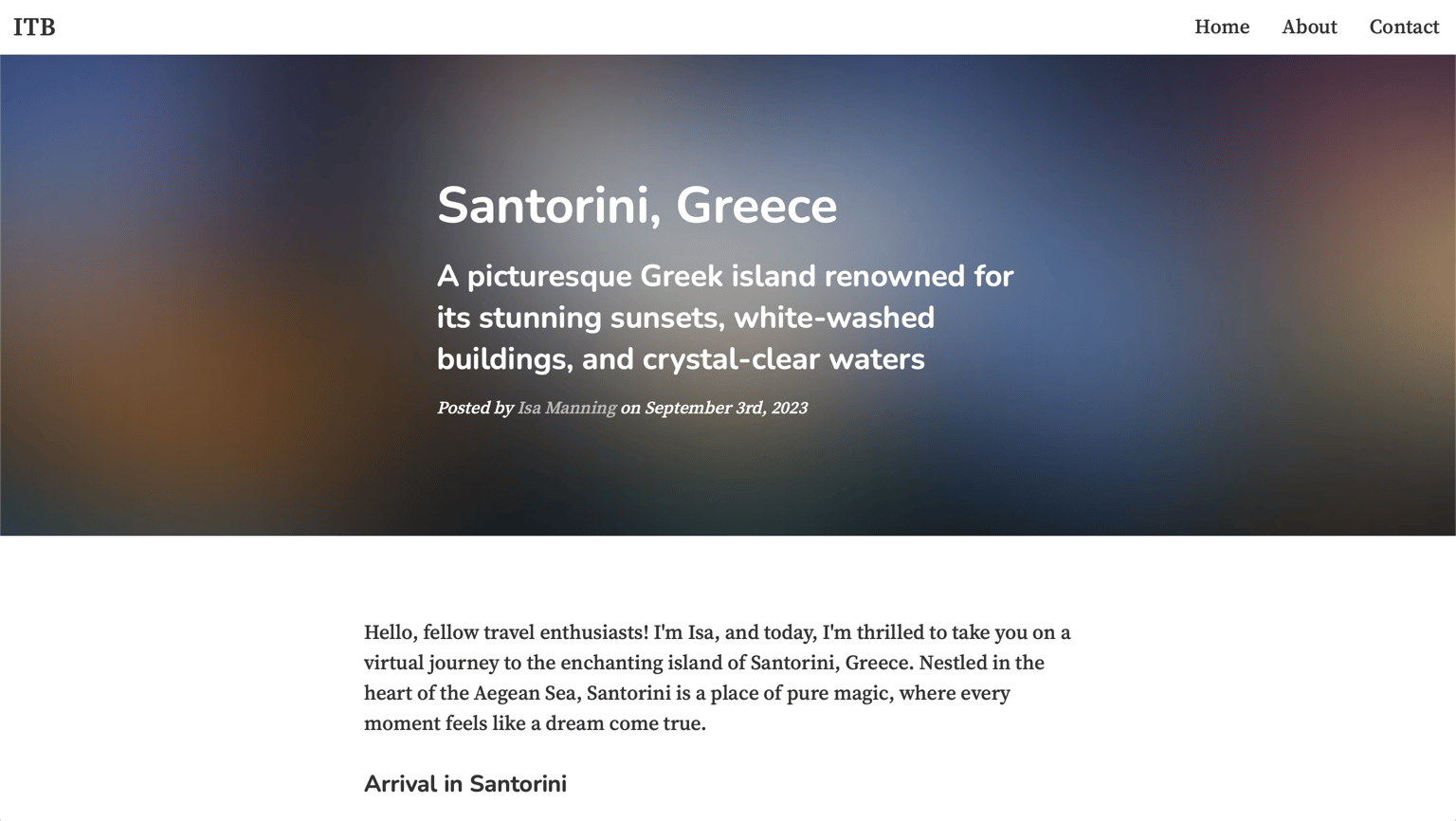
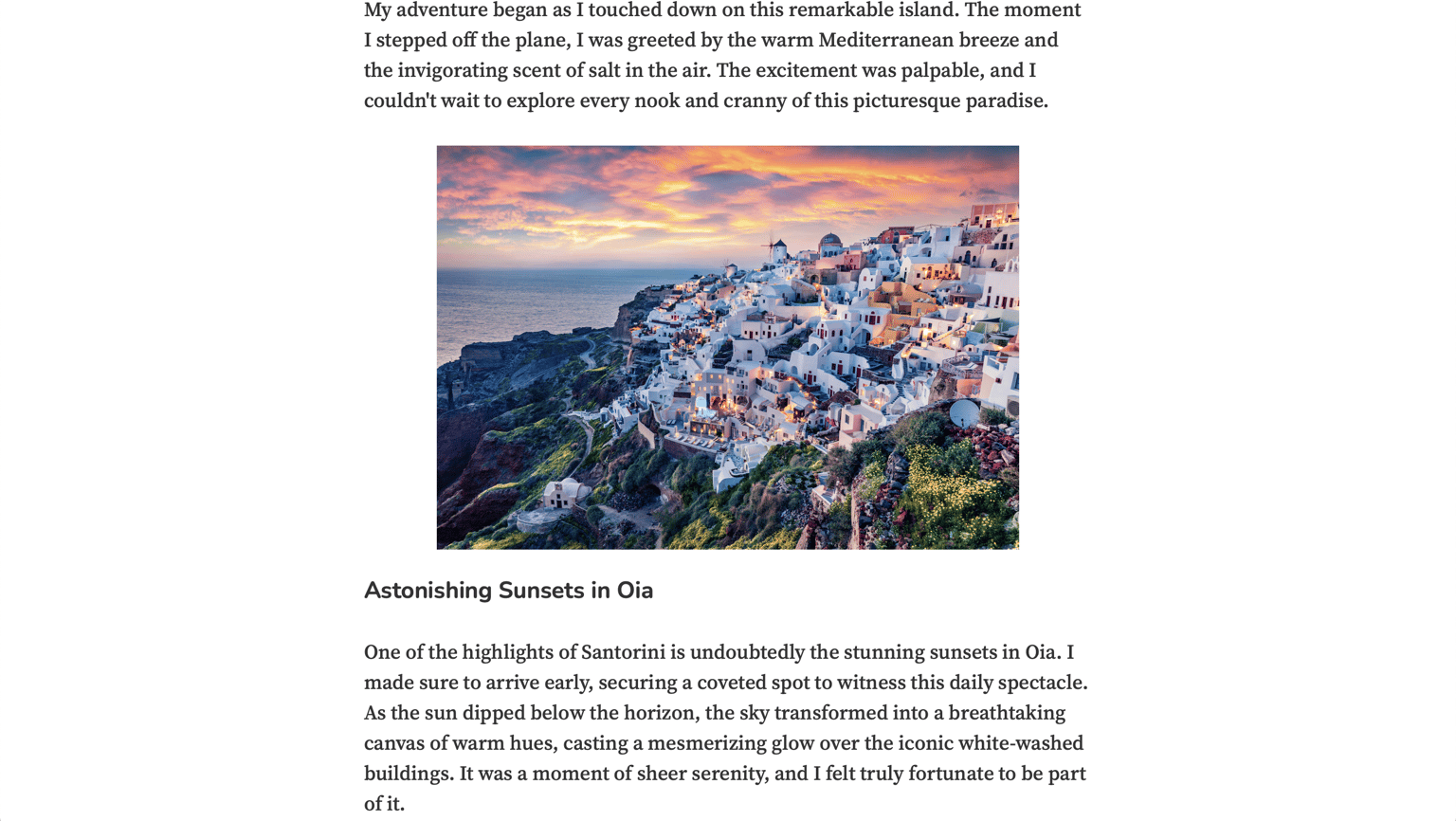
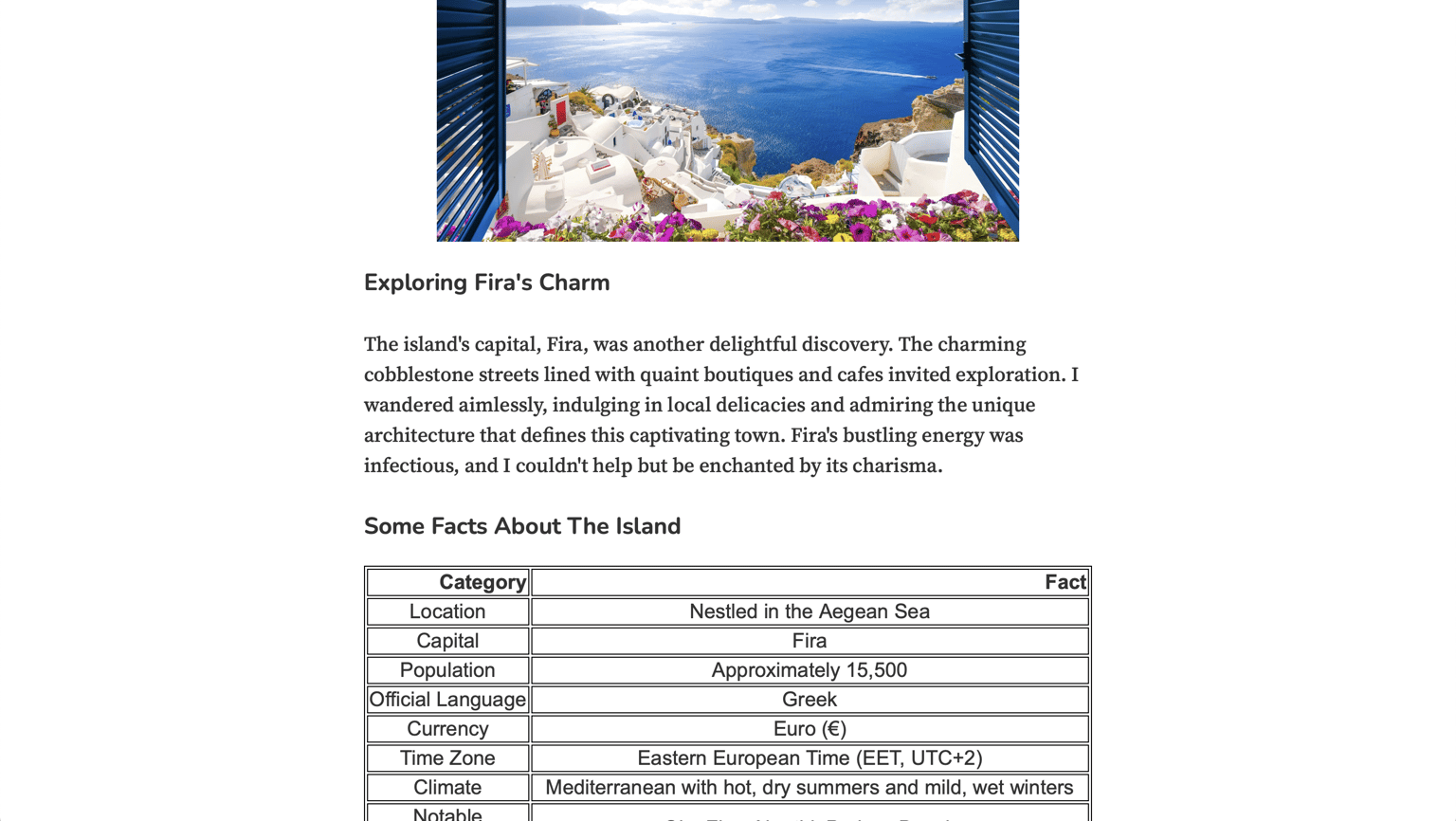
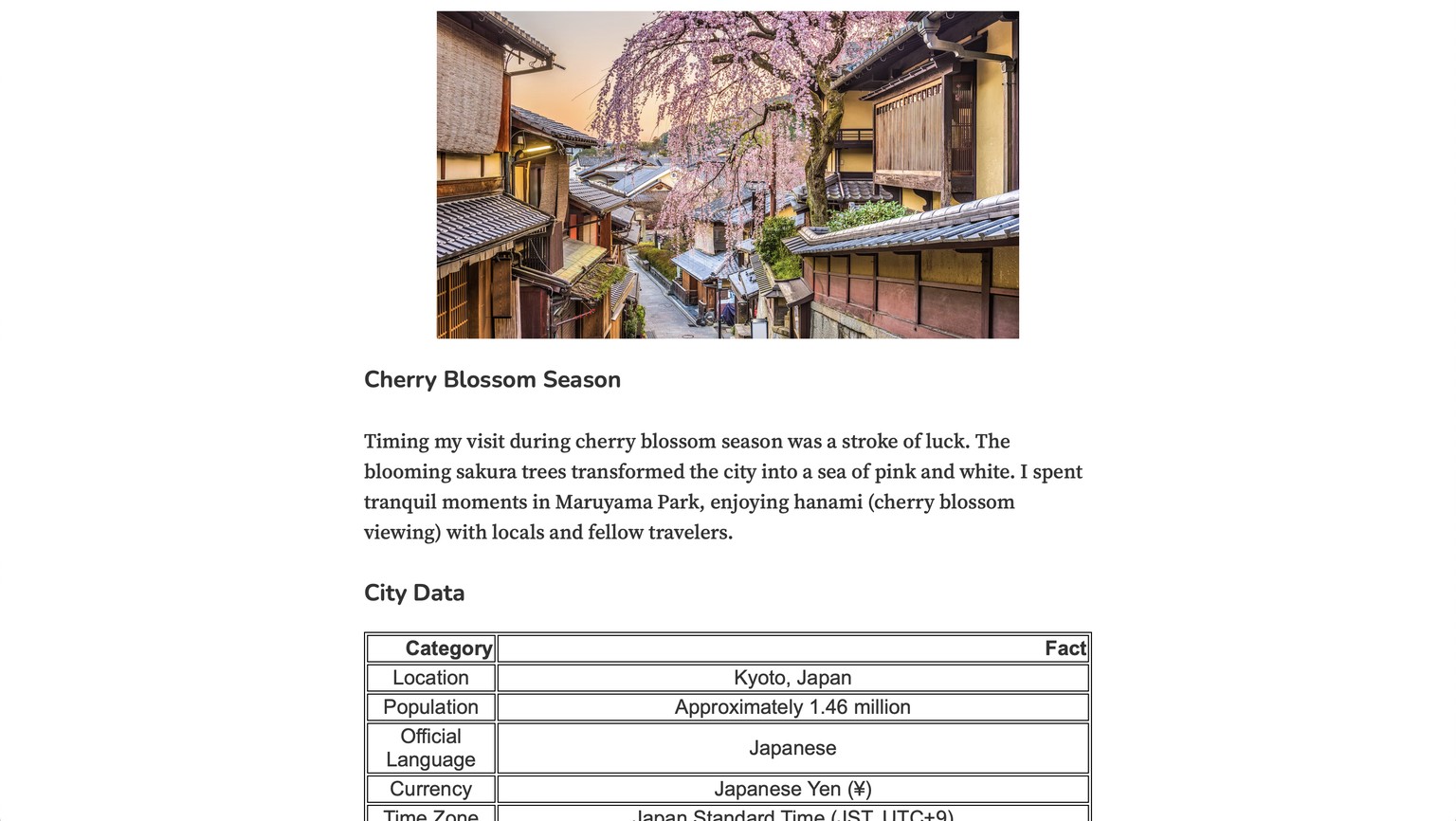
Second Blog Post (Kyoto, Japan): the posts have several HTML elements, such as images, paragraphs, headings, and tables.
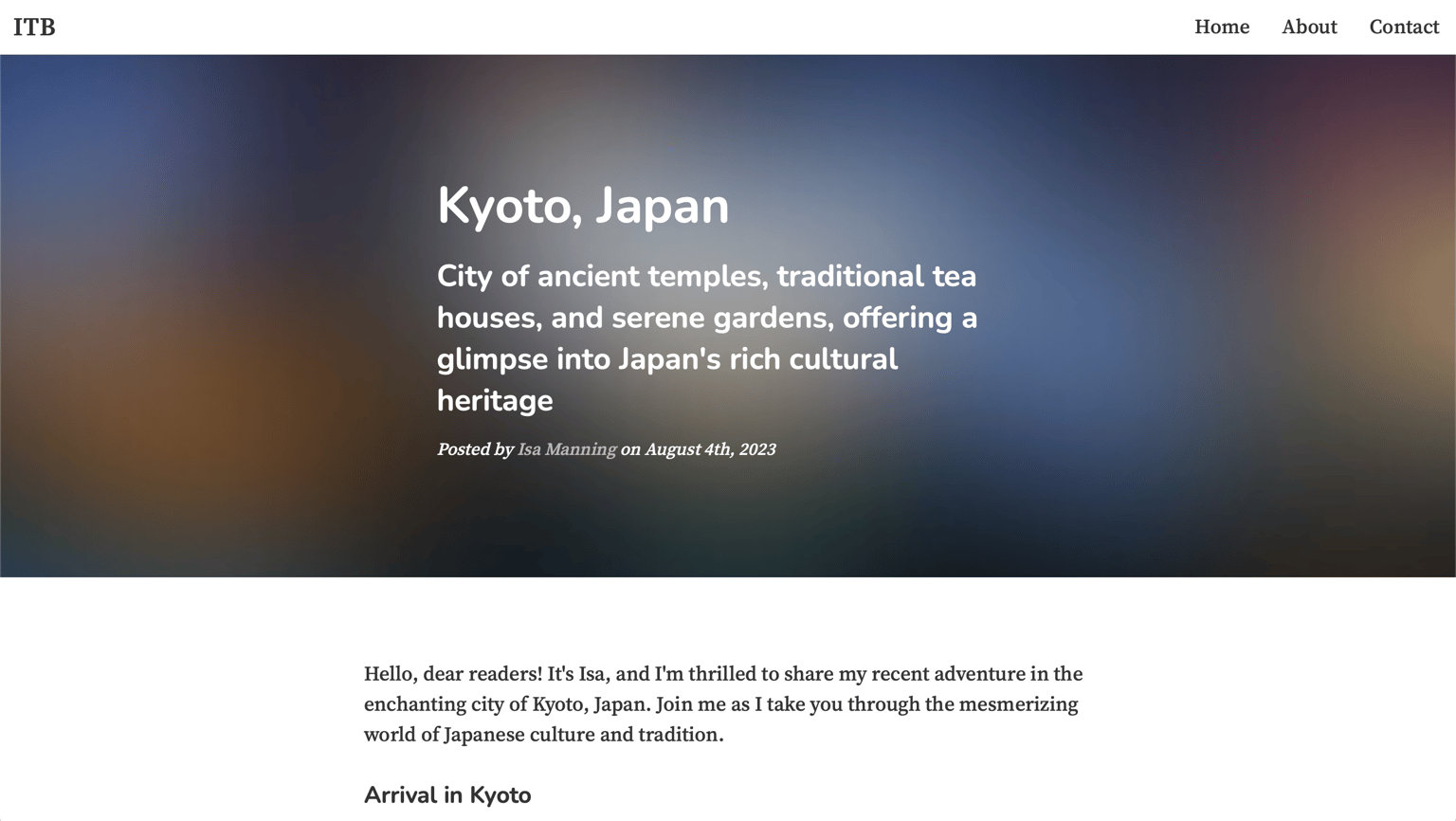
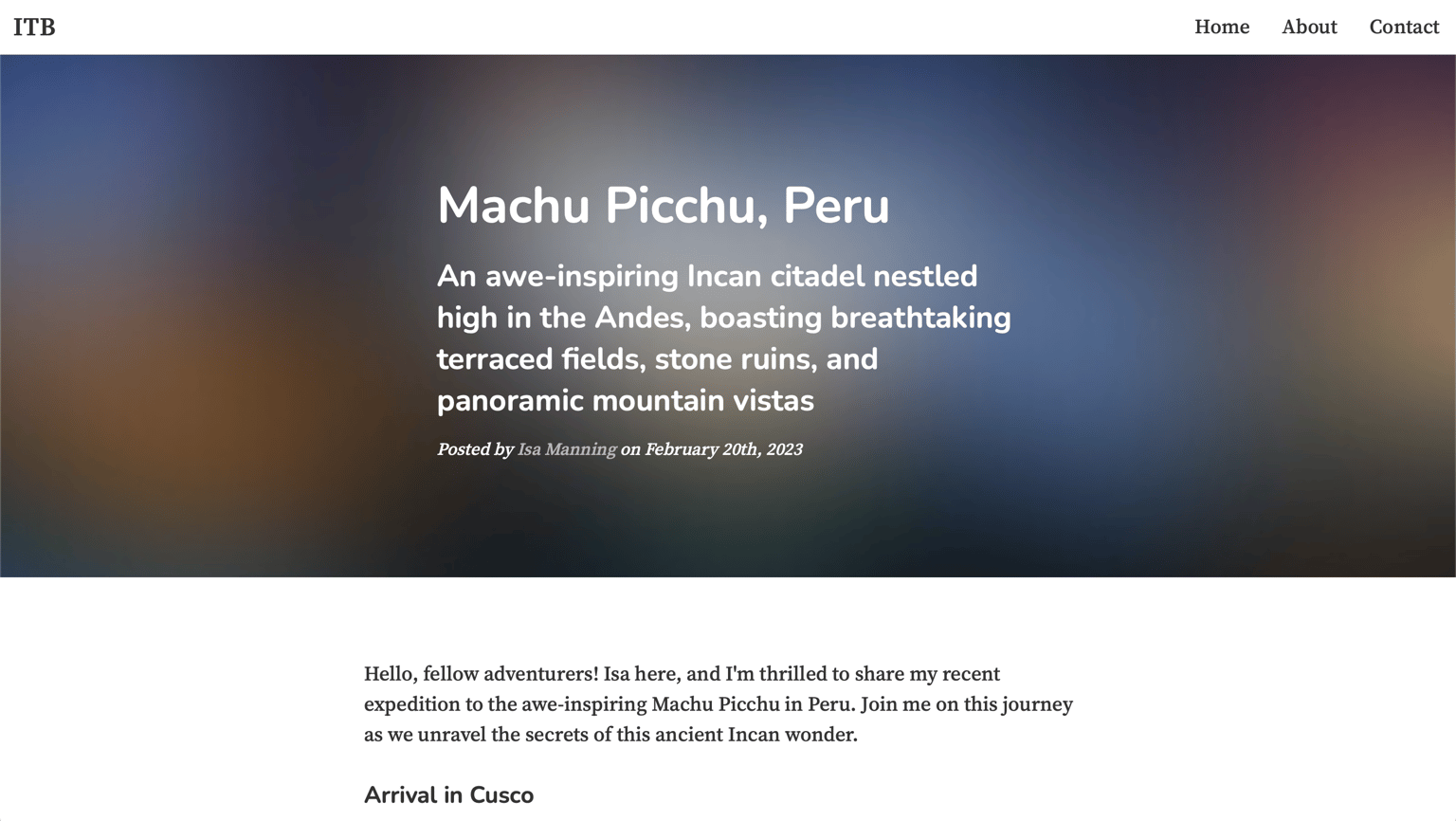
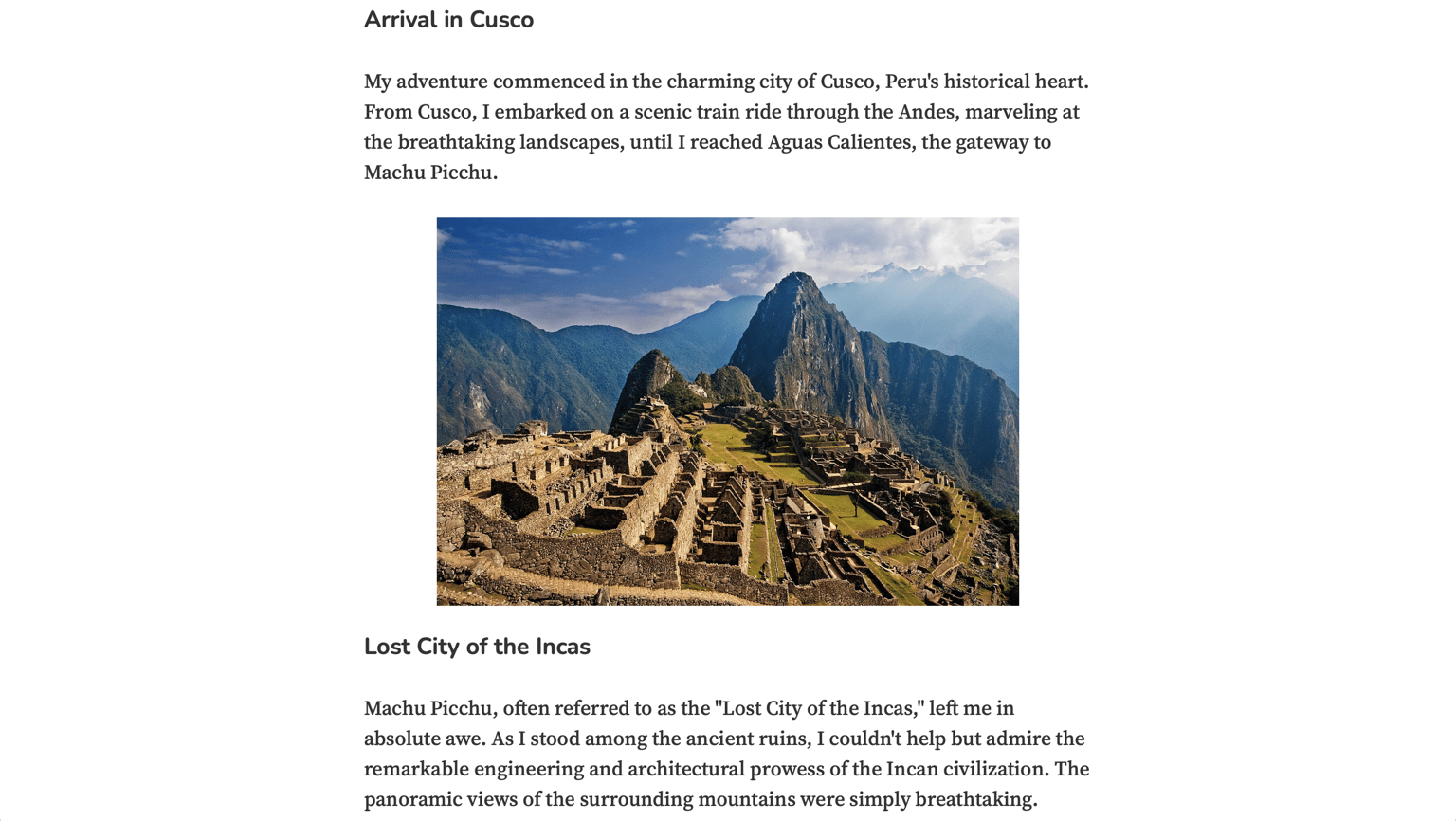
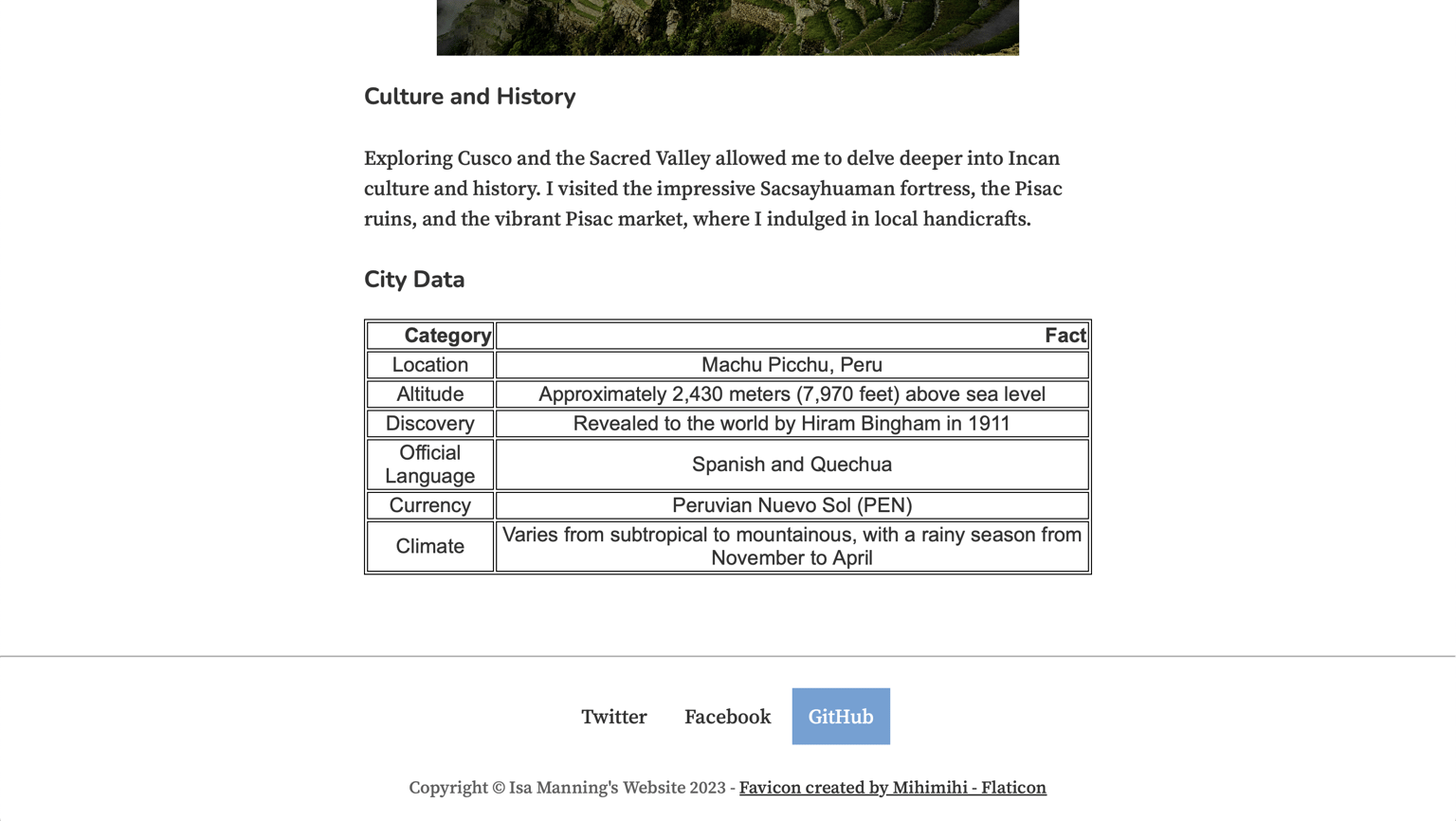
Third Blog Post (Mahu Picchu, Peru): the posts have several HTML elements, such as images, paragraphs, headings, and tables.
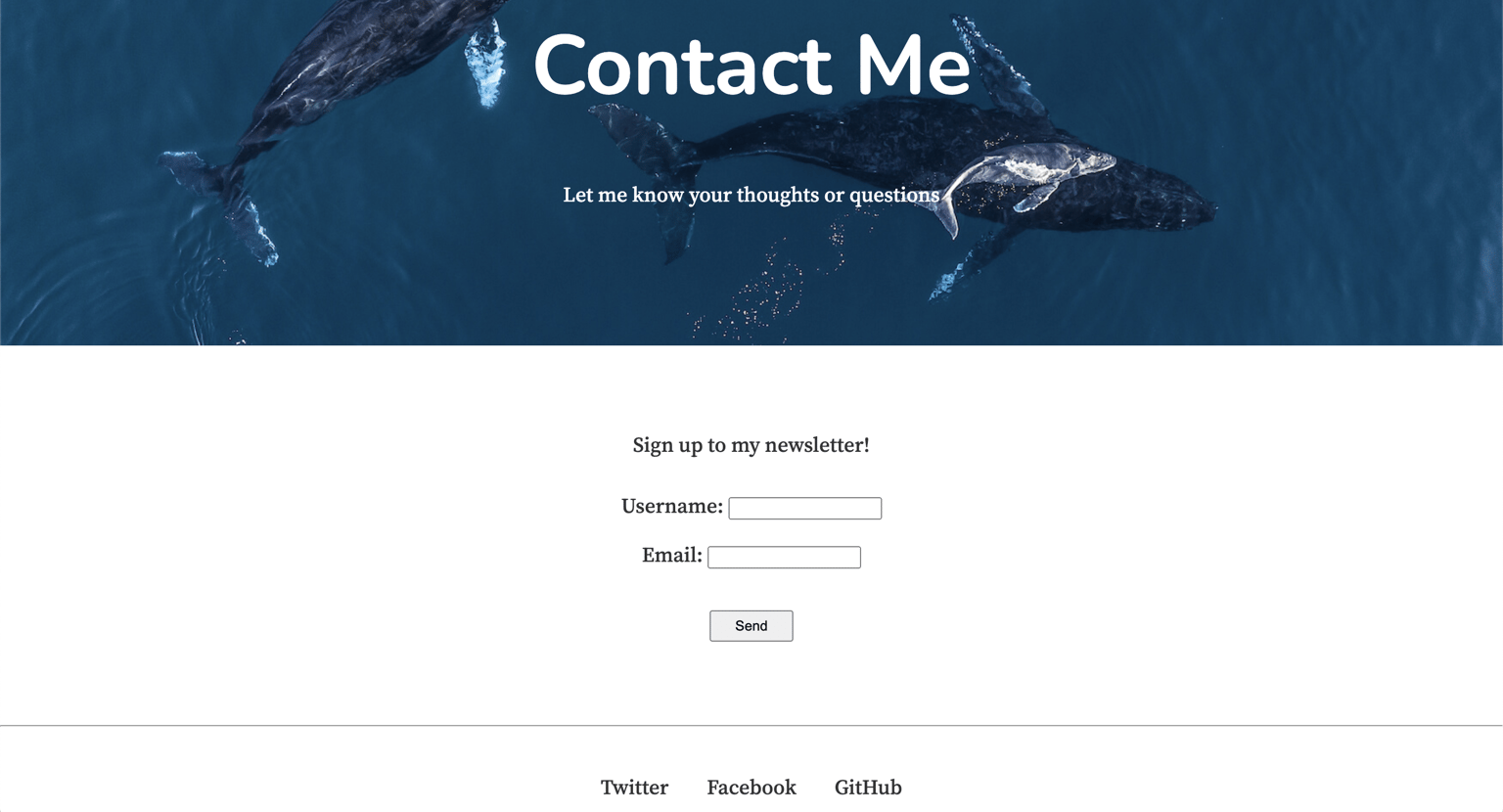
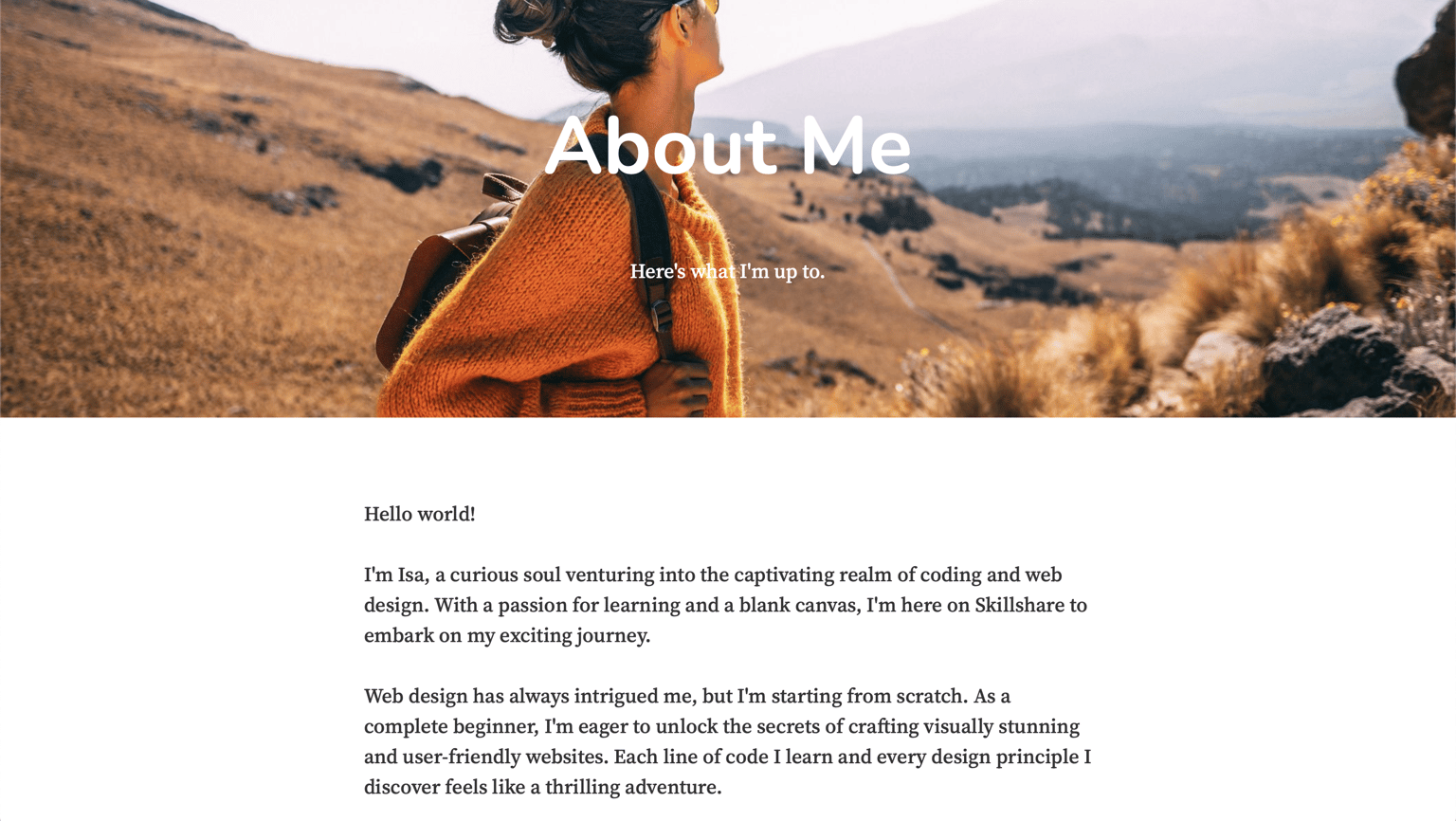
Contact and About Me Pages: I updated the contact page to be a Newsletter signup page. These are very similar to Tony's since I figured they work well for me as well. Thanks for the template, Tony!