Efficiency using Affinity apps
This was an eye opening class. So many things I had not realized.
For starters, I only have affinity on my iPad, and I had not realized the key to using the apps together was to have them all 3 installed at the same time, on the same iPad, and to go through publisher. I knew I was supposed to be able to use studio link, but I had not realized how to do so, nor what I could do with it.
I had found the pattern layer in photo, and I thought it was nice, but I had no idea, prior to this class how to use it to help me with creating my vector patterns in designer.
And I did not know what macros were, in affinity, and since I do not have the desktop version, I would not have been able to make any, or to see how useful they are if Tracey had not provided some sets that could be used on my iPad too. So thank you very much, for this very useful class. Here are some of the experiments I was able to do after working through this class:
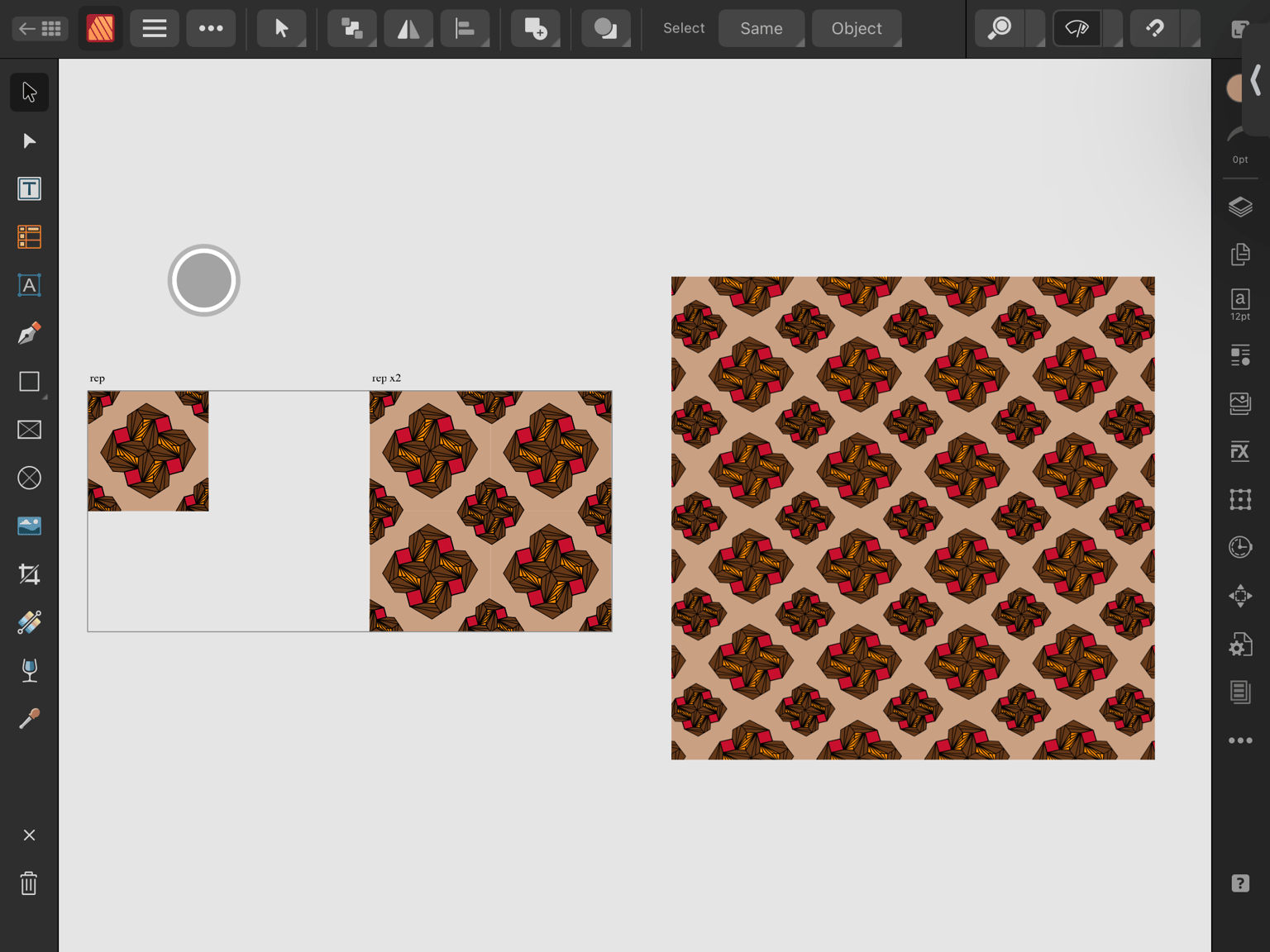
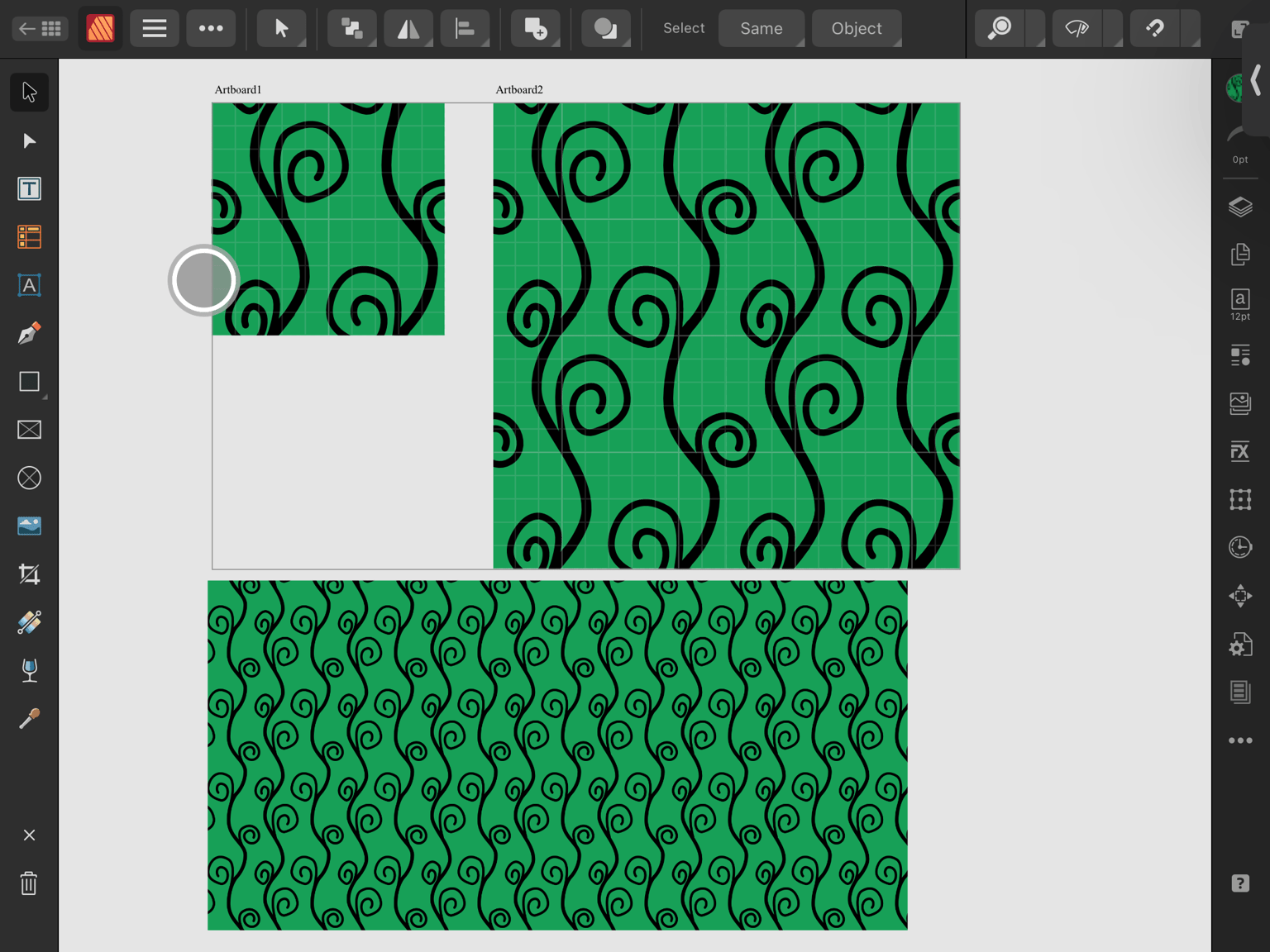
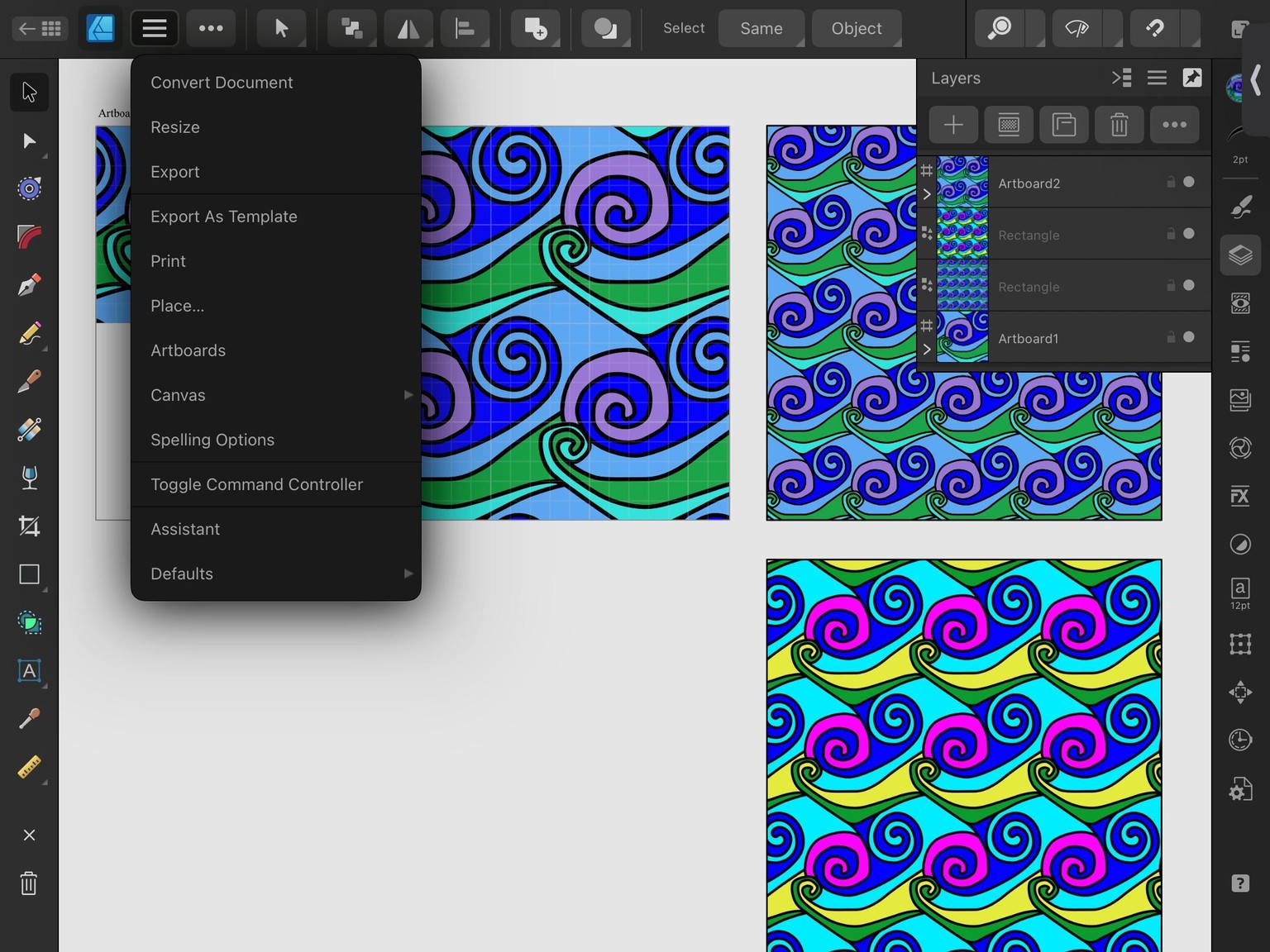
oh, and also how to efficiently save different scales of the pattens to be able to upload was also super helpful.