Creating Alcoholink Texture Brushes & Affinity Designer Artboard Shape Sources
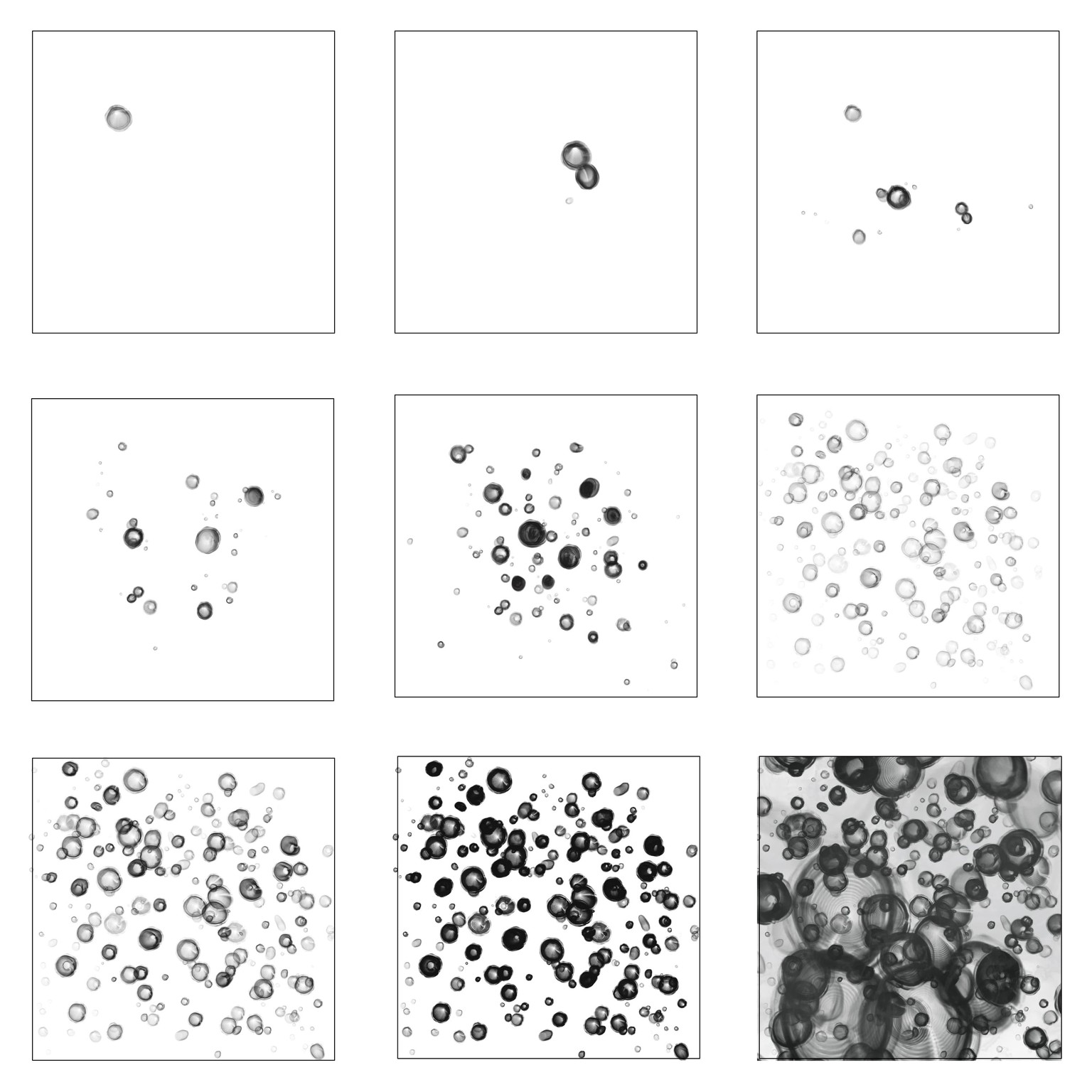
Various brush Elements for Shape Source in Procreate. Created the 9x9 square artboard in Affinity Designer as assets to hold the source shapes for future use instead of keeping them in my files and photos.
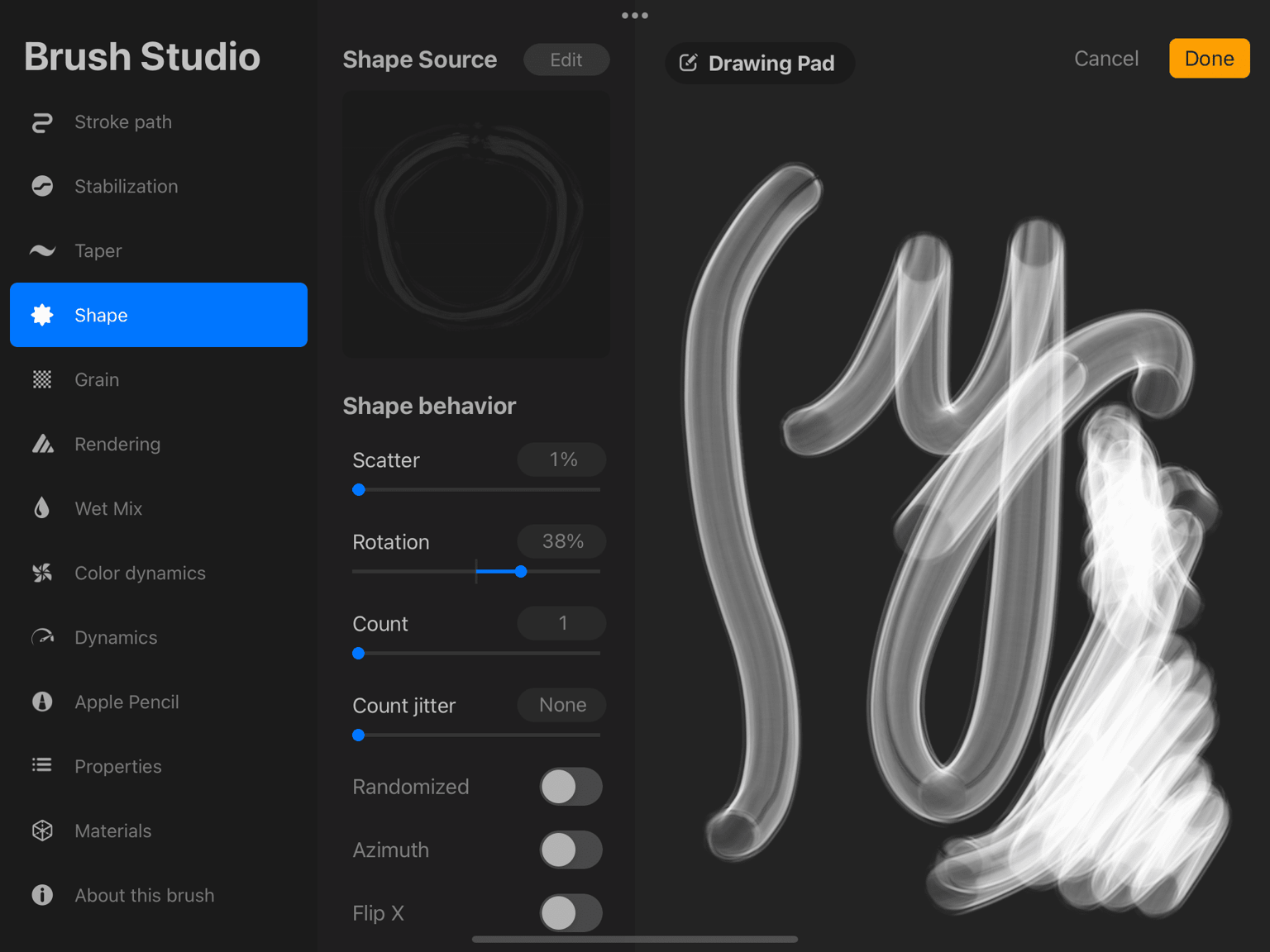
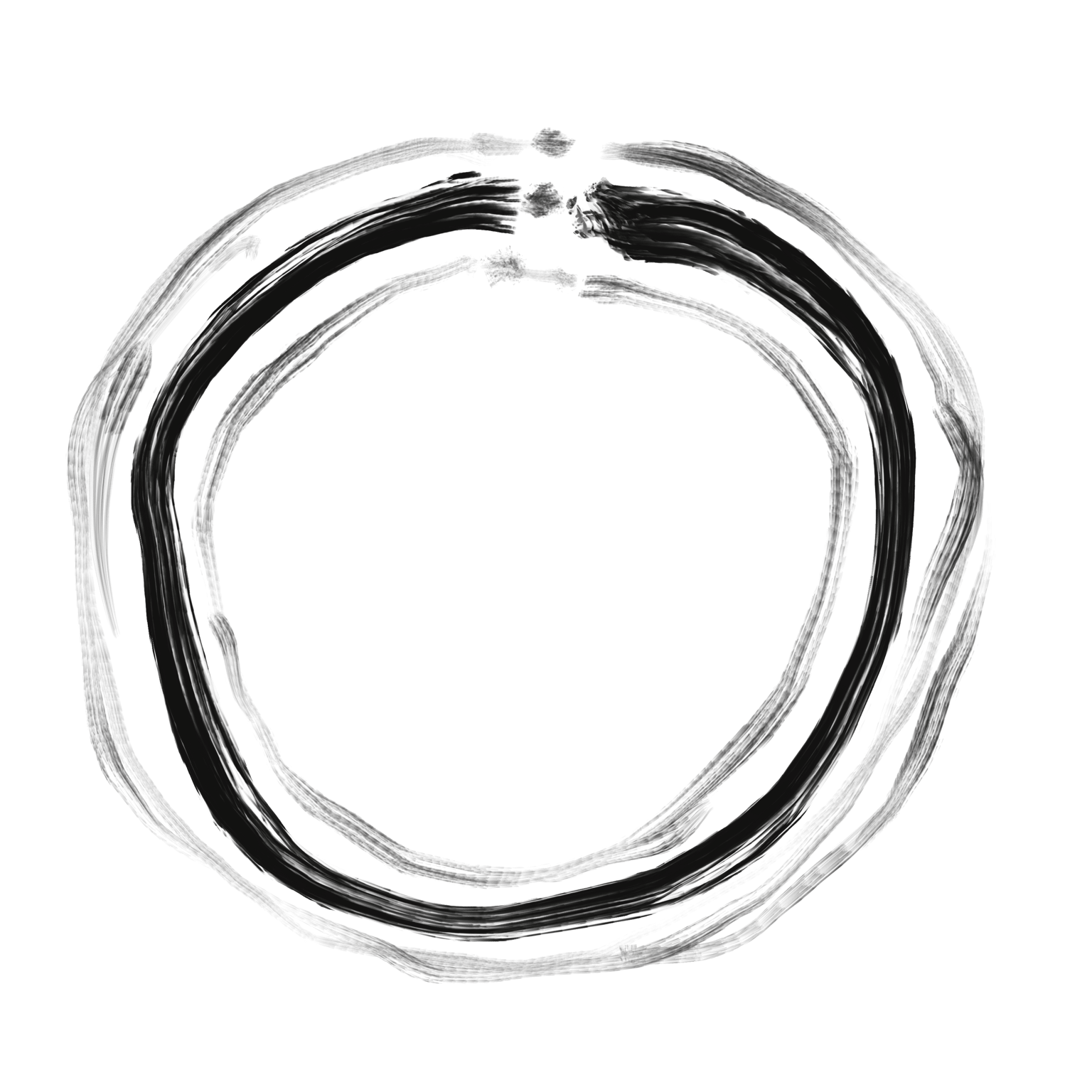
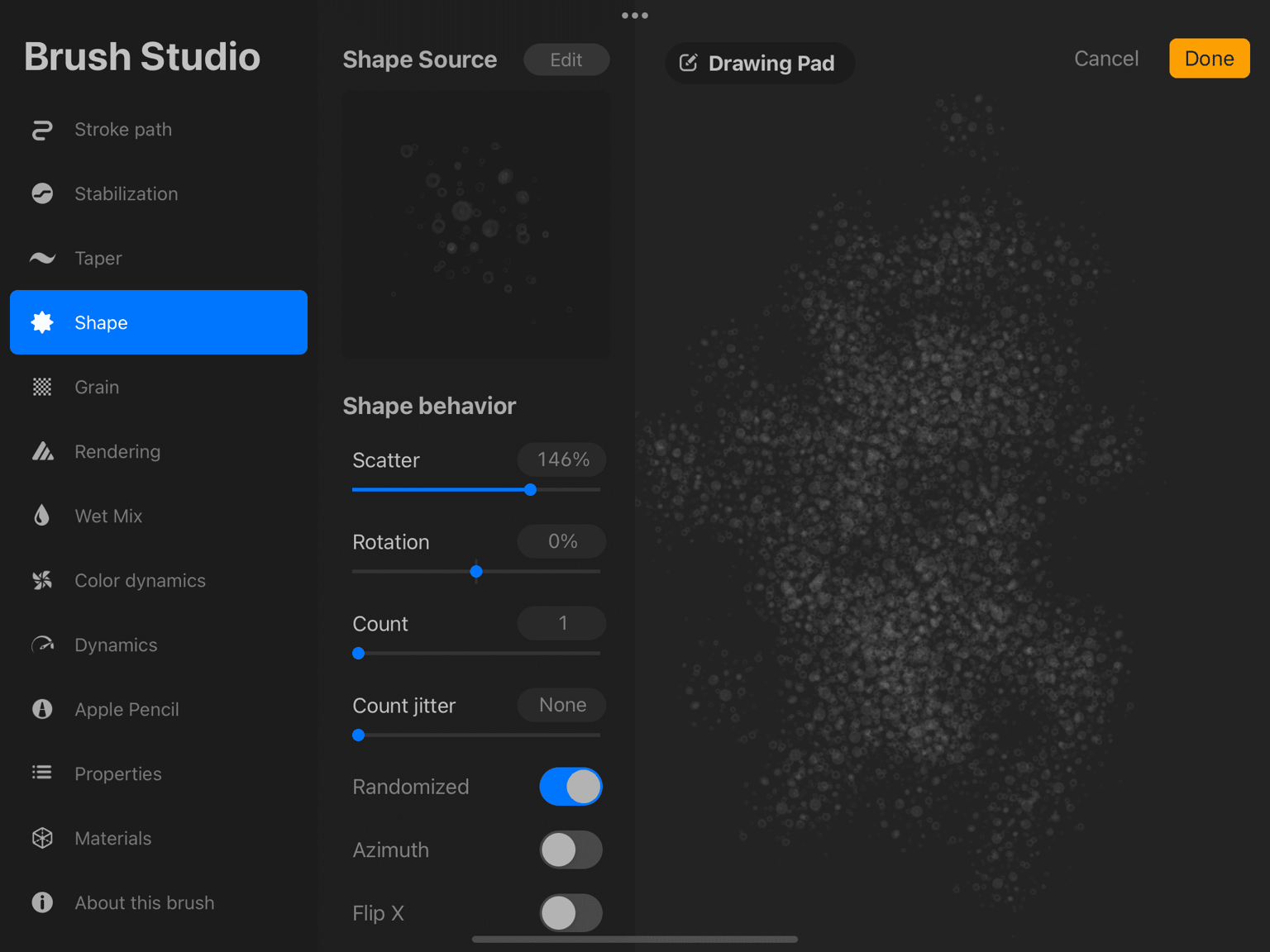
ScreenShot of BRUSH STUDIO for various applications of the shape source. The shape source was created as a broken circle of 3 different lines.
THE Above was created with this shape:
This is a Procreate Project with layers testing each of the various brush textures. I was attempting to simulate the effects of alcoholinks paintings in Procreate.
 And
And 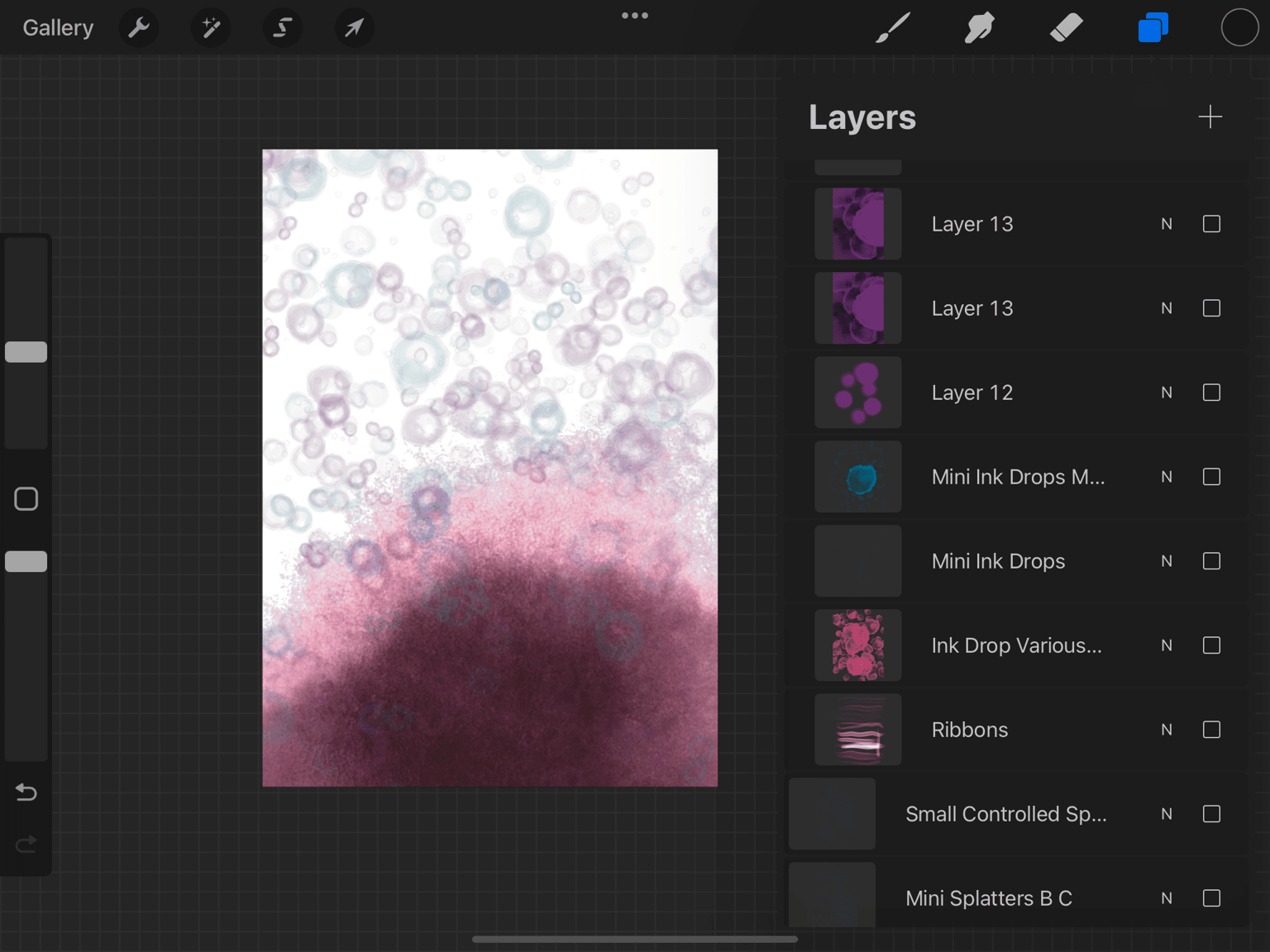
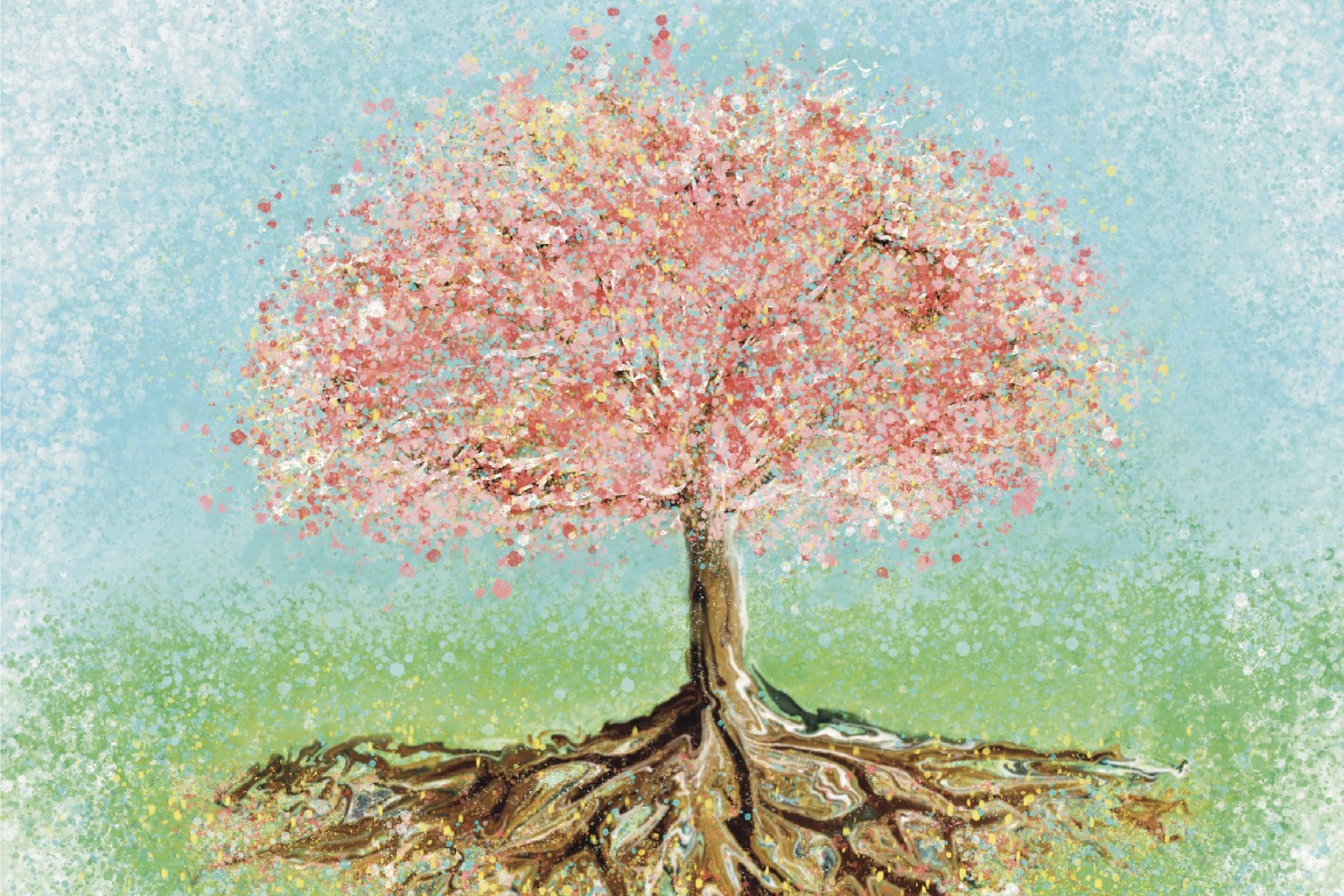
And here is a painting done with some of the brushes: