Color Grading Introduction Course Project
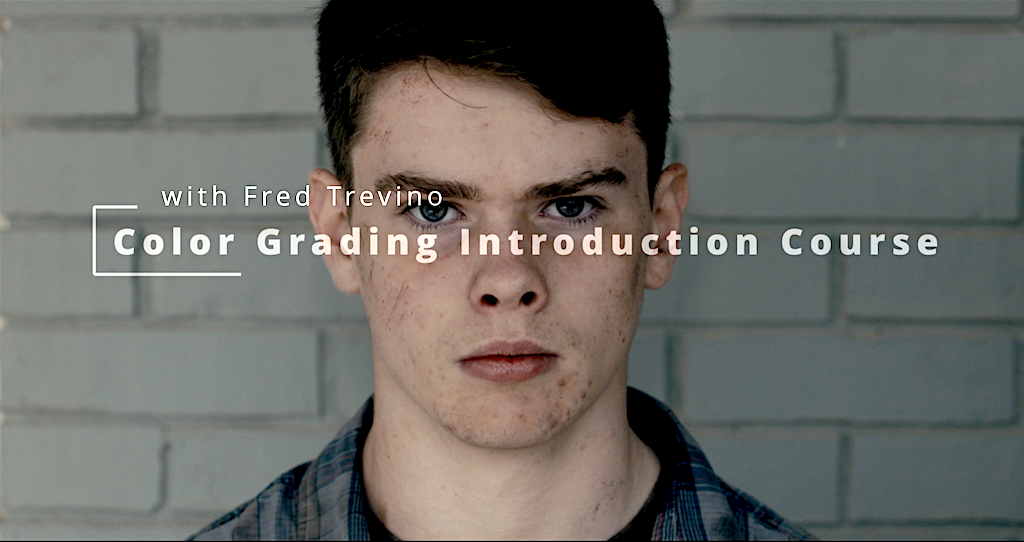
Even if I had some knowledge about color grading from YouTube, Instagram, from friends and from here and there, this was my "first real color grading course". I learned a lot and Fred is my favorite teacher on Skillshare. I will definitely take more course about color grading.
1st Look
I used 4 nodes: Primaries, Secondaries, Color Space Transform, and LUT.
Color Space Transform: Input Gamma Arri LogC3, Output Gamma Cineon Film Log.
Primaries: Adjusting Lift, Gain, Gamma, Temp, Contrast, Pivot, and Color Boost, with careful attention to the Waveform.
Secondaries: Adjusting faces and skin tones with a Window, focusing on Lift, Gain, and Gamma.
I decided to go for a low-key, dramatic look,. First I used Color Space Transform and the famous Rec709 Kodak 2383 D65 LUT. Then, I continued with Primaries and Secondary Adjustment. In the end, I created a compound node and used Key Output Gain to adjust the LUT.
This was my first color grading course and color grading slowly becoming my passion. In a future I have a plan to go more and more deeper into it. I found it very fascinating that with colors one could create different stories and bring audience to different mood and atmospheres and in the end inspire.
Thank you Fred very much Fred for this amazing course and for passing your knowledge.
2nd Look
I worked on 2nd look for Color Grading Introduction course with Fred Trevino. This time I strictly follow what was taught on the course without any experiments or additional adds up. I worked only with 2 nodes - Primaries and Secondaries. In Primaries I started with adjusting Lift and Gain and then continue to Gamma, Contrast, Pivot, Temp, Color Boost, Saturation. In Secondaries I worked with Window and Qualifier and fine tuning adjustments like Lift, Gain, Gamma and so on as in Primaries. In the end I tried to match all 3 footage to similar look.
I'm working on MacBook Pro M1 and my Davinci Resolve Color management is set up like this: Color Science: Davinci YRGB, Timeline Color Space Rec.709 (Scene) and Output Color space as Rec.709-A
Bonus
This is how I color grade "Adventure" my short movie from another course with Fred Trevino about editing in Davinci Resolve.