Berries&Leaves - Easy Pattern in Adobe Ps
Thank you, Tim, for another fun lesson!
All the little tips and tricks were so helpful.
It took me longer, of course, since it is a quite new process. This pattern making, I feel, can get addictive!
I would like to go back and tweak a few leaves, but overall my pattern looks very cute!
I tried to save my doc (11x8.5") in Save for Web format, but it is still shows too heavy - about 1.5Mb. I used Save As and was able to cut the weight in half. And then I reduced the size in Preview on my Mac.
You didn't tell us how to save this as a repeatable tile (without the linen background, of course). )))
Maybe next time?
P.S. I am slowly working through your Ps for Beginners
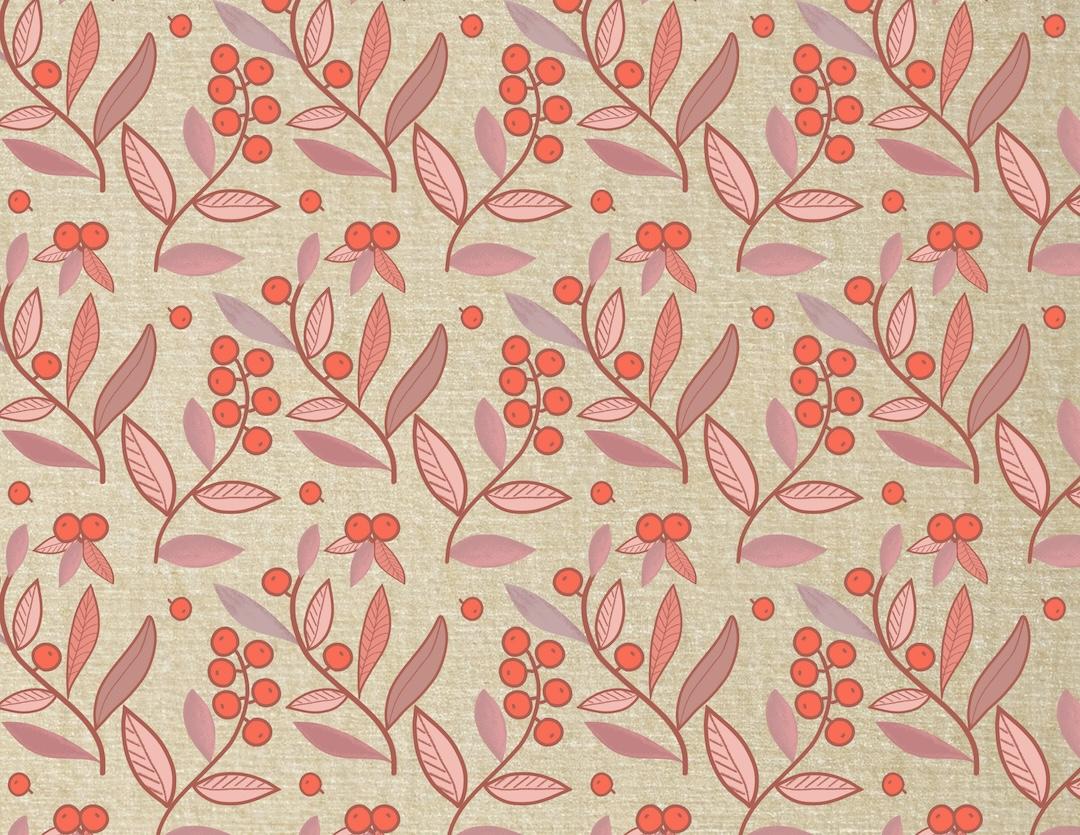
Berries&Leaves on a linen texture.
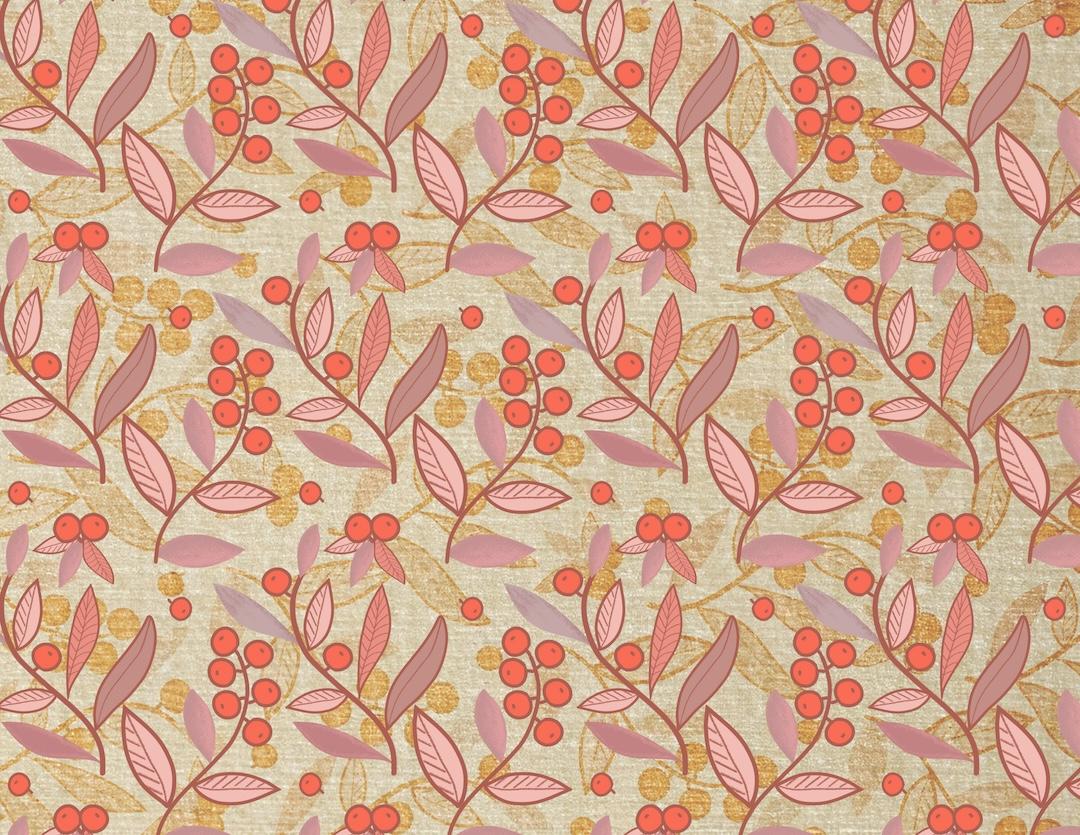
Berries&Leaves with a second layer and Color Burn blending mode. I really like the gold outlines!
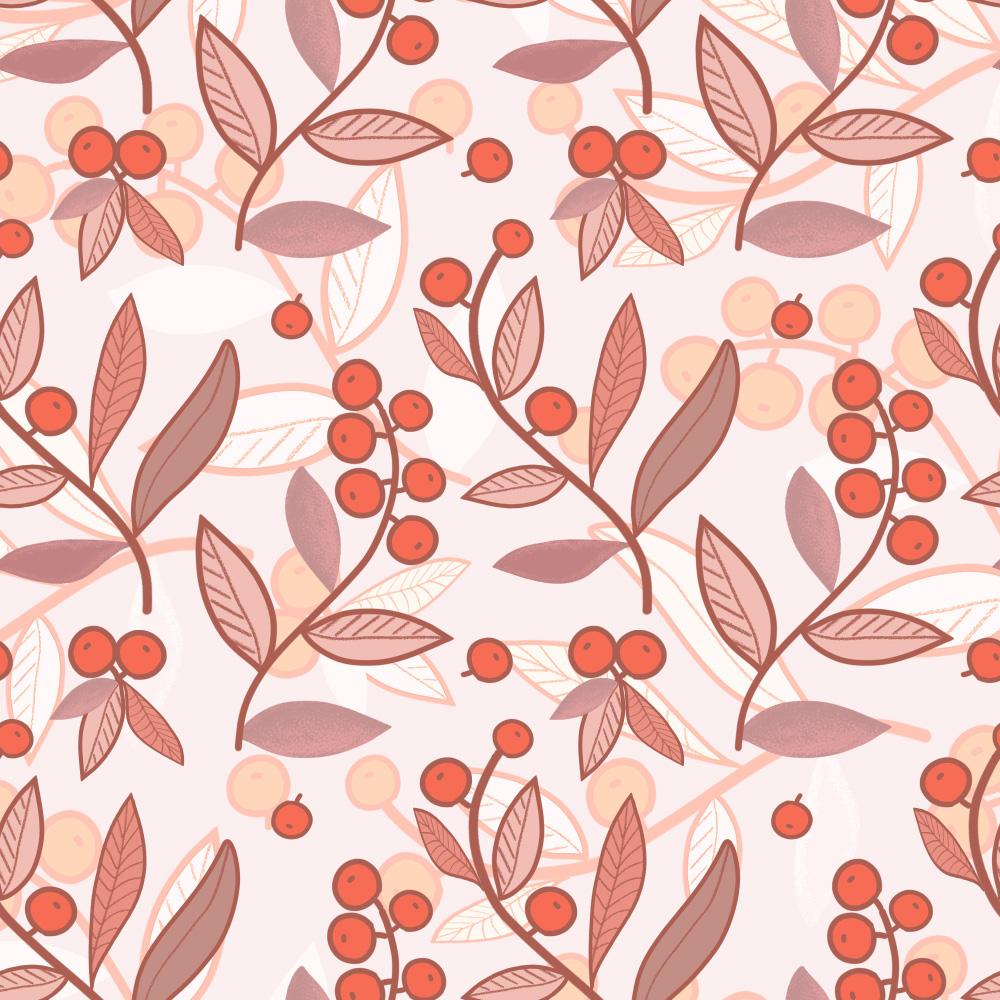
And here is a bit refined pattern in .jpg on a clean pick background that I really like.
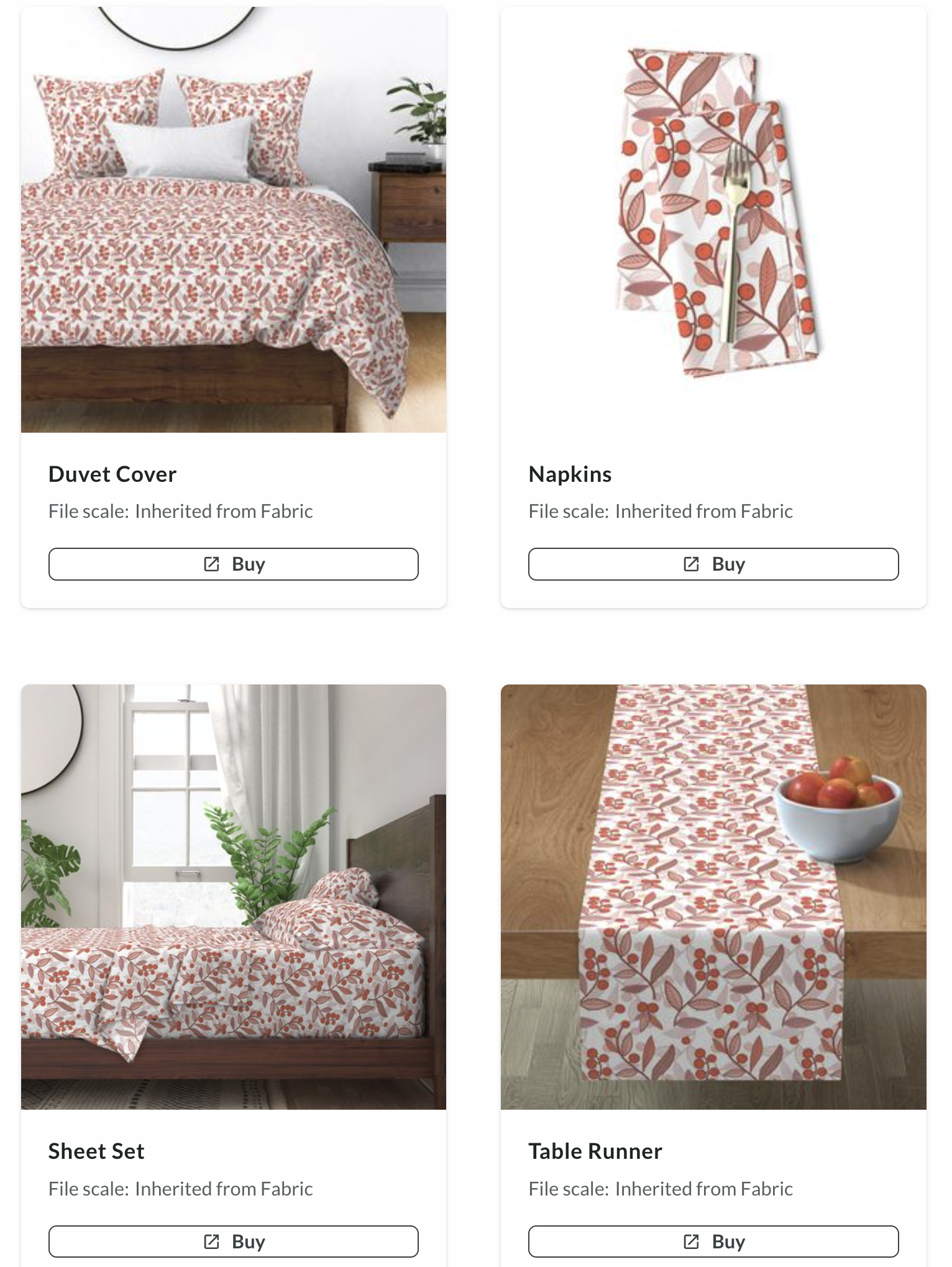
And a few mock-ups on a white background.