Art Mood Board
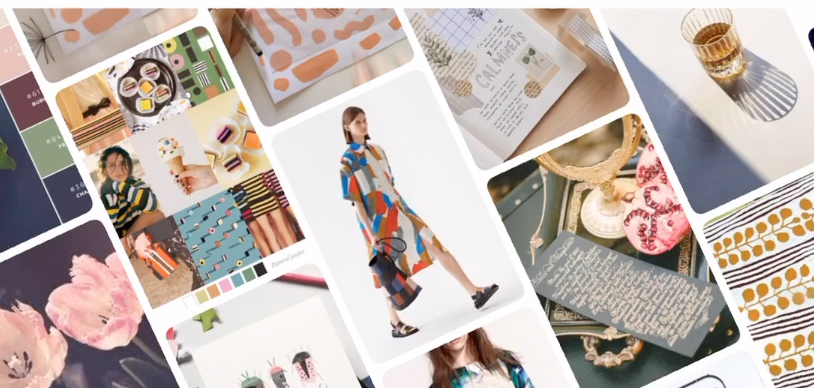
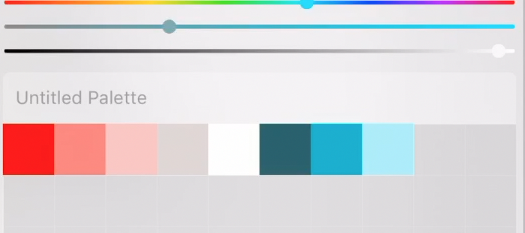
I choose a color palette then add it to Procreate to make art and to add text for my mood board.
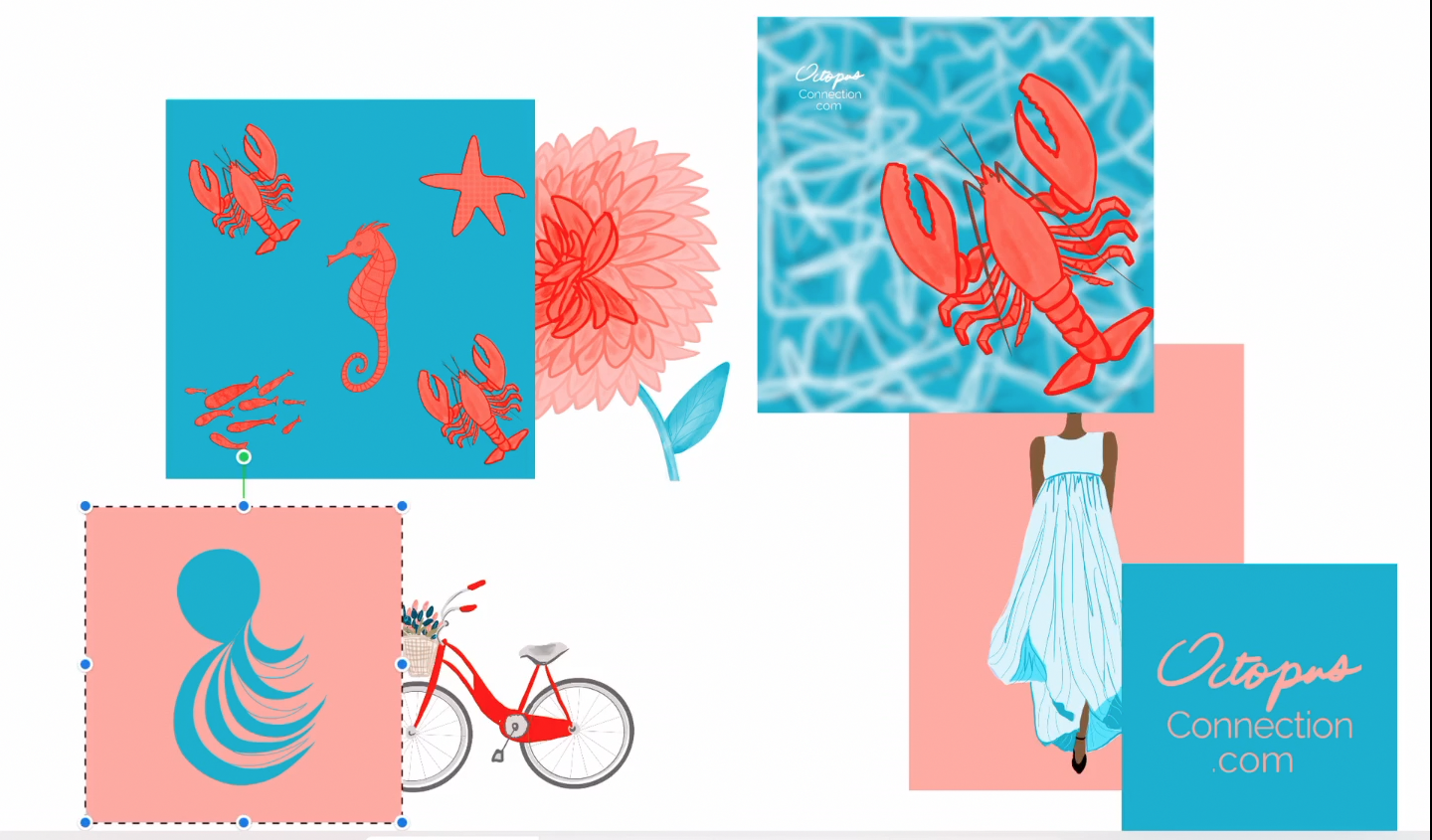
After gathering my art or photography, I place it in my canvas in Procreate. From here I can arrange the composition to my liking. Rows of images are great, but I like to mix it up a bit for some added interest.
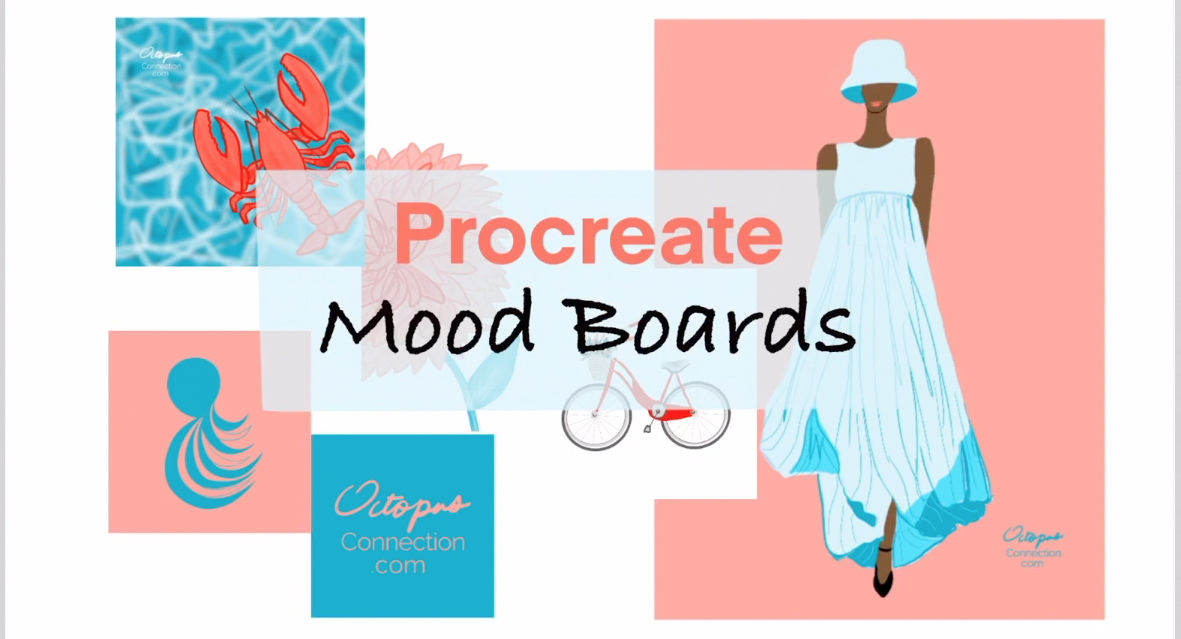
Once I have that done, I can add text to my mood board to communicate an idea, purpose, or title.
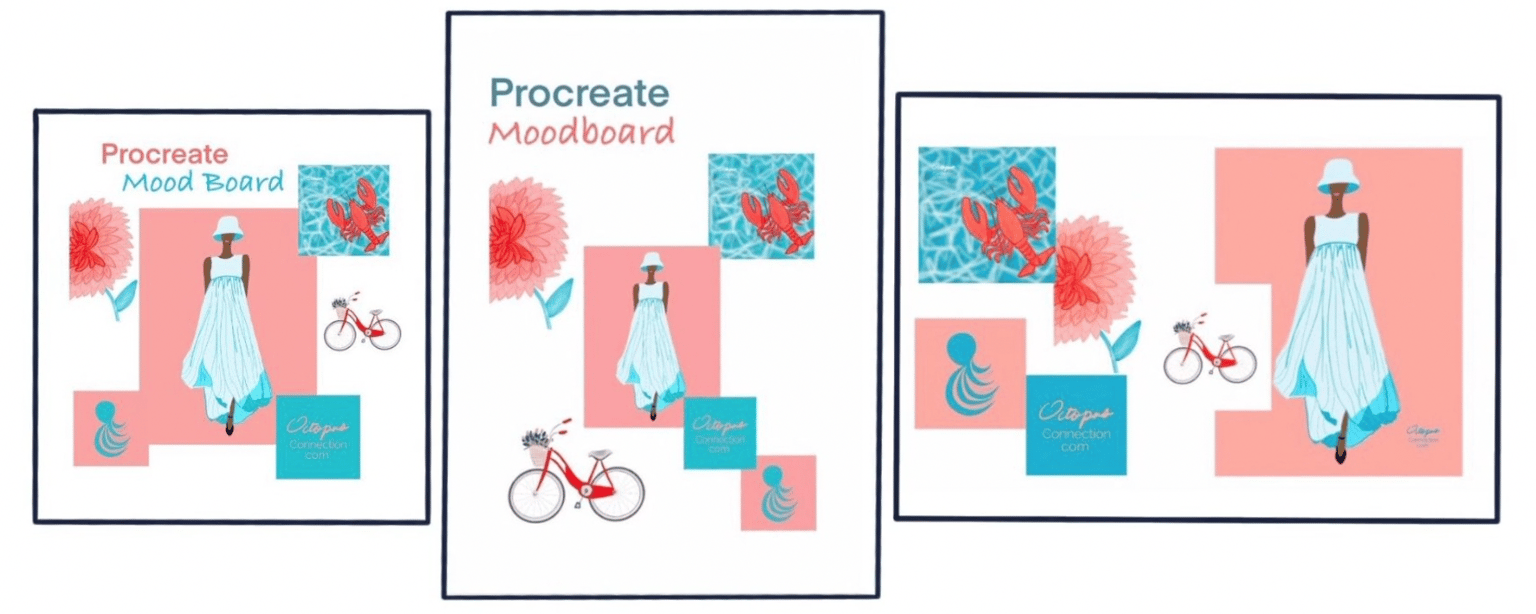
I can rearrange my boards to fit different orientations for blogging, and social networks.
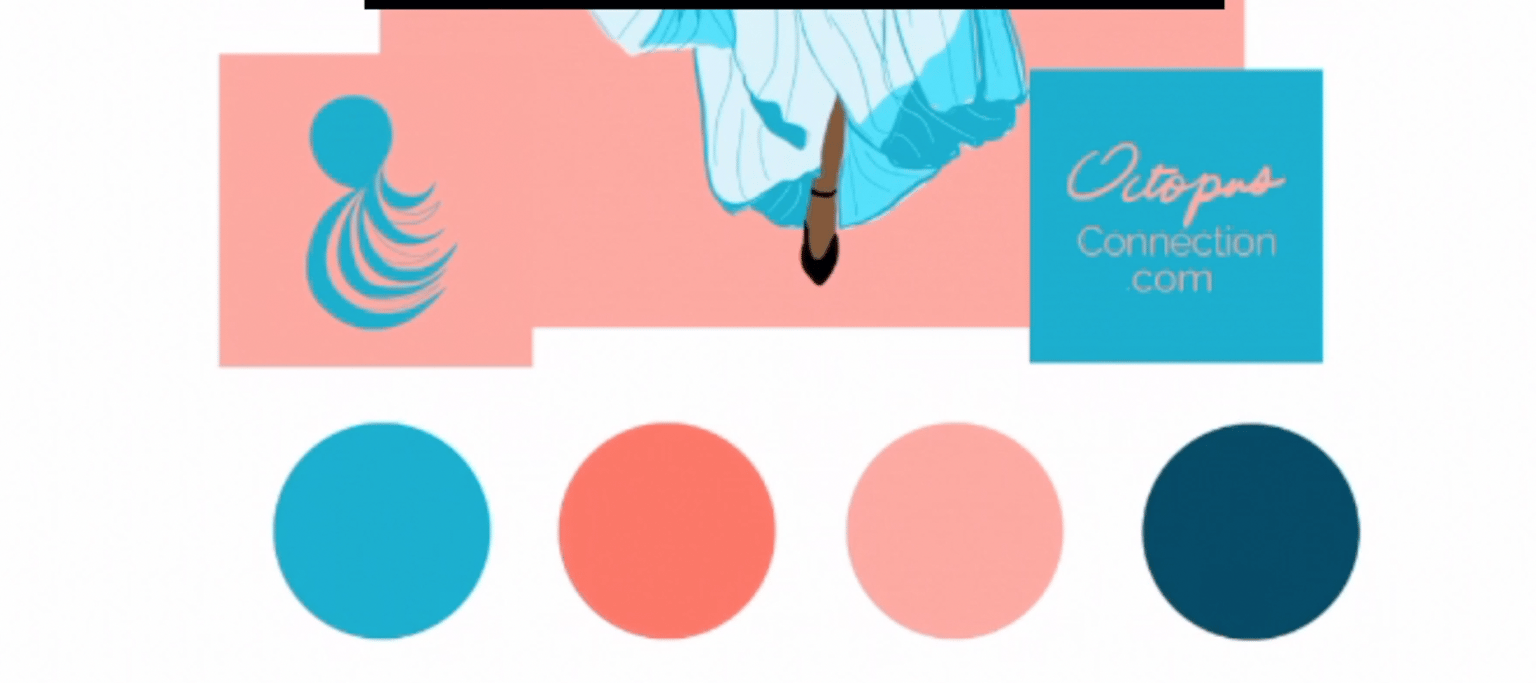
I can also add a custom color palette somewhere on the mood board to share the inspiration behind the board.
By toggling on the Time-Lapse Recording button before I started, I was able to play back my time-lapse video and upload it to YouTube and enter the link into the Video option for my project.