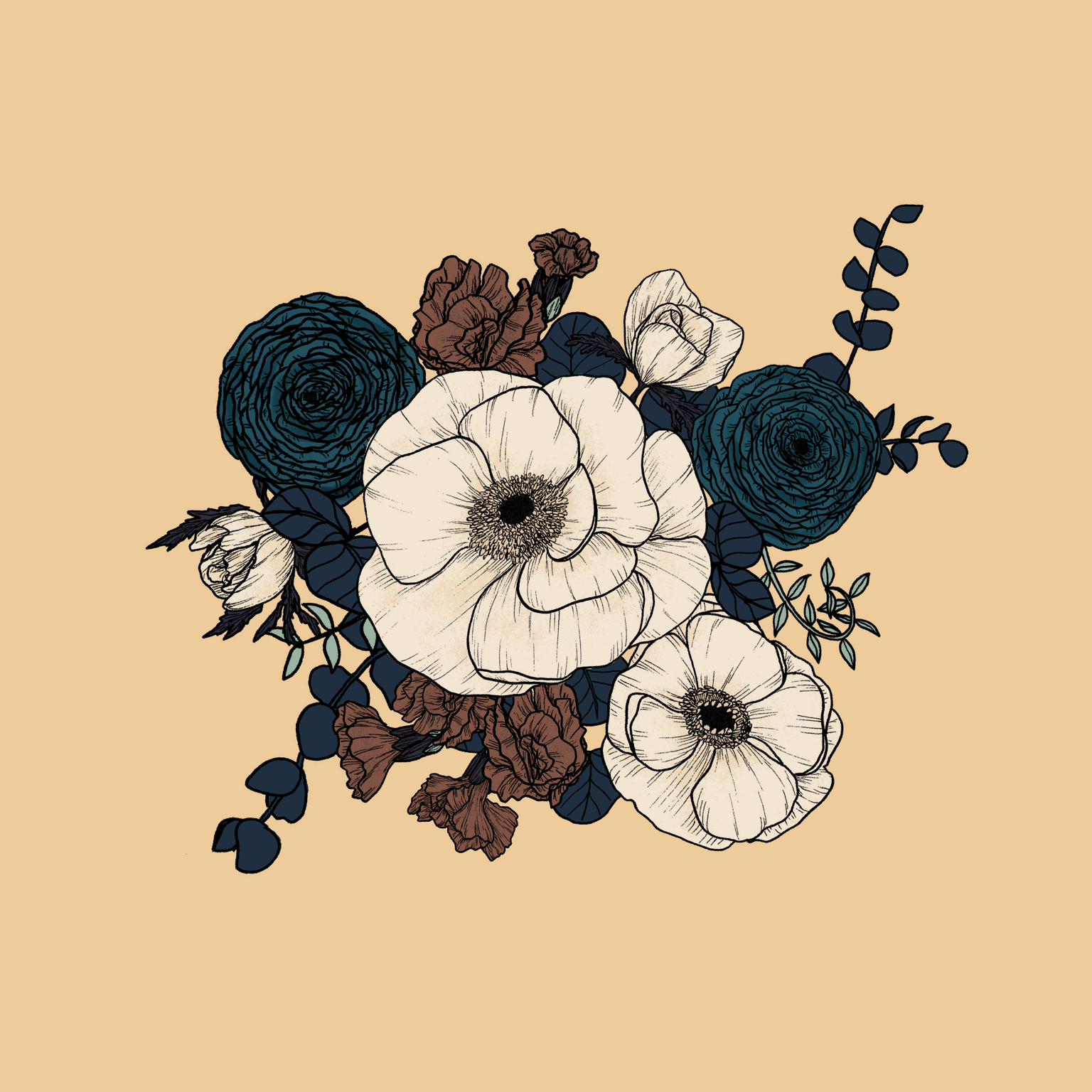
Anemone Bouquet in Photoshop
As soon as I saw this class I knew that this was what I was looking for to mix my signature black and white style with digital colour!
I decided to draw a version of the bouquet that my sister sent me a few weeks ago.
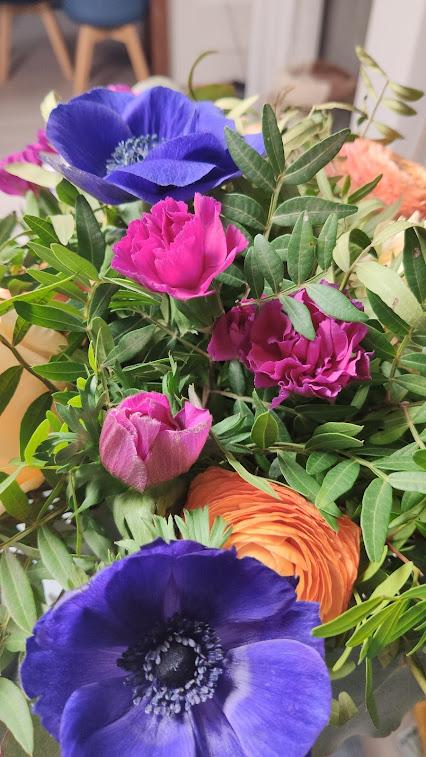
It was a bouquet with anemones, ranunculus and carnations and some leaf fillers. I really liked the colour palette. So I used it as a base for my initial bouquet.
First, I sketched all the flowers and leaves in my sketchbook and then I scanned them.
I really like my linework, so I decided to leave it allin Photoshop. Then it was the time for filling with colour every flower and leaf.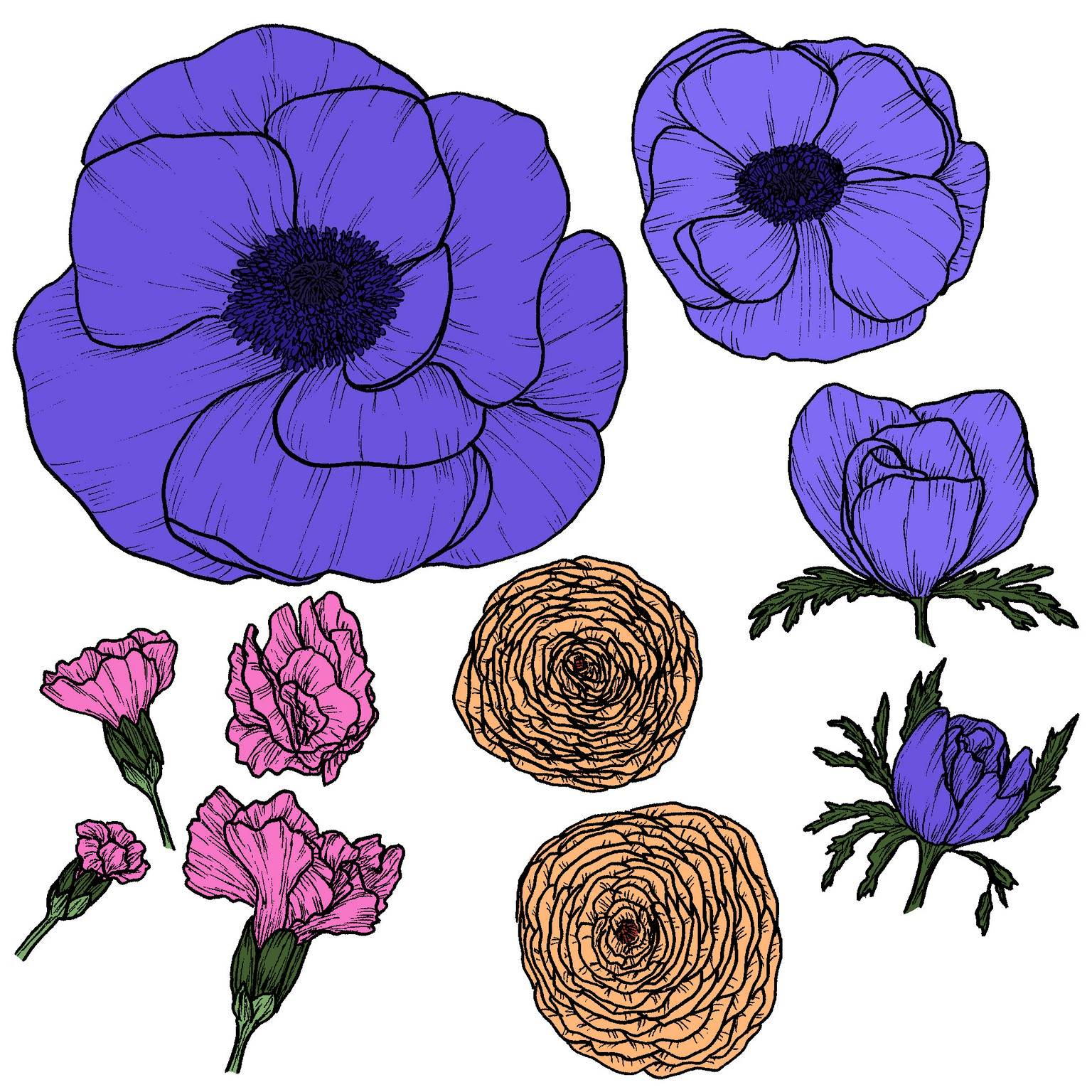
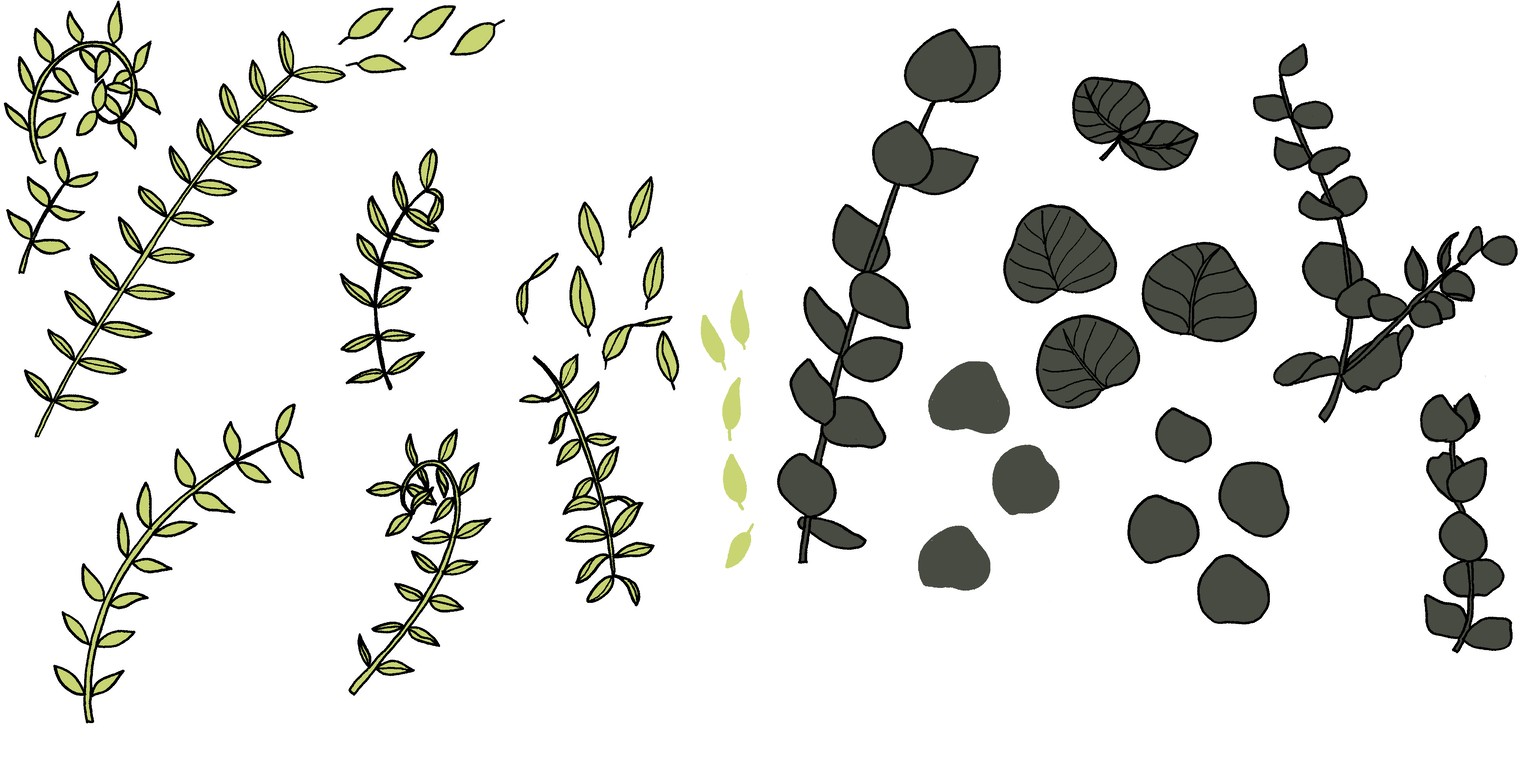
Lastly, I arranged my bouquet in Photoshop.
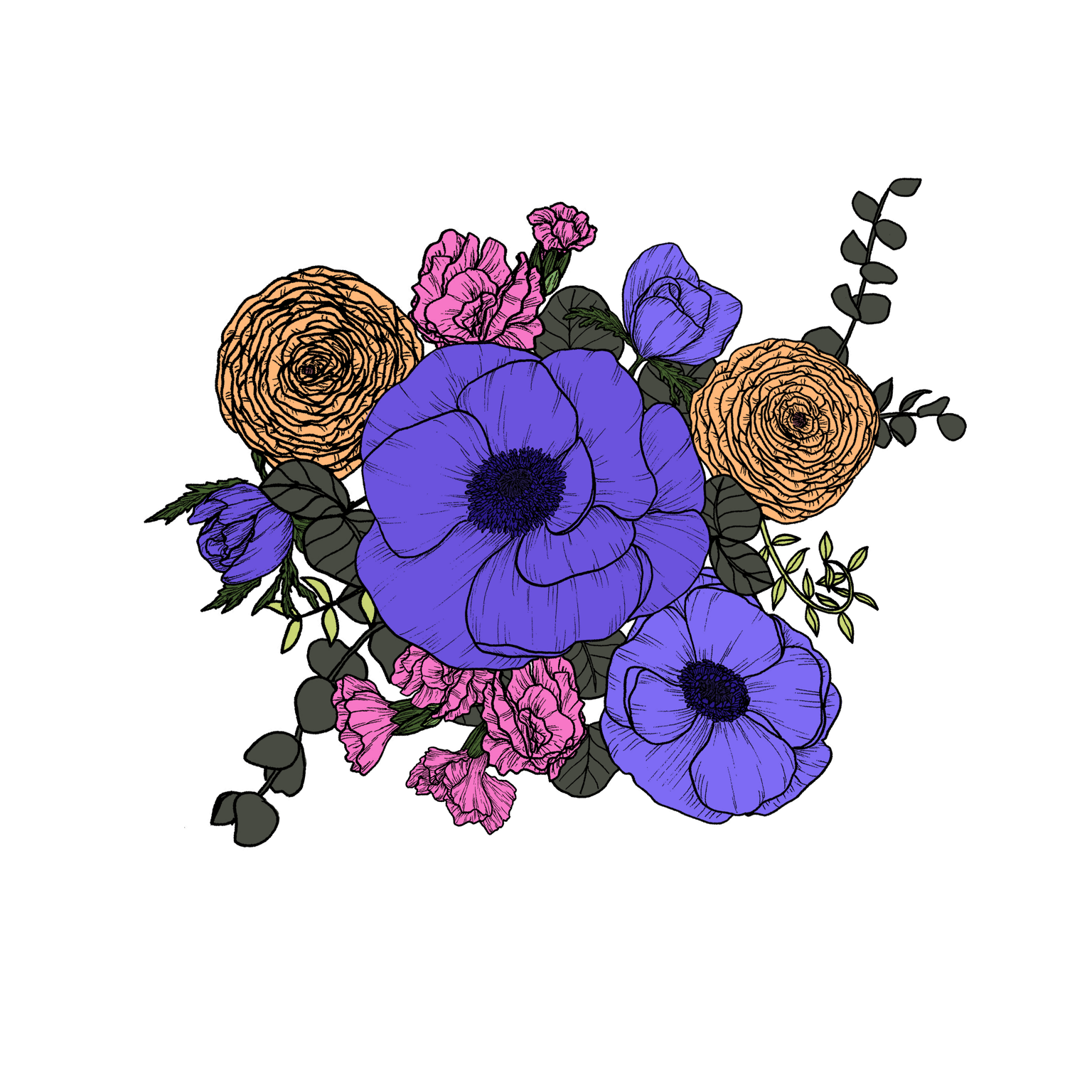
As these are the original colours, I really like them. However, I decided to give a try to the recolour artwork tool in Illustrator and came up with a more muted colour palette that I love. Here it's the final result :)