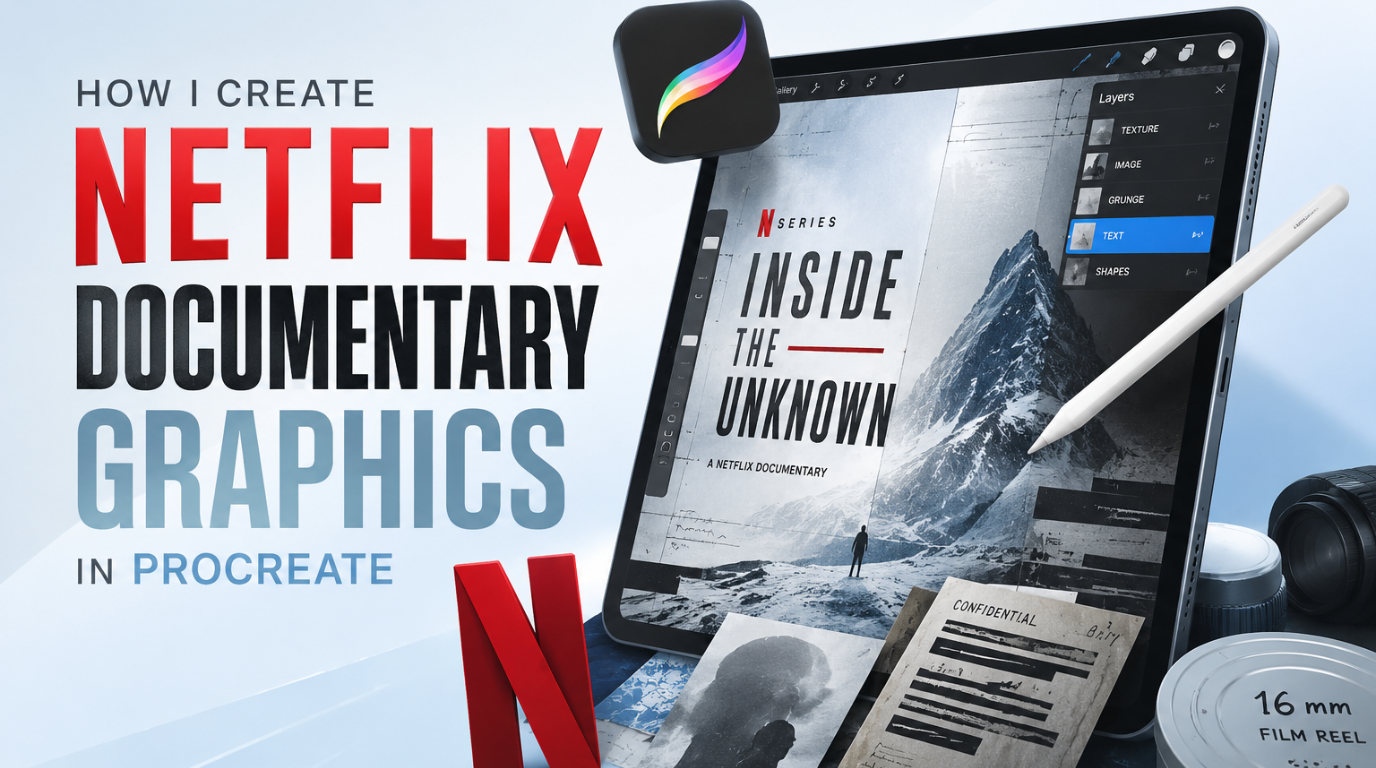
Create Cinematic Documentary Design in Procreate
1 month of Skillshare
Available with PurchaseFree
All memberships will be billed automatically on a recurring basis until canceled. If eligible for a free trial, cancel before the trial ends to avoid being charged. Offer only valid for new paid subscribers. See full terms of service here.
About this product

SK Kabir
Digital Content Creator
Learn how to create Netflix-style documentary graphics in Procreate using cinematic textures, vintage effects, and professional design techniques inspired by true crime, historical documentaries, and investigative storytelling visuals.
In this tutorial, you’ll discover how to design gritty, cinematic documentary aesthetics directly on your iPad using Procreate. We’ll break down the full workflow step-by-step so you can create high-end streaming-style visuals without needing Photoshop or desktop software.
You’ll learn how to build:
• Vintage textures and distressed overlays
• Realistic aged paper effects
• Gritty documentary-style color grading
• Historical map design and overlays
• Old newspaper clipping aesthetics
• Cinematic title cards like Netflix documentaries
This is perfect for digital artists, motion designers, editors, and content creators who want to elevate their visual storytelling style for YouTube, Instagram, film projects, or client work.
By the end of this video, you’ll understand how professional documentary designers create that moody, investigative, cinematic look used in popular Netflix true crime and historical series.
If you’re into cinematic design, storytelling visuals, or Procreate illustration workflows, this tutorial is for you.
FAQs
What are digital products?
Digital products at Skillshare are expertly crafted tools, resources, and templates developed by top creatives that are available to you for purchase. With a wide range of resources to suit every creative need, they are actionable, making your learning experience real and unforgettable.
How can I purchase a digital product?
Anyone can purchase a digital product on Skillshare — click Buy now to enter your payment information and complete your purchase. Once payment is complete, all files will be available for download instantly from this page. You'll also receive an email with a link to download your digital product after purchase.
Is there a limit to how many times I can download a digital product?
No, there is no limit to how many times you can download a digital product. Even if a product is removed by the creator, you can still access the download page in most cases by logging in to your Skillshare account.
Can I get a refund or cancel my digital product purchase?
Digital products are non-refundable and cannot be returned or canceled. To learn more, see our refund policy in the Skillshare Help Center.
Can I make and sell my own digital products?
Absolutely! Visit How can I sell a digital product on Skillshare? to learn how you can create, list and sell your own digital products on Skillshare.