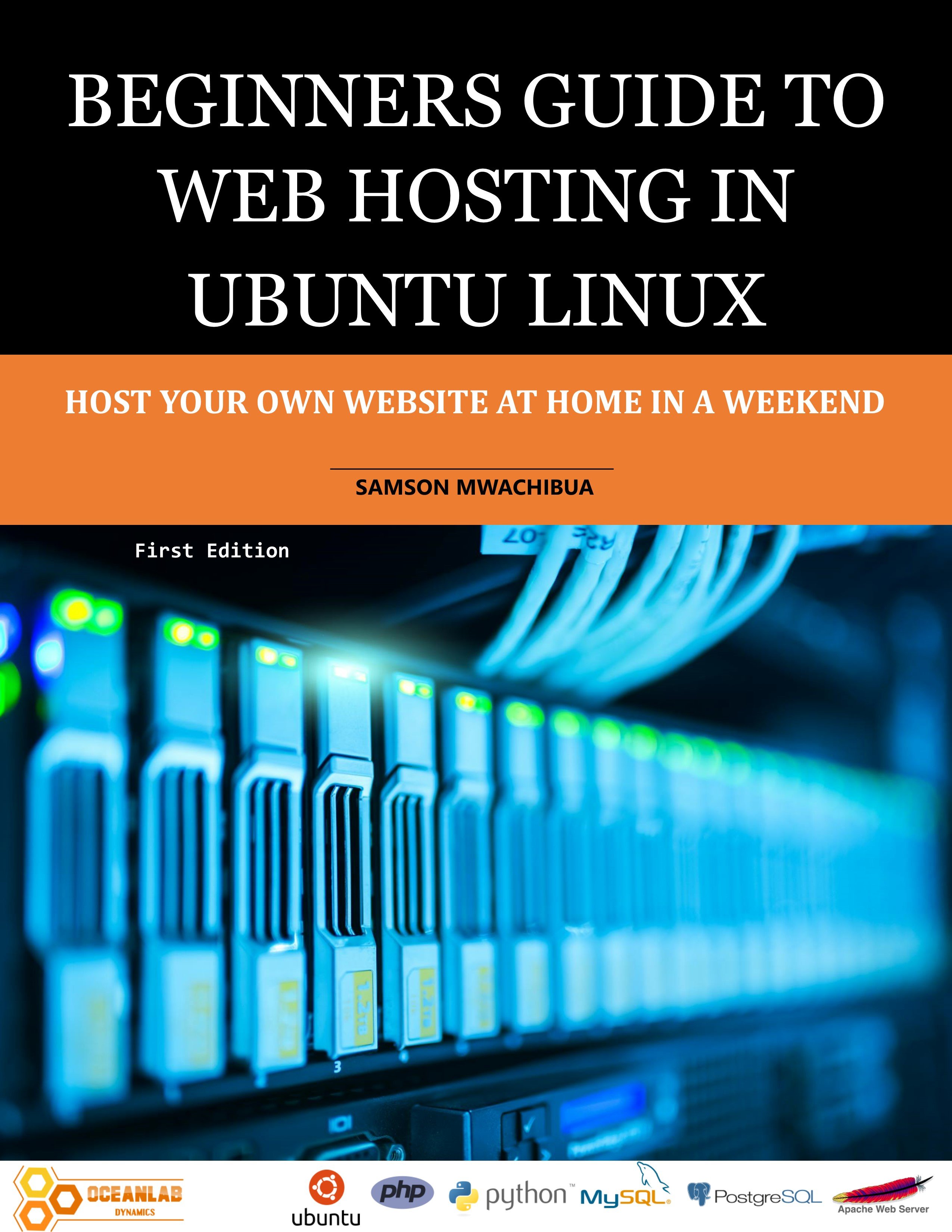
Beginners Guide to Web Hosting in Ubuntu Linux
1 month of Skillshare
Available with PurchaseFree
All memberships will be billed automatically on a recurring basis until canceled. If eligible for a free trial, cancel before the trial ends to avoid being charged. Offer only valid for new paid subscribers. See full terms of service here.
About this product

Samson Mwachibua
IT Specialist and Developer
This book is a step-by-step guide for hosting your own website both for beginners and intermediate users as well. By the end of the last chapter the reader will be able to set up a basic web server in apache and set it to be accessed externally, outside your home network using a public IP address or a domain that you will register for free. For simplicity this book uses the Ubuntu desktop version to accomplish all the tasks. Behind the scenes, the desktop and server versions of the Ubuntu operating system uses the same kernel and so nothing changes except that the former has a GUI and the latter a command line interface. This will help beginners understand the concepts easily and make their learning curve smooth.
The reader will learn how to transfer files from the development machine to the web server using FTP and File server applications. FileZilla and VSFTPD are FTP applications of choice used in this book. At the same time the samba file server is also used to implement file transfer. More so, you will be able to use the file server as your own custom implementation of Google drive, Microsoft OneDrive or Dropbox.
Implementation of programming logic to the web server is also discussed in-depth and readers will practically learn how to add PHP and WSGI modules so that they can be used by the web server to run python and PHP scripts. Readers will see how to set up a flask framework in Python as well. All these concepts are well explained, and the reader is guided on what to do in every step; and enable them to use their favorite scripting language to run their web application.
Database concepts are also discussed in this book in a nutshell. The reader will set up MySQL and PostgreSQL database servers and install the web admin interfaces as well, such as phpMyAdmin and phpPgAdmin for MySQL and PostgreSQL respectively.
Readers will also practically see how to do remote administration of their server using SSH and RDP. The SSH will connect via the command line in terminal and RDP using windows remote desktop.
The book ends with a discussion and practical examples on security and data backup. Readers shall see how to keep their server secure and also perform system backup and regular file backup and how to restore in the case of data loss.
FAQs
What are digital products?
Digital products at Skillshare are expertly crafted tools, resources, and templates developed by top creatives that are available to you for purchase. With a wide range of resources to suit every creative need, they are actionable, making your learning experience real and unforgettable.
How can I purchase a digital product?
Anyone can purchase a digital product on Skillshare — click Buy now to enter your payment information and complete your purchase. Once payment is complete, all files will be available for download instantly from this page. You'll also receive an email with a link to download your digital product after purchase.
Is there a limit to how many times I can download a digital product?
No, there is no limit to how many times you can download a digital product. Even if a product is removed by the creator, you can still access the download page in most cases by logging in to your Skillshare account.
Can I get a refund or cancel my digital product purchase?
Digital products are non-refundable and cannot be returned or canceled. To learn more, see our refund policy in the Skillshare Help Center.
Can I make and sell my own digital products?
Absolutely! Visit How can I sell a digital product on Skillshare? to learn how you can create, list and sell your own digital products on Skillshare.