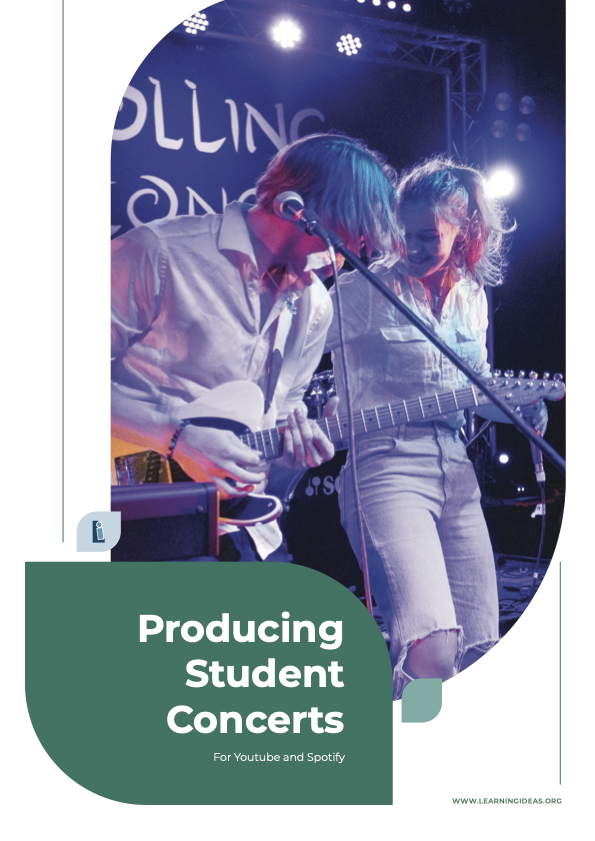
Producing Student Concerts for YouTube & Spotify
1 month of Skillshare
Available with PurchaseFree
All memberships will be billed automatically on a recurring basis until canceled. If eligible for a free trial, cancel before the trial ends to avoid being charged. Offer only valid for new paid subscribers. See full terms of service here.
About this product

Duncan Ferguson
Music Teacher
Producing Student Concerts for YouTube and Spotify
Your students put months of work into rehearsals and performances — but once the concert's over, where does all that effort go? This resource shows you how to capture, produce, and share those performances with the world on YouTube and Spotify.
It covers the full pipeline: recording audio for different ensemble types, filming with multiple cameras, mixing, editing, and getting the finished product onto streaming platforms. Everything is demonstrated using gear that fits within a realistic school budget, and all audio mixing is done in Reaper — free software that runs on Mac and Windows without serial numbers or activation codes.
Key topics include:
- Recording processes for rock bands, choirs, orchestras, chamber groups, and school productions
- Ideal microphone placement for different instruments
- Running live sound and recording simultaneously
- In-depth audio mixing (pairs well with the companion resource "Mixing Demystified")
- Filming performances with multiple cameras
- Video editing using free software
- Getting your music onto Spotify via a distribution service
- Optimizing video uploads for YouTube
The course is built on real experience. The creator's school performance videos have racked up over 4 million views across social media, and this resource walks you through the same techniques and workflows used to produce them. Each chapter includes practical tasks for students, making it well suited for classroom use in a BYOD or computer lab environment.
Whether you're a music teacher wanting to build a public portfolio of your programme's work, a student studying music technology or media, or someone who simply wants to give school performances the audience they deserve, this resource takes you from stage to screen, step by step.
FAQs
What are digital products?
Digital products at Skillshare are expertly crafted tools, resources, and templates developed by top creatives that are available to you for purchase. With a wide range of resources to suit every creative need, they are actionable, making your learning experience real and unforgettable.
How can I purchase a digital product?
Anyone can purchase a digital product on Skillshare — click Buy now to enter your payment information and complete your purchase. Once payment is complete, all files will be available for download instantly from this page. You'll also receive an email with a link to download your digital product after purchase.
Is there a limit to how many times I can download a digital product?
No, there is no limit to how many times you can download a digital product. Even if a product is removed by the creator, you can still access the download page in most cases by logging in to your Skillshare account.
Can I get a refund or cancel my digital product purchase?
Digital products are non-refundable and cannot be returned or canceled. To learn more, see our refund policy in the Skillshare Help Center.
Can I make and sell my own digital products?
Absolutely! Visit How can I sell a digital product on Skillshare? to learn how you can create, list and sell your own digital products on Skillshare.