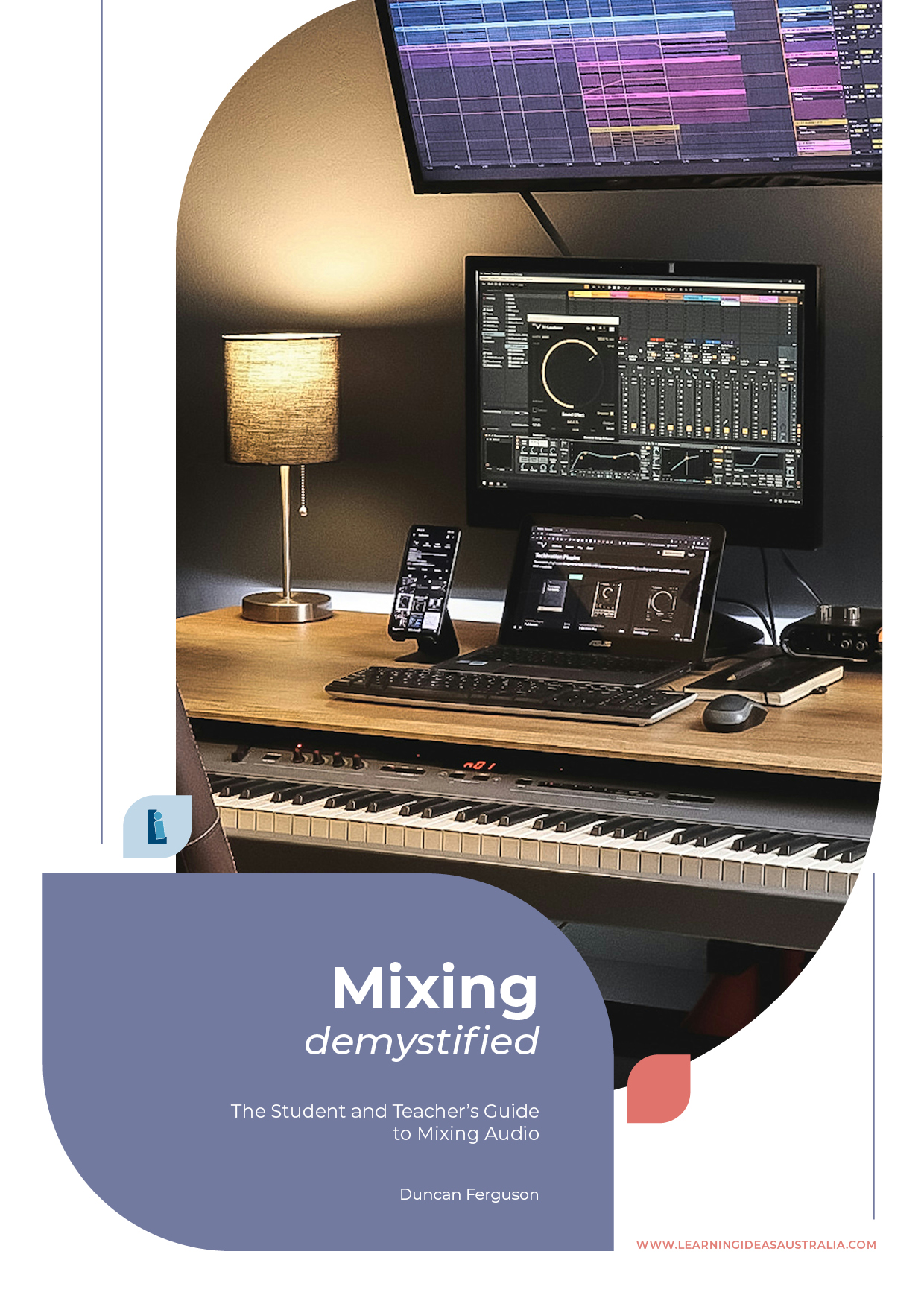
Mixing Demystified
1 month of Skillshare
Available with PurchaseFree
All memberships will be billed automatically on a recurring basis until canceled. If eligible for a free trial, cancel before the trial ends to avoid being charged. Offer only valid for new paid subscribers. See full terms of service here.
About this product

Duncan Ferguson
Music Teacher
Mixing Demystified
Does mixing feel like a dark art? Whether you're a music teacher looking for a structured resource to teach audio mixing, or a student wanting to learn how to produce polished recordings, this course breaks it all down into clear, manageable steps.
Created by an educator with over 20 years of experience teaching mixing to high school students, this resource covers everything from the fundamentals through to advanced techniques — and includes real multi-track audio files from a student band recording so you can practise hands-on from day one.
What you'll learn:
- Setting up a DAW — How to configure your digital audio workstation and prepare a session for mixing.
- Balancing tracks — How to use a reference track to set levels and create a balanced, professional-sounding mix.
- Equalisation (EQ) — How to shape the tone of individual tracks so they sit well together in a mix.
- Compression — How to control dynamics and add punch, clarity, and consistency to your recordings.
- Reverb and Delay — How to use time-based effects to add depth and space to a mix.
- Bus and Aux sends — When and how to use routing techniques to streamline your workflow and apply effects efficiently.
- Different mixing approaches — Explore methods like 'top down' mixing and learn when to apply them.
- Mixing with a live desk — How to apply mixing principles using an analogue mixing console, not just software.
How it works:
Each chapter includes a demonstration video, practical tasks, and revision exercises to reinforce your learning. All mixing demonstrations use Reaper, which is free to download and works on both Mac and Windows — no serial numbers or codes required. However, all concepts are DAW-agnostic, so you can follow along in Logic, Ableton Live, Studio One, Cubase, FL Studio, Pro Tools, or any other DAW you prefer.
Who is this for?
This resource is ideal for music teachers who want a ready-made course for teaching audio mixing, senior high school students studying music technology, younger students with a strong interest in recording and production, and independent learners who want a practical, no-nonsense introduction to mixing.
What makes this different?
This isn't theory for the sake of theory. It's built around real-world classroom experience and includes actual student recordings to mix with. The students behind these tracks have gone on to release original compositions on Spotify — and this resource teaches the same techniques that got them there.
By the end of this course, you'll have the skills and knowledge to mix your own compositions and band recordings to a really high standard.
FAQs
What are digital products?
Digital products at Skillshare are expertly crafted tools, resources, and templates developed by top creatives that are available to you for purchase. With a wide range of resources to suit every creative need, they are actionable, making your learning experience real and unforgettable.
How can I purchase a digital product?
Anyone can purchase a digital product on Skillshare — click Buy now to enter your payment information and complete your purchase. Once payment is complete, all files will be available for download instantly from this page. You'll also receive an email with a link to download your digital product after purchase.
Is there a limit to how many times I can download a digital product?
No, there is no limit to how many times you can download a digital product. Even if a product is removed by the creator, you can still access the download page in most cases by logging in to your Skillshare account.
Can I get a refund or cancel my digital product purchase?
Digital products are non-refundable and cannot be returned or canceled. To learn more, see our refund policy in the Skillshare Help Center.
Can I make and sell my own digital products?
Absolutely! Visit How can I sell a digital product on Skillshare? to learn how you can create, list and sell your own digital products on Skillshare.