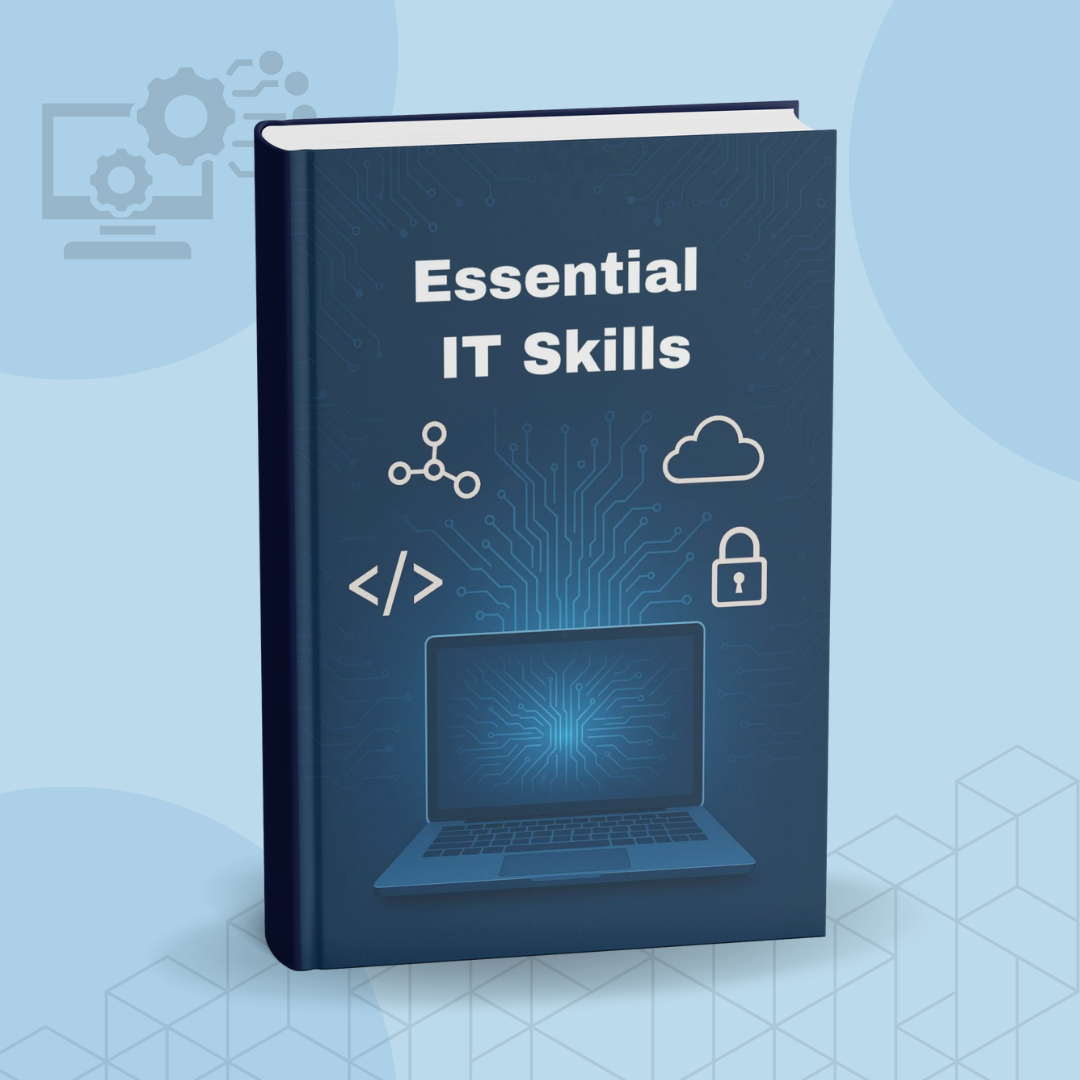
Essential It Skills
1 month of Skillshare
Available with PurchaseFree
All memberships will be billed automatically on a recurring basis until canceled. If eligible for a free trial, cancel before the trial ends to avoid being charged. Offer only valid for new paid subscribers. See full terms of service here.
About this product

John Academy
Training Provider
Description:
Build a strong foundation in essential IT skills and gain the confidence to navigate today’s digital world with ease. This learning resource is designed for beginners, job seekers, freelancers, and anyone wanting to strengthen practical tech abilities for personal or professional use.
Through clear explanations and hands-on guidance, you’ll explore the key areas of modern technology—from operating systems and file management to networking basics, online safety, and productivity tools. Everything is broken down into simple, digestible steps that help you learn quickly and apply what you’ve learned right away.
Whether you’re improving your digital literacy, preparing for tech-related tasks at work, or simply wanting to become more confident with computers, this resource provides a structured and user-friendly path to developing real-world IT competence.
What You’ll Learn:
- Computer Basics: Understanding hardware, software, and operating systems.
- File & Folder Management: Organising, storing, and securing digital files.
- Internet & Browsing Skills: Safe browsing, efficient searching, and smart online navigation.
- Email & Communication Tools: Managing email, attachments, filters, and settings.
- Productivity Software: Word processing, spreadsheets, presentations, and cloud tools.
- Cyber Safety: Recognising online risks, protecting personal data, and staying secure.
- Networking Fundamentals: Intro to Wi-Fi, routers, IP addresses, and connectivity basics.
- Troubleshooting: Solving common computer problems with simple methods.
- Digital Workflows: Managing tasks, organising projects, and using modern tech tools.
Project to Try:
Create a digital folder system for a personal or work project, organise files neatly, and share a screenshot or explanation of your workflow setup. This helps you apply your new skills immediately.
Who It’s For:
- Beginners wanting to improve everyday computer skills.
- Job seekers who need practical IT competency.
- Office workers, freelancers, and students.
- Anyone who wants to be more confident with digital tools.
- Individuals returning to the workforce and upgrading modern tech skills.
What You’ll Gain:
By the end, you’ll have a solid understanding of essential IT skills that make daily tasks easier, improve your digital confidence, and support your personal or professional goals.
FAQs
What are digital products?
Digital products at Skillshare are expertly crafted tools, resources, and templates developed by top creatives that are available to you for purchase. With a wide range of resources to suit every creative need, they are actionable, making your learning experience real and unforgettable.
How can I purchase a digital product?
Anyone can purchase a digital product on Skillshare — click Buy now to enter your payment information and complete your purchase. Once payment is complete, all files will be available for download instantly from this page. You'll also receive an email with a link to download your digital product after purchase.
Is there a limit to how many times I can download a digital product?
No, there is no limit to how many times you can download a digital product. Even if a product is removed by the creator, you can still access the download page in most cases by logging in to your Skillshare account.
Can I get a refund or cancel my digital product purchase?
Digital products are non-refundable and cannot be returned or canceled. To learn more, see our refund policy in the Skillshare Help Center.
Can I make and sell my own digital products?
Absolutely! Visit How can I sell a digital product on Skillshare? to learn how you can create, list and sell your own digital products on Skillshare.