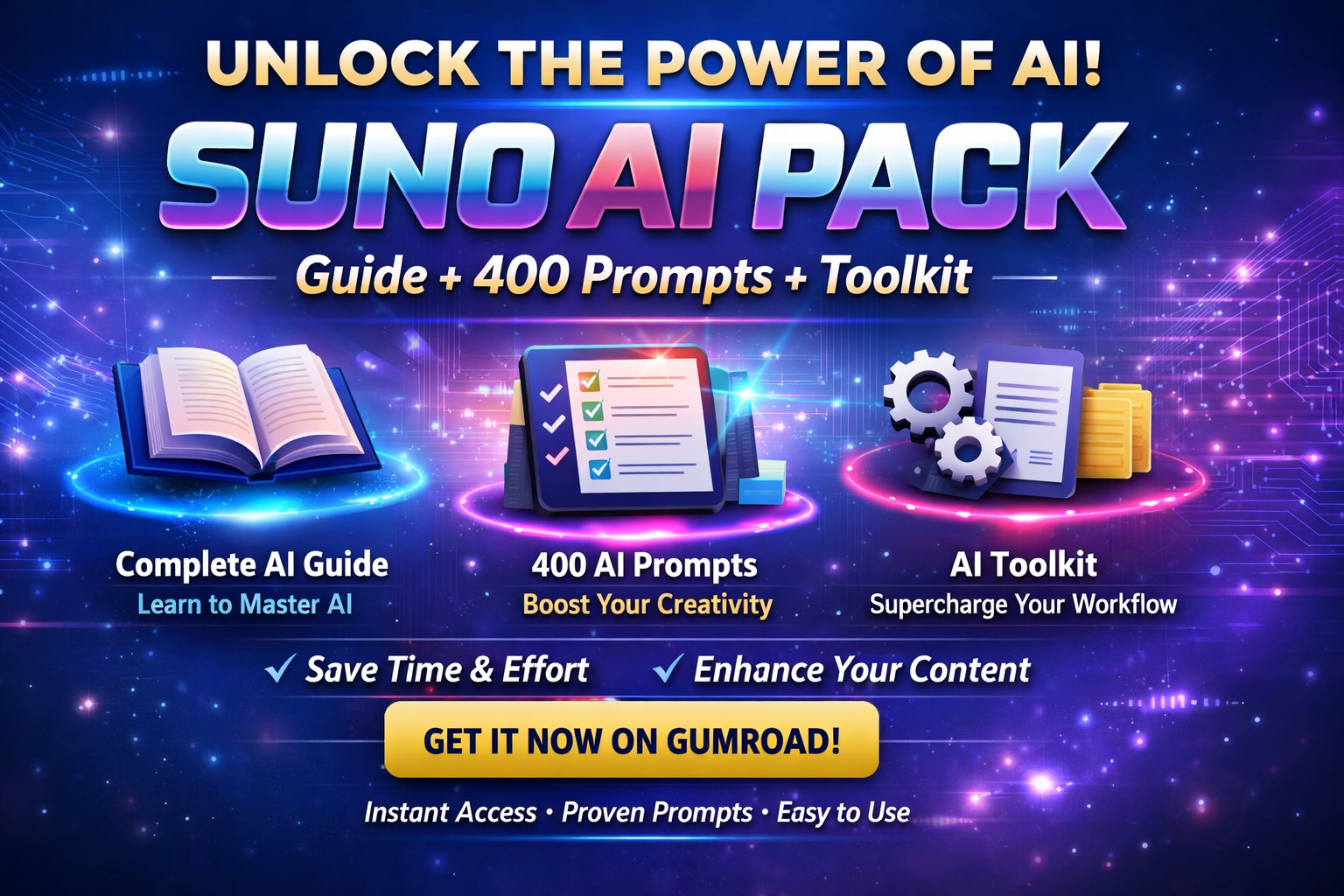
How to Create Amazing AI Music with Suno AI
1 month of Skillshare
Available with PurchaseFree
All memberships will be billed automatically on a recurring basis until canceled. If eligible for a free trial, cancel before the trial ends to avoid being charged. Offer only valid for new paid subscribers. See full terms of service here.
About this product

Introduction:
Suno AI is revolutionizing the way music is created. With just a few clicks, anyone can generate professional-sounding music using AI, even without prior music experience. In this guide, we’ll show you how to start creating your own tracks and give tips to make the most out of Suno AI.
1. What is Suno AI?
Suno AI is an AI-powered music generation tool that allows you to create original songs, beats, and soundscapes quickly. It’s perfect for content creators, YouTubers, and anyone who wants custom music without the hassle of learning instruments.
Key features:
AI-generated music in multiple genres
Adjustable mood, tempo, and instruments
Easy export for use in videos, podcasts, and projects
2. How to Get Started
Sign up on the official Suno AI website.
Choose your music genre (e.g., electronic, hip-hop, cinematic).
Use prompts to guide the AI on the mood or style.
Generate the track and preview it.
Export the music in your preferred format.
💡 Tip: Start with short tracks (30–60 seconds) to experiment and understand how Suno AI interprets your prompts.
3. Best Practices for AI Music Creation
Use specific prompts like “uplifting cinematic background with piano and strings.”
Experiment with different genres to find unique combinations.
Combine AI music with your own edits for a personal touch.
4. Monetizing Suno AI Music
Once you create music, you can:
Sell beats or tracks on marketplaces
Use them in YouTube videos for ad revenue
Include them in podcasts or digital products
FAQs
What are digital products?
Digital products at Skillshare are expertly crafted tools, resources, and templates developed by top creatives that are available to you for purchase. With a wide range of resources to suit every creative need, they are actionable, making your learning experience real and unforgettable.
How can I purchase a digital product?
Anyone can purchase a digital product on Skillshare — click Buy now to enter your payment information and complete your purchase. Once payment is complete, all files will be available for download instantly from this page. You'll also receive an email with a link to download your digital product after purchase.
Is there a limit to how many times I can download a digital product?
No, there is no limit to how many times you can download a digital product. Even if a product is removed by the creator, you can still access the download page in most cases by logging in to your Skillshare account.
Can I get a refund or cancel my digital product purchase?
Digital products are non-refundable and cannot be returned or canceled. To learn more, see our refund policy in the Skillshare Help Center.
Can I make and sell my own digital products?
Absolutely! Visit How can I sell a digital product on Skillshare? to learn how you can create, list and sell your own digital products on Skillshare.