Digital Decay - Glitch and Pixel Brushes
1 month of Skillshare
Available with PurchaseFree
All memberships will be billed automatically on a recurring basis until canceled. If eligible for a free trial, cancel before the trial ends to avoid being charged. Offer only valid for new paid subscribers. See full terms of service here.
About this product

Tomasz Ostrowski
Graphic Designer & Illustrator
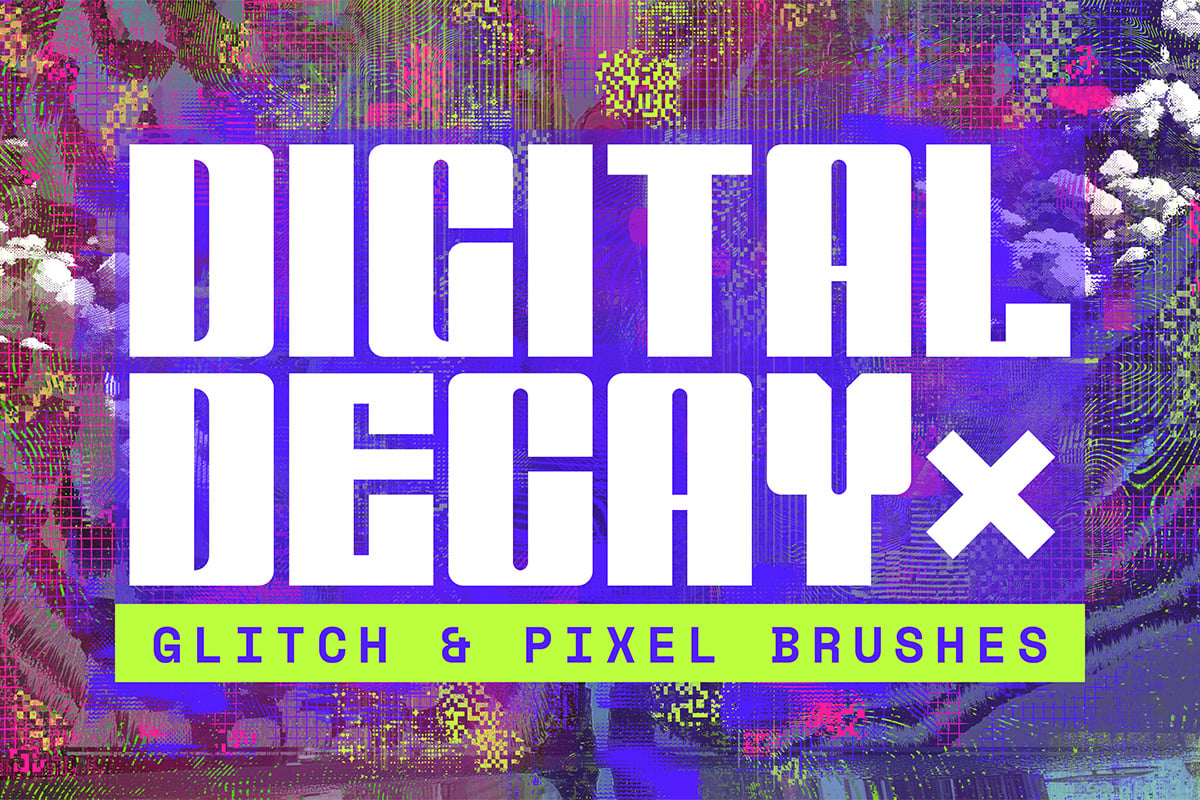
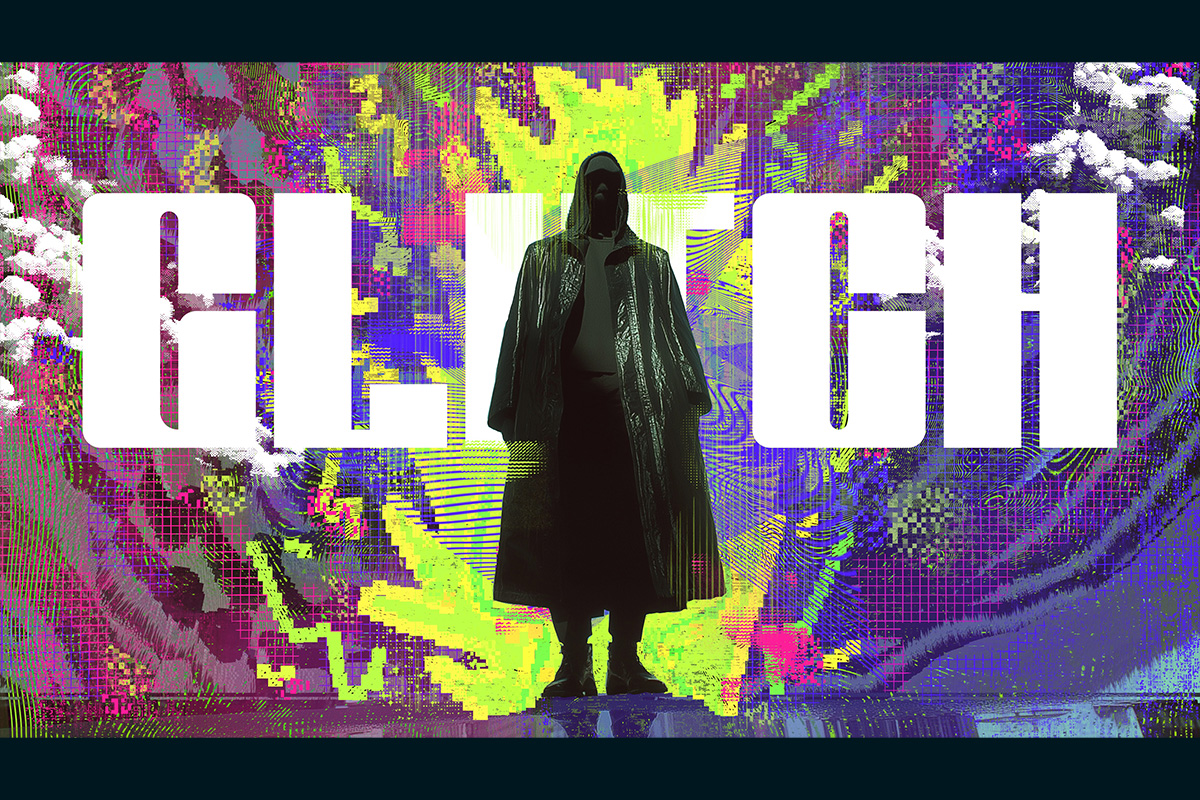
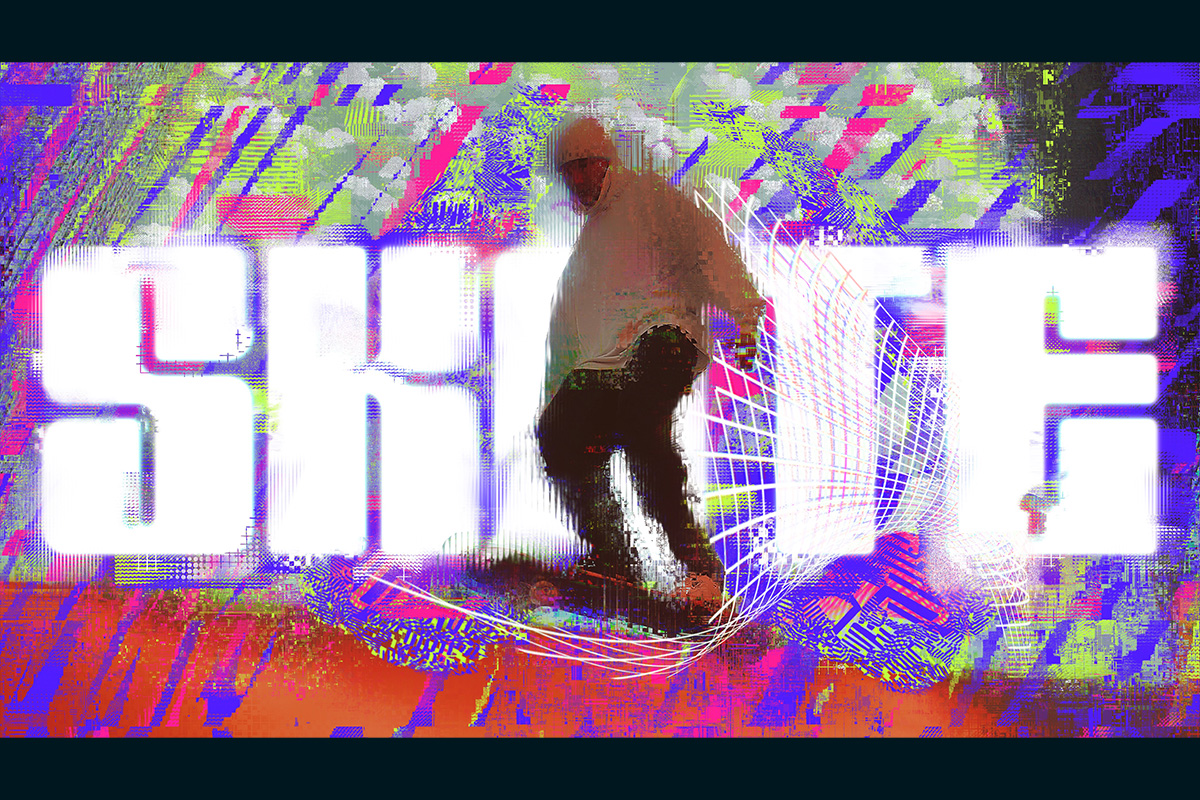
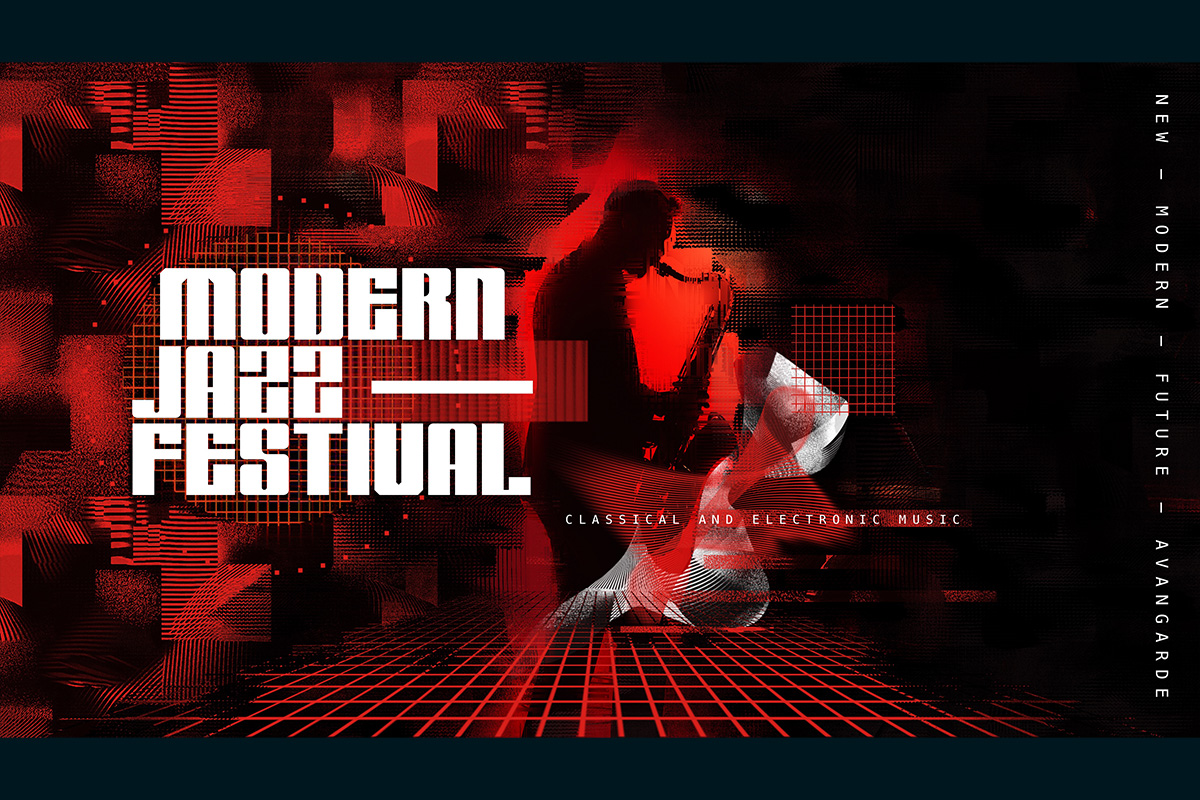
Introducing the Digital Decay - Glitch and Pixel Brushes, a Procreate brush set meticulously crafted for creating pixel and glitch effects. This versatile set includes 40 unique brushes designed to enhance your digital artwork with pixelated and glitchy textures. Perfect for painting, smudging, and applying Procreate effects like Gaussian Blur, Chromatic Aberration, or Glitch in brush mode.
Whether you’re aiming to create retro pixel art, add glitchy textures, or experiment with unique photo manipulations, this set has you covered.
This Procreate brush pack consists of a total of 40 brushes, each having its unique features and uses:
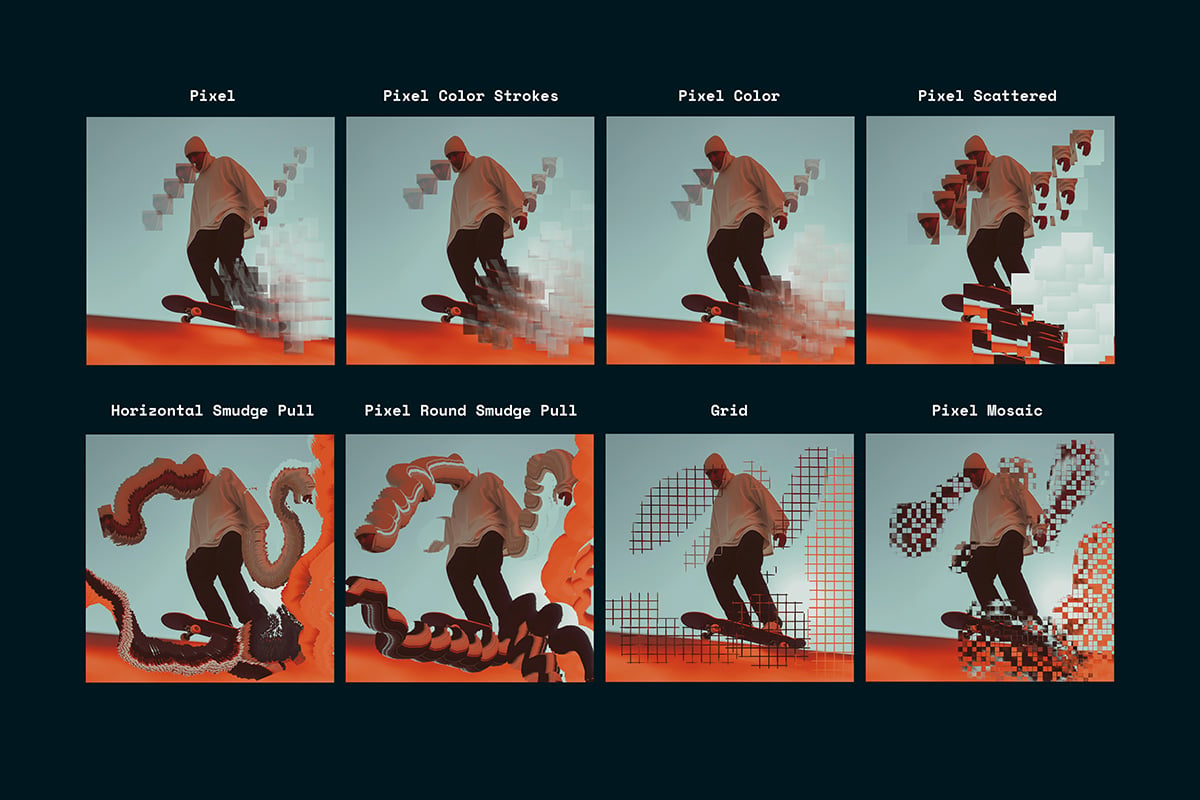
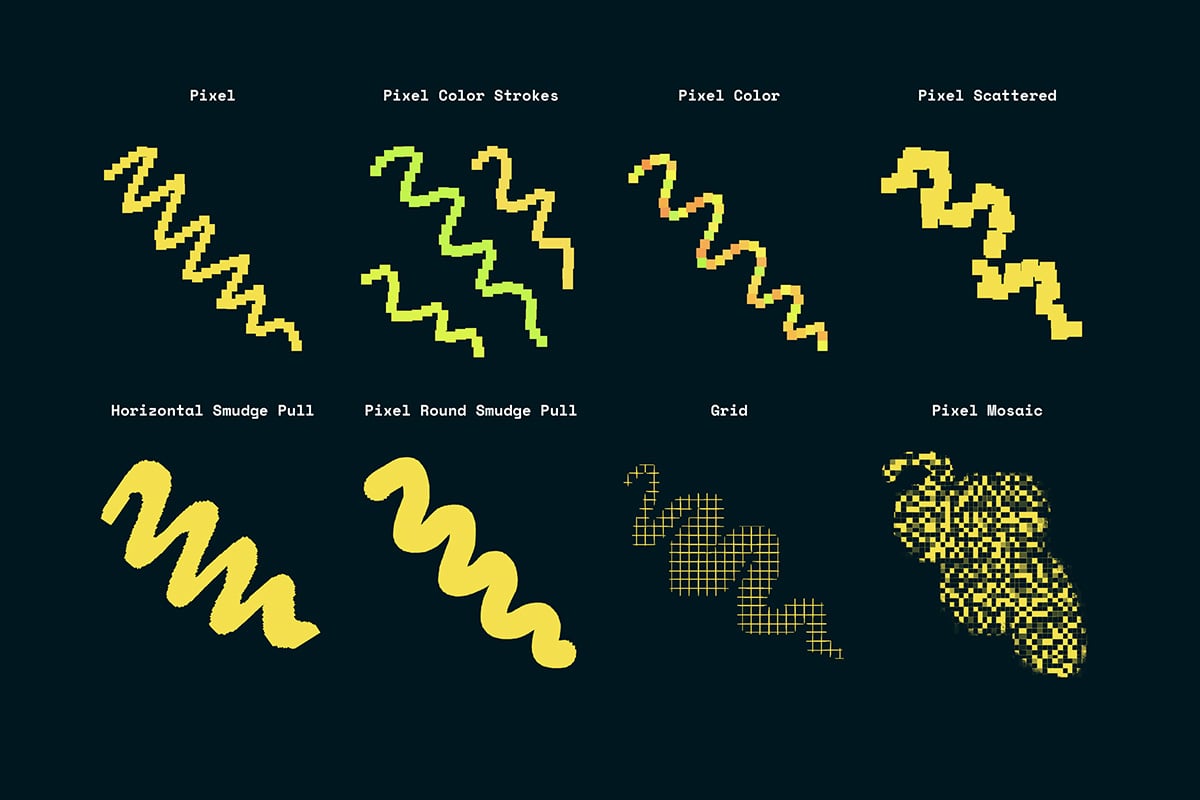
- Pixel: Create pixel strokes.
- Pixel Color Strokes: Generate color pixel strokes and textures with random color variants based on your chosen color.
- Pixel Color: Produce color pixel strokes and textures where each pixel varies in color based on your selection.
- Pixel Scattered: Scatter pixels randomly across your canvas.
- Horizontal Smudge Pull: Specially designed for the smudge tool to stretch and rotate (with Apple Pencil Pro) photos or artworks.
- Pixel Round Smudge Pull: Another smudge tool brush for stretching photos or artworks.
- Grid: Create clean, structured grids.
- Pixel Mosaic: Apply pixel mosaic textures or pixelate photos with the smudge tool.
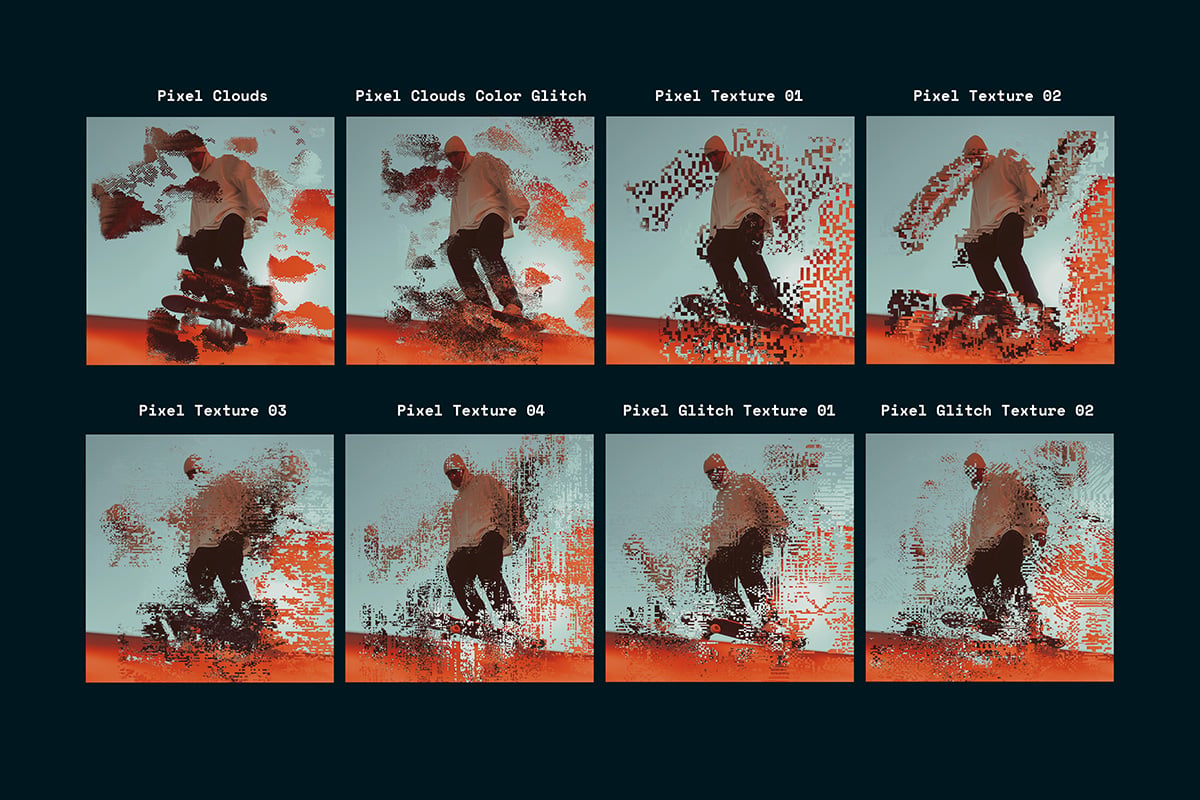
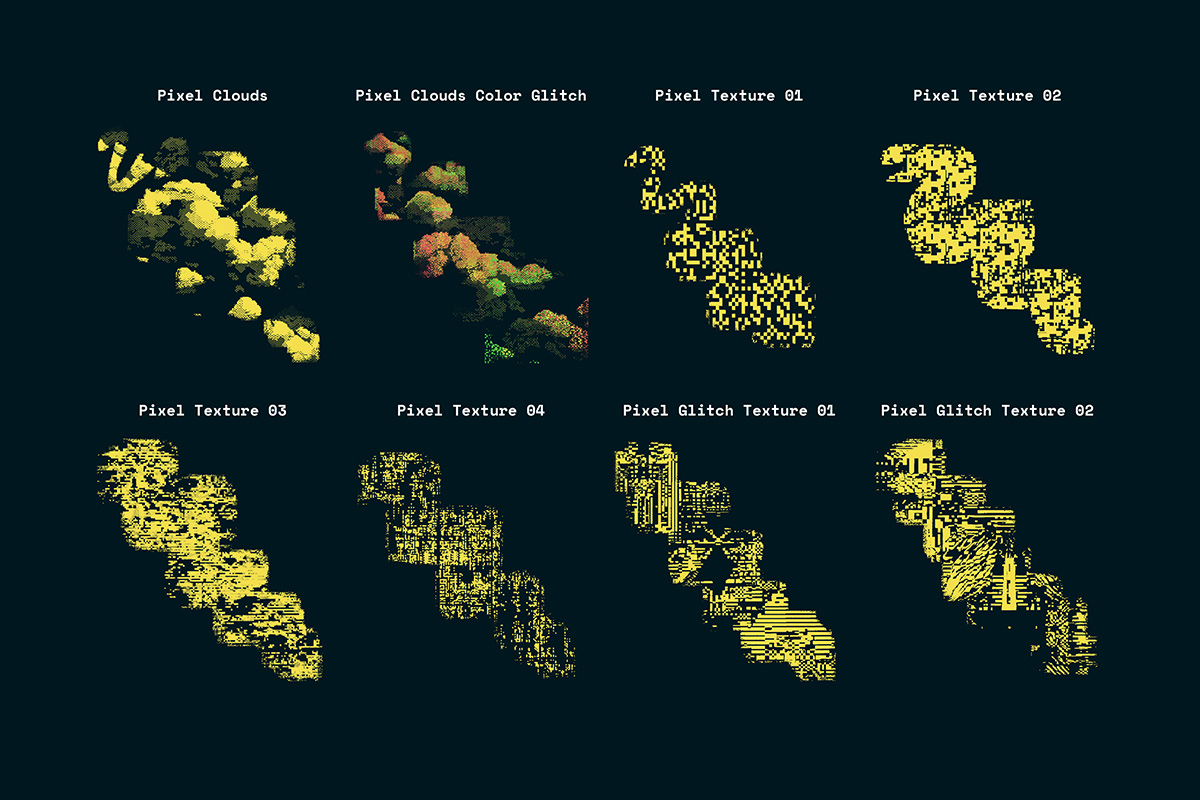
- Pixel Clouds: Add retro pixel cloud textures, also available in a color glitch variant.
- Pixel Texture: Generate various random pixel texture effects.
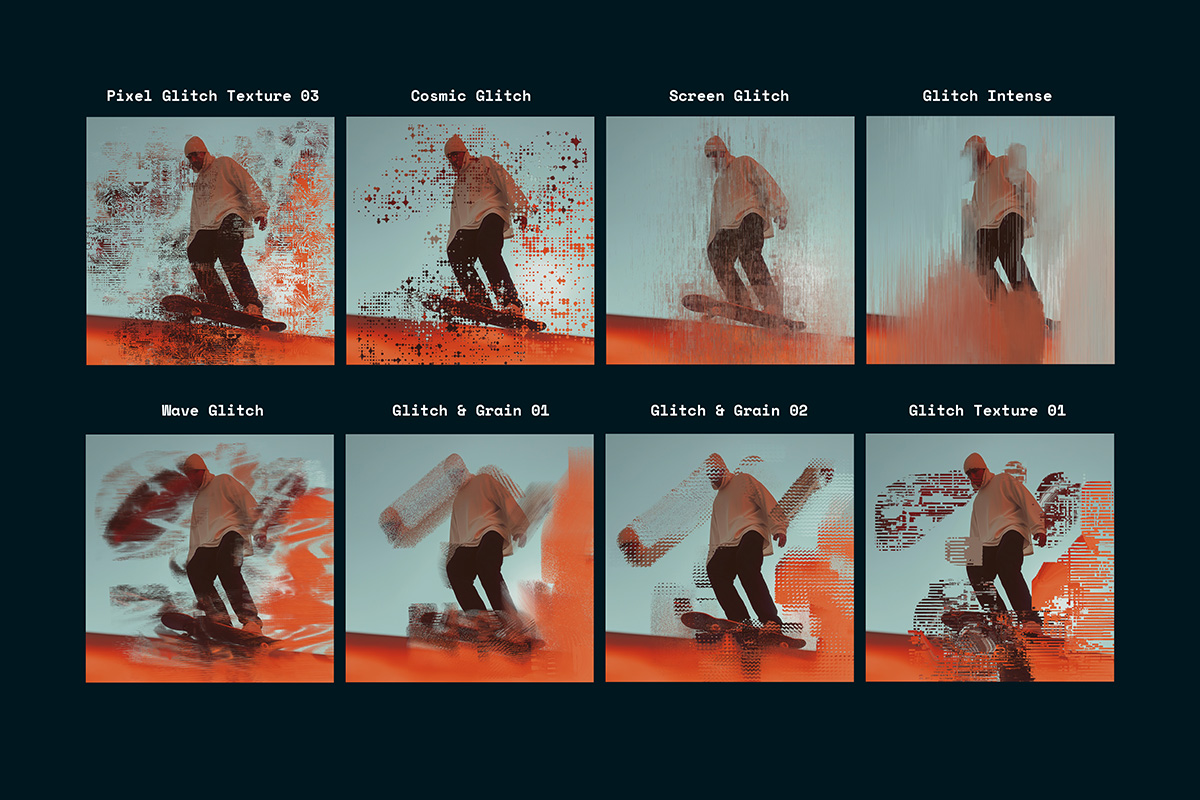
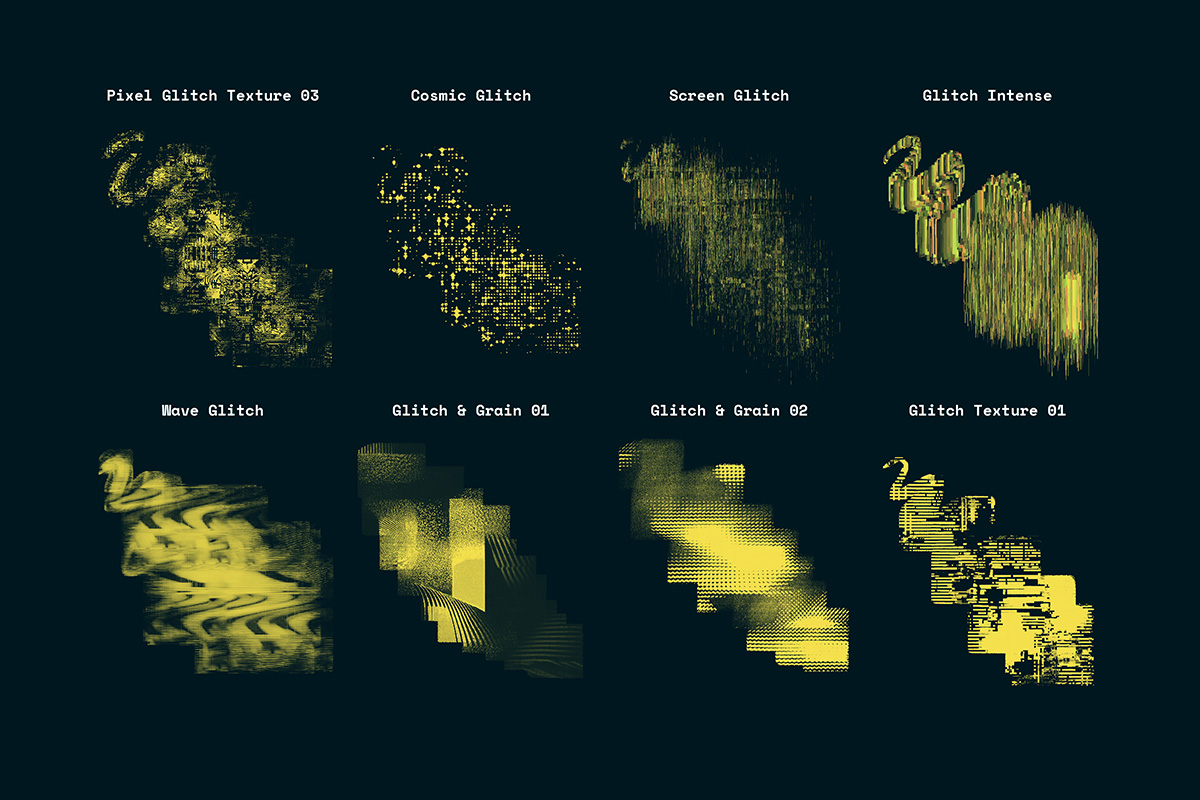
- Pixel Glitch Texture: Combine pixel and glitch textures for a unique look.
- Cosmic Glitch: Create retro pixel star effects.
- Screen Glitch: Simulate screen glitch effects.
- Glitch Intense: Apply harsh glitch effects for dramatic impact.
- Wave Glitch: Create signal or wave glitch effects.
- Glitch and Grain: Combine glitch and grain textures for a gritty look.
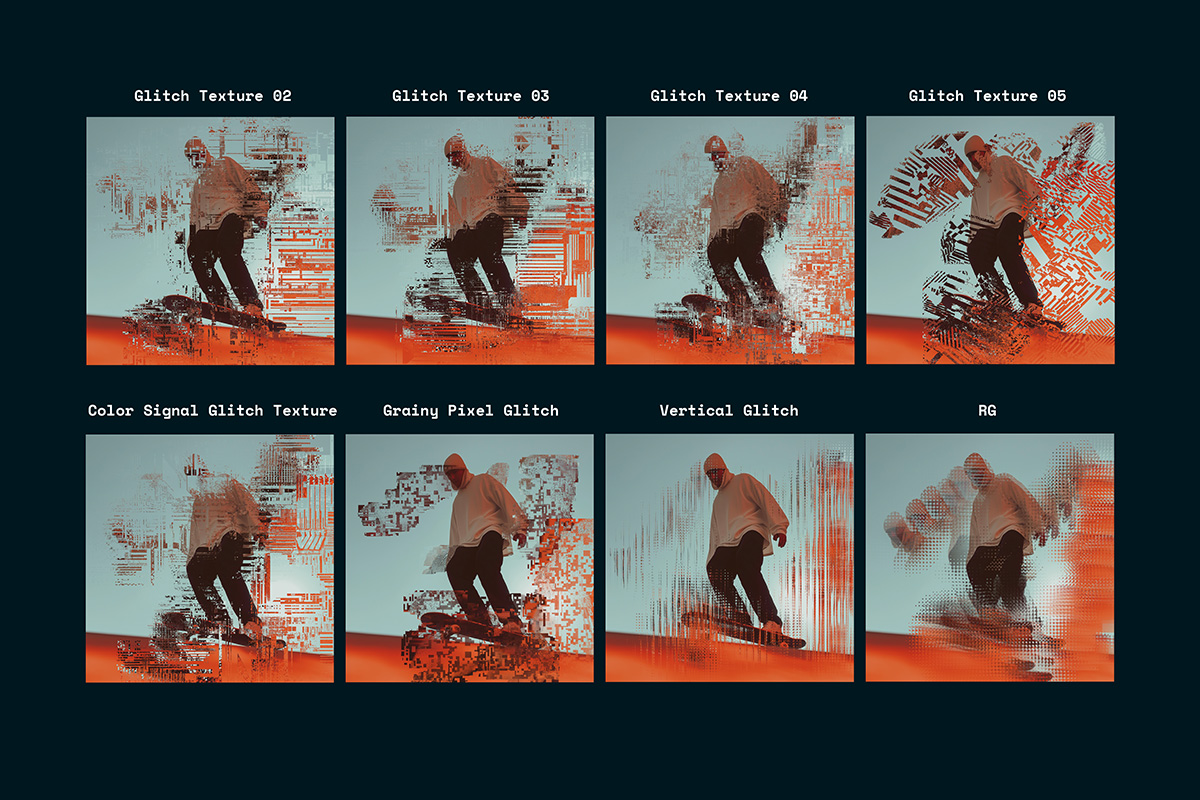
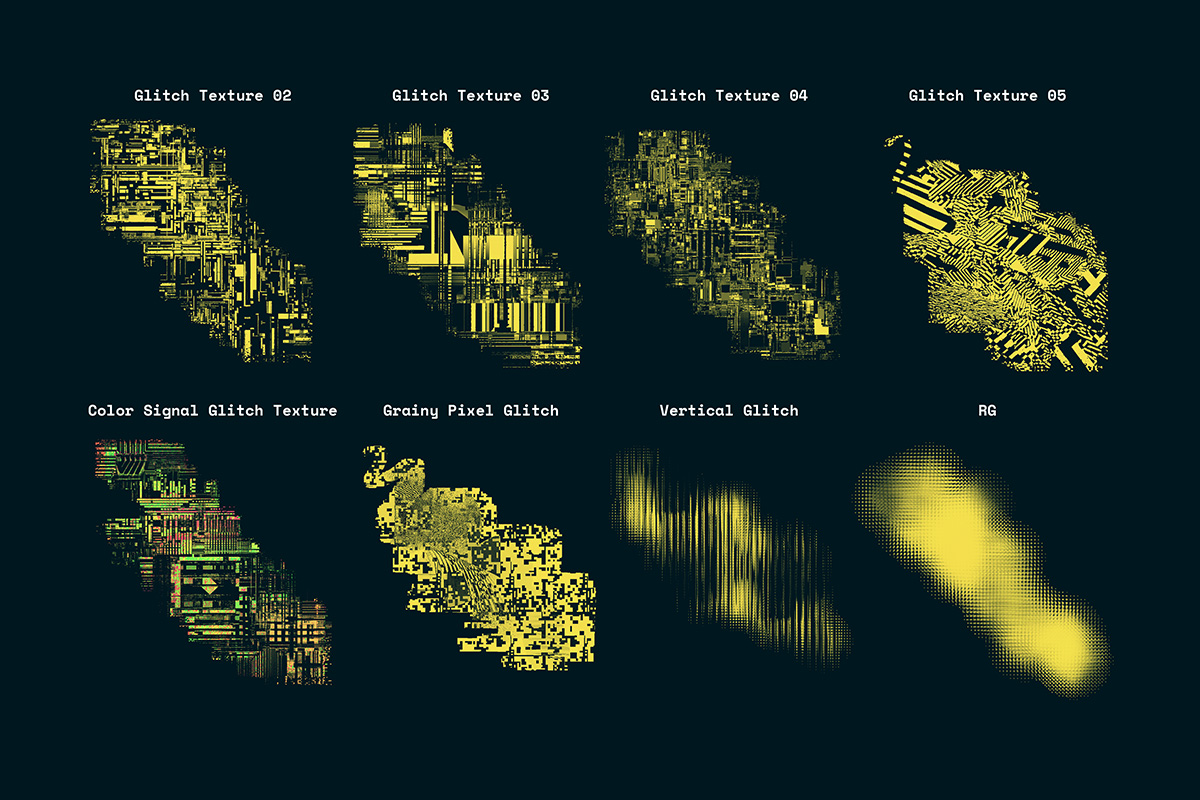
- Glitch Texture: Produce various glitch textures.
- Color Signal Glitch Texture: Generate random color signal glitch textures and effects.
- Grainy Pixel Glitch: Combine grain, pixel, and glitch textures.
- Vertical Glitch: Create vertical glitched lines.
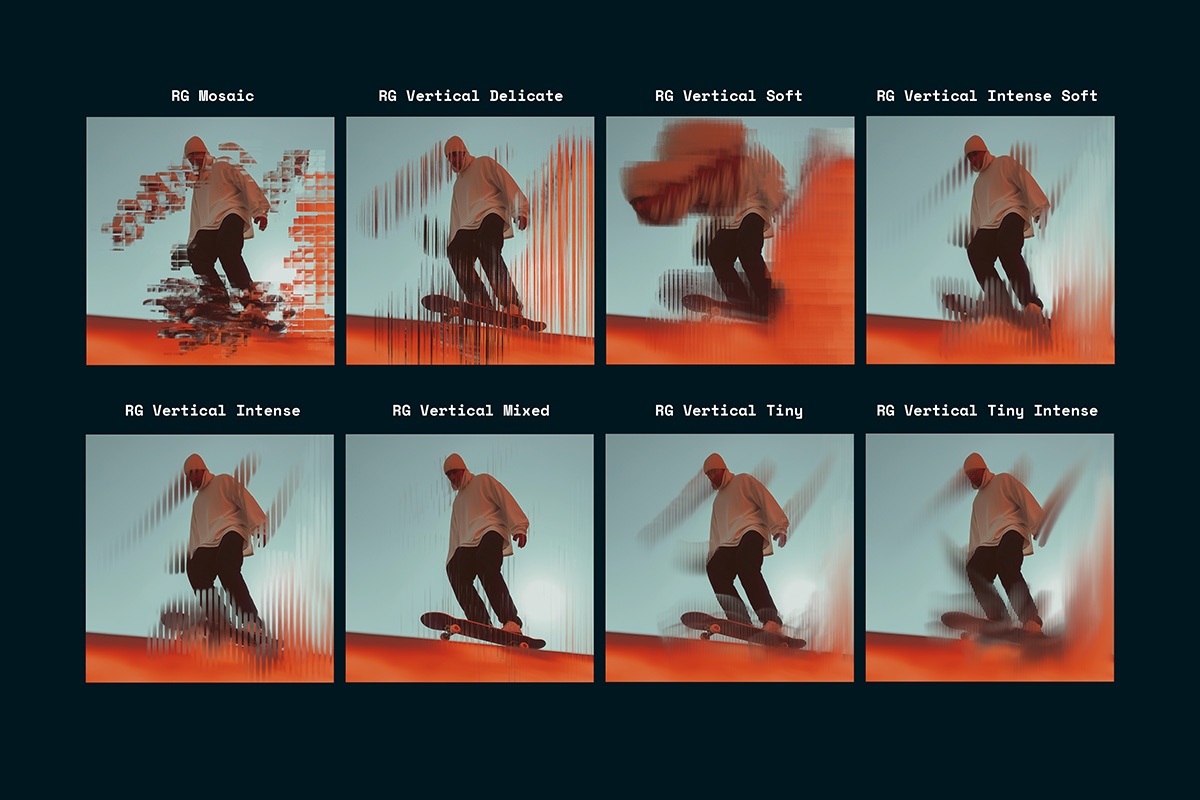
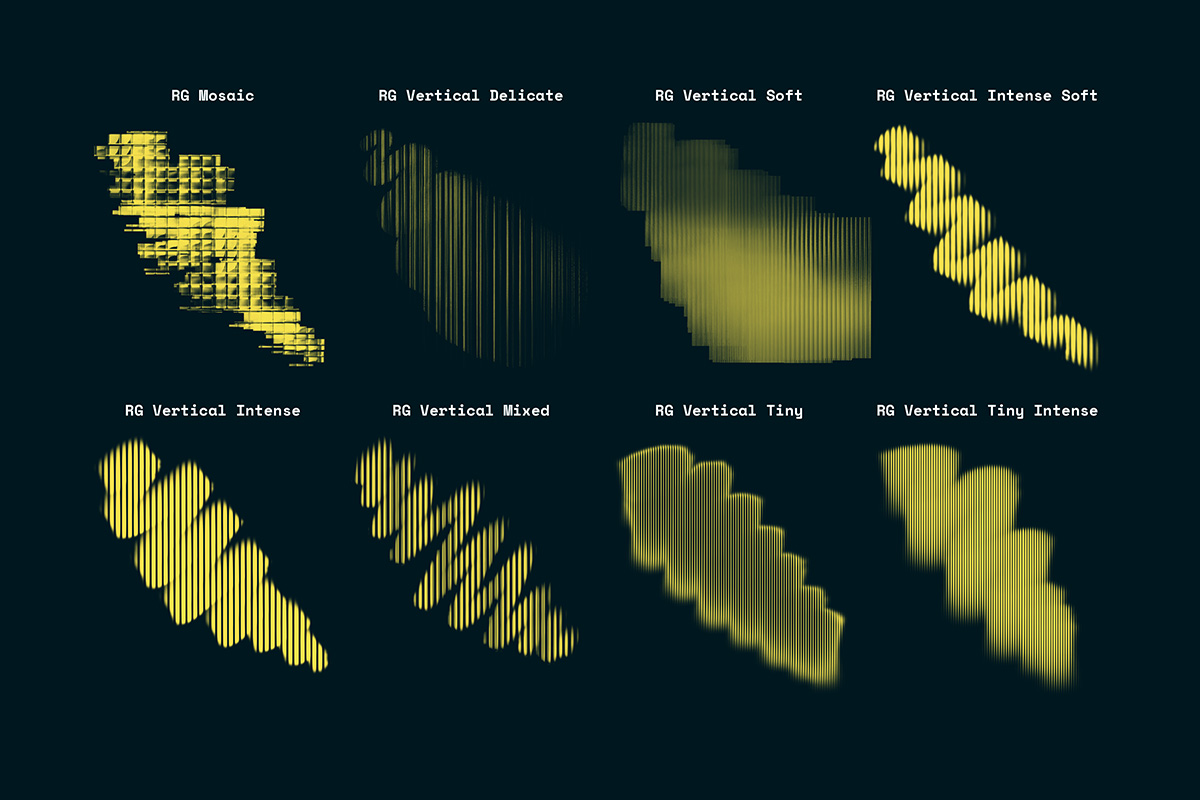
- RG Brushes: Apply various refracted glass effects.
Elevate your digital art with the **Digital Decay - Glitch and Pixel Brushes**, perfect for artists looking to explore the realms of pixel art and glitch aesthetics.
FAQs
What are digital products?
Digital products at Skillshare are expertly crafted tools, resources, and templates developed by top creatives that are available to you for purchase. With a wide range of resources to suit every creative need, they are actionable, making your learning experience real and unforgettable.
How can I purchase a digital product?
Anyone can purchase a digital product on Skillshare — click Buy now to enter your payment information and complete your purchase. Once payment is complete, all files will be available for download instantly from this page. You'll also receive an email with a link to download your digital product after purchase.
Is there a limit to how many times I can download a digital product?
No, there is no limit to how many times you can download a digital product. Even if a product is removed by the creator, you can still access the download page in most cases by logging in to your Skillshare account.
Can I get a refund or cancel my digital product purchase?
Digital products are non-refundable and cannot be returned or canceled. To learn more, see our refund policy in the Skillshare Help Center.
Can I make and sell my own digital products?
Absolutely! Visit How can I sell a digital product on Skillshare? to learn how you can create, list and sell your own digital products on Skillshare.