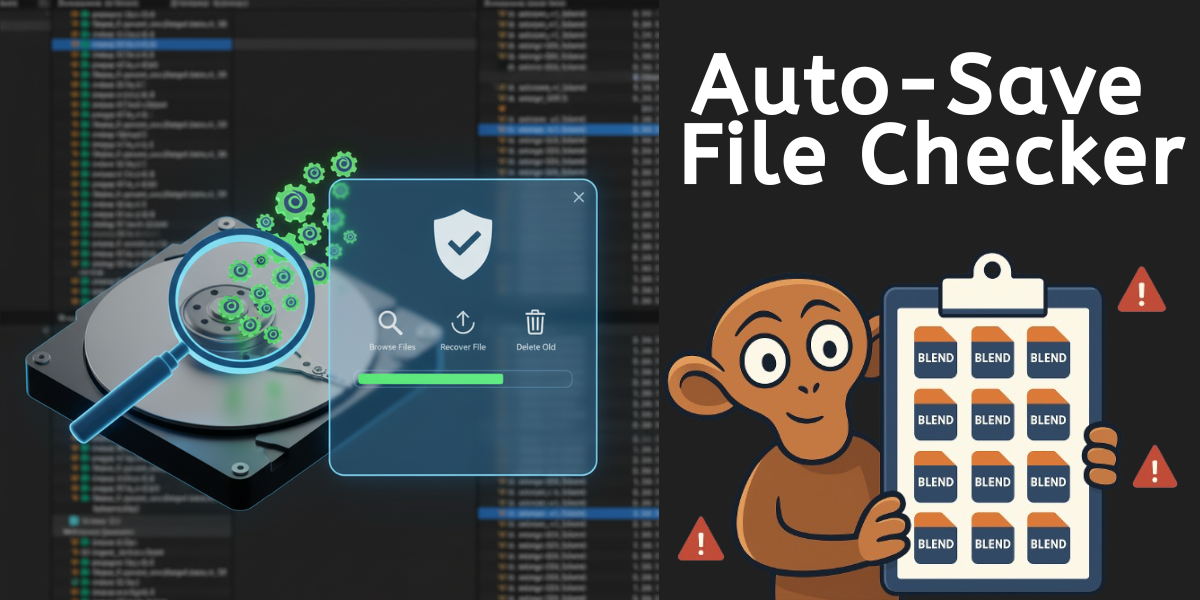
Auto-Save File Checker - Blender Addon
1 month of Skillshare
Available with PurchaseFree
All memberships will be billed automatically on a recurring basis until canceled. If eligible for a free trial, cancel before the trial ends to avoid being charged. Offer only valid for new paid subscribers. See full terms of service here.
About this product

Salman Naseem
2d 3D Animator
Never lose your work again! And reclaim your disk space! Auto-Save File Checker is a powerful Blender addon that helps you manage, browse, and recover all your auto-saved and temporary .blend files in one convenient interface.
Have you ever experienced a Blender crash and couldn't find your auto-saved files? Or noticed your hard drive suddenly running out of space? Blender's auto-save feature can accumulate hundreds of temporary files over time, quietly filling up your hard drive! These hidden files can take up gigabytes of precious storage without you even knowing.
This addon solves both problems by automatically detecting all your auto-save locations and presenting them in a clean, easy-to-use interface - making it simple to recover your work AND clean up unnecessary files to free up disk space.
⚠️ Why You Need This
Hidden Storage Problem:
Blender creates auto-save files every few minutes
These files accumulate in hidden temp folders
Can consume Many GBs of disk space over time
Most users never know these files exist
Hard drive fills up mysteriously
System performance can slow down
This addon helps you:
✅ See exactly how much space temp files are using
✅ Find and delete old unnecessary files
✅ Recover important auto-saves before cleanup
✅ Free up gigabytes of disk space in minutes
✅ Prevent future storage problems


✨ Key Features
🔍 Smart Detection
Automatically finds all Blender temp and auto-save directories
Scans system temp folders
Detects both .blend and .blend1 backup files
No manual configuration needed
Reveals hidden storage hogs
🎨 Beautiful Interface
Clean, professional UI design
Quick access panel showing 5 most recent files
Full browser window for managing all files
Real-time file statistics
See total disk space used at a glance
⚡ Powerful Search & Filter
Search files by name instantly
Sort by Date, Size, or Name
Filter results in real-time
Find your files in seconds
Sort by size to find space-wasters
👁️ Dual View Modes
Detailed View: See complete file information including paths
Compact View: Quick list view for browsing many files
🗑️ Bulk Operations
Select multiple files with checkboxes
Delete selected files in one click
Clear all temp files with safety confirmation
Recover disk space easily
Clean up months of accumulated files in seconds
📊 File Statistics
See total number of temp files
Monitor total disk space used (MB/GB)
Track selected files count and size
Stay informed about your storage
Know exactly how much space you'll recover
FAQs
What are digital products?
Digital products at Skillshare are expertly crafted tools, resources, and templates developed by top creatives that are available to you for purchase. With a wide range of resources to suit every creative need, they are actionable, making your learning experience real and unforgettable.
How can I purchase a digital product?
Anyone can purchase a digital product on Skillshare — click Buy now to enter your payment information and complete your purchase. Once payment is complete, all files will be available for download instantly from this page. You'll also receive an email with a link to download your digital product after purchase.
Is there a limit to how many times I can download a digital product?
No, there is no limit to how many times you can download a digital product. Even if a product is removed by the creator, you can still access the download page in most cases by logging in to your Skillshare account.
Can I get a refund or cancel my digital product purchase?
Digital products are non-refundable and cannot be returned or canceled. To learn more, see our refund policy in the Skillshare Help Center.
Can I make and sell my own digital products?
Absolutely! Visit How can I sell a digital product on Skillshare? to learn how you can create, list and sell your own digital products on Skillshare.