Render Bender: Blender Compositor
1 month of Skillshare
Available with PurchaseFree
All memberships will be billed automatically on a recurring basis until canceled. If eligible for a free trial, cancel before the trial ends to avoid being charged. Offer only valid for new paid subscribers. See full terms of service here.
About this product

3D Tudor
Bestselling Blender Author & 3D Educator
Finish your own Blender renders
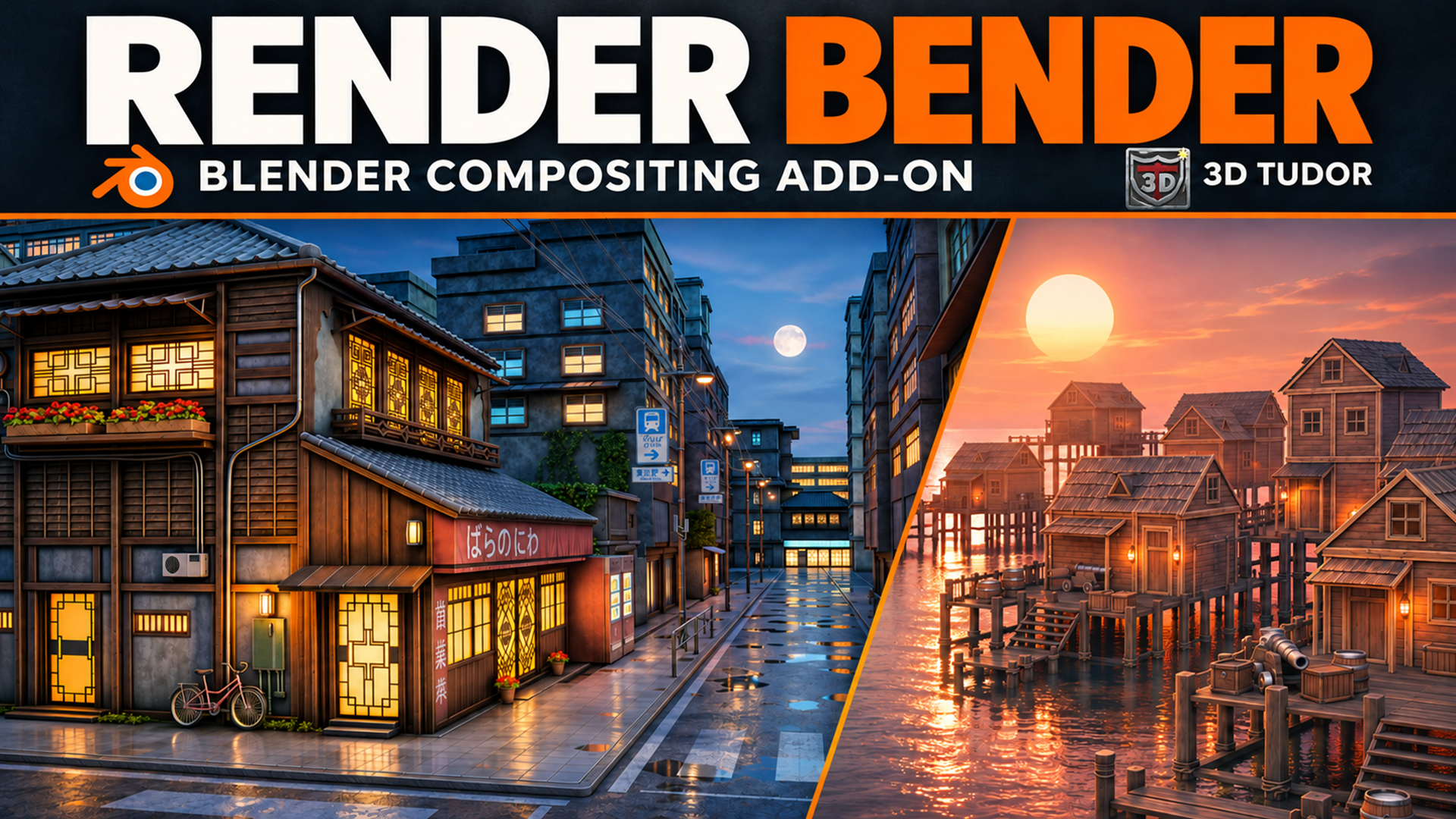
Shape the colour, atmosphere and camera character of a scene with Render Bender. The add-on organises finishing controls into Blender panels, helping you work through a look without rebuilding the compositor for each variation.
What you can adjust
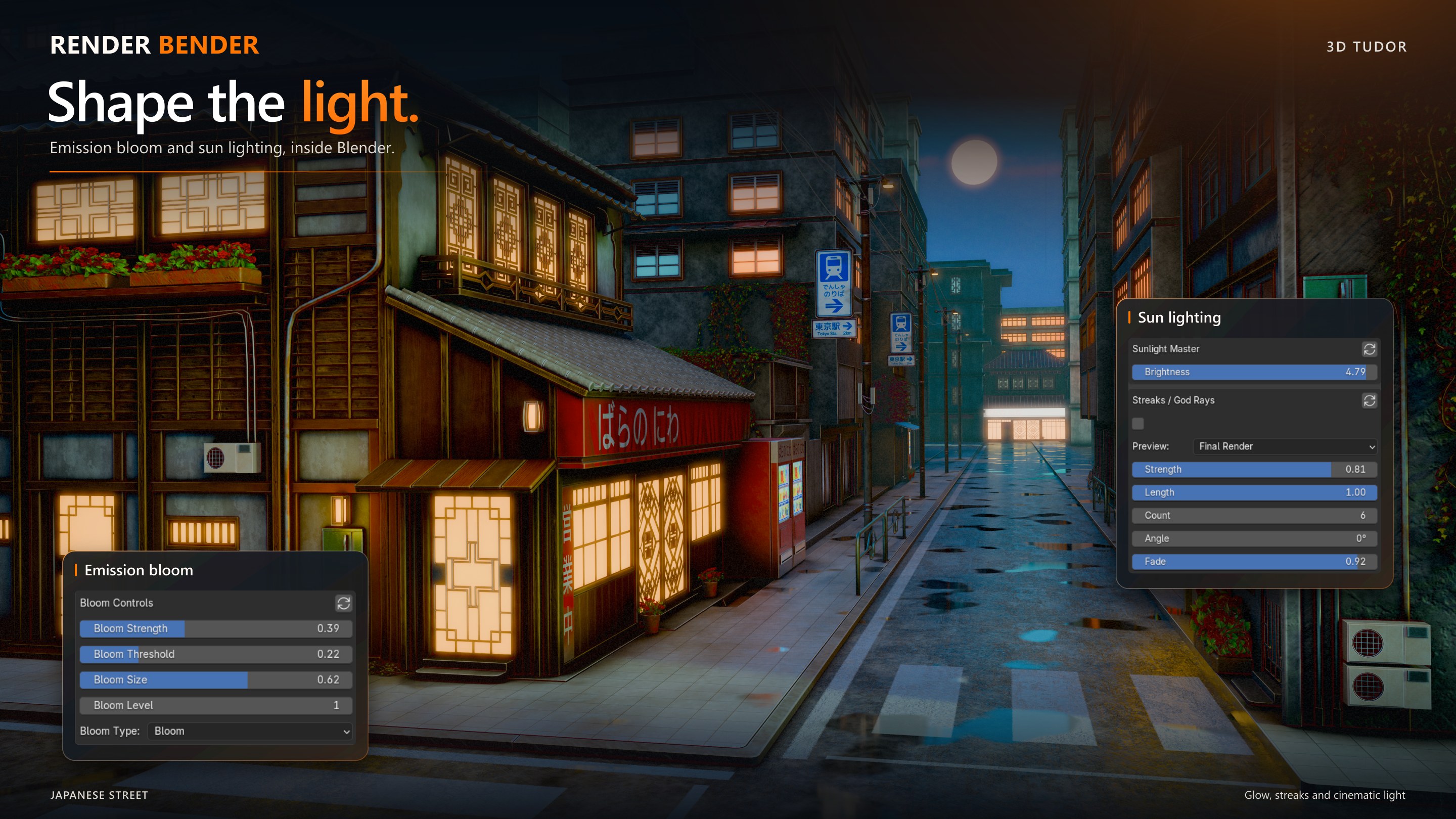
Overall colour and contrast, plus separate emission, glossy, environment and ambient-occlusion contributions.
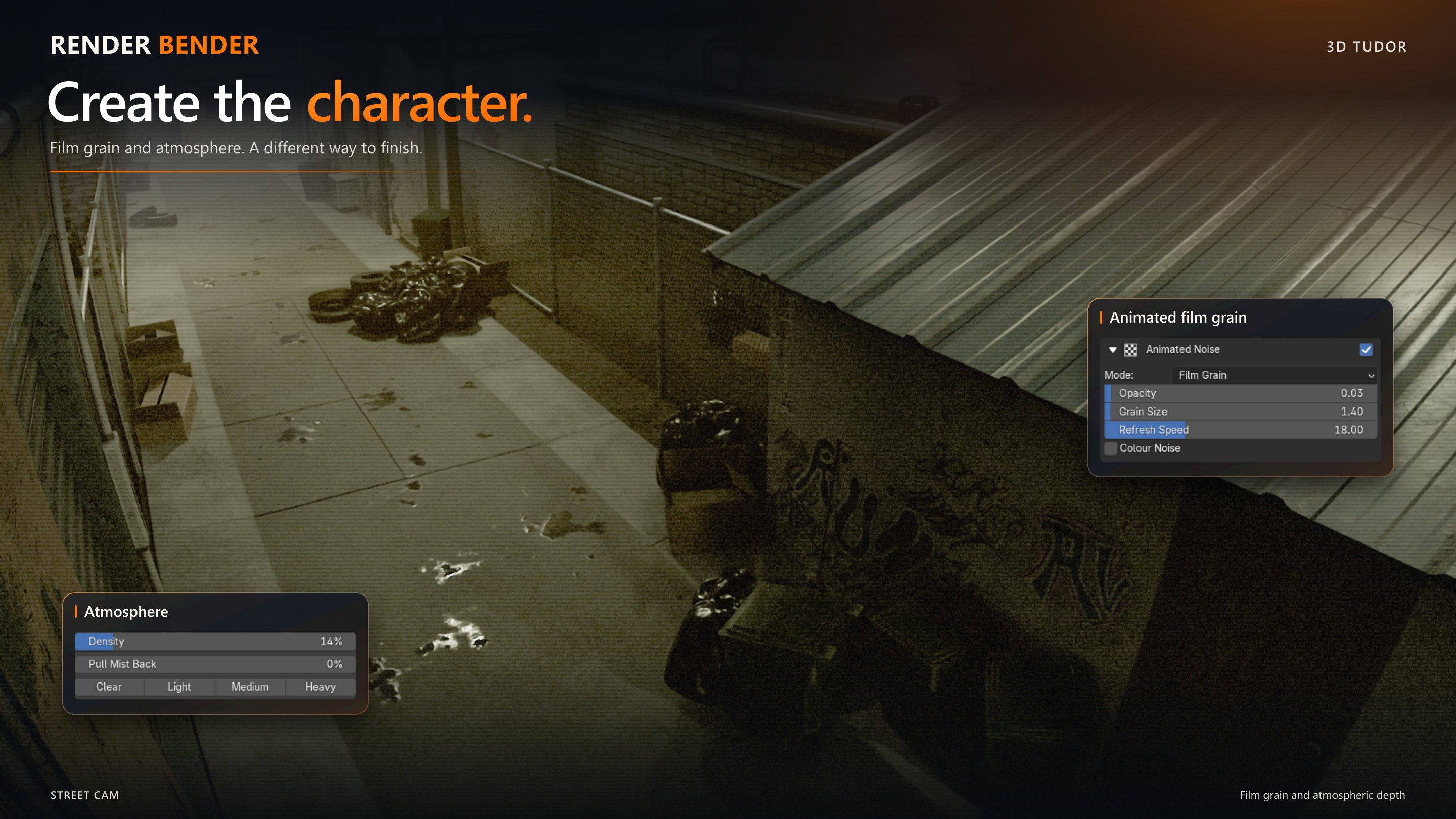
Depth mist, existing rendered volume lighting and transmissive water.
Captured Edgewear and Cavities masks for surface accents.
Film grain, CRT/VHS treatments, glitches, light leaks and heat distortion through Animated VFX.
Start from 74 factory entries: nine global and 65 section entries, including neutral resets. Save your own variations and export/import presets when transferring to another computer.

Included downloads
Render Bender add-on installer ZIP with helper modules and factory presets.
Getting-started text guide covering installation, first render, presets, saving images and troubleshooting.
Bundled README, preset guide and version notes.
Before you begin
Requires Blender 5.2, with Cycles for the full render-pass workflow. Tested on Windows; macOS and Linux compatibility has not been verified. Install the ZIP directly through Blender Preferences, enable the add-on, save a working copy of your scene and run setup before rendering.
Scene-dependent controls need the correct inputs: emissive pixels, transmissive water materials or captured masks. The Volume section adjusts existing rendered volume light; it does not create fog geometry. Refresh captured still masks when the camera, geometry or frame changes. Animation support follows the documented Colour and Animated VFX workflows.
Example scenes, models and textures pictured in the artwork are not included. This is a standalone paid add-on, separate from Skillshare classes. Consult the included version notes for current workflow limitations.
The gallery includes a 15-second workflow excerpt played at 6× speed. The control breakdown images illustrate available controls, rather than exact settings for the pictured renders.
The Python add-on code is supplied under GNU GPL 3.0, with the licence included in the installer.
Happy modelling everyone!
Neil - 3D Tudor

FAQs
What are digital products?
Digital products at Skillshare are expertly crafted tools, resources, and templates developed by top creatives that are available to you for purchase. With a wide range of resources to suit every creative need, they are actionable, making your learning experience real and unforgettable.
How can I purchase a digital product?
Anyone can purchase a digital product on Skillshare — click Buy now to enter your payment information and complete your purchase. Once payment is complete, all files will be available for download instantly from this page. You'll also receive an email with a link to download your digital product after purchase.
Is there a limit to how many times I can download a digital product?
No, there is no limit to how many times you can download a digital product. Even if a product is removed by the creator, you can still access the download page in most cases by logging in to your Skillshare account.
Can I get a refund or cancel my digital product purchase?
Digital products are non-refundable and cannot be returned or canceled. To learn more, see our refund policy in the Skillshare Help Center.
Can I make and sell my own digital products?
Absolutely! Visit How can I sell a digital product on Skillshare? to learn how you can create, list and sell your own digital products on Skillshare.