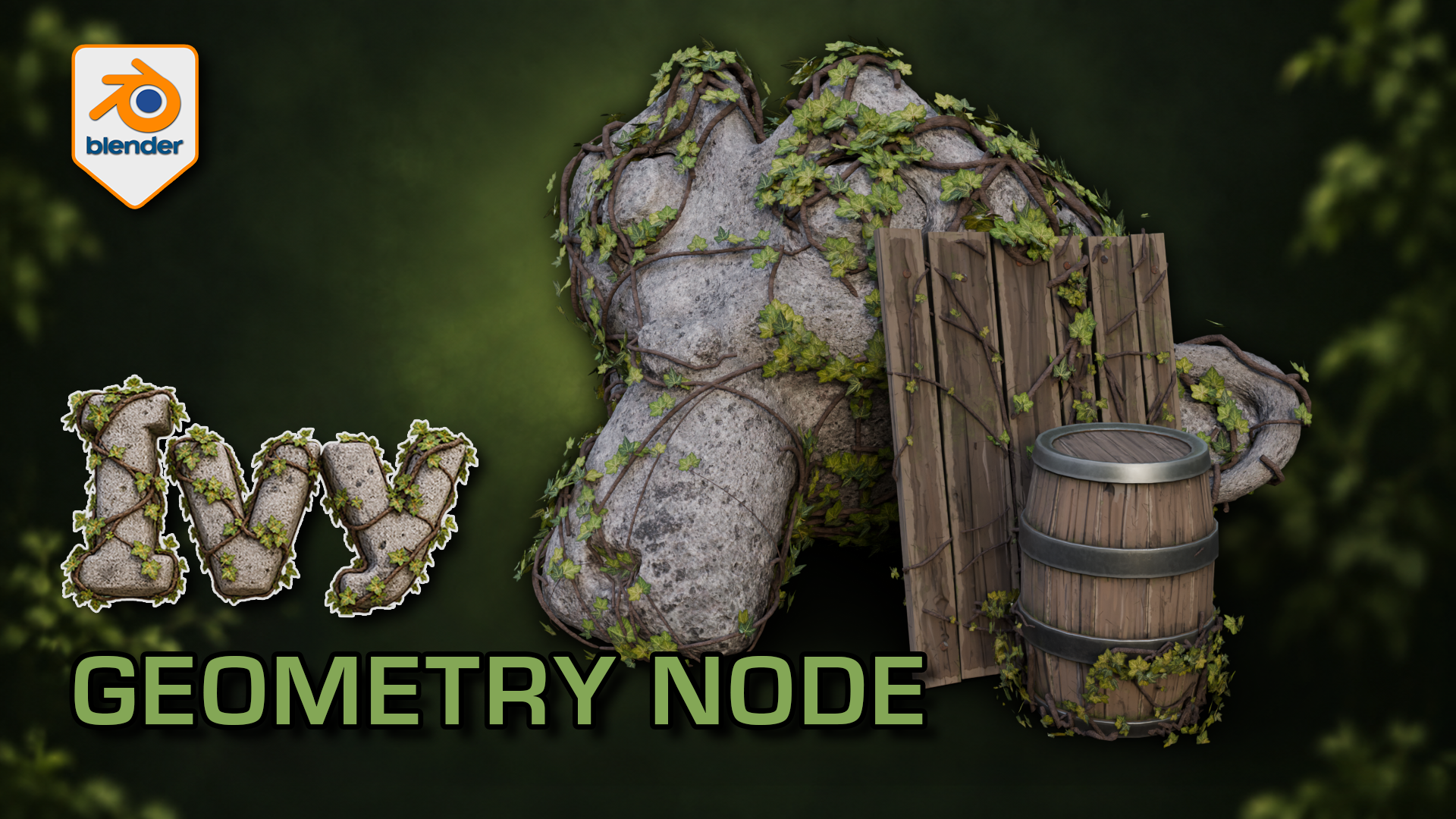
Ivy Generator for Blender: Geometry Nodes
1 month of Skillshare
Available with PurchaseFree
All memberships will be billed automatically on a recurring basis until canceled. If eligible for a free trial, cancel before the trial ends to avoid being charged. Offer only valid for new paid subscribers. See full terms of service here.
About this product

3D Tudor
Bestselling Blender Author & 3D Educator
Watch the Ivy Generator in action: 3D Tudor’s Blender generator video overview on YouTube.
Give a familiar prop an overgrown finish while practising a more deliberate foliage workflow. This 3D Tudor Blender resource includes two prepared ivy arrangements and an editable Geometry Nodes modifier with 39 controls.
Try it in three passes
First, move a start point and adjust the spread around the supplied surfaces. Next, change the balance between the leafy centre and the lighter outer growth. Finally, refine the stem shape and leaf appearance with the camera angle in mind.
The included silent demonstrations let you watch the controls being explored. Use the Getting Started guide alongside the Blender file, then try the same process on your own scene. This is a downloadable creative tool and reference project, rather than a narrated class.
What you receive
- One native Blender Geometry Nodes ivy generator with 39 exposed controls across six panels.
- Two prepared ivy setups, with start-point and target-surface collections already connected.
- Five supporting leaf meshes, stem materials and packed image textures inside the project.
- The supplied demonstration scene with stone and wooden props, plus a Getting Started guide.
- Two full silent control demonstrations and a 12-second rendered arcshot in a separate download.
Use Blender 5.1.2 and Cycles, the combination checked for this file. No addon installation is required. Earlier Blender versions and equivalent Eevee results have not been verified. For a game-engine project, prepare your own export, materials, collision and performance settings after building the ivy in Blender.
Ivy stems cross the rock and timber surfaces while clusters of leaves leave the underlying forms readable.
Solid shading separates the leaf meshes and stems from their textures; the modifier exposes placement and optimisation controls.
The wireframe view helps inspect how the procedural ivy geometry sits around the supplied example surfaces.
The gallery includes short excerpts from each controls demonstration; both complete recordings are included in the downloadable video ZIP.
FAQs
What are digital products?
Digital products at Skillshare are expertly crafted tools, resources, and templates developed by top creatives that are available to you for purchase. With a wide range of resources to suit every creative need, they are actionable, making your learning experience real and unforgettable.
How can I purchase a digital product?
Anyone can purchase a digital product on Skillshare — click Buy now to enter your payment information and complete your purchase. Once payment is complete, all files will be available for download instantly from this page. You'll also receive an email with a link to download your digital product after purchase.
Is there a limit to how many times I can download a digital product?
No, there is no limit to how many times you can download a digital product. Even if a product is removed by the creator, you can still access the download page in most cases by logging in to your Skillshare account.
Can I get a refund or cancel my digital product purchase?
Digital products are non-refundable and cannot be returned or canceled. To learn more, see our refund policy in the Skillshare Help Center.
Can I make and sell my own digital products?
Absolutely! Visit How can I sell a digital product on Skillshare? to learn how you can create, list and sell your own digital products on Skillshare.