Easy Texture Paint - One-Click UV, Paint Modes
1 month of Skillshare
Available with PurchaseFree
All memberships will be billed automatically on a recurring basis until canceled. If eligible for a free trial, cancel before the trial ends to avoid being charged. Offer only valid for new paid subscribers. See full terms of service here.
About this product

Junaid Alam
3D Artist
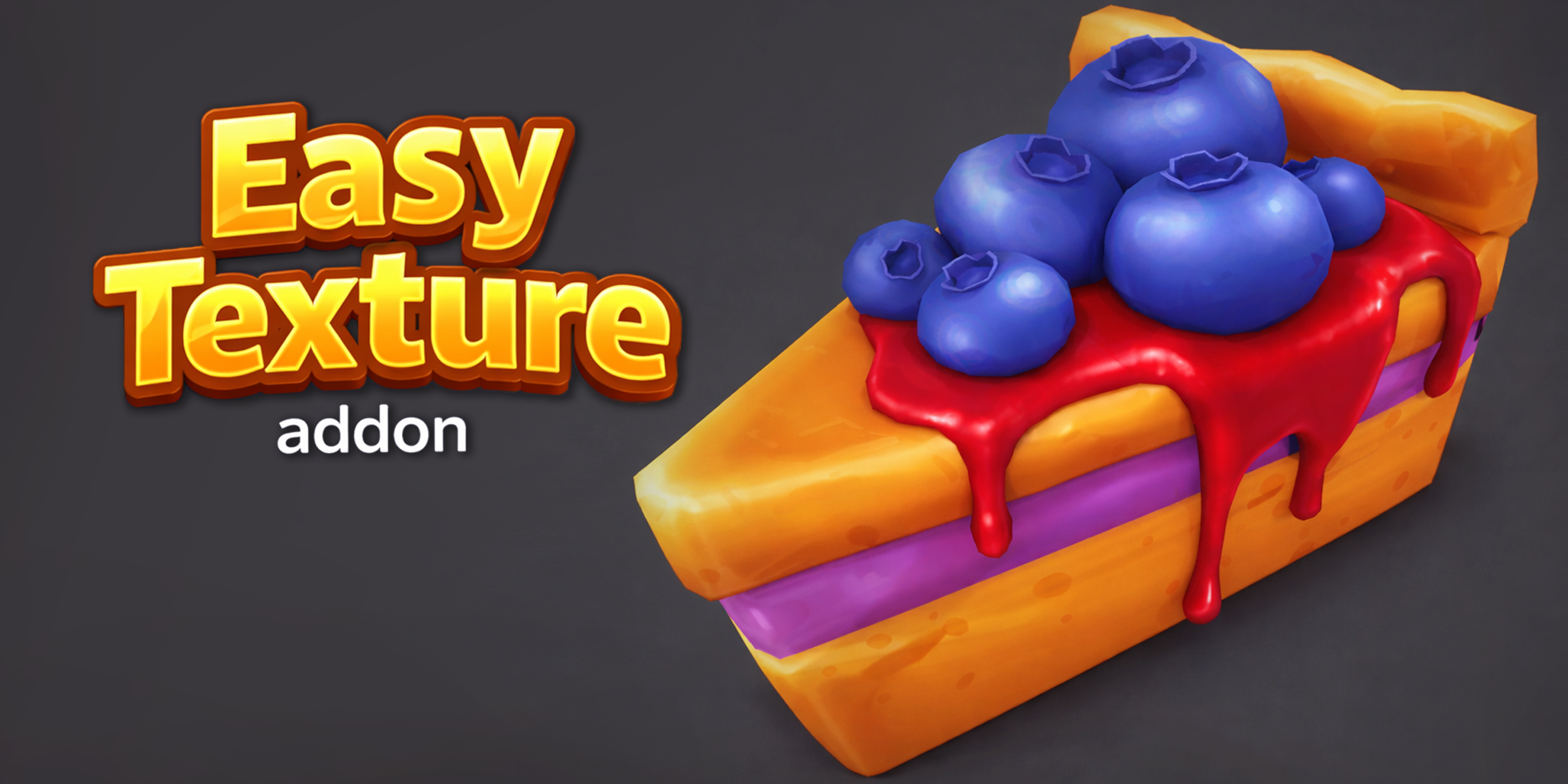
Easy Texture Paint is the Blender texture painting add-on built for artists who want to skip the setup and get straight to creating. Whether you're hand-painting stylized characters, detailing hard-surface models, or adding depth to environment props, this add-on removes every repetitive step that slows you down.

What It Does With a single click, Easy Texture Paint automatically unwraps your UVs, creates a new texture, and drops you directly into Texture Paint mode, ready to paint. No more jumping between menus, manually creating image textures, or hunting through settings before you can even start.
Specialized Paint Modes The add-on includes dedicated modes for color painting, shadow painting, and shine painting, giving you a focused, distraction-free brush environment for each stage of your texturing workflow. Switch between modes instantly from the Quick Texture panel in the Blender sidebar.


Built-In AO Shadow Tool Add convincing ambient occlusion shadows to your painted textures with one click. The integrated AO shadow tool bakes depth and contact shadows directly into your texture, enhancing realism without requiring a complex node setup or external baking workflow.
Autosave Never Lose Your Work Easy Texture Paint includes built-in autosave so your painted textures are protected throughout your session. No more losing progress from an accidental crash or forgotten save.
Who Is This For?
Blender artists tired of repetitive texture setup
Game asset creators who need a fast hand-painting workflow
Character and prop artists working in stylized or semi-realistic styles
Beginners who want a simple, guided path into texture painting
Professionals who want to speed up their pipeline without sacrificing quality
Why Artists Love It Setup that used to take 5–10 minutes now takes seconds. Easy Texture Paint is designed around a single philosophy: reduce friction so artists can focus on what actually matters painting and detailing their models.
Compatible with Blender 3.6 and above. Accessible from View3D > Sidebar > Quick Texture.
FAQs
What are digital products?
Digital products at Skillshare are expertly crafted tools, resources, and templates developed by top creatives that are available to you for purchase. With a wide range of resources to suit every creative need, they are actionable, making your learning experience real and unforgettable.
How can I purchase a digital product?
Anyone can purchase a digital product on Skillshare — click Buy now to enter your payment information and complete your purchase. Once payment is complete, all files will be available for download instantly from this page. You'll also receive an email with a link to download your digital product after purchase.
Is there a limit to how many times I can download a digital product?
No, there is no limit to how many times you can download a digital product. Even if a product is removed by the creator, you can still access the download page in most cases by logging in to your Skillshare account.
Can I get a refund or cancel my digital product purchase?
Digital products are non-refundable and cannot be returned or canceled. To learn more, see our refund policy in the Skillshare Help Center.
Can I make and sell my own digital products?
Absolutely! Visit How can I sell a digital product on Skillshare? to learn how you can create, list and sell your own digital products on Skillshare.