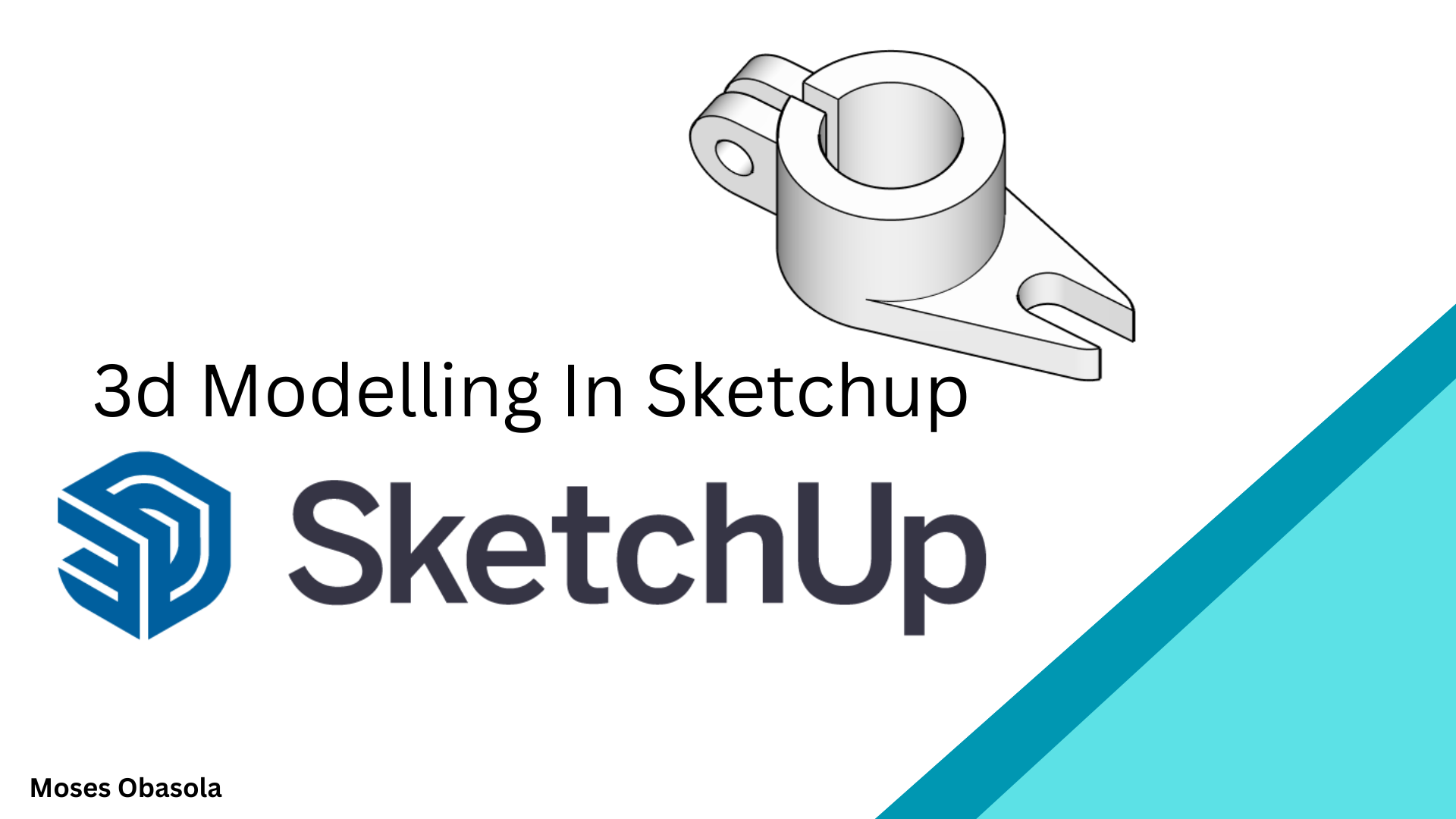
3D Modeling in SketchUp: Essentials for Beginners
1 month of Skillshare
Available with PurchaseFree
All memberships will be billed automatically on a recurring basis until canceled. If eligible for a free trial, cancel before the trial ends to avoid being charged. Offer only valid for new paid subscribers. See full terms of service here.
About this product

3D Modelling in SketchUp: From Beginner to Confident 3D Designer
Learn how to create impressive 3D models from scratch using SketchUp, one of the most intuitive and powerful 3D modelling tools for architecture, interior design, engineering, woodworking, product design, and creative visualisation.
Whether you are completely new to SketchUp or want to improve your existing modelling skills, this practical video tutorial takes you through the essential tools and techniques you need to start creating your own 3D models with confidence.
What You'll Learn
In this hands-on SketchUp class, you'll learn how to:
Navigate the SketchUp interface and workspace
-Create and edit basic 2D shapes
-Turn 2D drawings into 3D models
-Use essential SketchUp drawing and modification tools
-Apply Push/Pull, Move, Rotate, Scale, Offset, Follow Me, and other important tools
-Create accurate dimensions and proportions
-Organise models using Groups and Components
-Create 3D Machining products
Who Is This Class For?
This class is ideal for:
Beginners learning SketchUp for the first time
Architecture and interior design students
Engineering students and professionals
Designers interested in 3D modelling
Creators who want to turn 2D ideas into 3D models
No advanced 3D modelling experience is required. The lessons are designed to be practical and easy to follow, allowing you to learn by actually building models.
Why Learn SketchUp?
SketchUp makes 3D modelling accessible without requiring years of experience. Once you understand its core tools and modelling workflow, you can quickly transform your ideas into accurate and visually appealing 3D models.
By the end of this class, you'll have a stronger understanding of the SketchUp workflow and the confidence to begin creating your own 3D architectural models, interior designs, furniture, products, and other creative projects.
Start learning SketchUp today and turn your ideas into 3D models!
Find attached examples and assignments for practice.
FAQs
What are digital products?
Digital products at Skillshare are expertly crafted tools, resources, and templates developed by top creatives that are available to you for purchase. With a wide range of resources to suit every creative need, they are actionable, making your learning experience real and unforgettable.
How can I purchase a digital product?
Anyone can purchase a digital product on Skillshare — click Buy now to enter your payment information and complete your purchase. Once payment is complete, all files will be available for download instantly from this page. You'll also receive an email with a link to download your digital product after purchase.
Is there a limit to how many times I can download a digital product?
No, there is no limit to how many times you can download a digital product. Even if a product is removed by the creator, you can still access the download page in most cases by logging in to your Skillshare account.
Can I get a refund or cancel my digital product purchase?
Digital products are non-refundable and cannot be returned or canceled. To learn more, see our refund policy in the Skillshare Help Center.
Can I make and sell my own digital products?
Absolutely! Visit How can I sell a digital product on Skillshare? to learn how you can create, list and sell your own digital products on Skillshare.