Watercolors to Digital Assets to Beautiful Name Card
I had so much fun with this project! The whole process from sketching, to painting, to editing was so much fun and therapeutic. Thanks to Altea's great instructions and wonderful lesson, I was really able to get lost in the activities!
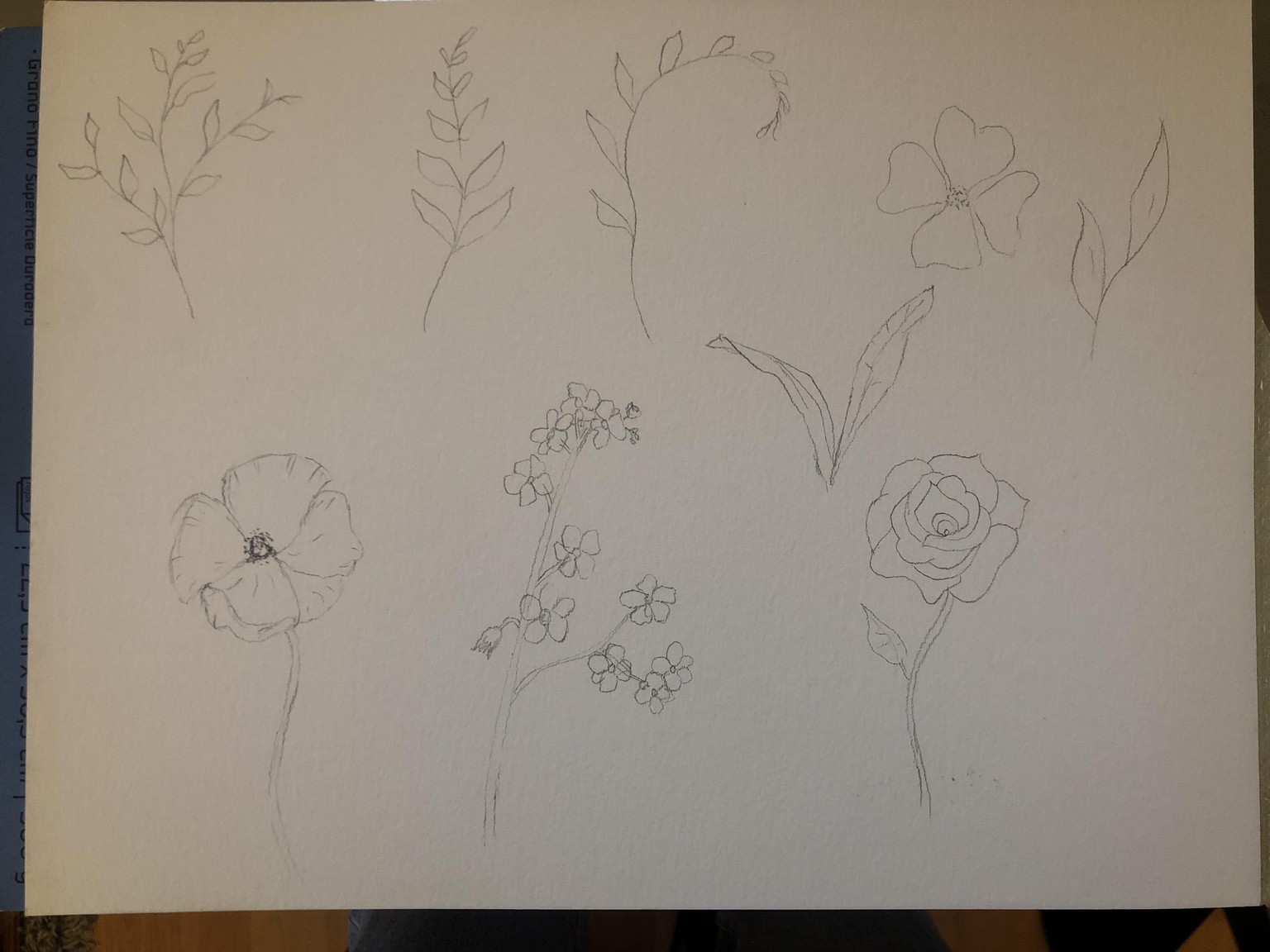
I first started sketching some elements, getting inspiration from the Pintrest board that Altea so helpfully created. I kept the branches and the leaves similar to Altea, but I added different flowers to give more variety.
After the initial sketching, I added some watercolors. The color palette that Altea chose was so beautiful and I wanted to maintain most of the same colors. But I also wanted to add a bit of purple and red to my flowers. Altea did an amazing job teaching how to paint in an easy way and this step was super fun.
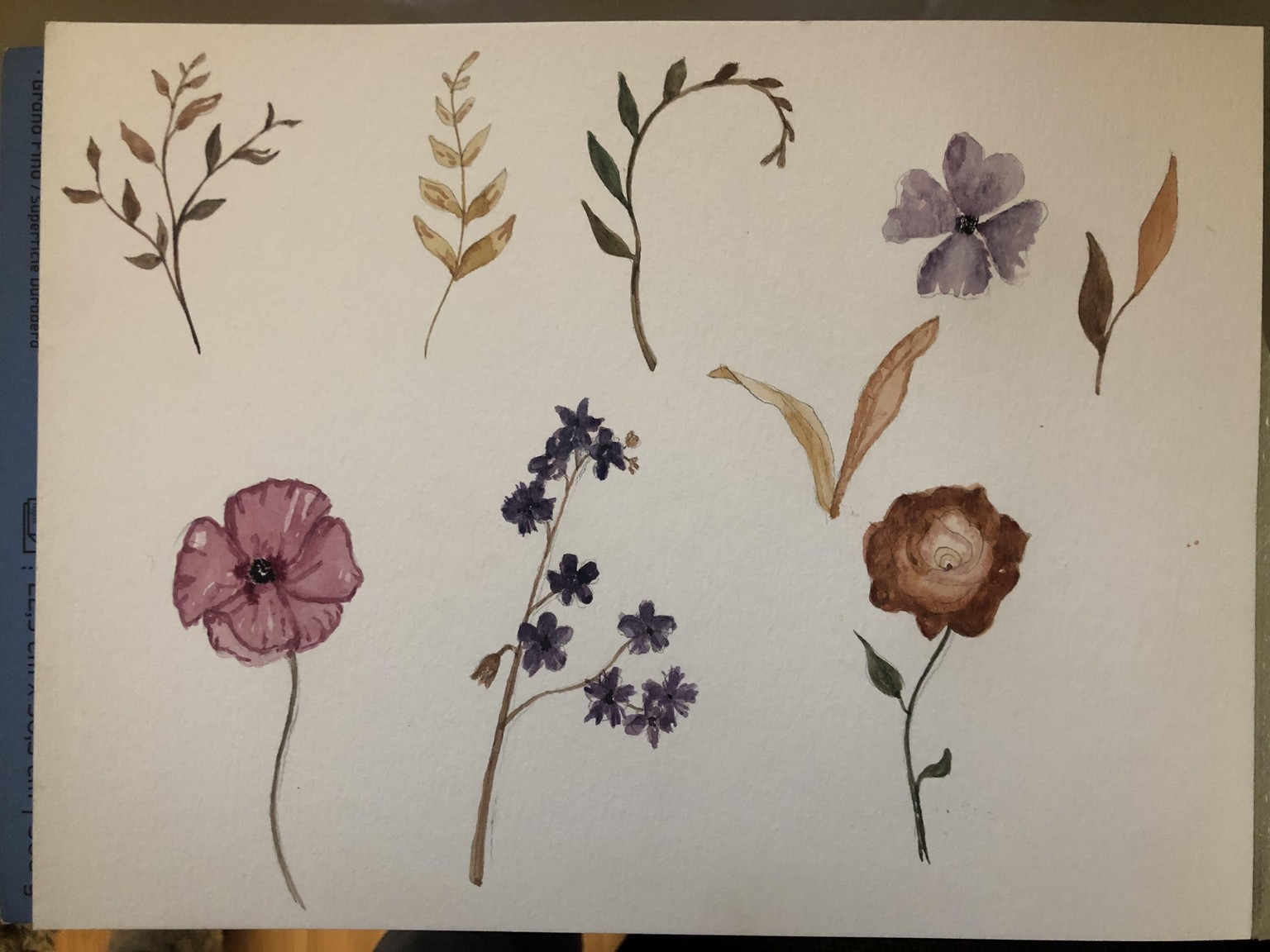
Next, I uploaded my watercolors to the computer. I just took a picture with my phone and the digitization worked so well. I was really surprised by how easy the tips that Altea suggests are to do yourself! And the results are extra-ordinary. Some of my elements after digitizing you can see below:
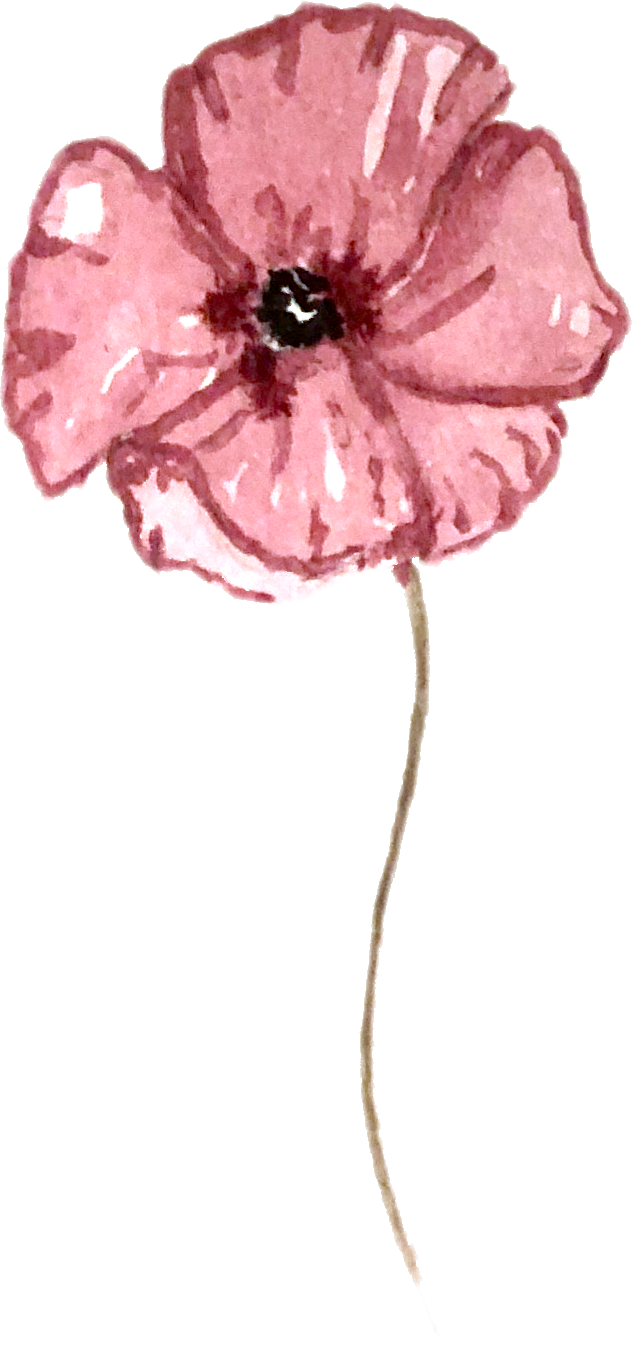
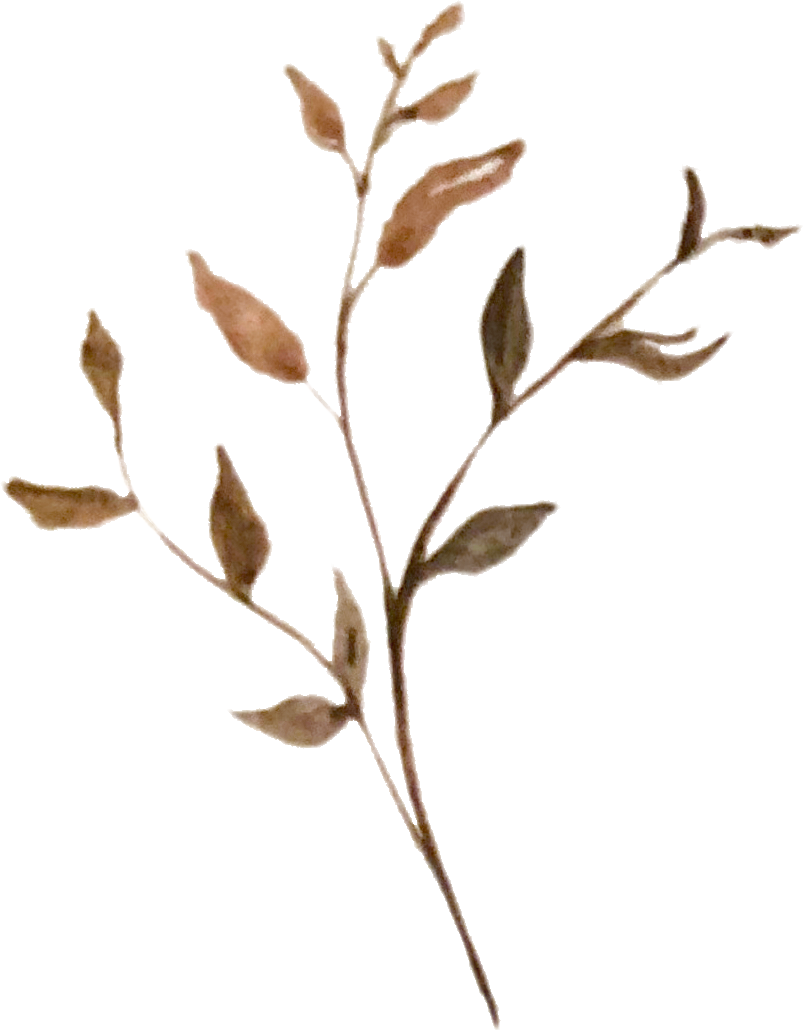
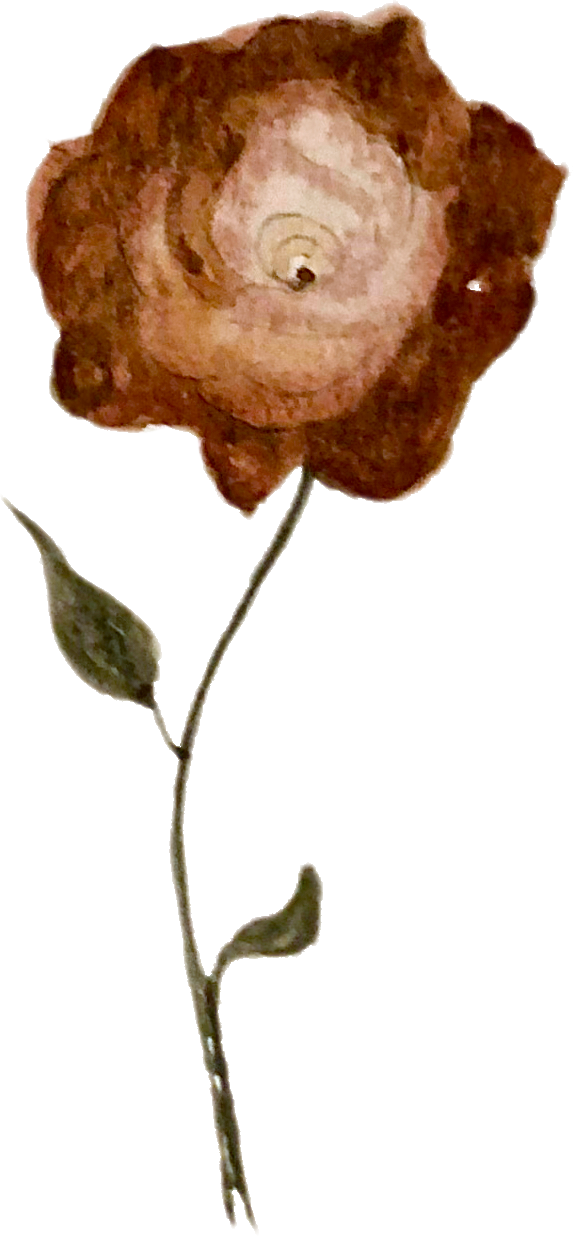
They looked even better digitized than when I first did them in watercolor! So amazing!
Lastly, I used the tips Altea gave to arrange my elements into a name card. This was also so much fun and I had a good time experimenting with different compositions.

Here is the final version! Thank you so much Altea!