Various Photo Manipulation & Editing Projects
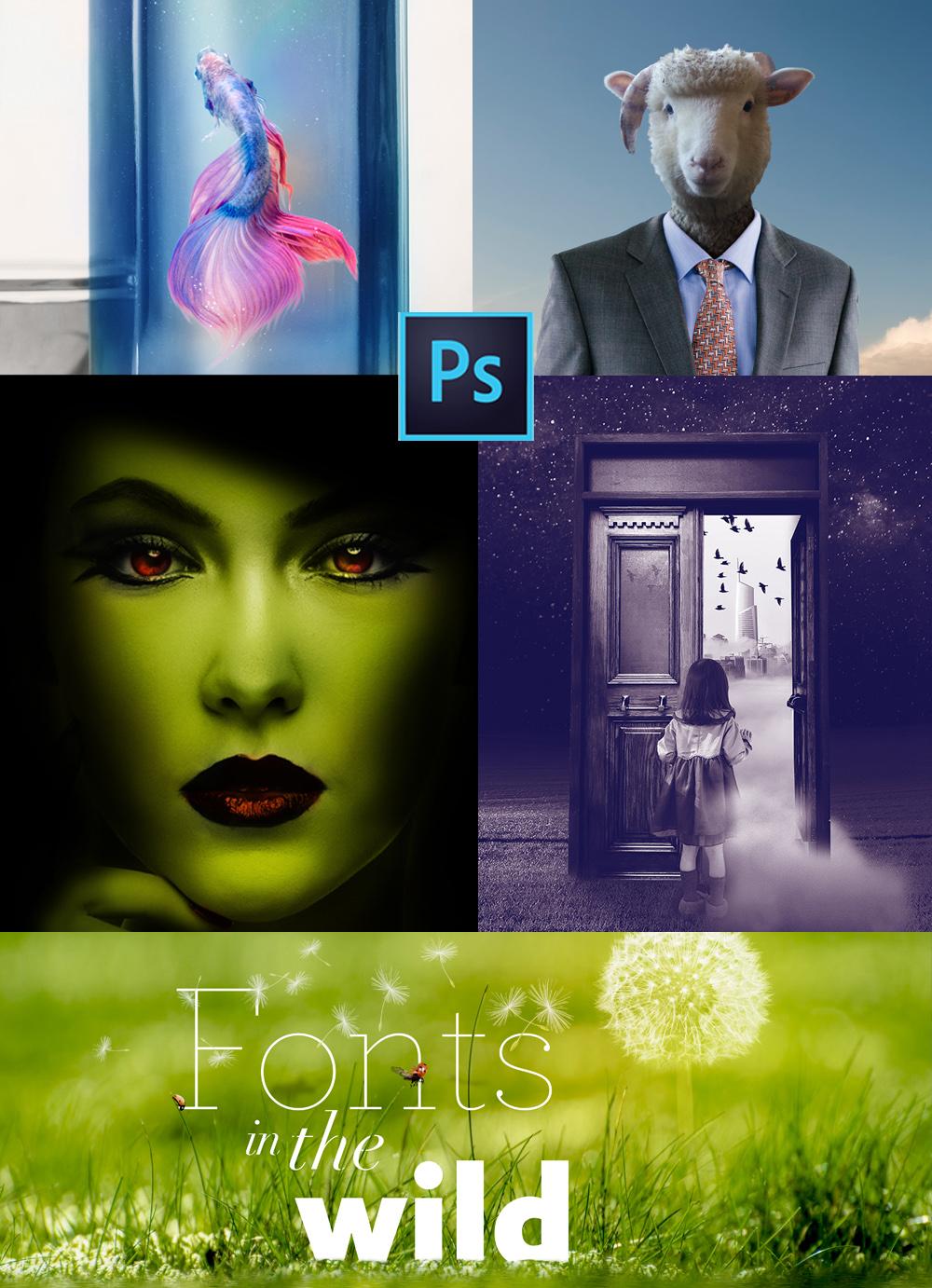
Scroll down for additional projects I have been working (playing) with lately! For those interested in following along with me on some of these projects feel free to check out my newest Photoshop Manipulation & Editing Masterclass now on Skillshare.
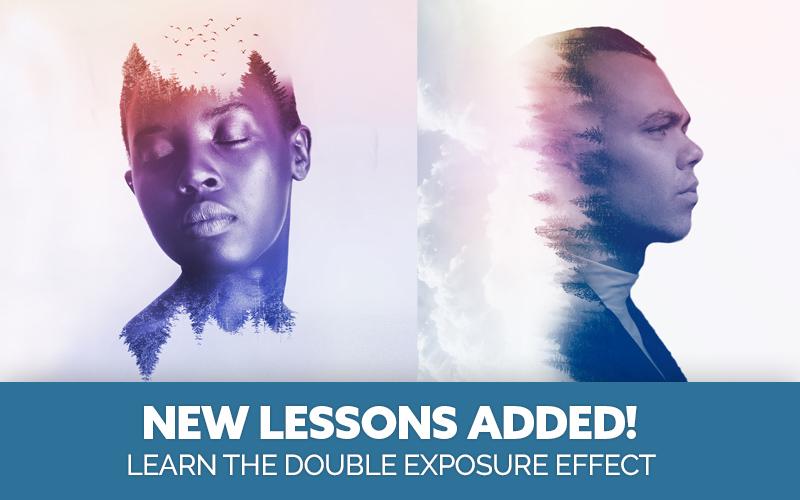
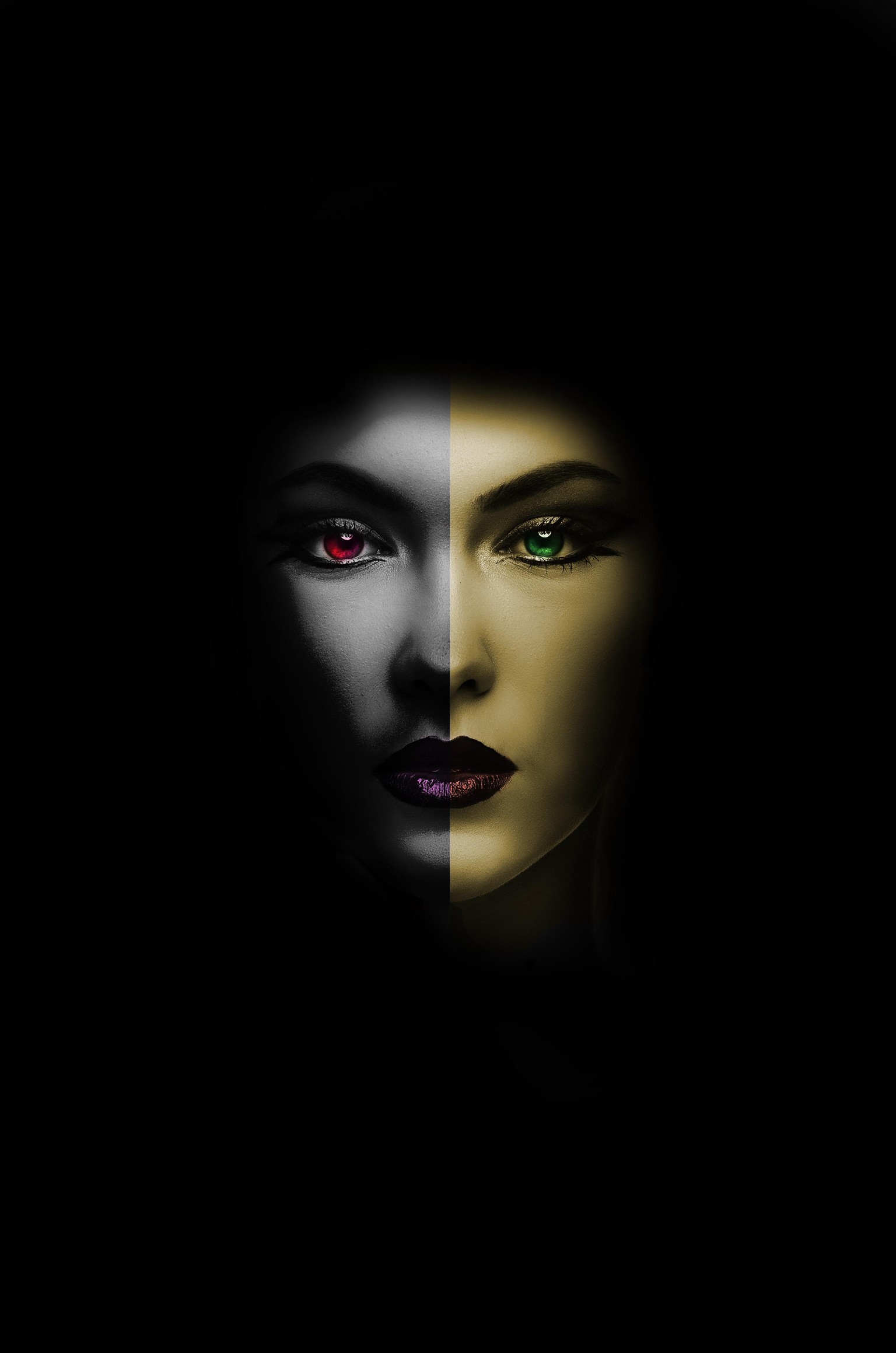
Above: The double exposure effect is trendy and for good reason! It is amazing how easy it is to achieve this effect by using the lighten blending mode. New lessons have been added to my Photoshop Manipulation and Editing Masterclass to show you how I created the woman photo above!
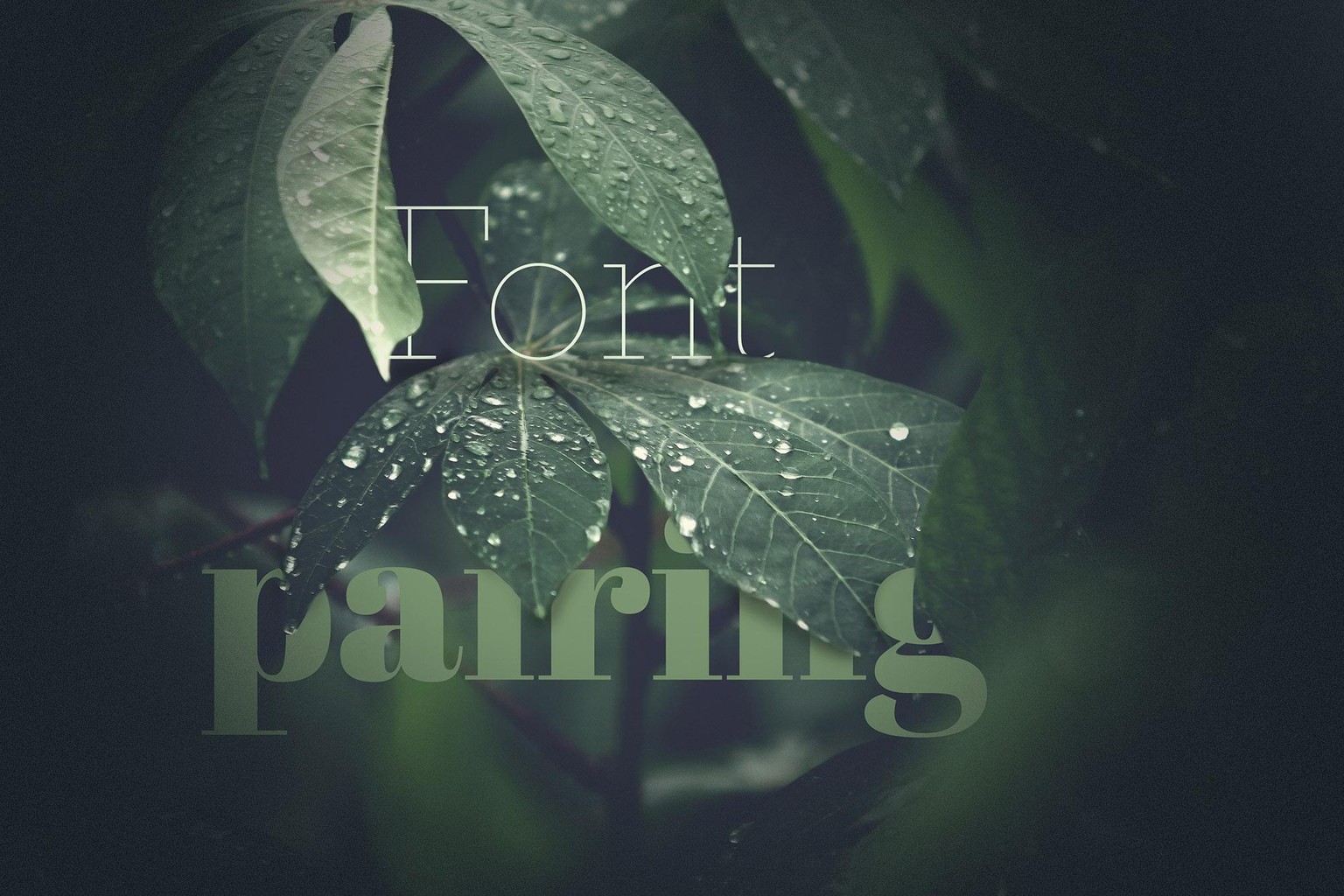
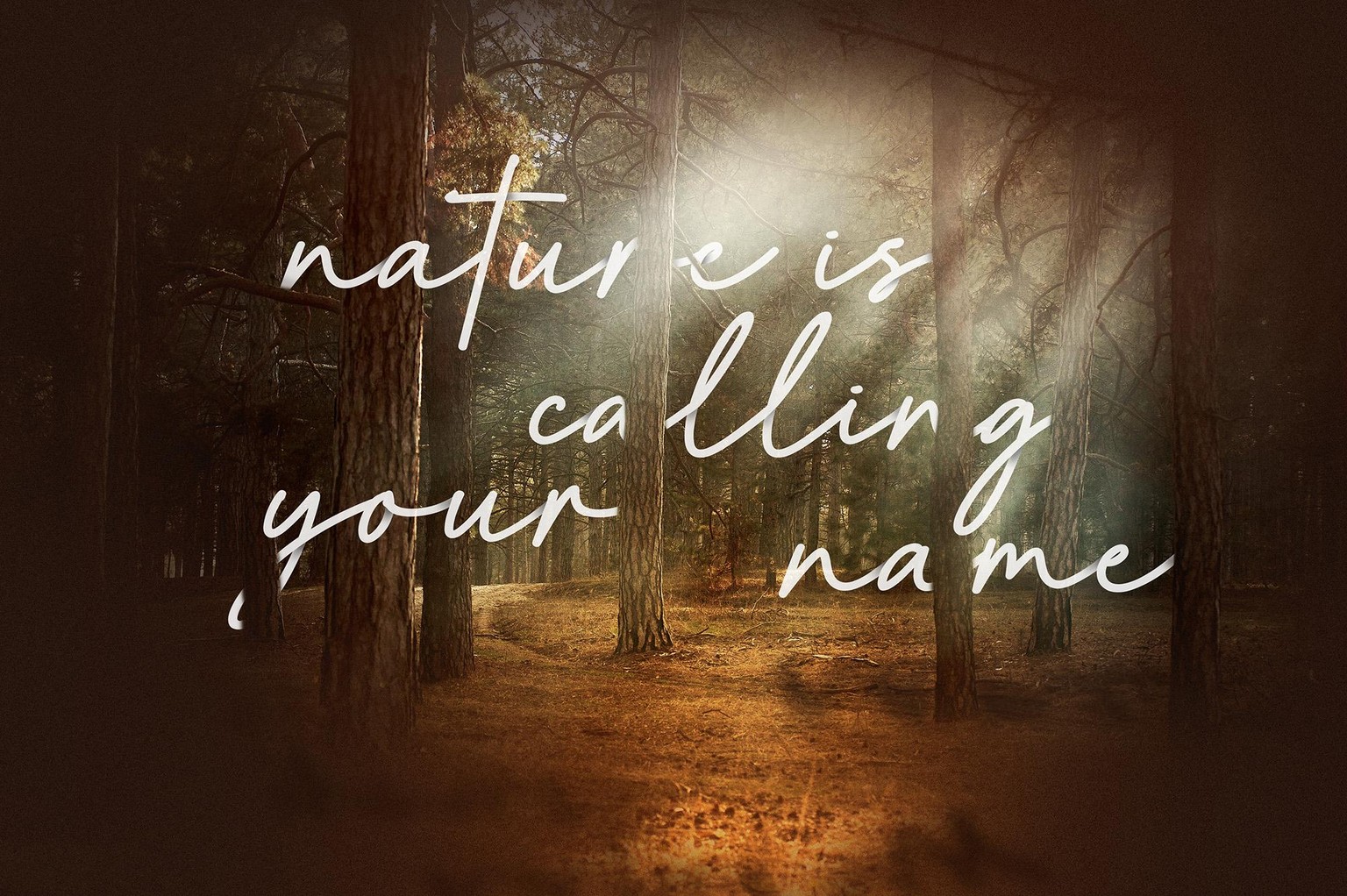
I used layer masks in Photoshop to create this layered effect without destroying any of the original layers of photo in a term called "non-destructive" editing the new gold standard in photo editing.
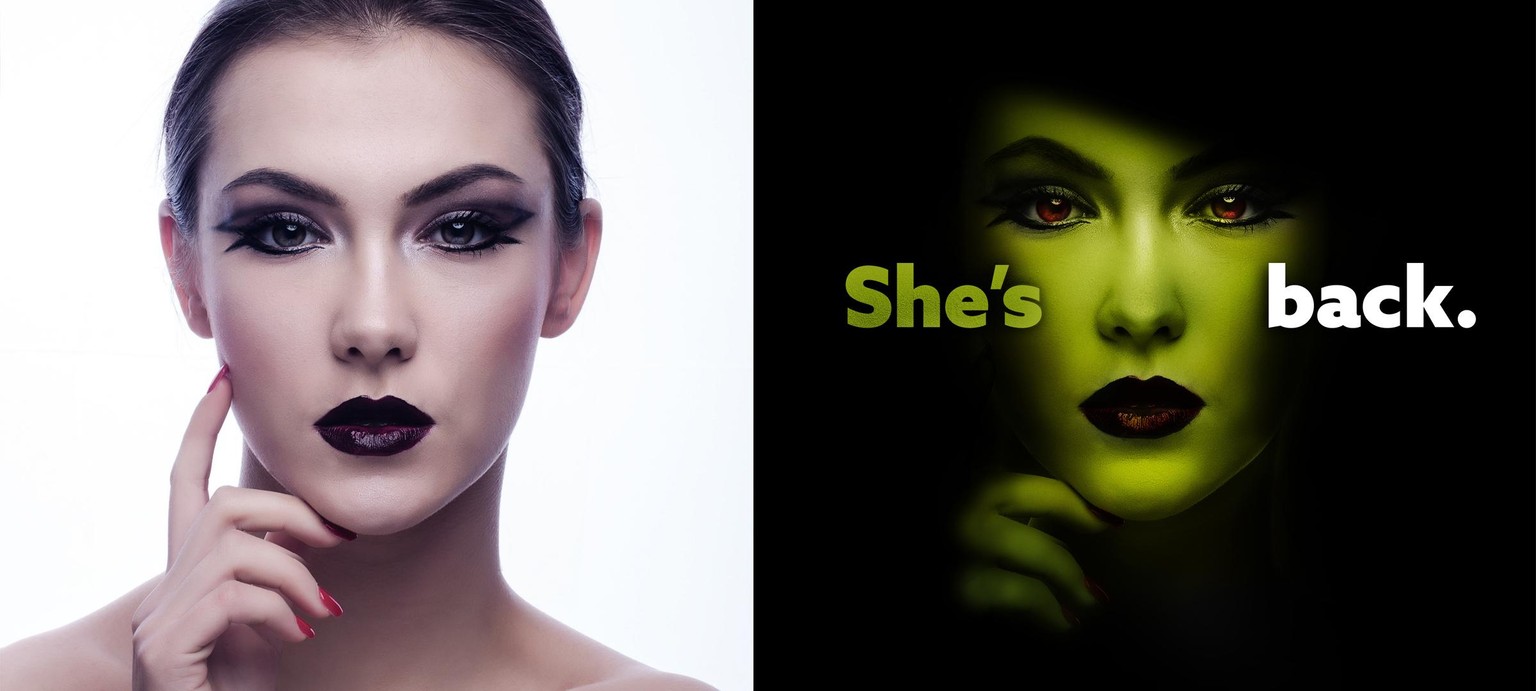
Painting on green makeup seems like a challenge, but once you switch your brush tool to overlay, you can paint almost any color makeup.
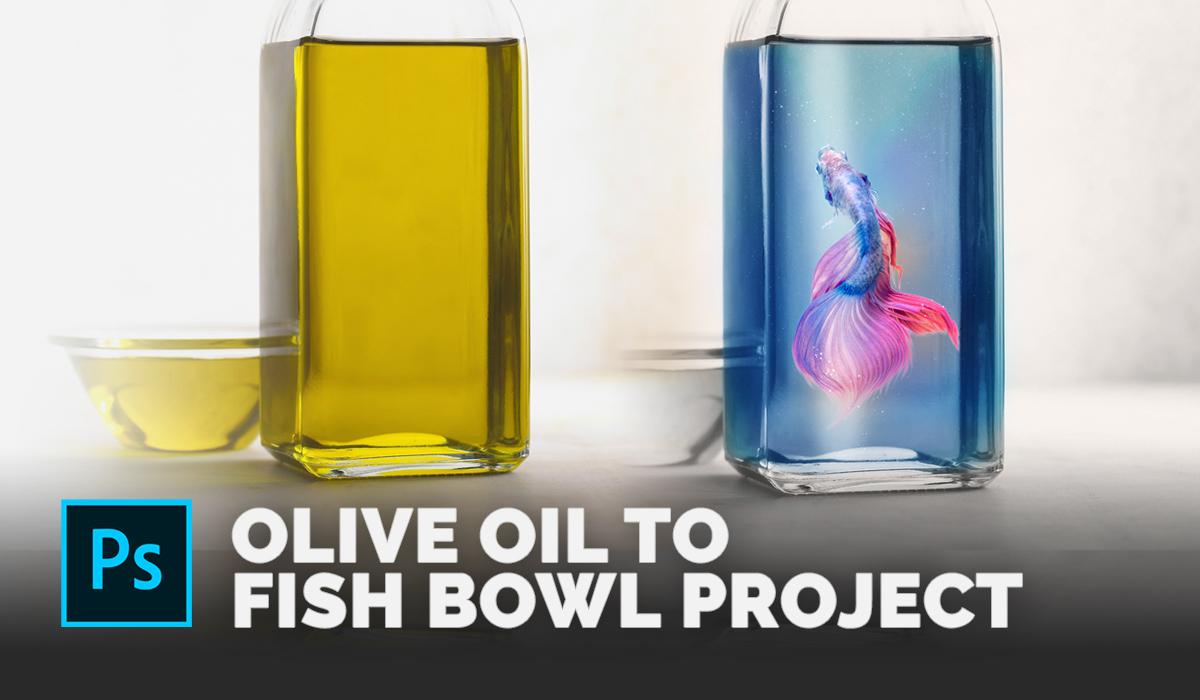
There are several ways to change object colors in Photoshop. Desaturating this olive oil photo by reducing the saturation in the Vibrance adjustment option panel gives you a chance to paint on any color you like. Adding additional objects or effects on top of the fish allows the fish to be viewed as "inside" the bottle instead of just resting "on top" or "outside" of the bottle. I added bubbles on top of the fish to do just that.
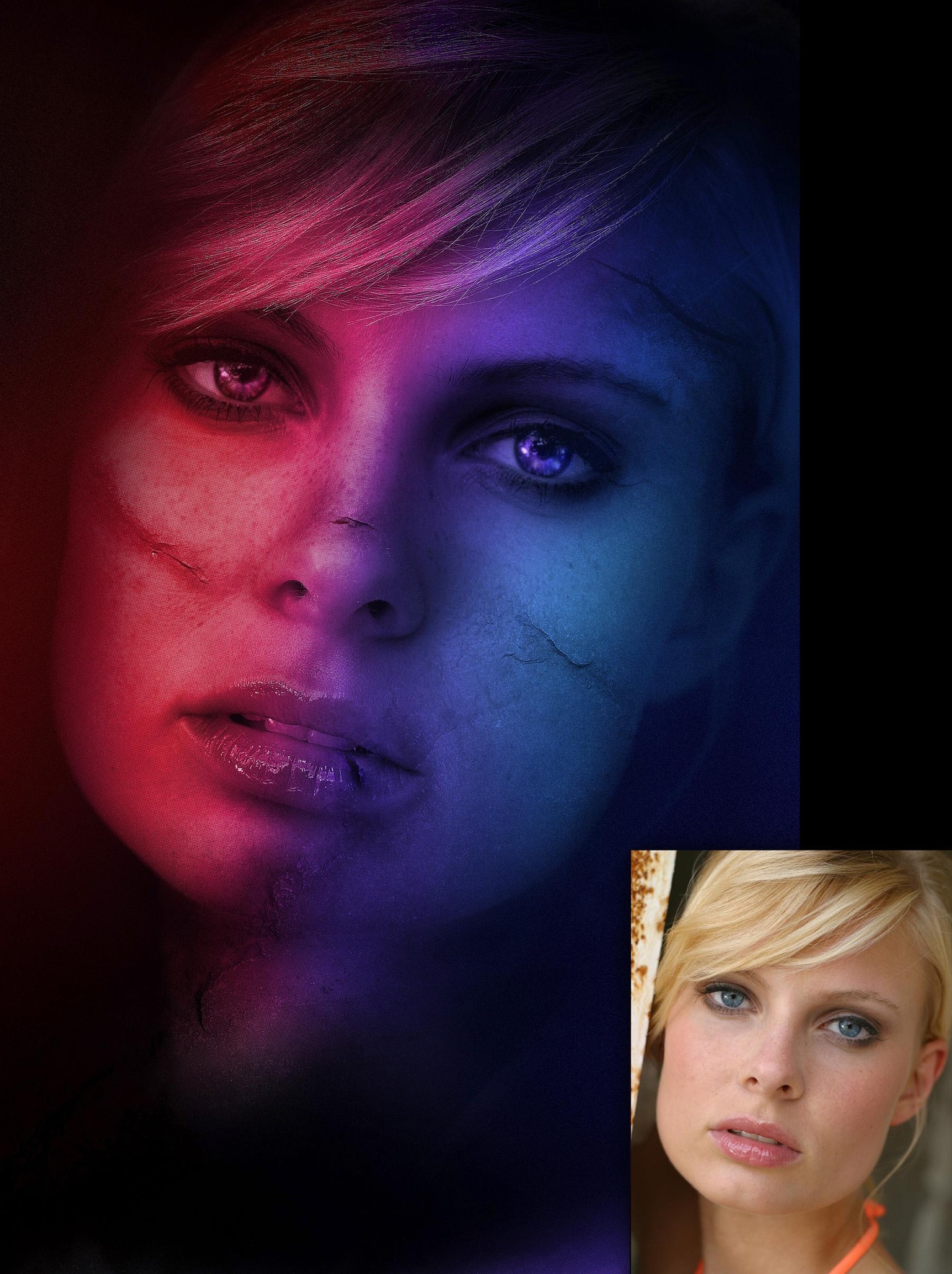
Adding dynamic lighting is easy in Photoshop once you get the hang of blending modes. Painting on scars is fairly simple too by using the clone tool.
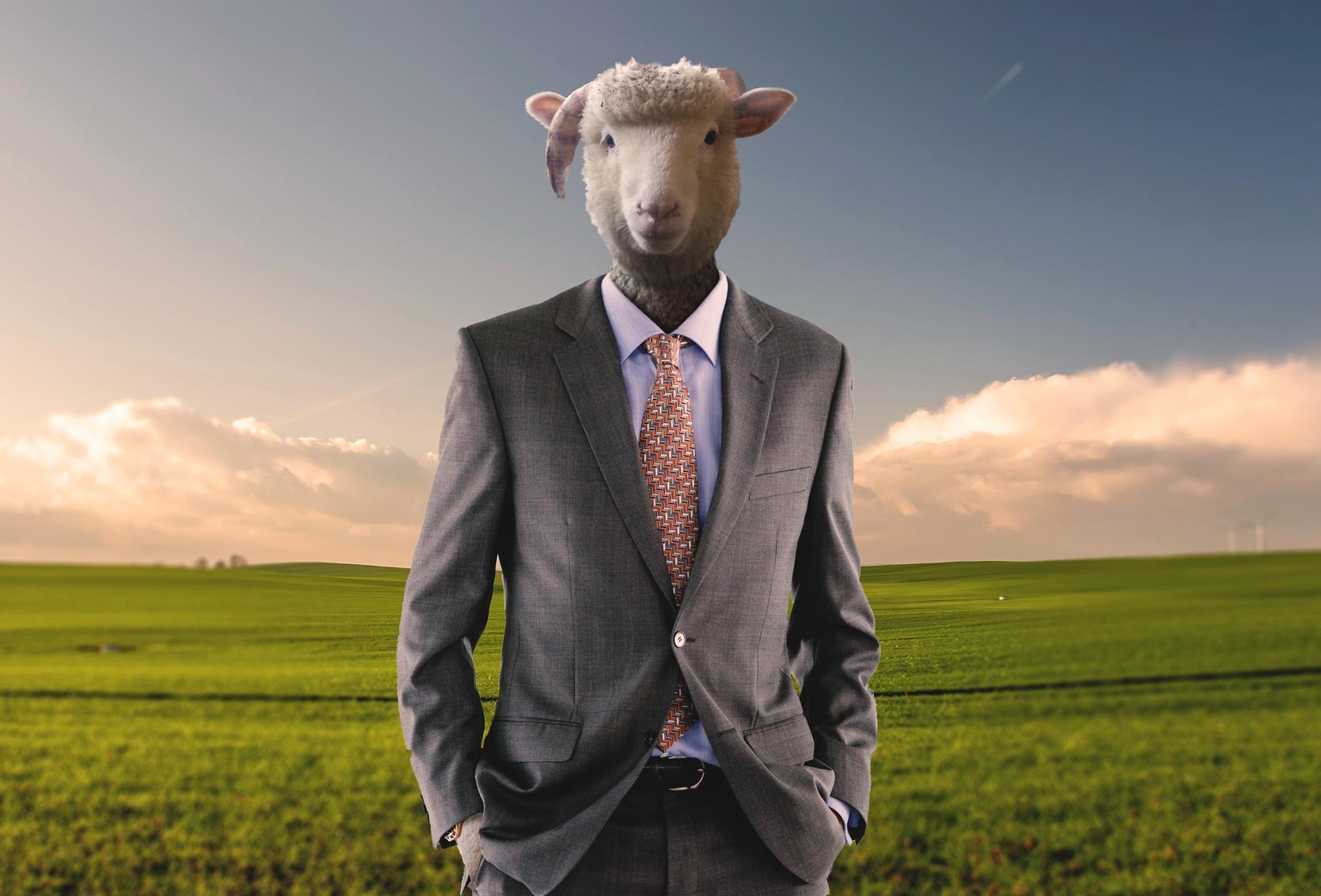
Swapping Heads is easy using a combination of the liquify tool and clone tools. Painting on Shadows using the brush tool to make this new neck seem a part of the body.
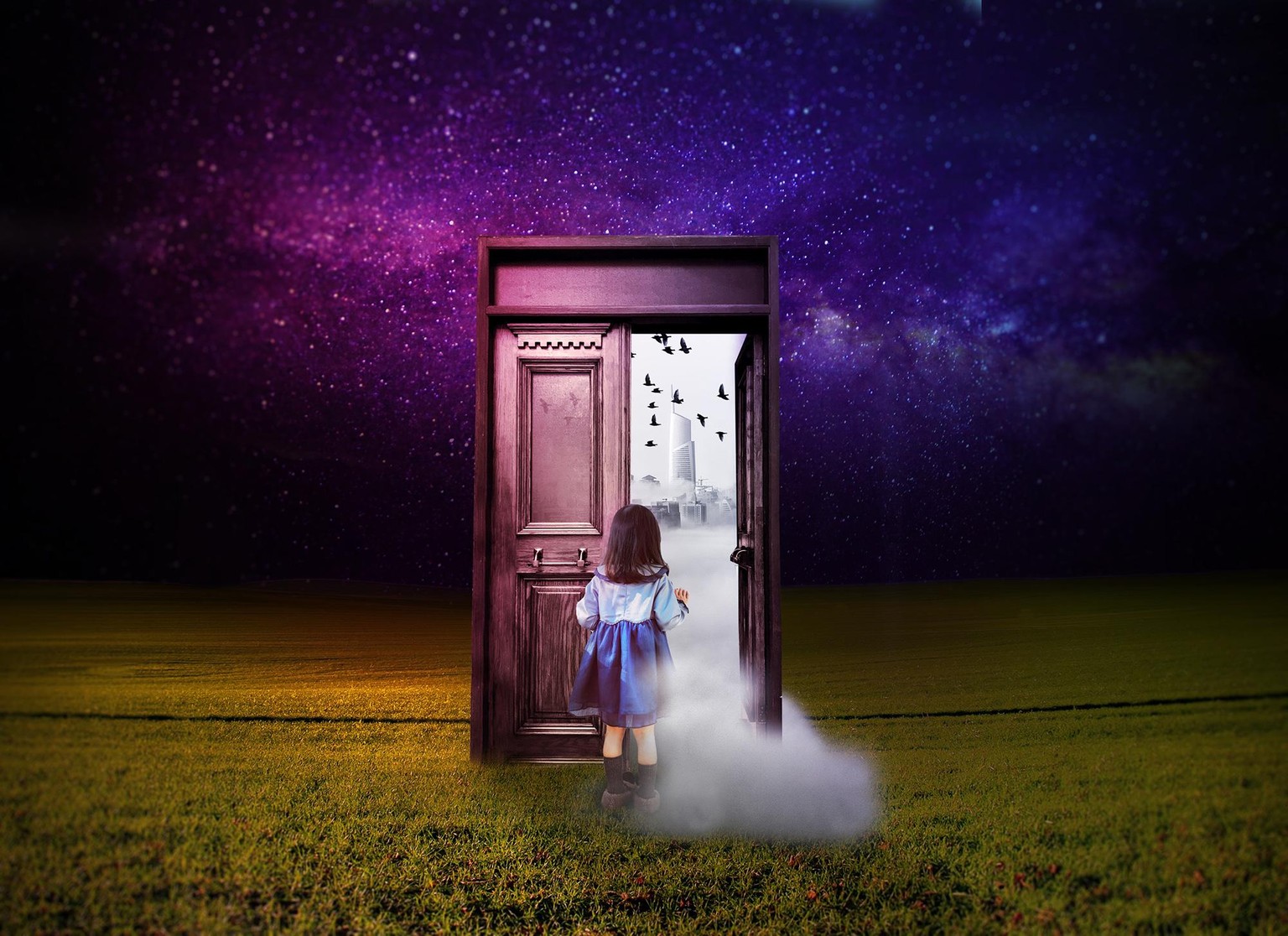
Combining many photos together into one composition requires making sure all the lighting on the photos match, as well as the saturation and sharpness.
Photoshop Manipulation & Editing Masterclass now on Skillshare.
Photoshop Manipulation & Editing Masterclass

If you have enjoyed this photoshop manipulation class or any of my other skillshare classes I would love a review! It helps keep me going and stay excited about teaching others the magic of Photoshop and the world of design. I love to see what you guys think!