Shattered Bust
Hello Students!
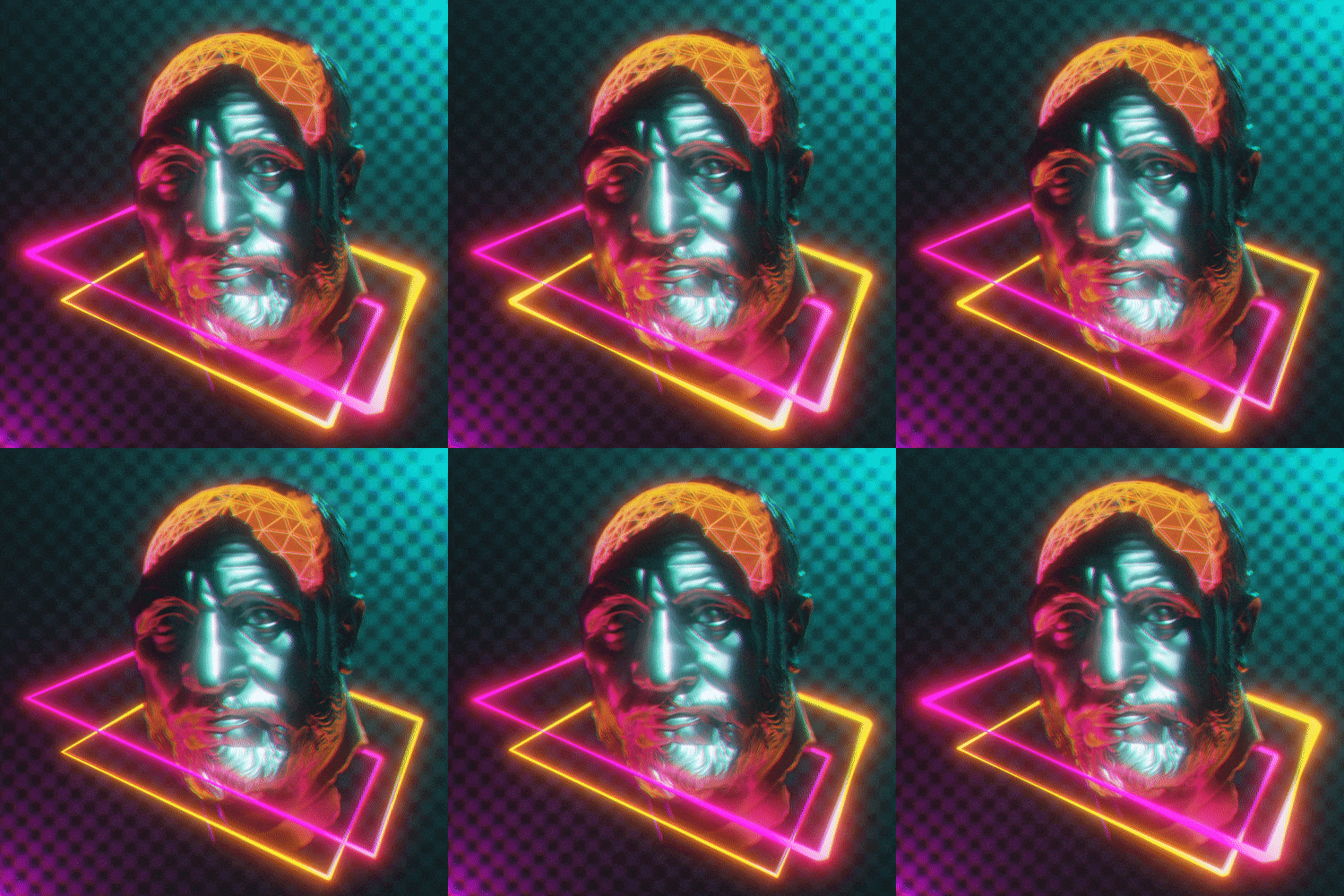
Here's my class project for this course! I utilized all of the same techniques we learned in this class to create my "Shattered Bust" Vaporwave animation.
To upload your video file as a GIF easily, follow the below steps! Please let me know in the class discussion section if you have any issues following this process!
1. Go to https://ezgif.com/maker
2. Click the "Choose Files" button and upload your Vaporwave animation video file.
3. Now click the blue "Upload and make GIF!" button
4. Set the Size to "400xAUTO", the frame rate to "25 (max 12 seconds)" and check box for "Optimize for static background (assign more colors to moving parts of the image)"
5. Scroll down the page to see your new .GIF! Just right click the GIF and 'Save image as..."
6. If your .GIF outputs a file larger than 8MiB, you'll need to optimize it by clicking the "Optimize" button below the newly created .GIF (it has a gear with a little broom in front of it)
7. Set the compression level as low as you can to get the image under 8MiB. Even a small amount of compression can really shrink the file size. Most files won't need more than 10-20 compression level.
8. Right click the GIF and "Save image as..." on the newly compressed .GIF!
9. Upload your .GIF just like any other image here on the project gallery so we can all see your awesome work!