Removing Backgrounds in Photoshop
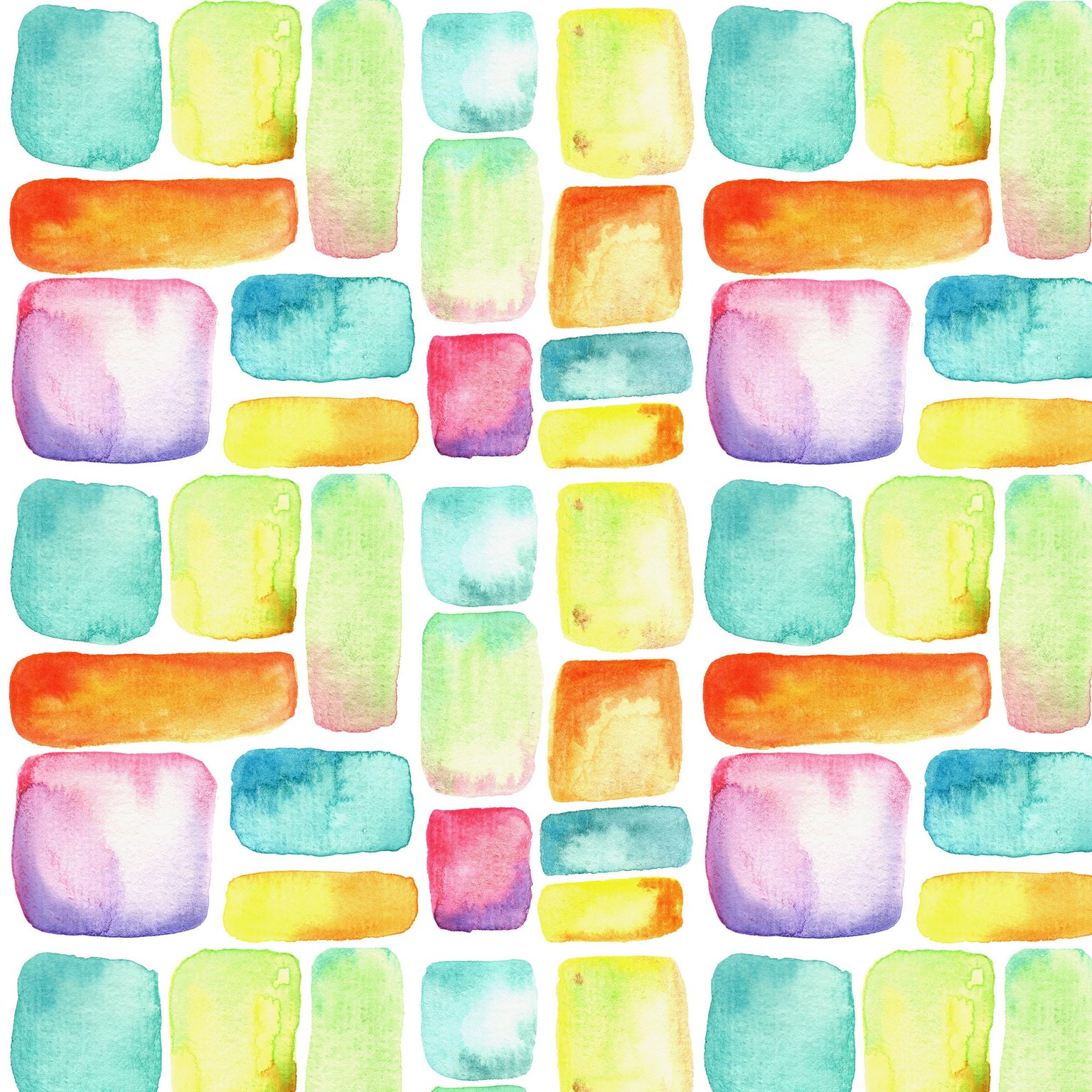
I had scanned in some of these watercolor squares that I painted. I removed the background with the magic eraser tool for most of the squares, and used the magnetic lasso tool for a few of them.
I then made copies of the layer so I could make the whole thing into a pattern. Simple and a good way to practice :)