Pea Character Walking Cycle on the Spot
Hello everyone!
Here I am sharing my own walk cycle and process.
Feel free to do the same, share thoughts, sketches, doubts and animation behind-the-scenes.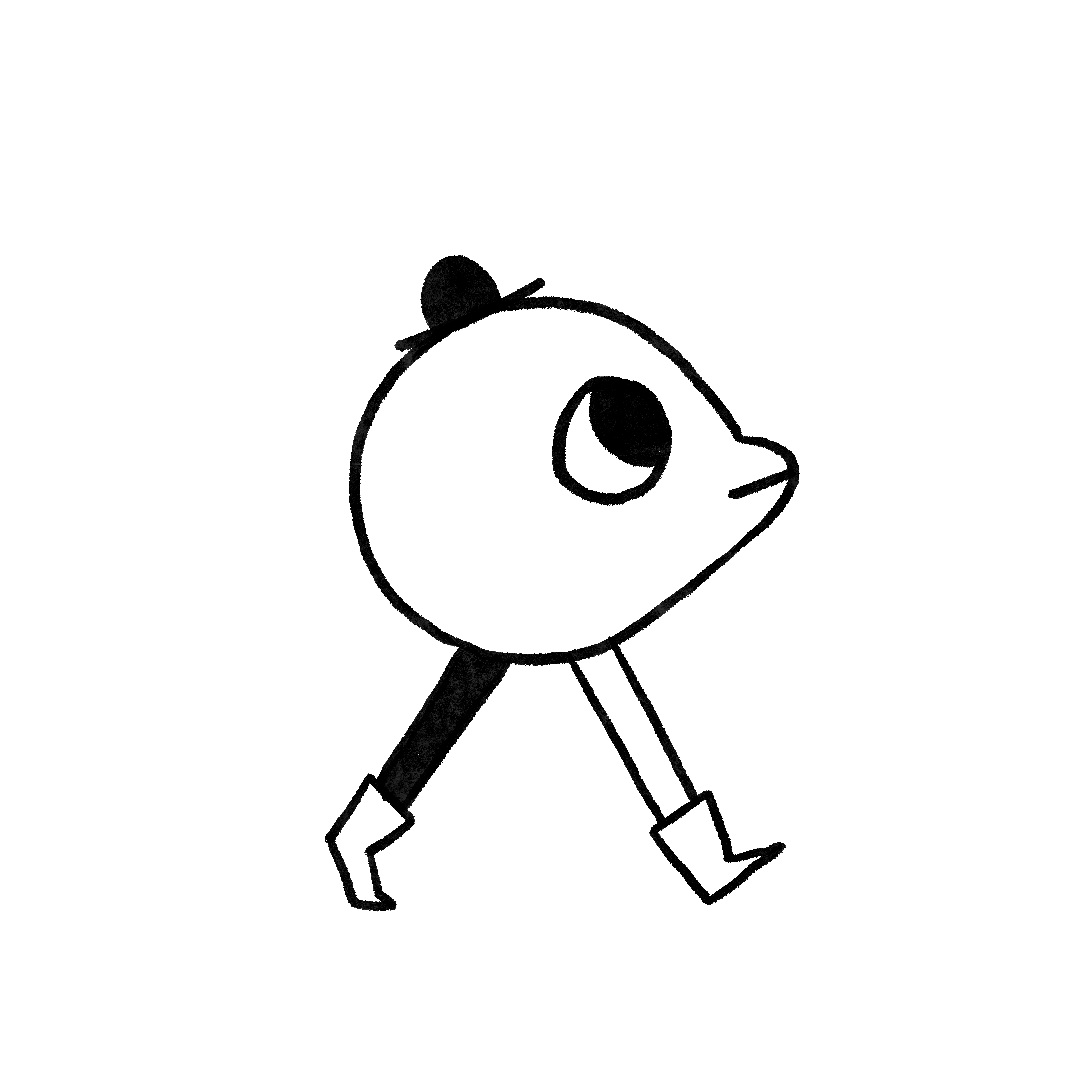
As I started to work on this walk cycle, I sketched some simple characters, before I decided to use this little Pea-fellow!
My goal was to have a simple design, based on a circle, and a few details.
For the purpose of this class, I kept the walk basic, without accentuating any pose. 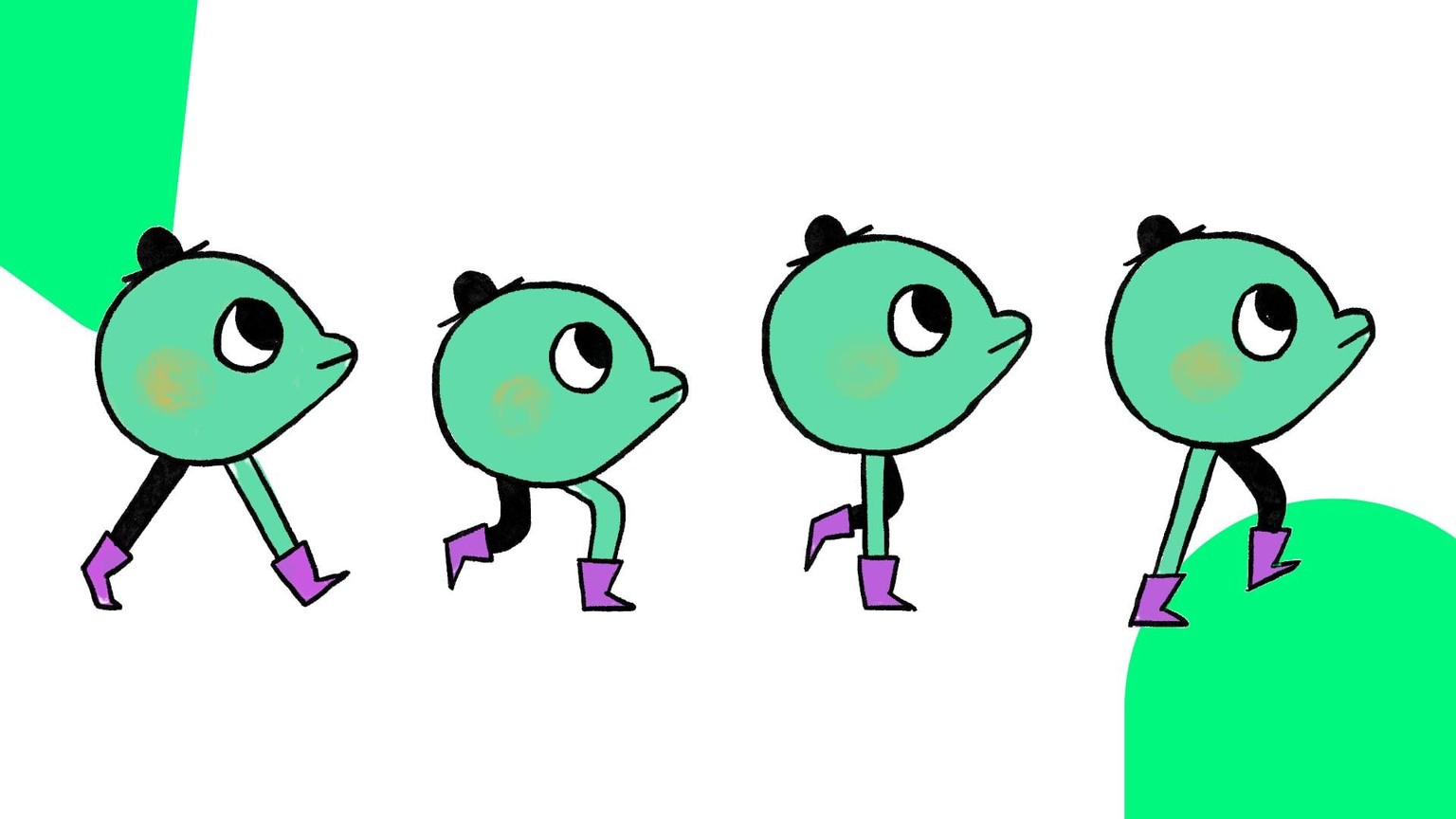 For coloring, I decided to add a brushy cheek, without being too precise with it, to add a little bit of a handmade feeling.
For choosing the color palette, I used Adobe Color - color palette generator: my best friend when I want to create a quick color palette of shades that work harmoniously together.
The walk would have worked even without in-betweens (simply using the 4 keyposes), but I decided to make it smoother with in-betweens (8 drawings, duplicated for the other leg), to show you all the possibilities.
Here down below I share a GIF of the final walk.
In order to quickly export the GIF I did the following.
- Exported an .mp4 from Procreate Dreams
- Opening it with Photoshop
- Export > Save for Web
- Set the GIF to be infinite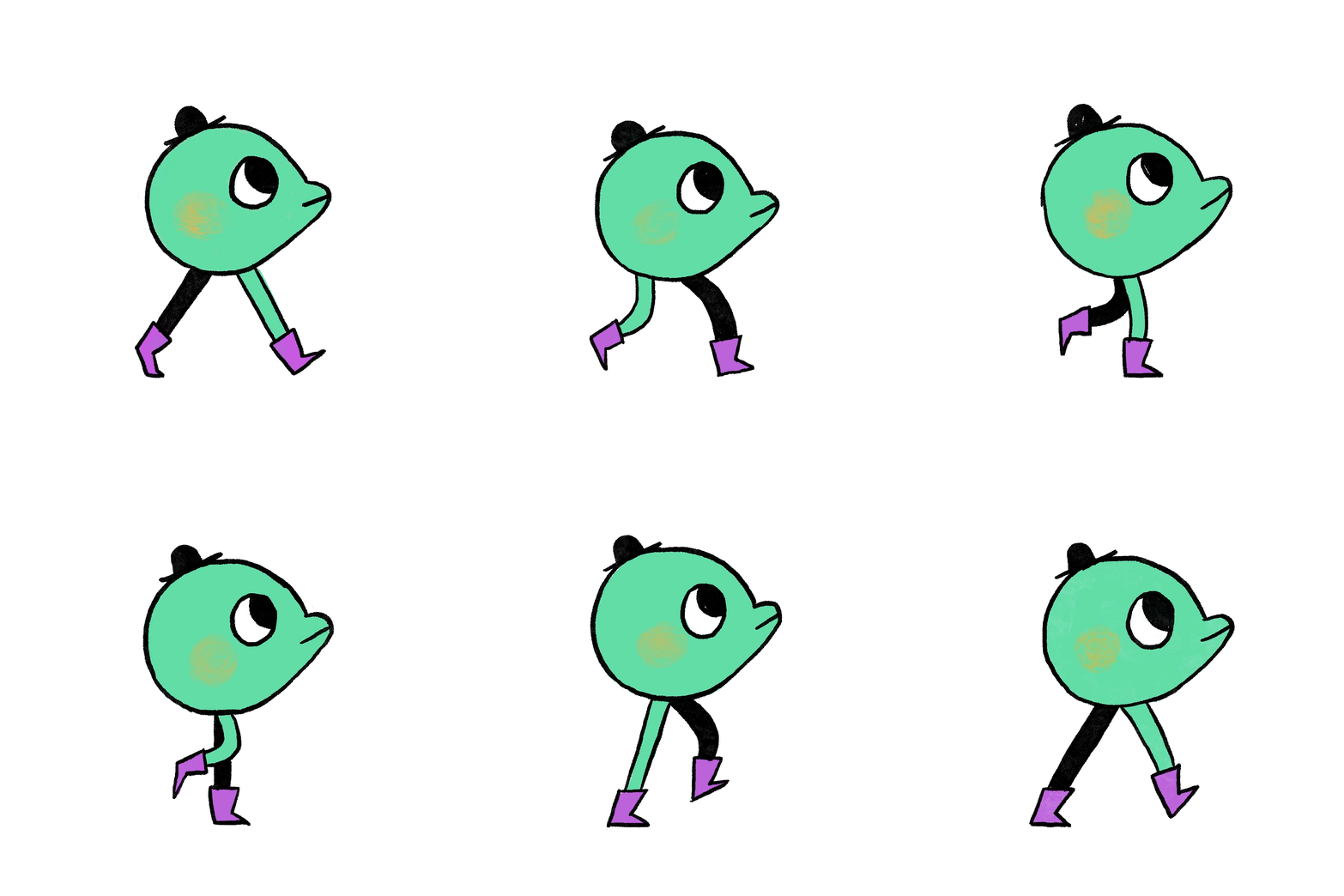 Sometimes GIFs are too heavy for Skillshare project section.
If that's the case I recommend to try the following:
- resize them, make them smaller
- make them shorter
- try to compress them
- otherwise post here in the project section the process, and then a link to an external place where we can see your final animation, for instance on social media.
Looking forward to see your walks!
ciao, Giulia