Paul Ramnora Java Project
CREATED: Sun 10 Aug 2025 13:25 PM GMT
UPDATED: Mon 11 Aug 2025 16:52 PM GMT
----------------------------------------------
Table Of Contents:-
-> 0.01 : A Personal Introduction
-----
Hello, world!
-> 1.01 First Java program: Hello, world!
(https://onecompiler.com/java)
-----
Variables
-> 2.01 : Variables: int,double,char,String,boolean
-> 2.02 : INT
-> 2.03 : Calculator version 1
-> 2.04 : STRING
-> 2.05 : BOOLEAN
-----
Select
-> 3.01 : Select using: if/else if/else
-> 3.02 : Select using: switch/case
-----
Sub-routines
-> 4.01 : Sub-routines
- > 4.02 : Calculator Version 2
----------------------------------------------
-> 0.01 : A Personal Introduction
1. I've had some previous experience with using Java programming language; so, I'm taking this course purely for 'revision' purposes/
as well as, with the intention of always aiming to learn more.
2. My current OS/Operating System is: Linux Mint.
(Whereas, before I was using Windows 10)
------------------------------------------------
-> 1.01 First Java program: Hello, world!
(https://onecompiler.com/java)
(onecompiler.com/java)/RUNNING JAVA CODE INSIDE OF YOUR OWN WEB BROWSER ONLINE (WITHOUT NEEDING TO GO DOWNLOAD ANYTHING)/ALSO, ALLOWS ONE TO 'SHARE' CODE WITH OTHERS ONLINE...SO, THEY CAN 'RUN/EDIT/TEST' THAT SAME PROGRAM, TOO.
I'm aware that now-a-days it's possible to code online...
inside of one's own web browser...;
as learning to code is something one has to actually 'do' hands on...
-(much like learning to ride a bike/or, drive a car)-;
so, I decided to test the code out by going to:
- https://www.onecompiler.com
...and, there choosing to click on the link that will load in a Java compiler...; which will allow me to run code when typed into the web browser:
- https://www.onecompiler.com/java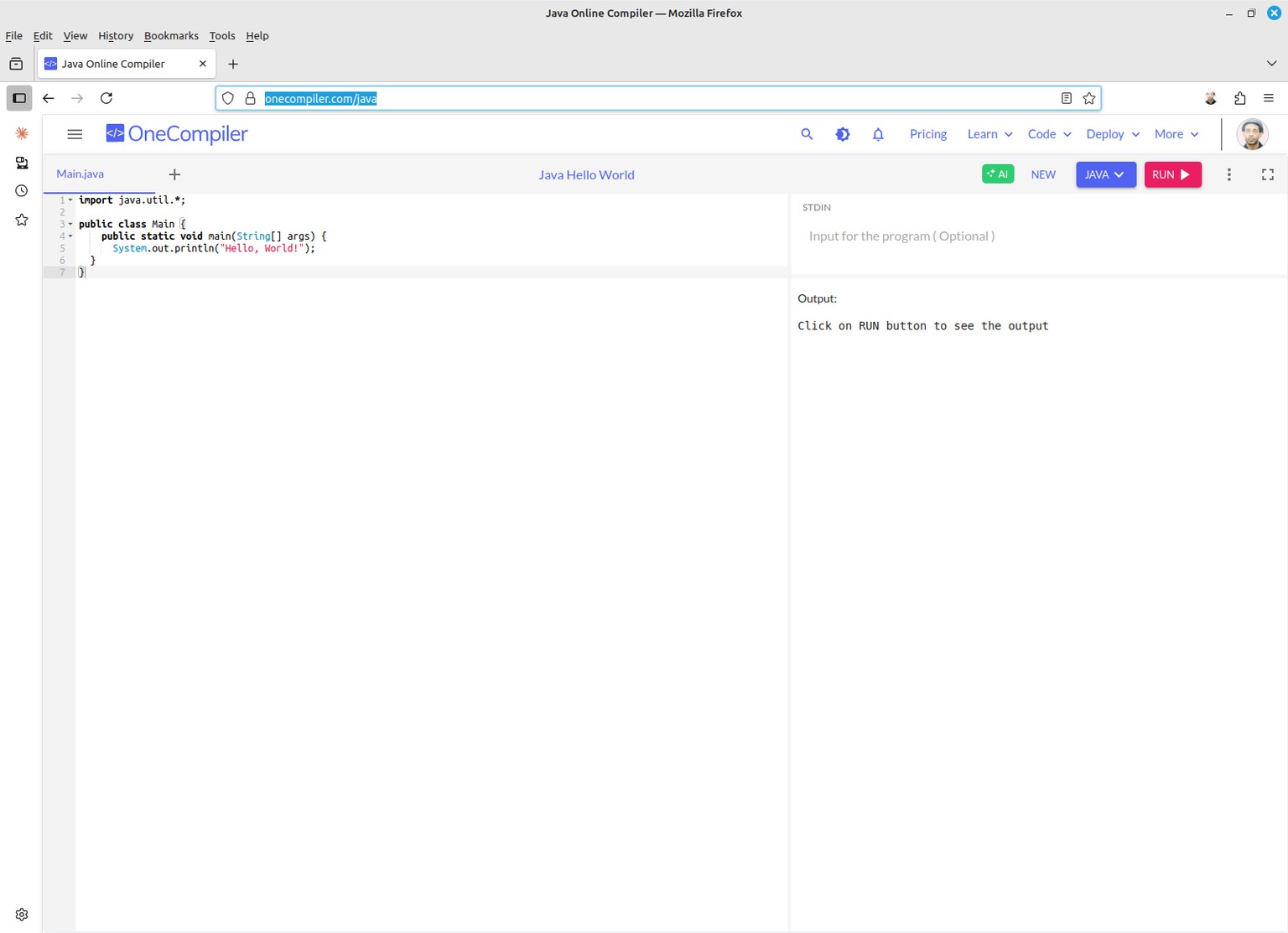
We can see there is some template Java code already pre-written...;
and, all I have to do, next, is simply click on the 'red' button called: [RUN>]
Now, here is the code output when I've clicked [Run>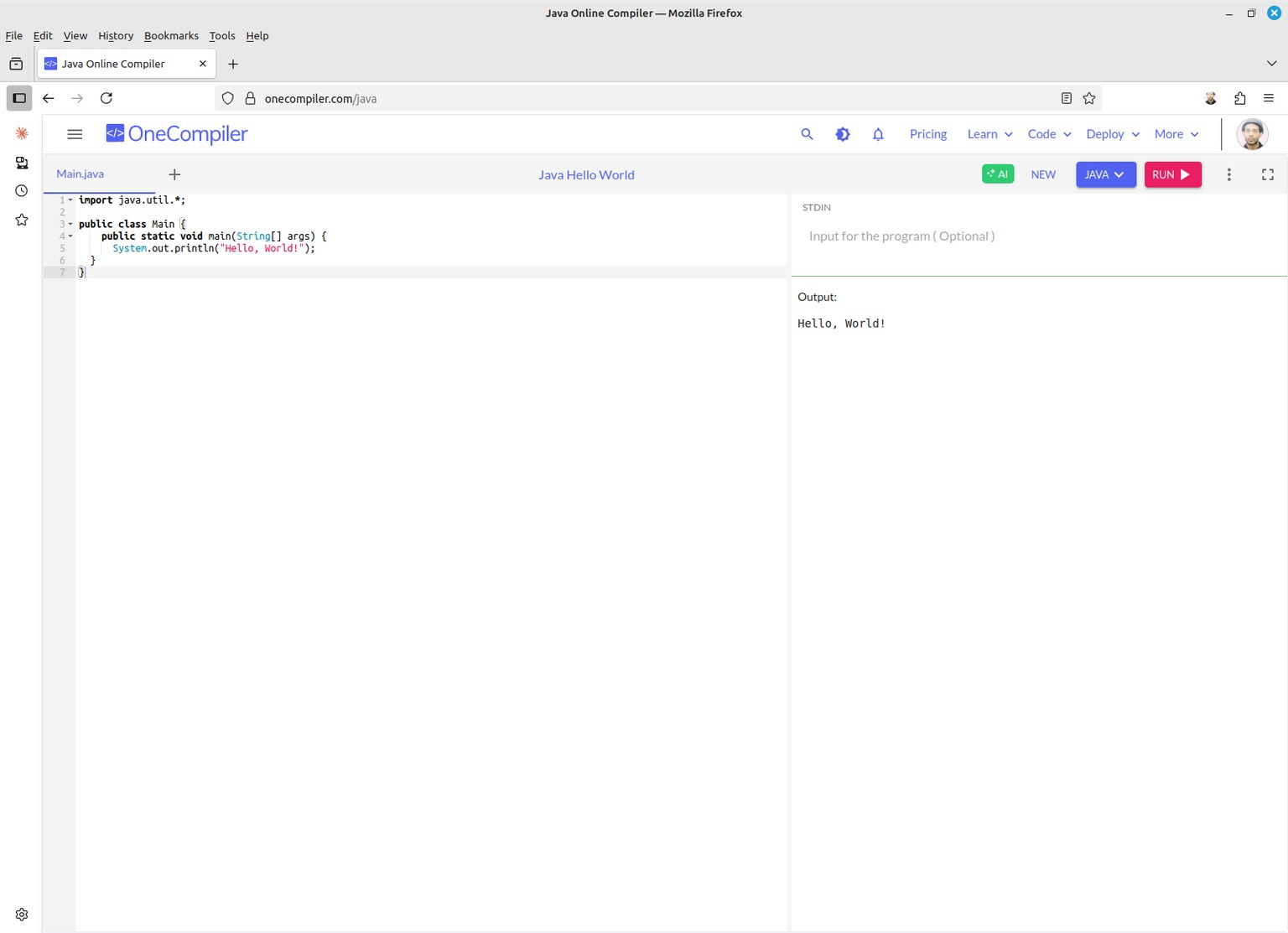
You can try running the code yourself by going to:
- https://onecompiler.com/java
------------------------------------------------------------------
-> 2.01 : Variables: int,double,char,String,boolean
>>
import java.util.*;
public class Main {
public static void main(String[] args) {
// variable declrations
int myInt;
double myDouble;
String myString;
char myChar;
boolean myBoolean;
// initialise variables
myInt = 1; // int, are whole numbers without any floating point
myDouble = 3.14; // double, is a floating point number
myChar = 'a'; // char, can only be 1 single character
myString = "Hello"; // String, can be multiple characters
myBoolean = true; // Boolean may be only 1 of 2 values, either: 'true/false'
// printout variable valuess
System.out.println(myInt);
System.out.println(myDouble);
System.out.println(myChar);
System.out.println(myString);
System.out.println(myBoolean);
}
}
<<
...output...
1
3.14
a
Hello
true
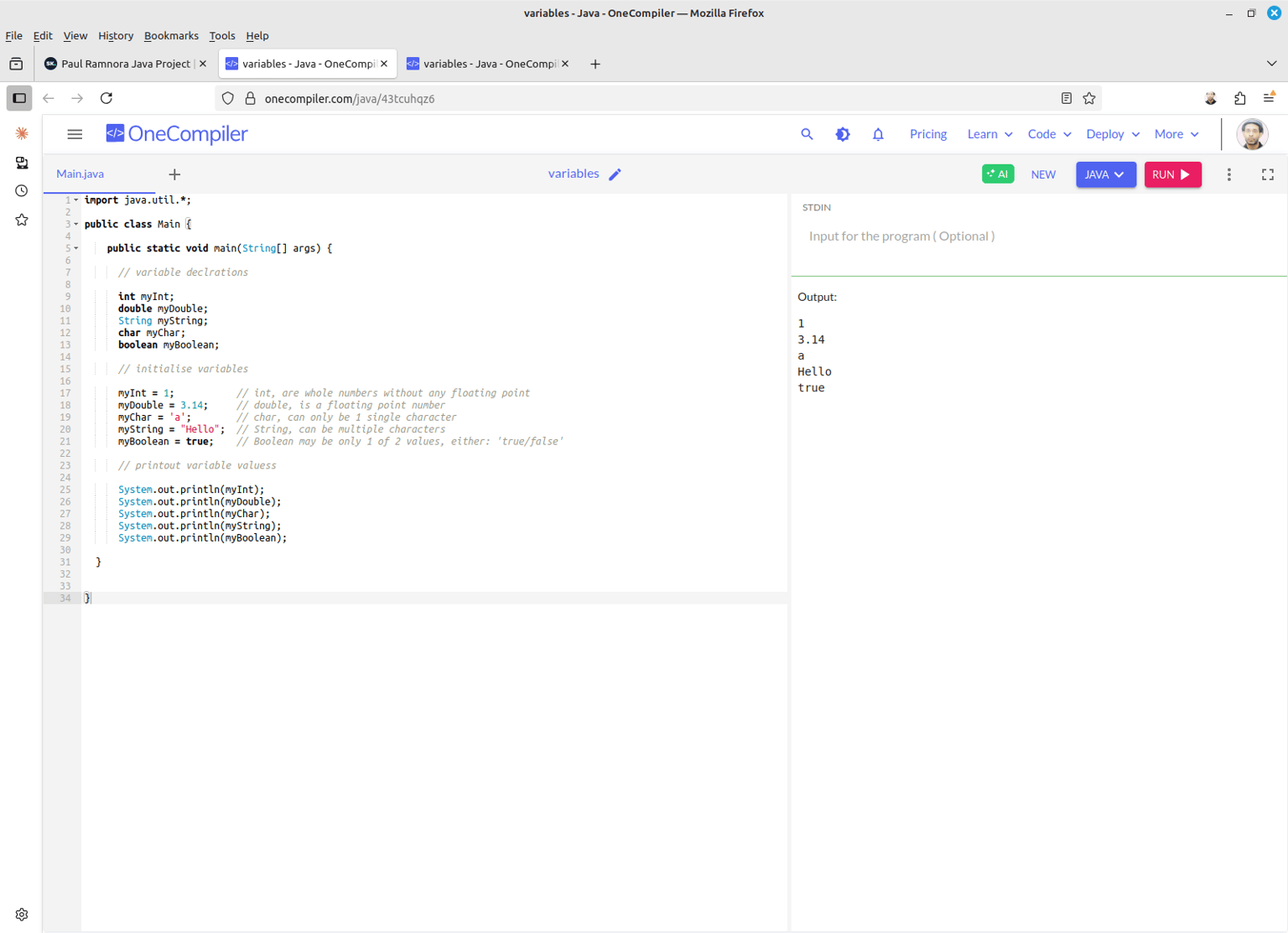
You can try running the code yourself by going to:
- https://onecompiler.com/java/43tcuhqz6
------------------------------------------------------------------
-> 2.02 : INT
Ok, now, let me try checking if variables works...
First, let me try using, int...
>>
import java.util.*;
public class Main {
public static void main(String[] args) {
int num1,num2;
num1=3;
num2=5;
System.out.println(num1+num2);
}
}
<<
output: 8
-(NOTE: Java is a bit like C programming...where every single line needs to end with a semi-colon symbol: [;]...; otherwise, one gets all sorts of really strange error messages appearing...?! So, if you find your Java code just isn't working...; and, you wonder why...; it's well worthwhile checking if you did include a semi-colon at the end of each line or not.)-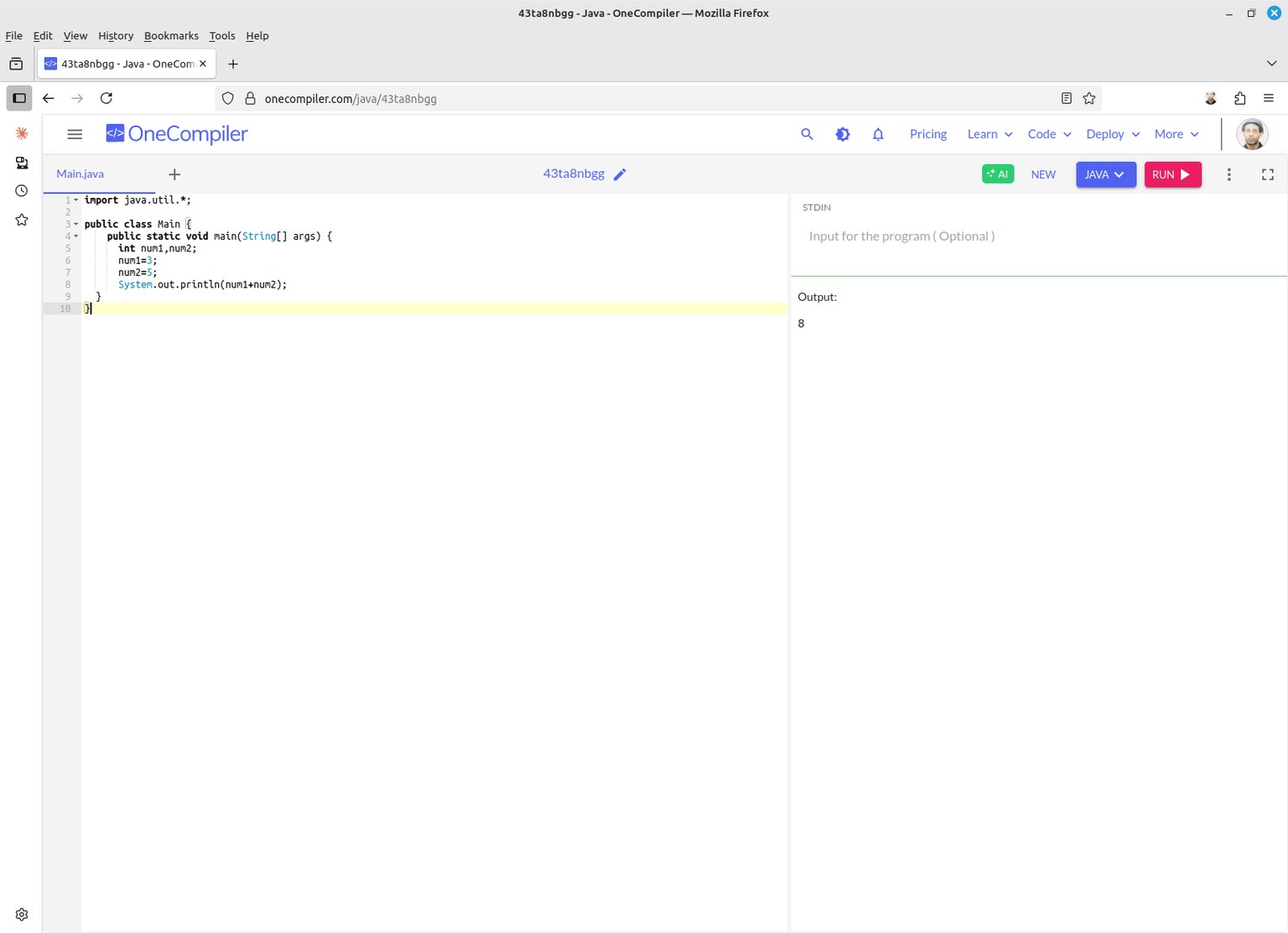
You can try running the code yourself by going to:
- https://onecompiler.com/java/43taa8w2u
---------------------------------------------------
-> 2.03: CALCULATOR Version 1
Programming, is an art which builds upon having gained previous knowledge.
So far, we learned how to calculate the sum of 2 integer whole numbers...; therefore, we can use this same knowledge to build a calculator app version 1.
>>
import java.util.*;
public class Main {
public static void main(String[] args) {
// variable declarations
int num1,num2;
// initialise variables
num1=3;
num2=3;
// main program
System.out.println(num1+num2); // 6
System.out.println(num1-num2); // 0
System.out.println(num1*num2); // 9
System.out.println(num1/num2); // 1
}
}
<<
...output...
6
0
9
1
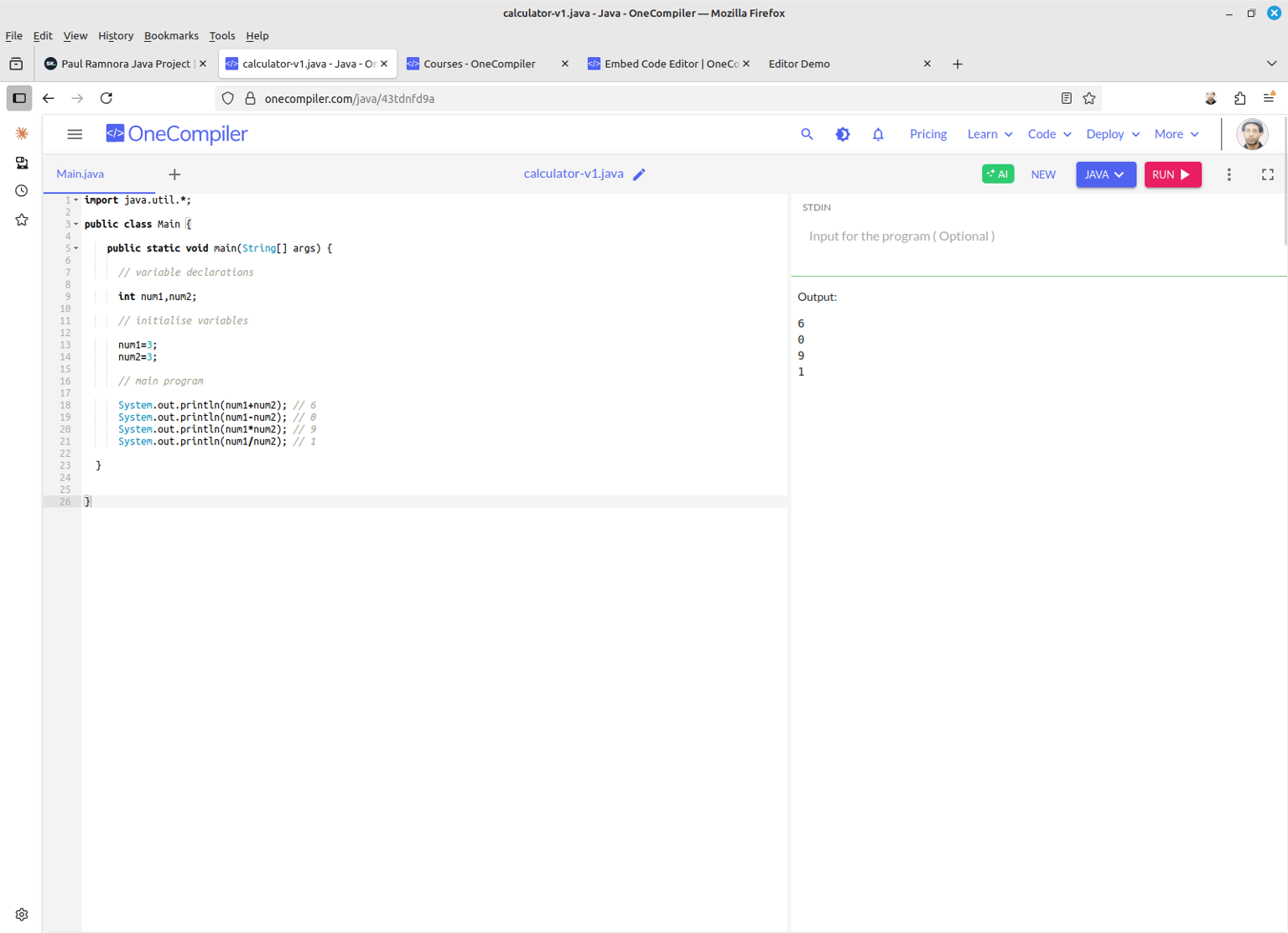
You can try running the code yourself online by going to:
- https://onecompiler.com/java/43tdnfd9a
---------------------------------------------------
-> 2.04 : STRING
To improve on the above program...which doesn't contain any text.
I wanted the output to look like...
instead, of
8
...
3 + 5 = 8
import java.util.*;
public class Main {
public static void main(String[] args) {
int num1,num2;
String sum = "3 + 5 = ";
num1=3;
num2=5;
System.out.println(sum+(num1+num2));
}
}
output: 3 + 5 = 8
-(NOTE: I had to use a pair of circular brackets: [()] to enclose the sum: num1+num2...in order to get the output to display correctly as being the sum total: 8. Otherwise, it just printed out the string literal text: 3 + 5 = 35...?!)-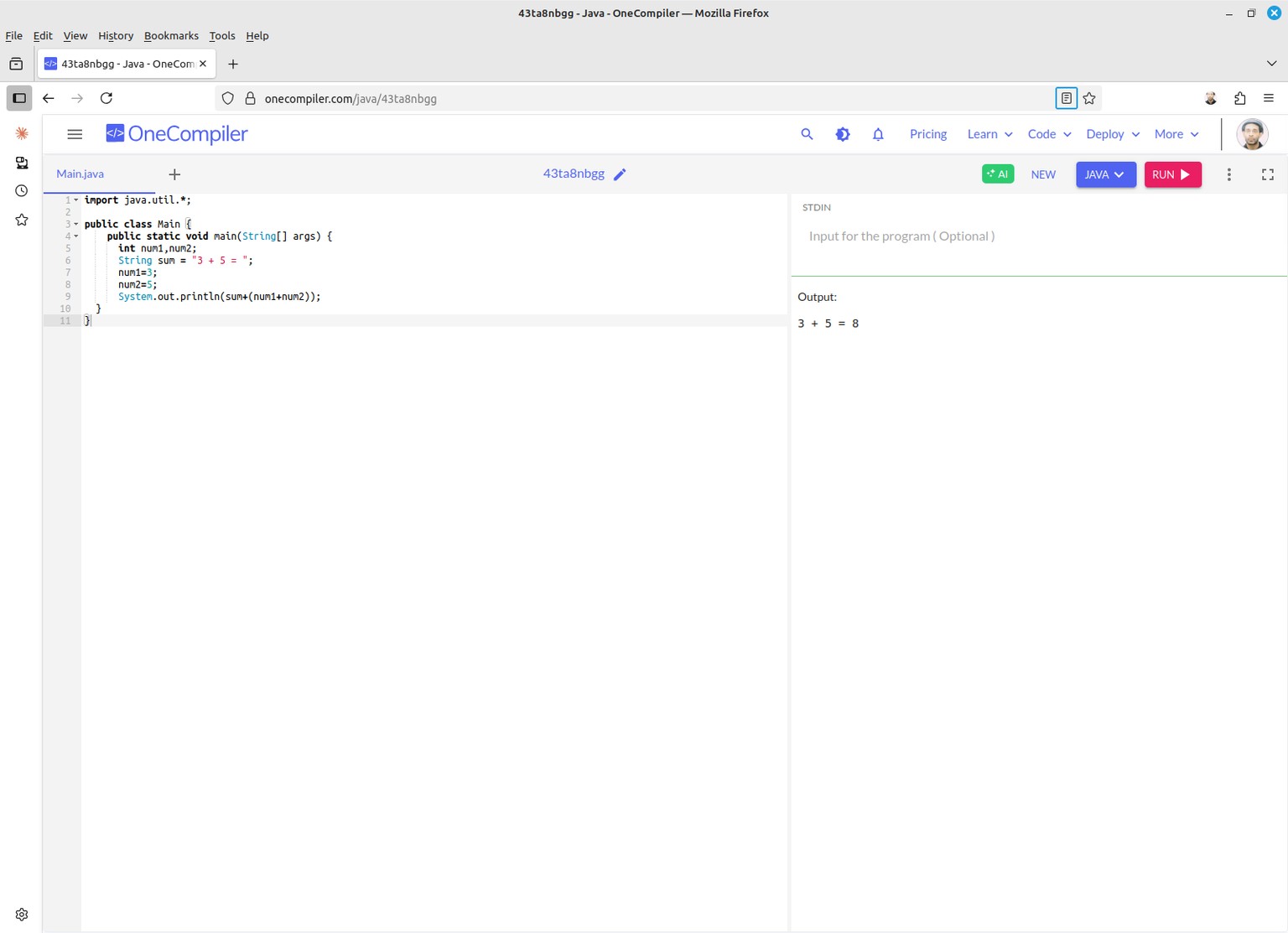
You can try running the code yourself online by going to:
- https://onecompiler.com/java/43ta8nbgg
---------------------------------------------------
-> 2.05 : BOOLEAN
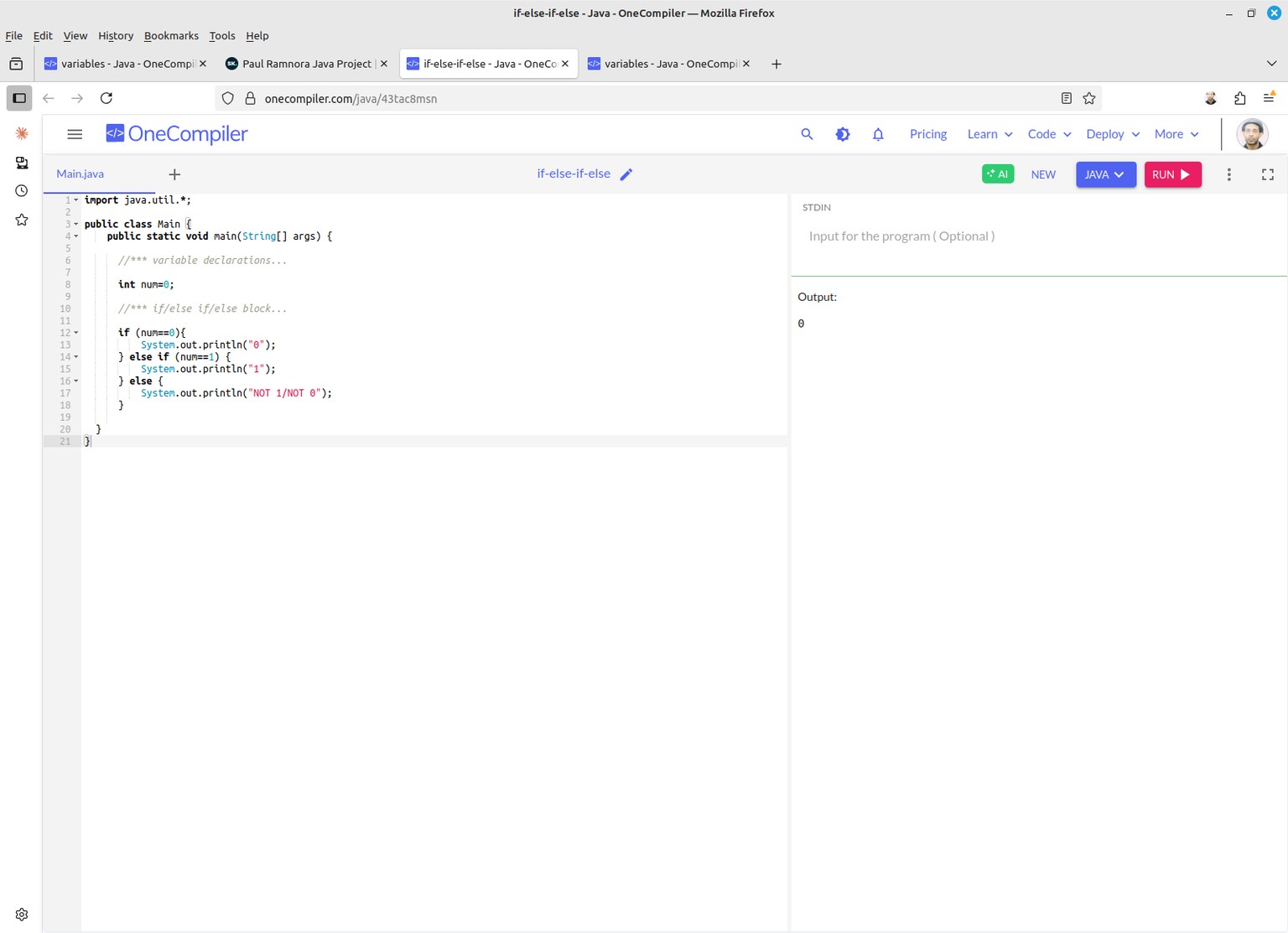
This program shows how to use both strings/and, boolean values...;
combining both data types together in order to produce the final output.
>>
import java.util.*;
public class Main {
public static void main(String[] args) {
// Variable declarations...
String name="Paul";
String text = ", is programming: ";
boolean isProgramming;
// Main program...
isProgramming=true;
System.out.println(name+text+isProgramming);
isProgramming=false;
System.out.println(name+text+isProgramming);
}
}
<<
output:
Paul, is programming: true
Paul, is programming: false
You can try running the code yourself online by going to:
- https://onecompiler.com/java/43taasyba
---------------------------------------------------
-> 3.01 : Select using: if/else if/else
At this point...being a somewhat 'experienced' programmer myself...;
I wanted to know how to select stuff using Java;
therefore, I decided to check out the use of:
'if/else if/else' block statement.
>>
import java.util.*;
public class Main {
public static void main(String[] args) {
//*** variable declarations...
int num=3;
//*** if/else if/else block...
if (num==0){
System.out.println("0");
} else if (num==1) {
System.out.println("1");
} else {
System.out.println("NOT 1/NOT 0");
}
}
}
<<
...output...
0
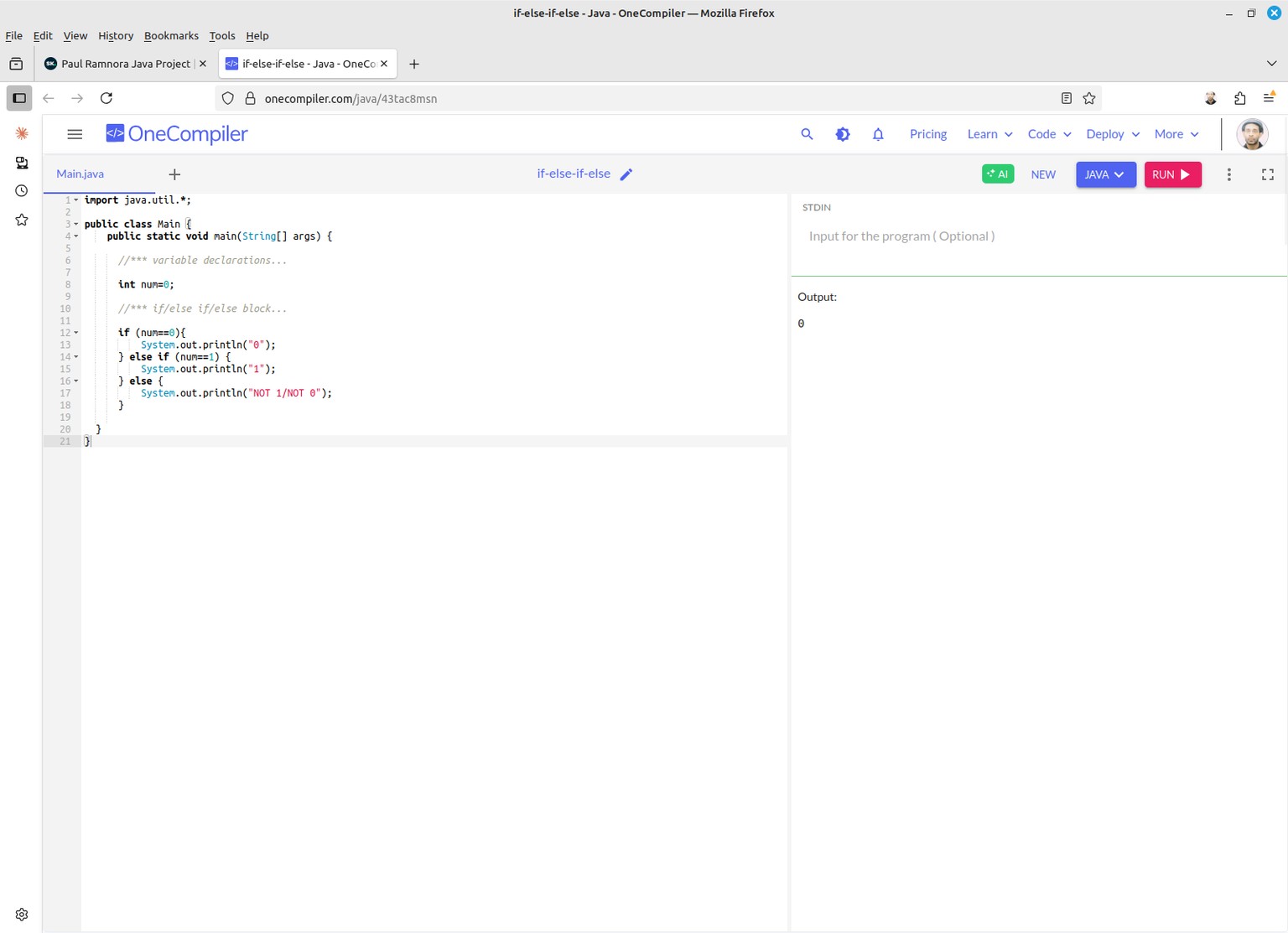
You can try running the code yourself online by going to:
- https://onecompiler.com/java/43tac8msn
---------------------------------------------------
-> 3.02 : Select using: switch/case
Next, I wanted to try to see how Java select works by using the Switch/Case statement block.
>>
import java.util.*;
public class Main {
public static void main(String[] args) {
//*** variable declarations...
int num=0;
//*** if/else if/else block...
switch (num){
case (0):
System.out.println("0");
break;
case (1):
System.out.println("1");
break;
default:
System.out.println("NOT 1/NOT 0");
break;
}
}
}
<<
...output...
0
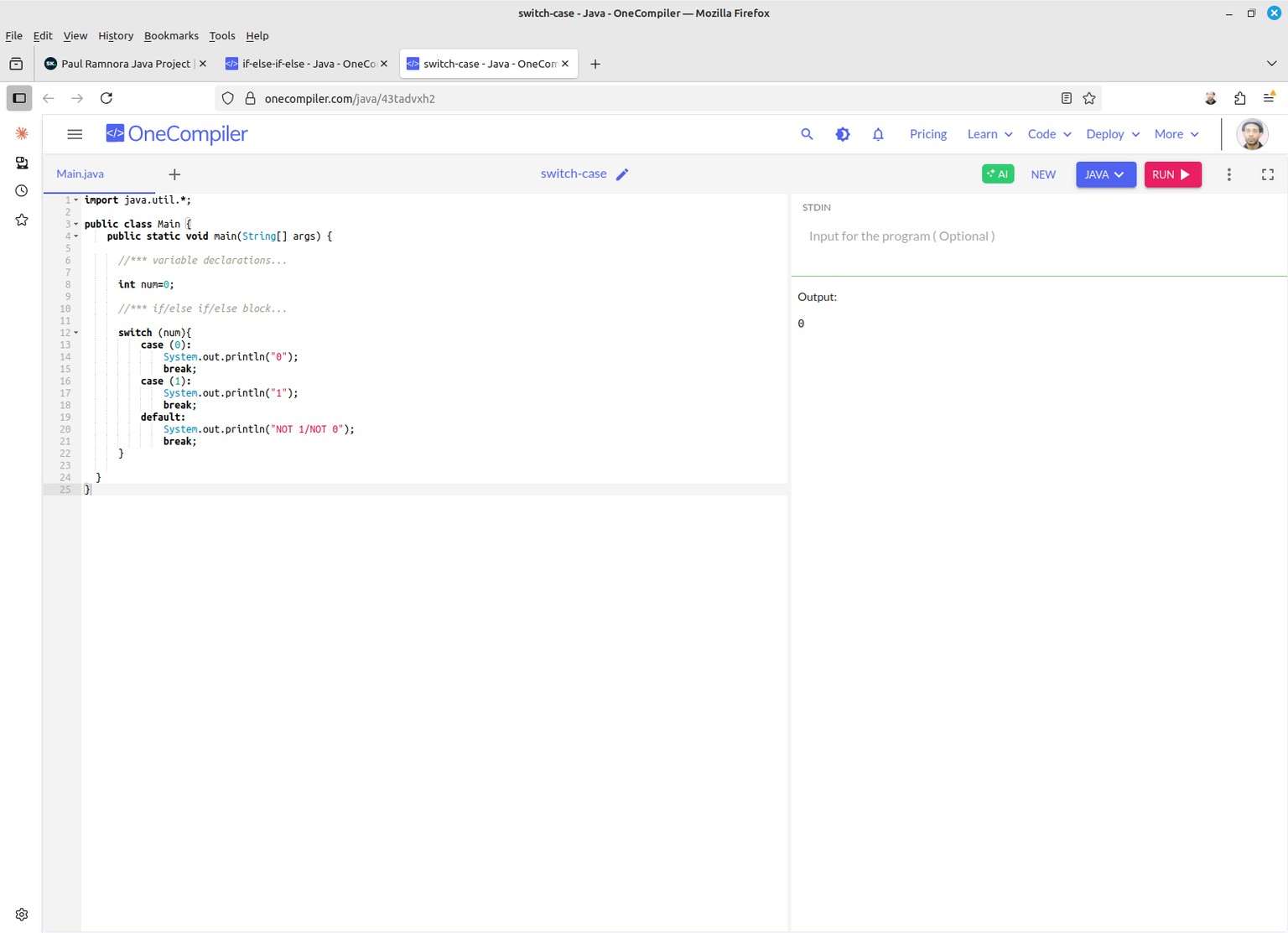
You can try running the code yourself online by going to:
- https://onecompiler.com/java/43tadvxh2
---------------------------------------------------
-> 4.01 : Sub-routines
>>
import java.util.*;
// Calling a sub-routine...
// which adds 2 numbers.
public class Main {
public static void main(String[] args) {
add2nums(9,11);
}
static void add2nums(int num1,int num2){
System.out.println(num1+num2);
}
}
...output...
20
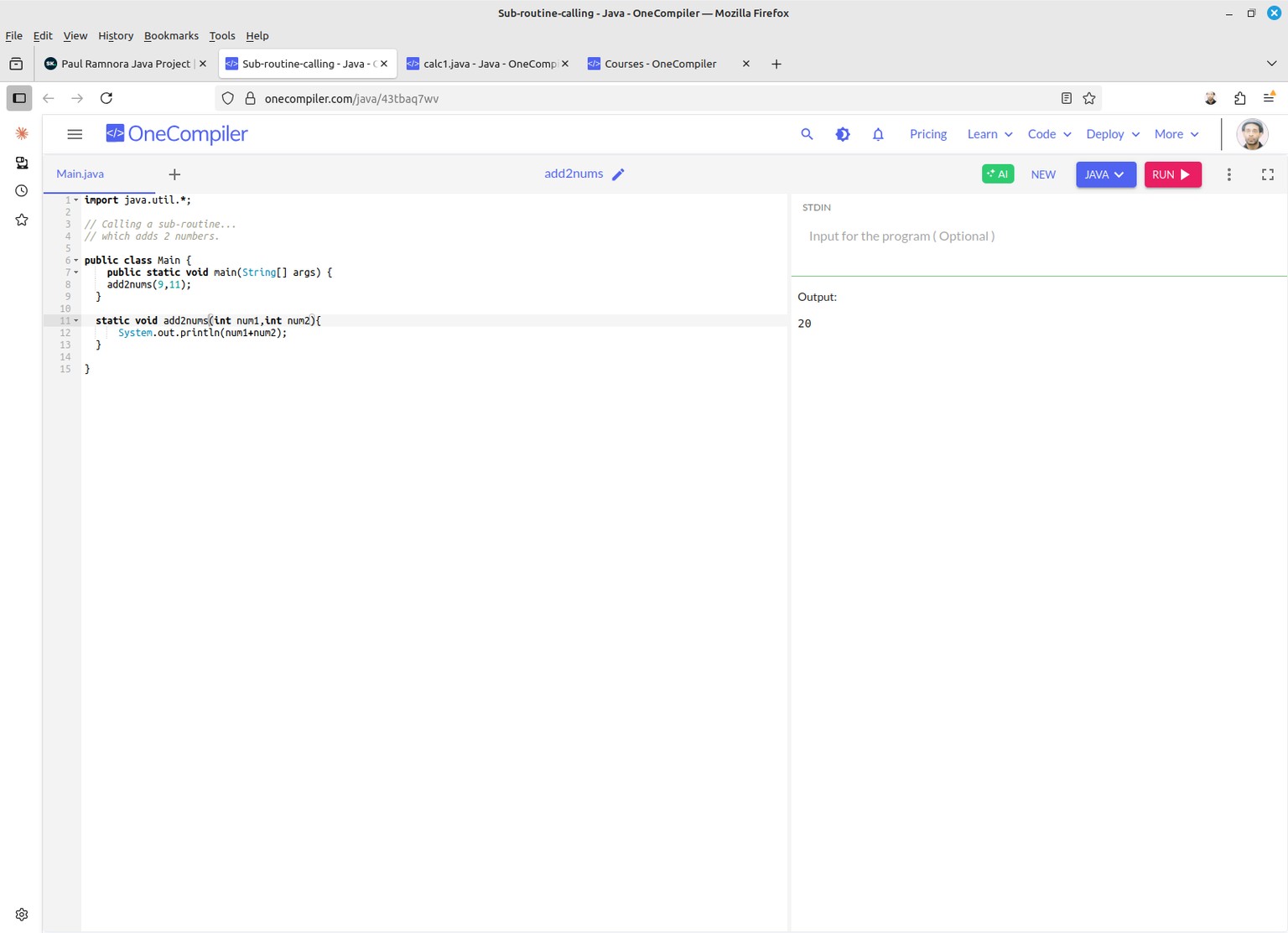
You can try running the code yourself online by going to:
- https://onecompiler.com/java/43tbaq7wv
---------------------------------------------------
-> 4.02 : Calcuator Version 2
This initial version of the 'calculator' program...;
uses a number of sub-routine calls:
- add()
- subtract()
- multiply()
- divide()
...in order to build a very simple calculator app.
However, the values passed in to each sub-routine...
is 'hard coded'...; as opposed to using a menu selection process;
(which, I believe, will be the next version of this code).
>>
import java.util.*;
// A simple calculator program using sub-routines...
public class Main {
public static void main(String[] args) {
// function calls...
add(3,3); // 6
subtract(3,3); // 0
multiply(3,3); // 9
divide(3,3); // 1
}
// function declarations...
static void add(int num1,int num2){
System.out.println(num1+num2);
}
static void subtract(int num1,int num2){
System.out.println(num1-num2);
}
static void multiply(int num1,int num2){
System.out.println(num1*num2);
}
static void divide(int num1,int num2){
System.out.println(num1/num2);
}
}
<<
...output...
6
0
9
1
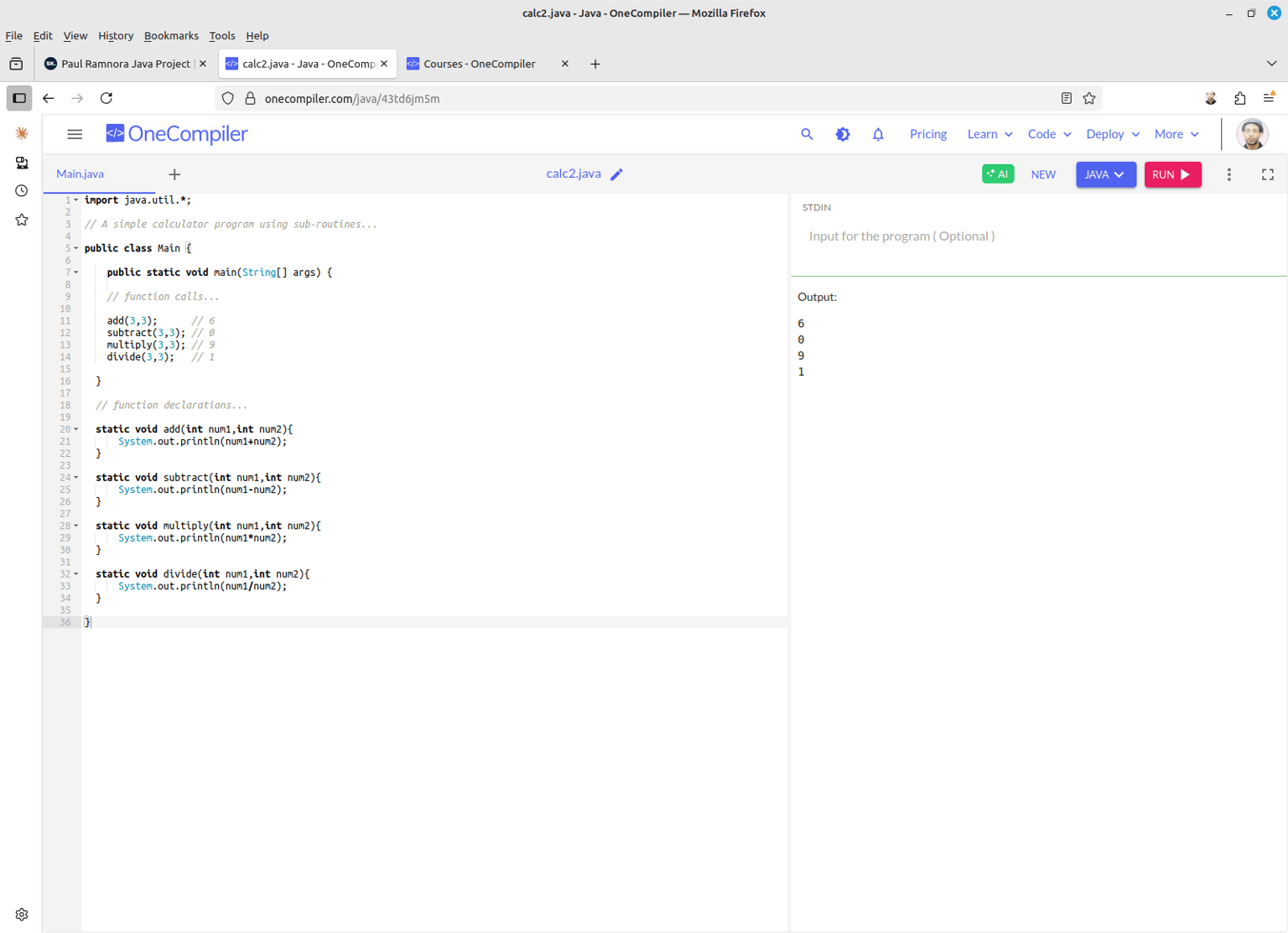
You can try running the code yourself online by going to:
- https://onecompiler.com/java/43td6jm5m
---------------------------------------------------