Pattern Layers in Affinity Photo
Since there is so much emphasis on using vector software to create repeats, have been interested in exploring more about successfully using a raster based program to create repeats. Because of this class which includes info on Photoshops pattern previewer, I discovered that Affinity Photo has a "pattern layer" which can also visualize a repeat pattern automatically. After having practiced with AP now, definitely see it as the superior tool for visualizing repeat sketches that you might take into another program to finish. But, as I love a challenge, I completed this project using Affinity Photo only - sketch to finish. The brush tools are a bit limited but my wobbly lines definitely make it look less digital :)
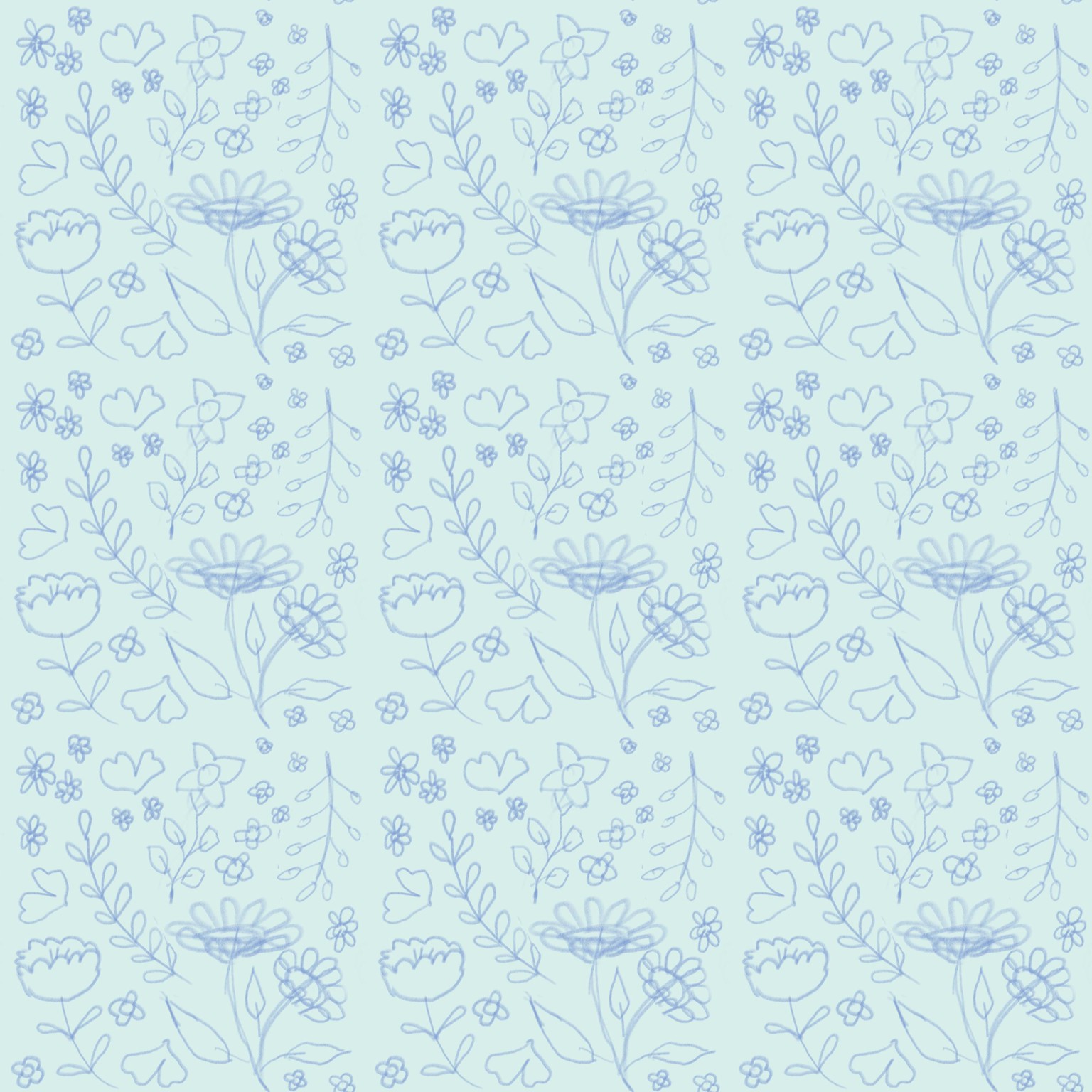
Here is the initial sketch for rough placement:
And then here is the finished version all colored with a background layer as well:
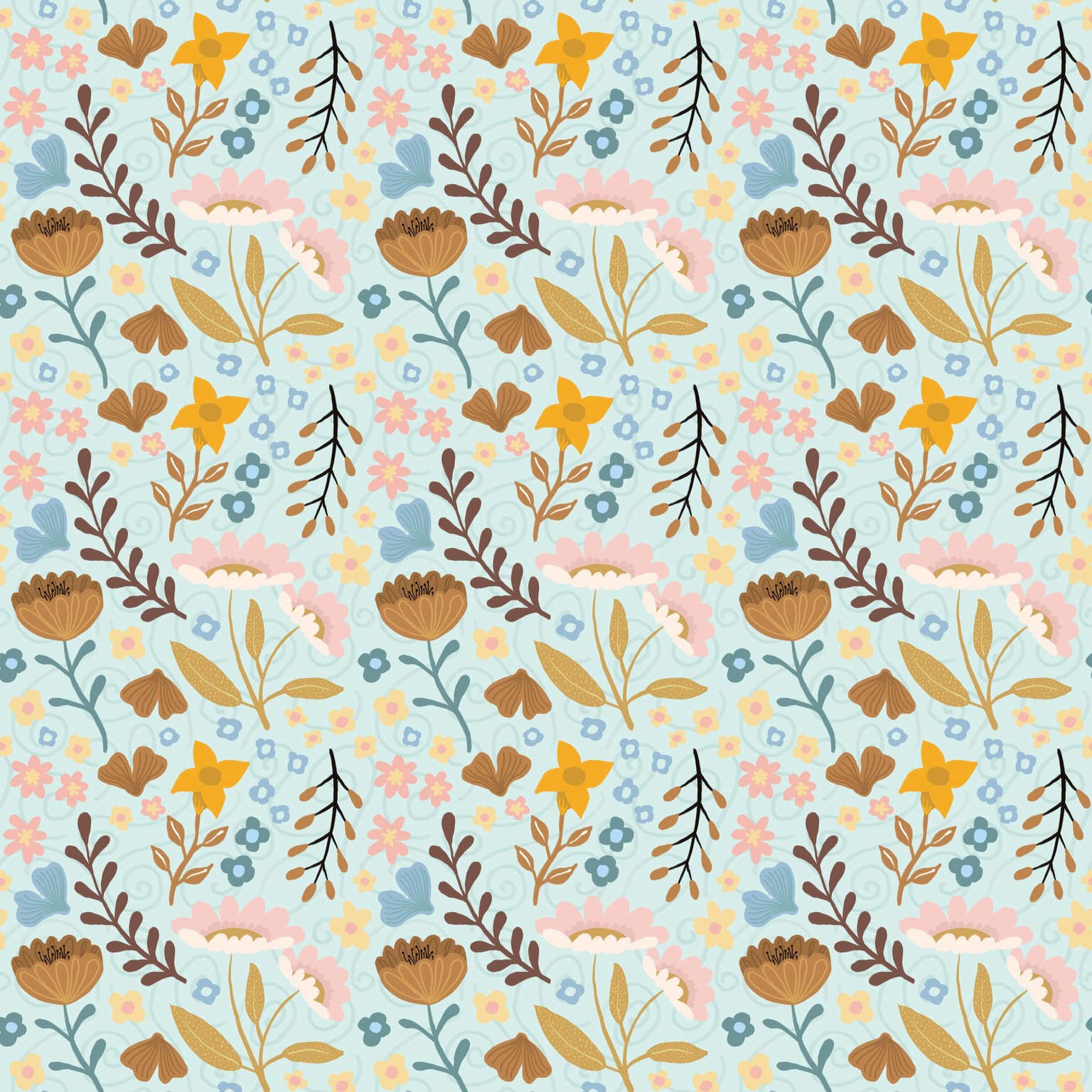
Here is the individual tile you would upload to POD:

Turned out a bit blocky but in the next class in the series, I will try the same type of thing in a half drop. Thank you Delores! All the info in these classes is easily transferable to other software. It's the thorough explanation of the concepts that matters :)