Organization
1. Workspace:
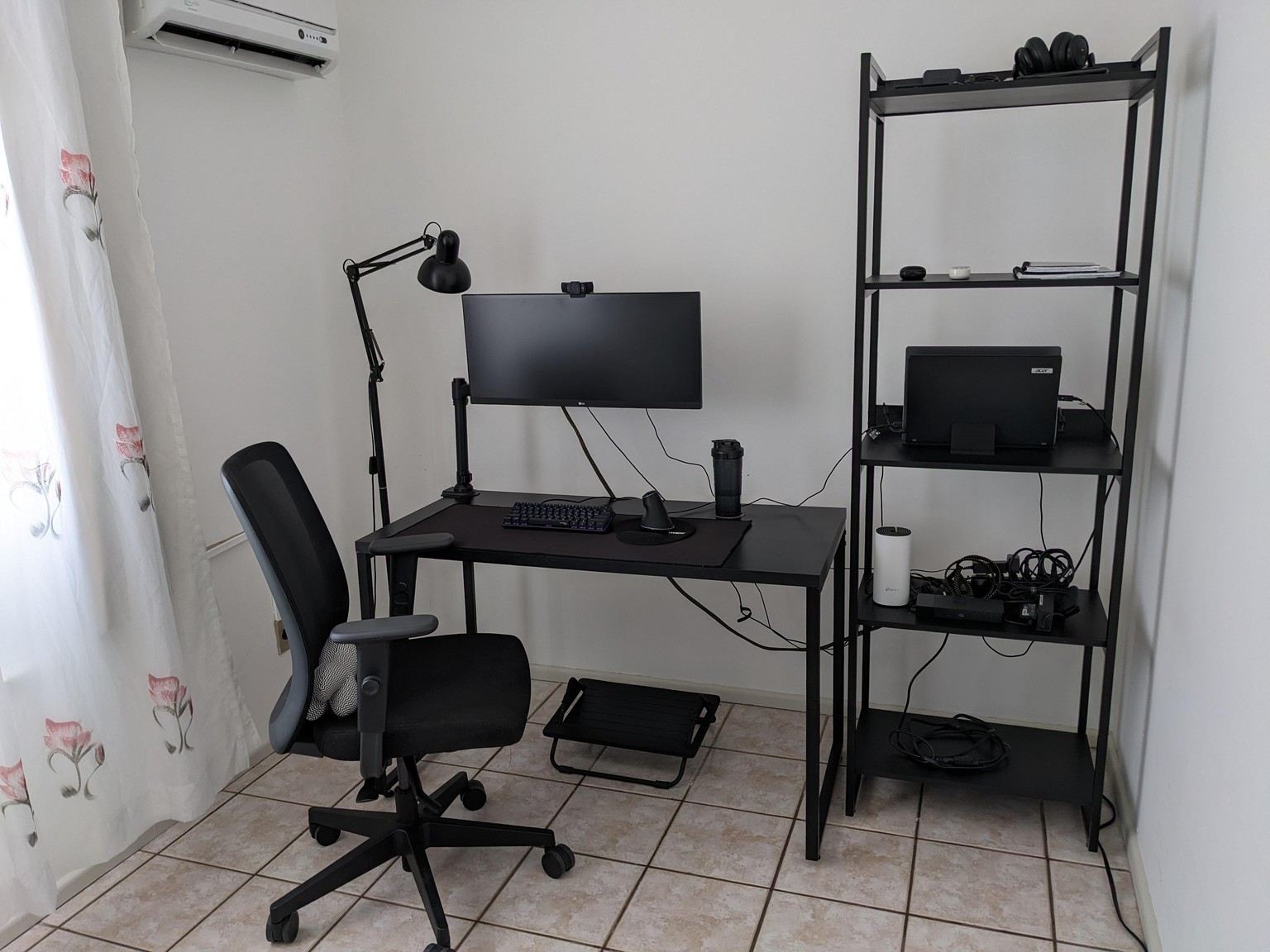
(Yes, I am still struggling with cables)
2. Desktop and smartphone: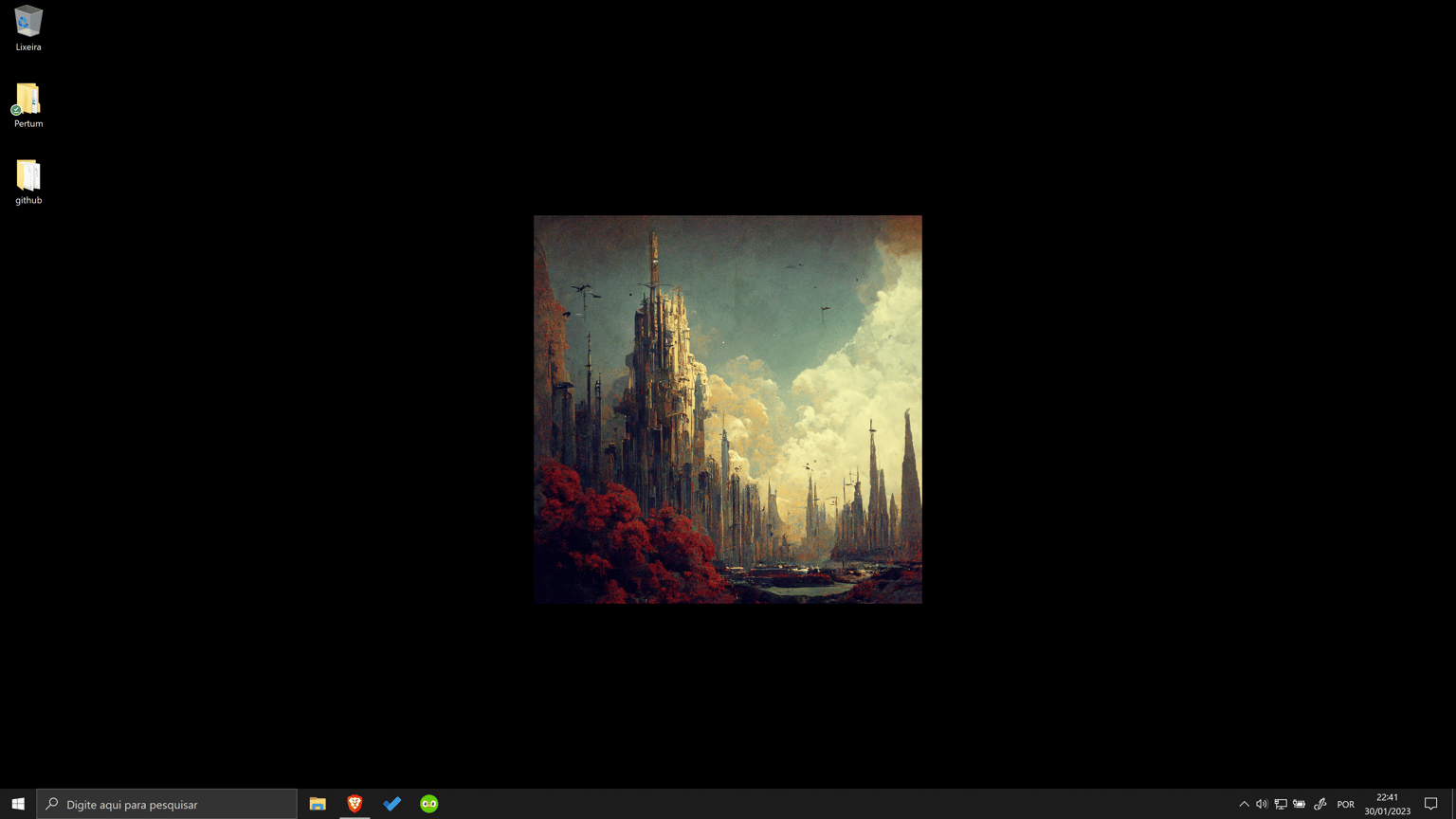
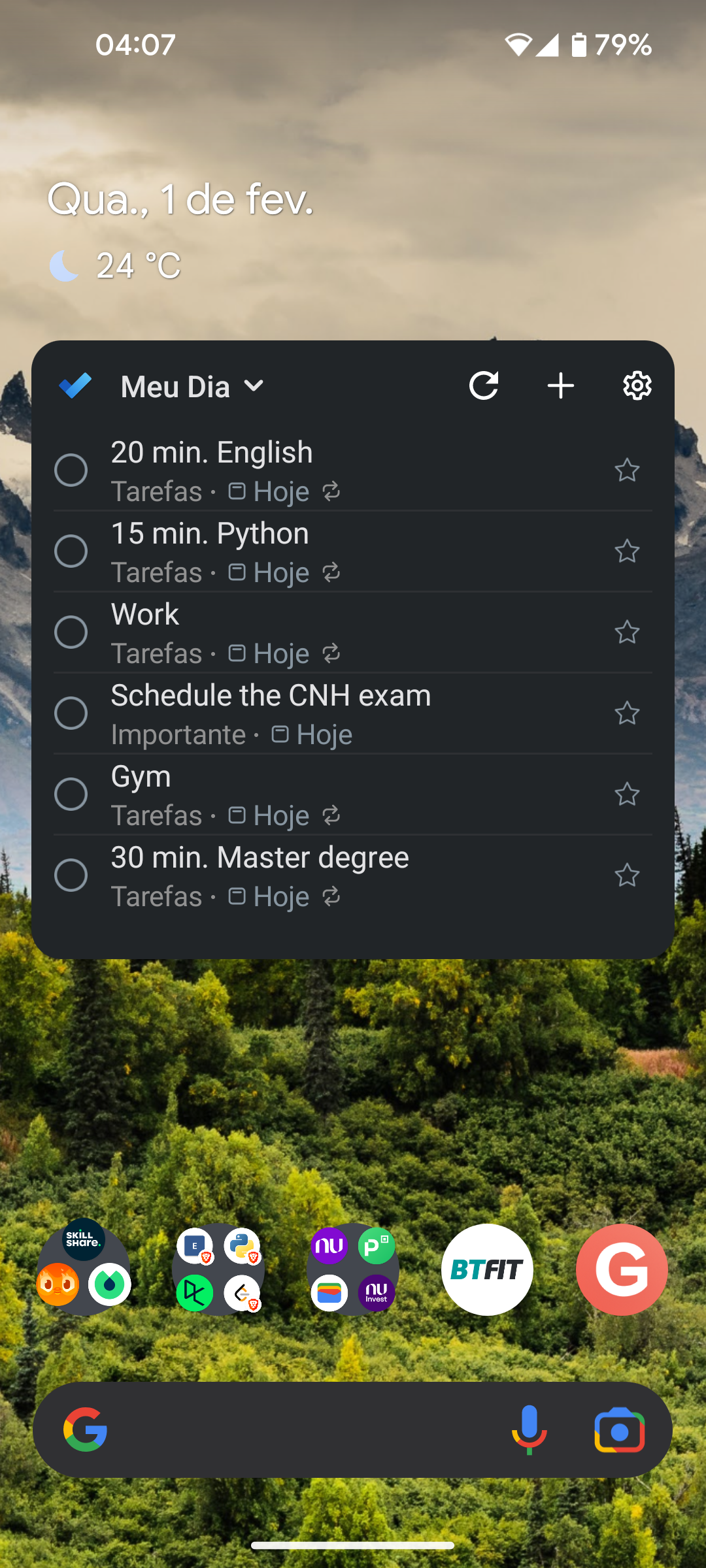 I am syncing files with google drive, it's convenient because I use android and it's easy to keep both synced in the same place and structure of folders. I will use GitHub for coding.
3 and 4. My day and procedure (I mixed both, and it's working)
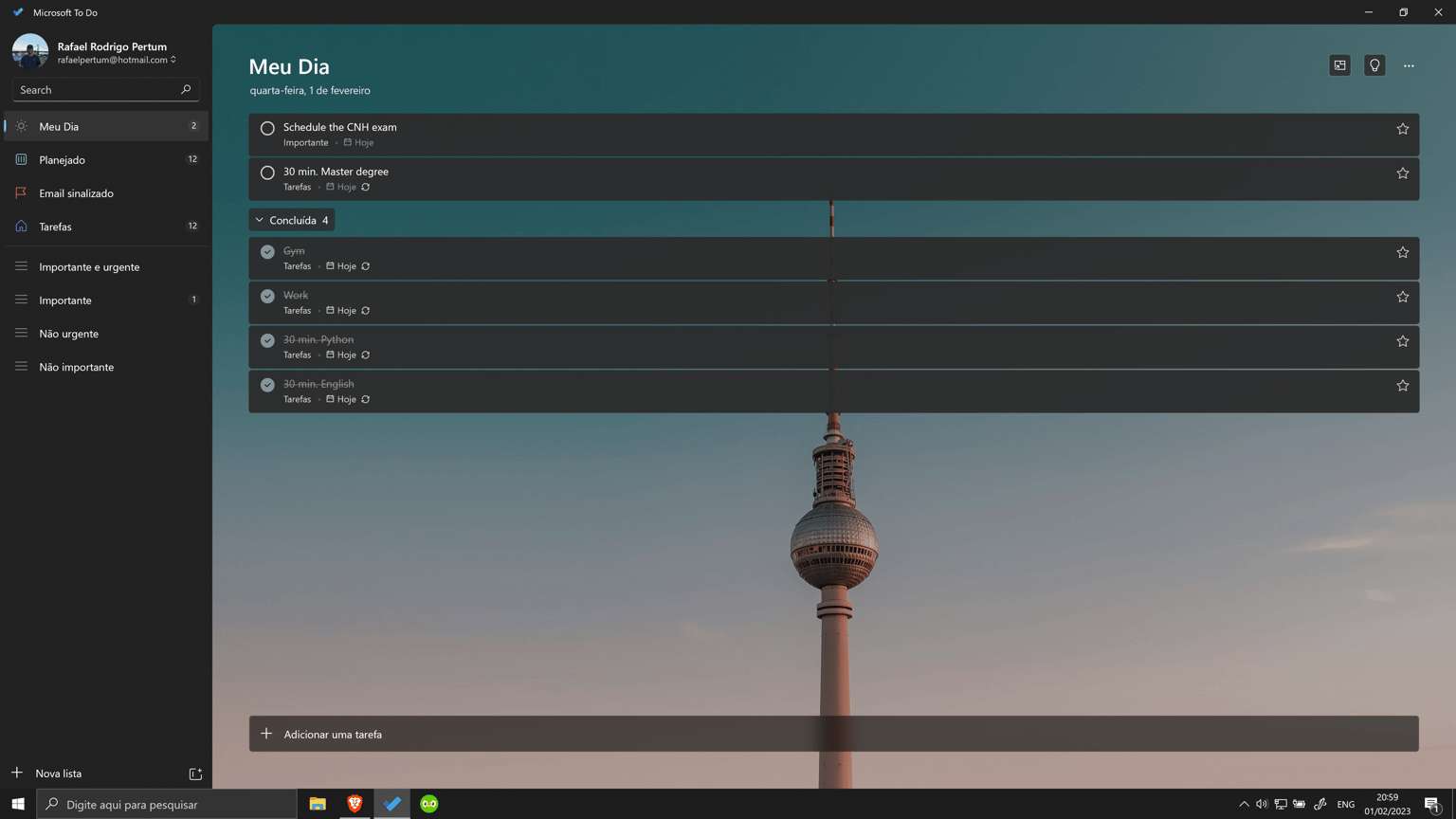 In the last three weeks, the first thing I do in my mornings is plan my day. To do so I use the Microsoft To-Do app, mainly because it's very simple and easy to use. It's synced with my smartphone and synced with email (handy for creating tasks related to e-mails) and I can separate tasks by importance. I have created a similar structure to my work account. This structure/procedure with to-do lists is working for me now. After failing a lot with notebooks and agendas, I am a little happy about this structure/procedure I am following :)
Thanks a lot for the course and the several organization tips.