Nasturtium Flowers
What an exciting and useful technique! It's so fast to make textures into seamless repeating backgrounds now!
Here are 2 handmade textures I used in this project:
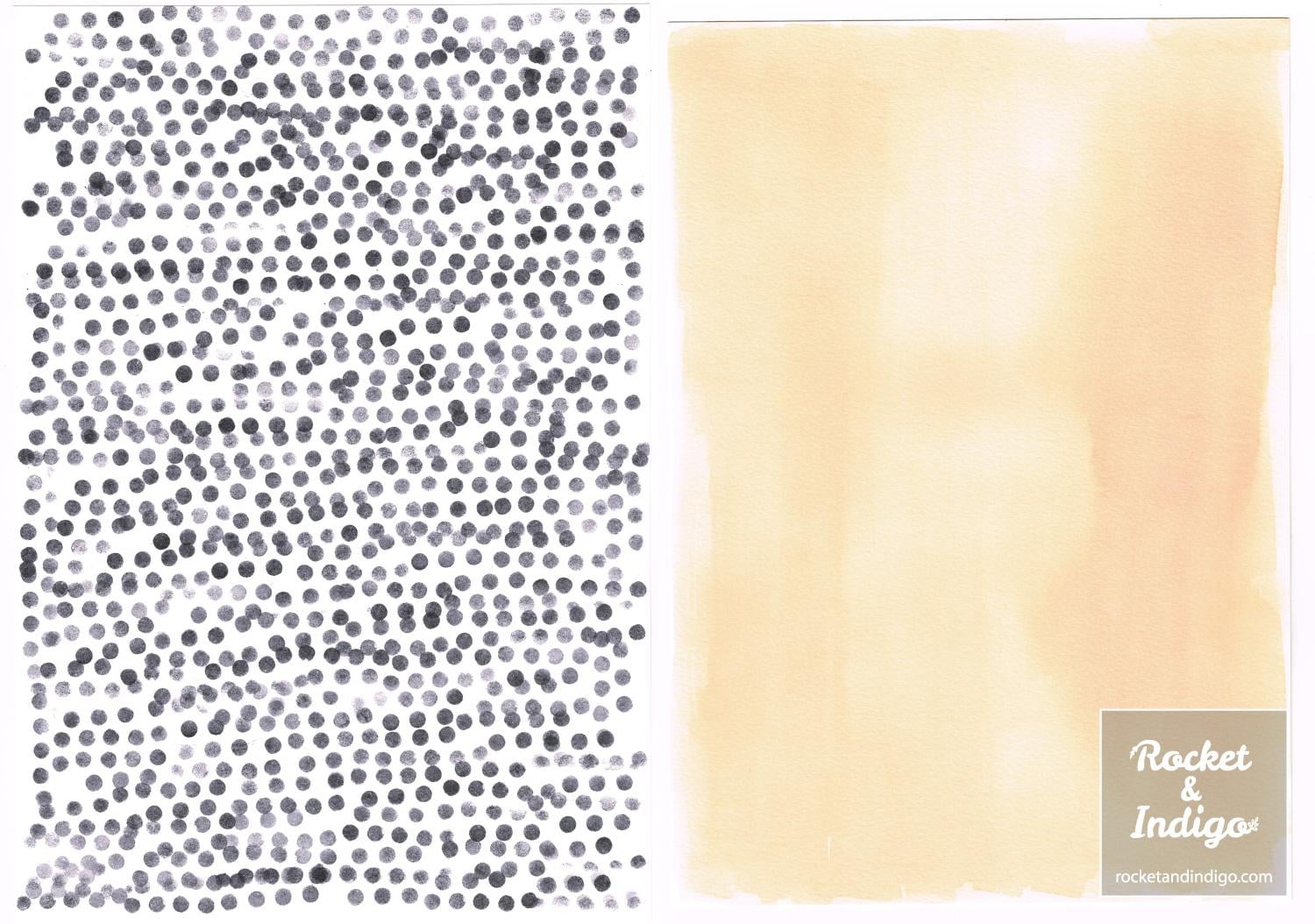
On the left is a stamped texture created with hole-punched foam dots. On the right is a washy effect using boiled up onion skin dye!
I used these particular textures because I wanted to make a seamless pattern to accompany this vintage-inspired seed packet illustration I had designed earlier:
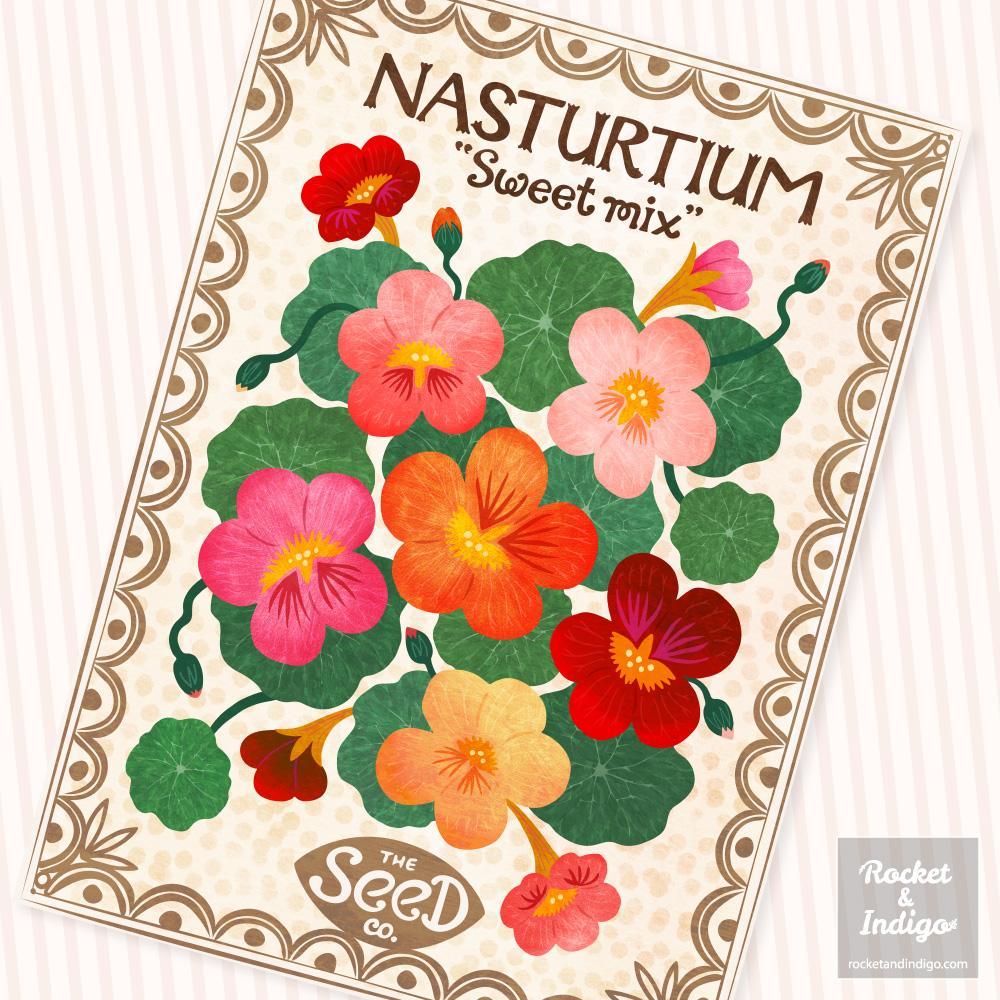
The dotty background in the illustration had been achieved by layering the stamped dots and onion dye textures. So I began by making both textures seamless with Bekki's technique:
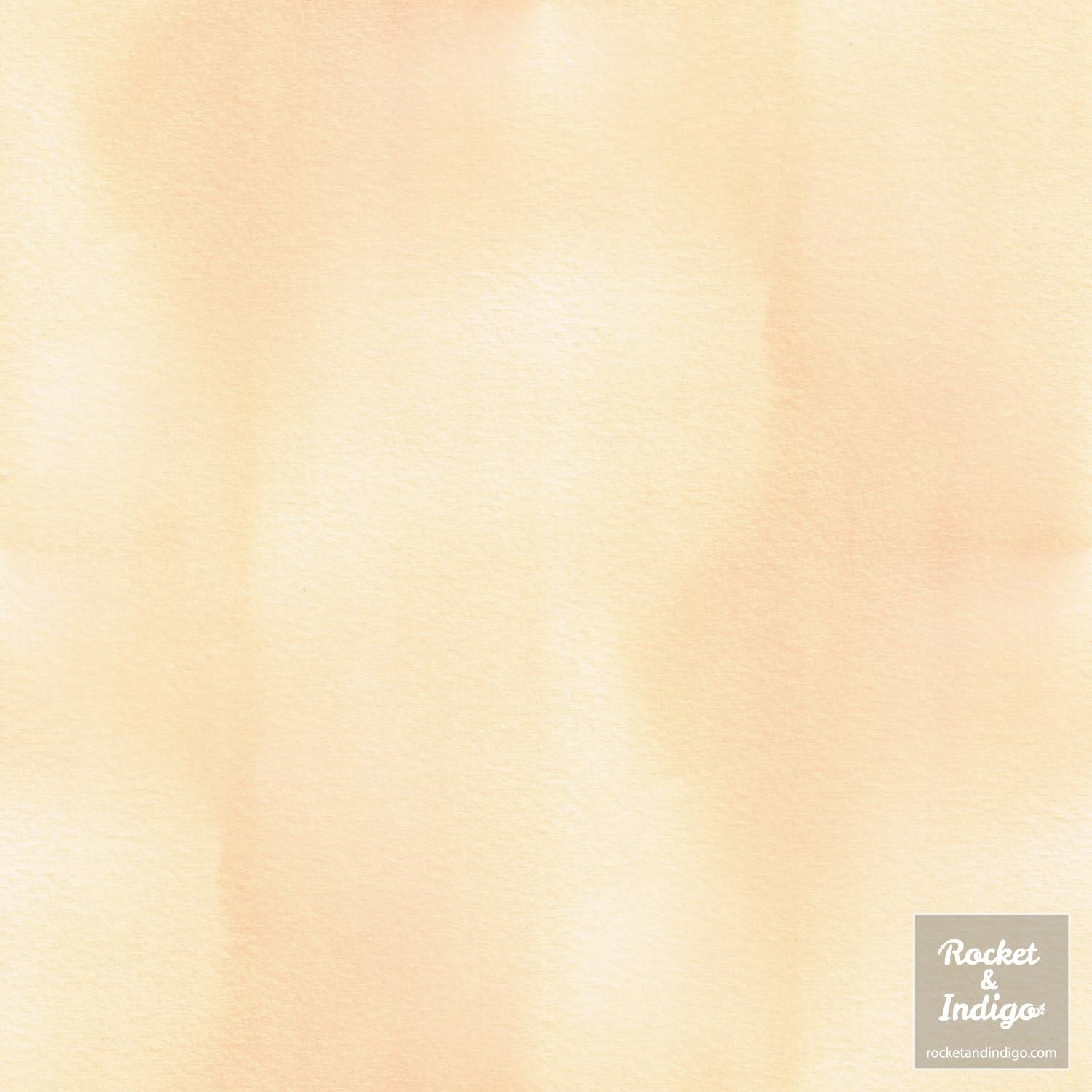
I really like the soft tonal variation in the onion dye, and Gimp did a great job of making it seamless.
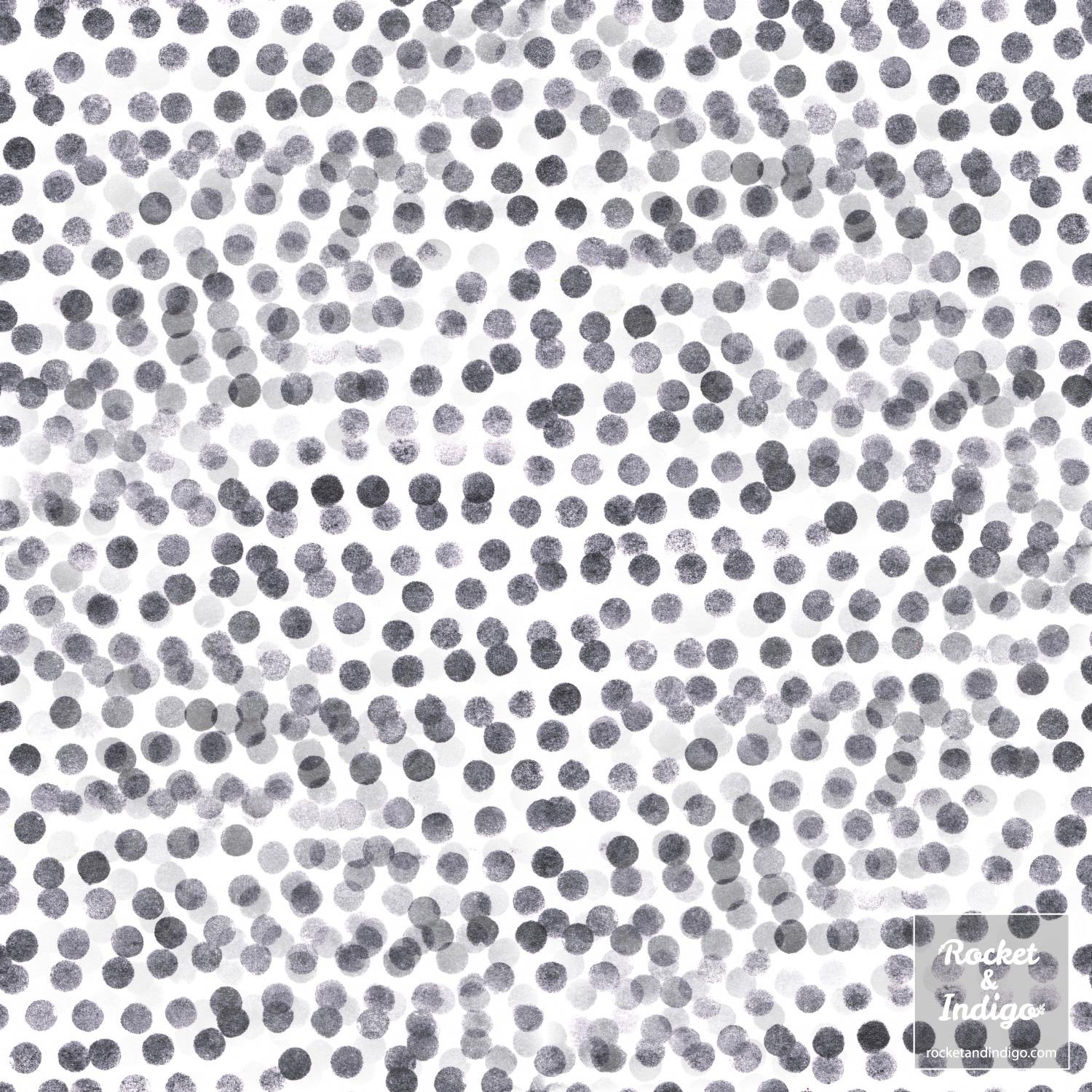
As Bekki mentioned, textures that are very contrasting may appear a bit strange when made seamless by Gimp. I did notice some of the dots became translucent, but since I'd be layering and making the dots more subtle I decided to continue.
And here are the two tiles layered (I used the dotty layer on top with overlay blending mode at 50% opacity). I quite like the 'worn' effect created by the translucent dot areas:
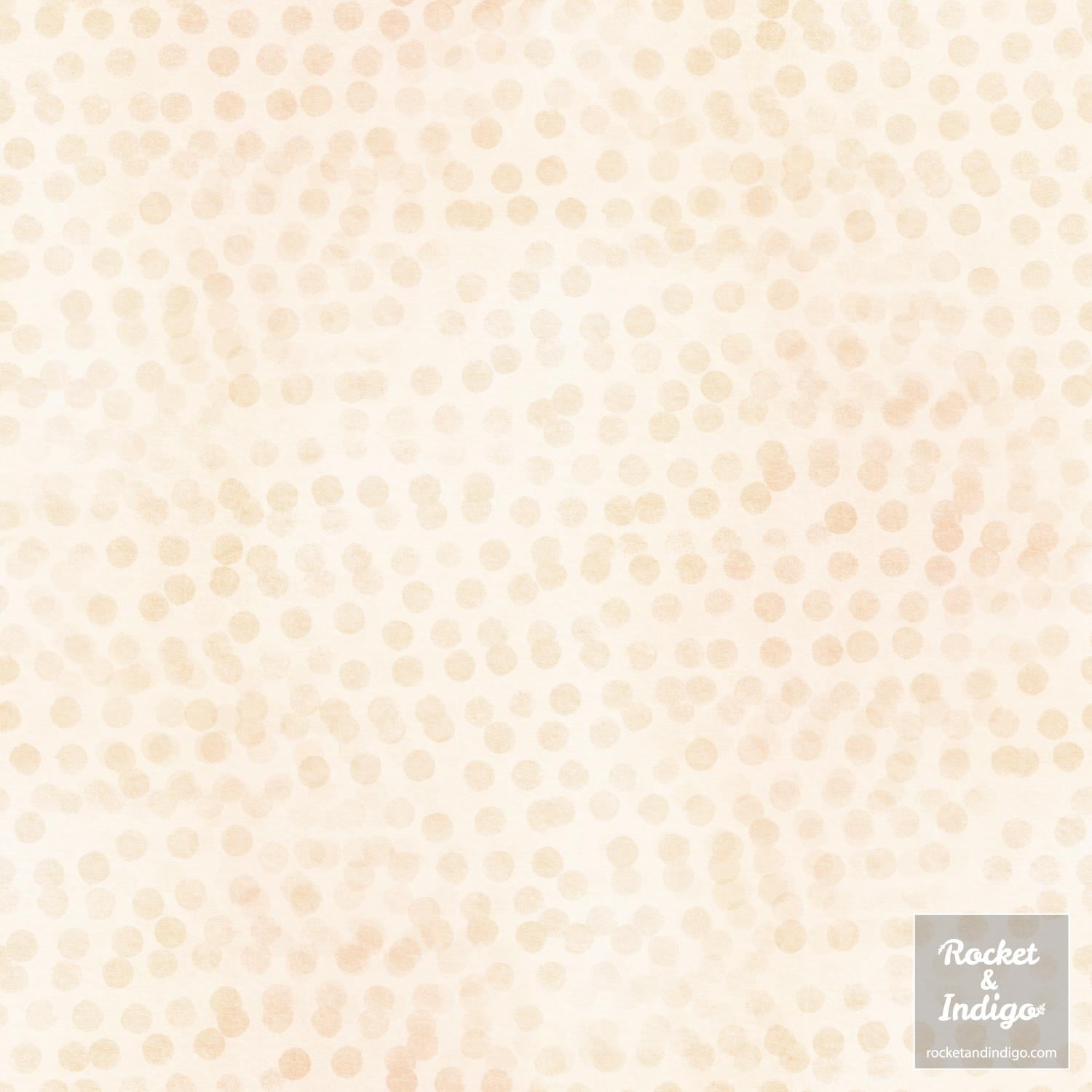
For the pattern I decided to just use the front-facing flowers from my illustration to make a pretty summer floral:
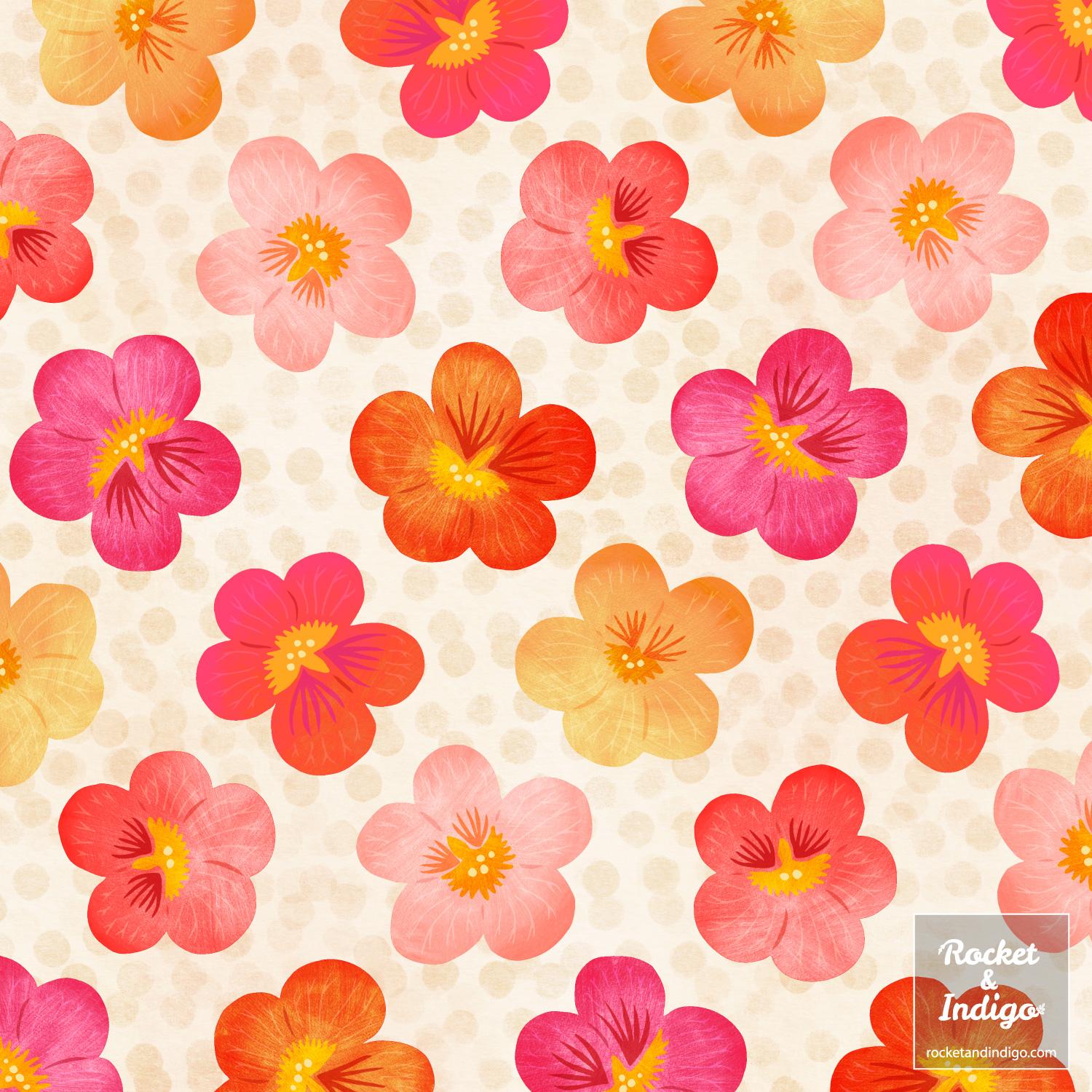
I'm pleased how the background works behind these motifs.
And here it is imagined on a couple of mockups via my rocketandindigo Spoonflower shop:
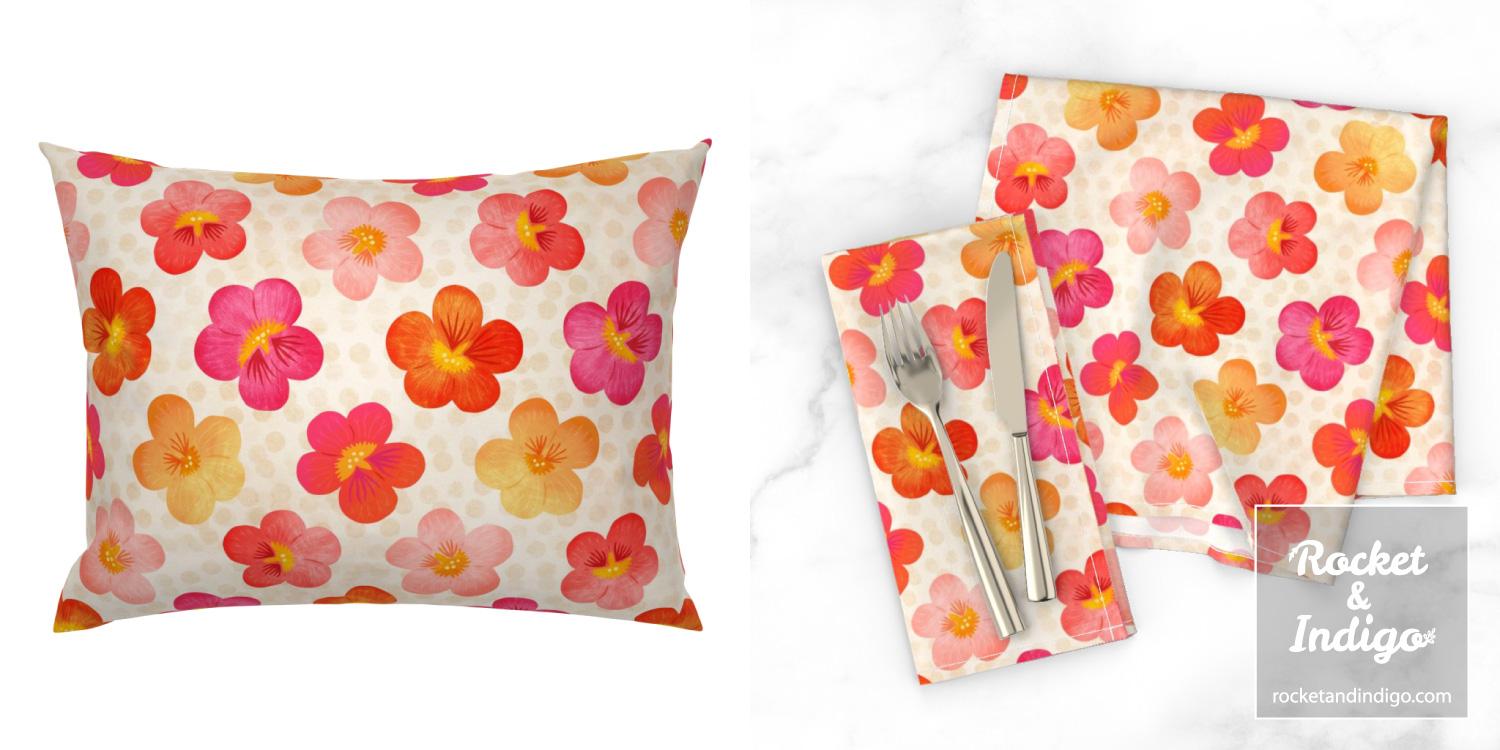
Thanks very much for looking at my project. And big thanks to Bekki for creating this class to share such a super-useful technique! xo