Mandala Experiments
Mandala 1
I don't have Photoshop, but I discovered Affinity Photo has a similar symmetry tool. I also don't have a drawing tablet attached to my Mac, but I do have an iPad and Apple Pencil with Affinity Photo installed. So this is what I used in the end to experiment with Mandalas.
The first mandala is a random one to get used to using the symmetry tool.
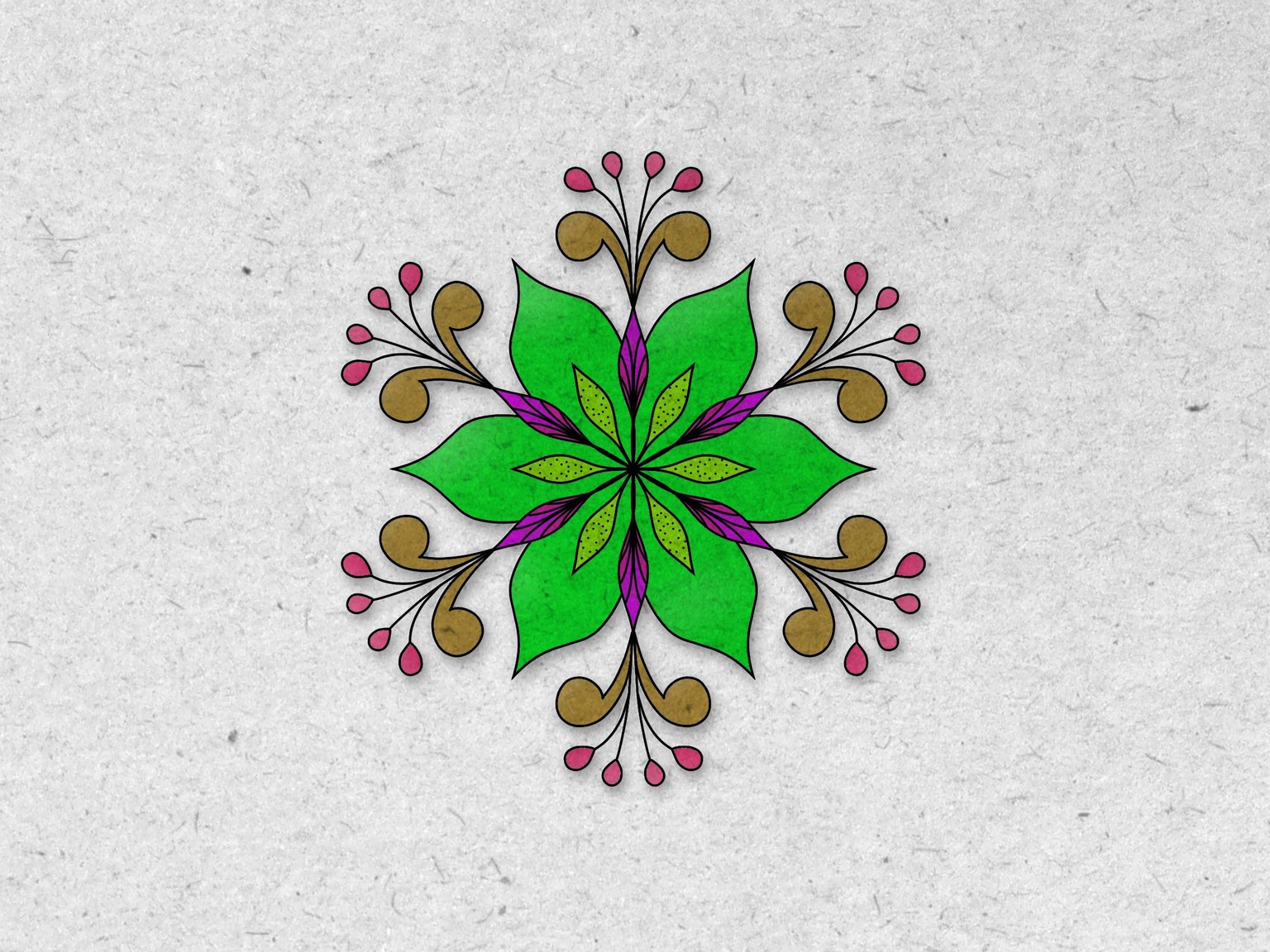
Mandala 2
With this Mandala design I wanted to use an underlying grid. In this case it's the pentagon progression with the golden ratio built in.
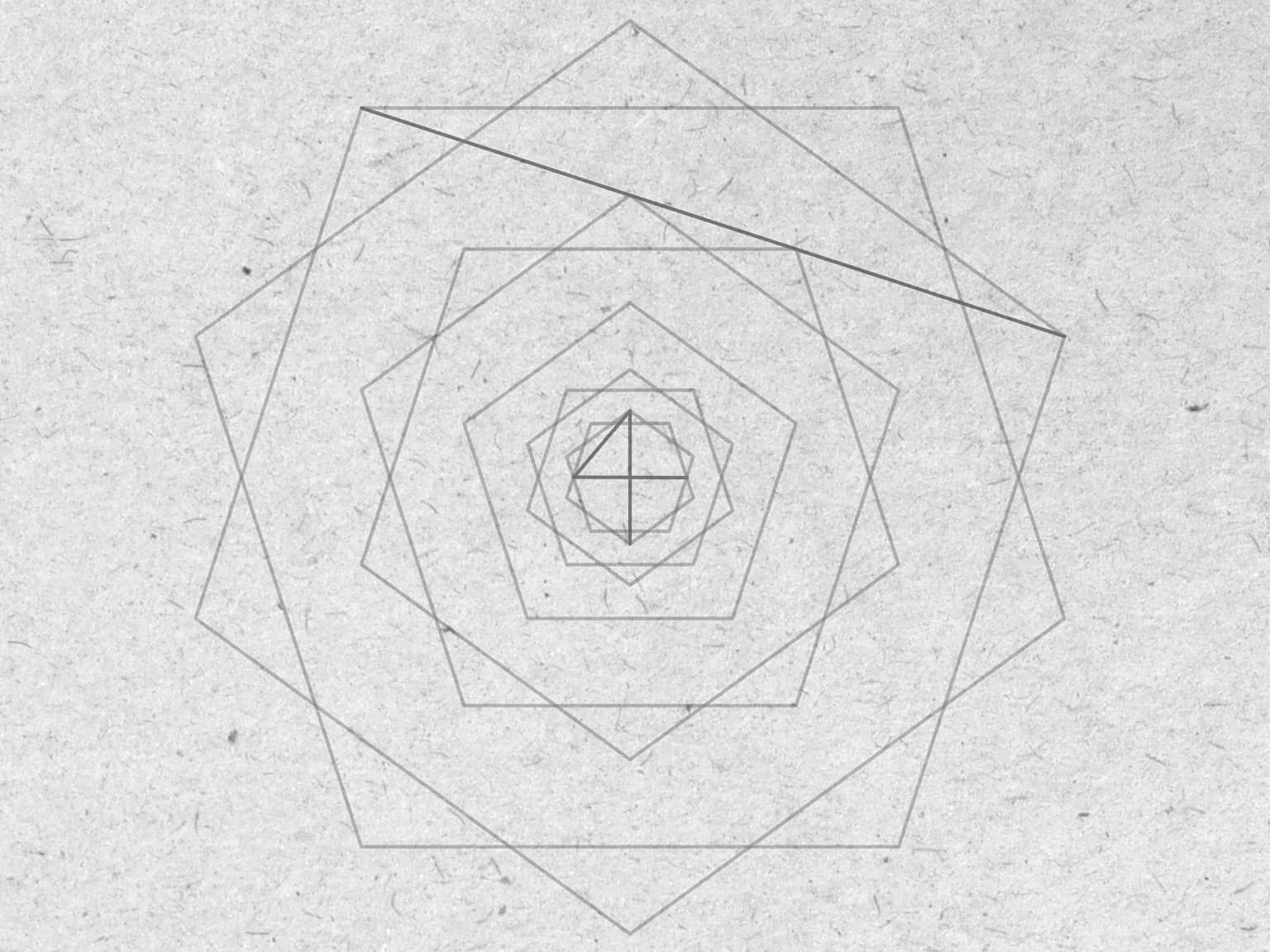
Other than the grid to provide some proportions, it was another random design using elements that I am familiar with drawing.
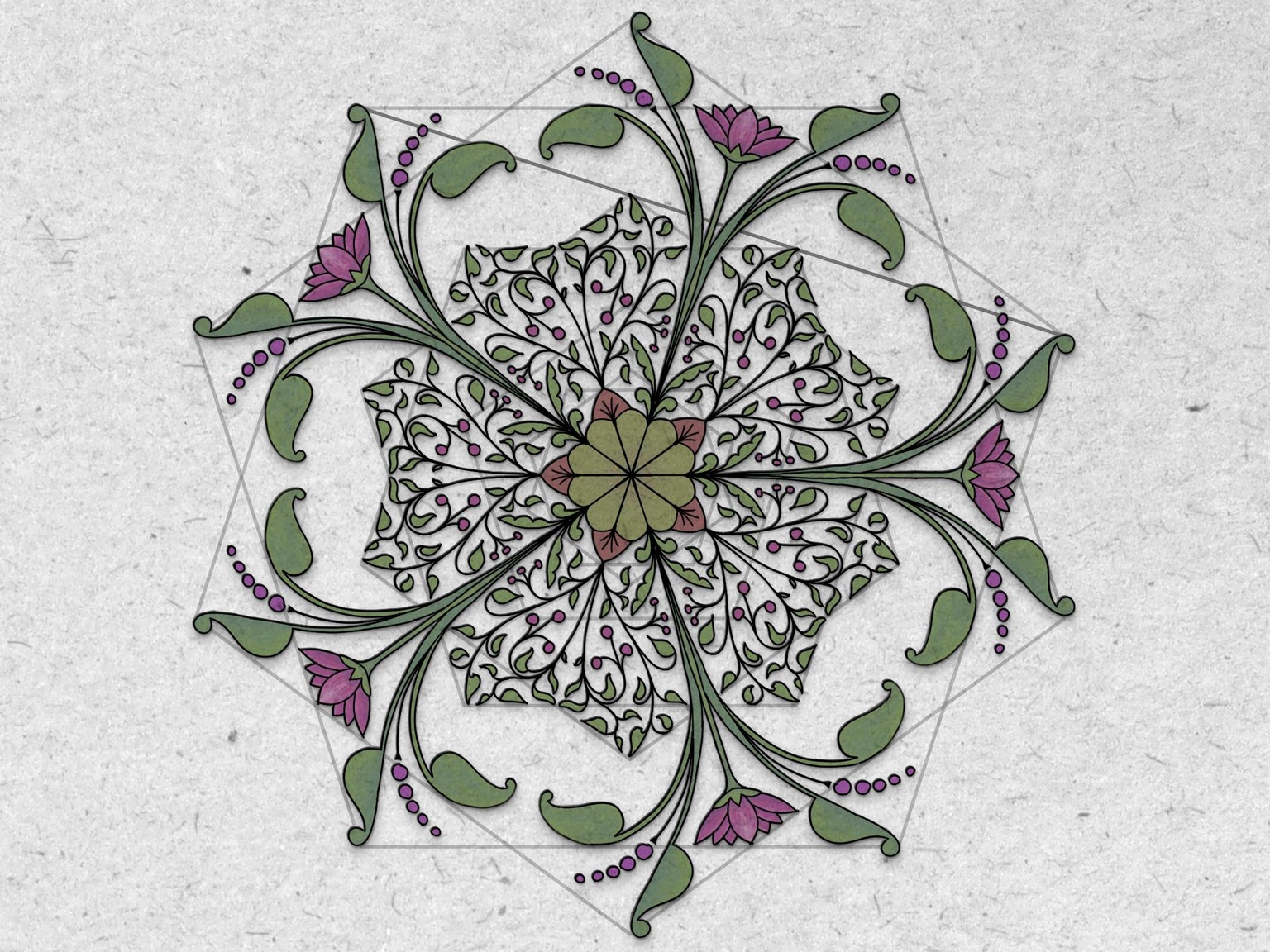
This the finished design (although I could keep going and going) ...
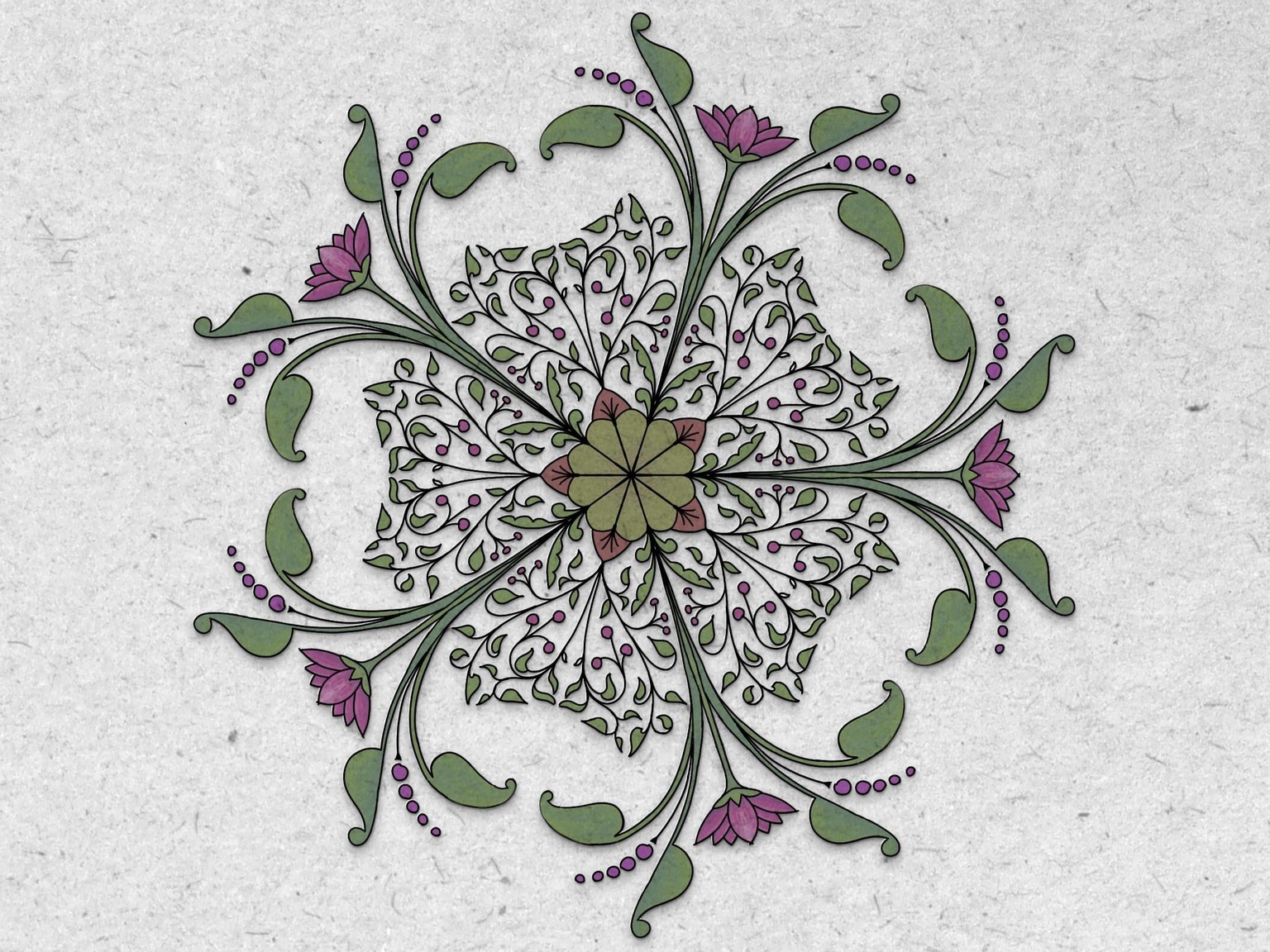
The symmetry tool will come in very handy for designing patterns; not just Mandala's, but for repeat patterns.
I have seen a lot of mandalas over the years, particularly on instagram, and not a lot of originality and effort. Don't get me wrong, they are impressive.
However, when I saw Beatriz's mandala's I was impressed with her ability to adapt this technique to a range of different historic styles. So now I can see a use for mandalas in the patterns that I create. The pixel-based symmetry tool in Affinity Photo & Affinity Designer's Pixel persona, is a nice addition to the vector-based symbol tool in Affinity Designer.
Thank you Beatriz for sharing your methods and materials. Over the last 36 hours I have learned a lot, including the use of pixel-based brushes. Up until recently, I've focused on using vector drawing tools!