MY PHOTOSHOP CLASS PROJECT
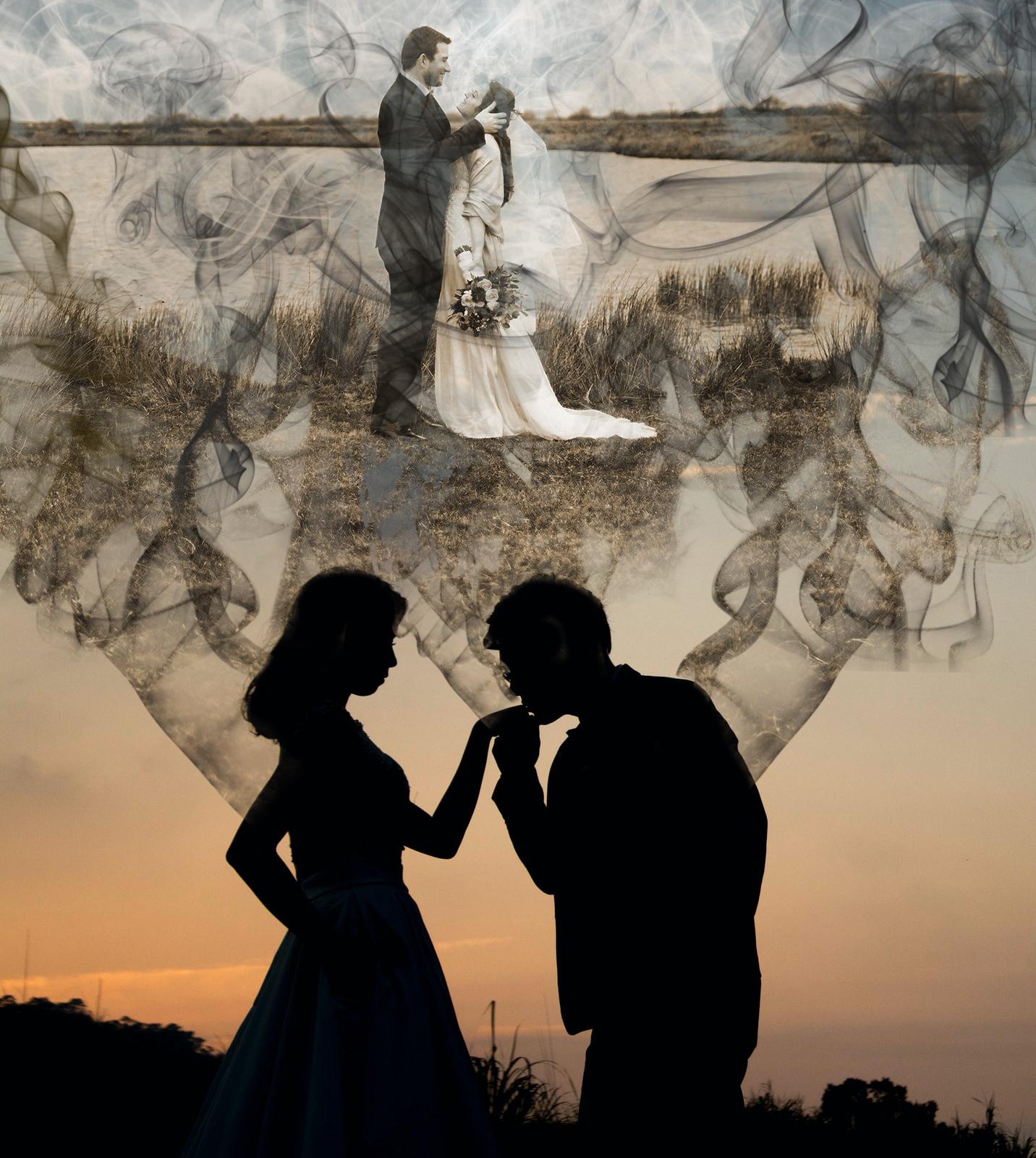
EPISODE 81 - SMOKE EFFECT
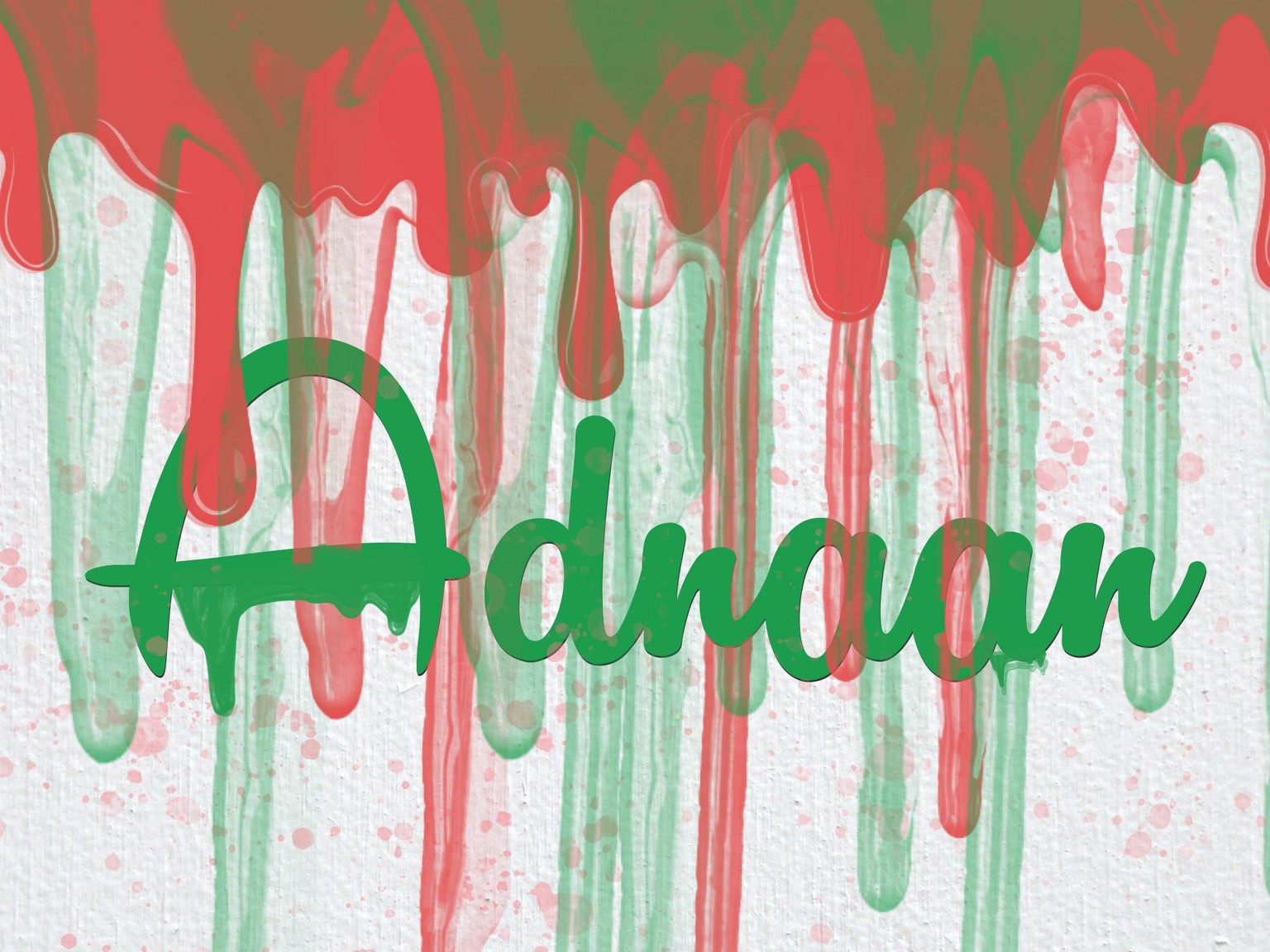
EPISODE 79 - DRIPPING PAINT
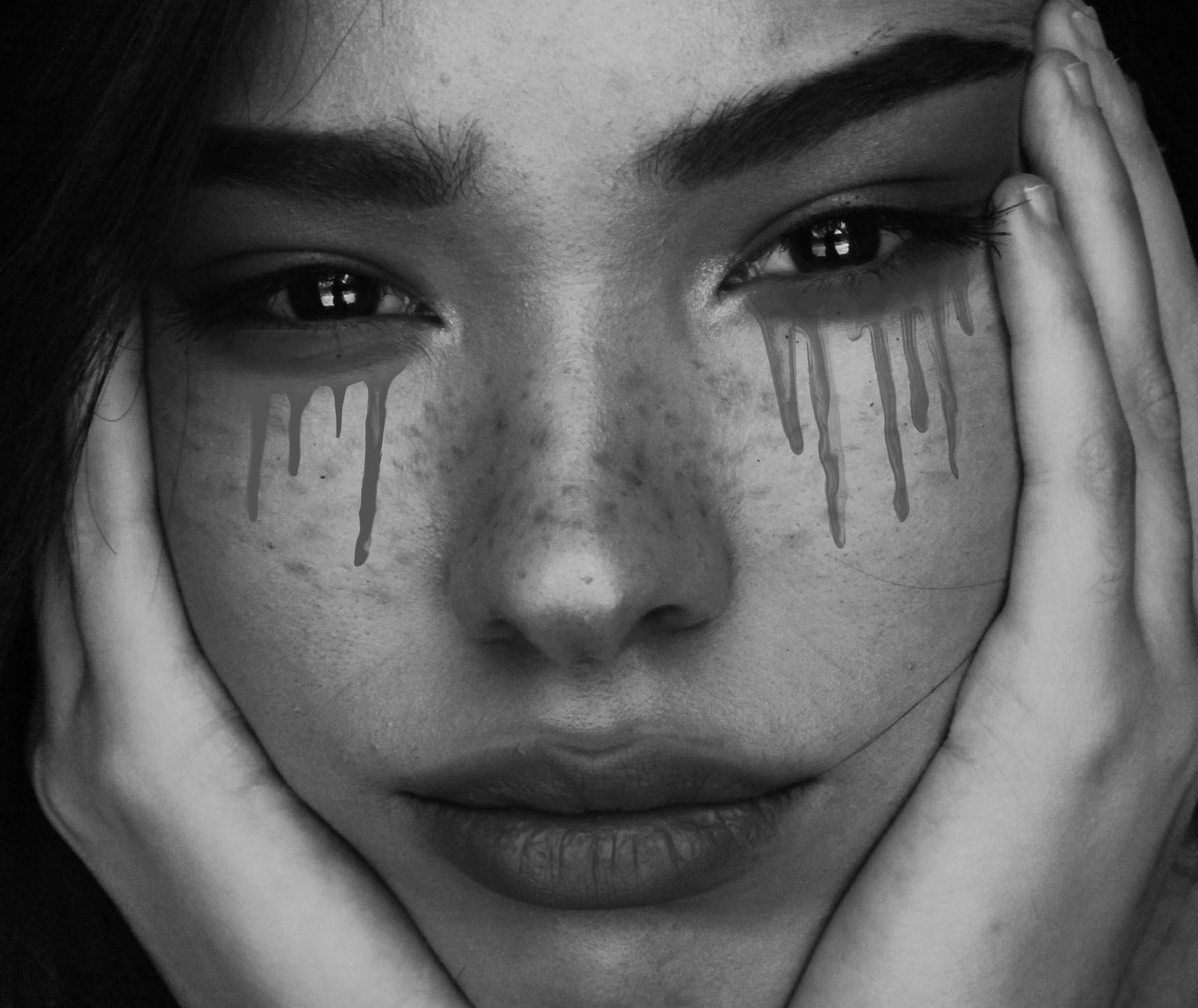
EPISODE 77 - SPECIAL BRUSHES
Tried something new.
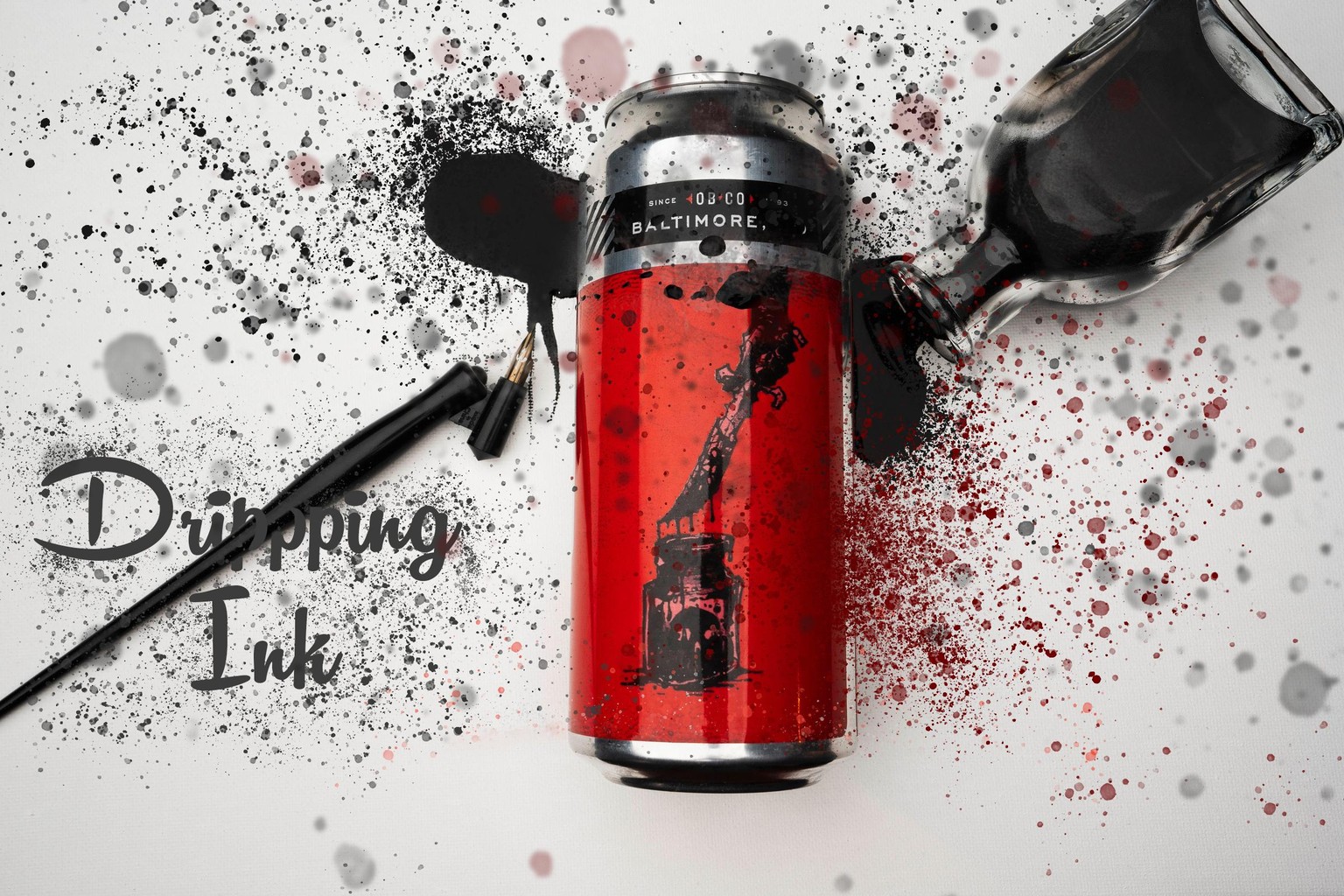
Just Experimenting, Nothing Serious
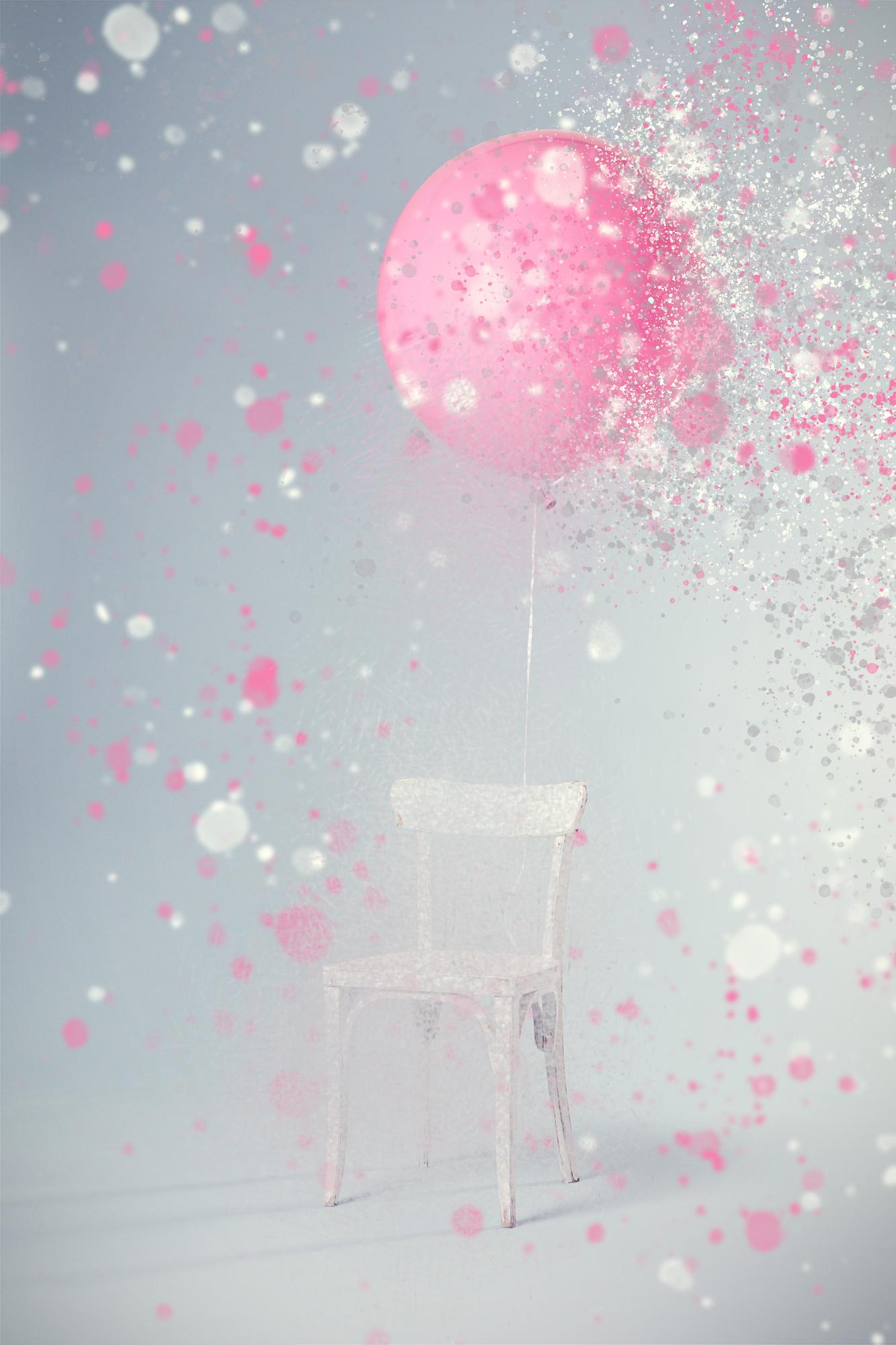
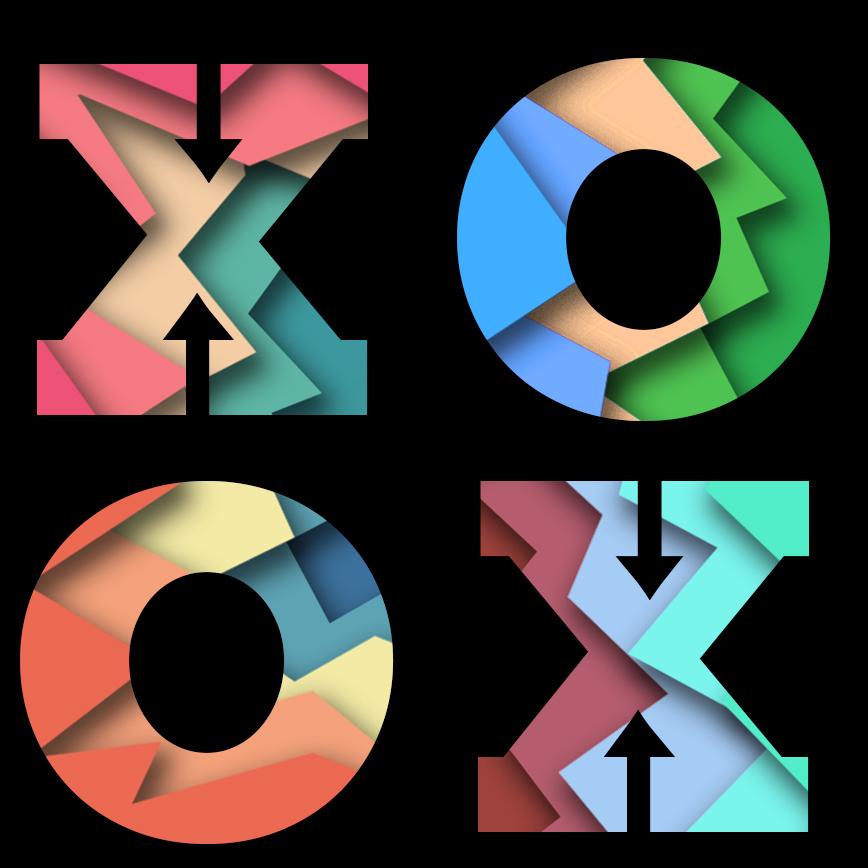
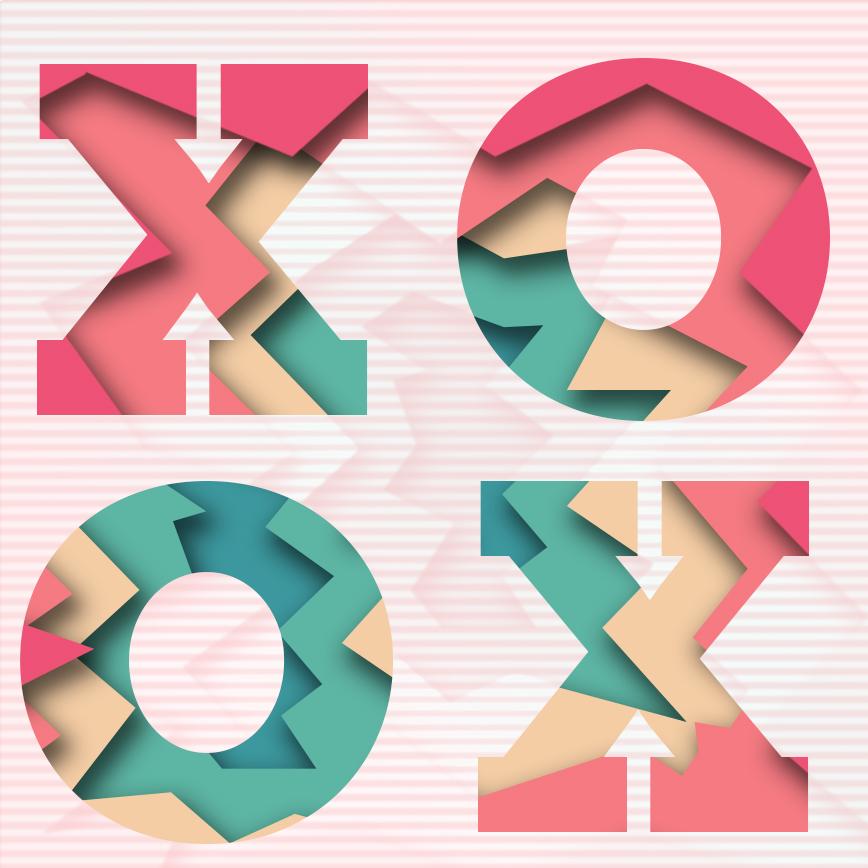
EPISODE 71 - PAPER CUT EFFECT
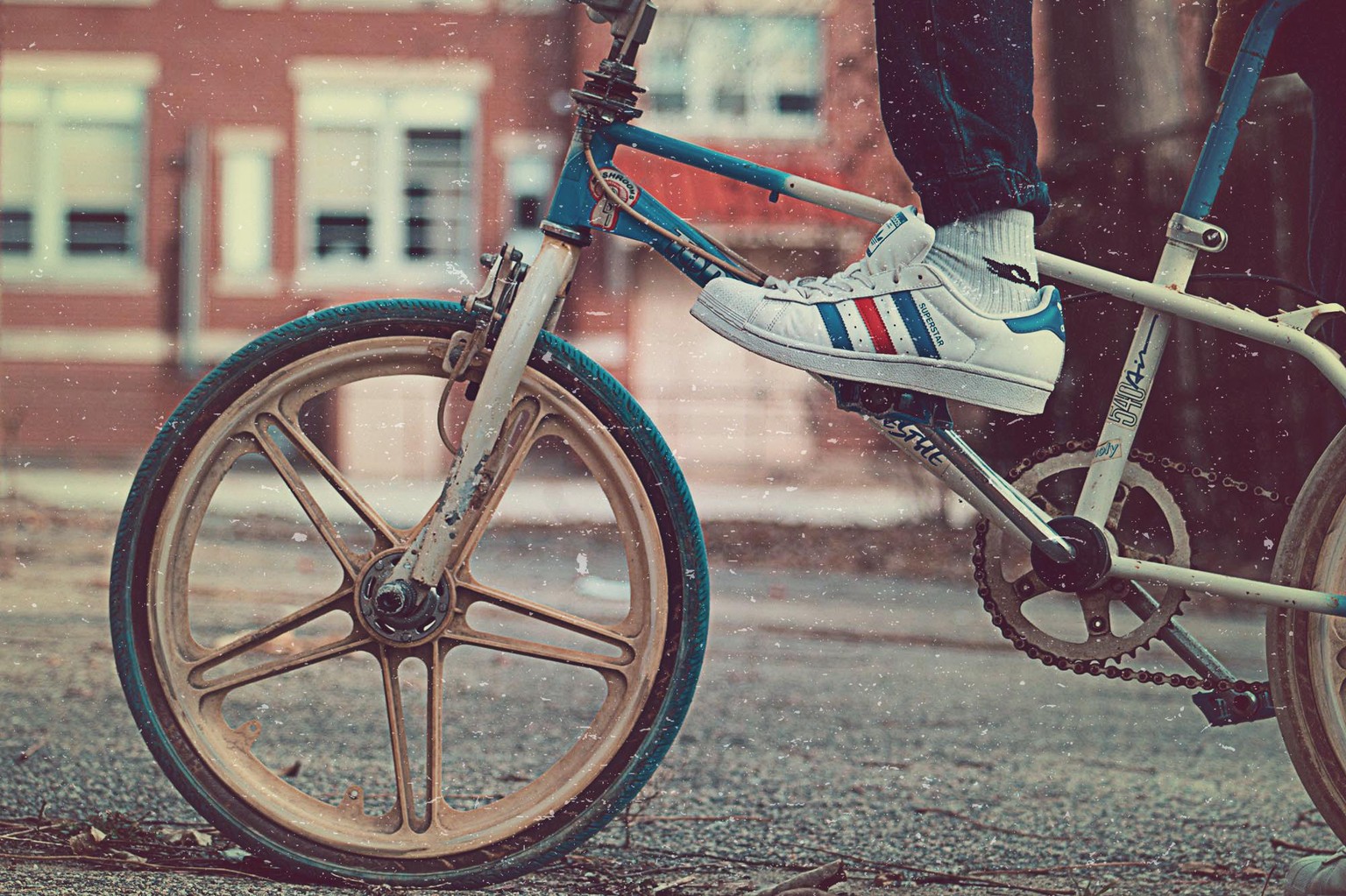
EPISODE 69 - VINTAGE LOOK.
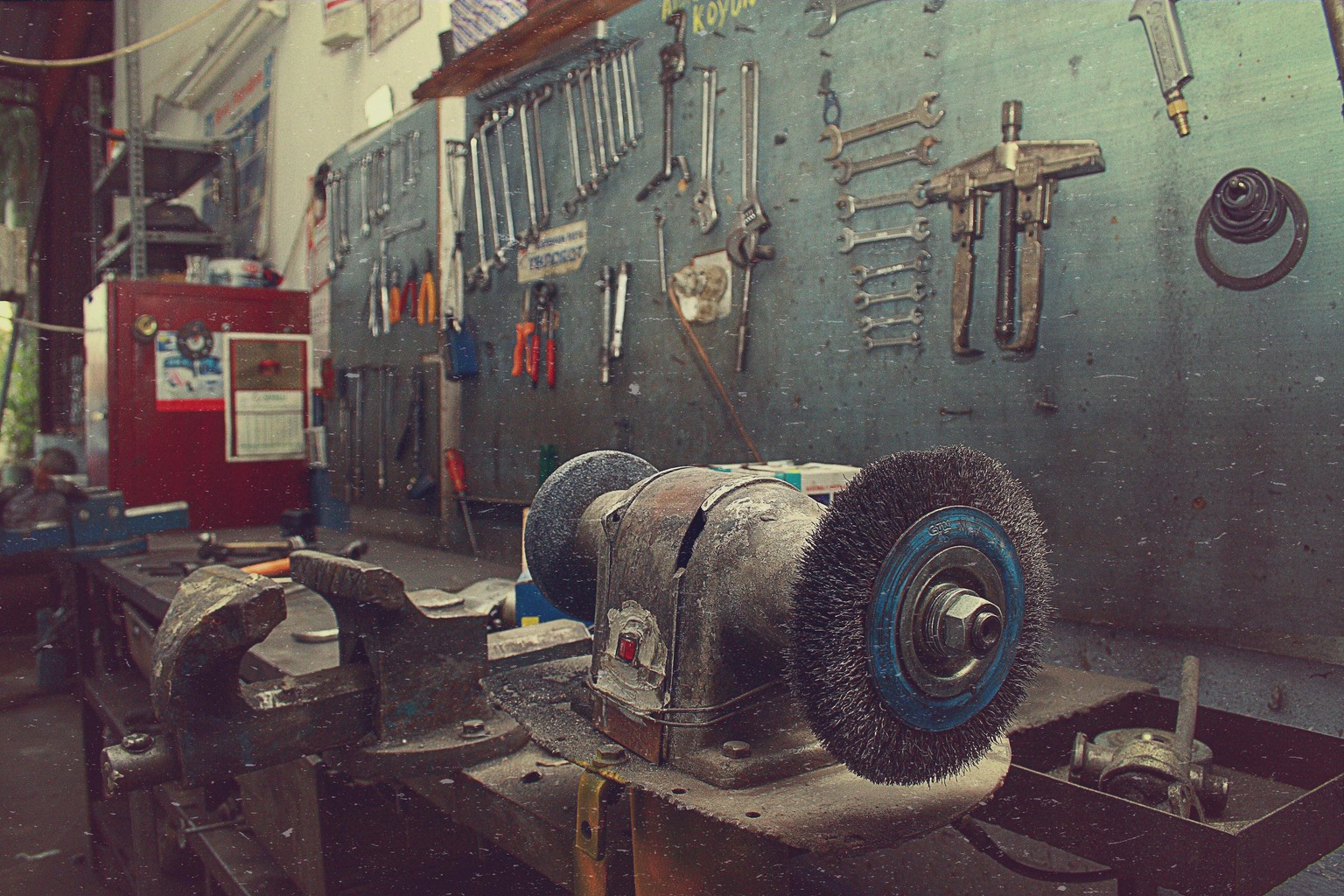
EPISODE 67 : ANAGLYPH EFFECT
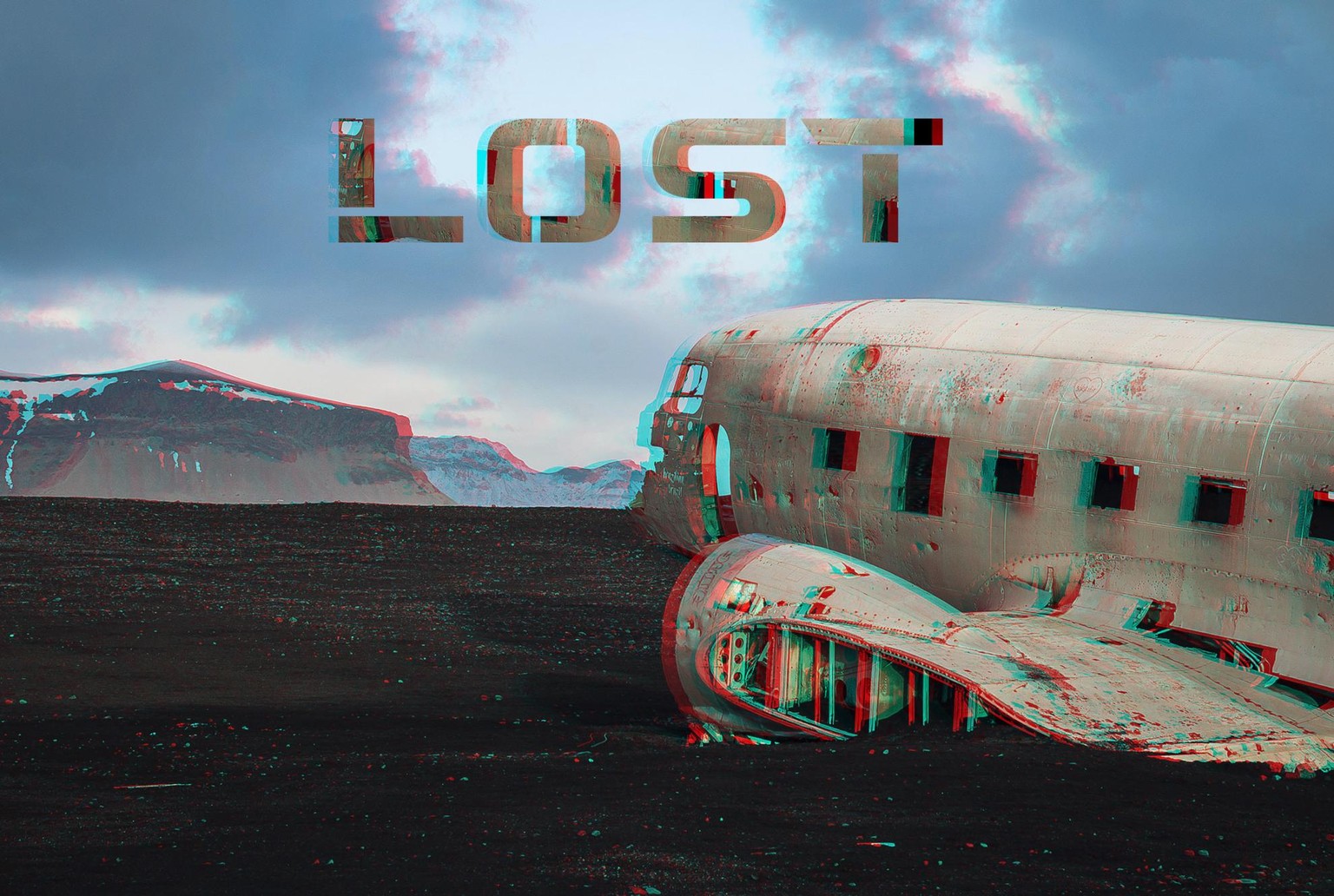
EPISODE 65 - DUAL TONES
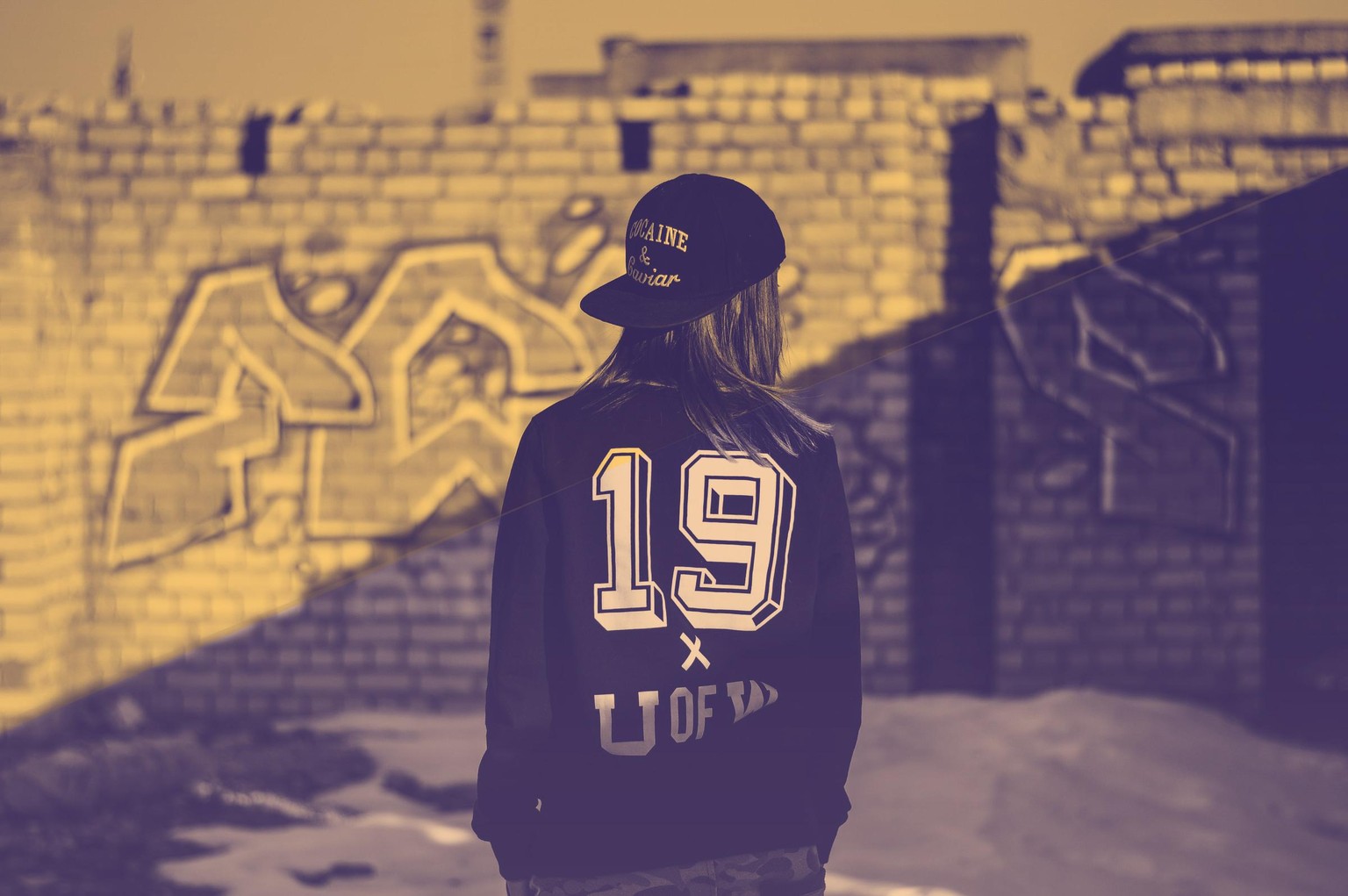
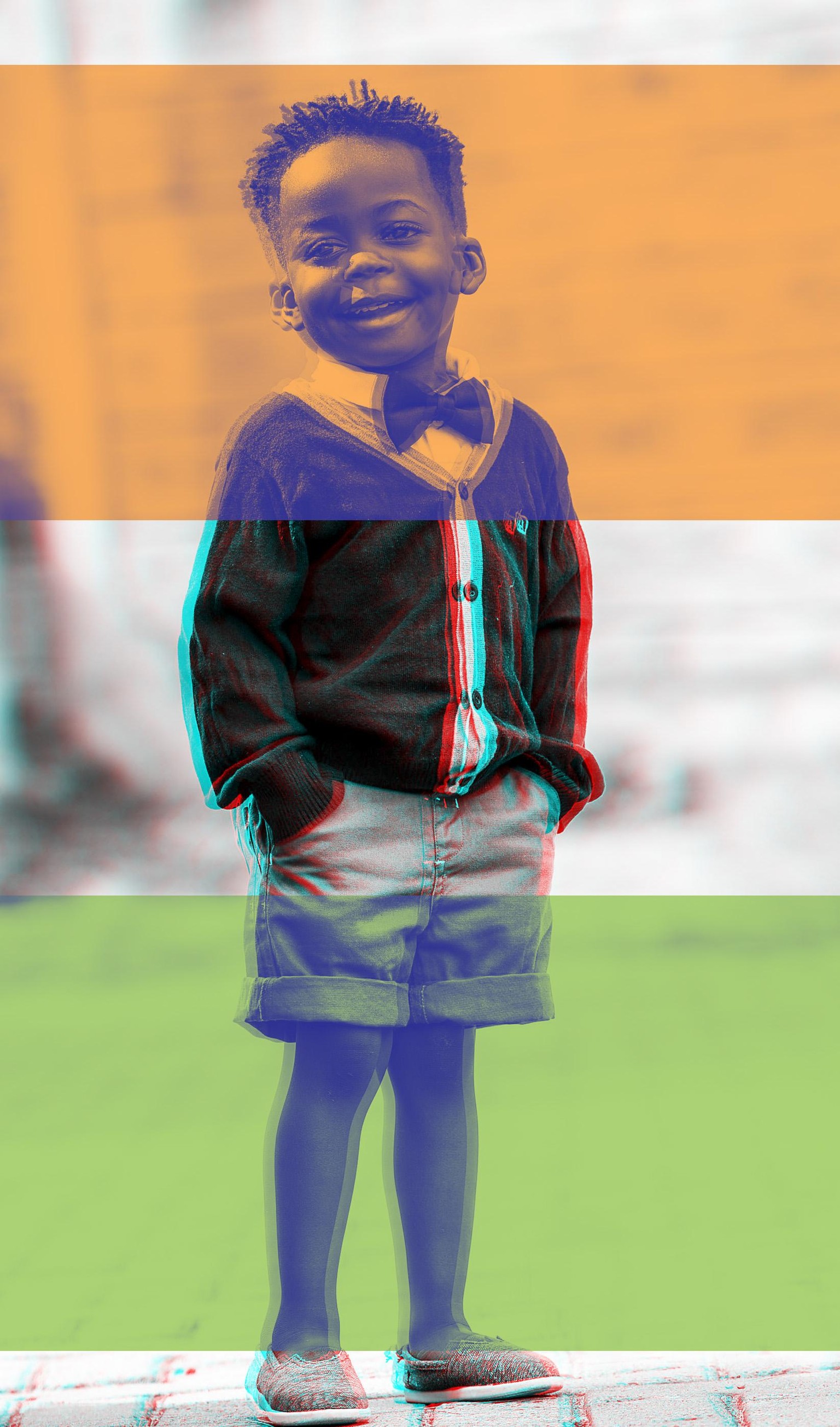
This is a combination of Dual Tones and Anaglyph effect.
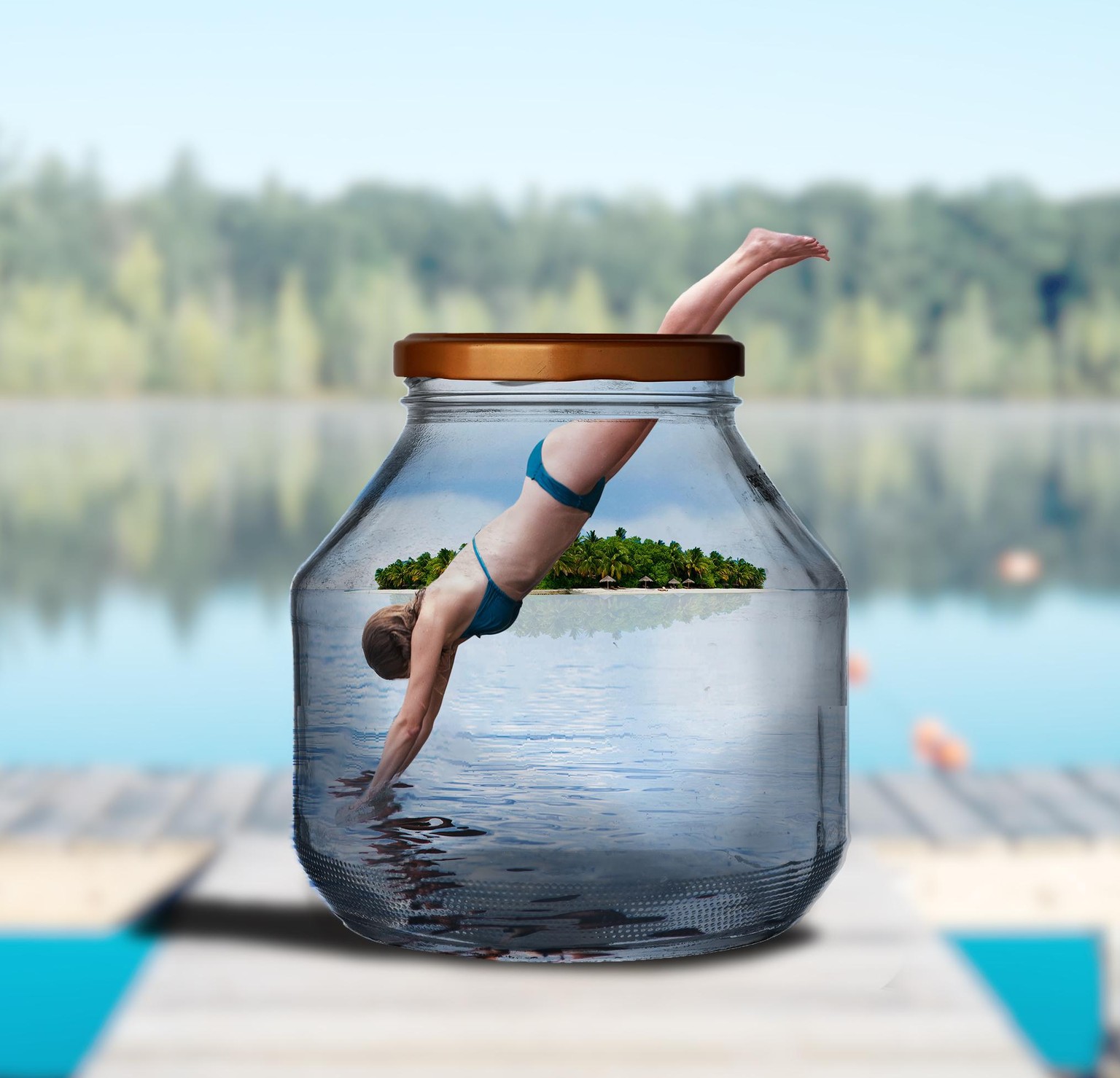
EPISODE 63 : BOAT IN A BOTTLE -
Girl Diving in a bottle
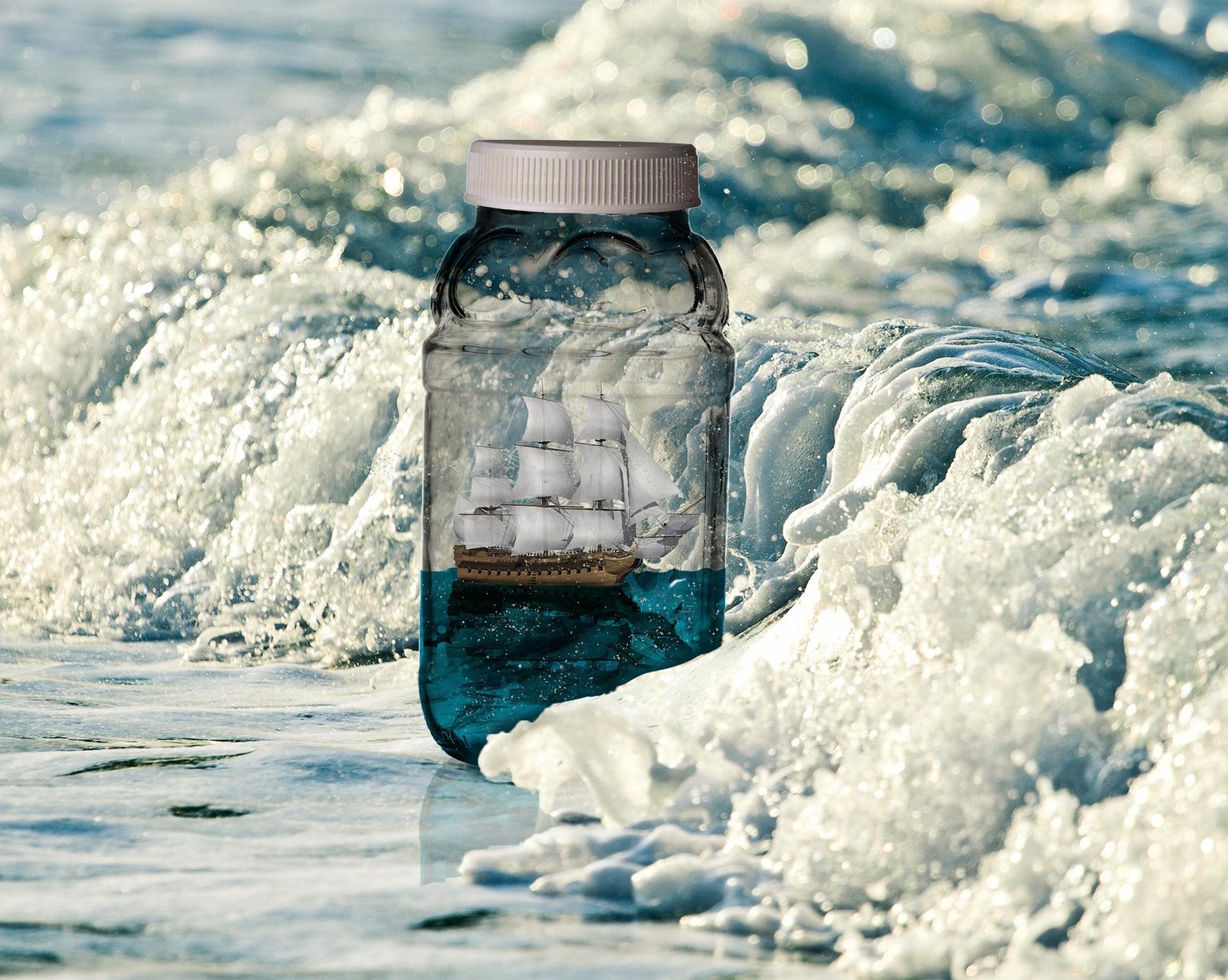
Bottle on a Beach
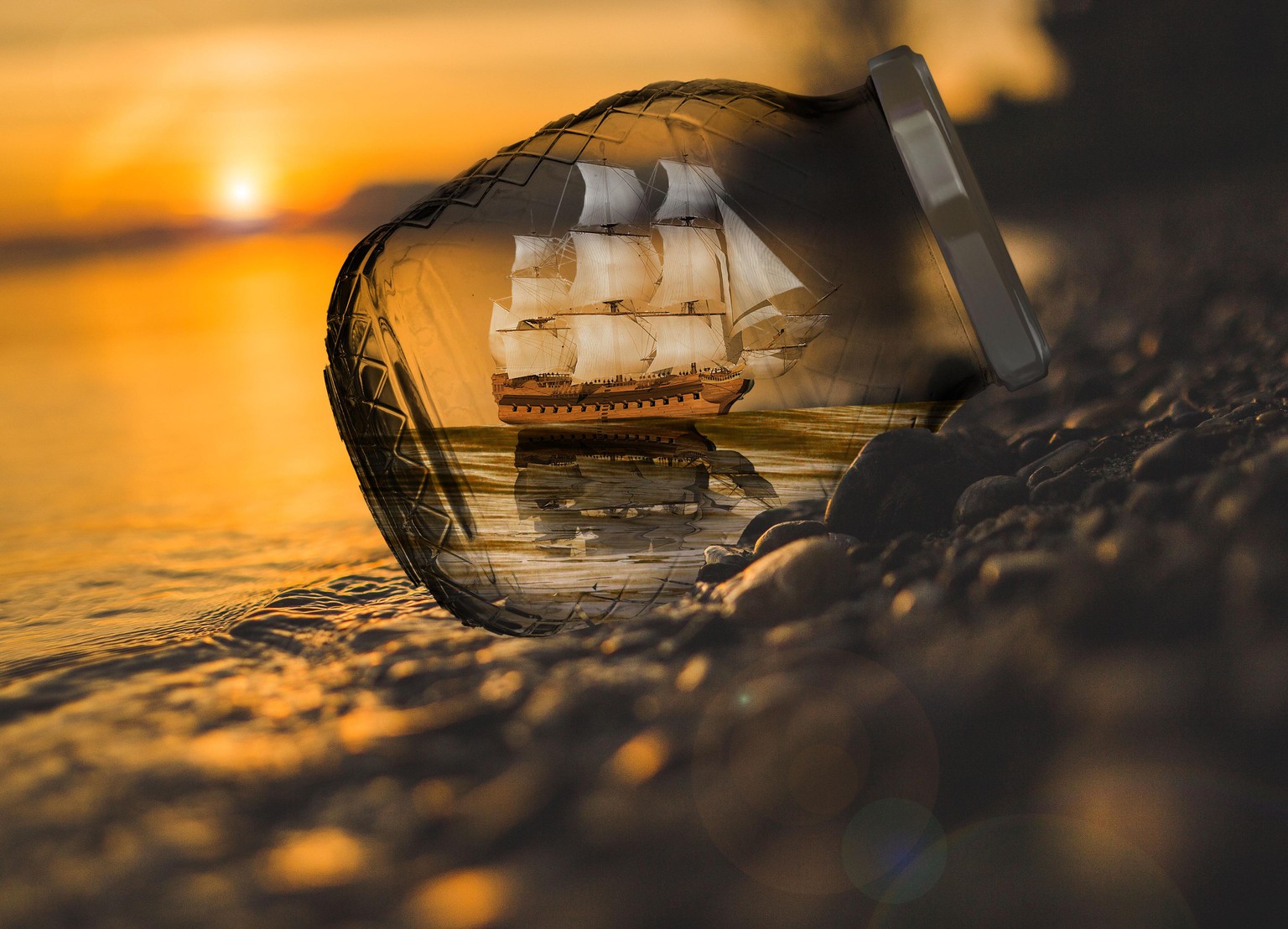
EPISODE 63 : BOAT IN A BOTTLE - Well quite not satisfied with my work, tried something different. Hope you guys like it.
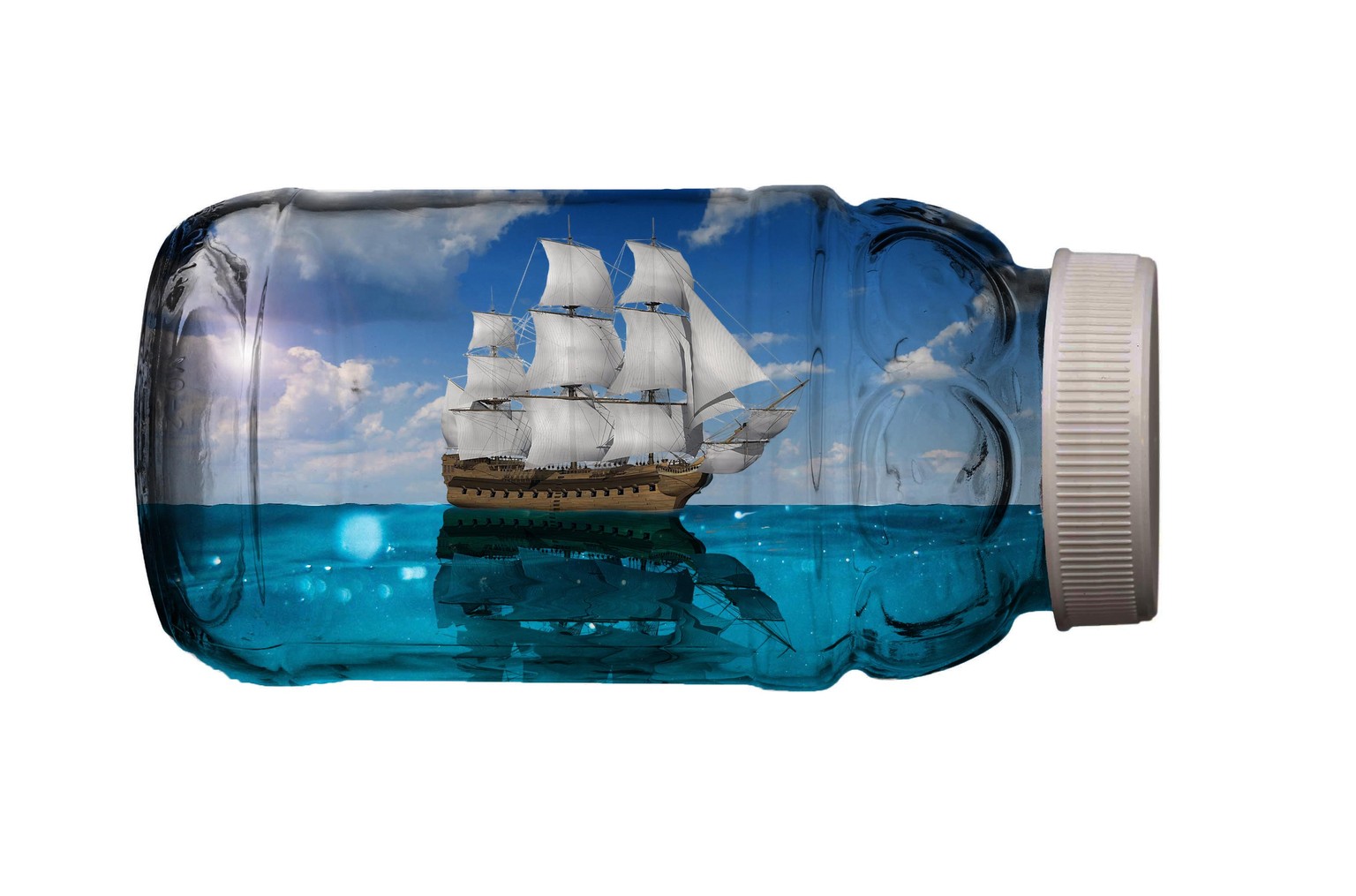
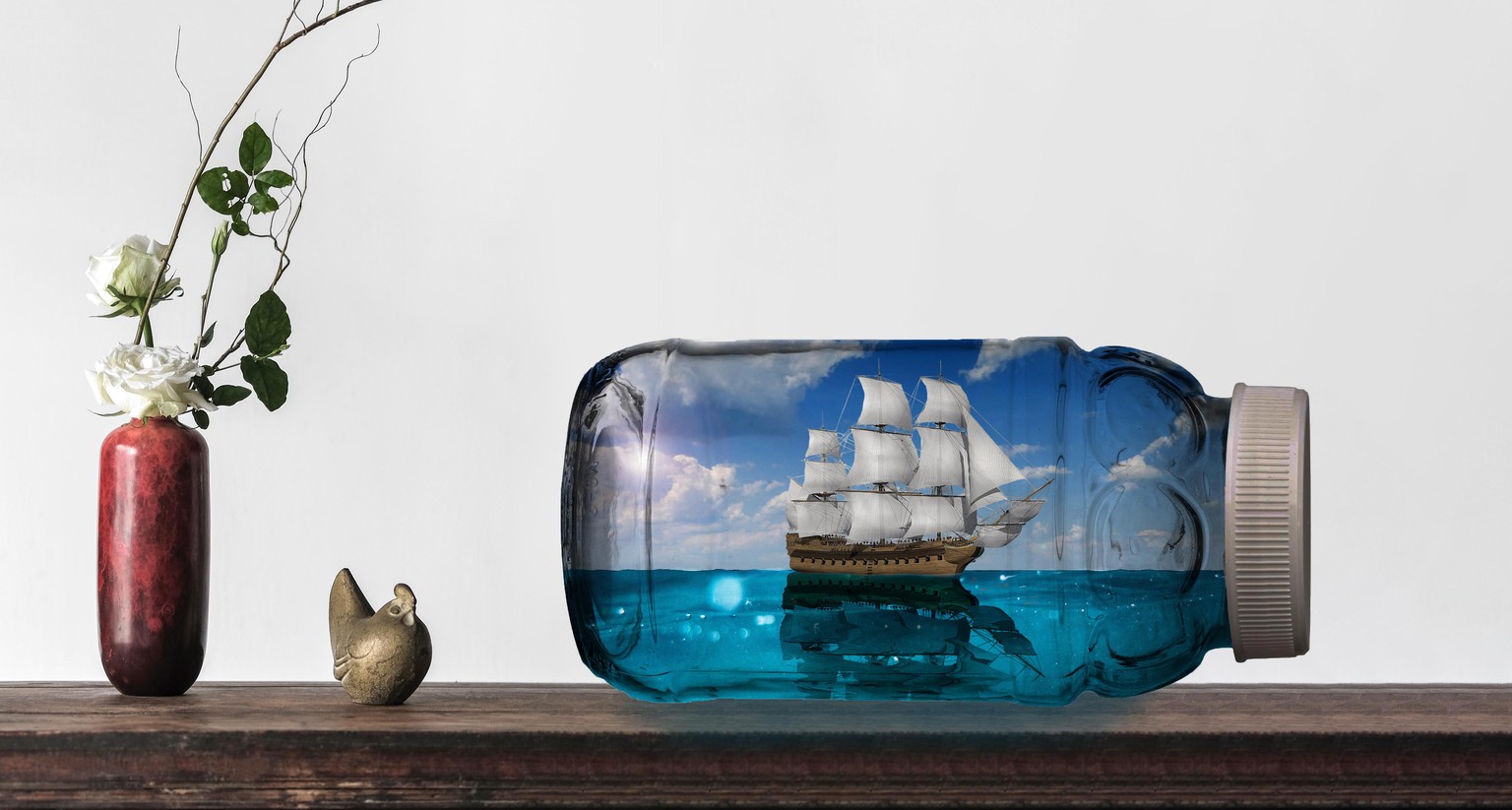
EPISODE 63 : BOAT IN A BOTTLE
I managed to put a boat inside a glass bottle. And put that bottle carefully on a table.
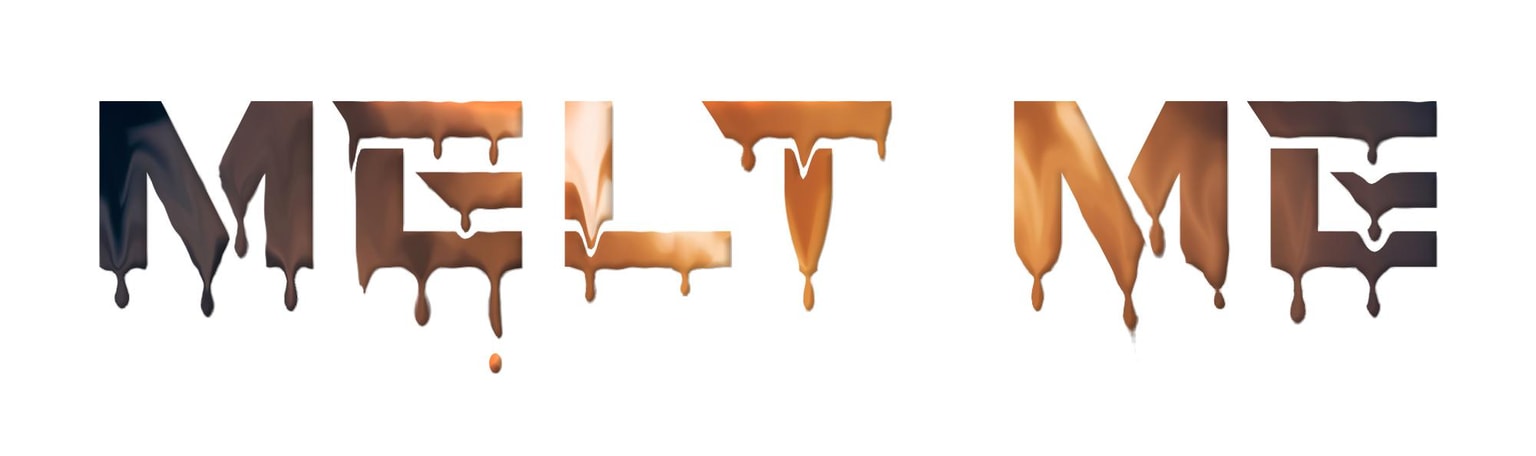
EPISODE 52 : DRIPPING TEXT EFFECT.
This looks really simple. But trust me. Takes a hell lot of time.
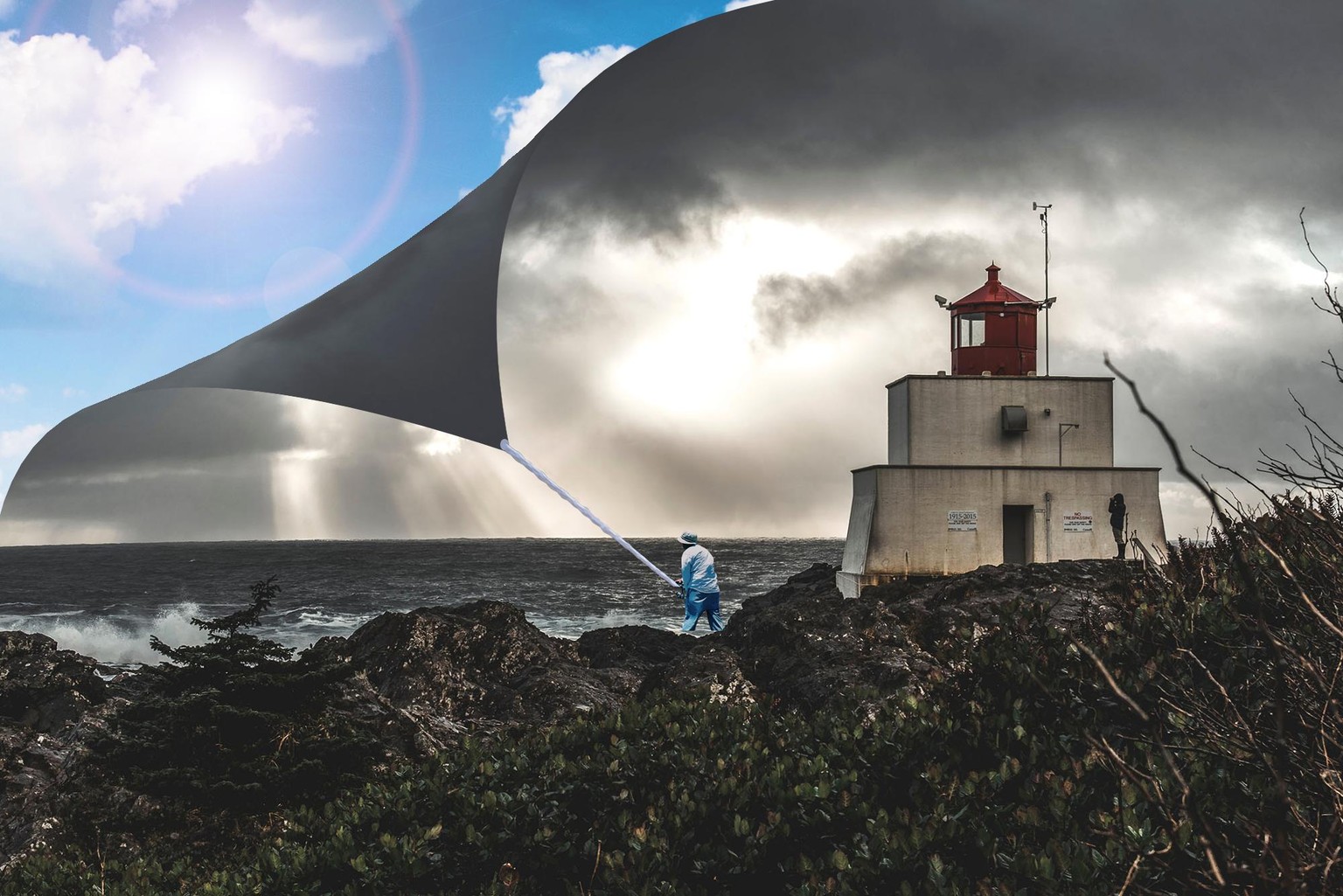
Episode 49 - Peeling Sky
Well this was a tough one, especially placing a man with a rope. The man and rope were taken from different images.
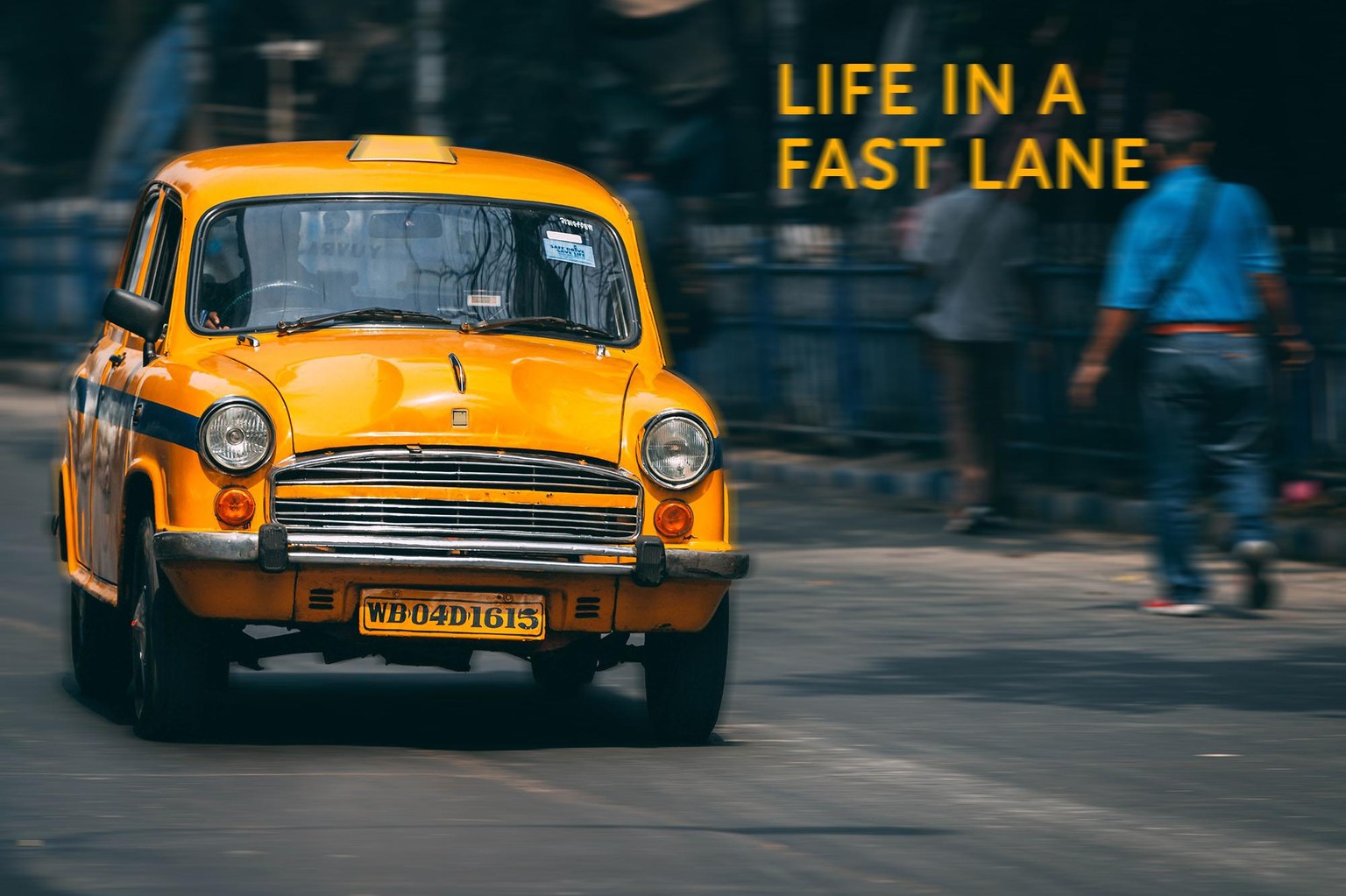
Episode 44 - Motion Blur
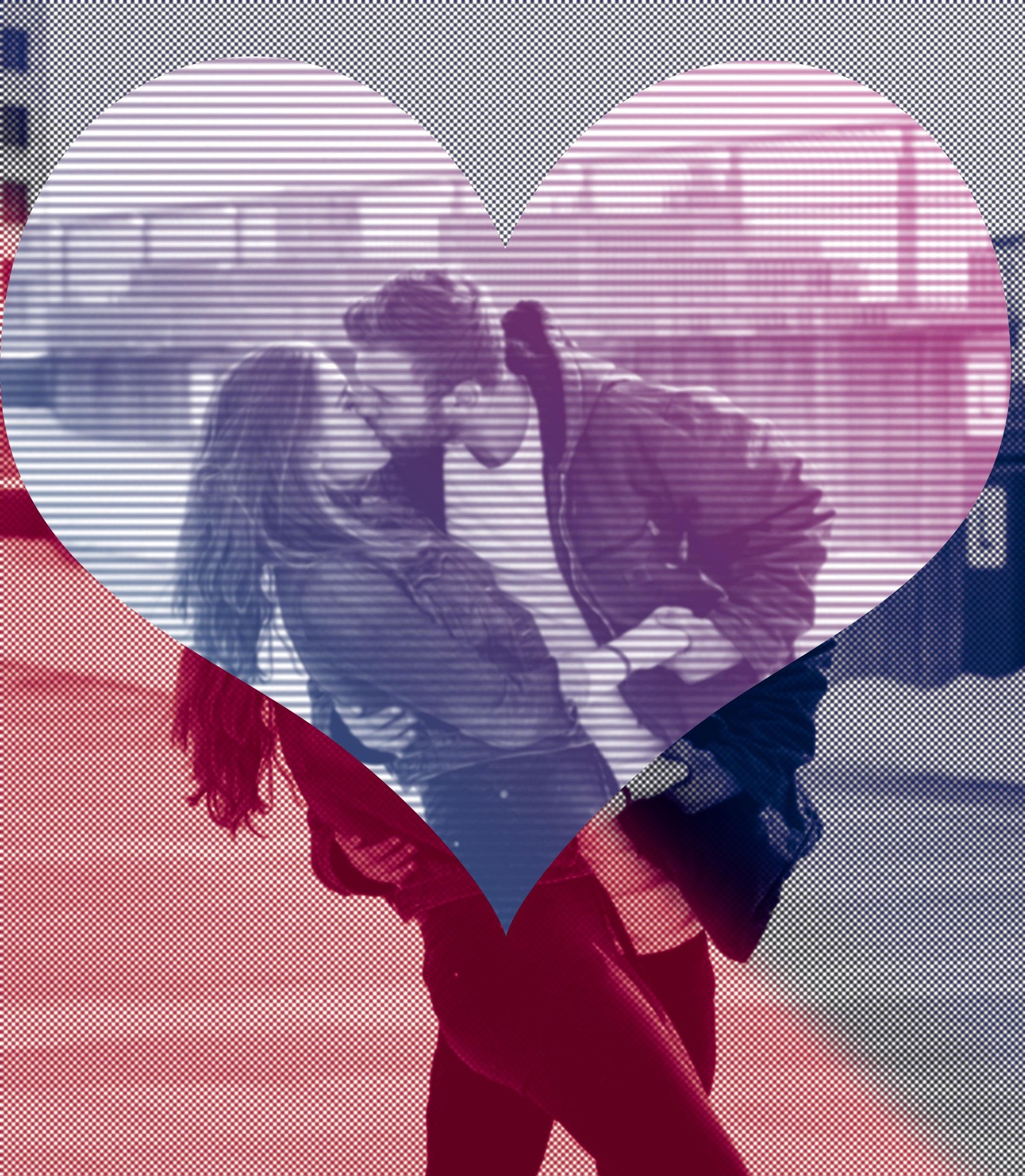
Episode 43 - Haftone
I have used 2 Haftone filters, one dotted and other lined. I have applied Gradient Overlay in both the images.
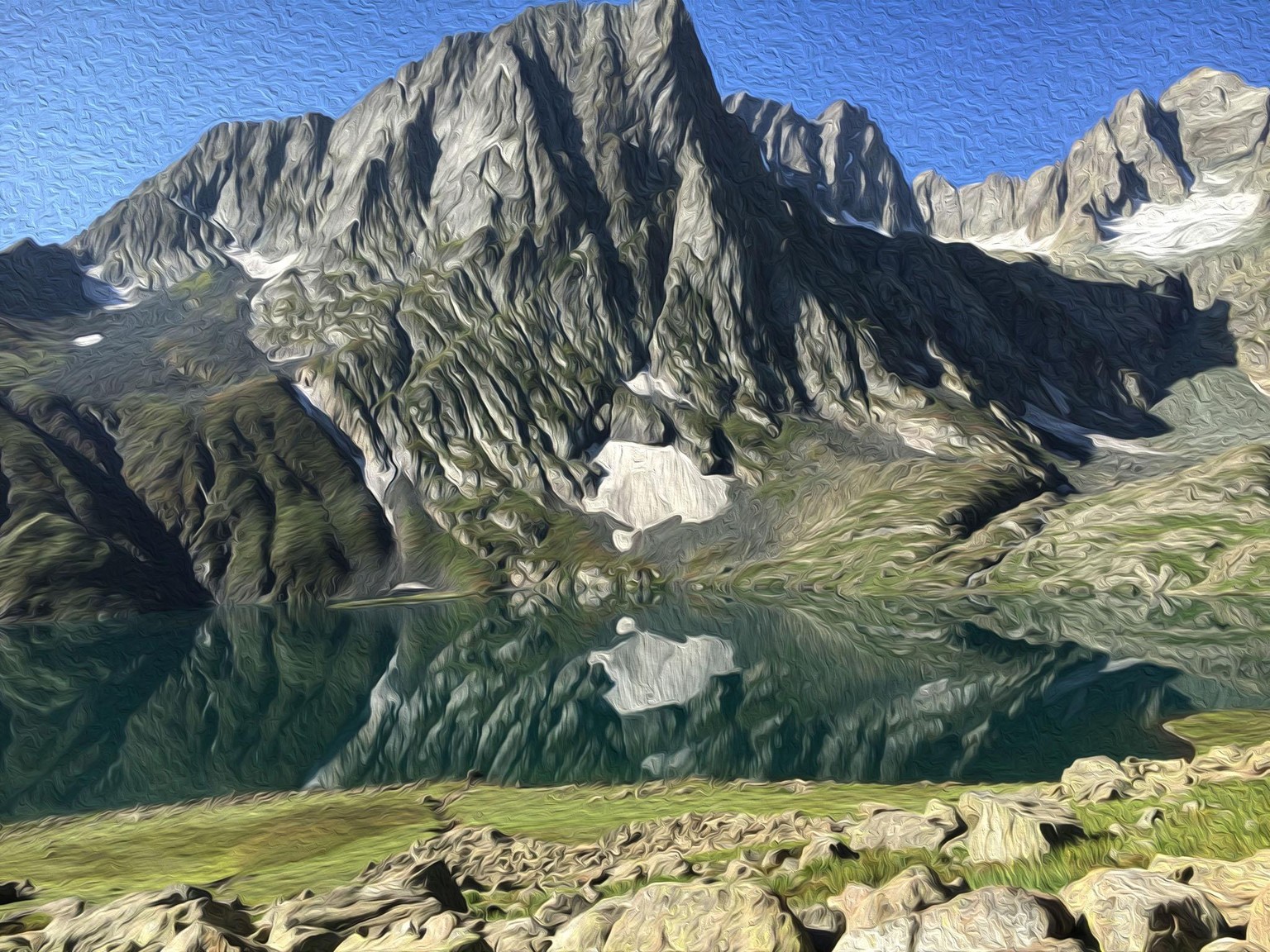
Episode 41 - Oil Painting.
This image was taken by me when I went trekking in Kashmir.
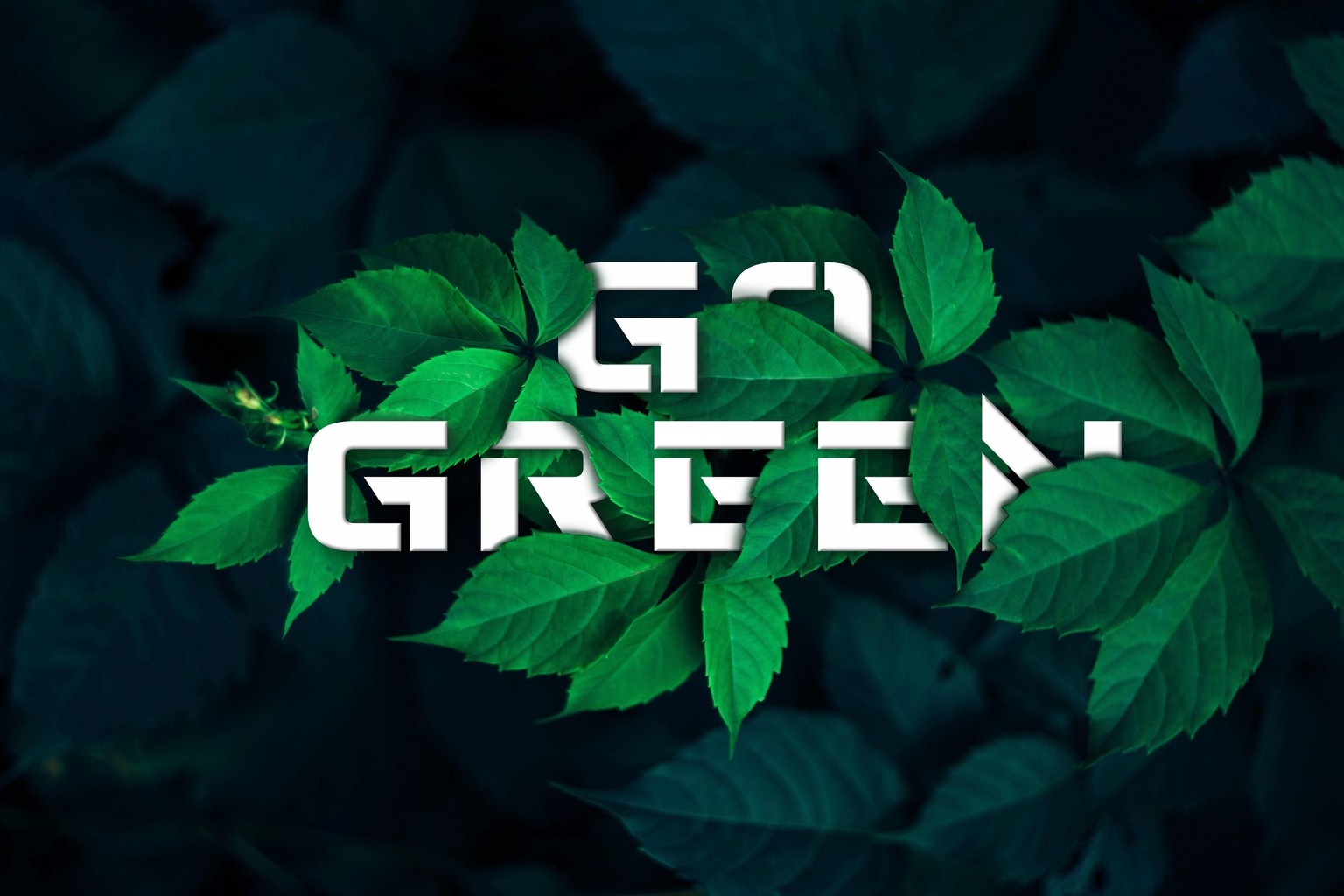
Episode 38 - Image and Text Interaction
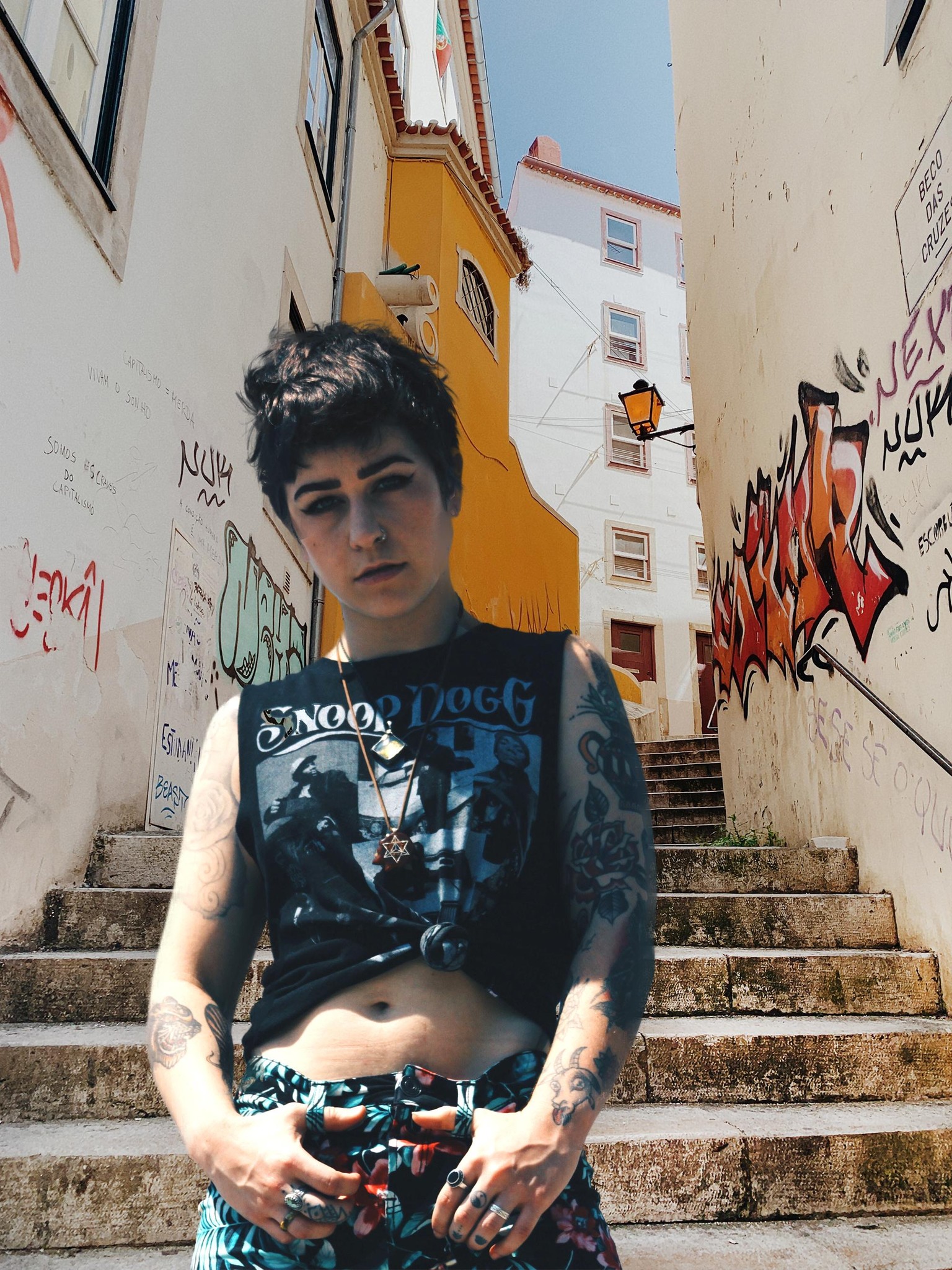
Episode 35 - Selecting Hair
Since the background was light, I had a tough time blending the image. Still I feel there is some room for improvement.
Episode 31 - Cutting a Person and pasting it on another image.
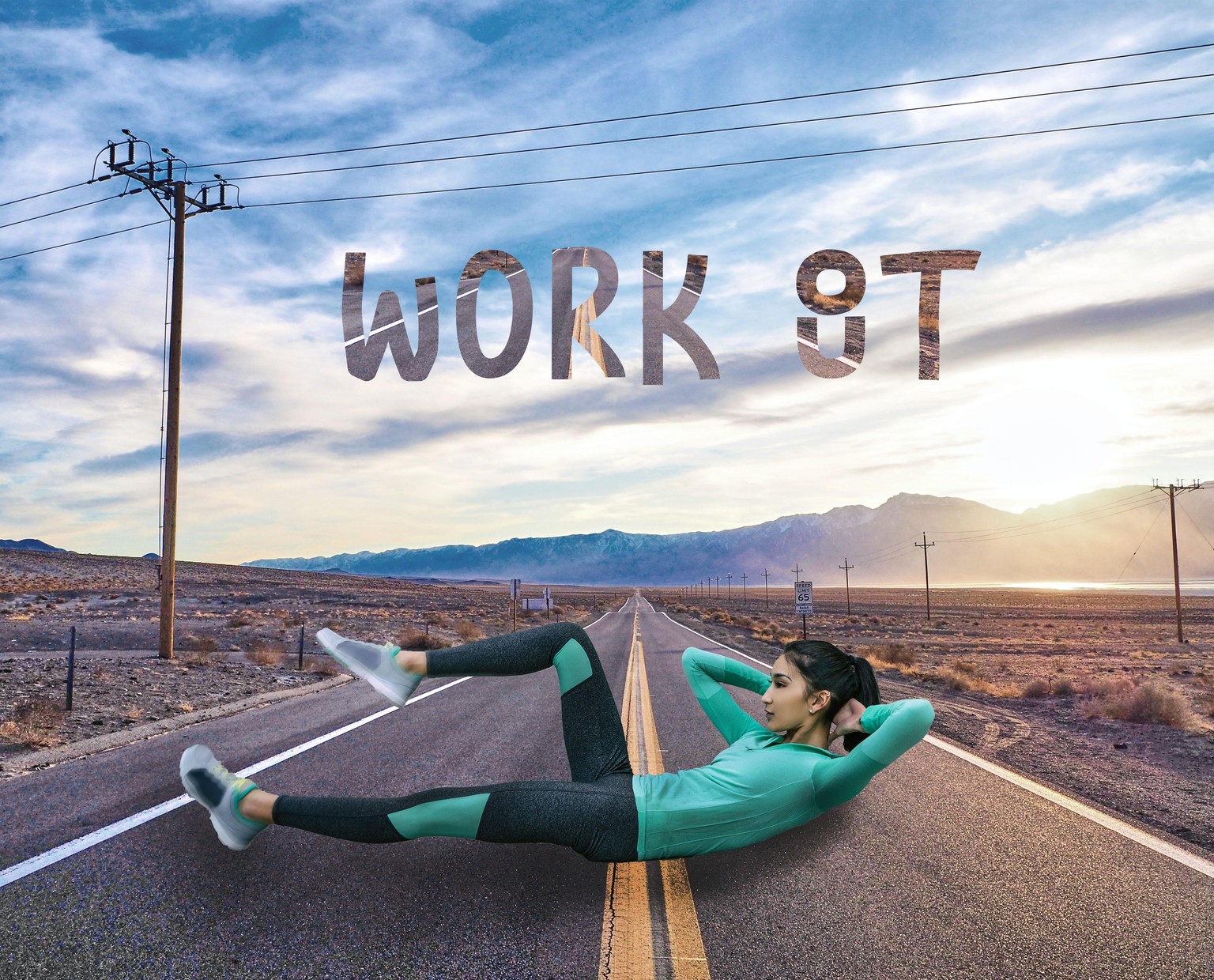
Episode 28 - Using Quick Selection Tool
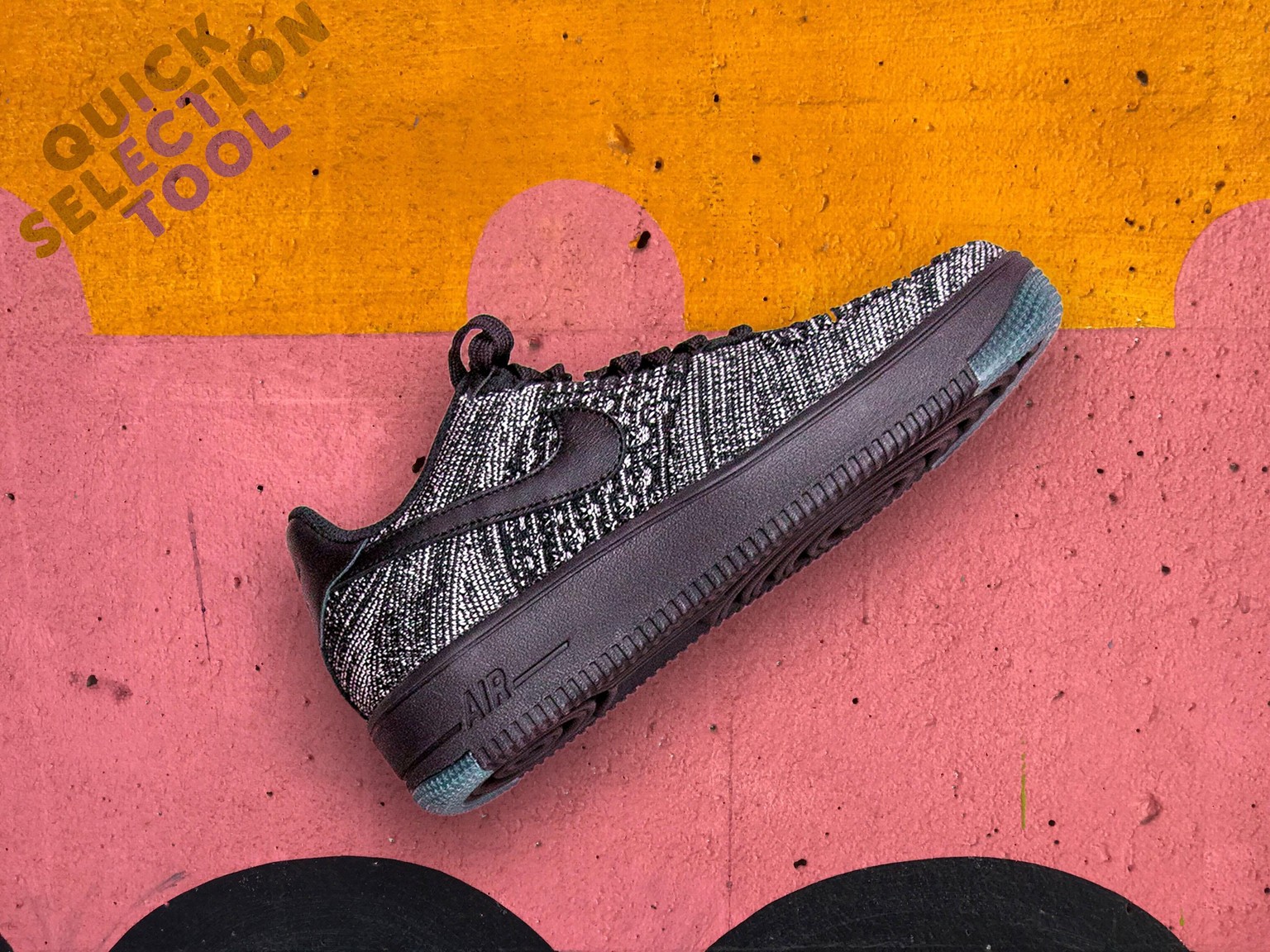
Episode 26 Class Project
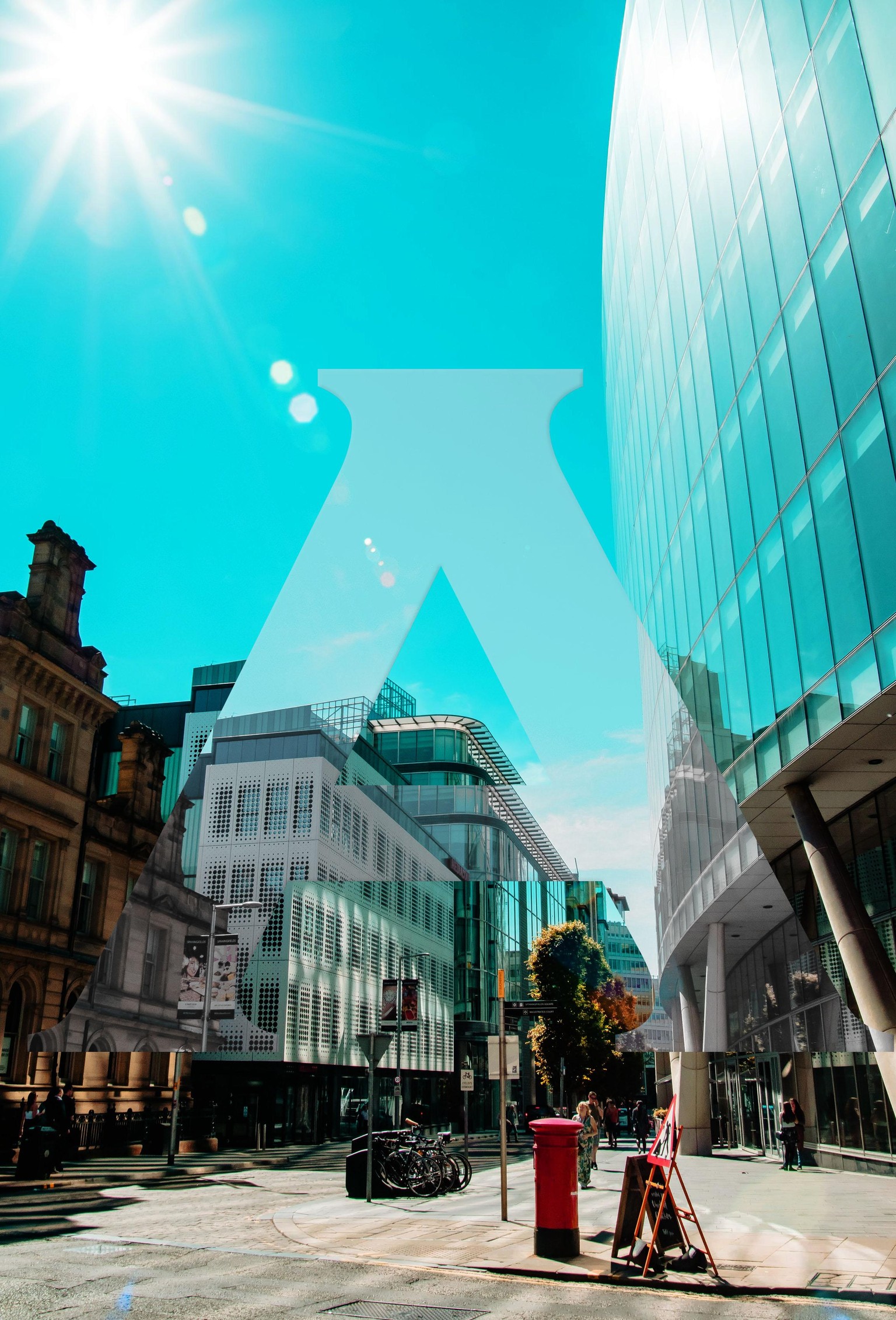
Episode 26 - An abstract image is masked on a text.
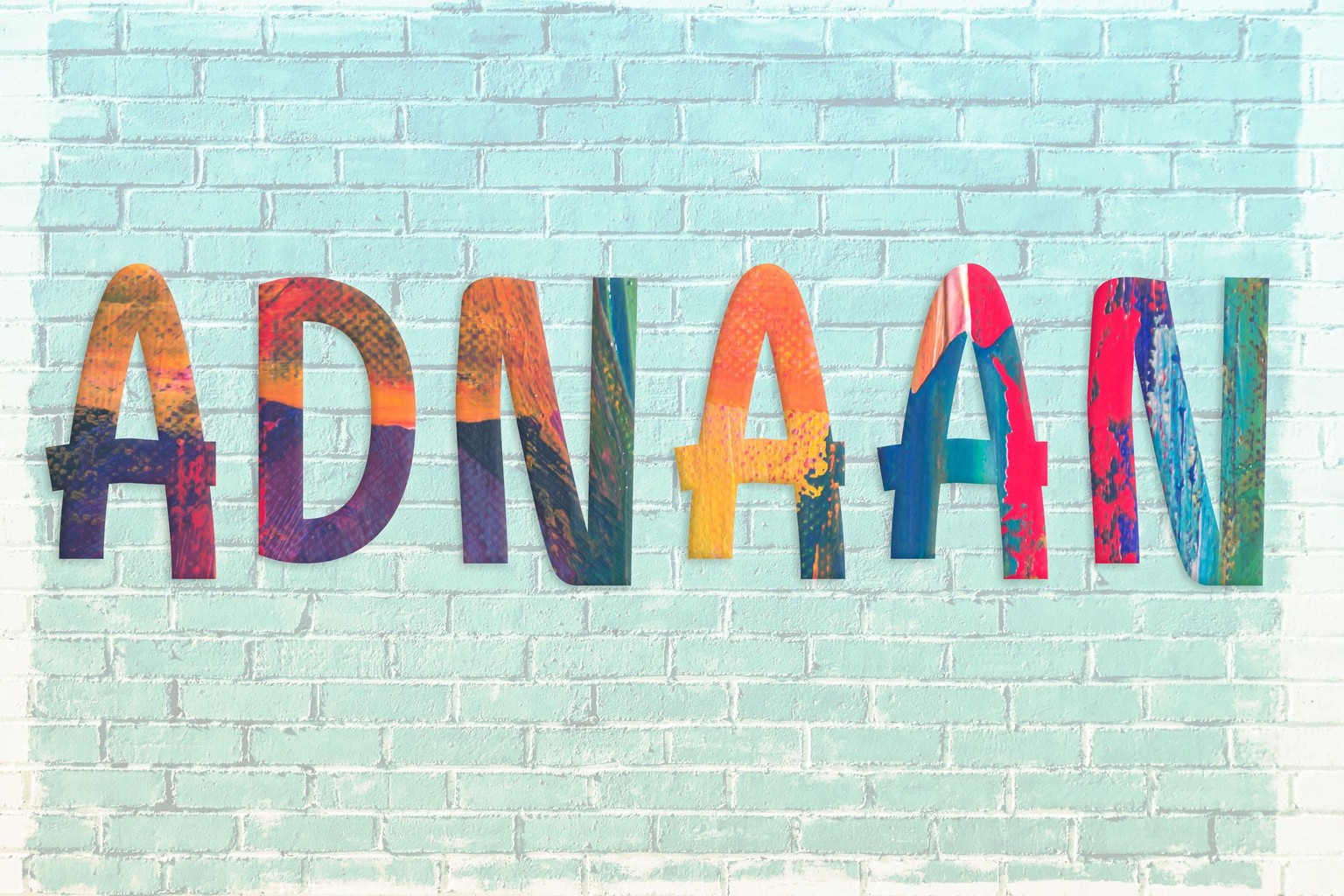
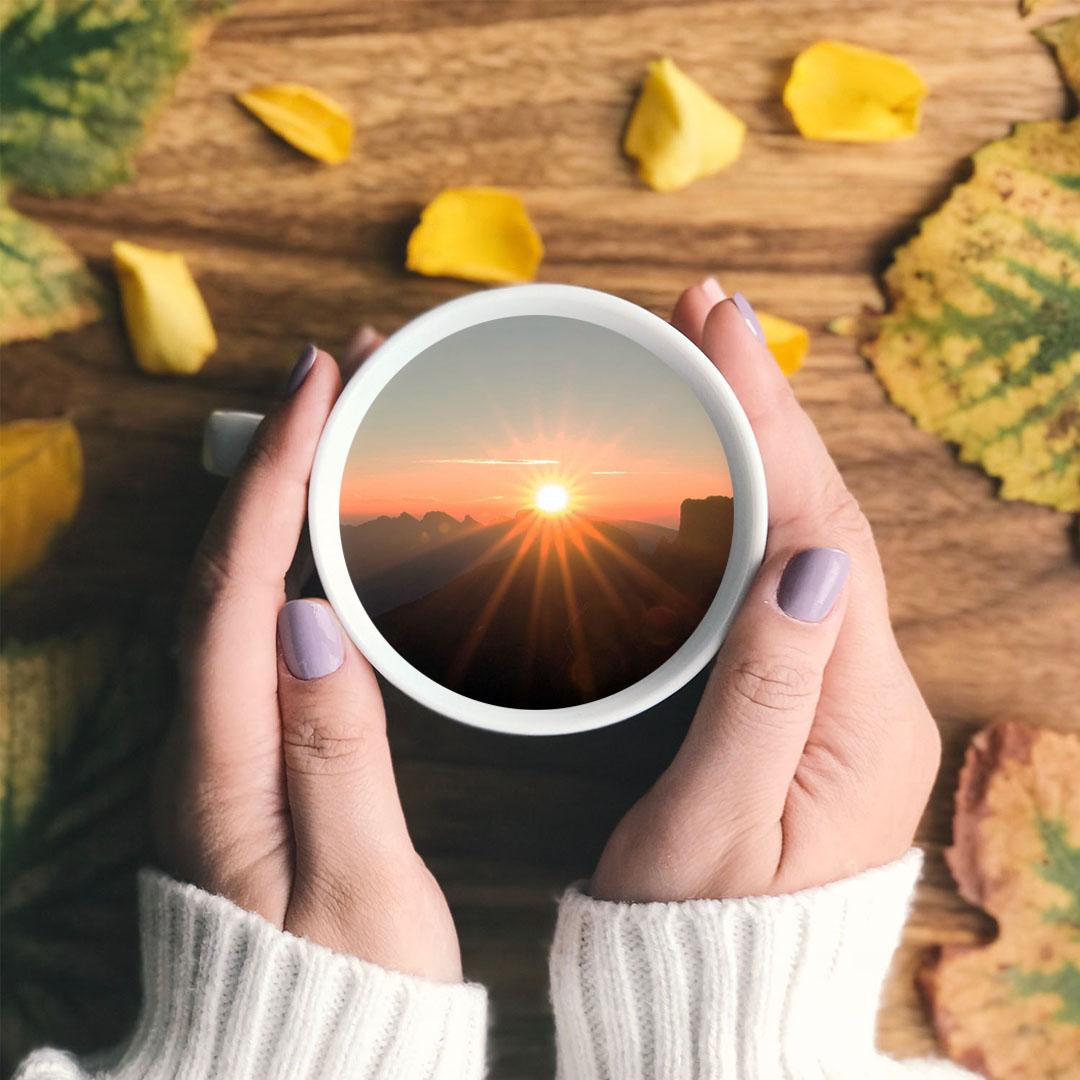
Episode 25 - To place anything inside a cup.
I have used a sunrise image.
Effects - Auto Tone, Hue, Vibrance, Bevel and Emboss to blend it more into the image.
This is a postcard project assigned in Episode 21.
I love detailing cars as my hobby, so chose this theme. I have used all the tools which have been taught till episode 20.
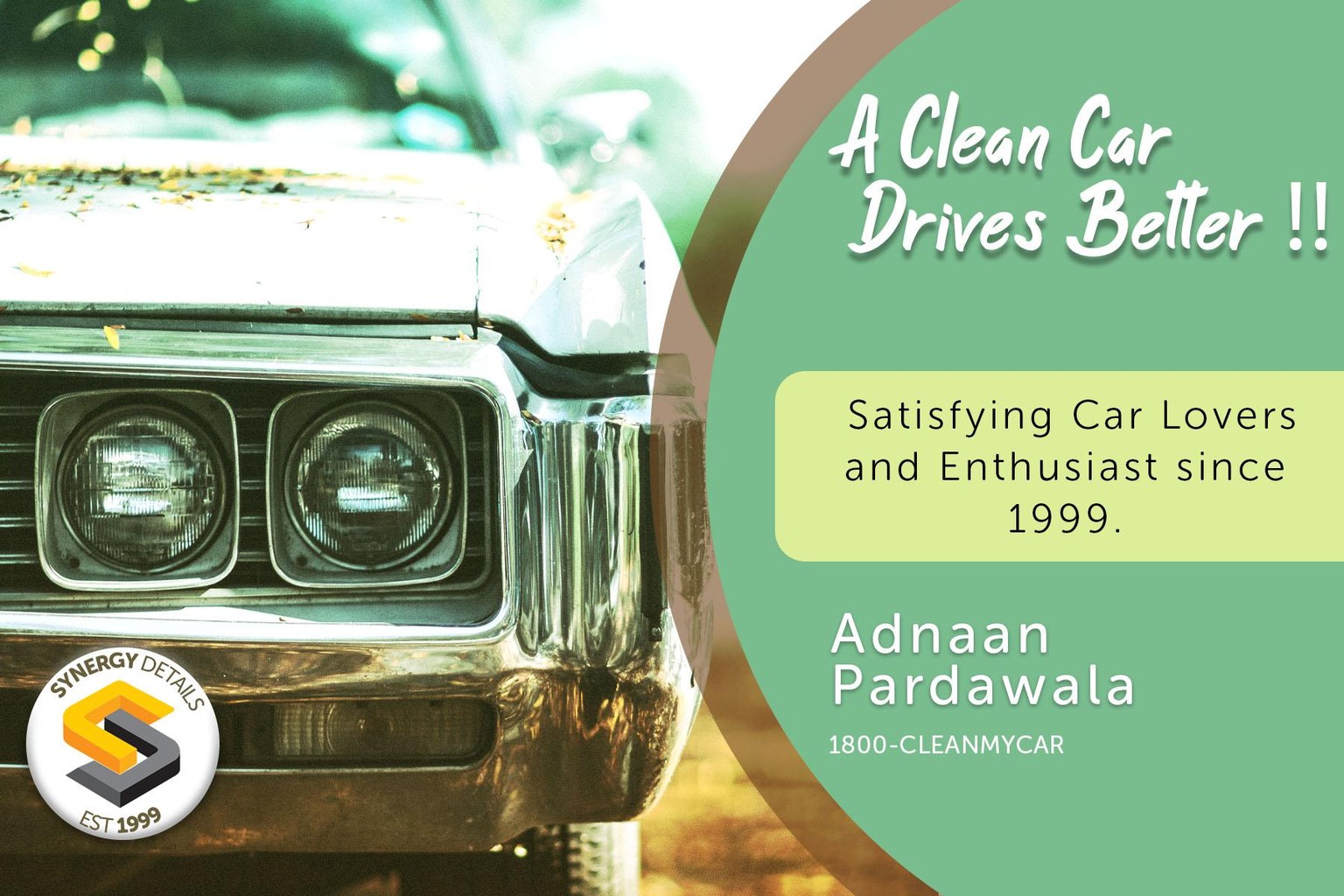
To make postcard more presentable, I have used the car background with some gradient overlay and hue/saturation filter. I have used stroke / dropshadow effect on the postcard to highlight it.
Please let me know what are your thoughts regarding this project.
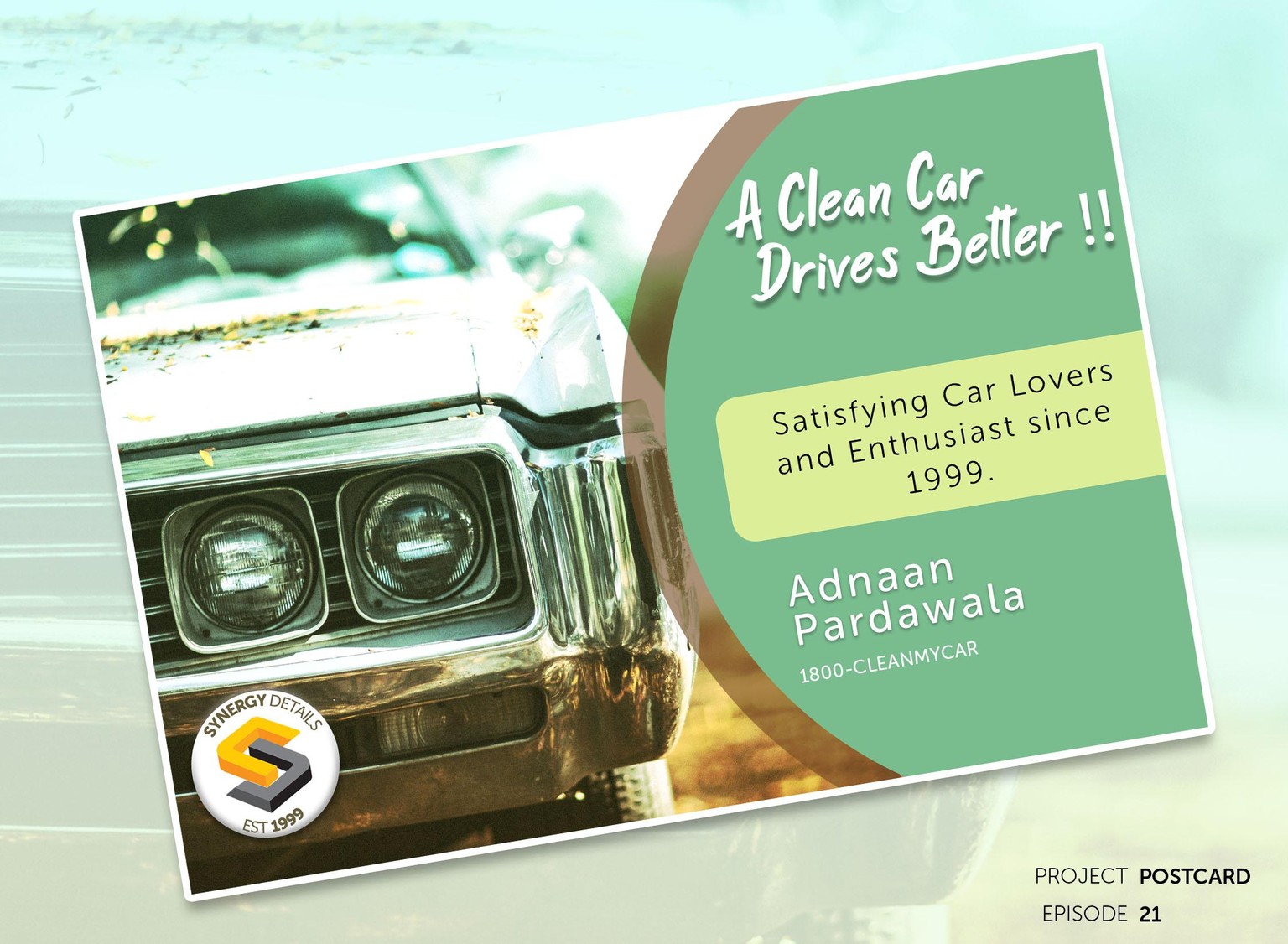
This is what I was following through all these episodes till 20th.