Giraffe
I created this illustration using two images, one for the pattern and one for the giraffe silhouette.
Once you have your pattern brush done, you just have to use the selection tool to draw the giraffe silhouette and then fill it using your pattern brush.
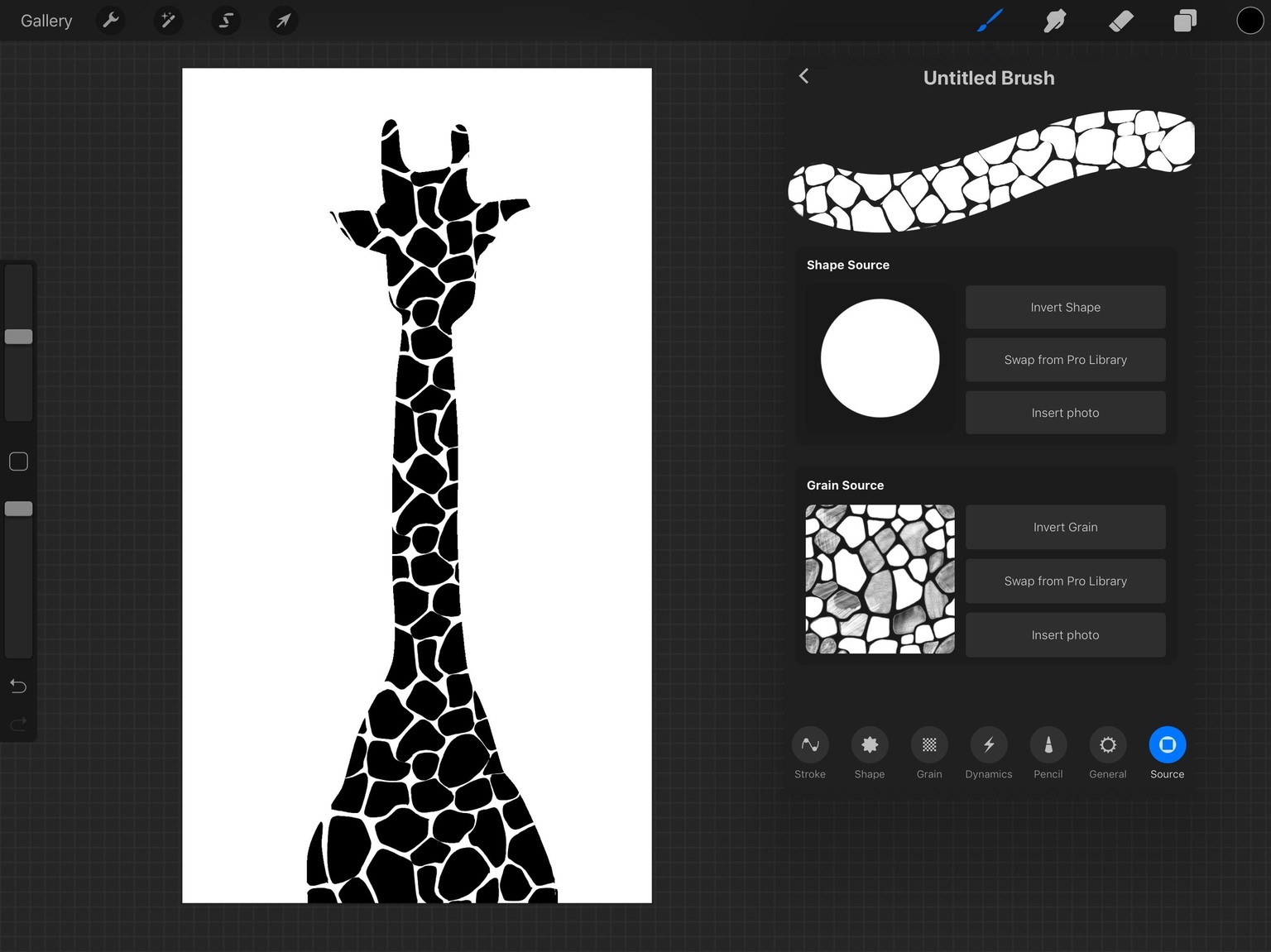
Then deactivate the background layer and go to ‘Actions’, tap ‘Share’ and choose ‘PNG’.
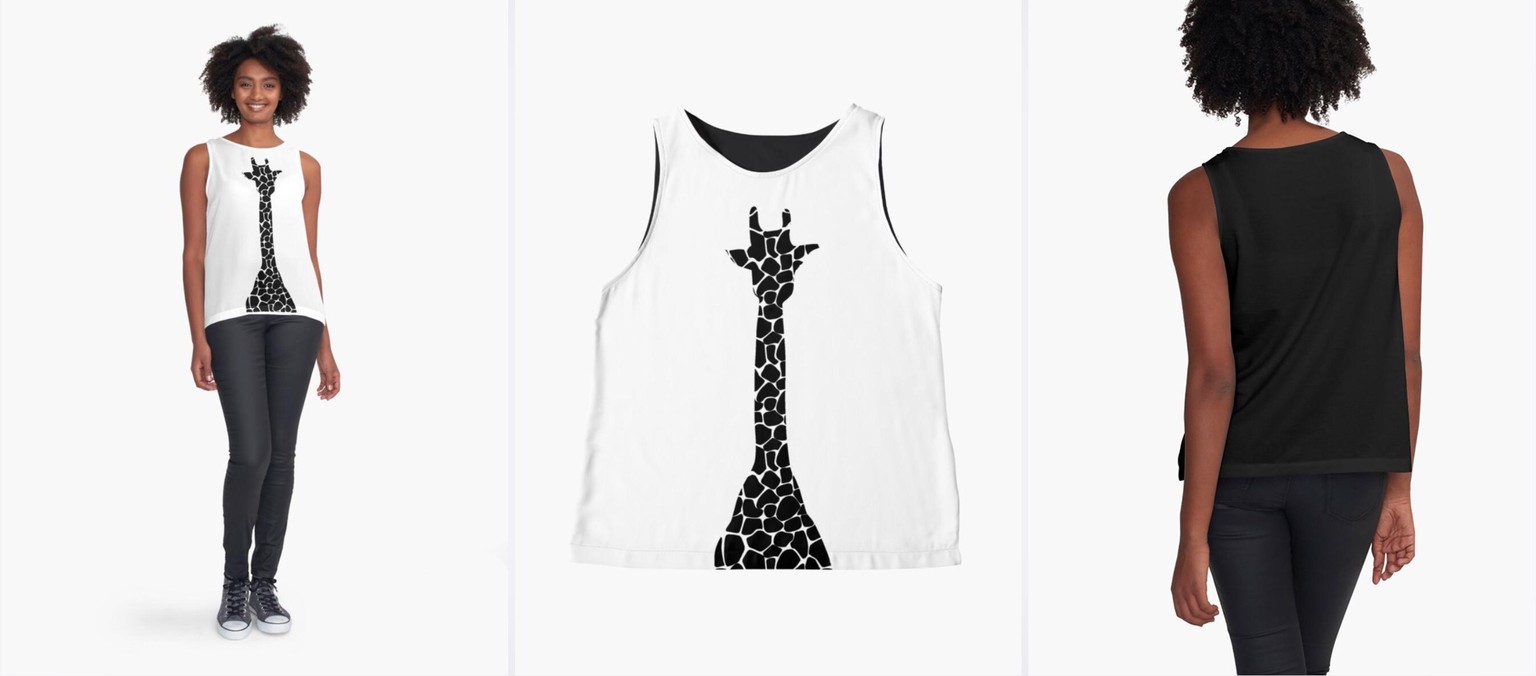
Finally, upload your work in your online shop, like Etsy, Society6, Redbubble... I used Redbubble, and this is the result:
Hope you are enjoying making your class project :)