Fun with Mock-ups (example project)
In this example I show three options for class projects.
You can select just one or try all if you wish.
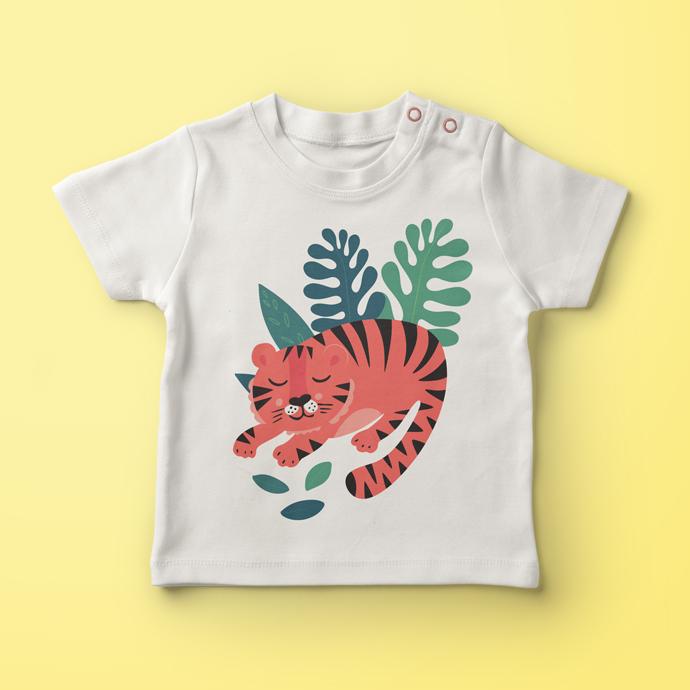
Option 1: Post an image of a ready-made mock-up to which you applied your own design. Feel free to apply a placement design or a pattern.
Here’s a baby t-shirt mock-up I found offered for free and then I plugged in my Sleepy Tiger placement design.
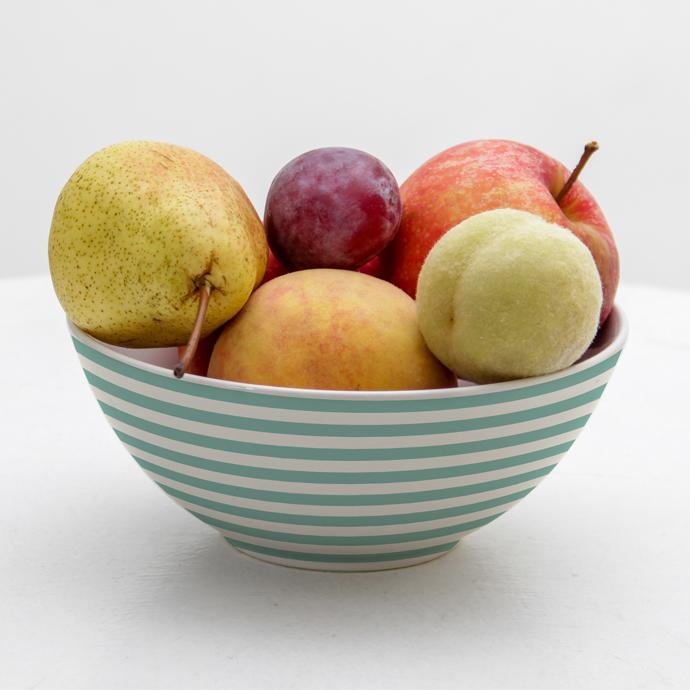
Option 2: Post an image of a mock-up you created from a white photo.
Here’s a fruit bowl mock-up I created from a white bowl photo found on a free images website. I added a smart object, warped the design around the curve of the bowl and then masked off the bowl shape. I applied a simple stripes pattern to best show the curvature.
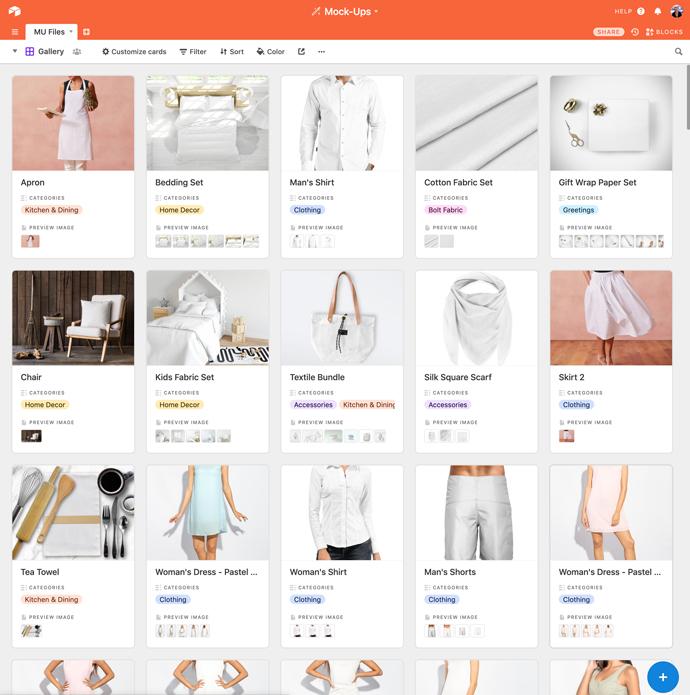
Option 3: Post a screenshot of your mock-up files organised in some way, for example in a gallery. There’s no need to show the entire gallery: the idea is just to show that you got it set up and have added some files.
Here’s part of my gallery of mock-up files I have collected so far.
Thanks for taking a look at my example project. I’m looking forward to seeing what you create too. Have fun :)