Figma UI UX Design Essentials - It should be fun
It's gonna be fun. Let's begin!
Class Project - 01 - UX / UI Project Brief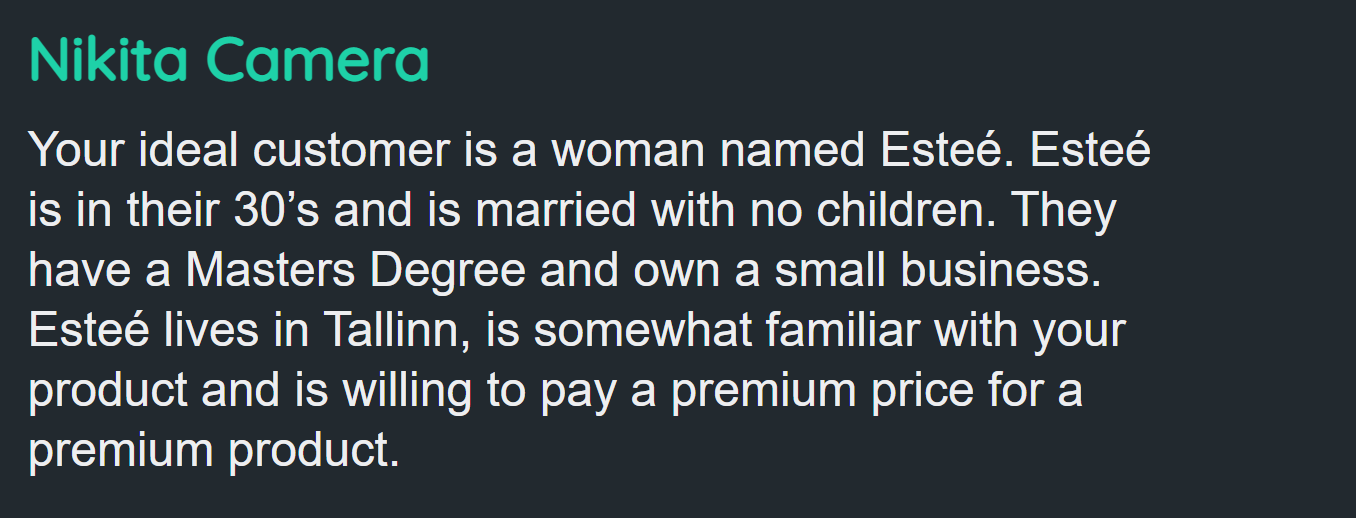
Class Project - 02 - Wireframe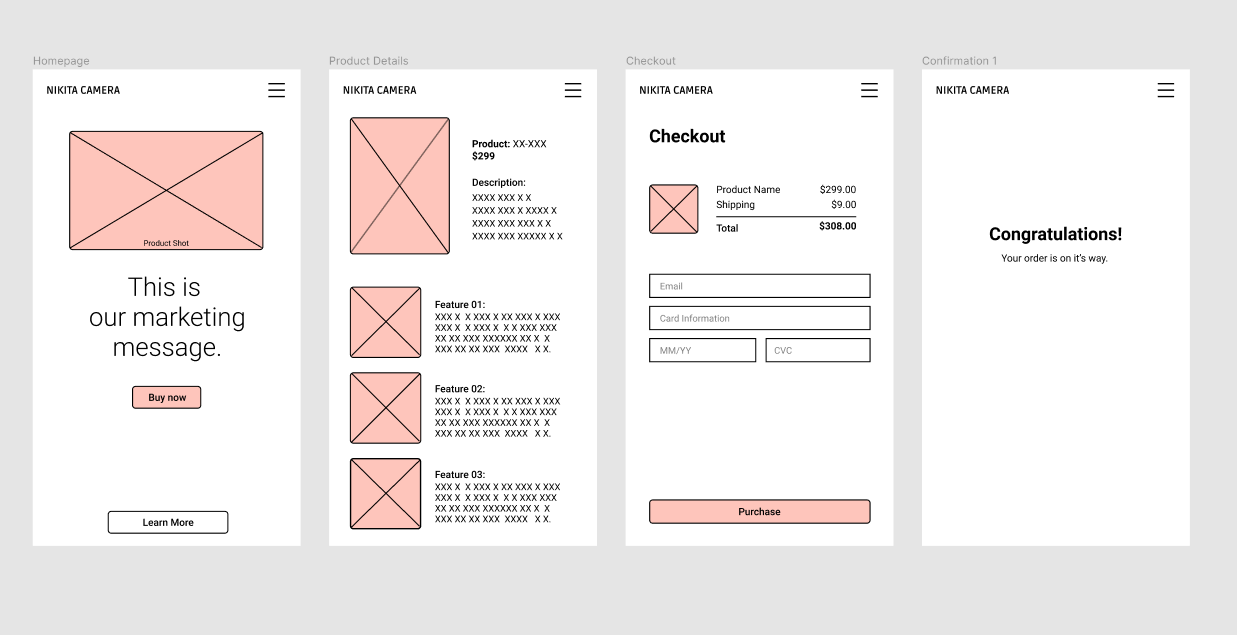
Class Project - 03 - Icons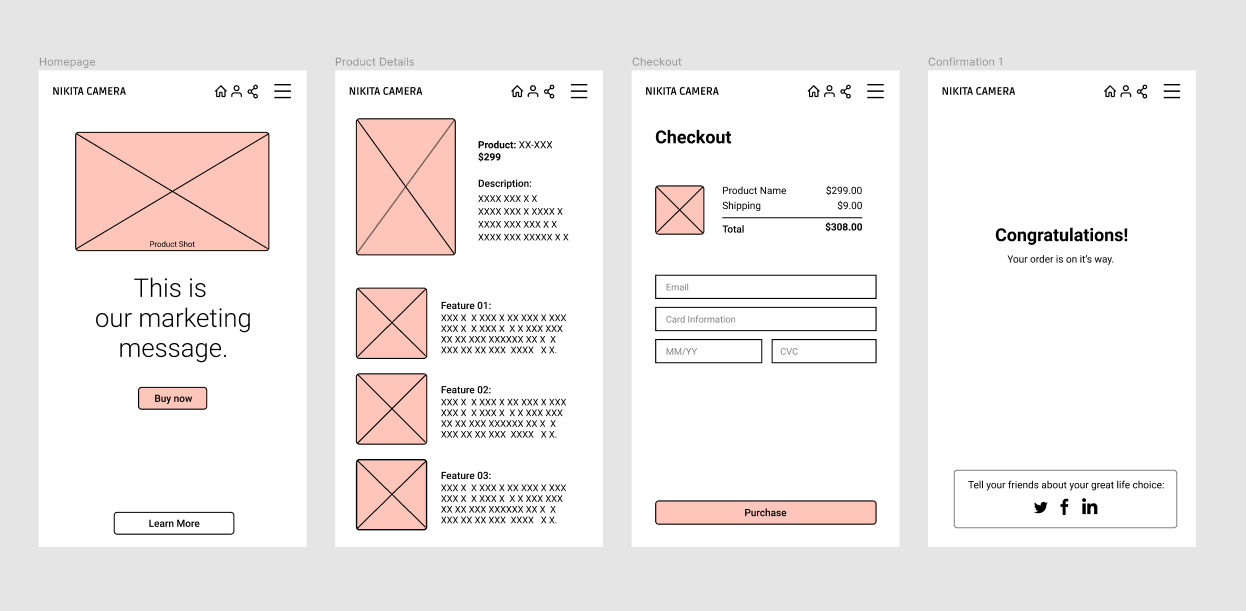
Class Project - 04 - Testing on Your Phone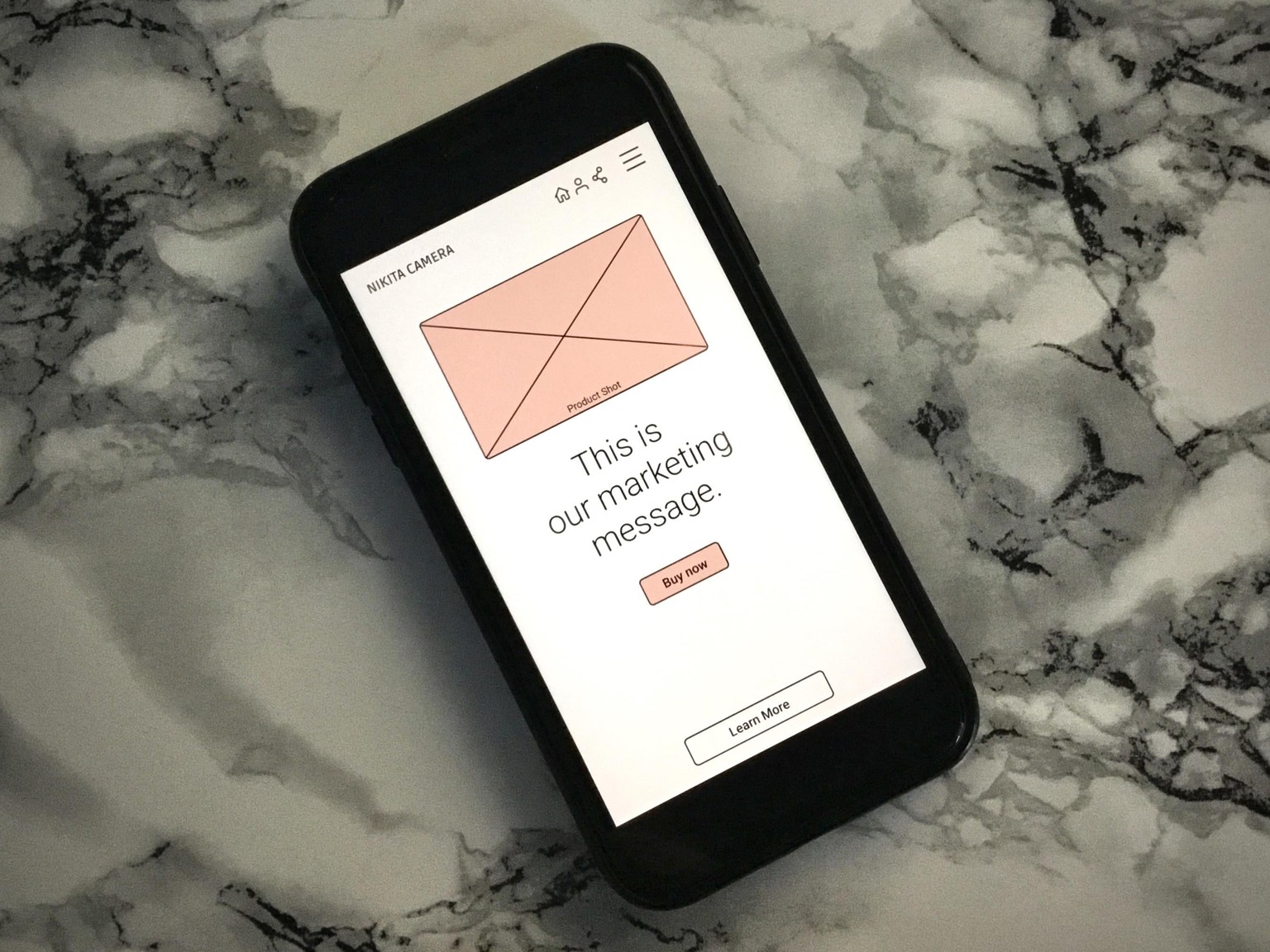
I'm so excited to see it on my phone!
Class Project - 05 - My First Animation
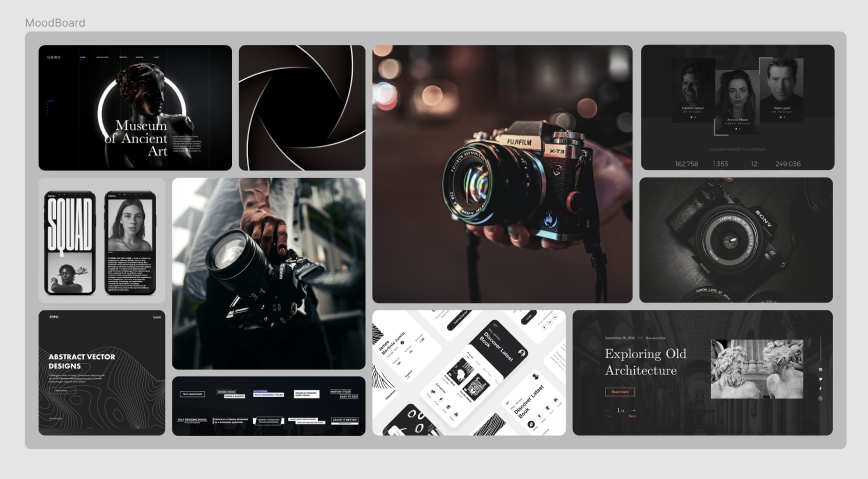
Class Project - 06 - Moodboard
Class Project - 07 - Colors & Columns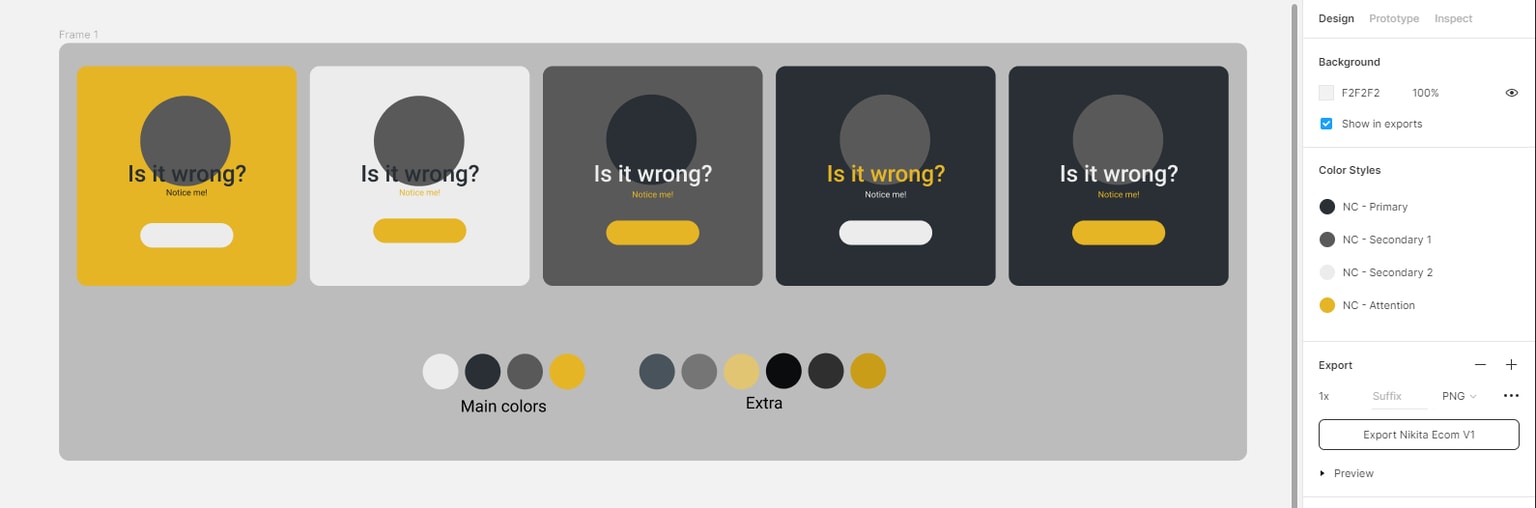
Decided to go with those colors. Also, I tried to test different combinations to see how colors are working together.
Class Project - 08 - Text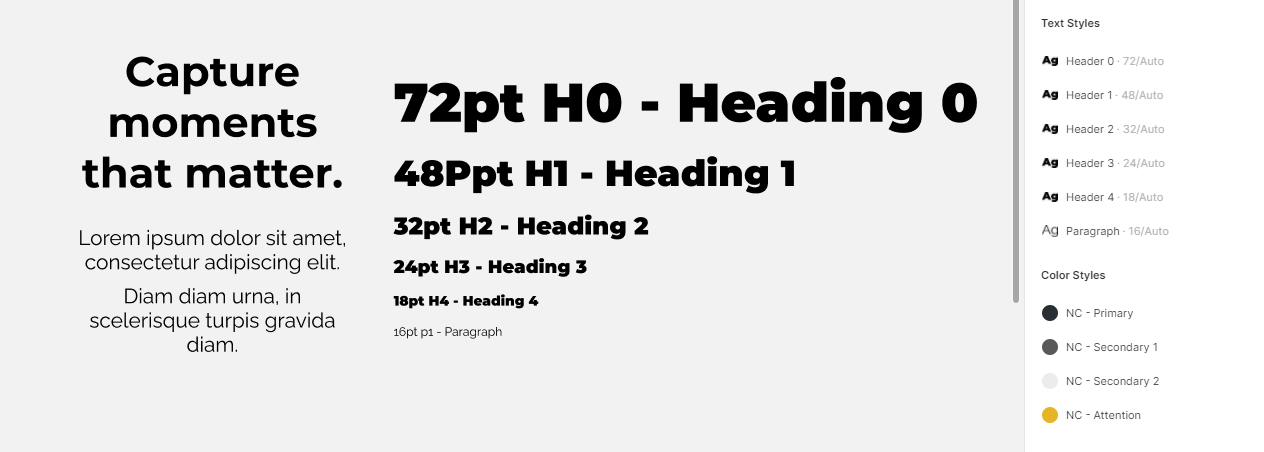
I liked the combination [Montserrat Black x Raleway].

I came up with a simple logo.
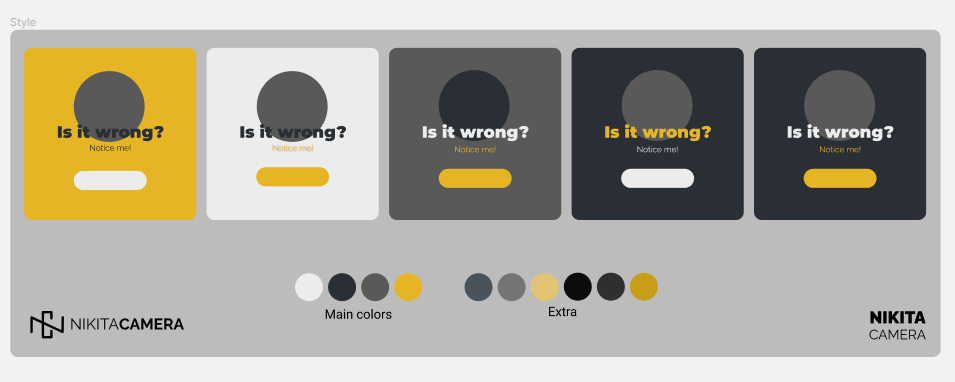
Added new fonts to my color pallets to see how they work.
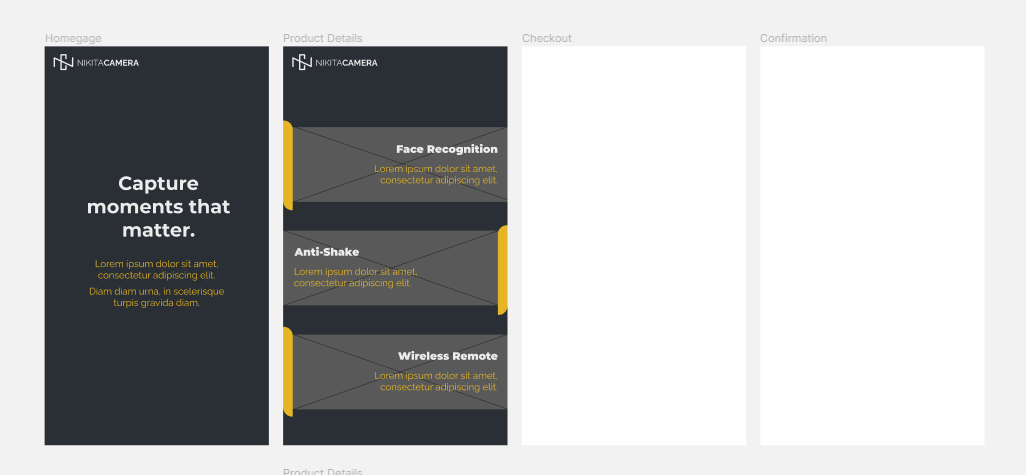
Added text and UI cards. Looks ok, I think. :D
Class Project - 09 - Making Stuff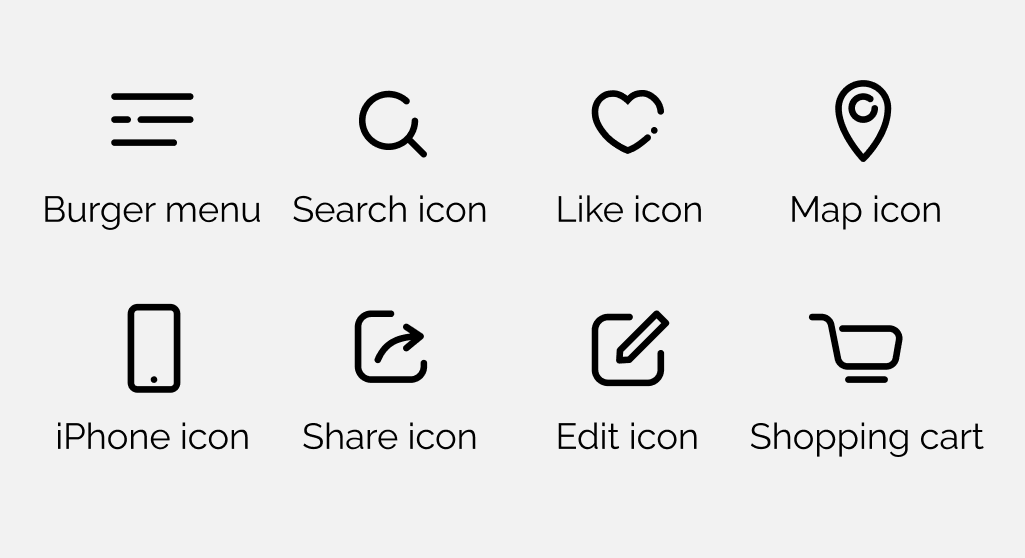
Here is my collection of icons I made. Tried to keep a consistent style.
The heart icon was the most difficult to make...
P.s. I didn't like the shopping cart icon with wheels, cause it looked weird for me for some reason. So, decided to go with a more futuristic option.
Can you tell that it is a shopping cart without knowing that it is a shopping cart? Hm? Haha
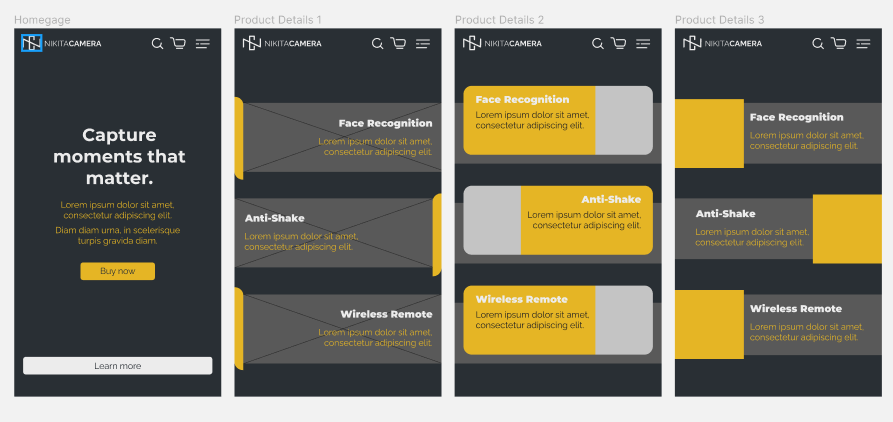
Here added buttons and my new icons.
Also, played around with different UI card styles.
Class Project - 10 - Images
Class Project - 11 - Buttons
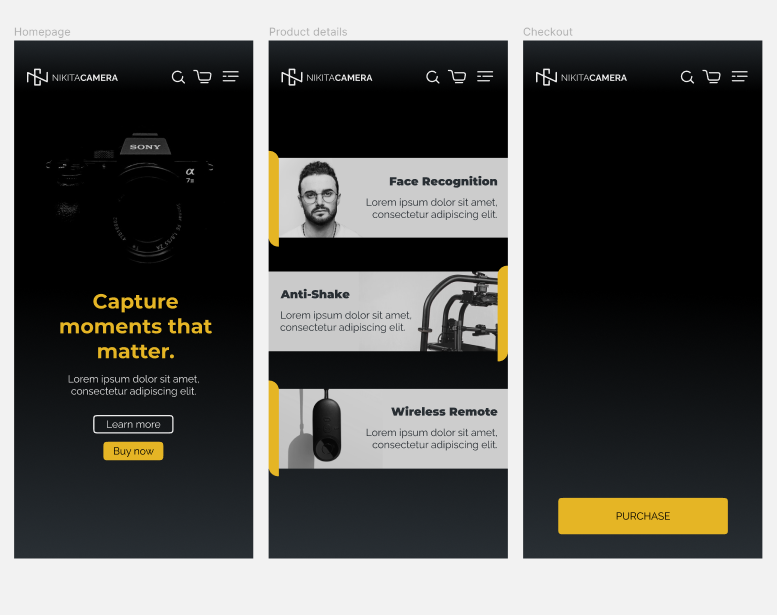
Class Project - 12 - Responsive Design
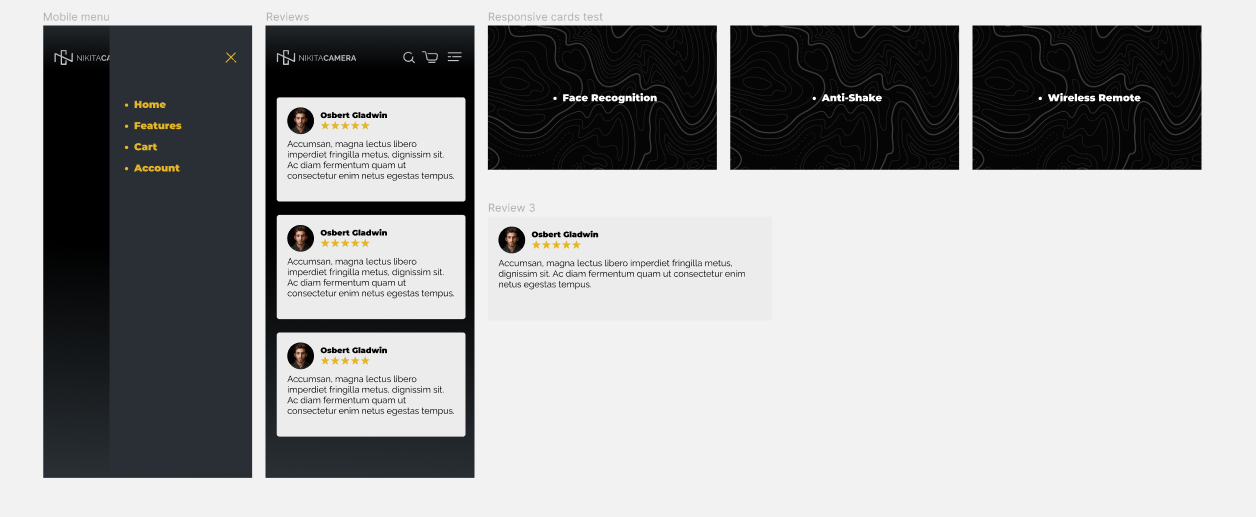
Class Project - 13 - Effects
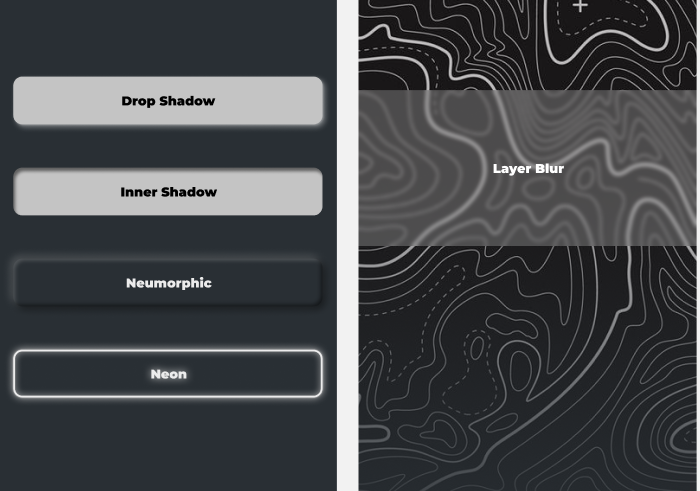
Class Project - 14 - Components
Class Project - 15 - Multidimensional Variants
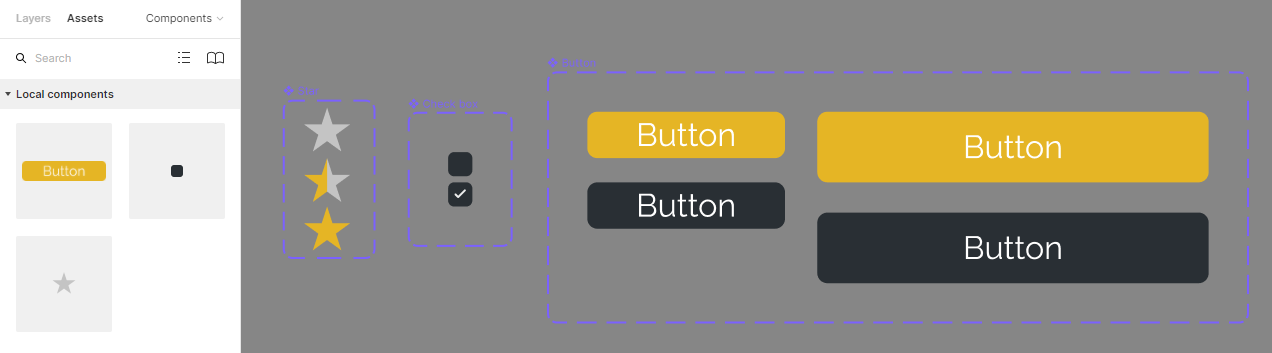
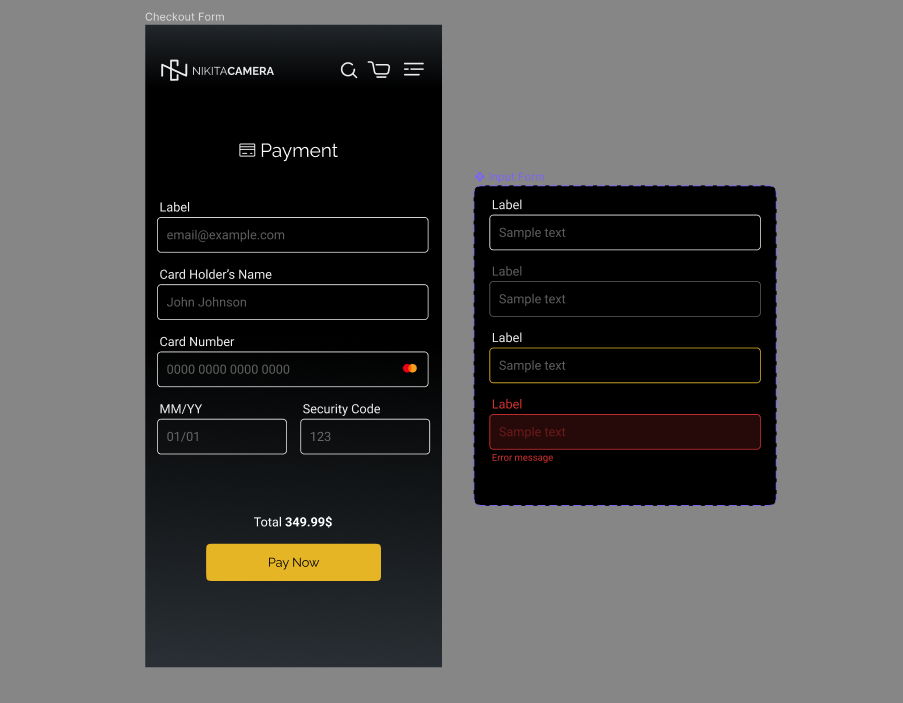
Class Project - 16 - Form
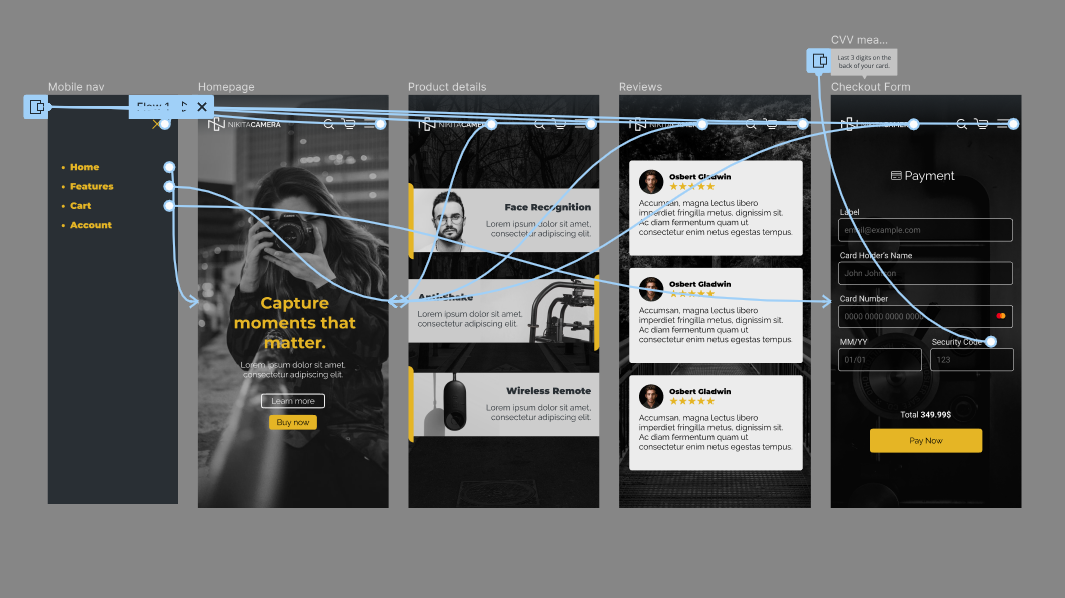
Class Project 17 - Prototyping
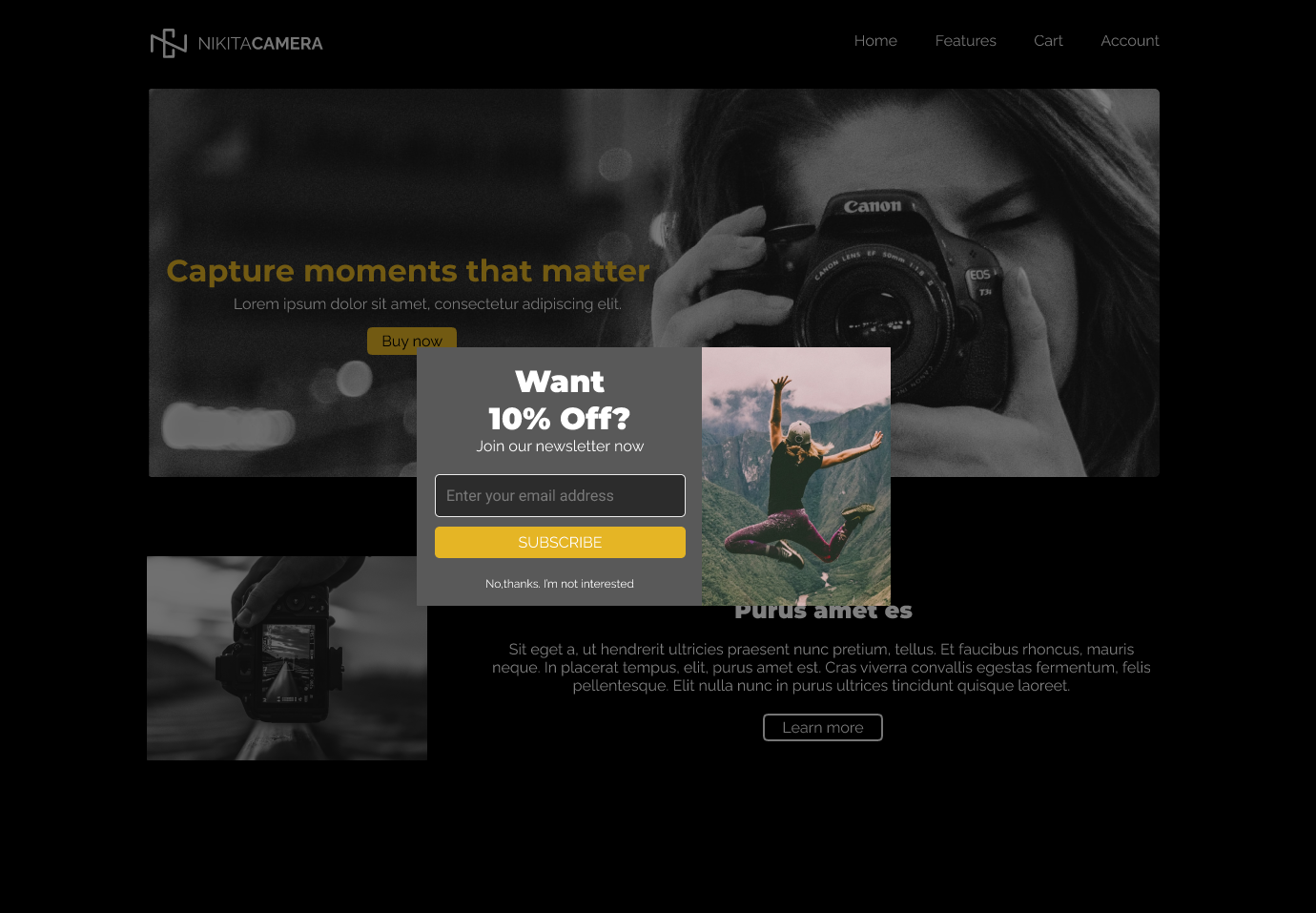
To Be Continued...