Figma Essentials - Class Project
Here is my project for the class, step by step!
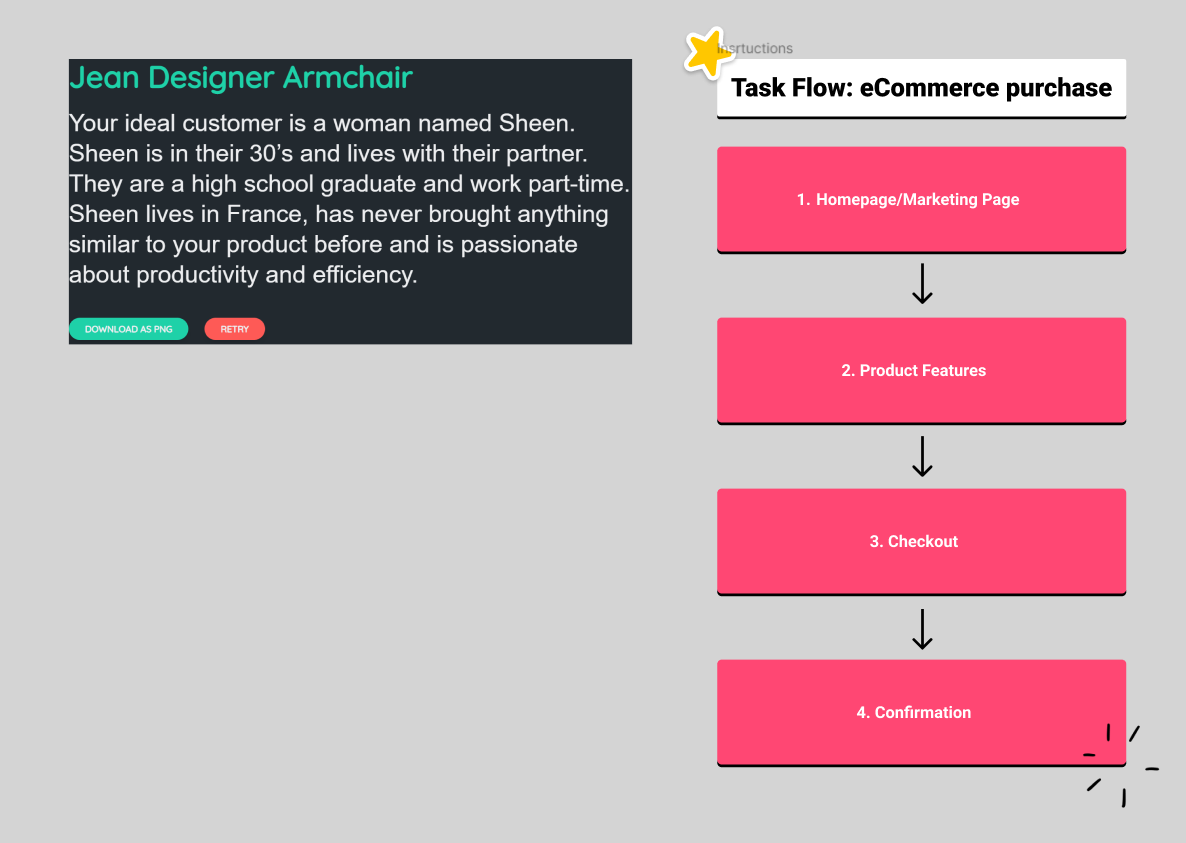
Class Project 1 : The Brief
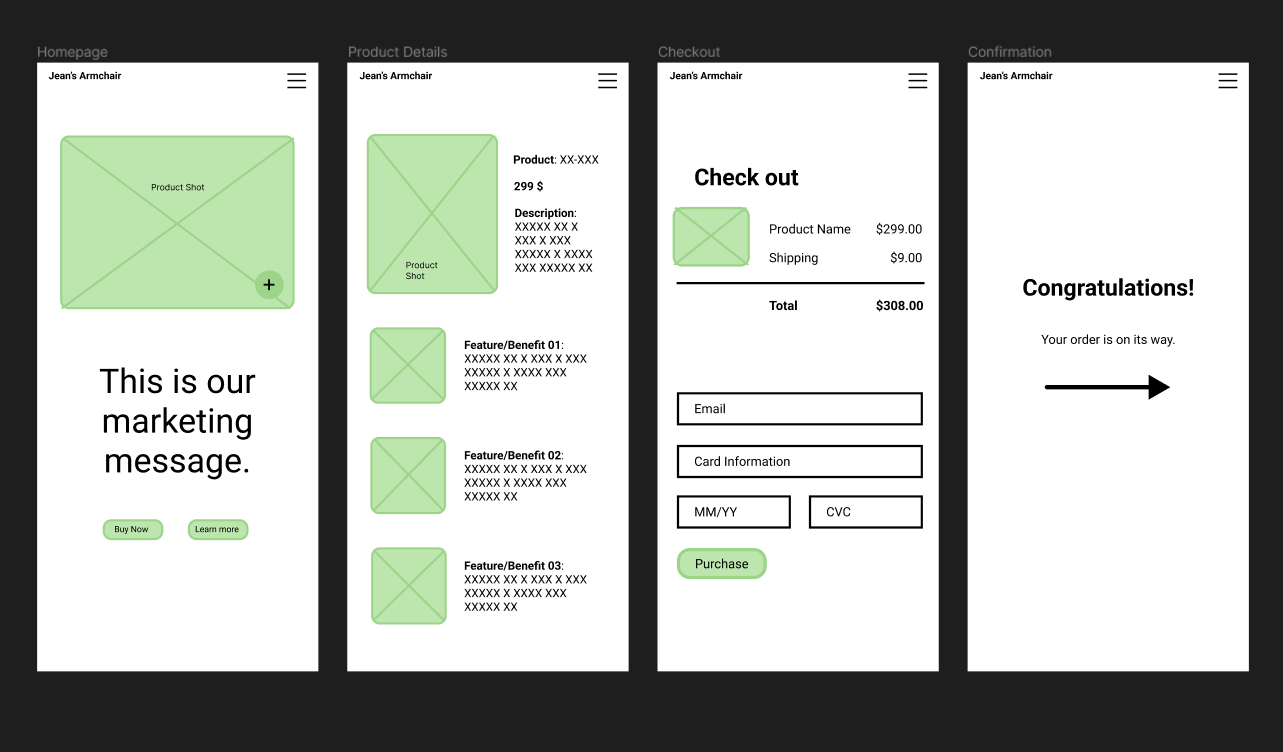
Class Project 2 : Wireframes
Class Project 3 : Icons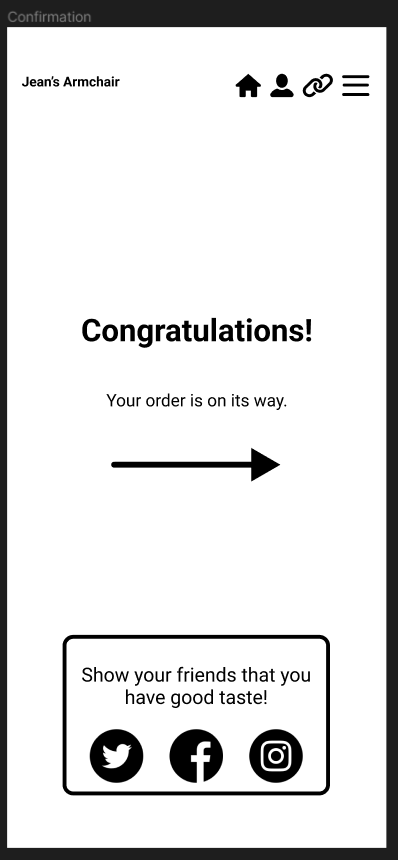
Class Project 4 : Testing on your phone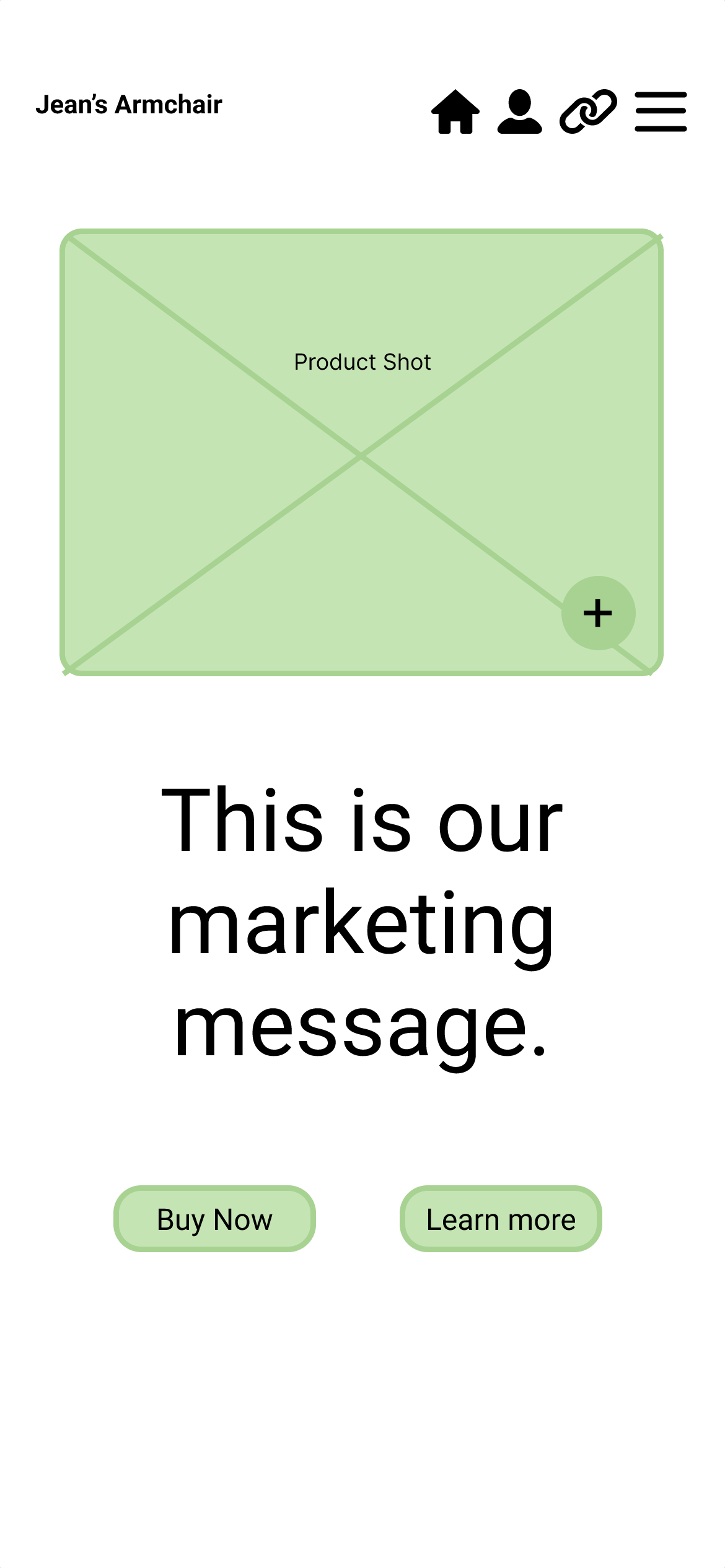
Class Project 5 : My first animation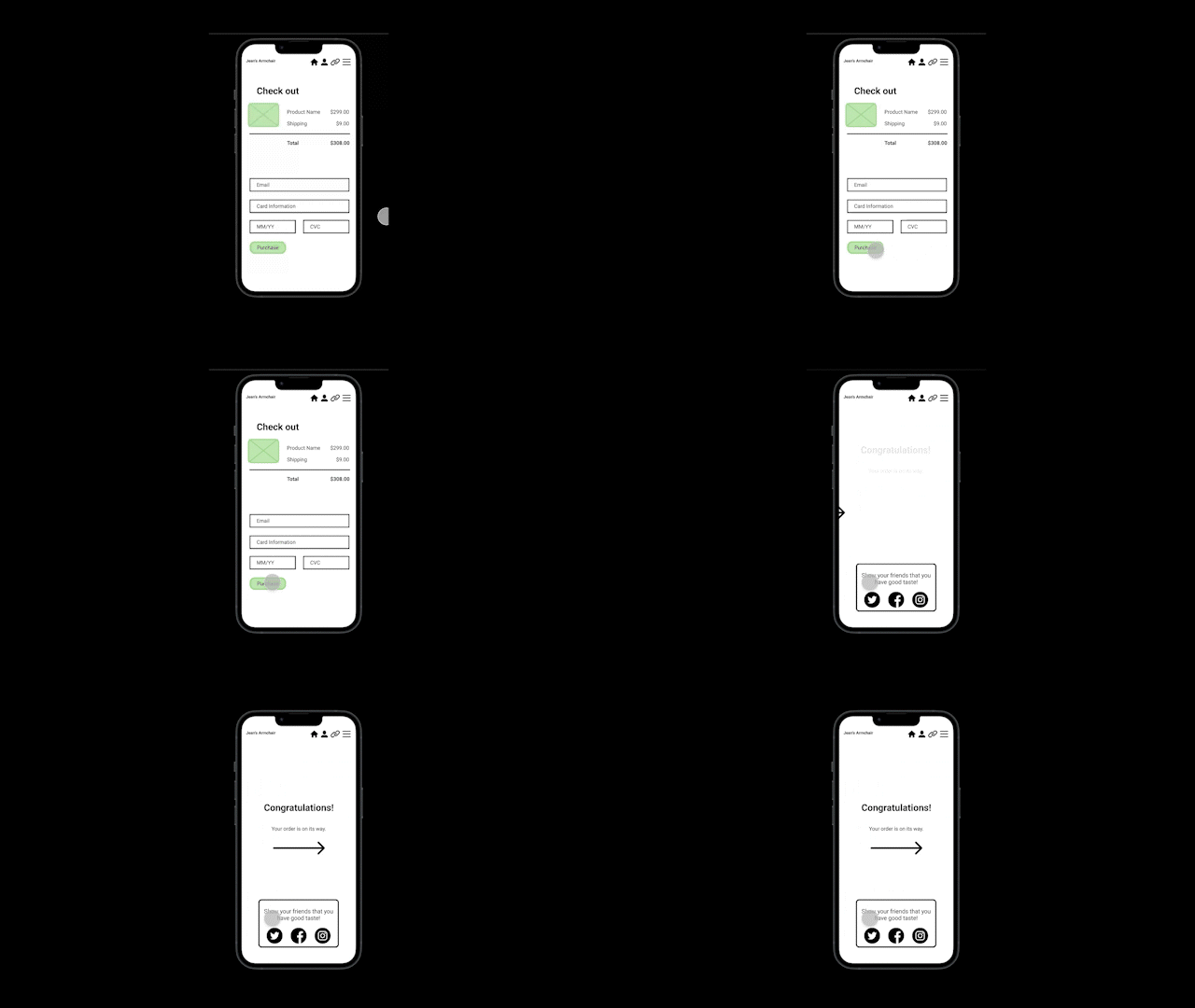
Class Project 6: Moodboard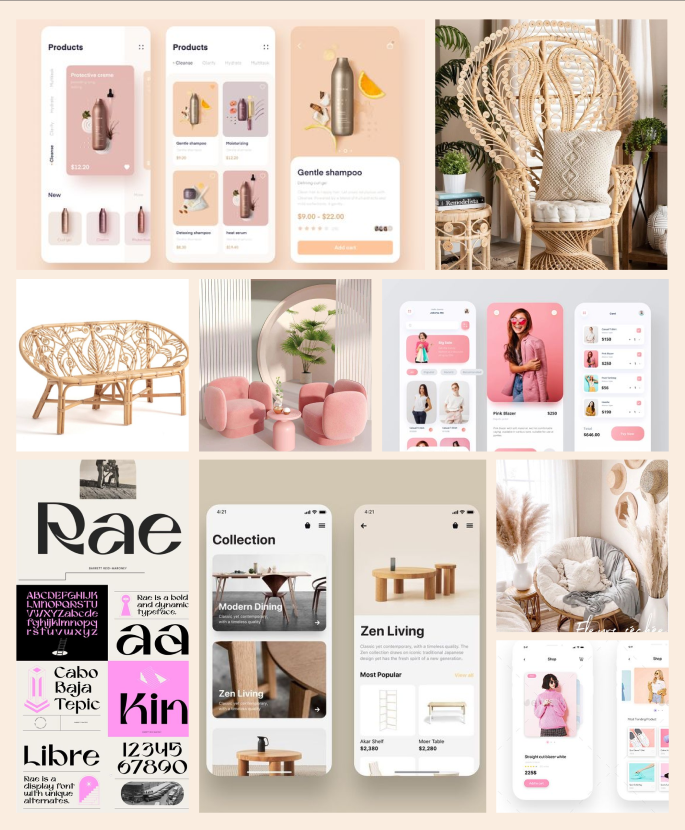
Class Project 7: Columns and Colors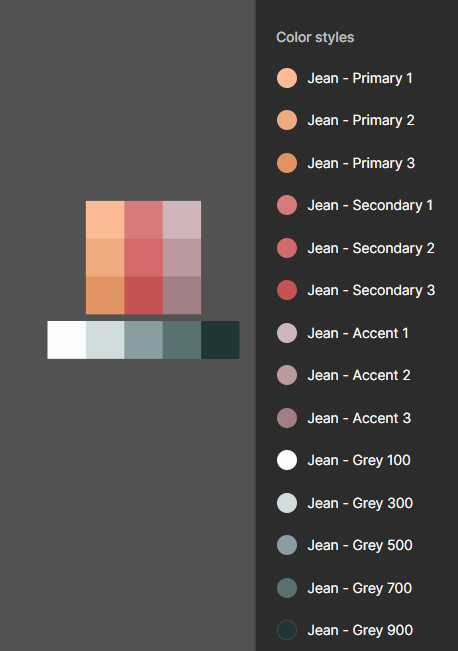
Class Project 8: Text and UI cards
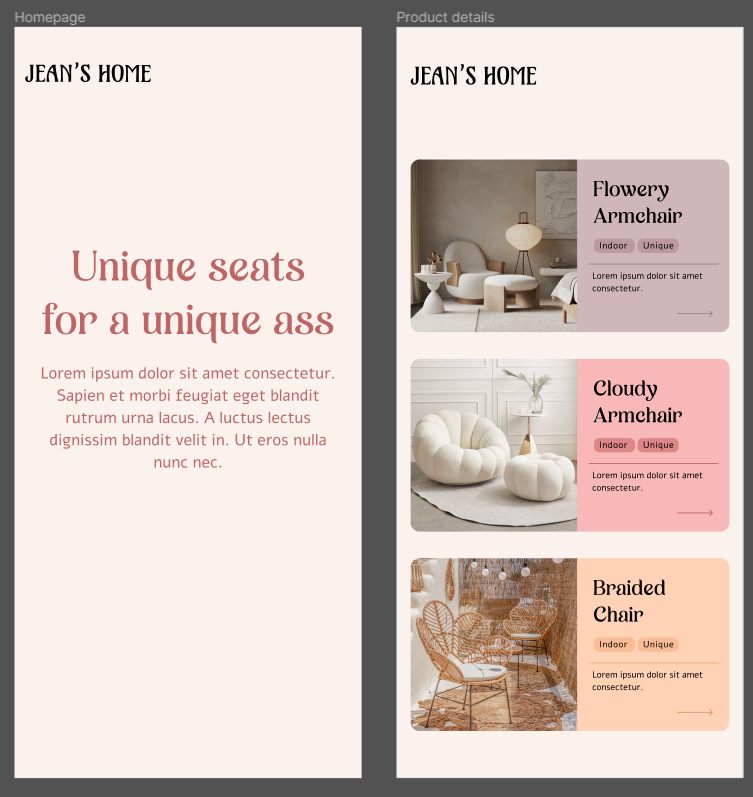
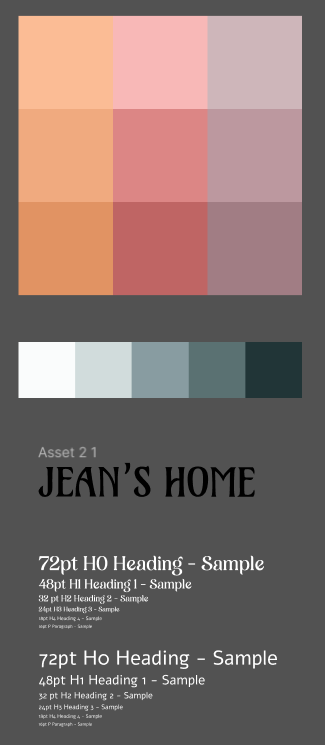
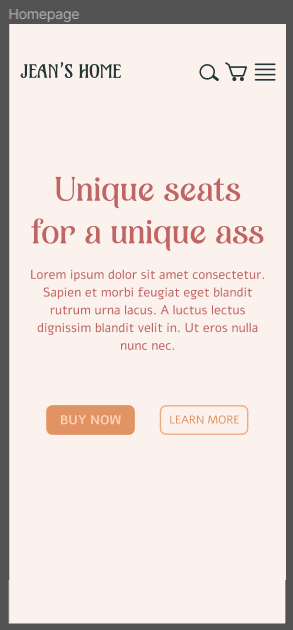
Class Project 9: Icons and Homepage first draft
Class Project 10: Images (nothing new I must admit)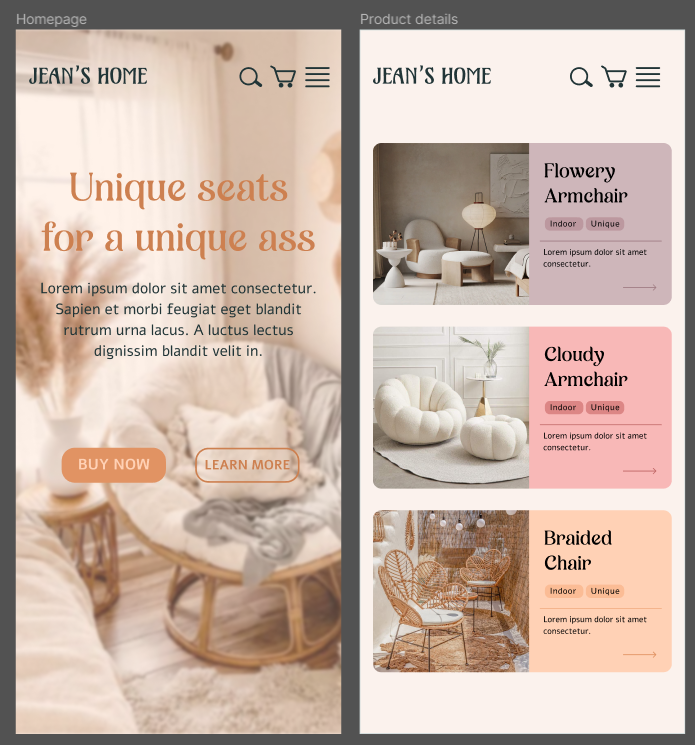
Class Project 11: Buttons
Class Project 12: Auto layout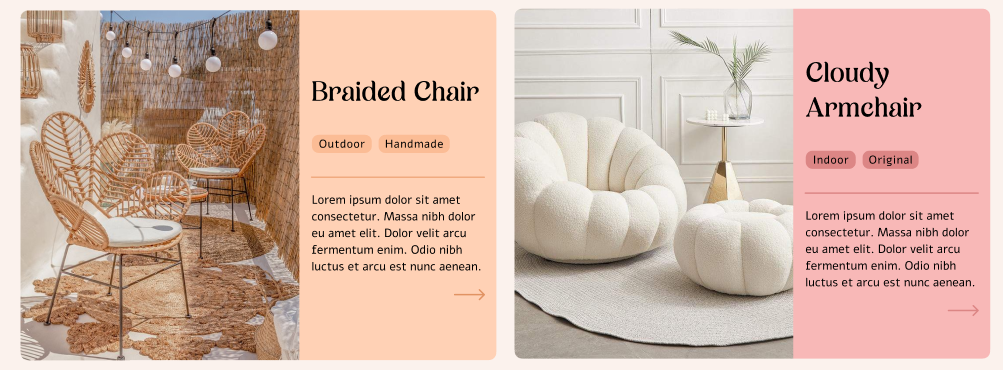
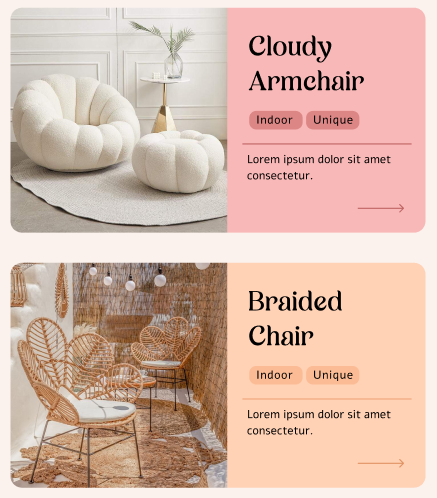
For this exercice, I used what we learnt to try my own experiment with double auto-layout, and I kinda sweat but I made it somwhat responsive!
Class Project 13: Effects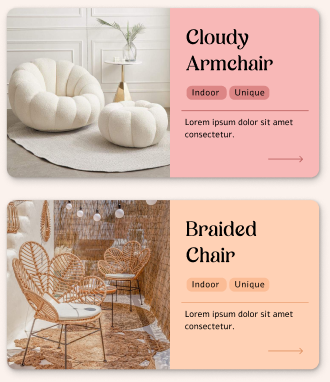
Mainly drop shadows and inner shadows, as I realised I had already been using background blur previously.
Class Project 14: Components
Class Project 15: Variants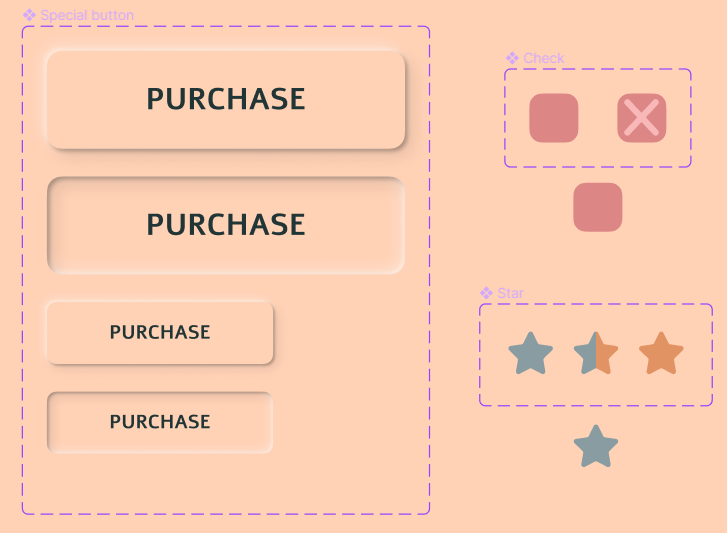
Class Project 16: Form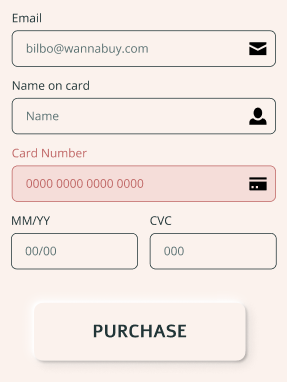
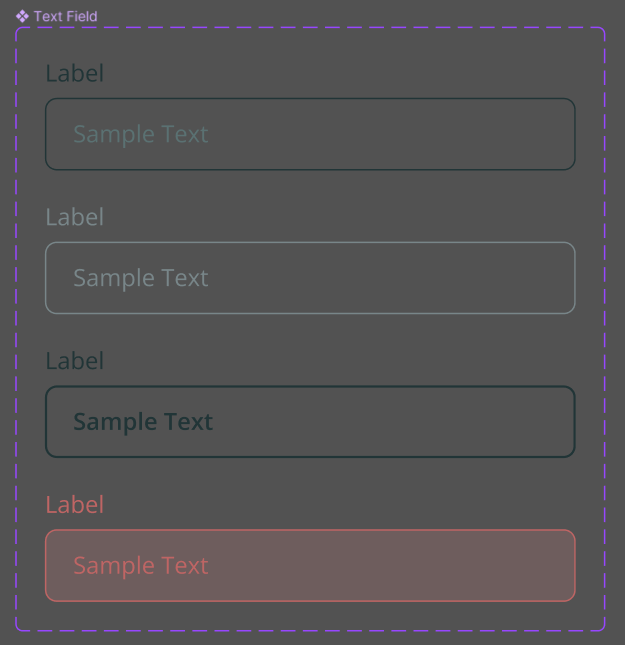
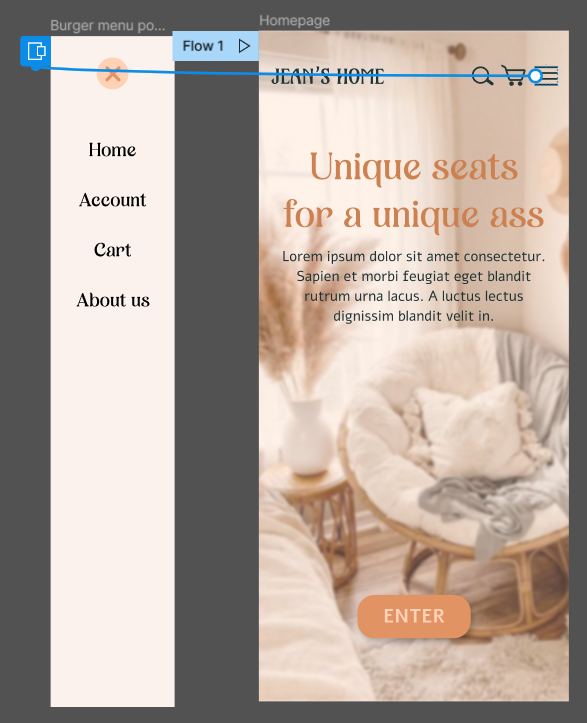
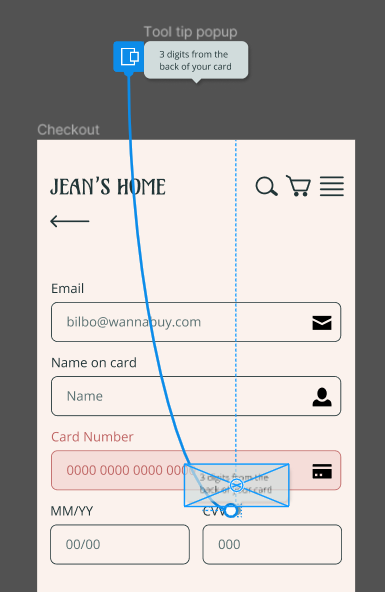
Class Project 17: Prototyping
Class Project 18: My second animation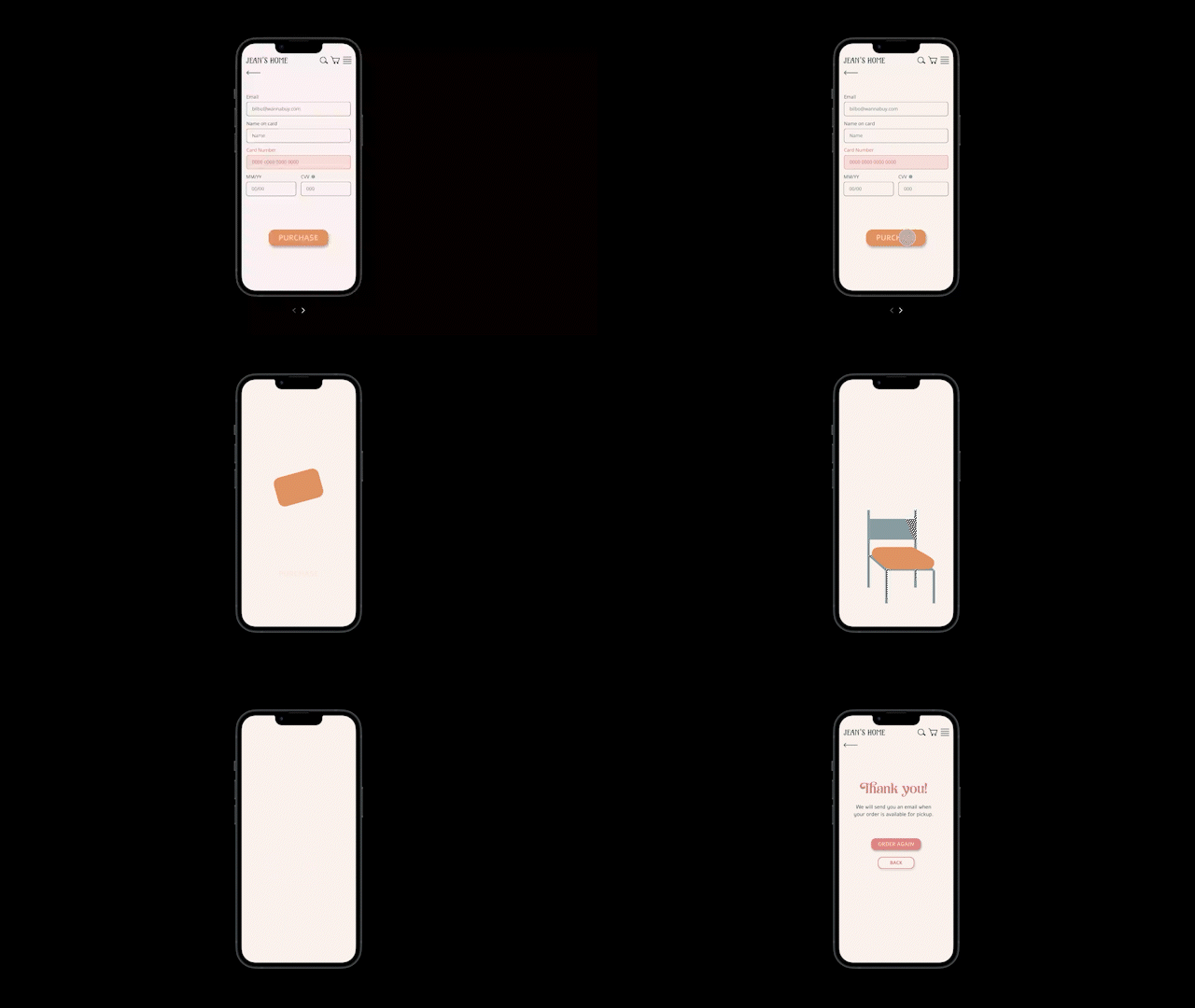
(The gif quality is not very good but the real deal is much better I promise haha)
Class Project 19: Page animation
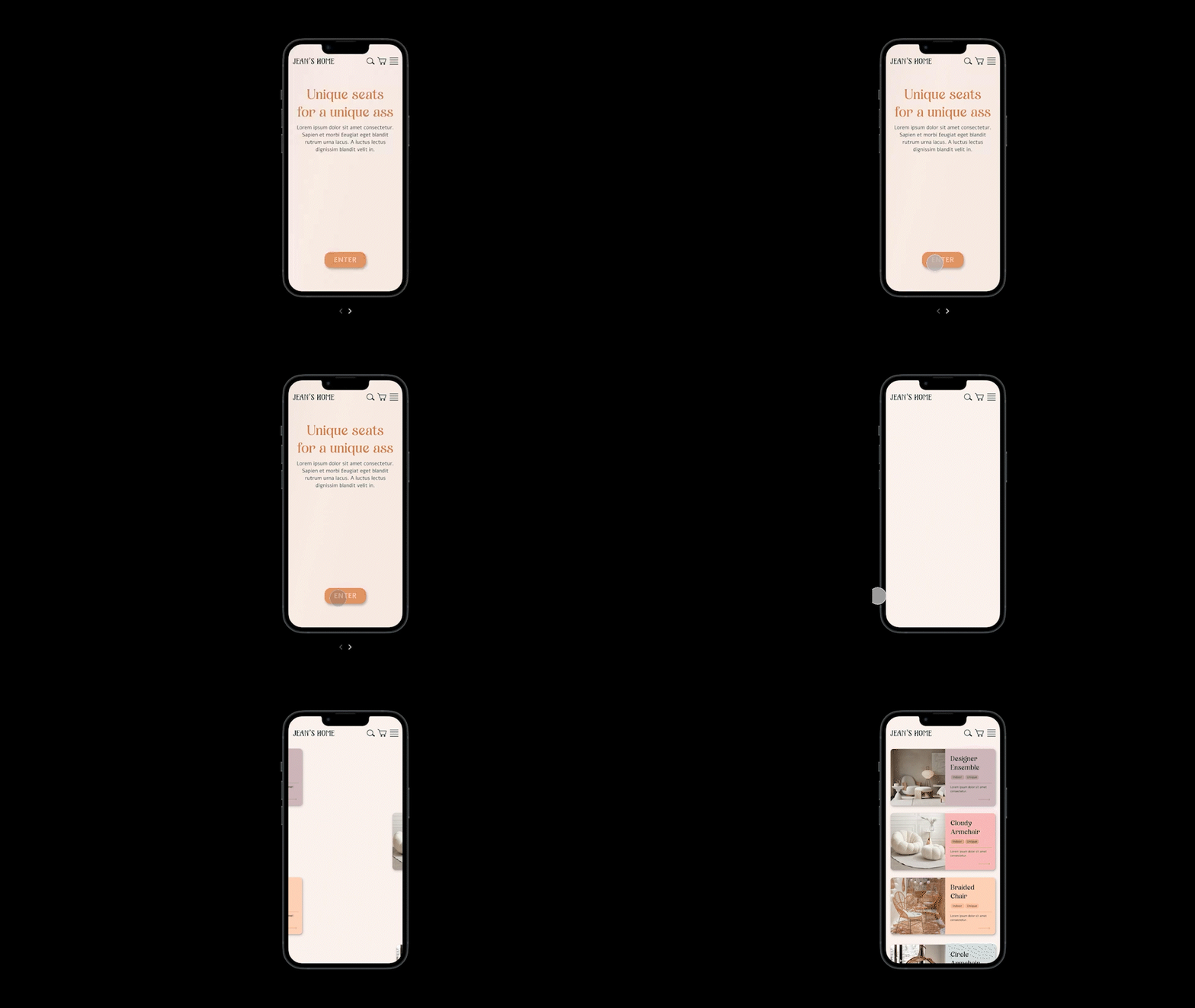
Class Project 20: Micro-interaction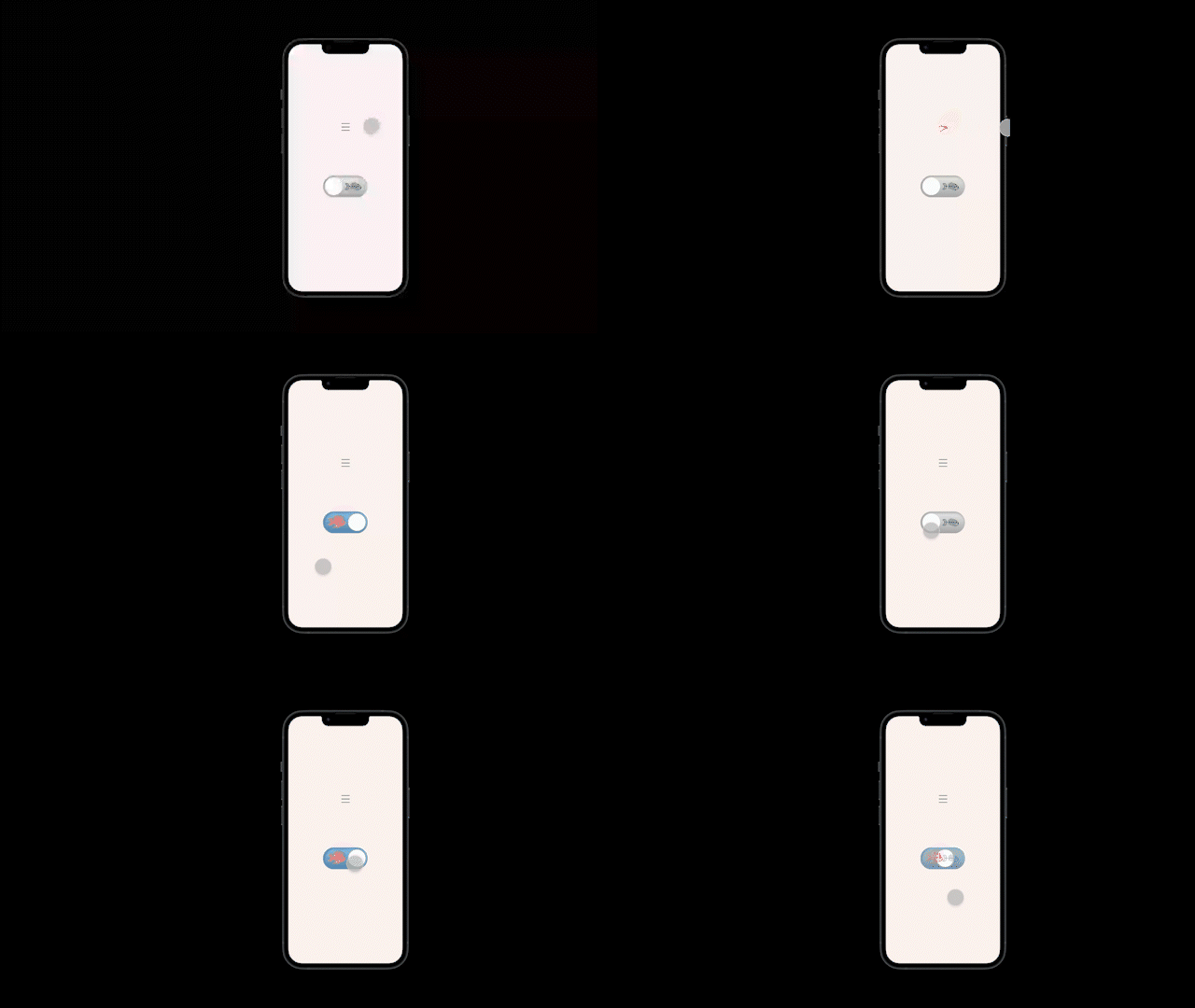
Class Project 21: