Clydesdale
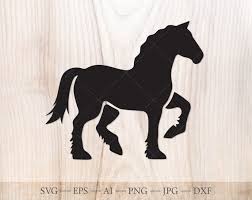
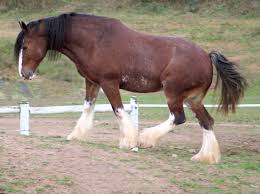
Clydesdales are my favorite horse, and it's been a minute since I've done work on Illustrator. This was fun! The class was amazing. I didn't know about Adobe Capture. That's brilliant. I used a silhouette from google images to help me see what I wanted to do with my word. I then looked at an image of a Clydesdale horse so I could get the colors for the tail and the legs right. I didn't image trace though.
I used the pen tool to create a clean vector and to sharpen my "tools". I then split it into 10 parts (after separating the legs and tail) and used the shape builder to separate the bits and bobs. I pulled the pieces apart just a little and then created the letters using the pen tool in each section. I adjusted each bit to fit using the direct selection tool and then colored it. I kept the word darker so it would pop a bit more. I colored the legs and tail based on my reference image.
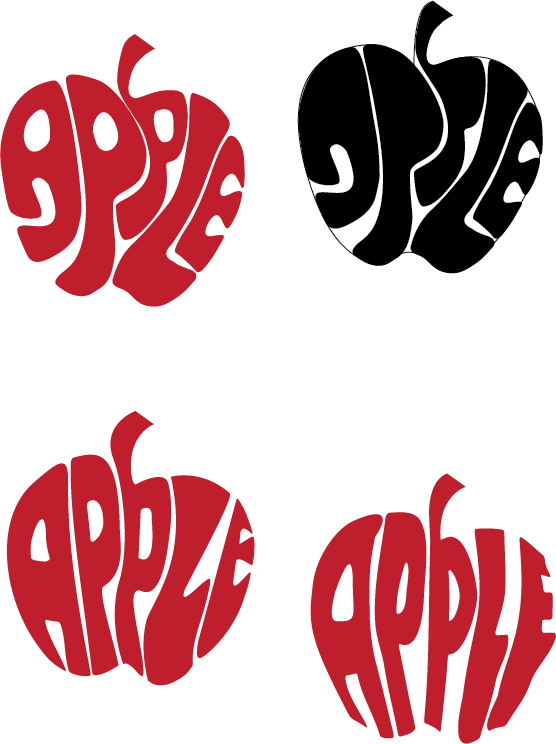
I hope you like it! I know I'm 8 years late, but the class is still quite relevant. I also played around with the envelope distort and warp (the apple thumbnails). The one on the top left and right: I used the Illustrator pencil, bottom left: text with envelope distort, bottom right: text with envelope warp.