Adobe Photoshop CC – Essentials Training Course
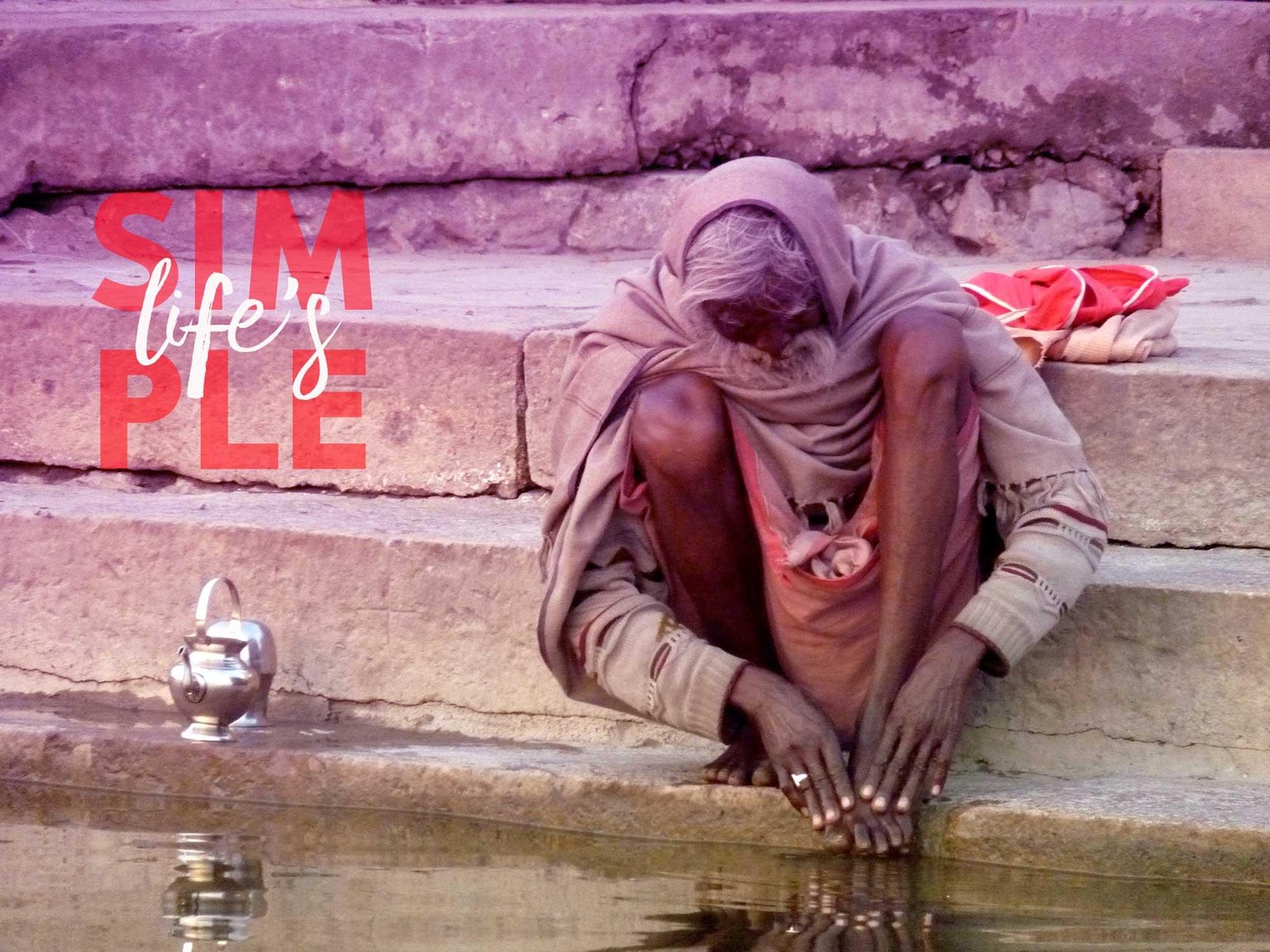
1. Class Project - Gradient // Photo by me
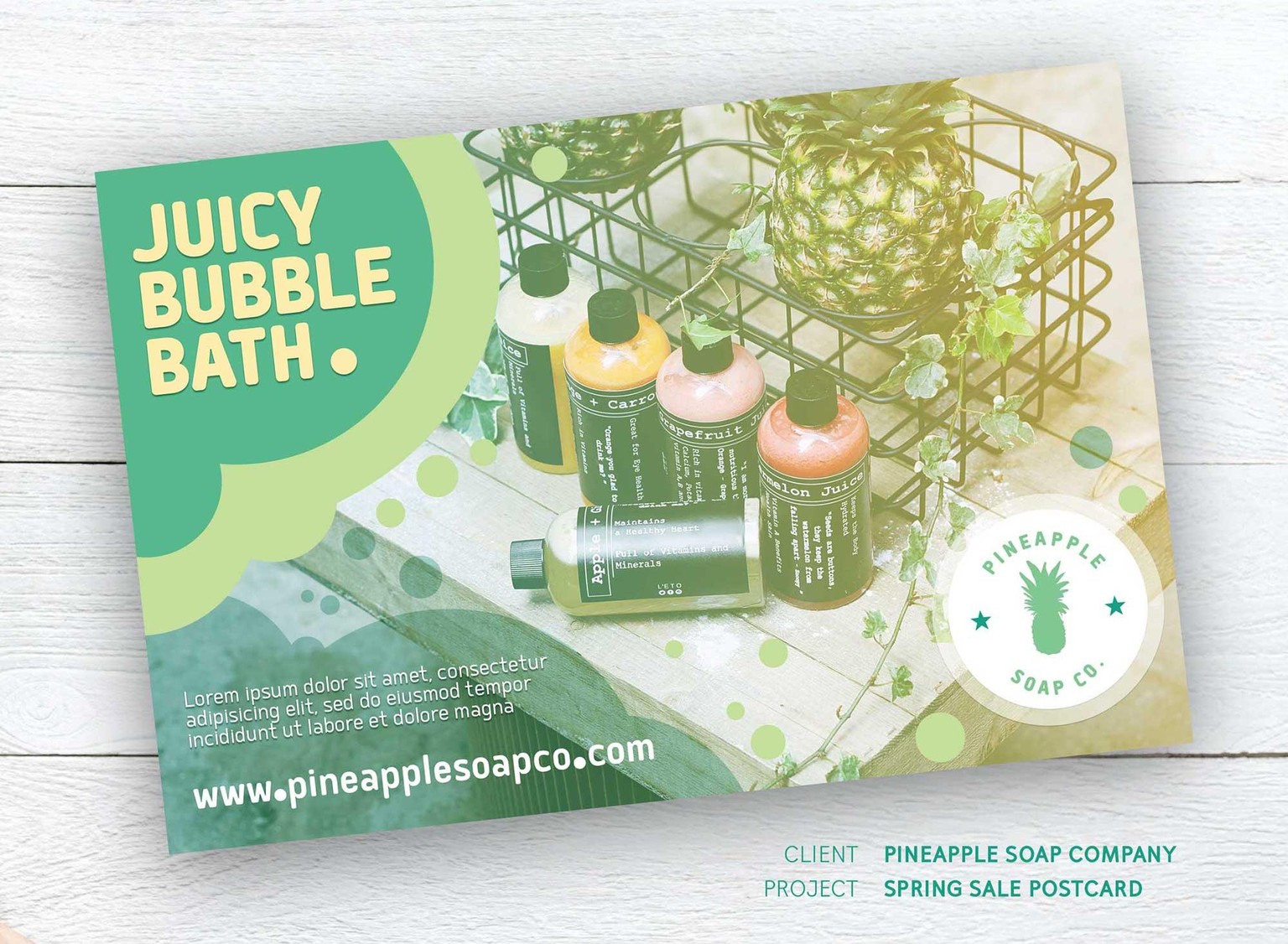
21. Class Project - Postcard Design // Photo by Toa Heftiba on Unsplash // Photo by rawpixel.com from Pexels (background)
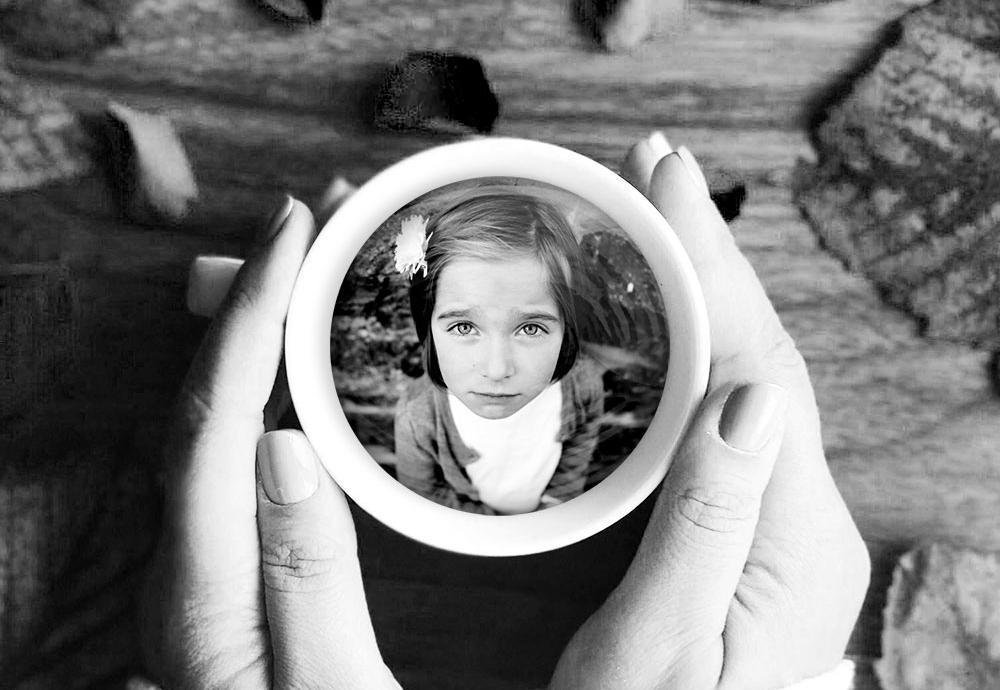
25-1. Class Project - Marquee Tool // Photo by Henrikke Due on Unsplash // Photo by John Peters on Unsplash

25-2. Class Project - Marquee Tool // Photo by Holger Link on Unsplash
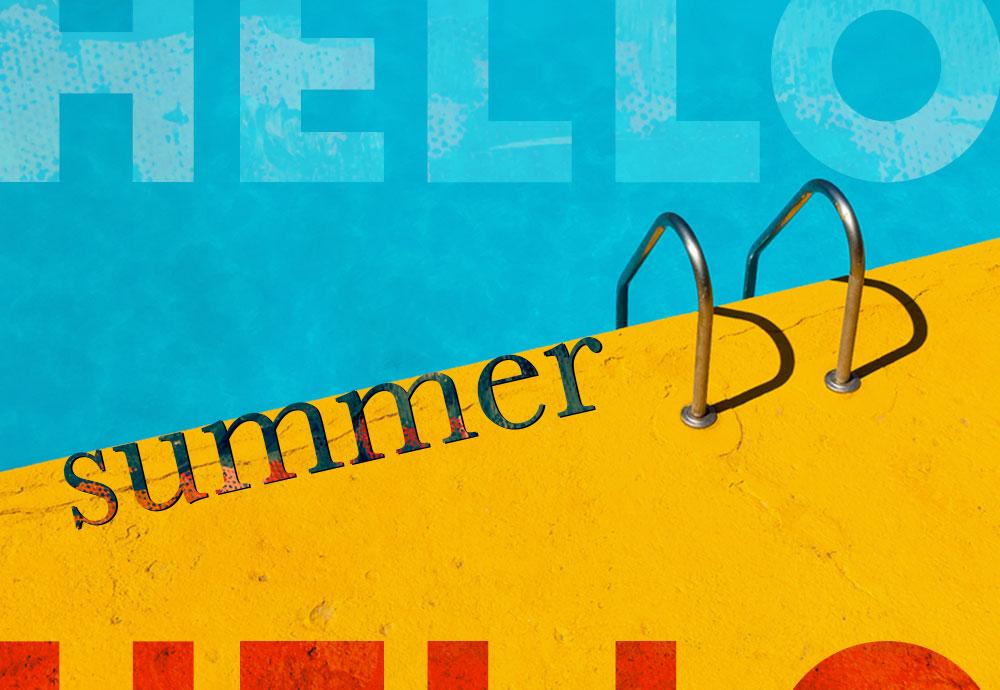
Cropping Mask // Photo by Etienne Girardet on Unsplash // Photo by Steve Johnson from Pexels
Cropping Mask // Photo by Digital Buggu from Pexels
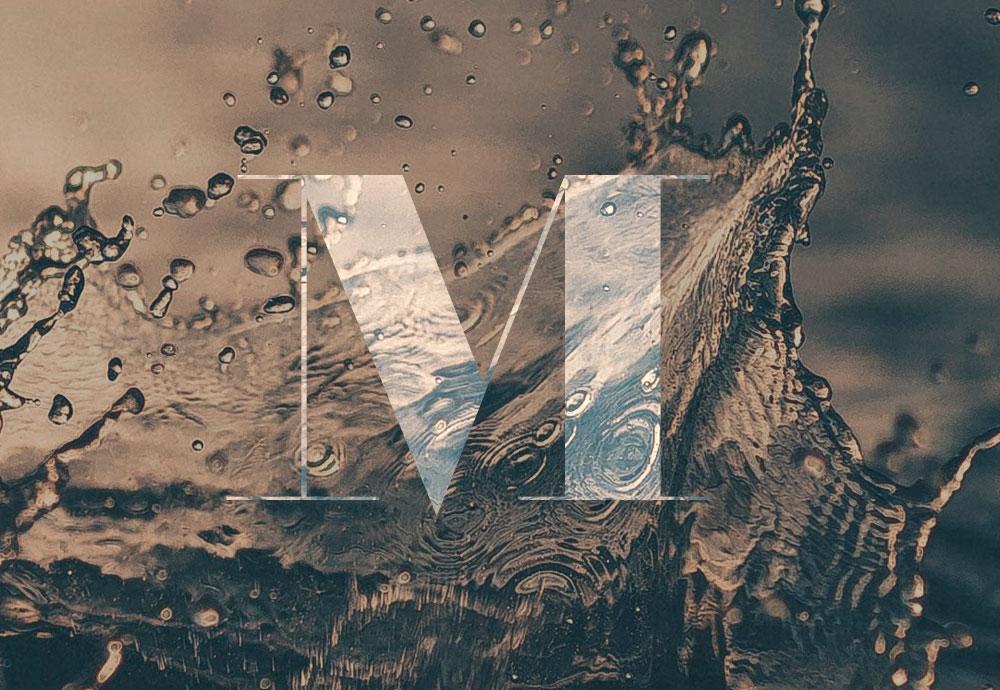
Glitch Effect // Photo by Alex Perez on Unsplash
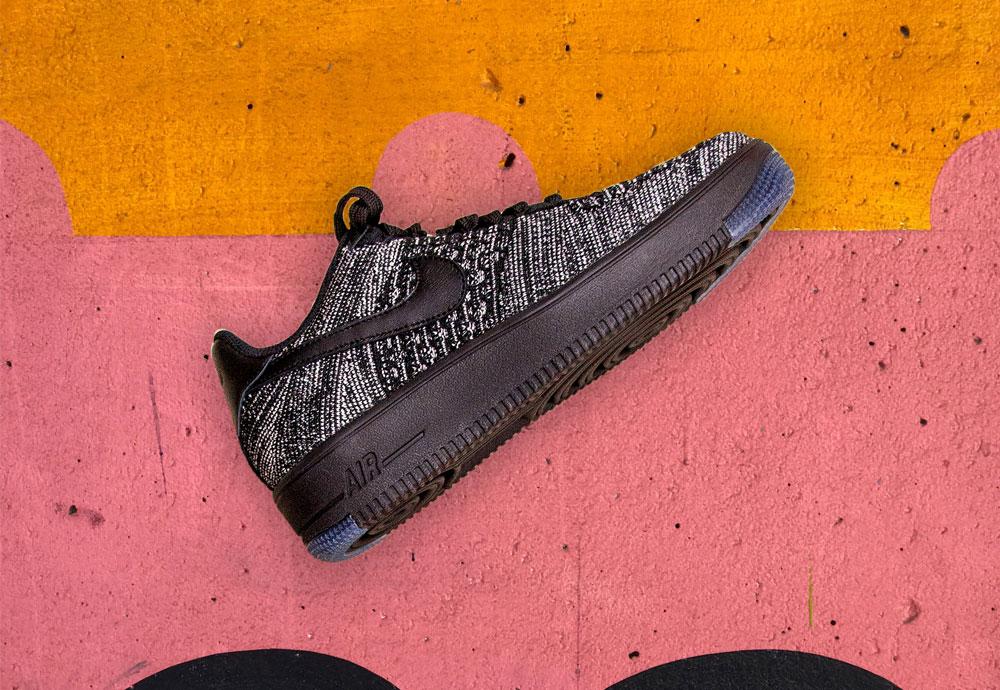
28. Class Project - Quick Select Tool
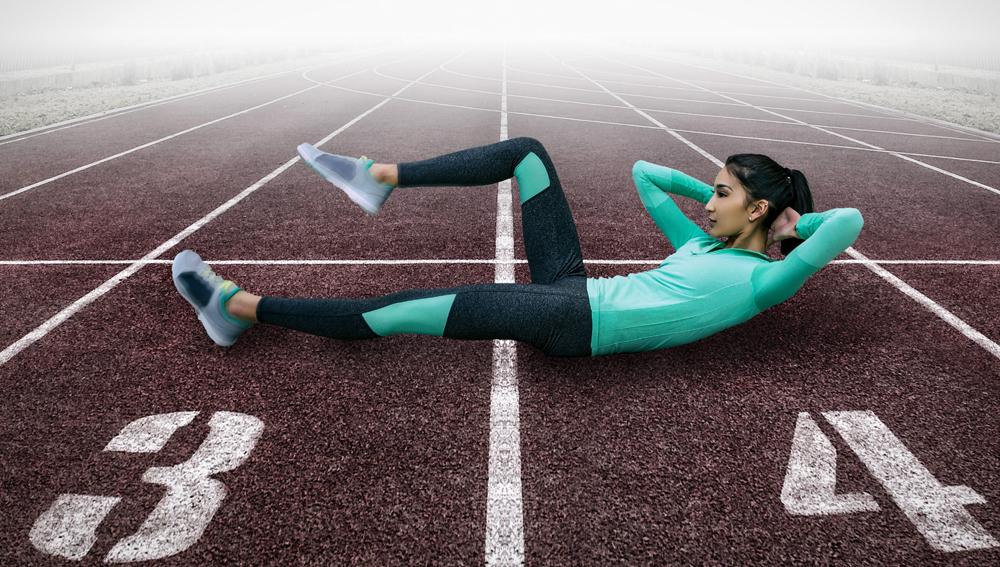
31. Class Project - Cut a person out
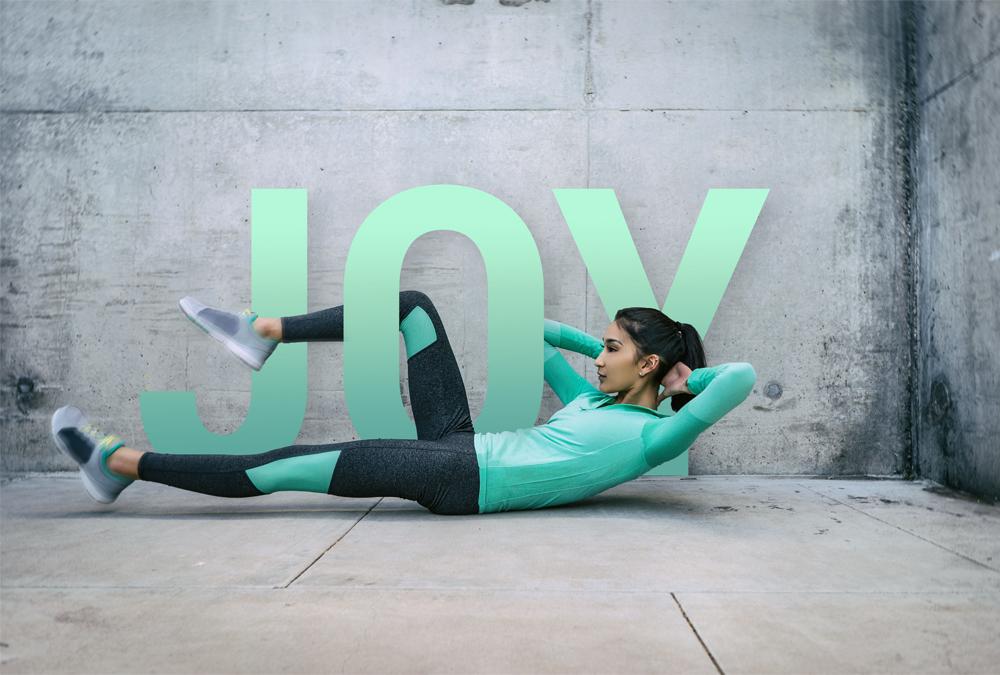
33.1 Class Project - Weaving in & out
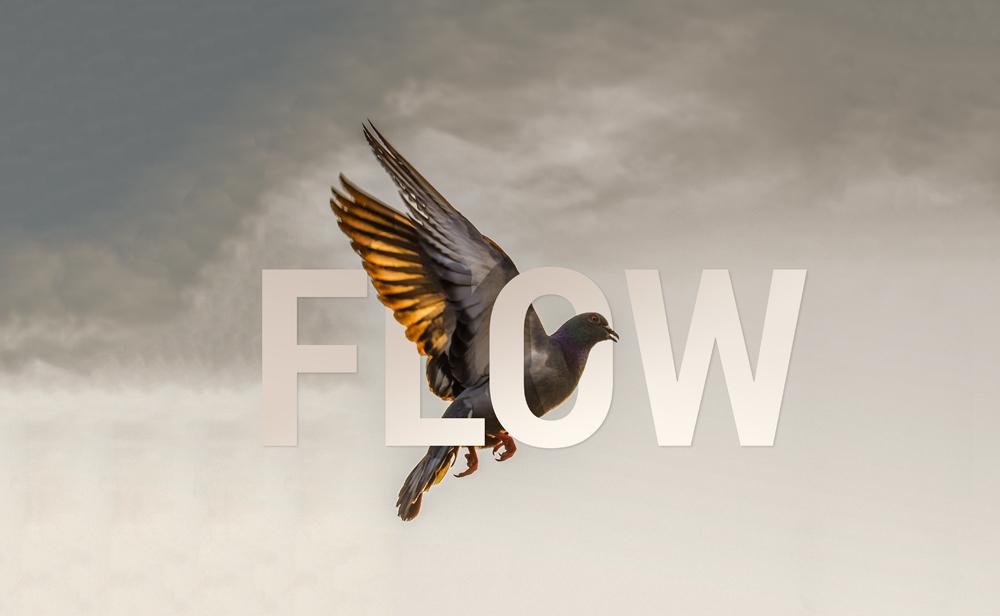
33.2 Class Project - Weaving in & out // Photo by Raza Ali on Unsplash
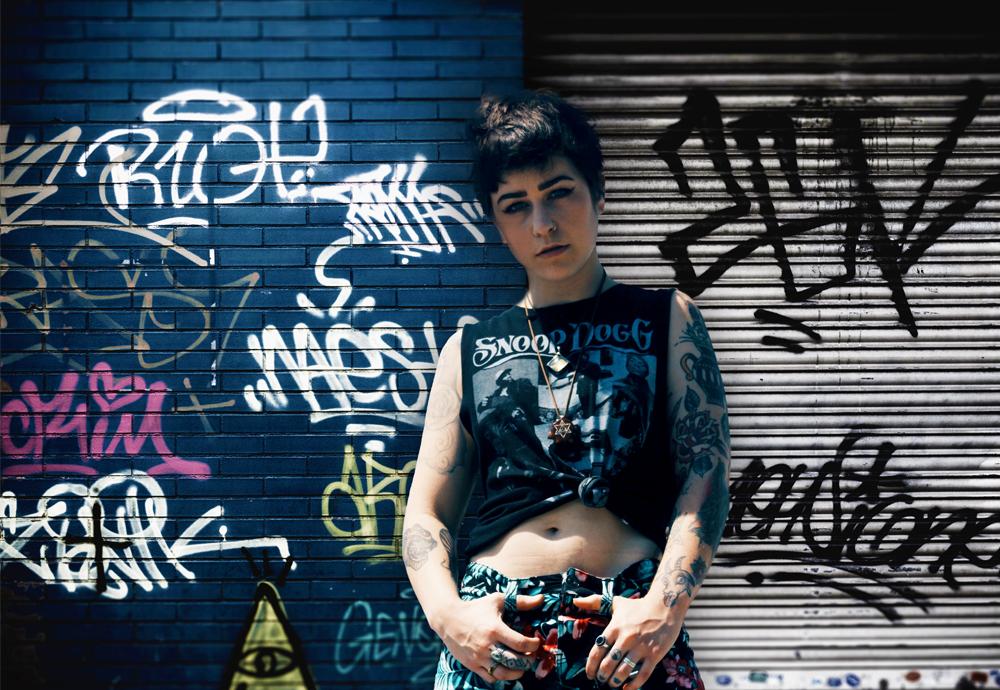
33. Class Project - Selecting Hair // Photo by Sergi Viladesau on Unsplash

38. Class Project - Text & Image Interaction
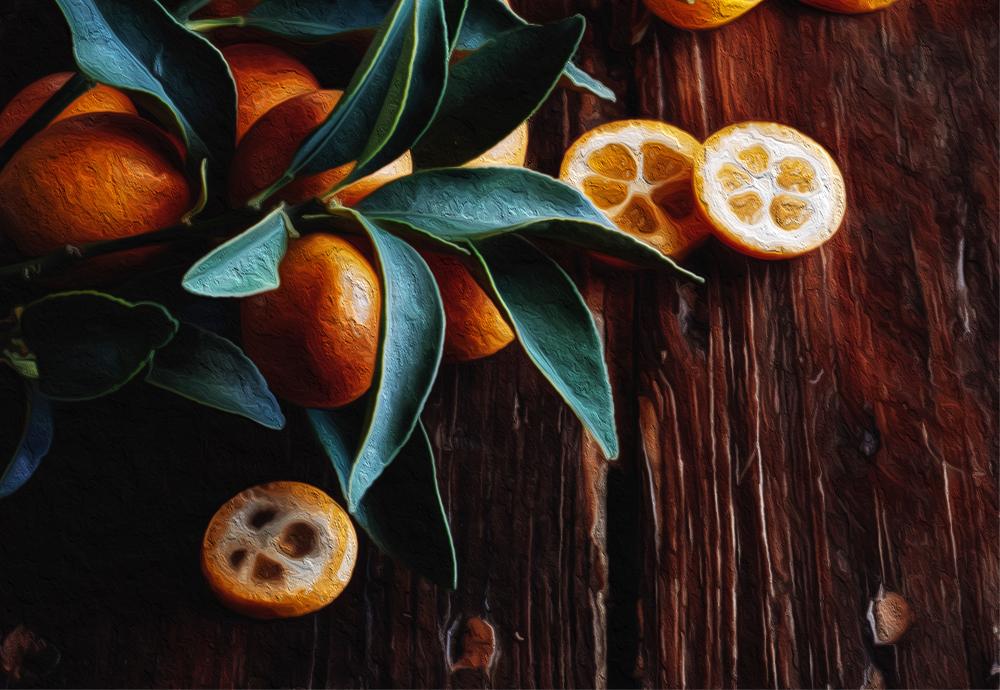
41. Class Project - Oil Painting // Photo by Stefania Crudeli on Unsplash
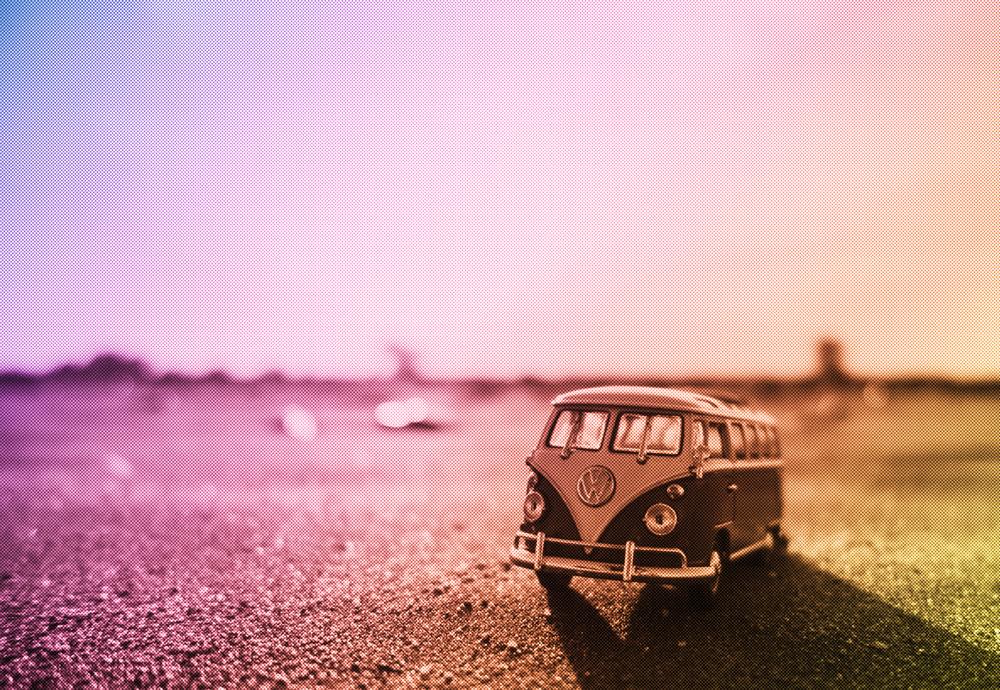
43. Class Project - Halftone // Photo by Jose Maria Cuellar on Unsplash
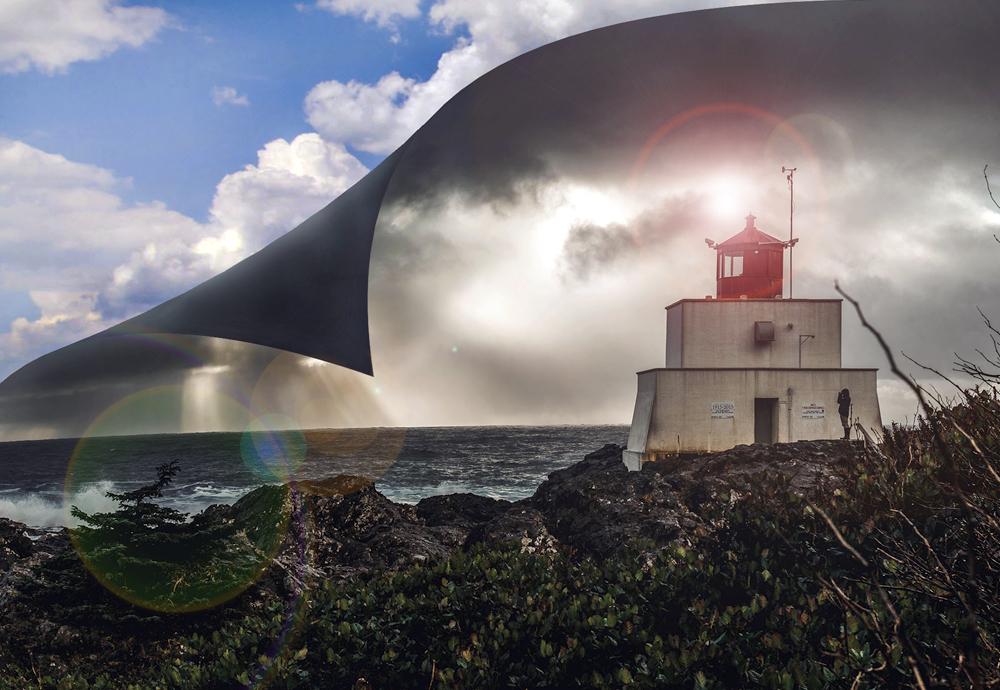
49. Class Project - Peeling Sky
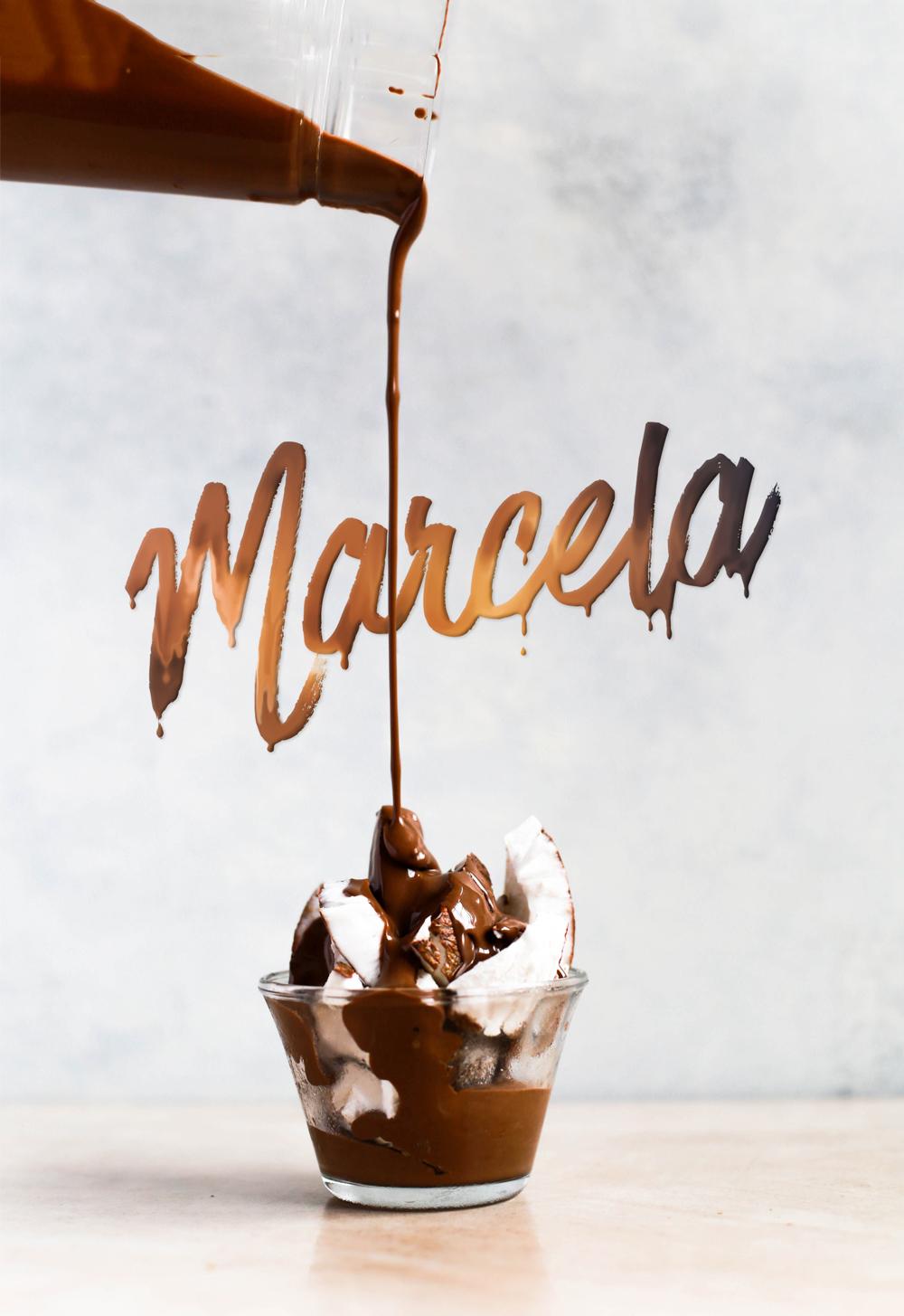
52. Class Project - Drippy Paint Text // Photo by Brenda Godinez on Unsplash
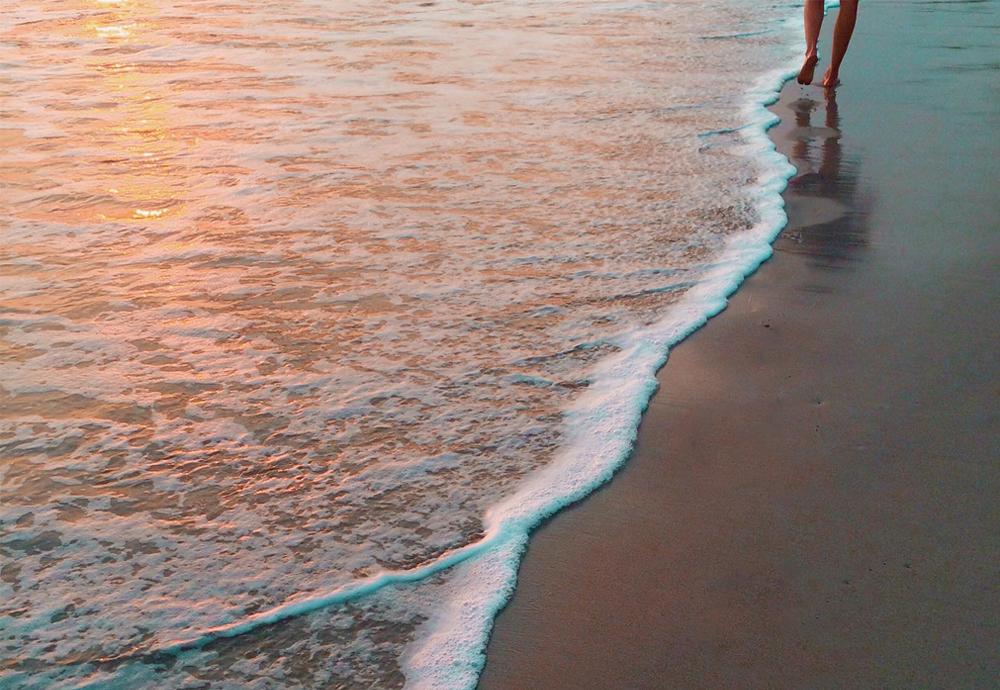
57.1. Class Project - Retouching - remove footsteps
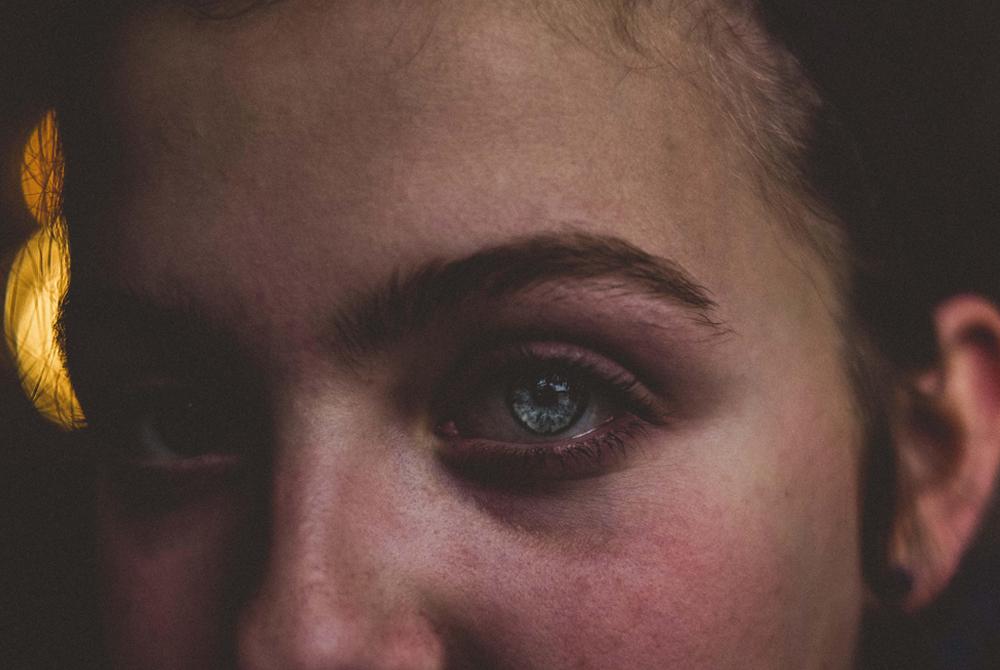
57.2. Class Project - Retouching - remove blemishes
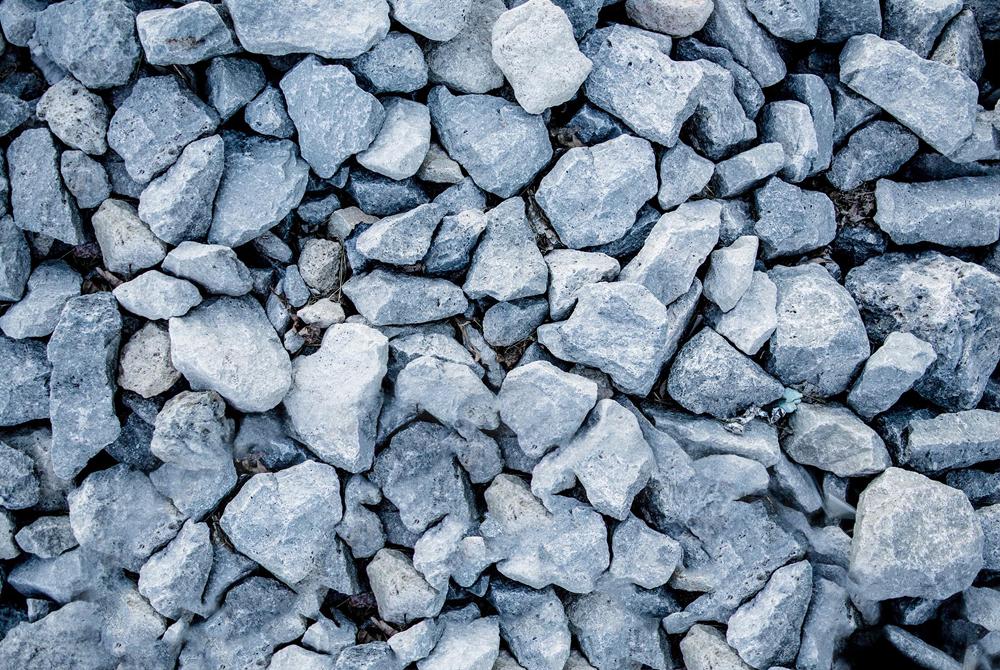
57.3. Class Project - Retouching - remove the person
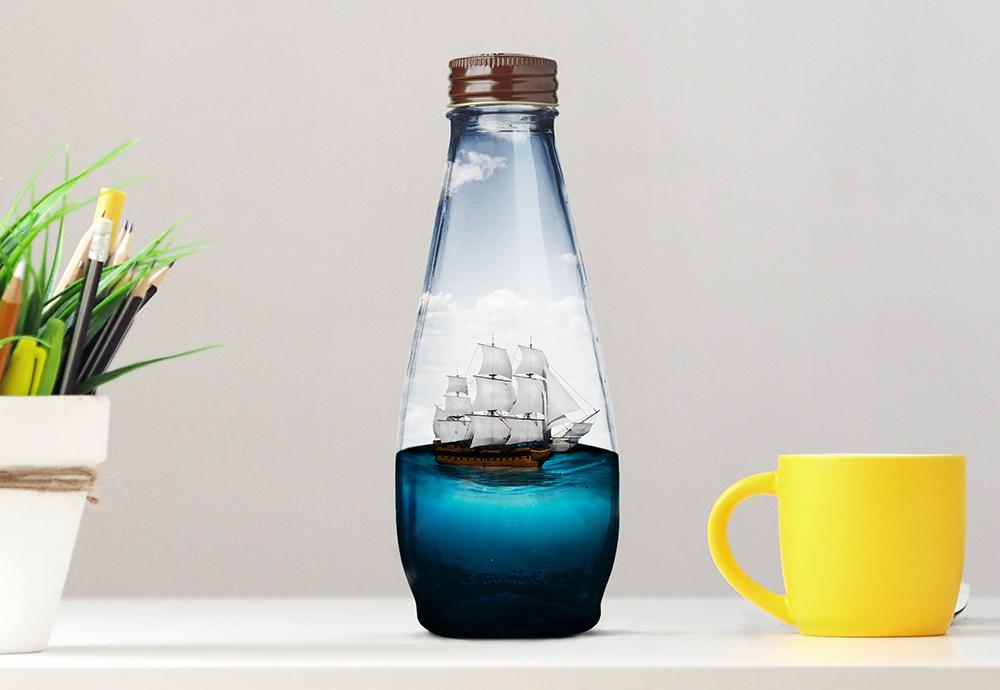
63. Class Project - Boat in a bottle
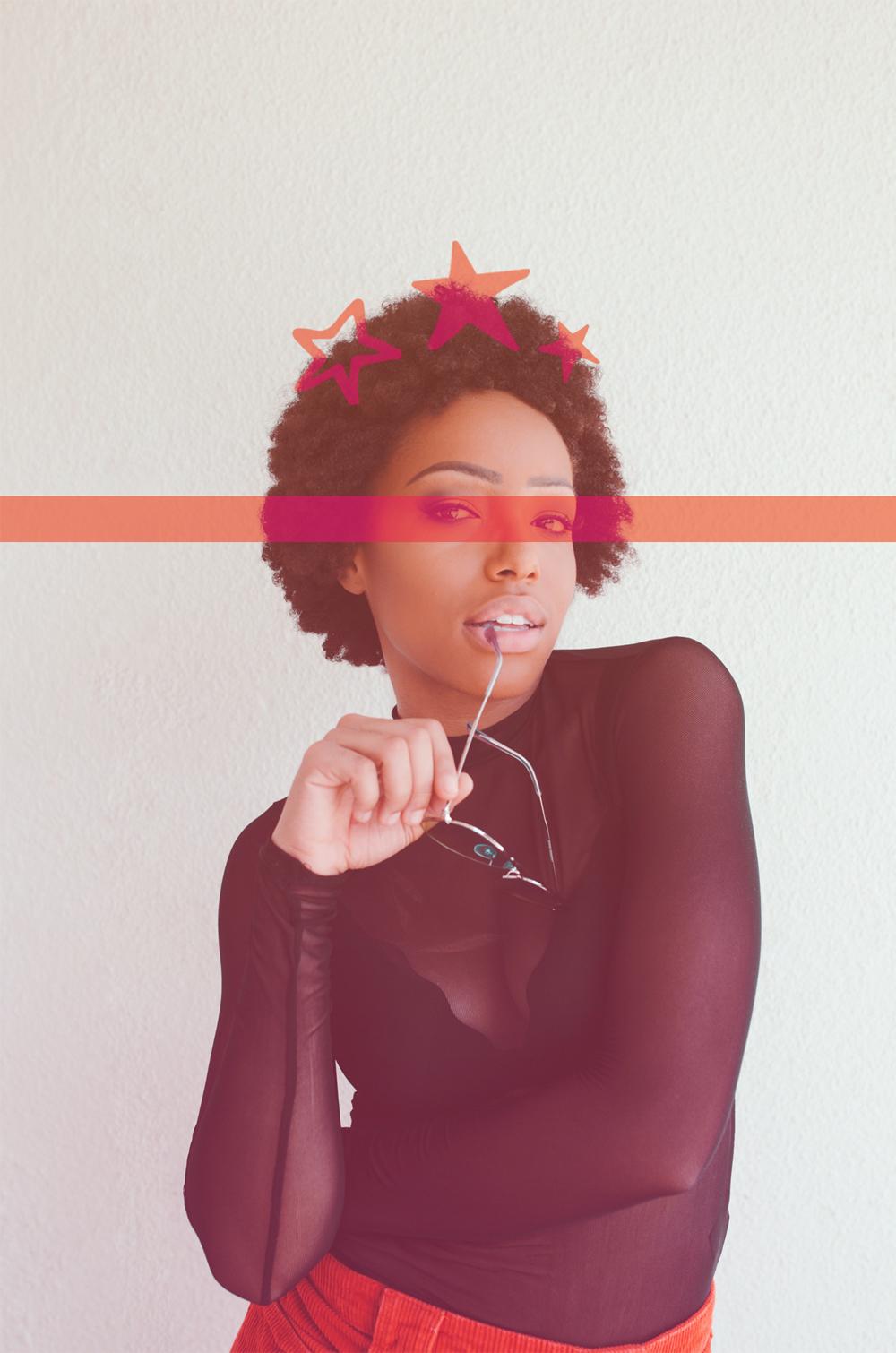
65.1. Class Project - Duotones
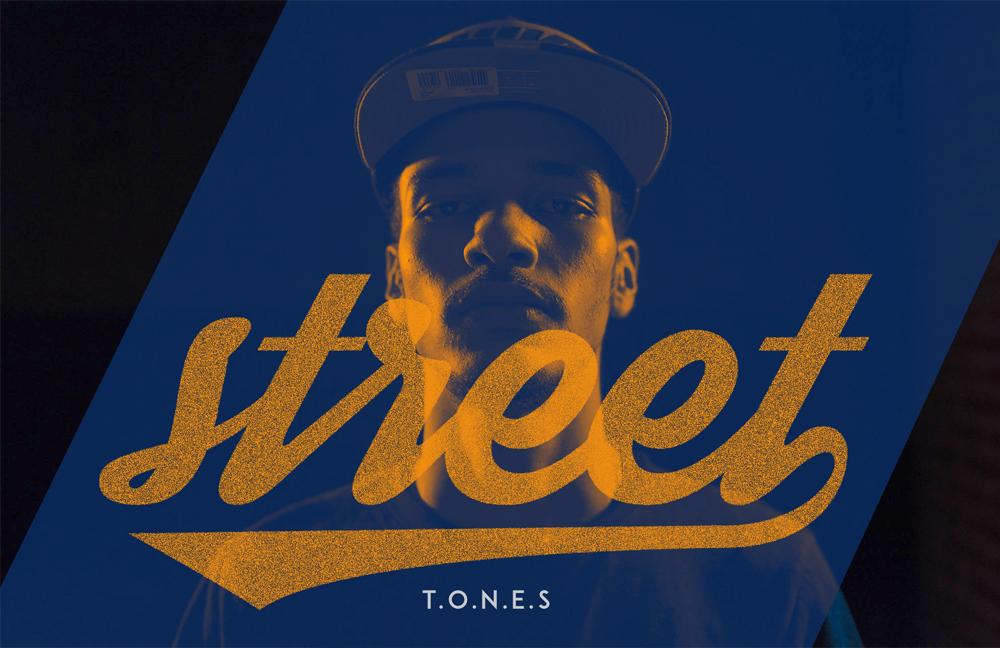
65.2. Class Project - Duotones
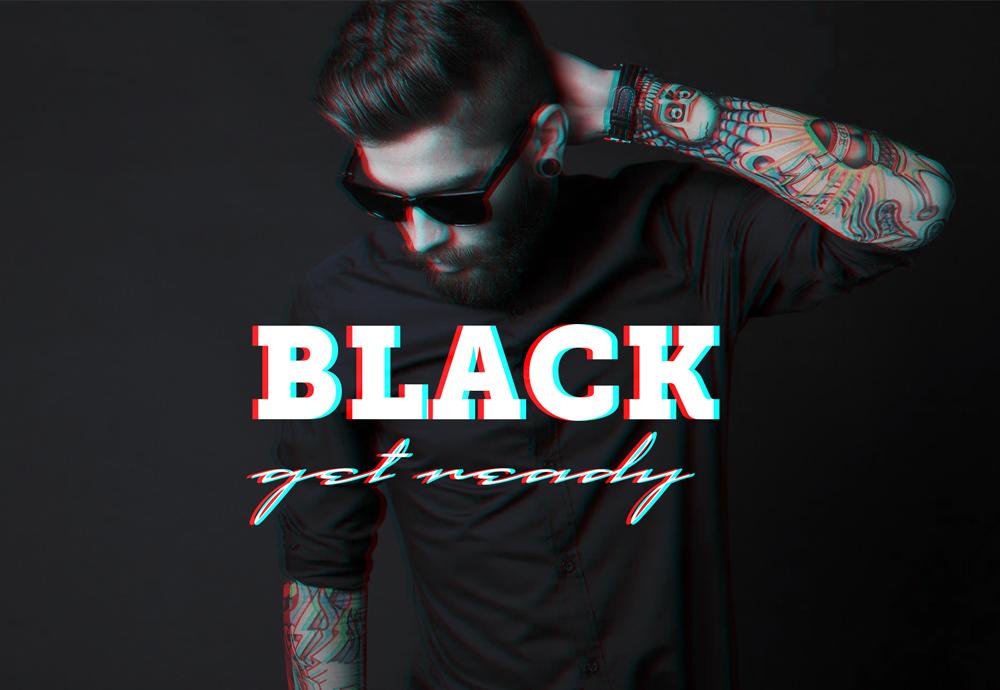
67.1. Class Project - Anaglyph Effect
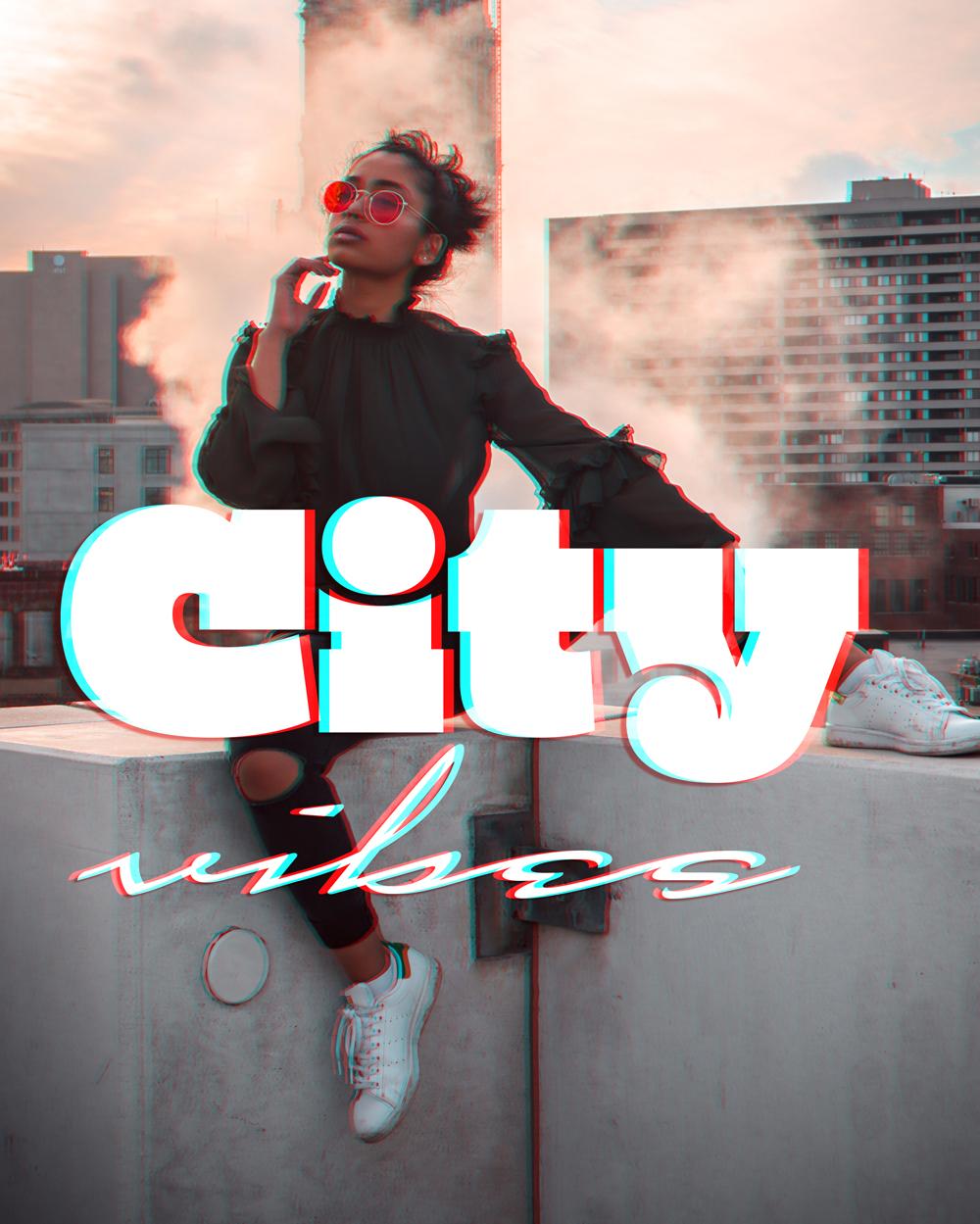
67.2. Class Project - Anaglyph Effect // Photo by Kahari king on Unsplash
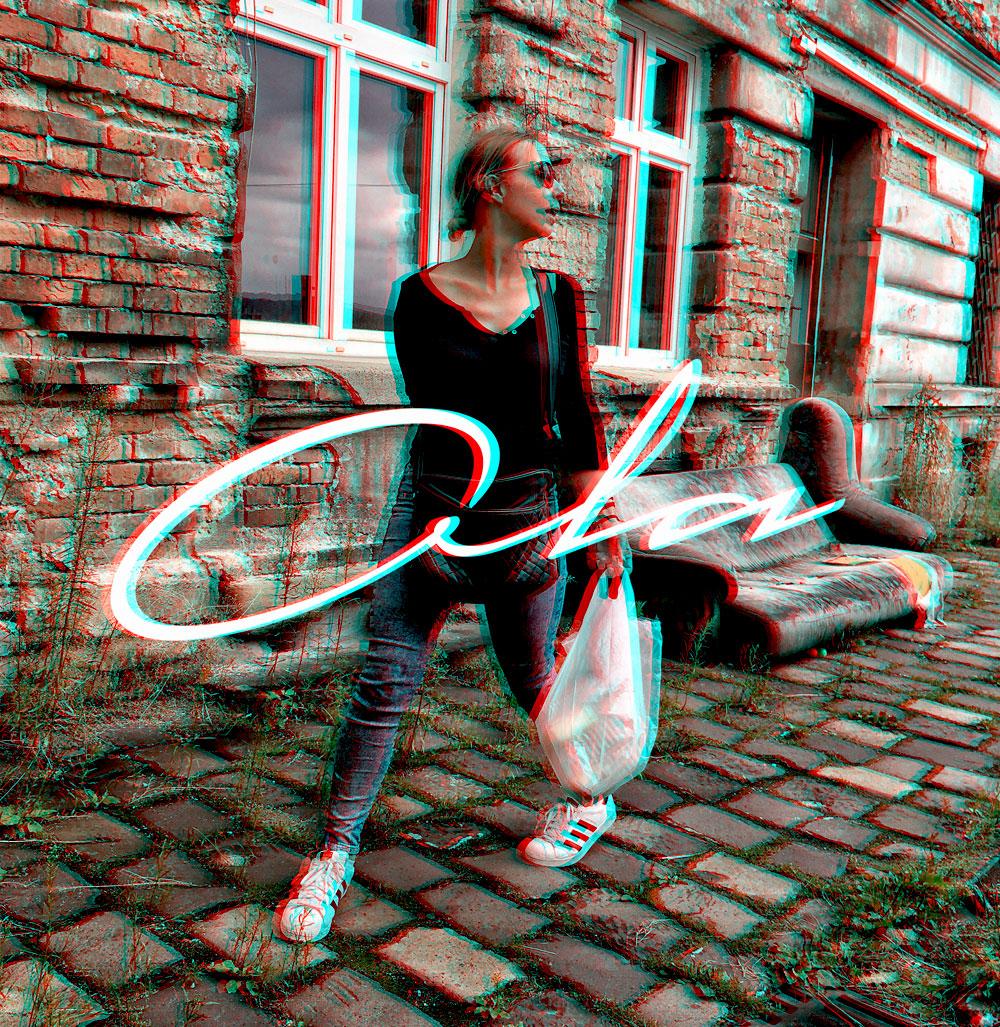
67.3. Class Project - Anaglyph Effect // Photo by me
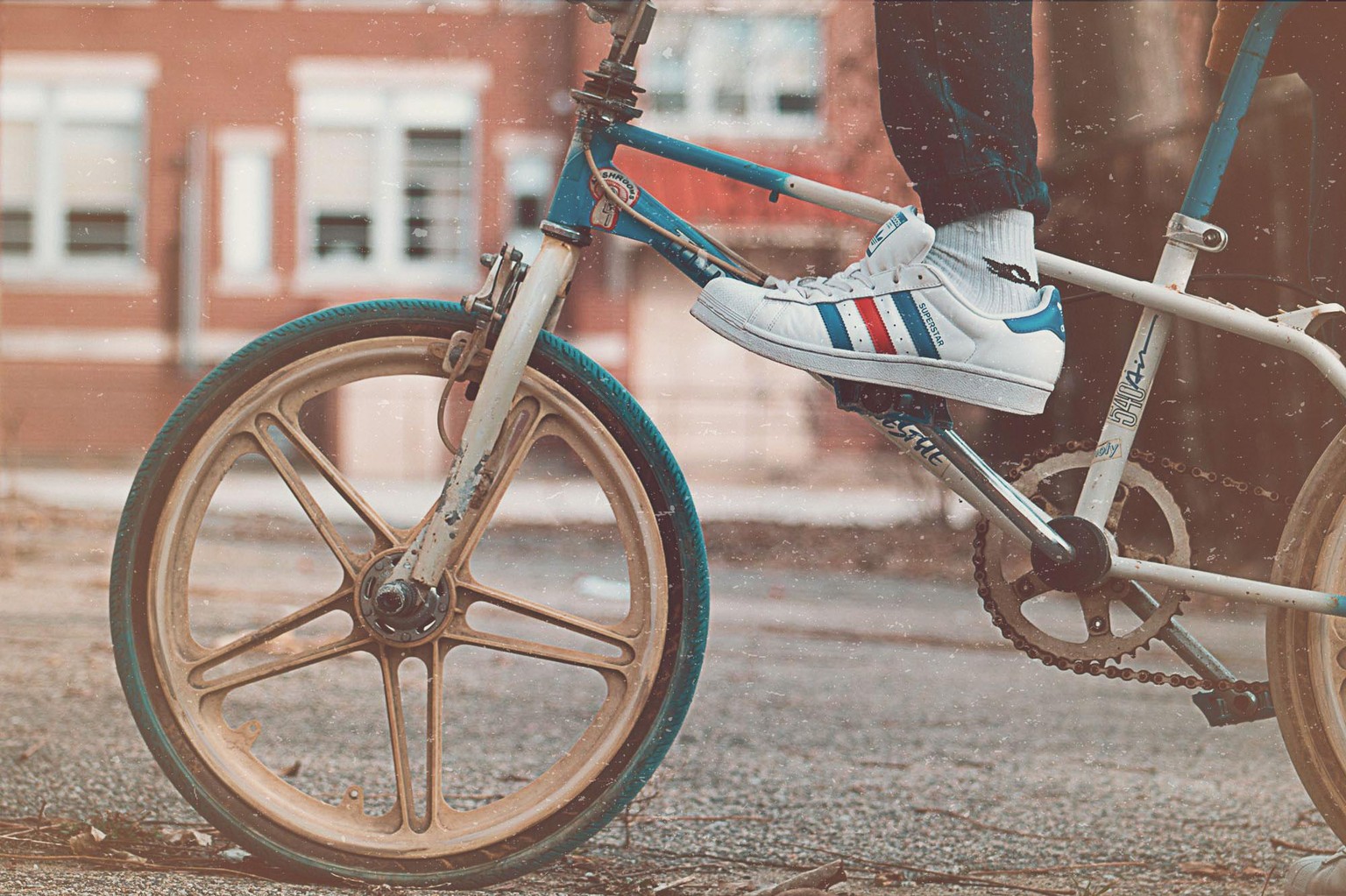
69.1. Class Project - Vintage Matte Photo
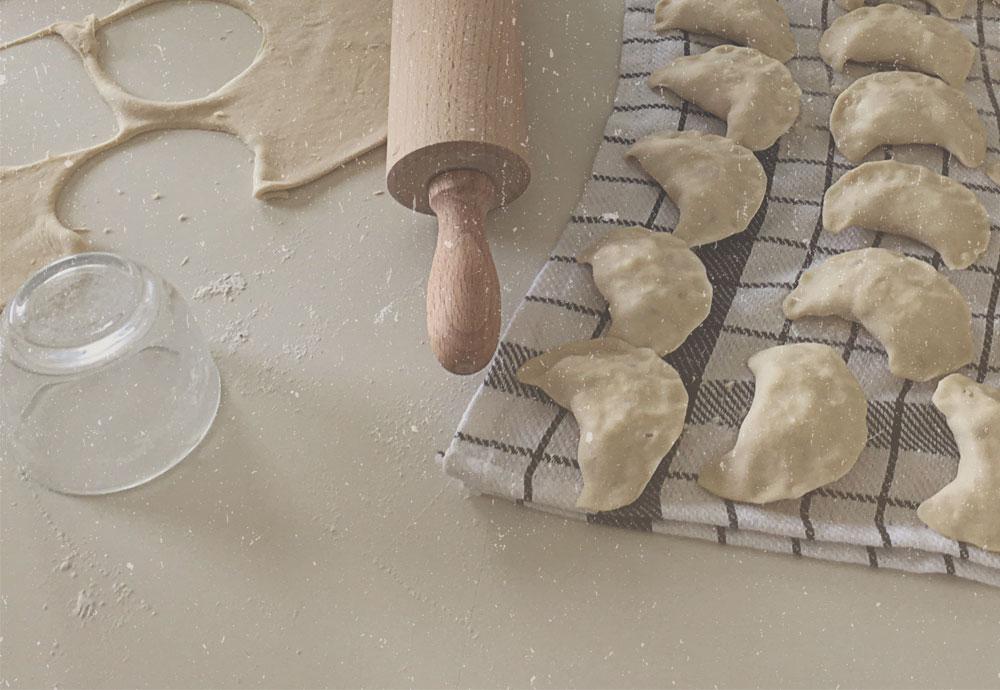
69.2. Class Project - Vintage Matte Photo // Photo by me
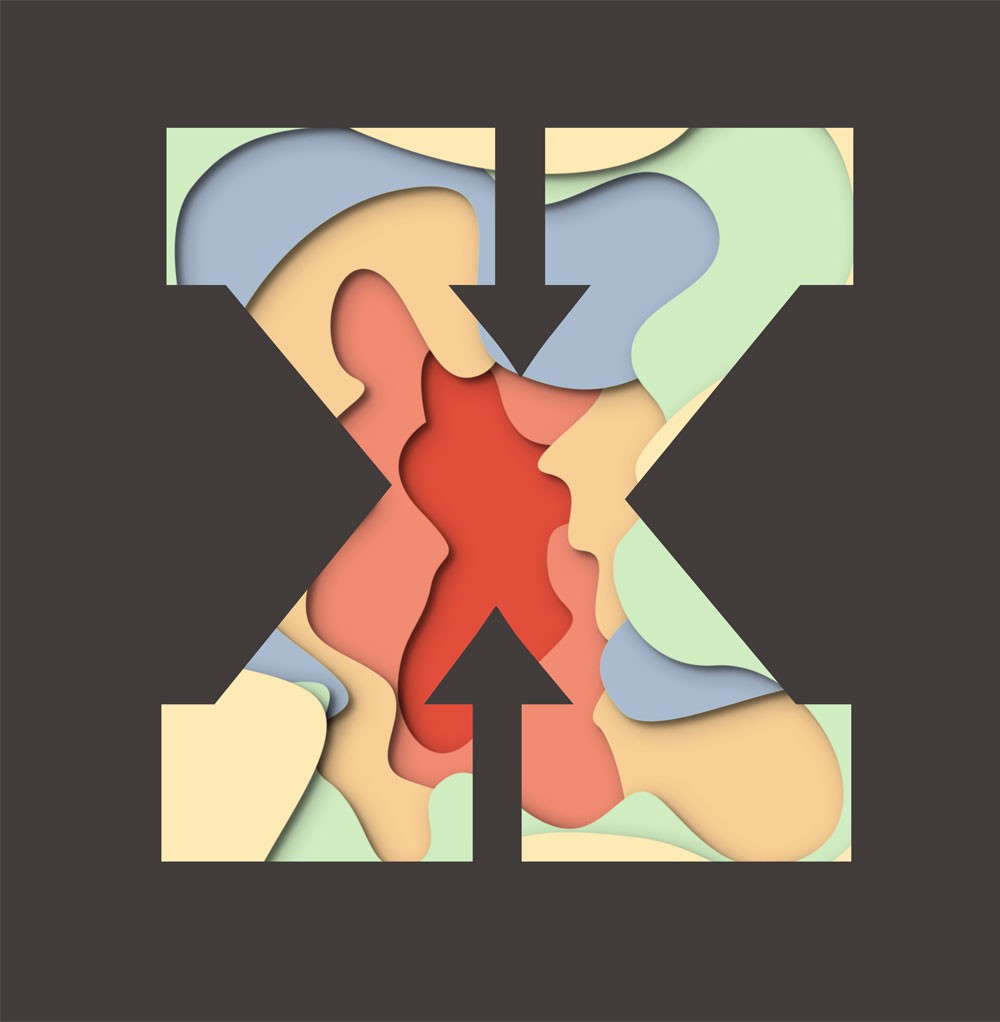
71. Class Project - Paper Cut Effect

77. Class Project - Ink Splats
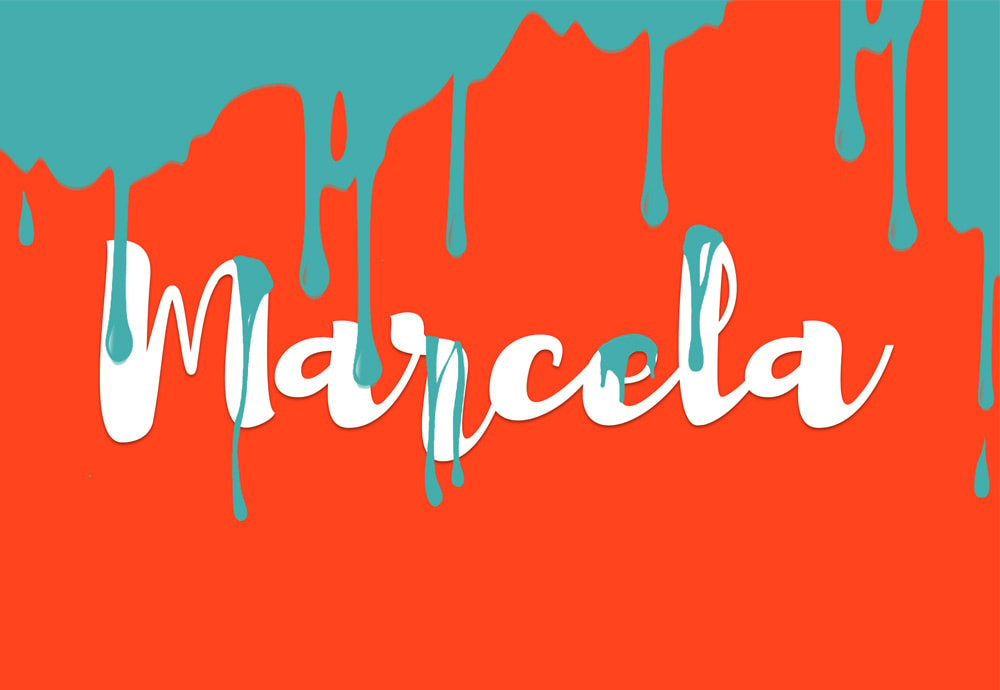
79. Class Project - Dripping Paint Brush
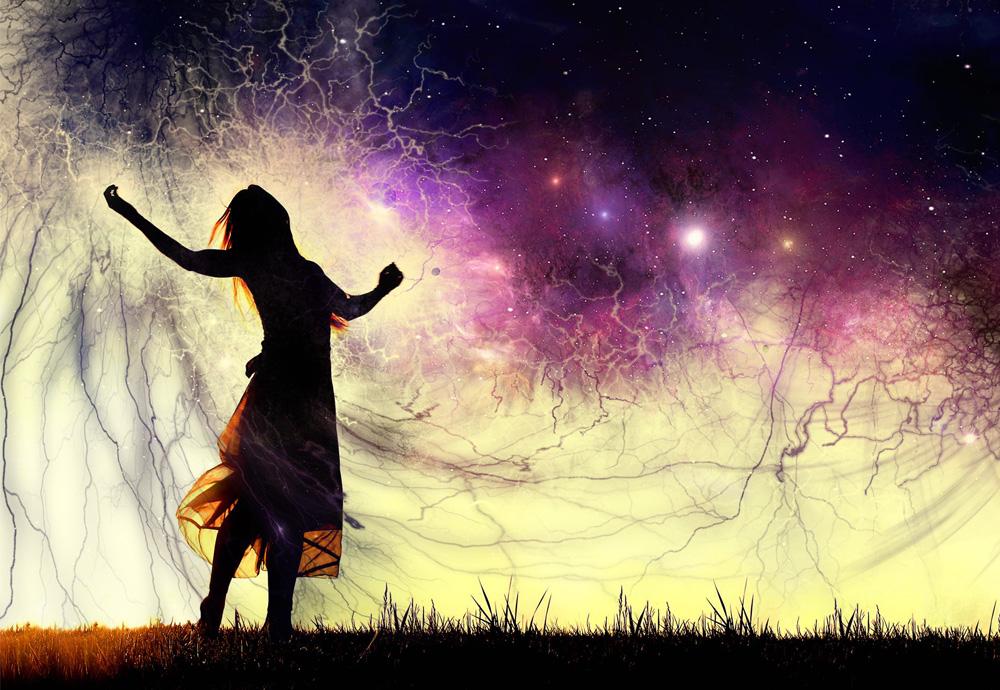
81. Class Project - Smoke/Lighting Balls Effect