
Curated by Skillshare
15 Classes (30 hours 7 minutes)
- Materials
iPad, Procreate App, Apple Pencil (or compatible stylus)
- Final Product
A portfolio of polished digital illustrations showcasing your growth in fundamentals, character design, style development, and complete compositions.
- Level
Beginner
Digital Illustration for Beginners in Procreate
Procreate, Digital Illustration, Layering, Animation.

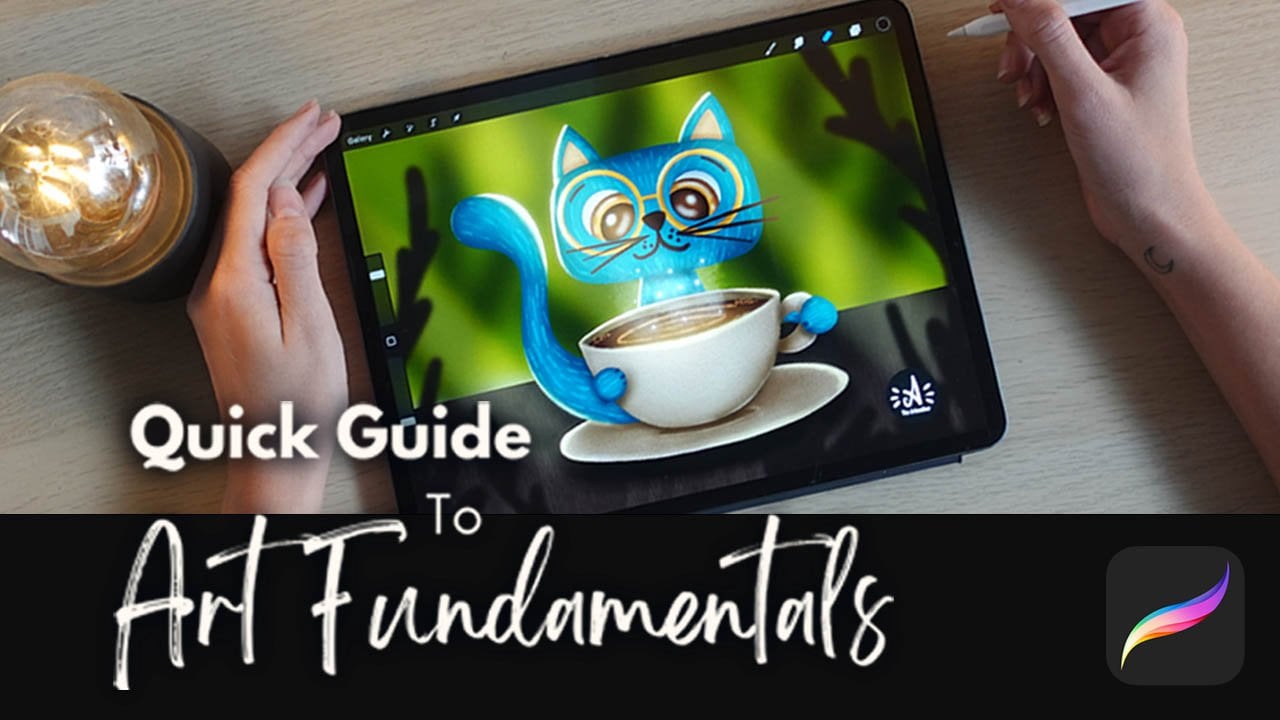
Quick Guide To Art Fundamentals For Beginners In Procreate
The Elements of Art: Line, Shape, Form, Space, Color, Texture, Value, Light, and Detail.
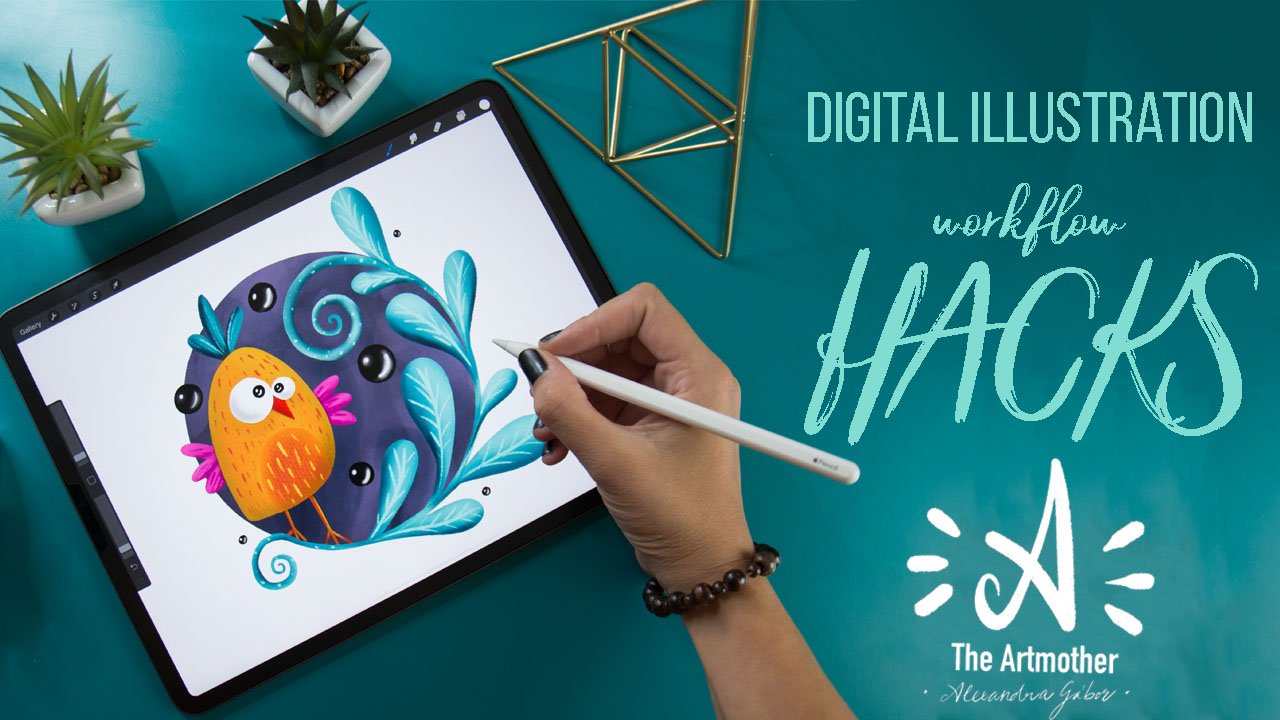
Digital Illustration Workflow Hacks
Quick Character Design, Composition thumbnailing, Colour thumbnailing, and Value Check.
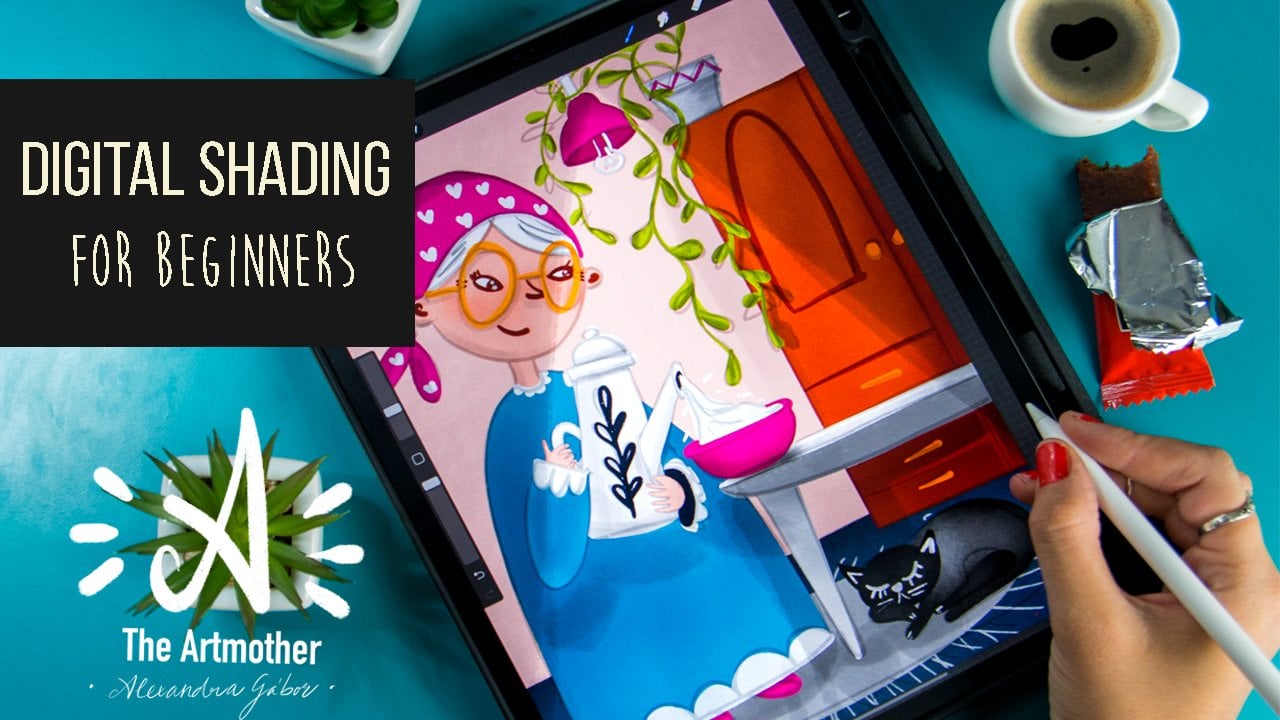
Digital Shading for Beginners - Shading Strategies for Digital Illustrations
Shading with Colour, Texture, and Transparency.
Find Your Digital Illustration Style in Procreate
Design process, Thumbnailing, Signature Colour Palette, and Motifs.
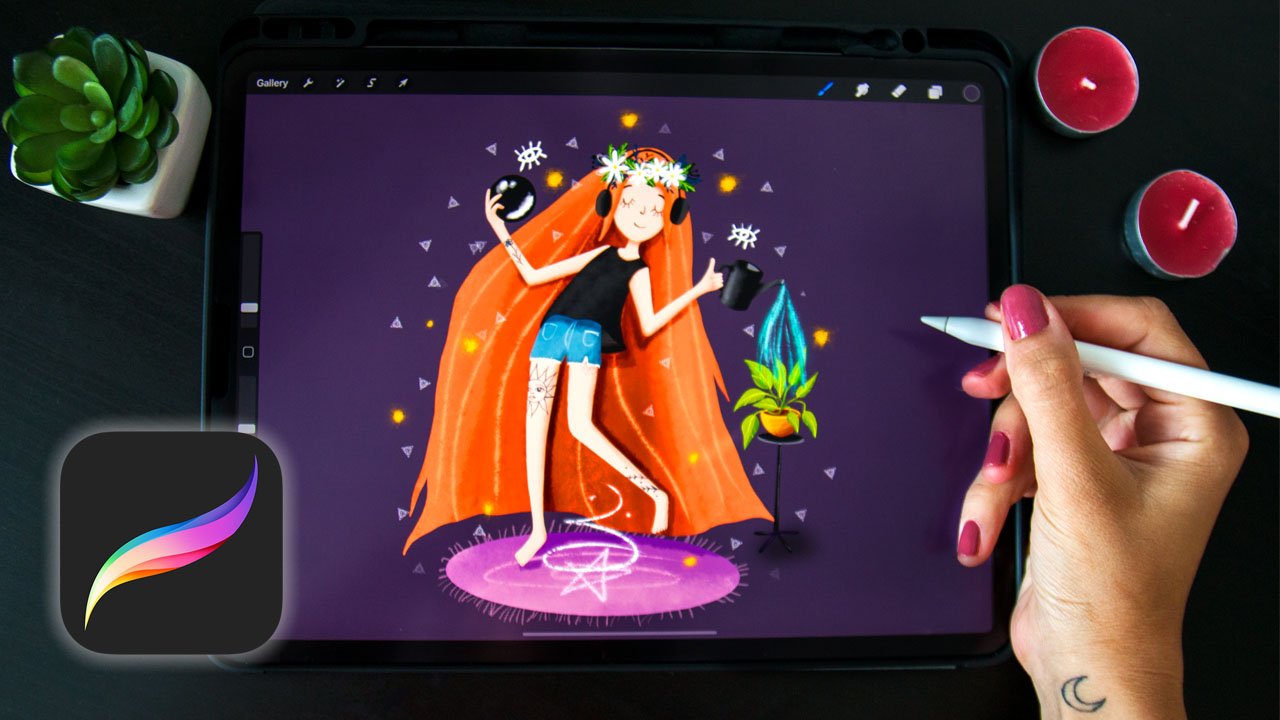
Learn Shading for Digital Illustration - Quick Guide for Beginners
Types of Shadows, Light direction, Shading round, Edgy complex objects.

Entering Space - An Introduction to Perspective in Procreate
Linear perspective, The Horizon line, Perspective with colours.
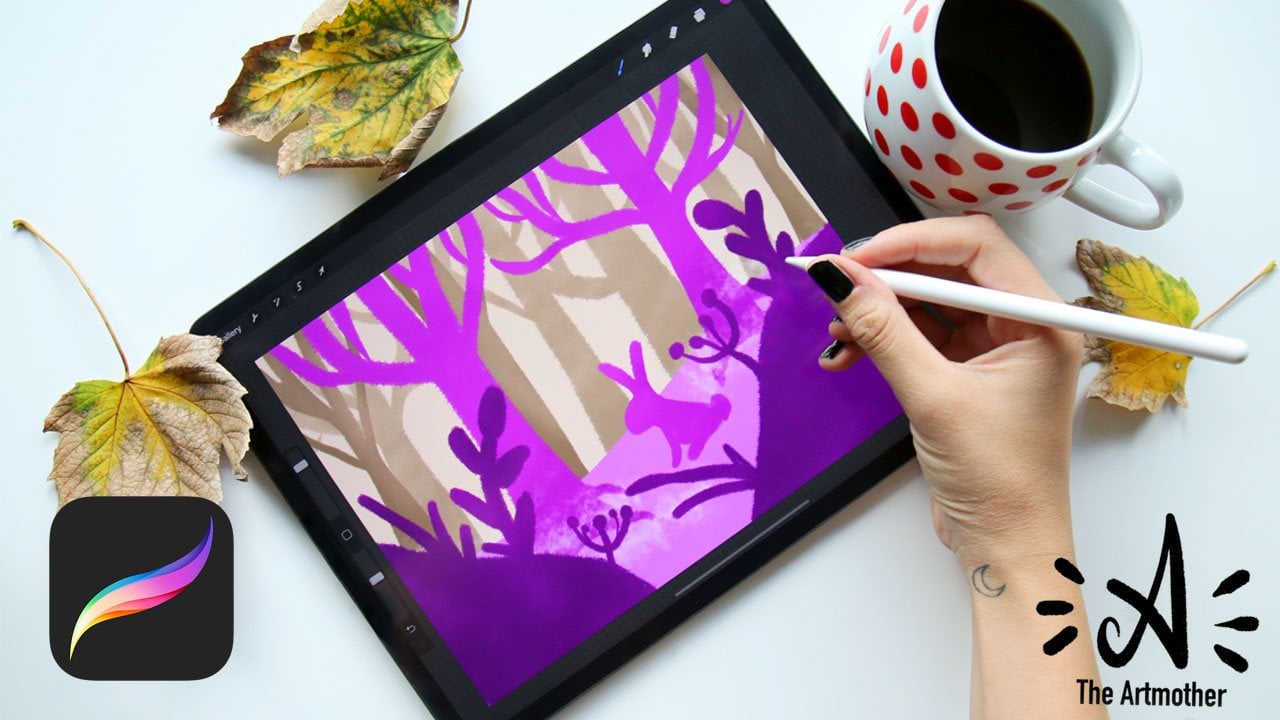
Learn Perspective in Procreate - One-Point Perspective
One Point Perspective - furniture, room, and street.
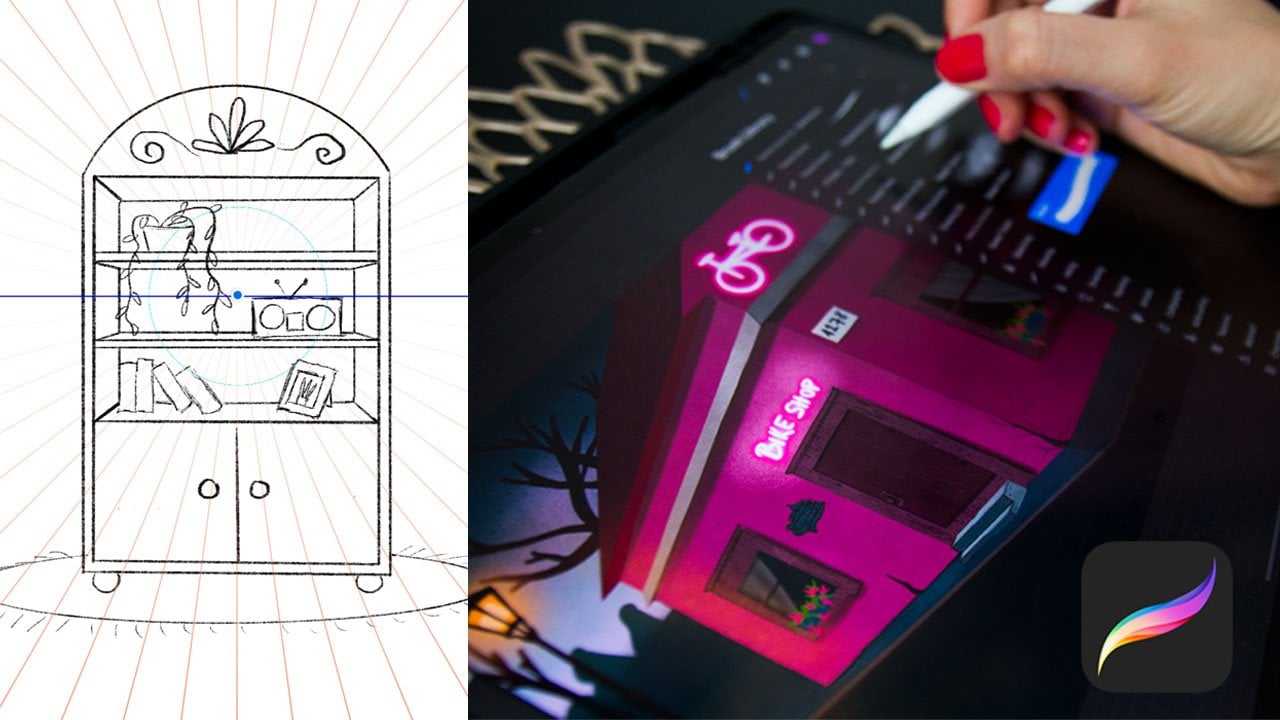
Learn Perspective in Procreate - Two-Point Perspective
Two Point Perspective - the birds eye view, the worms eye view.
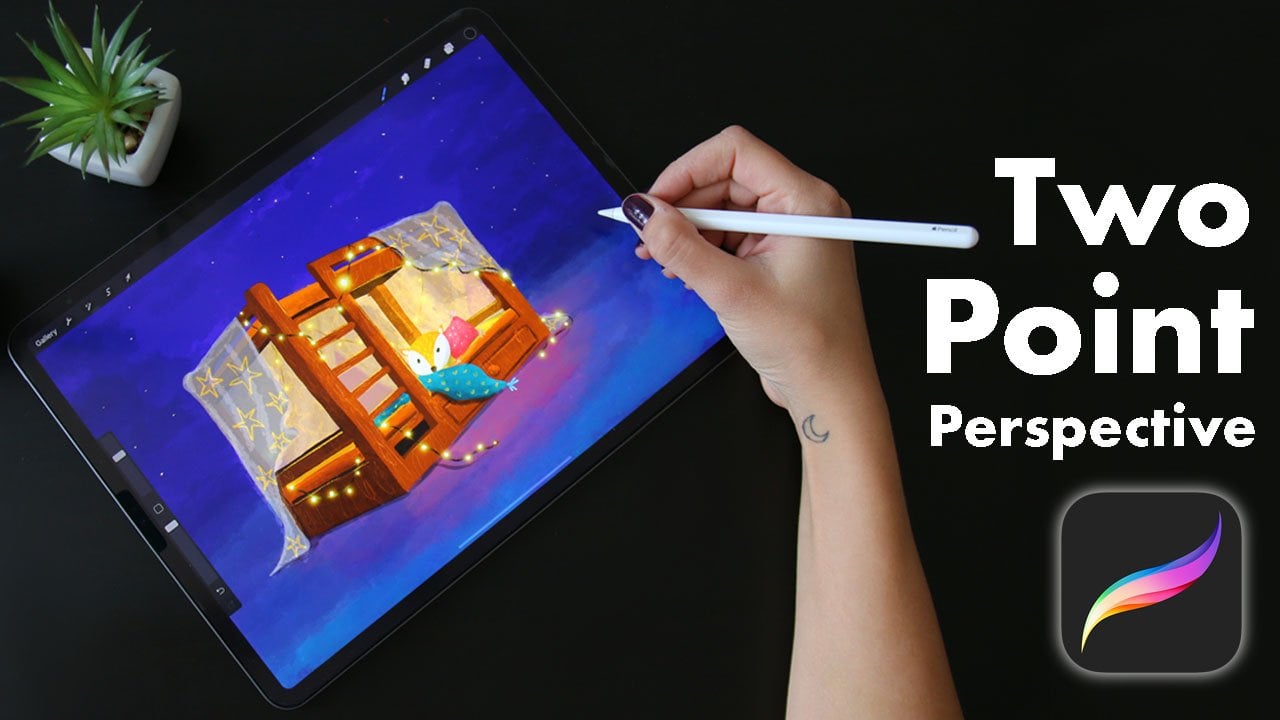
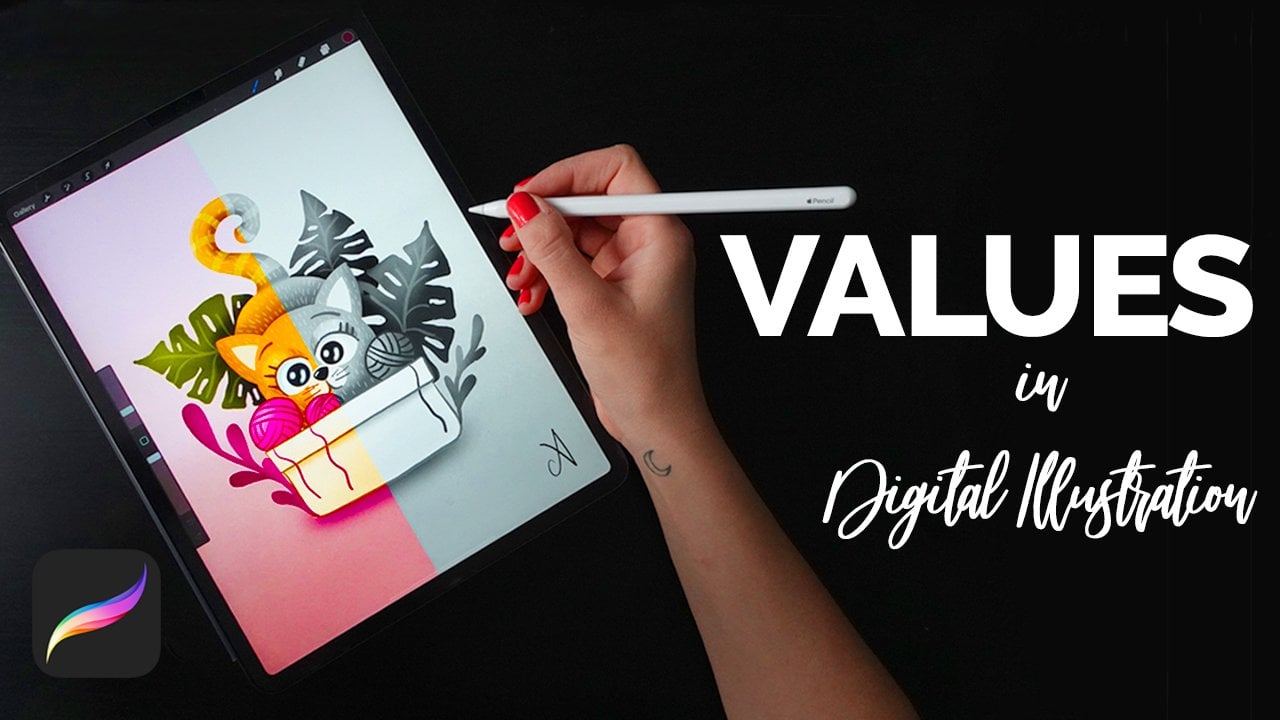
Values In Digital Illustration - The Ultimate Guide for Beginners
Values of Color, Value scale, Value check.
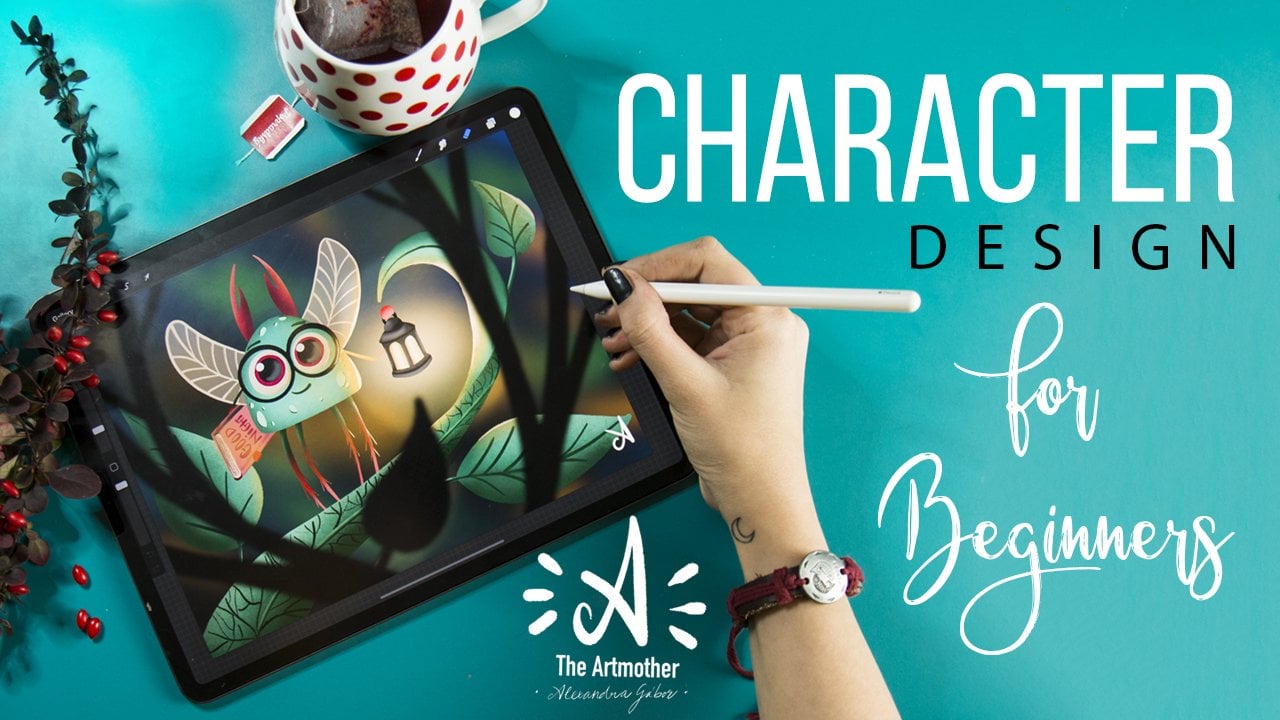
Character Design for Beginners - Create Your First Character
Inspiration, Mindmap, Shape language, Silhouettes, and Composition.
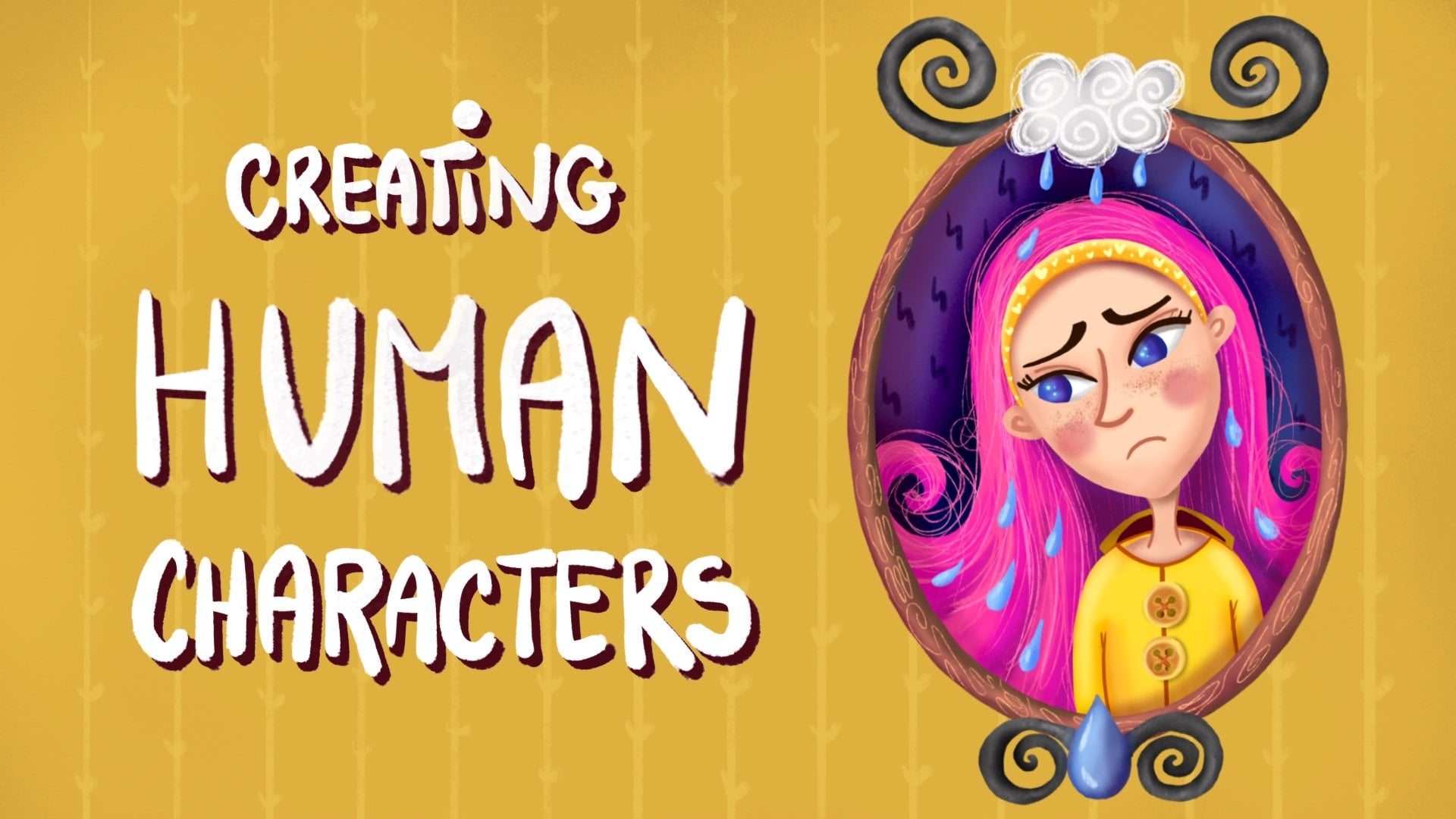
Creating Human Characters for Beginners- Faces & Expression
Drawing Heads, Facial Features, Facial Expressions, Exaggeration.
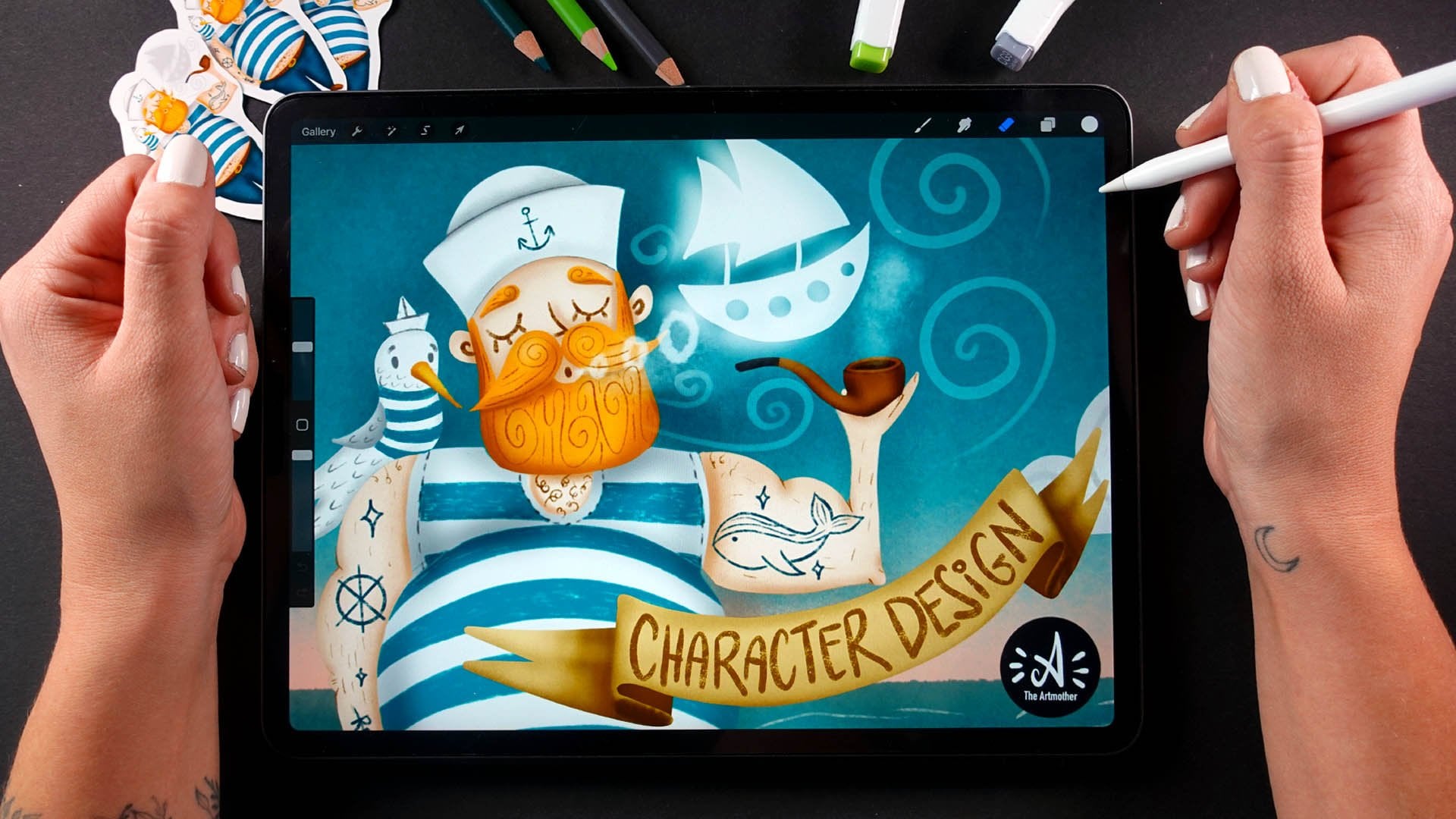
Character Design For Beginners - Create Your First Human Character
Body basics, Proportions, Shape language, Silhouette.
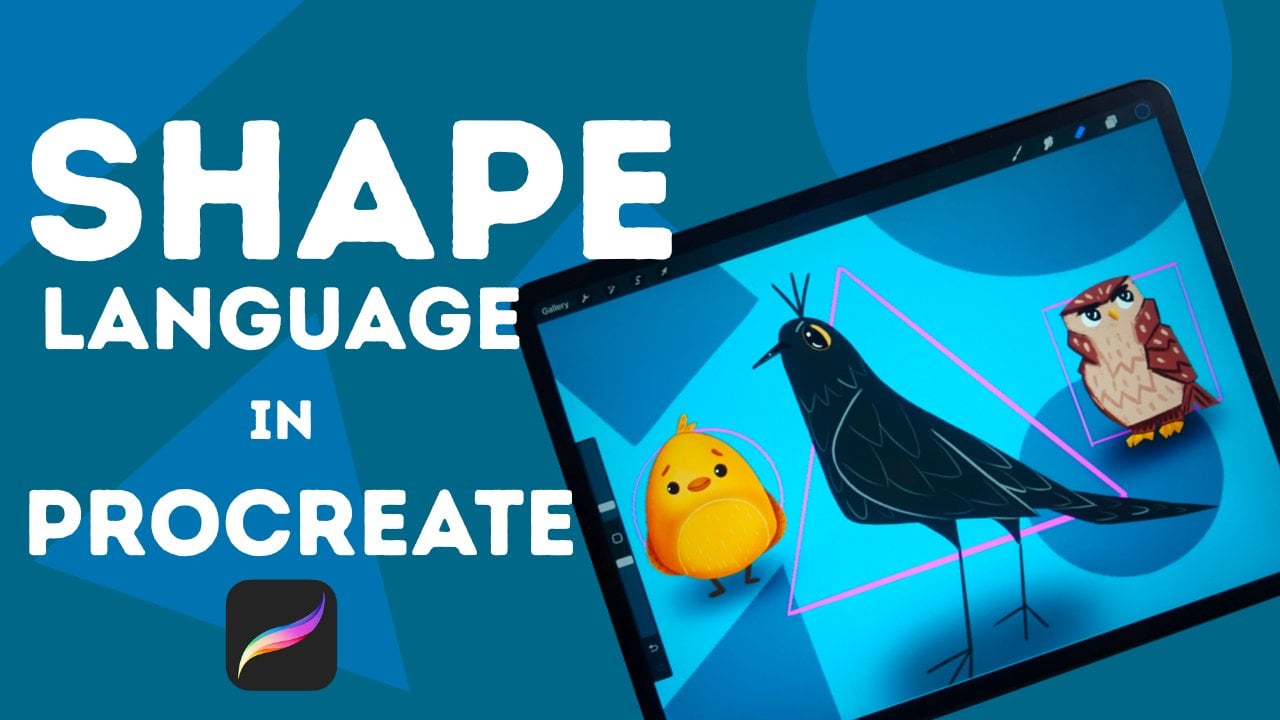
Shape Language In Digital Illustration & Character Design For Beginners In Procreate
Shape Language, Compositional Shape Language, Illustrating Animal Characters.
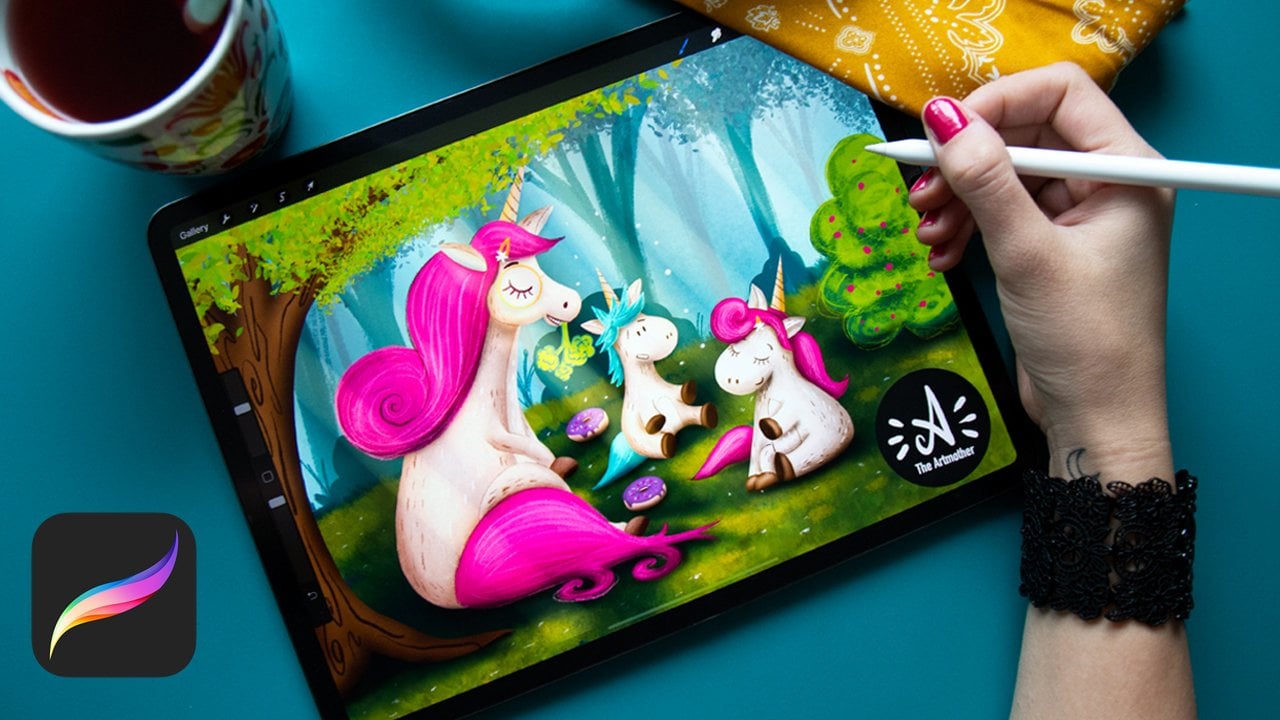
Digital Illustration - From Concept to a Finished Piece
Creating a Narrative, Pose exploration, Building a scene.
Congratulations! You’re All Done.
You did it! You’ve completed the full Learning Path. We can’t wait to see where these skills take you next.