Unreal Engine 5: Complete Beginners' course for Animation
 Kavere Mugambi
Watch this class and thousands more
Watch this class and thousands more
Lessons in This Class
-
-
1.
Introduction
1:28
-
2.
Conclusion
1:31
-
-
- --
- Beginner level
- Intermediate level
- Advanced level
- All levels
Community Generated
The level is determined by a majority opinion of students who have reviewed this class. The teacher's recommendation is shown until at least 5 student responses are collected.
36
Students
--
Projects
About This Class
Learn Unreal Engine 5 through this step by step guide to get you from knowing nothing about 3D engines, to making your very own cinematic animations with it.
Unreal Engine is one of the best game engines but equally has all the tools that can also be used in film-making and it has been applied by all levels of professionals in the industry.
The course will go through everything you require, including:
-
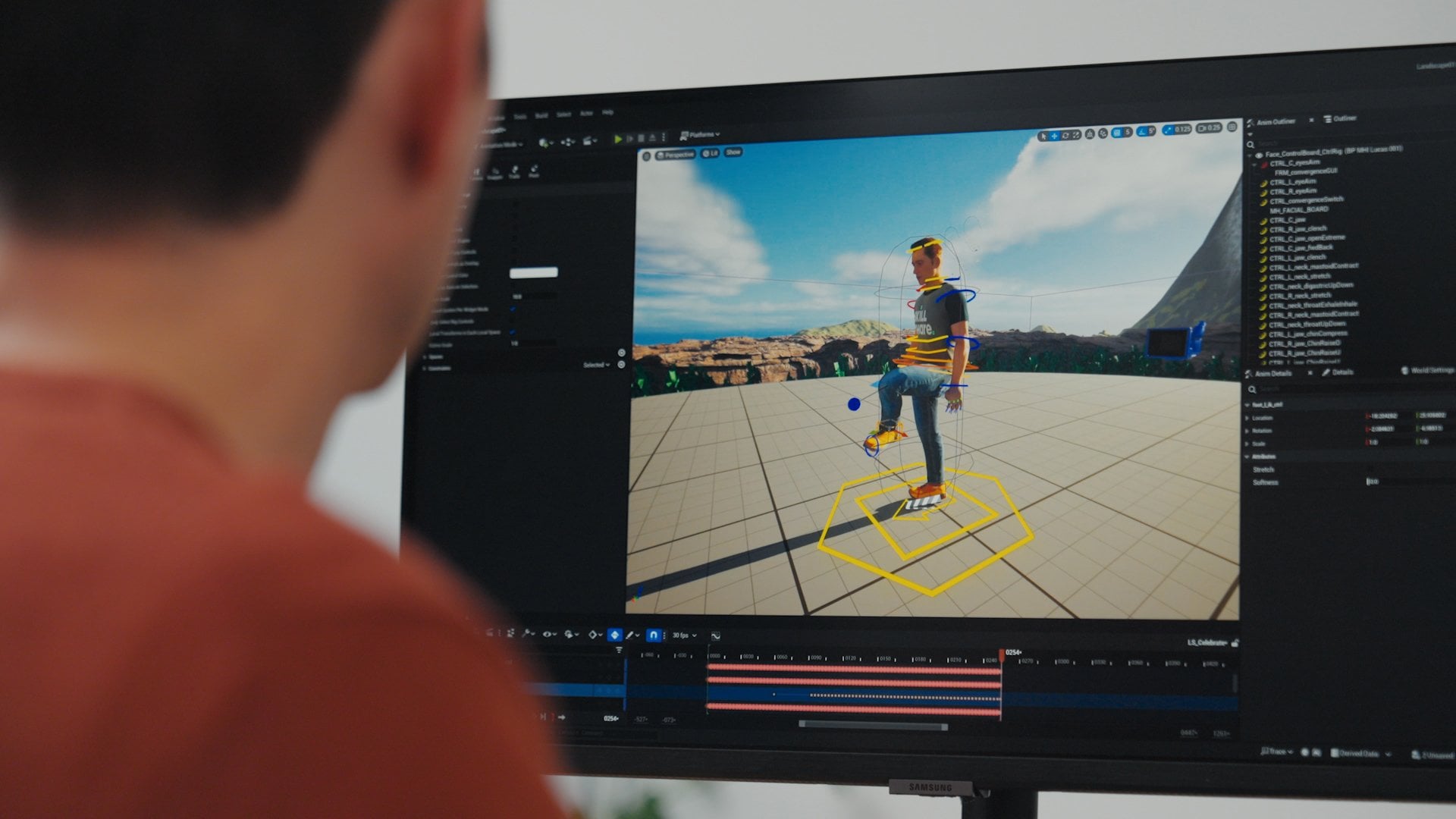
Unreal Engine walk-through
-
Project creation
-
Working with Foliage
-
Quixel Bridge for free 3D assets
-
FAB for sourcing for free and paid asset packs
-
Mixamo for free characters and animations
-
Working with Particle simulation (Fire & Smoke)
-
Working with physics simulation on characters
-
Use of the sequencer for animation
-
Taking screenshots in the project
-
Movie render queue
-
Adding sound and camera effects
I have been working in Unreal Engine 5 since the early access version was launched back in 2021 and in this course I'll be sharing all the skills that I've gained over this period. By the end of this course you shall go from being a complete beginner in Unreal Engine to creating your own custom animations.
This class is for anyone interested in 3D animation, and all you shall require in order to take the class is a computer.
I shall provide the assets that we shall require in order to follow the class.
Feel free to reach out to me at any point during the course. I'll be available to answer all the questions
Let's kick off this journey together, see you in the first class!

Hands-on Class Project
Assignment:
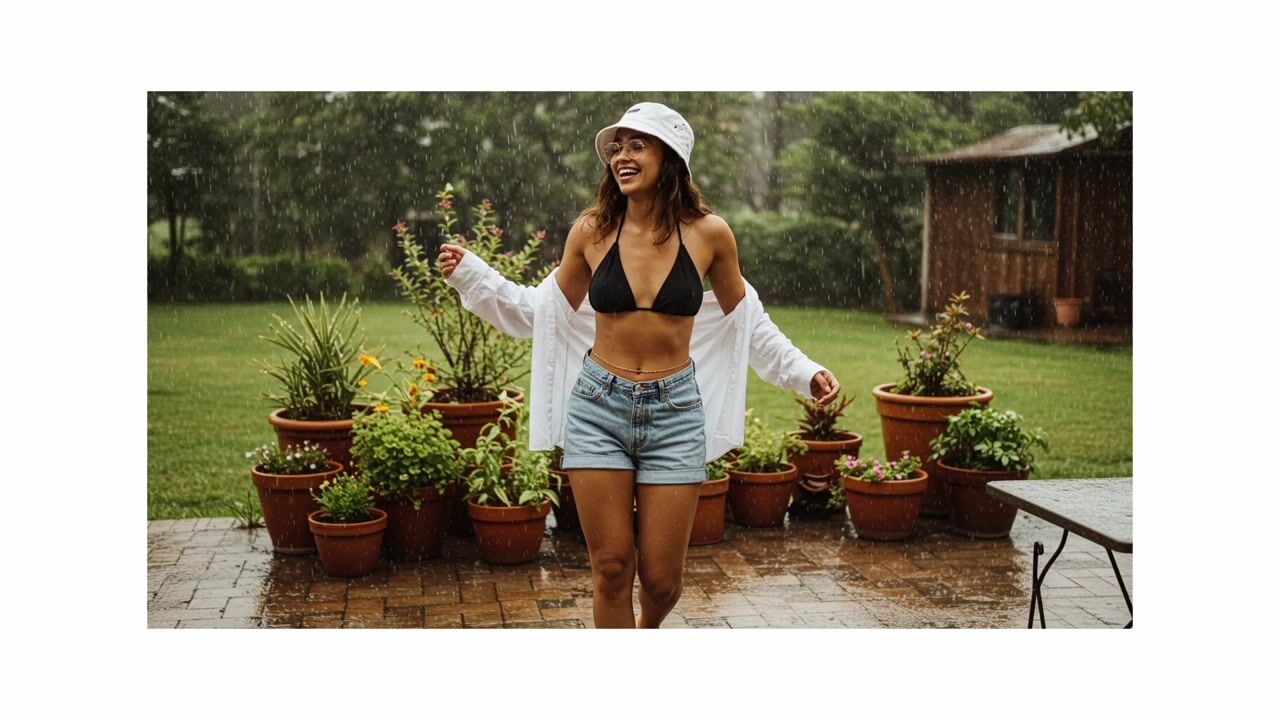
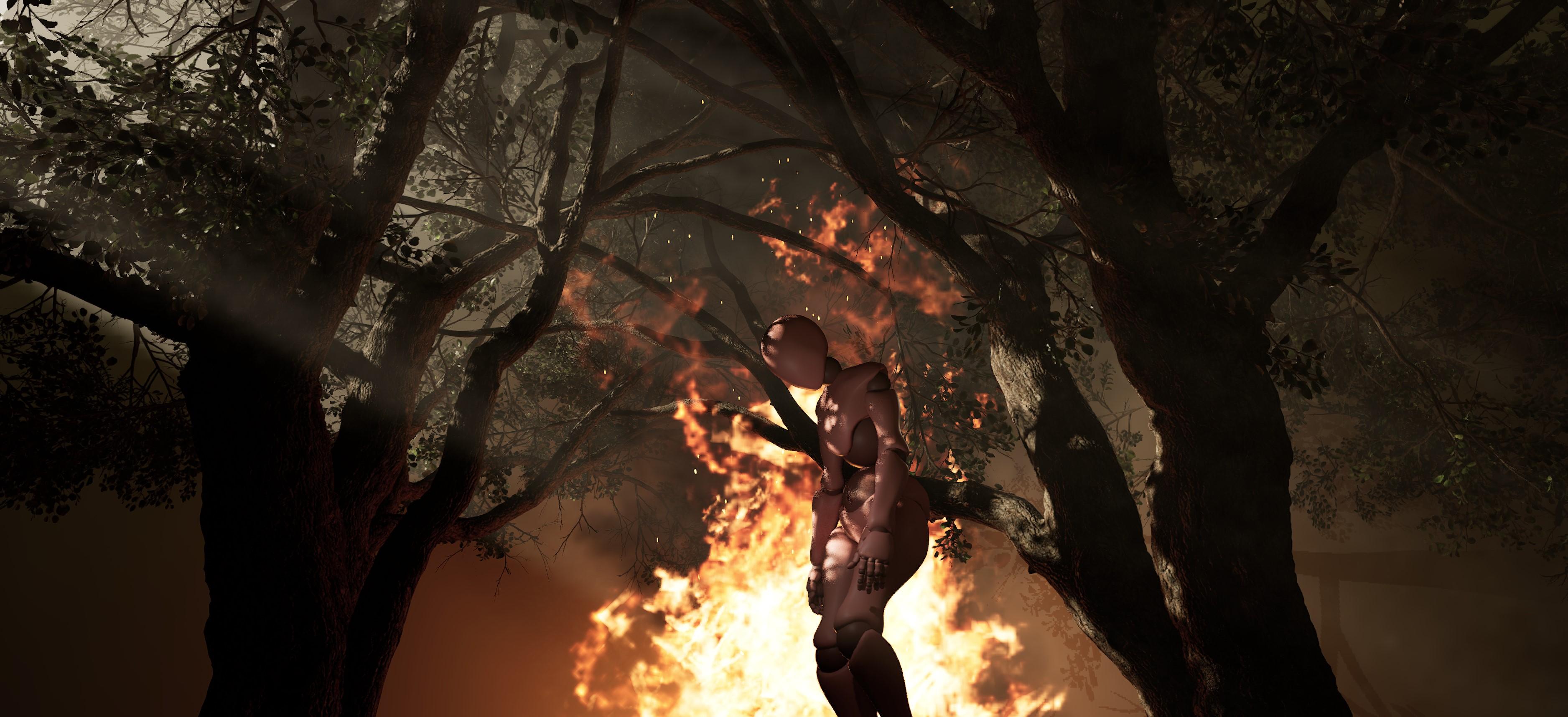
Your class project is to create a scene that contains one character, some foliage, and particle simulation like in the example below.
Resources:
- You can get the character and animation from Mixamo. Refer to lesson 12
- The trees and particle simulation are available on FAB. Refer to lesson 10
- Refer to lesson 22 to learn how to take screenshots of your scene in order to share.
Sharing Your Work:
Please share your progress shots and final shots of your scene by uploading to the "Your Project" section. If you have any questions or need more tips, please let me know! I'm happy to help!
Sample:
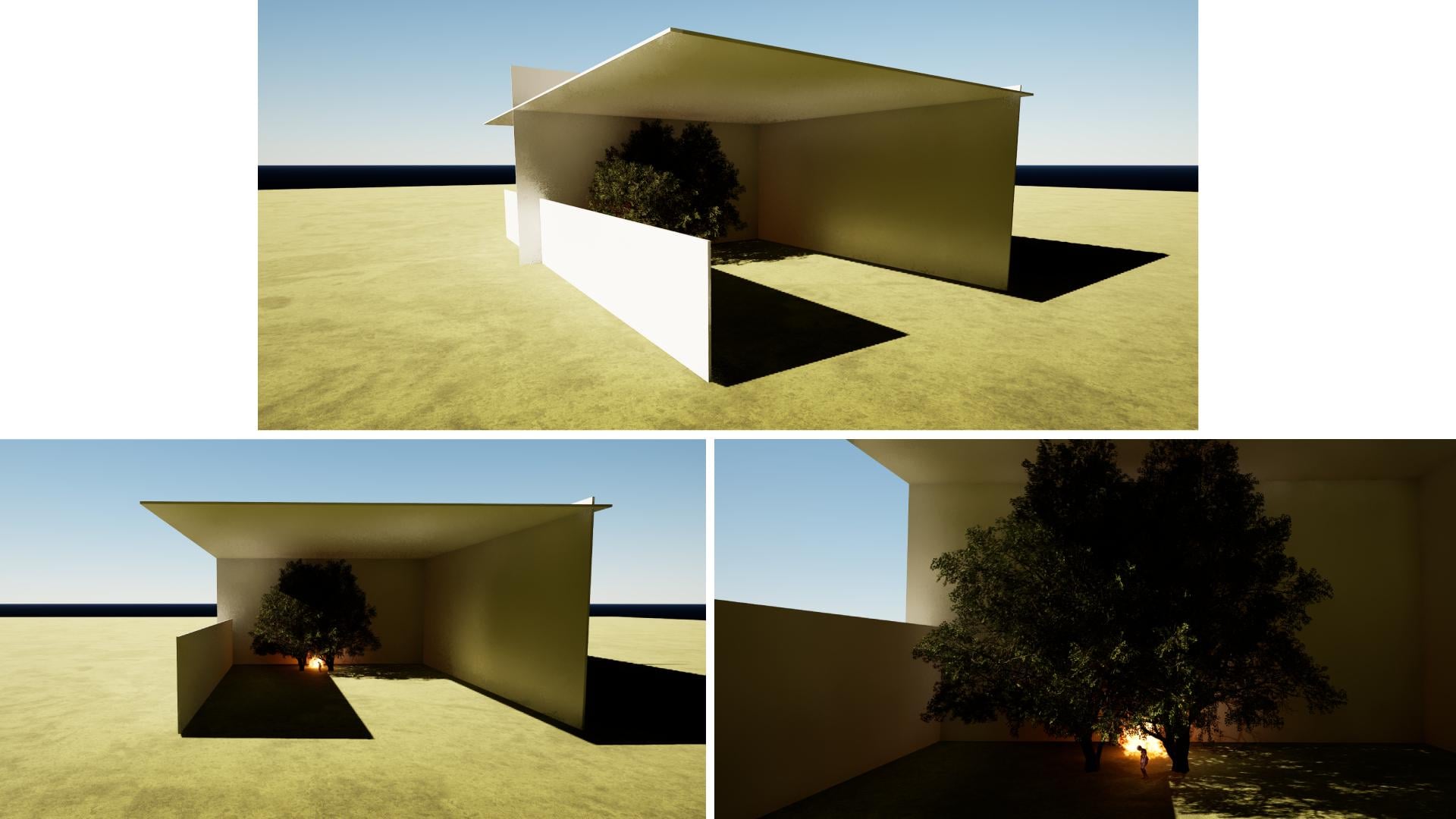
Project Layout of the sample above:
Class Ratings
Why Join Skillshare?
Take award-winning Skillshare Original Classes
Each class has short lessons, hands-on projects
Your membership supports Skillshare teachers
Learn From Anywhere
Take classes on the go with the Skillshare app. Stream or download to watch on the plane, the subway, or wherever you learn best.