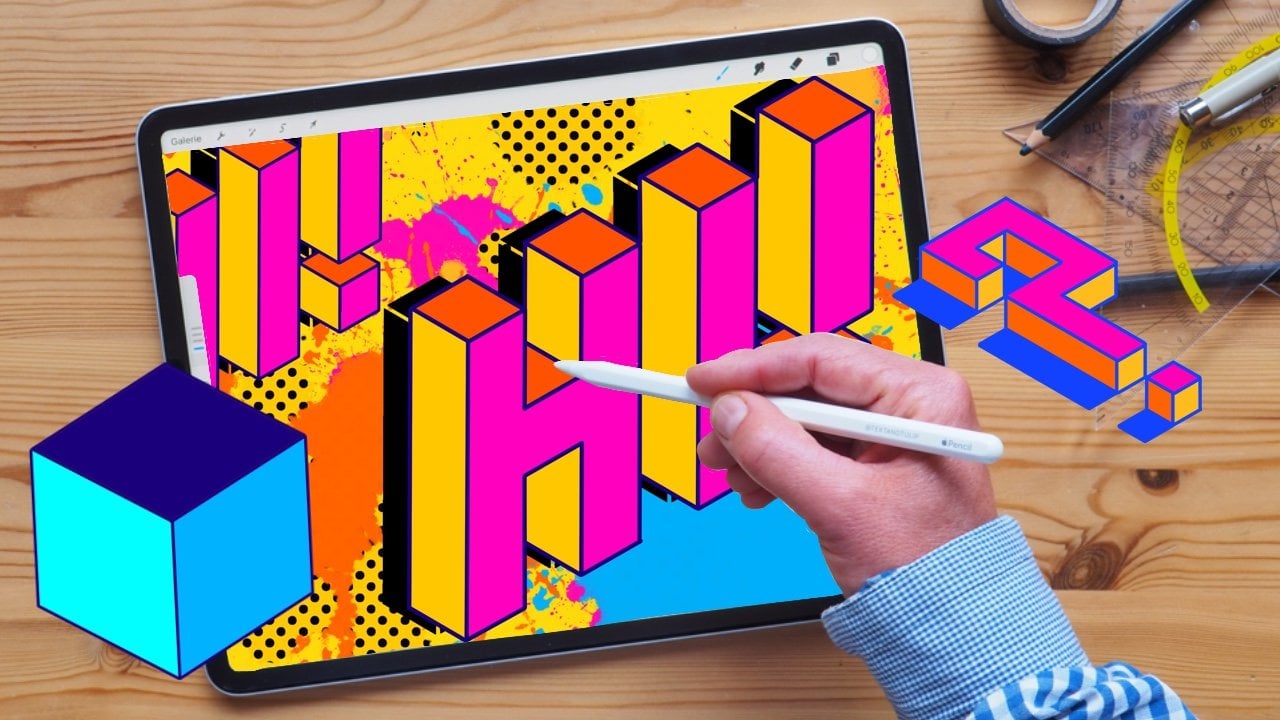
Procreate Textwerkzeug - Grundlagen, Schriften und Effekte
 Ulrike Text&Tulip, Digital Art in Procreate
Watch this class and thousands more
Watch this class and thousands more
Lessons in This Class
-
-
1.
Introvideo
3:49
-
2.
Willkommen im Kurs & Dein Projekt
2:03
-
3.
Deine Arbeitsmittel
1:55
-
4.
Grundlagen zum Textwerkzeug
4:26
-
5.
Gestochen scharfe Texte - Vektorformat
6:27
-
6.
Schriftarten verwenden und importieren
3:36
-
7.
Texte wie Zeichnungen - gerasterte Texte
5:56
-
8.
Zusammenfassung & Ausblick
2:03
-
-
- --
- Beginner level
- Intermediate level
- Advanced level
- All levels
Community Generated
The level is determined by a majority opinion of students who have reviewed this class. The teacher's recommendation is shown until at least 5 student responses are collected.
140
Students
9
Projects
About This Class
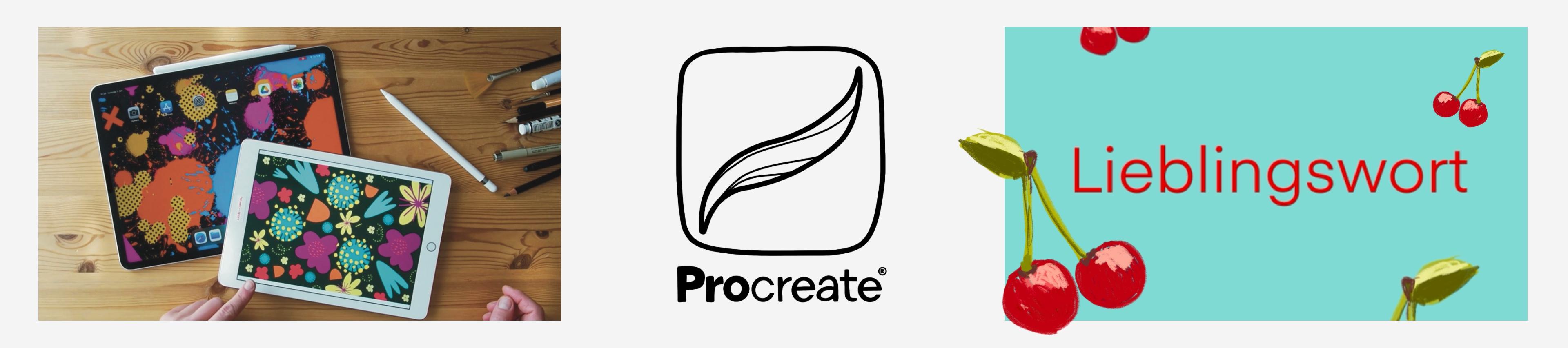
Dieser Kurs ist Deine Abkürzung zur Verwendung von Text in Procreate. In nur 20 Minuten lernst Du, gestochen scharfe Vektortexte zu erstellen. Wir schauen uns die vorinstallierten Schriftarten in Procreate an und deren Designmöglichkeiten. Außerdem lernst Du, wie Du im Handumdrehen zusätzliche Schriftarten in Procreate importierst. Im zweiten Schritt rastern wir Deinen Text, damit Du alle Funktionen und Effekte von Procreate auf Deinen Text anwenden kannst.
___________________
Alles, was Du brauchst, ist:
- iPad
- Procreate
- Dein Lieblingswort
Am Ende des Kurses kannst Du:
- Texte in Procreate einfügen und mit den Designtools anpassen
- vorinstallierte Schriftarten nutzen und neue Schriftarten importieren z. Bsp: Google Fonts
- Vektortext und Rastertext unterscheiden
___________________
Außerdem zeige ich Dir:
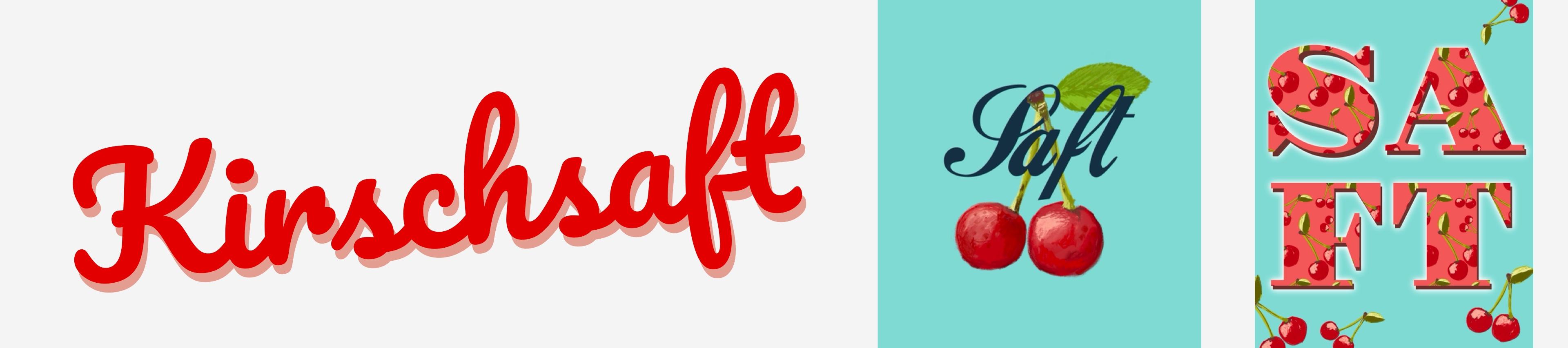
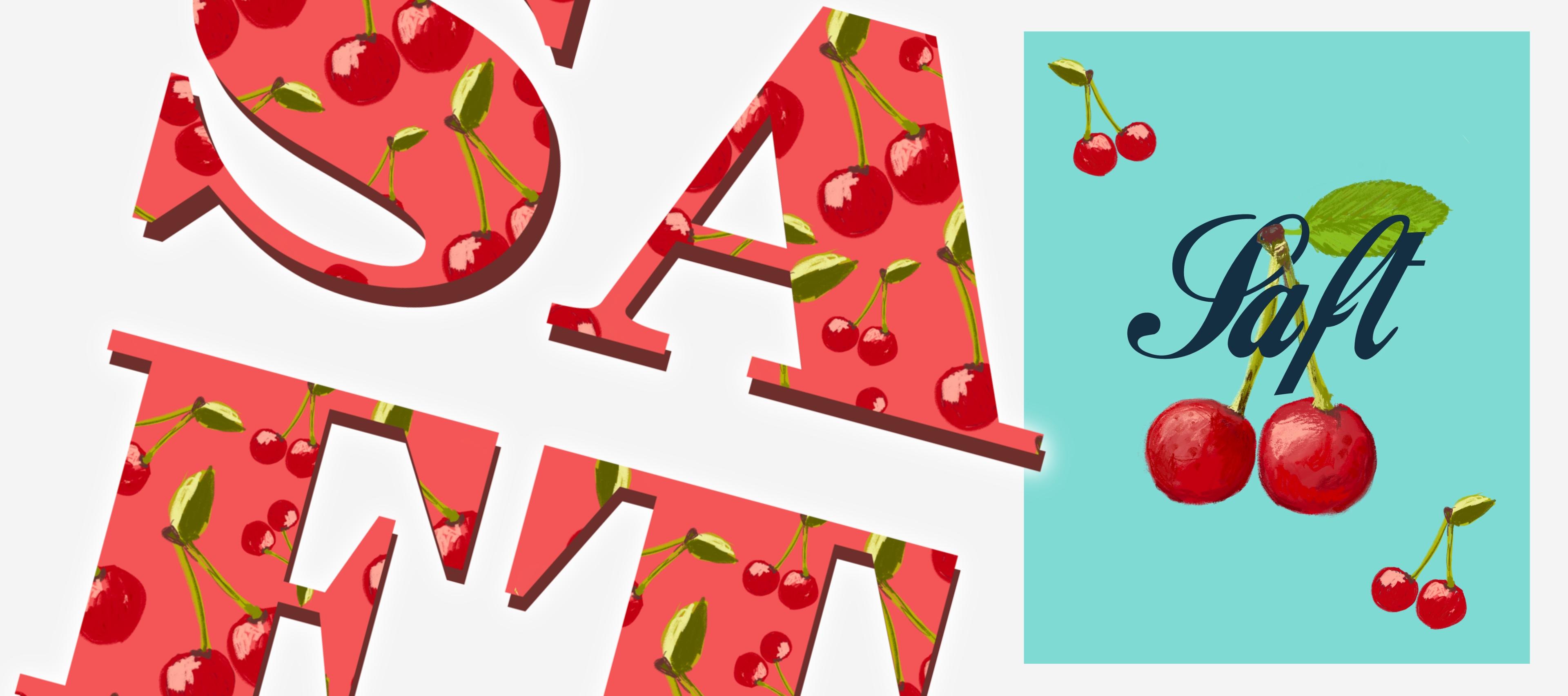
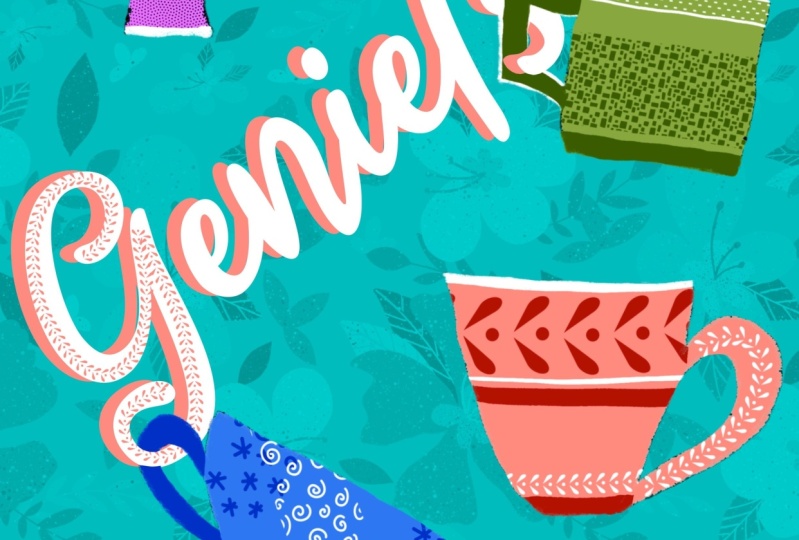
- wie Du Deinen Text in Procreate mit einem Schlagschatten gestaltest
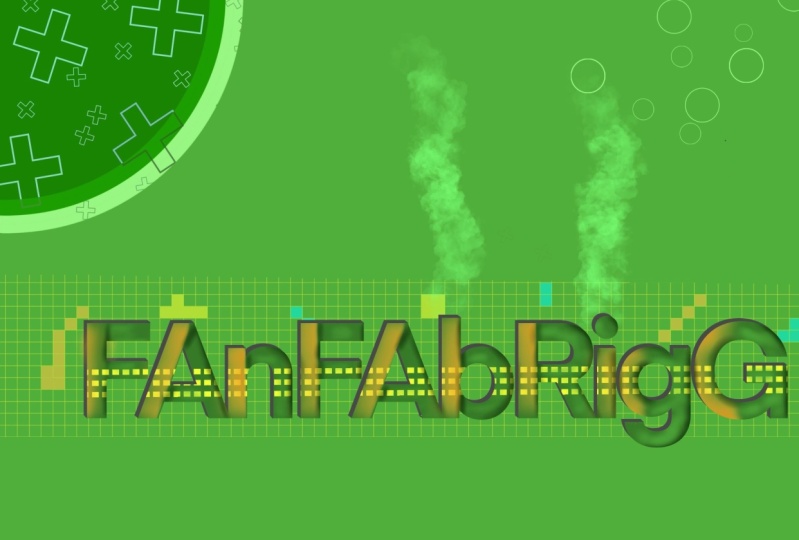
- wie Du Deinen Text in eine Illustration einbettest (Maskieren)
- wie Du ein Muster passgenau auf Deinen Text legst (Clipping Mask)
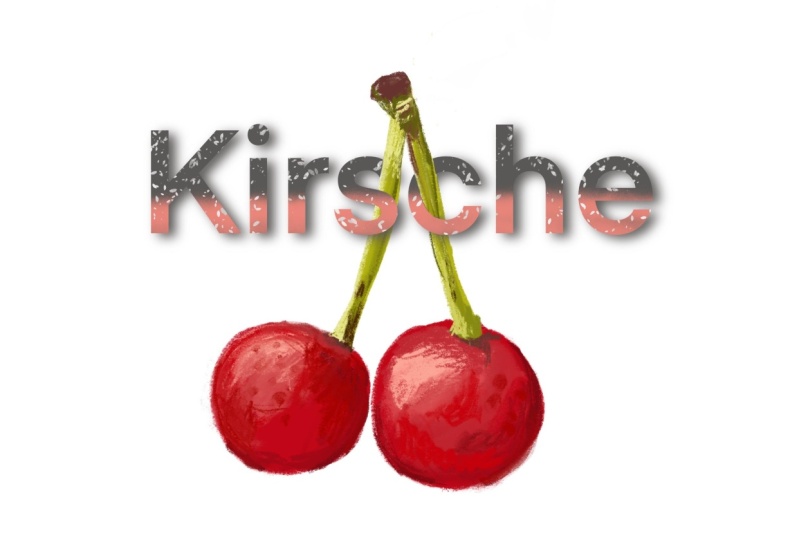
- wie Du Deinem Text mit dem Noise-Pinsel einen Verlaufseffekt gibst
Dieser Kurs bietet Dir die Grundlagen zum Textwerkzeug in Procreate. Er ist für alle, die in ihrem Procreate Design noch das Zauberwort einarbeiten wollen.
___________________
Worauf wartest Du noch?
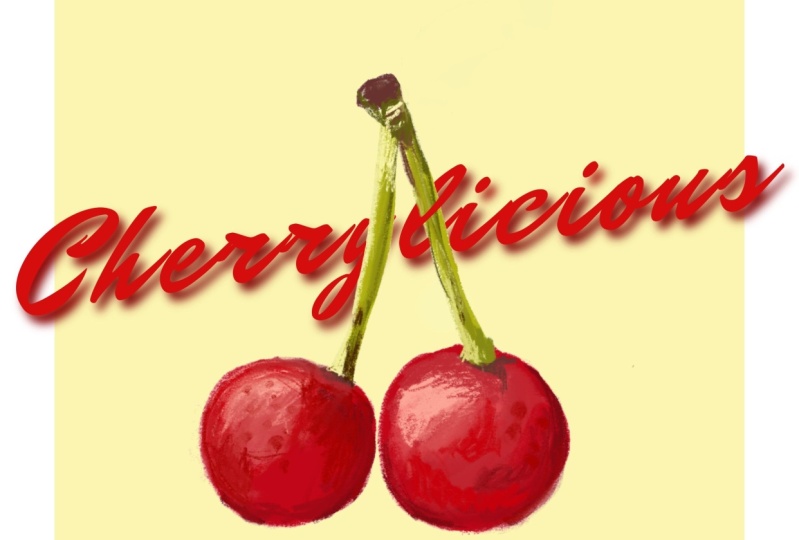
Schnapp Dir Dein iPad, Dein Lieblingswort und eine Handvoll Kirschen aus Projekte & Ressourcen.
Ich freue mich, Dich im Kurs zu sehen.
__________
Wenn Du ganz neu mit Procreate arbeitest, dann schau Dir unbedingt meinen Einstiegskurs auf Deutsch an:
__________
Noch mehr spannende Kurse zu Procreate findest Du hier:
- Lustige Kritzeleien auf dem iPad mit Procreate
- Moderne Mandalas in Procreate - Von Zeichnen bis Animation
- Animiere Deine Zeichnung in nur 10 Minuten in Procreate
- Deine Zeichnungen als Kalender - Mit dem Seitenassistent von Procreate
________________________________
Wo Du mich noch finden kannst:
Instagramm: @textandtulip
YouTube: Text&Tulip Artstudio
Fiverr: Freelance - textandtulip
___________
Die Musik für die Klasse stammt aus der freien Bibliothek von Purple Planet. (Music: https://www.purple-planet.com)
___________
Meet Your Teacher

Ulrike is an illustrator, lettering artist, and early bird based in Germany. She creates everything from small poster illustrations to large mural designs for corporate interiors and facades, with every idea starting and finishing in Procreate.
In her classes, she shares her passion for digital illustration with you and teaches all the tips and tricks she has learned over the years to help you get the most out of your tools. All you need to bring to her classes on digital illustration is Procreate, an iPad, and yourself!
See full profileHands-on Class Project
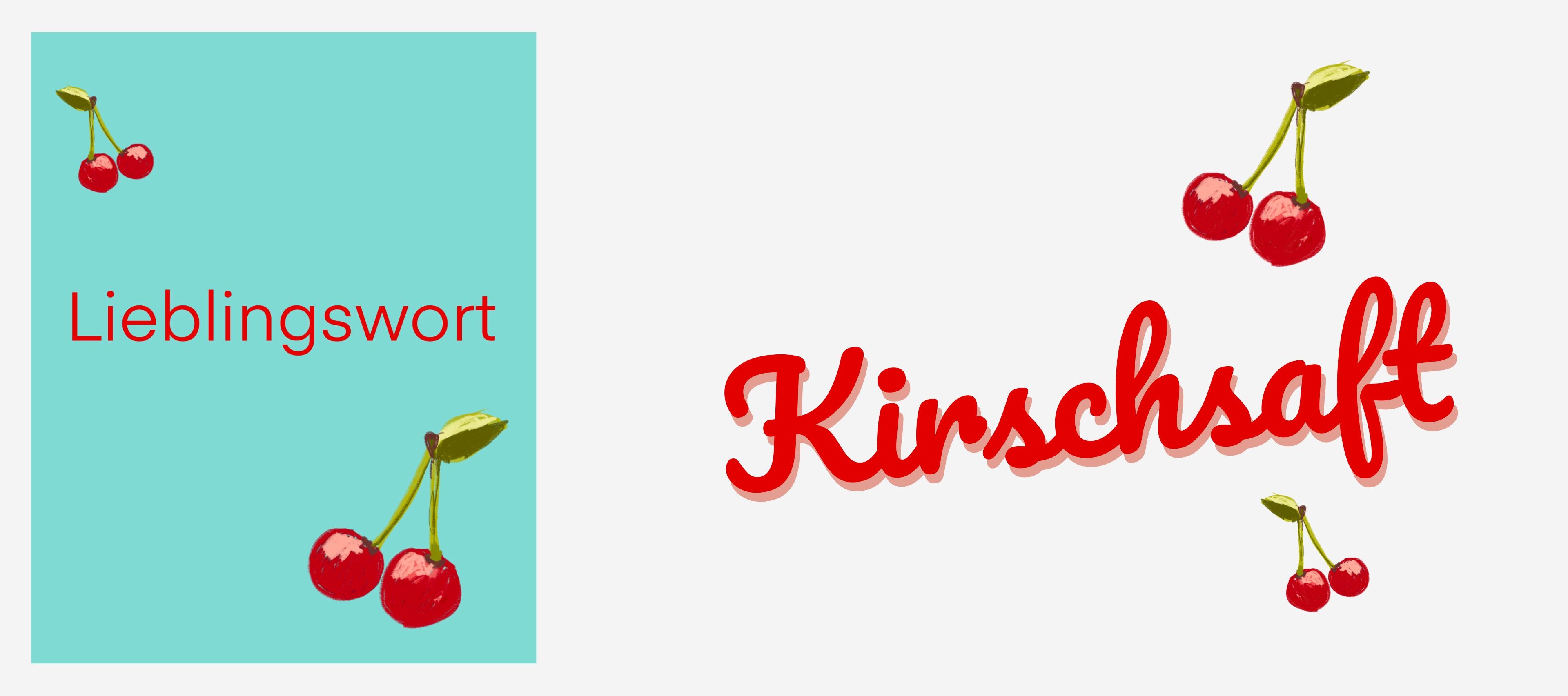
Bühne frei für Dein Lieblingswort.
Für Einsteiger:
- Schnapp Dir eine Deiner Zeichnungen in Procreate und füge Dein Lieblingswort ein
Teile die fertige Komposition als JPG hier in der Projektsammlung.
Für Fortgeschrittene:
Wenn Du Dich schon sicher im Umgang mit Text fühlst, dann arbeite außerdem mit:
- Maskieren, Clipping Mask oder dem Transformationswerkzeug
Auch dieses Bild wollen wir gern in der Projektsammlung sehen.
Class Ratings
Why Join Skillshare?
Take award-winning Skillshare Original Classes
Each class has short lessons, hands-on projects
Your membership supports Skillshare teachers
Learn From Anywhere
Take classes on the go with the Skillshare app. Stream or download to watch on the plane, the subway, or wherever you learn best.