Procreate Organisation: How to Back Up Your Procreate Files
 Chelsea Jay, Surface Pattern Designer & Illustrator
Watch this class and thousands more
Watch this class and thousands more
Lessons in This Class
-
-
1.
Welcome
0:36
-
2.
Procreate Backup Process
3:50
-
3.
Final Thoughts and Class Project
1:11
-
-
- --
- Beginner level
- Intermediate level
- Advanced level
- All levels
Community Generated
The level is determined by a majority opinion of students who have reviewed this class. The teacher's recommendation is shown until at least 5 student responses are collected.
52
Students
3
Projects
About This Class
Attention fellow creatives! It's time to back up your Procreate files. Consider this your public service announcement.
Hi, I'm Chelsea. I'm a surface pattern designer and illustrator and I have used Procreate to create literally thousands of designs over the last 6 years. And last year, I almost lost all of them. That’s when I realised that I needed to take control of my files to keep them safe in a way that gave me peace of mind.
In this quick class I am going to show you the simple method that I use to manually back up my Procreate files.
If you haven't seen my previous class Procreate Organisation Tips: 3 Steps to Organise Your Files, I highly recommend that you watch that one first, as it will help you to organise and prepare your Procreate gallery to make the backing up process as easy as possible. It's only 9 minutes long and you can find the class here: Procreate Organisation Tips: 3 Steps to Organise Your Files
Please keep in mind that I am not a tech expert and while this is the method that works for me, we all have different setups and technology can be unpredictable, so I may not be able to help if this process doesn't work for you. If you run into issues, the best place to check would be online forums, or reach out to Procreate, Apple, or your storage provider.
I'll see you in class!

Hands-on Class Project
There is no point in learning this method if you don't take action on it.
For your class project, I would you to:
- Complete your first canvas backup
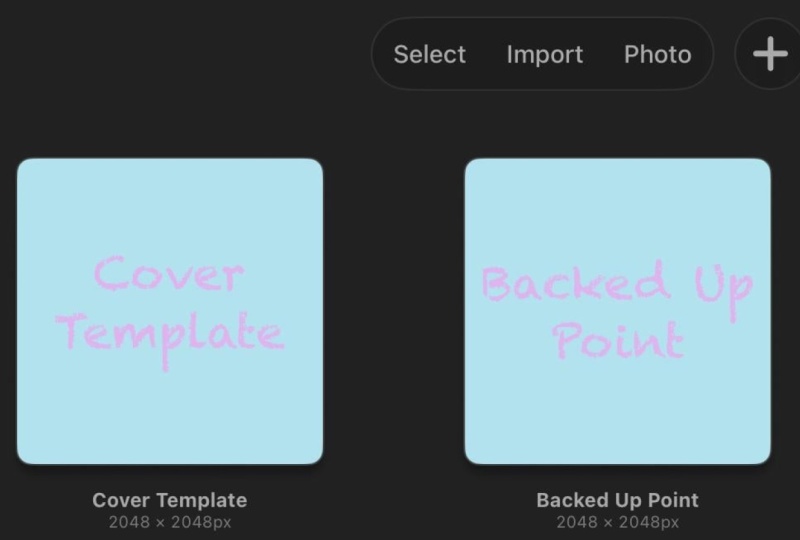
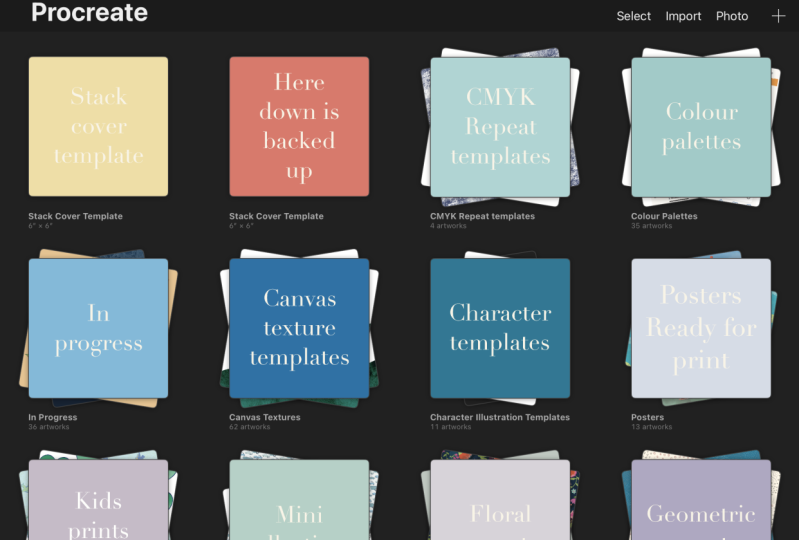
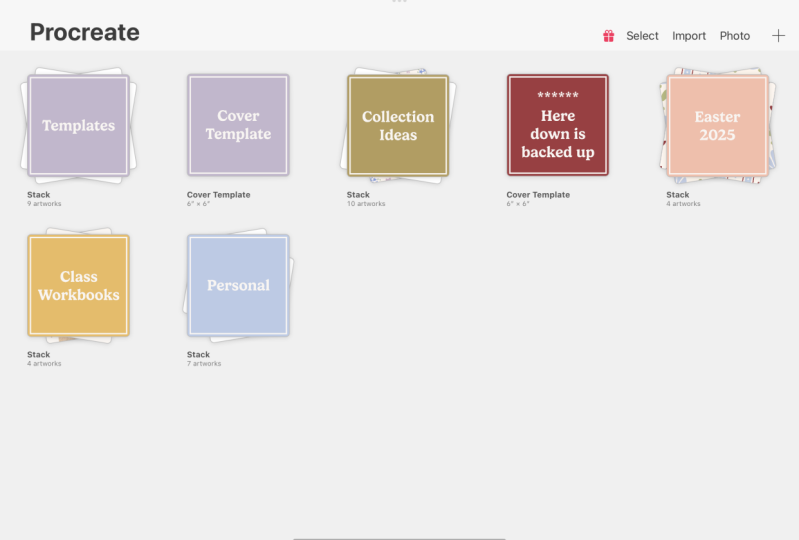
- Create your own backup marker canvas
- Then upload a screenshot of your Procreate gallery showing that your first backed-up file is now below your marker canvas
I'd love to help celebrate your first steps towards keeping your files safe!
Class Ratings
Why Join Skillshare?
Take award-winning Skillshare Original Classes
Each class has short lessons, hands-on projects
Your membership supports Skillshare teachers
Learn From Anywhere
Take classes on the go with the Skillshare app. Stream or download to watch on the plane, the subway, or wherever you learn best.