Mejora tus animaciones en after effects con curvas de velocidad
 Ana Fritz, Motion designer
Watch this class and thousands more
Watch this class and thousands more
Lessons in This Class
-
-
1.
Animaciones Fluidas en After Effects Domina las C
0:51
-
2.
Curvas de velocidad
1:08
-
3.
Trazados en after effects
3:26
-
4.
Animando el trazado
7:29
-
5.
Animando las curvas
15:29
-
6.
Efecto echo
2:57
-
7.
Tipos de keyframes
5:25
-
8.
Editor de valores
3:37
-
9.
Exportar
1:27
-
10.
Feedback
1:15
-
-
- --
- Beginner level
- Intermediate level
- Advanced level
- All levels
Community Generated
The level is determined by a majority opinion of students who have reviewed this class. The teacher's recommendation is shown until at least 5 student responses are collected.
39
Students
3
Projects
About This Class
En esta clase, vamos a sumergirnos en uno de los aspectos clave para hacer que tus animaciones sean más profesionales: las curvas de velocidad. Veremos conceptos como
- El spacing
- Los tipos de keyframes
- Cómo utilizar el editor de curvas o graph editor
- Aplicar el efecto echo
- Crear y animar trazados dentro de After Effects.
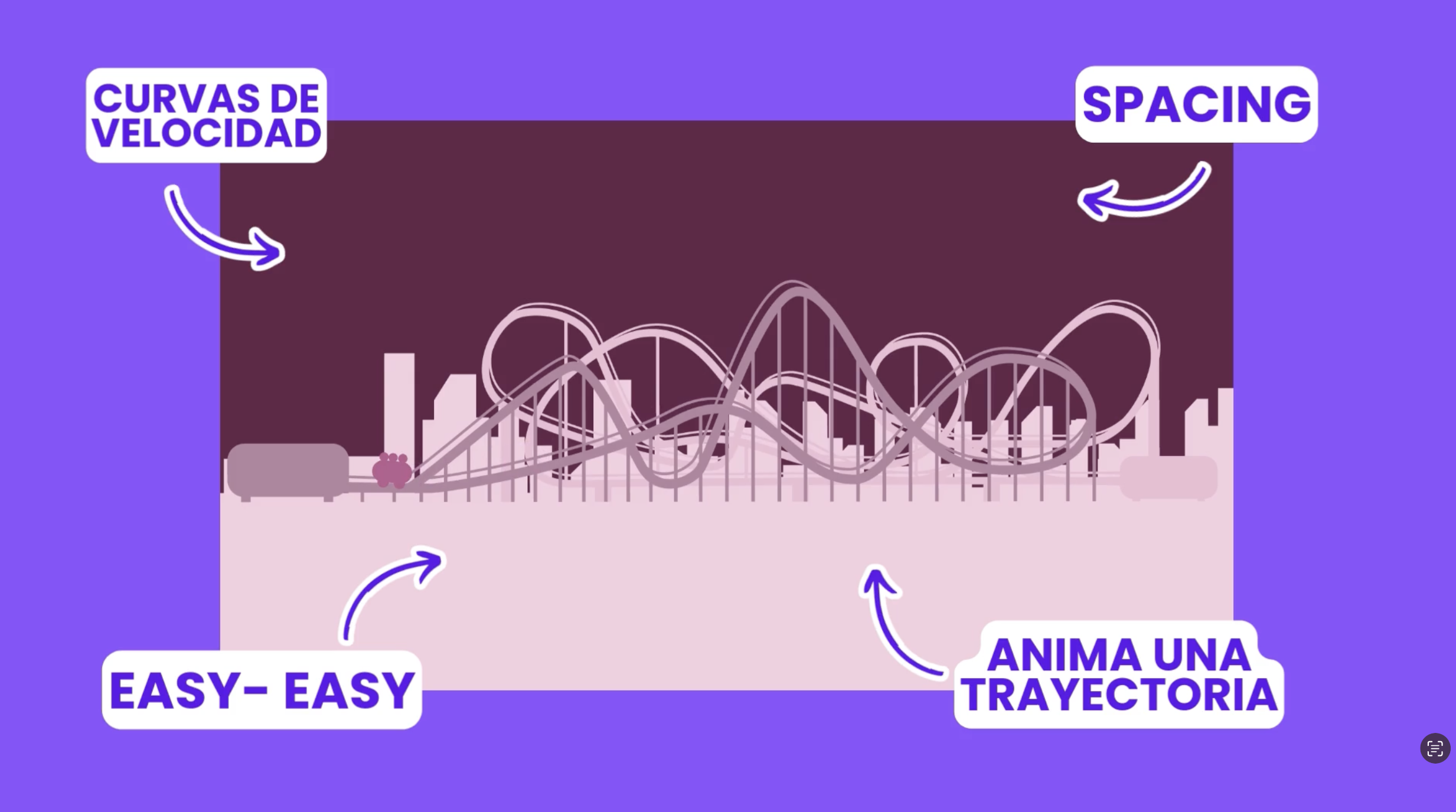
Aprender a manejar correctamente las curvas de velocidad te permitirá pasar de movimientos lineales a animaciones con intención, dando vida a tus proyectos con fluidez y precisión. ¡Esta es la habilidad que te ayudará a destacar como motion designer! Si estás listo para mejorar tu flujo de trabajo y animaciones, este curso es para ti.
Meet Your Teacher

Hi! I'm a Motion Designer passionate about exploring new tools, platforms, and creative workflows for design, animation, and visual storytelling.
I love experimenting with different ways to create interactive experiences, motion graphics, digital designs, and audiovisual projects. Every time I discover a new technique, tool, or creative process, I enjoy turning that experience into practical classes that help others learn and grow.
In my classes, you'll find real-world projects, step-by-step guidance, and creative techniques that you can apply to your own portfolio, professional work, or personal projects.
If you're a curious and creative person looking to expand your skills in design, animation, motion graphics, and audiovisual production, I'd love to h... See full profile
Hands-on Class Project
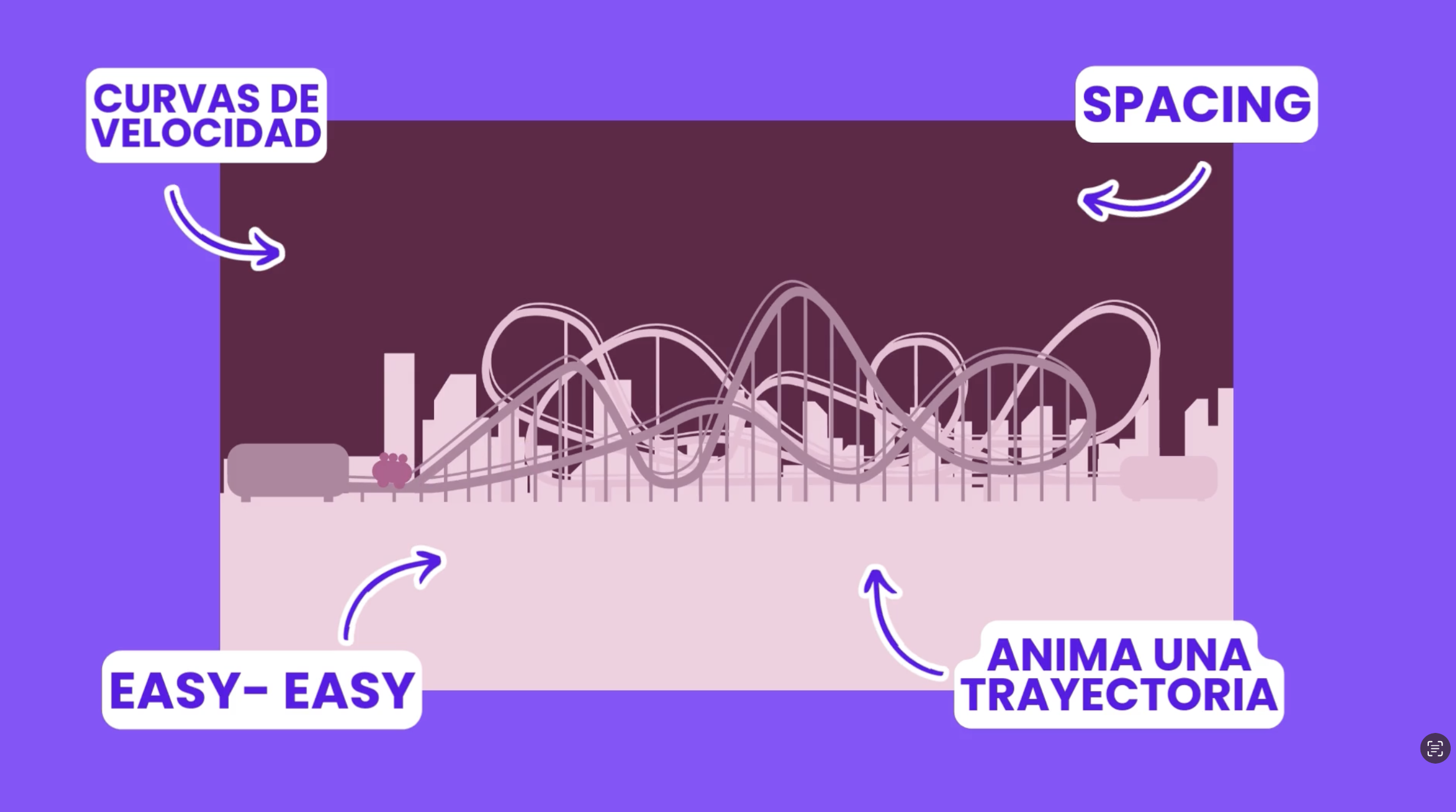
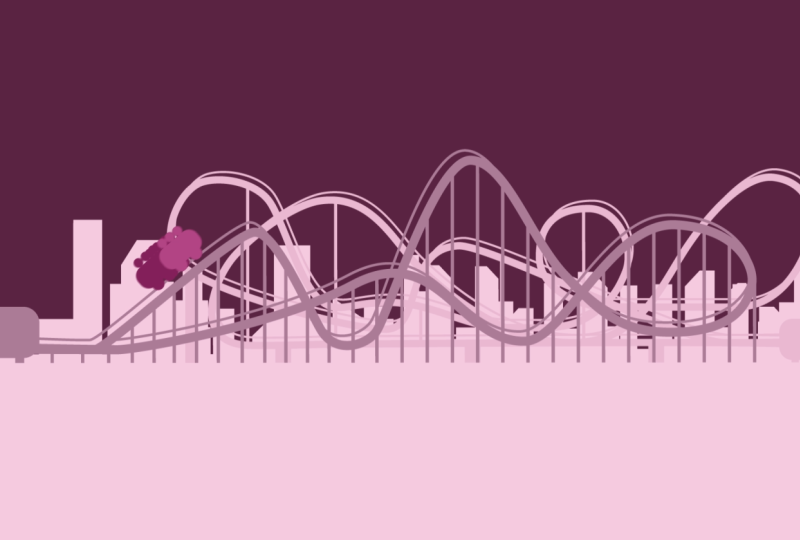
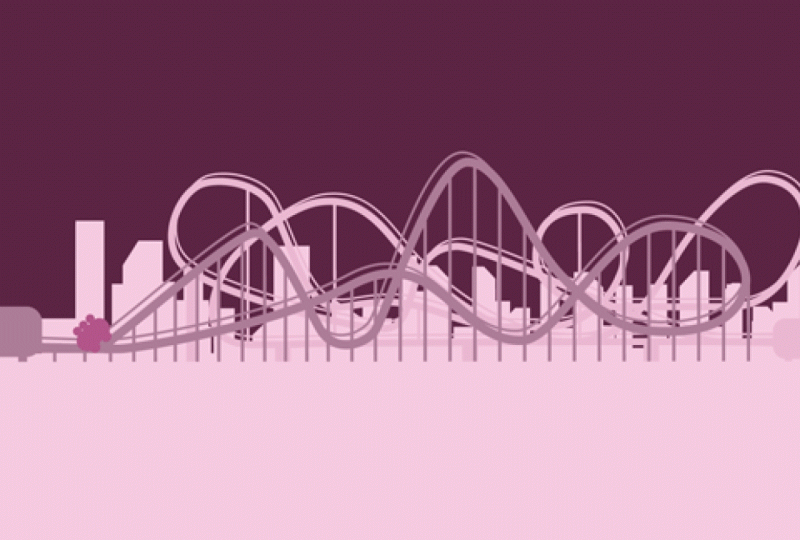
En este proyecto, animarás una montaña rusa que nos ayudará a practicar las diferentes intenciones de velocidad en cada curva del recorrido. A lo largo del proyecto, no solo aprenderás a controlar las curvas de velocidad, también veremos cómo construir y animar un trazado, y cómo guiar objetos a lo largo de una trayectoria. ¡Es el proyecto perfecto para llevar todo lo aprendido a la práctica y dar ese salto de calidad en tus animaciones! Al finalizar, podrás aplicar estos conocimientos a tus futuros trabajos de animación.
Class Ratings
Why Join Skillshare?
Take award-winning Skillshare Original Classes
Each class has short lessons, hands-on projects
Your membership supports Skillshare teachers
Learn From Anywhere
Take classes on the go with the Skillshare app. Stream or download to watch on the plane, the subway, or wherever you learn best.