Efecto parallax con cámaras en after effects
 Ana Fritz, Motion designer
Watch this class and thousands more
Watch this class and thousands more
Lessons in This Class
-
-
1.
Efecto parallax con camaras en after effects
0:46
-
2.
El paisaje ideal
2:49
-
3.
Creando la cámara
5:18
-
4.
Tipos de ejes
2:13
-
5.
Acomodando capas
6:47
-
6.
Tipos de vistas
5:24
-
7.
Animando la cámara
11:09
-
8.
Tipos de luz
7:51
-
9.
Animando las nubes
2:16
-
10.
Exportando para compartir
2:49
-
11.
Feedback
1:12
-
-
- --
- Beginner level
- Intermediate level
- Advanced level
- All levels
Community Generated
The level is determined by a majority opinion of students who have reviewed this class. The teacher's recommendation is shown until at least 5 student responses are collected.
44
Students
3
Projects
About This Class
¿Quieres darle más vida y dinamismo a tus animaciones? Este curso es tu puerta de entrada al mundo de las cámaras en After Effects. Aprenderás a crear un paisaje animado con profundidad y efecto 3D utilizando el sistema de cámaras del programa.
Comenzaremos ajustando los elementos de la composición para prepararlos correctamente y luego pasaremos a dominar el uso de cámaras, explorando movimientos para conseguir resultados profesionales.
Además, estas habilidades no solo te servirán para paisajes: podrás aplicarlas en múltiples proyectos, como la animación de logos, infografías, invitaciones interactivas y mucho más.
¿Qué aprenderás en este curso?
- Cómo crear y animar cámaras en After Effects
- Ajustar correctamente tus archivos para trabajar con profundidad
- Simular movimientos de cámara para darle dinamismo a tus proyectos
- Como utilizar los ejes x.y.z
- Como aplicar un objeto null para controlar la cámara
Este curso es ideal para principiantes e intermedios que quieran explorar nuevas herramientas y elevar el nivel de sus animaciones. ¡Únete y empieza a crear magia con cámaras en After Effects!
Meet Your Teacher
Hi! I'm a Motion Designer passionate about exploring new tools, platforms, and creative workflows for design, animation, and visual storytelling.
I love experimenting with different ways to create interactive experiences, motion graphics, digital designs, and audiovisual projects. Every time I discover a new technique, tool, or creative process, I enjoy turning that experience into practical classes that help others learn and grow.
In my classes, you'll find real-world projects, step-by-step guidance, and creative techniques that you can apply to your own portfolio, professional work, or personal projects.
If you're a curious and creative person looking to expand your skills in design, animation, motion graphics, and audiovisual production, I'd love to h... See full profile
Hands-on Class Project
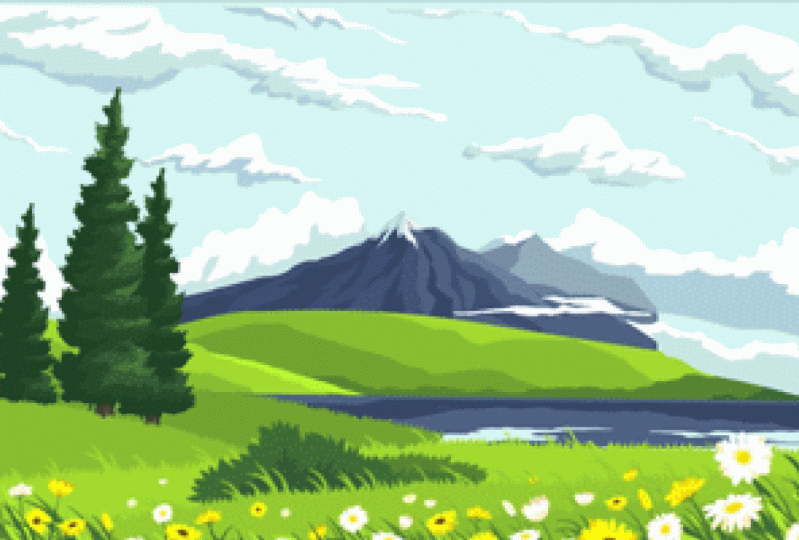
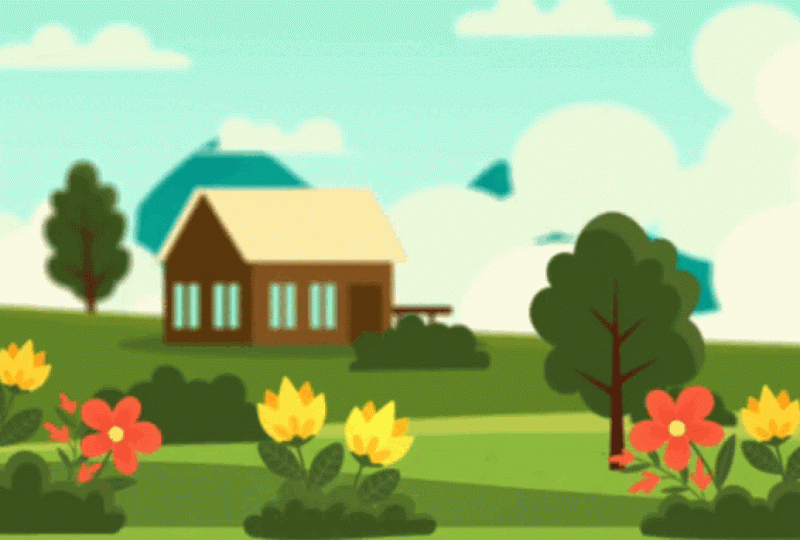
El proyecto final del curso consiste en animar un paisaje con profundidad y movimiento de cámara. Aprenderemos desde cómo preparar y ajustar los elementos del escenario hasta cómo aplicar movimientos de cámara para crear un efecto 3D.
Además de animar la cámara, exploraremos cómo darle intención a cada movimiento para que tu animación tenga un toque profesional. Al final, exportaremos nuestra animación en diferentes formatos para que puedas compartirla en redes sociales o utilizarla en tus propios proyectos.
¿Qué incluirá tu proyecto final?
- Cómo crear y animar cámaras en After Effects
- Ajustar correctamente tus archivos para trabajar con profundidad
- Simular movimientos de cámara para darle dinamismo a tus proyectos
- Como utilizar los ejes x.y.z
- Como aplicar un objeto null para controlar la cámara

Class Ratings
Why Join Skillshare?
Take award-winning Skillshare Original Classes
Each class has short lessons, hands-on projects
Your membership supports Skillshare teachers
Learn From Anywhere
Take classes on the go with the Skillshare app. Stream or download to watch on the plane, the subway, or wherever you learn best.