Expresiones fáciles en after effects
 Ana Fritz, Motion designer
Watch this class and thousands more
Watch this class and thousands more
Lessons in This Class
-
-
1.
Expresiones fáciles en after effects
0:47
-
2.
El personaje
1:36
-
3.
Estructura de expresiones
2:27
-
4.
Variables
1:42
-
5.
Wiggle
2:44
-
6.
Loop
3:19
-
7.
Posterize time
3:14
-
8.
Controladores
6:20
-
9.
Controles en pantalla
2:39
-
10.
Clamp
3:49
-
11.
Linear
6:55
-
12.
Control para los ojos
5:13
-
13.
Feedback
2:06
-
-
- --
- Beginner level
- Intermediate level
- Advanced level
- All levels
Community Generated
The level is determined by a majority opinion of students who have reviewed this class. The teacher's recommendation is shown until at least 5 student responses are collected.
10
Students
5
Projects
About This Class
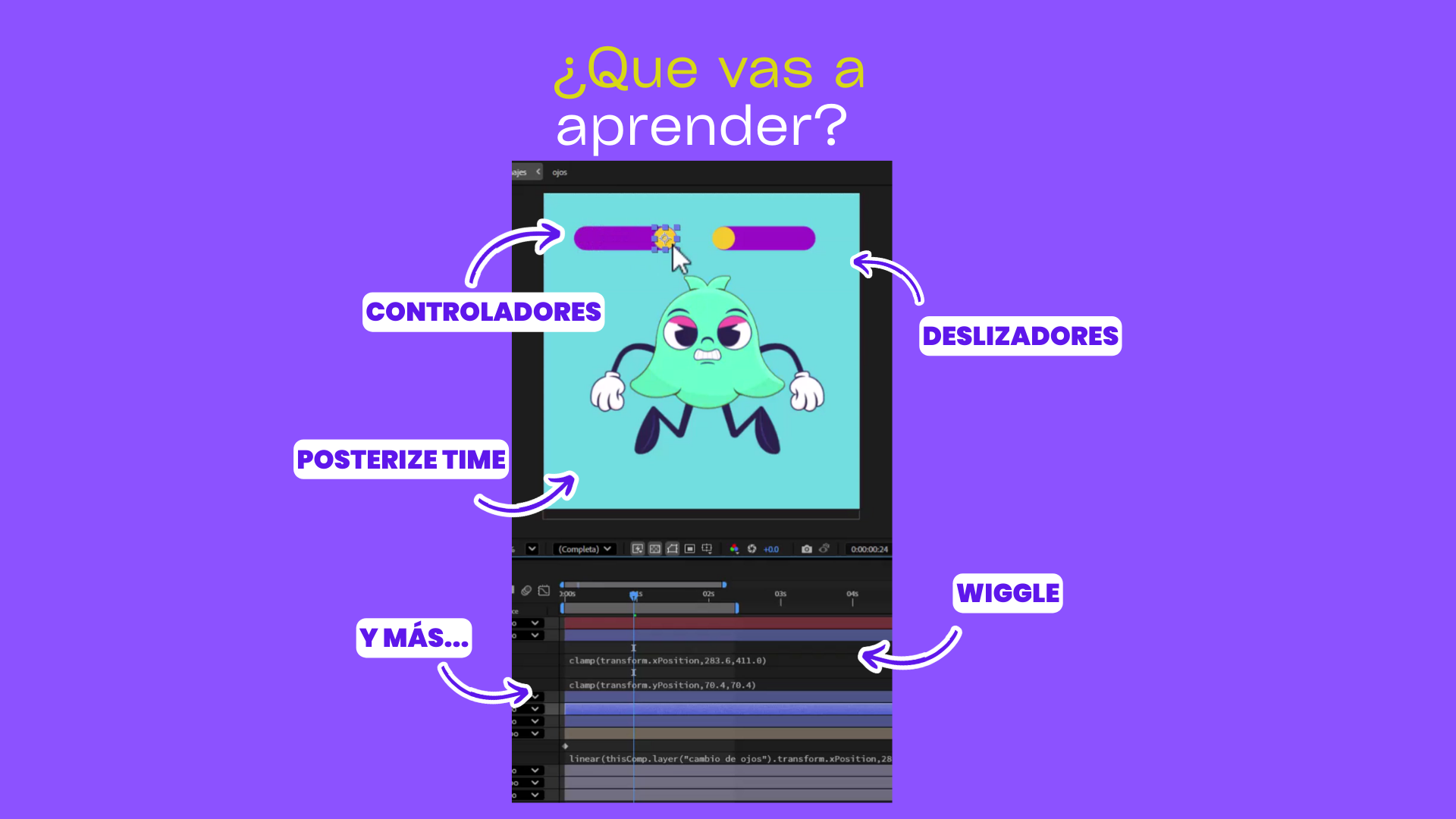
En este curso aprenderás a entender y aplicar las expresiones de forma clara y sencilla, sin necesidad de conocimientos de programación.
A lo largo del curso descubrirás:
⭐Estructura de las expresiones
⭐Cómo crear controladores
⭐Expresiones comunes
⭐Expresiones avanzadas
⭐automatizar animaciones
⭐colocar controladores en pantalla
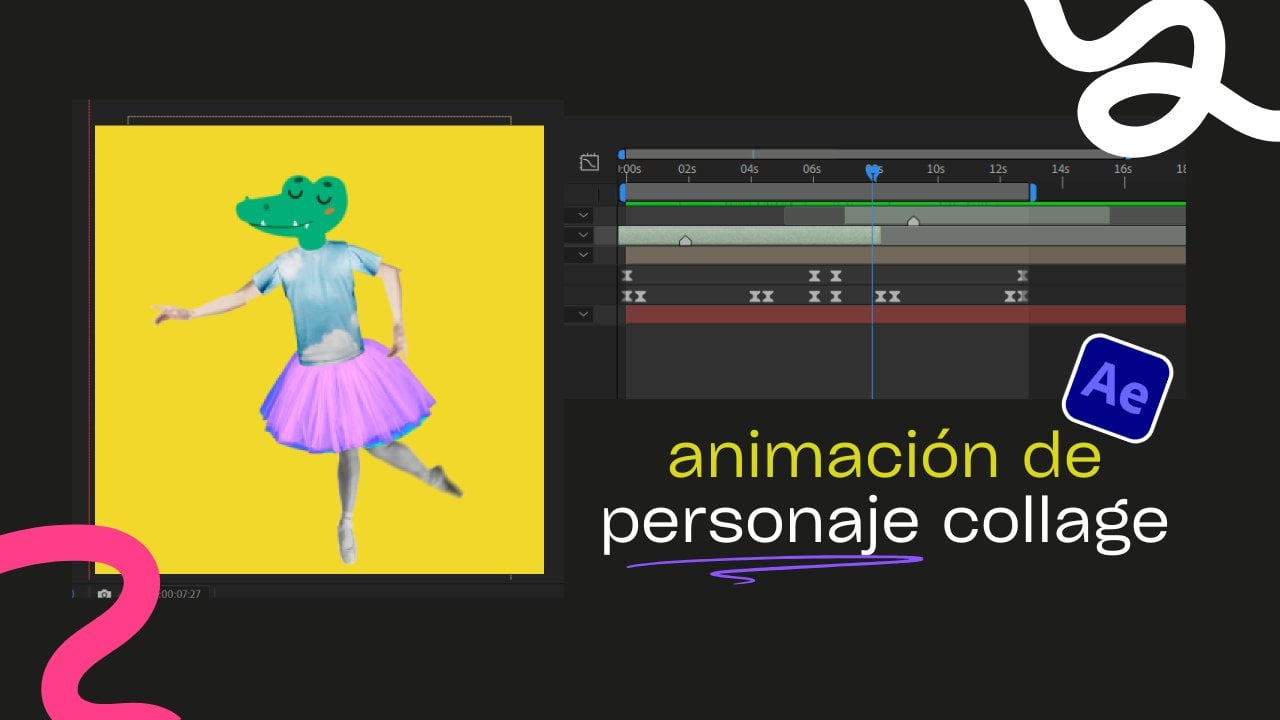
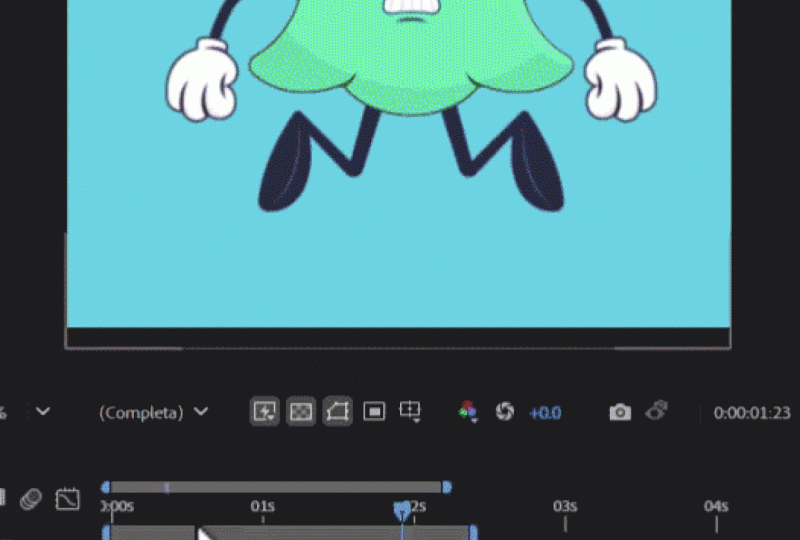
Y aprenderás cómo integrarlas en un proyecto práctico: una animación de un personaje levitando con controles para cambiar su color y expresiones faciales, como si fuera parte de un videojuego.
Aprenderás a usar las expresiones para agilizar tu flujo de trabajo, generar movimientos automáticos, y darle vida a tus personajes sin depender completamente de los keyframes.
Este curso es ideal para motion designers, animadores, ilustradores o cualquier persona que ya haya trabajado en After Effects y quiera llevar sus animaciones al siguiente nivel, explorando un enfoque más eficiente y profesional.
Al finalizar, tendrás una comprensión sólida de las expresiones más comunes, sabrás crear tus propios controladores y tendrás un proyecto completo para incluir en tu portafolio. Además, ganarás confianza para experimentar y crear animaciones más dinámicas, inteligentes y fáciles de ajustar.
Meet Your Teacher
Hi! I'm a Motion Designer passionate about exploring new tools, platforms, and creative workflows for design, animation, and visual storytelling.
I love experimenting with different ways to create interactive experiences, motion graphics, digital designs, and audiovisual projects. Every time I discover a new technique, tool, or creative process, I enjoy turning that experience into practical classes that help others learn and grow.
In my classes, you'll find real-world projects, step-by-step guidance, and creative techniques that you can apply to your own portfolio, professional work, or personal projects.
If you're a curious and creative person looking to expand your skills in design, animation, motion graphics, and audiovisual production, I'd love to h... See full profile
Hands-on Class Project
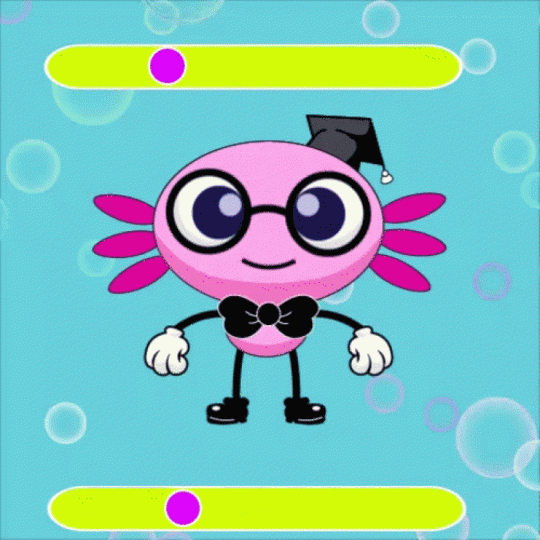
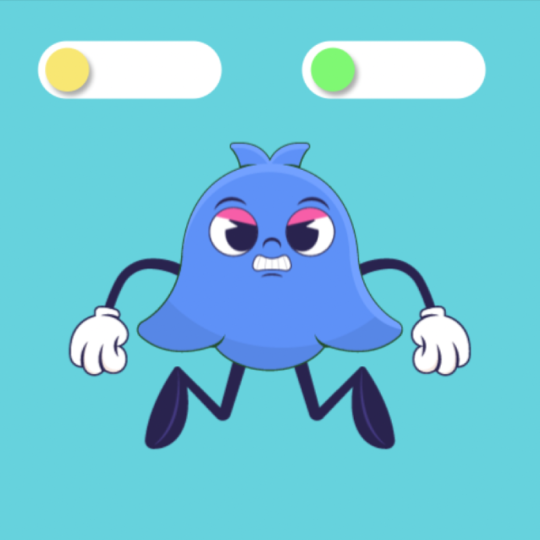
El proyecto final de este curso consiste en crear una animación automática de un personaje que levita utilizando expresiones en After Effects. A través de este ejercicio aplicarás todo lo aprendido: desde estructurar expresiones básicas, hasta crear controladores personalizados que te permitirán modificar el color del personaje y sus expresiones faciales, como si se tratara de un personaje de videojuego.
El objetivo es que explores el potencial de las expresiones para automatizar procesos, agilizar tu trabajo y darle más vida a tus animaciones sin depender únicamente de los keyframes.
Al finalizar, tendrás una animación lista para compartir en tu portafolio o demoreel, mostrando tu dominio de las expresiones y tu capacidad para crear animaciones dinámicas, expresivas y eficientes.

Class Ratings
Why Join Skillshare?
Take award-winning Skillshare Original Classes
Each class has short lessons, hands-on projects
Your membership supports Skillshare teachers
Learn From Anywhere
Take classes on the go with the Skillshare app. Stream or download to watch on the plane, the subway, or wherever you learn best.