Digital illustration for risography
 Cris Tamay, Illustrator
Watch this class and thousands more
Watch this class and thousands more
Lessons in This Class
-
-
1.
Introduction
1:26
-
2.
What is Riso?
0:58
-
3.
More Fact
1:05
-
4.
Making digital with Photoshop
3:22
-
5.
File Prep for the Printer
1:28
-
6.
Your Project
0:47
-
7.
Bonus with Procreate!
2:02
-
8.
Fin
0:17
-
-
- --
- Beginner level
- Intermediate level
- Advanced level
- All levels
Community Generated
The level is determined by a majority opinion of students who have reviewed this class. The teacher's recommendation is shown until at least 5 student responses are collected.
1,835
Students
9
Projects
About This Class
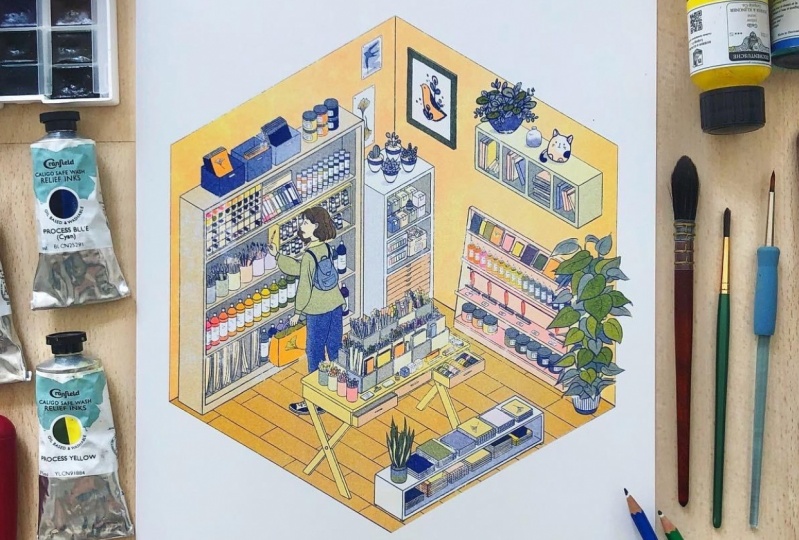
In this class you will learn how to make a digital illustration ready to be printed in risography.
You will learn to do it either with Photoshop and with Procreate in very few steps.
Risography is an affordable and different way to print something yours in short runs.
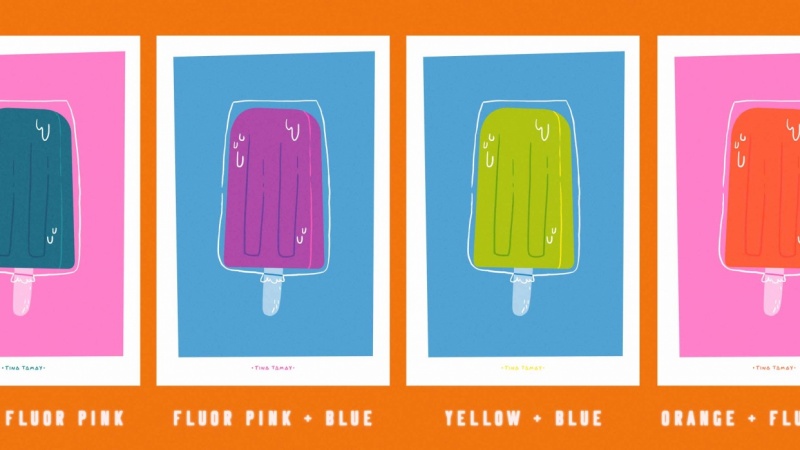
It also have special colors like fluor and metallics which are hard to find or expensive in other kinds of printing.
And making it from a digital file it’s easier and faster.
You’ll end up knowing what’s risography, how does the machine work and how to prepare a digital file ready to send to the printer in a super short class!


Thanks for the music:
All videos except the “Bonus” one have Dj Quads songs.
Dj Quads: https://soundcloud.com/aka-dj-quads
The “Bonus” video has a Proleter song.
Proleter: https://www.facebook.com/ProleteR.beats/

Hands-on Class Project
PROJECT DESCRIPTION
Create a card, invitation, print whatever you want to celebrate!
Have fun and be creative!
I suggest you to post your very first ideas, sketches, inspiration and the process as well as color tests so we all can give you feedback and help but if you prefer to post directly the final project it’s fine too.
The same way I invite you to check all projects and give them some love and helpful feedback if you’d like to.
- Play with colors’ oppacity and layerings.
- The color of the paper (even if it’s white) is also a color, use it!
- Don’t limit yourself, if you’d like to add words, do it!
DELIVERABLES
- 1 JPG per color ink in Grayscale. (as you can't upload a PDF)
- 1 JPG at low res in color with the final look.
Everything has to be named properly like if you where actually sending it to the printer.
RESOURCES
I attached the color list of the studio where I print but if you're going to print it I recommend checking the colors available in the studio where you'll print the final piece.
Here is my pin board of riso color combos where you can pick ideas and inspiration.
Here is another example of color tests of one riso print.
Any thought, question or idea you’d like to share please make sure to post it in the Community section!
(También hablo español por si a alguien tiene dudas y se expresa mejor en español)
Class Ratings
Why Join Skillshare?
Take award-winning Skillshare Original Classes
Each class has short lessons, hands-on projects
Your membership supports Skillshare teachers
Learn From Anywhere
Take classes on the go with the Skillshare app. Stream or download to watch on the plane, the subway, or wherever you learn best.