DIGITAL ILLUSTRATION: Creating a Stylized Character in Adobe Illustrator
 Nhat Huynh, Illustrator - Learnaholic
Watch this class and thousands more
Watch this class and thousands more
Lessons in This Class
-
-
1.
00. Intro
1:42
-
2.
01. Sketch the idea
8:47
-
3.
02. Document Setup
0:58
-
4.
03. Character Design 01
5:18
-
5.
04. Character Design 02
11:22
-
6.
05. Facial Features
3:17
-
7.
06. Background Design 01
7:38
-
8.
07. Background Design 02
5:08
-
9.
08. Texture Brushes
11:22
-
10.
09. Texture Image
1:18
-
11.
10. Final Thoughts
1:06
-
-
- --
- Beginner level
- Intermediate level
- Advanced level
- All levels
Community Generated
The level is determined by a majority opinion of students who have reviewed this class. The teacher's recommendation is shown until at least 5 student responses are collected.
295
Students
3
Projects
About This Class
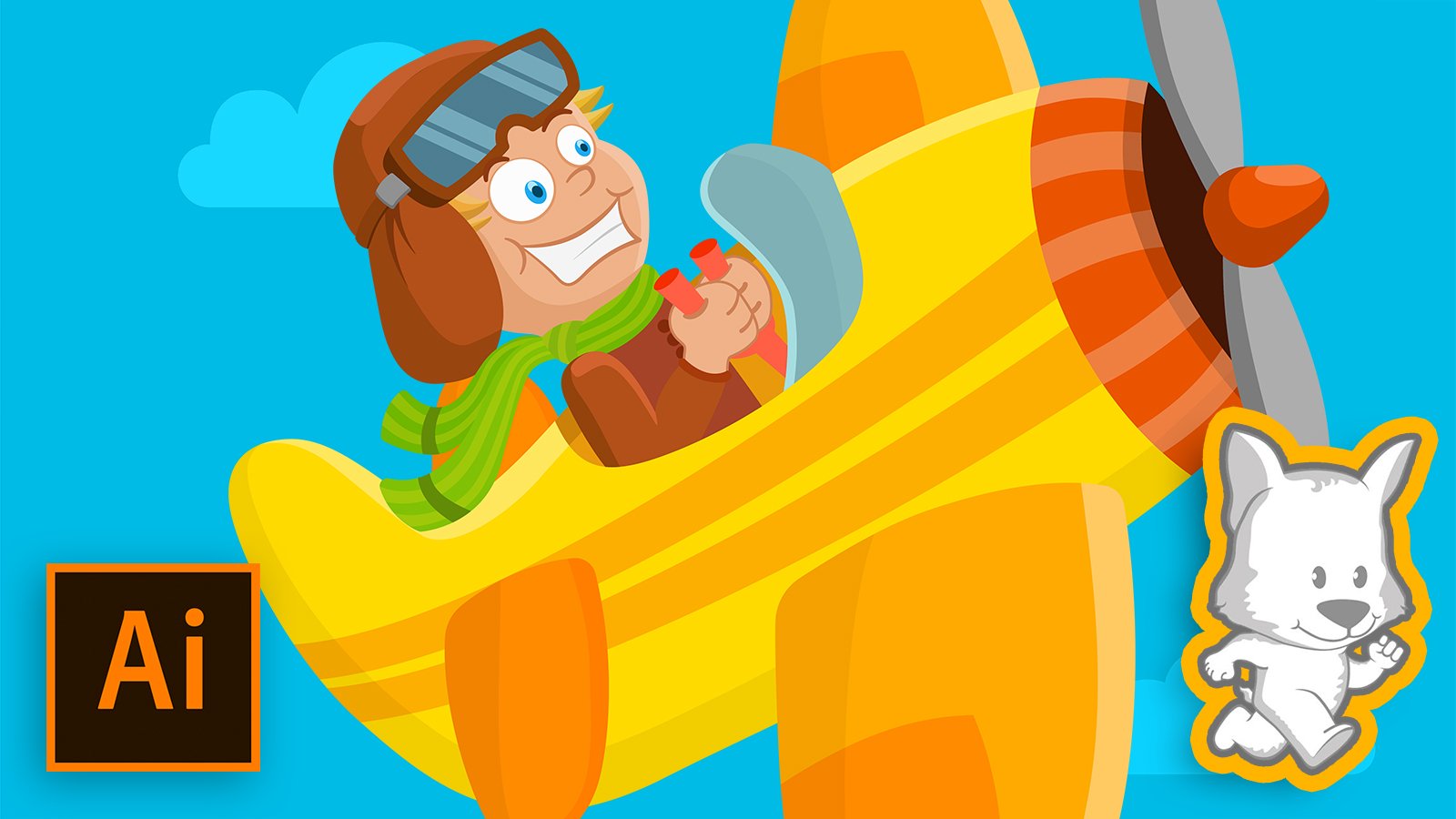
- Hello everyone and Welcome to my digital illustration class: creating the stylized character in Adobe Illustrator. Throughout this class, I’ll teach you all about digital illustration in Adobe Illustrator from the sketch to final artwork. By taking this course you will learn how to create your own character illustration.

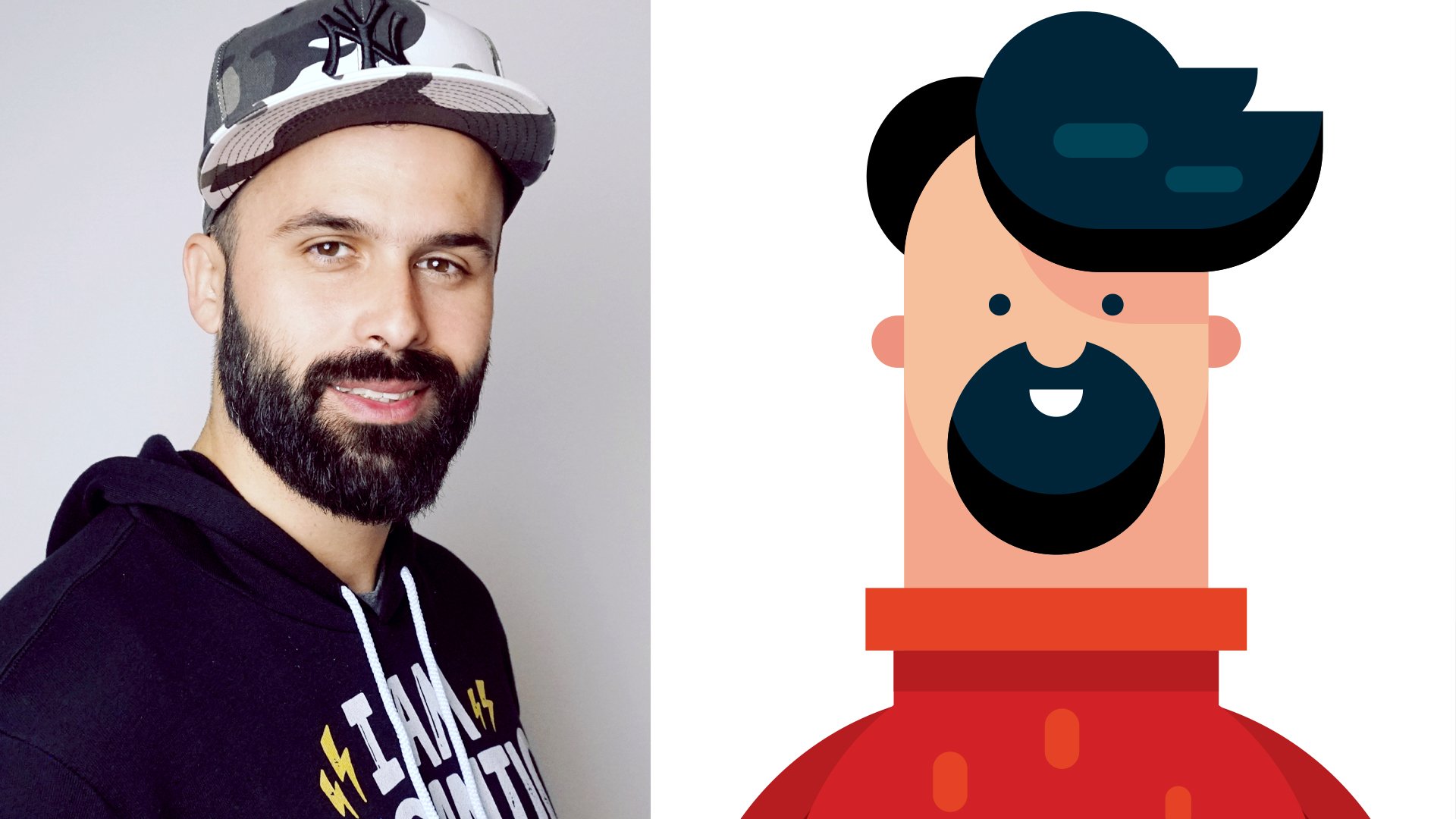
- My name is Nhat Huynh or you can call me Cricket Design. I'm an independent illustrator with a huge love of character illustration. Most of my works are vector illustrations focused on shape, vivid color, light, and texture. Teaching is also my favorite thing to share my knowledge on the creative journey.
- In this class, I will show you all the steps to create an illustration. First, we're going to sketch the idea of the illustration on paper. Next, setting the document in Illustrator and work with vector objects. Finally, we will add more depth to our illustration with texture. I will explain the whole process in detail including techniques and tips on shapes, colors, and texture.
- This class is aimed at students with basic Adobe Illustrator skills. It’s really easy to get and I also cover it again in all lessons, but students of any level who want to become illustrators or even side hustlers are welcome to participate, learn and enjoy.
- I will guide you step by step to learning this critical skill that can help you understand the process of a digital illustration. By the end of this class, you’ll be able to do a complete digital illustration with color and texture. Can’t wait to see your project and Let’s jump straight into the first lesson: sketch your idea.
- Download free file in project:


Meet Your Teacher

Hello everyone, my name is Nhat Huynh or you can call me Cricket Design. I'm an independent illustrator with a huge love of character illustration. Teaching is my favorite thing to share my knowledge on the creative journey.
See full profileHands-on Class Project
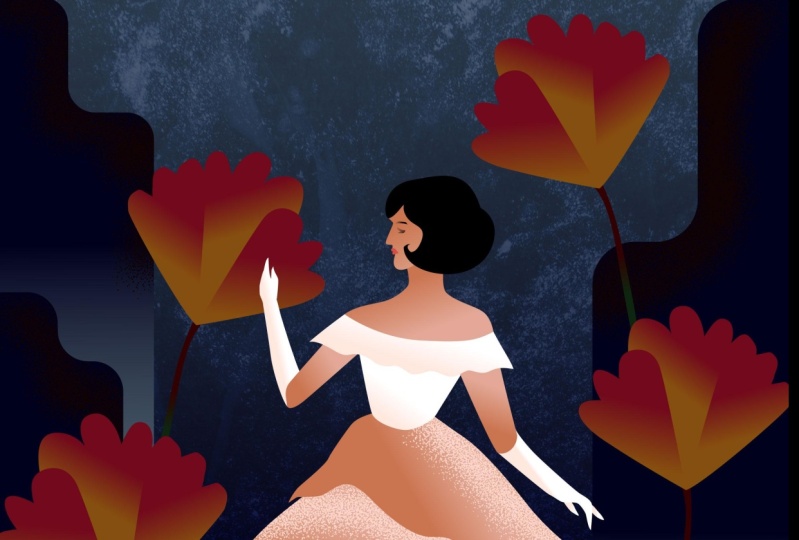
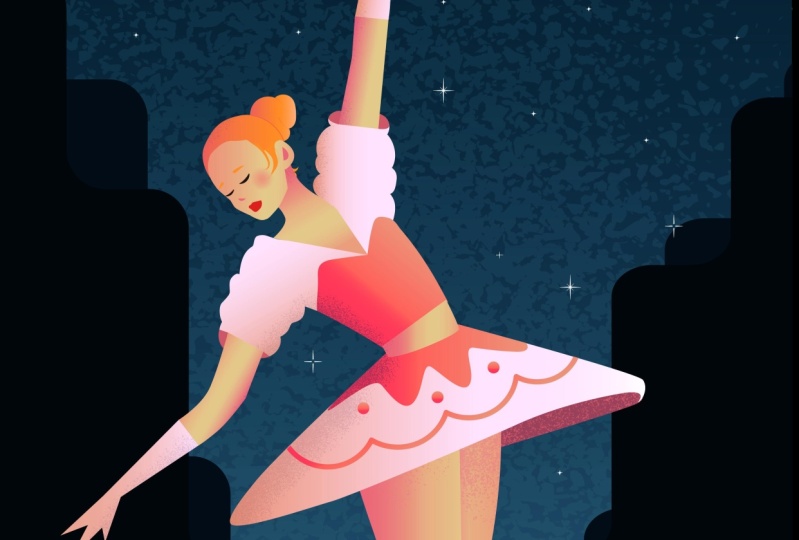
- For the class project you will create your own character illustration in Adobe Illustrator.
- Following these steps to complete your class project:
- Sketch your idea about illustration on paper. (Or you can download my sketch file)
- Import your sketch into Adobe Illustrator
- Designing the character and background
- Adding texture to your illustration with brushes and image
- After finishing all lessons you’ll be able to do a complete artwork from start to finish, understand the process of digital illustration.
- Supporting Resources:


Class Ratings
Why Join Skillshare?
Take award-winning Skillshare Original Classes
Each class has short lessons, hands-on projects
Your membership supports Skillshare teachers
Learn From Anywhere
Take classes on the go with the Skillshare app. Stream or download to watch on the plane, the subway, or wherever you learn best.