Transcripts
1. Introduction: Pinterest is expanding
further into the Creator community
with the launch of our video first feature
called idea pins, aimed at creators who wanted to tell their stories using video, New Music, creative
editing, and more. The feature FI yields
a lot like Pinterest own pick on tiktok,
mixed with stories, the new pins allow creators to record and edit creative videos with up to 20 pages of content using tools like
voiceover recording, background music, transitions, and other
interactive elements. The company says Idea pins
evolved out of its test with story pins launched
into beta in September. After various stages of development at the time,
pinches explain deaths. 40 pins were different from
the stories you would find on other social networks like
Snapchat or Instagram. Because the full costs on
what people are doing, like trying new ideas
or new products, not giving you a snapshot of
our creators personal life. Hey guys, my name is your Shan. And throughout this
series of classes, you will find out what is
a story slash idea pin. I'll also be explaining
to you guys why I think you should be uploaded
idea pins on Pinterest. I'll be showing you guys a few examples of idea
pins on Pinterest. I'll also be showing you guys how to
create these pinches, idea pins from complete scratch. And last but not least, I'll be showing you guys how to export and upload
your idea pins. I really hope that you guys
are excited for this one.
2. What Is A Story/Idea Pin: What is a story slash
idea pin will basically, idea pins are an evolution of story pins with a fresh
name two meter much the uniqueness of a
product that empowers creators the shear and
not shortly stories. The idea of being
features include video recording and editing for up to 20 pages of content. As long as you have a
Pinterest business account, you can use idea pins to create inspiring content and Mill
more engaged communities directly on winches. And also you can meet them
right on Pinterest as well.
3. Why Should You Be Uploading Idea Pins: Why should you be
uploading idea pins? Well, first of all, idea pins get more
exposure on Pinterest. Secondly, painters who
follow you will see your idea pins at the
top of their own feeds. Even painters who don't follow you will see
your idea pins, it featured at the top of
your Pinterest profile. Thirdly, they can
be easily meet in Pinterest without any
special video editing tools. And last but not least, idea of pins are agreed tweet to grow your
Pinterest followers. Since Pinterest prompt lowers to follow the pin
creator at the end. And to be honest guys, there are a lot of weeds. Why I really think you should be taking advantage of pinches, IDF pins, but I won't sit here and we as too
much of your time.
4. Examples Of Idea Pins: If you guys don't already
know what the pin looks like, where here's a perfect
example right here. Here you can see this. You can see this one icon
really put the most over it. So you guys can see
the one right here. That's the idea of
being right guys. So here's another idea pin. You can see a whole bunch
of different idea pins. And if you guys should
take a good look, this is my own feed. As you can see at the top. Pinterest is showing me a whole bunch of
different idea pins. They are not really showing
me any normal appearance. If I should continue stored in, as you guys can see it, Here's a whole bunch of ideas. Pins on my home feed. Pinterest is pushing out
idea pins heavily right now. Let's say for example, I'm interested in Quito. As an example, hit Search. Here you can see at the top of the search results whole
bunch of idea pins. Just a few normal pins. If I click on one
of these pins here, for example, I'm a click on
these key to associate here. Here you can see ketoacidosis,
small settlement roll-ups. You need smoked salmon, cream cheese, avocado Cucumber. Basically it's just given you
the ingredients slash tips. So as you can see
right here, 3.7, key persons actually love
this idea pin right here. I'm going to try it IP through all of these right
here to show you, just to show you
guys the last page. As you can see right here, you can see this person's Pinterest profile
name right here, the description
for this profile, and also the follow
button right here. So right off the bat, persons have the option to
follow your right here. So it's kinda easy to gain
followers from idea payments. And then your
followers can also see your normal pinches pins
that to click through. We're normal pinches
pins and go to your website or whatever
you're linking in Europeans. So if I was really into In, in the keto diet, I would most likely
follow this profile right here because as
you can see right here, keto diet blog to meal planning guide and Quito
recipes for breakfast, lunch, dinner, snacks,
desserts and tips. So why not follow them? Because the Follow button is
right here, big ball, close. I'm interested in Quito late. So it's really a win-win. If I should follow this
rule ferrite here, I would be getting my daily
dose of keto diet content. This person right here would
begin in me as a follower. It's a win-win
situation right here guys are currently one-off
my most recent clients. Pinterest profile right here, if I should show low
and as you can see, has 73.7 key followers on Pinterest and 7.9
million monthly viewers. If I turn it on right here, you can see a whole bunch of
different idea pins as well. I should show it on. You can see a whole bunch
of different recipes. So if I click on this
idea pin right here, this is one of many pins that I created for this
person right here. Let's watch it and see. Here you can see
the ingredients, instructions. That's it. And the person will have the
option to follow right here.
5. Creating An Idea Pin: The site that we'll
be using to create our pinches idea pins
is called Canva.com. Why do we link to Canva will
be somewhere down below. When you're on canva.com, you're basically going to search in the search box right here. Teenagers, idea pin, right here. As you can see right here, guys, a whole bunch of Pinterest
idea pin templates. And Ken work currently has
2017 the templates, right? No. The reason being is because Pinterest pins, he's fairly new. So taking the time to actually create these templates to
upload into your software. If you should look
closely right here, you can choose this diagonal
of your Pinterest idea pin. You want simple, you can
click on right here. Mother and clean and same thing for a minimalist and forth. Or if I should show it on here, you can choose a theme. If you're a person that
has a Pinterest profile all based around
food and recipes. You can click here. If you're a person that has a profile all based on business, you can use right here, same thing for our
college computer and all these other
options right here. You can also choose the
color of your idea pin. You can even choose any one of these templates
to start with. What I wanted to
show you guys from computes crutch hold to create
these pinches idea pins. So I'm going to click on create a blank pinches idea
pin right here. First things first guys, we need some content for
our Pinterest idea pins. So I already found
an article right here that there'll be using
throughout this tutorial. So on the first slide, we'll be using this right here to grab the attention
of viewers. This right, you
would make a person decide if they would like
to click on this idea, pin, click on someone
is his idea of being the first page
of your IDF pins. That always turned out and
look really professional. Machine to ticks foreign
trade here, to leak spot-on. This is all key. Bringing this at
the top right here. And also you can
always add your logo. I don't have any logos for this specific idea pin
right here, right guys. You can also leave a little space right
here and add your logo. Right here, right
here, right here. It basically anywhere you
would like to add your logo. You can add your logo just
to keep your idea of being consistent with your brand
color is unbranded style. How much it just
sticks to. Let's see. I love using effects right here. Because I think, in my opinion, I think it makes the text pop. I always tend to decrease offset right here and direction. And increase the blur and increase the
transparency right here. As you can see,
the glowing effect on the text right here. So much even just from red. Let's see, wait, let's see
black, white right here. So much in this bug go into, let's say a block. I watch it in this effect. Color to black as well. What's missing right here is an image of some meal
plans, for example. So first things first, we're gonna click on
elements right here. Gonna store it on until
you see grids right here. I'm going to jump to the
bottom right here. Perfect. So we're gonna go into
photo section right here and search for something like as an example. So here you can see a whole
bunch of different images. And if you guys see
this corner right here, that's seen puree here, simply means that
you'll have to pay for our Canva pro subscription, which is around $14. Between 12 to $14 per month, between $12.99 to
$14.99 per month. If you're using Canva
for the very first time, I will link down below with a 30 days free HL for you guys. The door to see if
you like it or not. Let's see, for example, using this image right here. So you will just jug and
jump this image right here. If you'd like, you
can also crop. Just to show the most
important parts of this image. Let's perfect. Why do we, if you'd like, you can also go back into
elements x and right here, and search for something
like arrow right here. Go into graphic section. Basically, any order right here. Let's see, for example, I'll
be using this R right here. You can bring it to the
bottom of the image. And she and obviously persons with an audit, The issued swipe. And either way, if they
don't want to swipe, already, are not planning
to clean and swiping. If they click on this, click on this right here, automatically DOB taken
through the rest of the pins. If they don't realize that they automatically ADB taken
to the other idea pins. To be honest guys, it isn't needed in an
idea pin like this one. The reason being is because
the first bead will see ten ketonic meal-plan tips. So obviously you wouldn't know that there are
more slides to it. Let's see, your Pinterest
profile is our board. Business courts are
courts in general. Person's weren't expecting more than a certain amount of quotes. I know you guys must be thinking like what Russia
and would obviously they can tell if they are seen in numbers top-left corner. I know guys, but not
everyone actually peas attention to number
of idea being raped. For example, if I'm scrolling
in my Pinterest feed and I see something like this and I'm really interested
in Quito meal-plan. I won't be paying
attention to the numbers. To the numbers. I'll click right into this idea
pin right here. I'm not saying you
can't use an arrow. You can if you'd like to do
more sauce to your idea BMJ. What we're gonna do
now is we're going to duplicate this page right here. We're going to click
on this right here. We're going to click on this
duplicate page right here. So let me go back over to
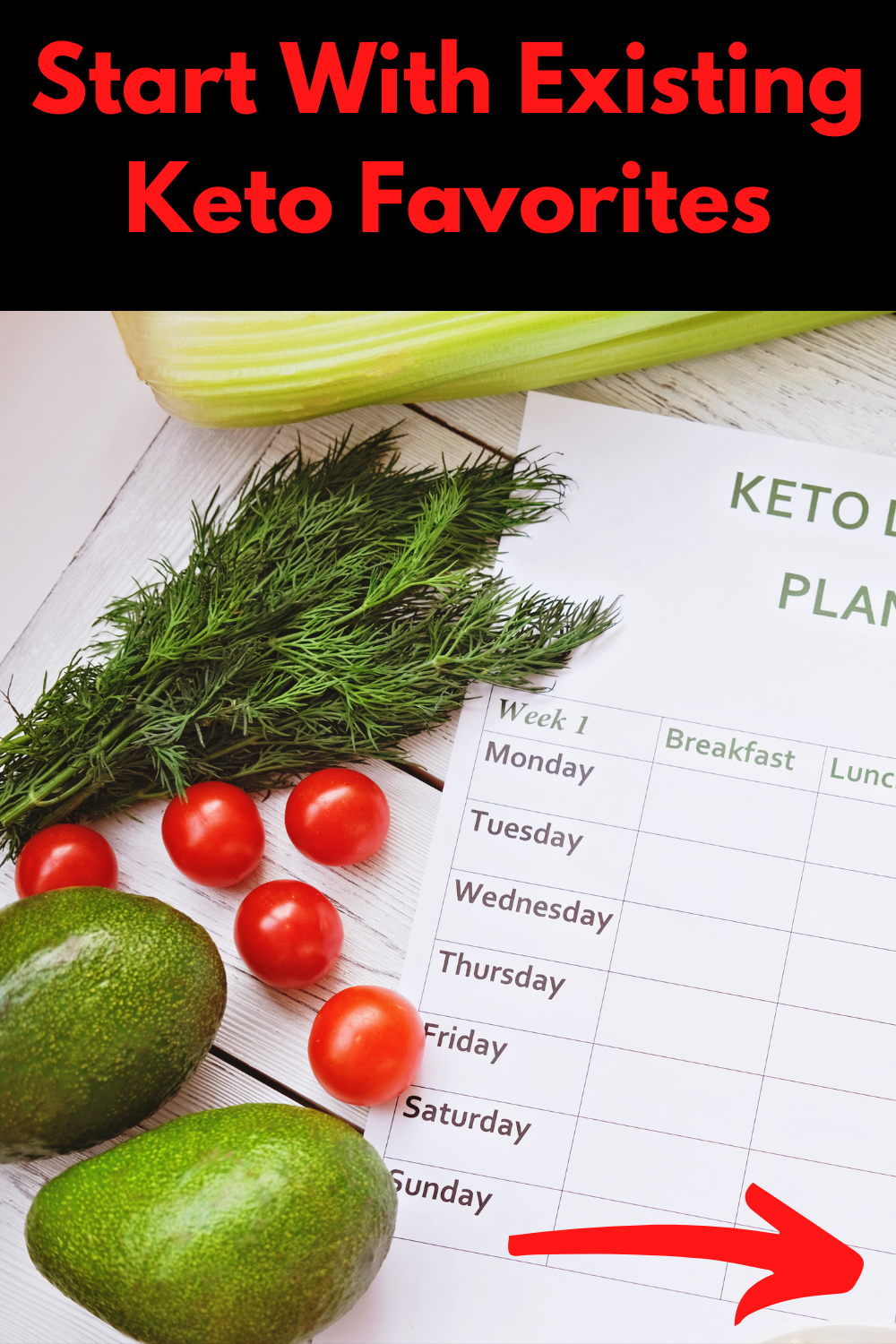
this particle right here. The first step is start
with existing key to fever. It's going to copy
this right here. P straight here. If you'd like, you
can also number, number what you do and have to somewhat decreases
size. Just a bit. Position this right
here in the center. So obviously we have to
change this image right here. Start with existing
Quito favorites. We're going to go into
photo section right here. Let's see. You could use this
image as an example. This right here, the O and
we get most important parts. By the way, you can also
animate these bins. You can just click on
this animator here. You can choose whether it's, it feeds in slides, in it pops. Right? A good idea. For example, I want to plan
for these apply to all pHs. Let's play this as an example. There you go guys. Already, this is
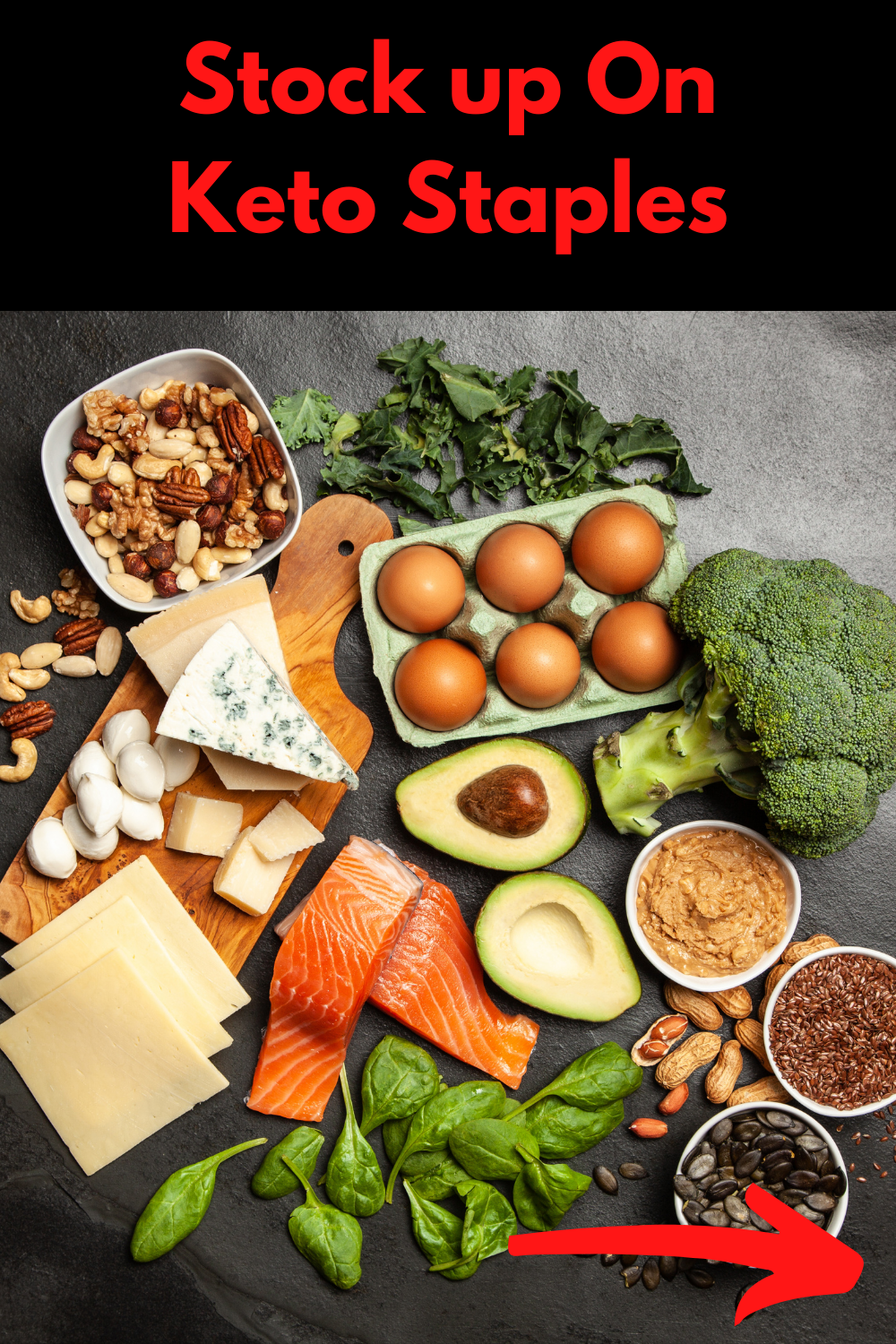
gonna be scared to duplicate this page right here. We're going to hit MC over
at least our decorate here. Here's our, its artistic and
stock up on key to steeples. Will copy this right here, inbox over to Canva and
this piece right here. So we're stuck up
on key to steeples. Position right here
in the center. You can search in the
search box right here. Ketose tables as an example. It's better or wrong. We're not seeing any results
for key to steeples. Let's use this image
as an example. We're going to go ahead
and duplicate this page. And basically it is going to continue duplicating these PAHs. If you're finished filling in all these different
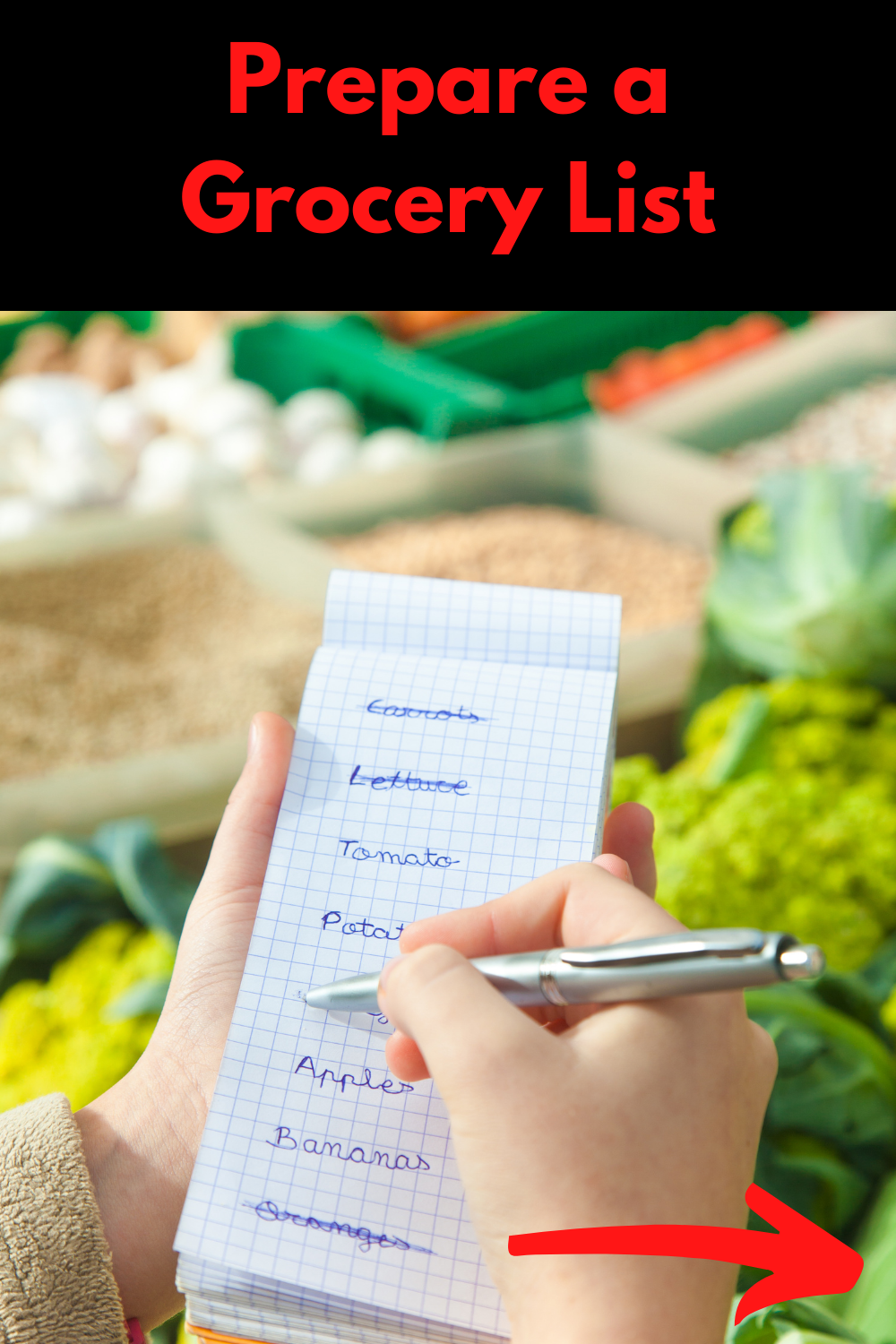
pins, information. Or third, prepare
a grocery list. We're going to copy this.
Paste it right here. We're going to search for in
the search box right here, grocery gonna crop this image right here. Let's see this one right
here. This one looks. Watch bitter guys. I'm going to speed up
this video, right? No, Because I really do
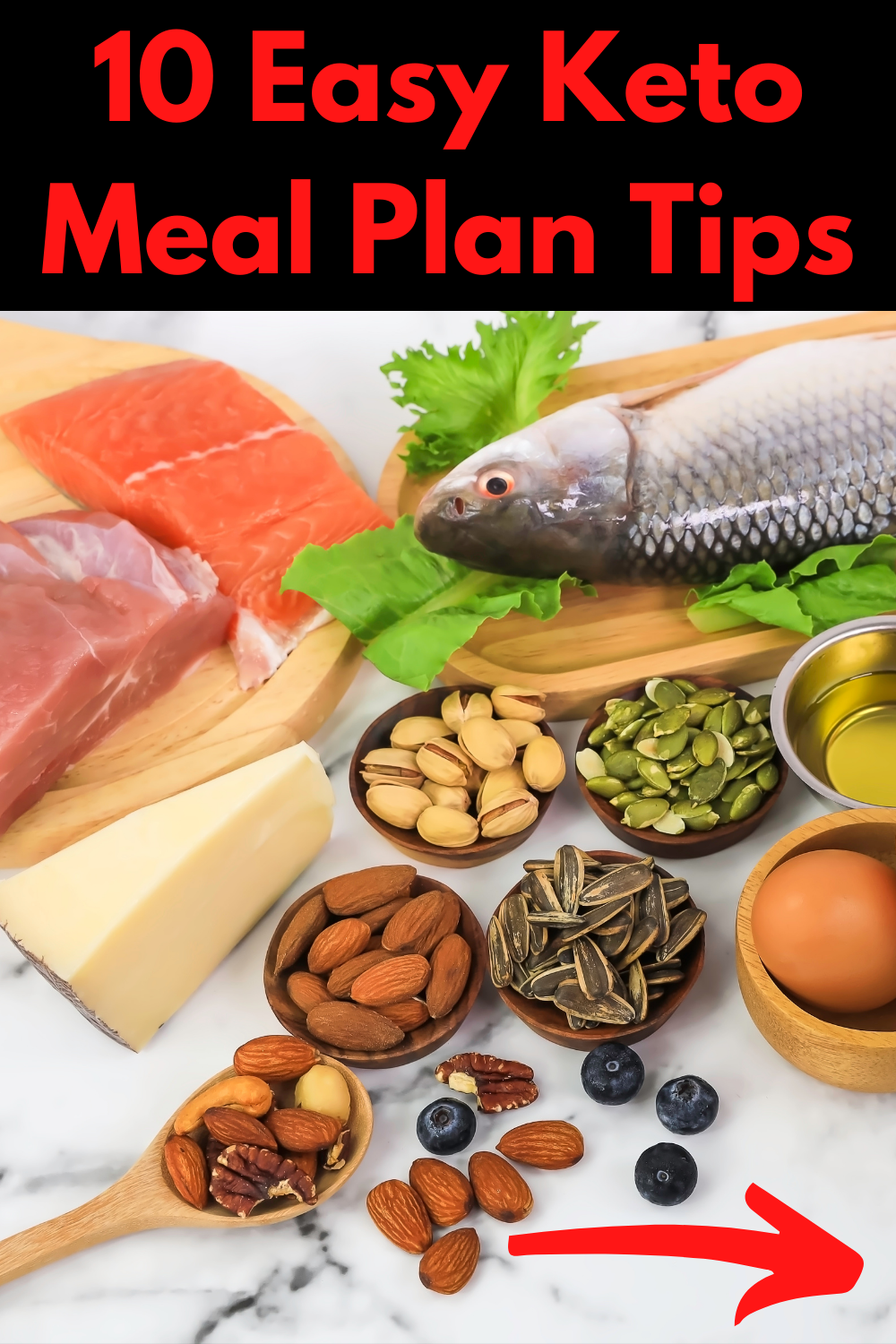
want to be boring you guys. Here you go guys. Over a ten, easy
Quito, Milton tip. Start with Xist in Quito, favorites, dug up
on key to steeples. Prepare a grocery list. Invest in food containers, batch, consider W naught, scheduled T cold, blue
and forget breakfast, CS2 frozen ingredients and
don't beat yourself up. And also guys, if, let's see, for example, if you would like to do
a combination of images of high-quality images
and also graphics. I recently created a series of classes all based
on infographics, which I would highly
recommend you guys to watch right after this class, I would avoid link
this class don't below this right here
is quite simple. I know it's quite simple, but it's best to create
these simple idea pins than over complicating it
and end up ruining it. Basically. That's it for
creating or ideas, opinions. And to be honest guys, I rarely see person's
upload in infographics, in their pinches, idea pins. And if you don't already know, infographics are very popular. And infographic posts tends to have more engagement
than normal. Post. This post, for example, an infographic
poster would have, most would most likely get more engagement than a
post late, at least. That's the reason why I highly recommend you check
out the class. That's all based
on infographics. It might be speaking
about mostly Instagram, but you can also do
seem tips to boost your engagement on your
Pinterest profile as well.
6. Exporting And Uploading Your Idea Pin: Before exporting
over Pinterest pins, if you'd like, you can also
published a pinches directly. What I would recommend
you guys doing this. I would recommend you guys clicking ignored
icon right here. And I would also
recommend you guys not to download this as an MP4 video. And if you guys would
like to download this as an MP4 video, you can. And also if you'd like to
download these as images, as normal images that persons can just swipe through, you can. Before this example right here, I'll be using an MP4
video right here. So as you can see right here, or pinches idea pin has been
downloaded or a device. So we're going to
hit back over to Pinterest.com and we're going
to click on Create it here. Remember guys, please
ensure that you have a business first because most likely you won't see this idea Pin
section right here. I would actually
recommend you to create a Pinterest business or cone if you don't already have one. So I'm, I click on Create
idea pin right here. So we're going to click
on Create New right here. And you can chug and drop
this file right here. If you would like to
preview your idea pin here, you will see right here. As you can see, if
I should go back. Let's go back. Let's
preview it once again. Here we can see that
it takes right here is too big for mobile phone. So what I recommend
you guys doing is actually going back over it again and decrease in the size
of this arrow right here. And also the ticks that are not showing on the
screen that will. And that's one thing that I would highly recommend
you guys doing as well, is always ensure to preview your idea
before uploading it. Because once you upload
your idea being you can't let me walk
out. If you'd like. You can also play this. Anyways. Click on next right here. We're going to edit the cover because you don't want person's
to be seen just black. We want over first slide to be showing solid pick
on this right here. And let's see. Here's our
first slide right here. And as you can see you guys, that text is to be, I don't want to waste
your guys time. We're going to
click on the first, the first slider right here, which is ten easy Quito meal
plan tips and click on Done. Here is our covariate here in the title or
just a tin, easy. I will just it to
a specific board. I won't be adding this pin
to any of my boys because it's Norway related to
my Pinterest profile. Right here, where it says
search for our target. You can't see
something like Quito. Recipe is Tito diet, low carb diet, low carb ratio P
is bonus tip guys. You're gonna click on the
arrow pointing operate here. And here you can see
at least you're going to click on this
arrow right here. And ten easy Quito
Mu plaintiffs. This is not an indices,
not ingredients, right? This is not supplies. Gonna click on nodes right here. That the reason why we will be adding some nodes right here is because pinterest tends
to categorize your pins, your idea pins much
quicker than usual, right on by filling in your idea pins with
even more keywords related to your
idea pin can give you even more exposure
in the long run. So thin, easy. For you. Right here, you
would just list all, each and every tip right here. And if you'd like, you can
also add a few tags as well. On ketones. Ketones. You just click on
Publish right here. If I should click
on Preview ratio. Let's preview at one last time. You see this white
line right here coming across these 12 lens right here, your notes would
be showing ratio. Basically that's it guys.
7. Outro/Assignment: Throughout this series
of classes we went through what is a
story slash ADF. We also discussed why should you be uploading idea
pins on Pinterest. I also showed you guys a few examples of idea
pins on Pinterest. I showed you guys how to
create these idea pins. And last but not least, we also went over or
export and upload them. And also guys be sure to
leave a link, an image, or even a video of your idea pin that
you created yourself. After watching this class. Because I might say
I would like to see what kind of
idea p nu created. If you would like to see even more classes
just like this one, be sure to follow my
Skillshare profile and also leave an honest
review down below, letting me know if this class actually thought it was
something new or not. And to be honest,
this is gonna take you more than 30 seconds to do. And also by doing this
will also help me to create even meter classes
in the future for you guys. If you've got some sort
of value from this class, please leave a
review down below. And last but not least, thank you so much for watching and have a great
rest of your body.
 Rashaun Bernard, Affiliate Marketer, Freelancer, YouTuber