Canva AI for Beginner Creatives: Start Your Layout Design With Confidence in 10 Minutes | Paul Nene | Skillshare

Playback Speed


1.0x


  • 0.5x
  • 0.75x
  • 1x (Normal)
  • 1.25x
  • 1.5x
  • 1.75x
  • 2x

Canva AI for Beginner Creatives: Start Your Layout Design With Confidence in 10 Minutes

teacher avatar Paul Nene, Helping beginners take action

Watch this class and thousands more

Get unlimited access to every class
Taught by industry leaders & working professionals
Topics include illustration, design, photography, and more

Watch this class and thousands more

Get unlimited access to every class
Taught by industry leaders & working professionals
Topics include illustration, design, photography, and more

Lessons in This Class

    • 1.

      Start With Confidence: Your First Soft Pastel Layout

      1:47

    • 2.

      Understanding the Starting Point

      1:25

    • 3.

      Generate Your First Soft Pastel Visual

      1:42

    • 4.

      Add Simple Graphics to Support the Visual

      1:35

    • 5.

      Build Your Layout and Add the Aesthetic Finish

      1:44

    • 6.

      Create Your Soft Pastel Minimalist Starter Layout

      1:19

    • 7.

      Bring It All Together

      1:11

  • --
  • Beginner level
  • Intermediate level
  • Advanced level
  • All levels

Community Generated

The level is determined by a majority opinion of students who have reviewed this class. The teacher's recommendation is shown until at least 5 student responses are collected.

33

Students

5

Projects

About This Class

Starting a design from a blank page can feel heavy. Many beginners open Canva, stare at the empty space, and feel unsure about every choice—colors, images, layout, everything. This class gives you a calm, friendly way to begin without pressure. You’ll learn how to use Canva’s AI tools to create a simple starting point, build a clean pastel layout, and finish with an aesthetic design you’ll feel proud of.

This class is made for beginner creatives who want gentle steps, simple guidance, and a clear way to start. If you’ve ever felt unsure or overwhelmed when designing, you’re in the right place. Together we’ll work through one small path that helps you begin confidently and finally enjoy the process.

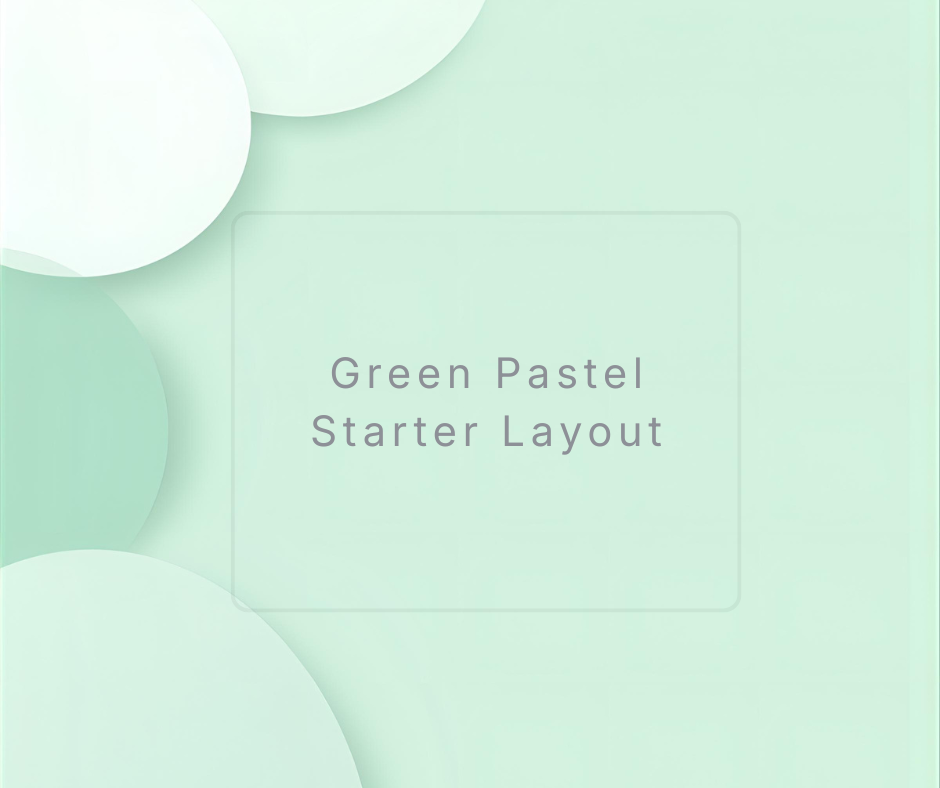
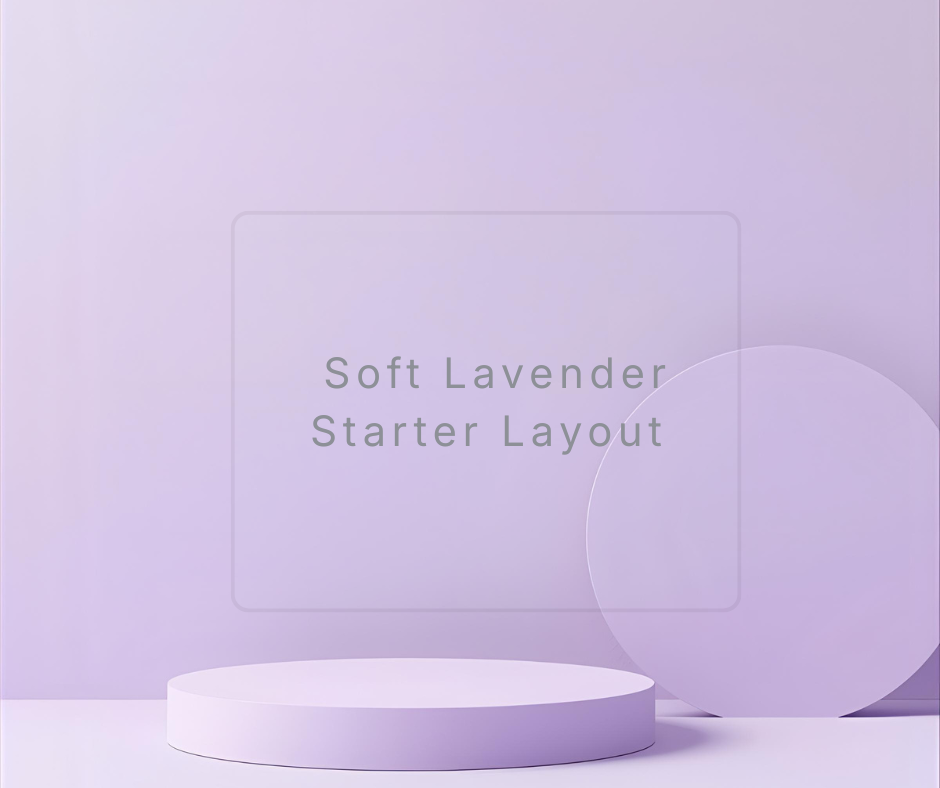
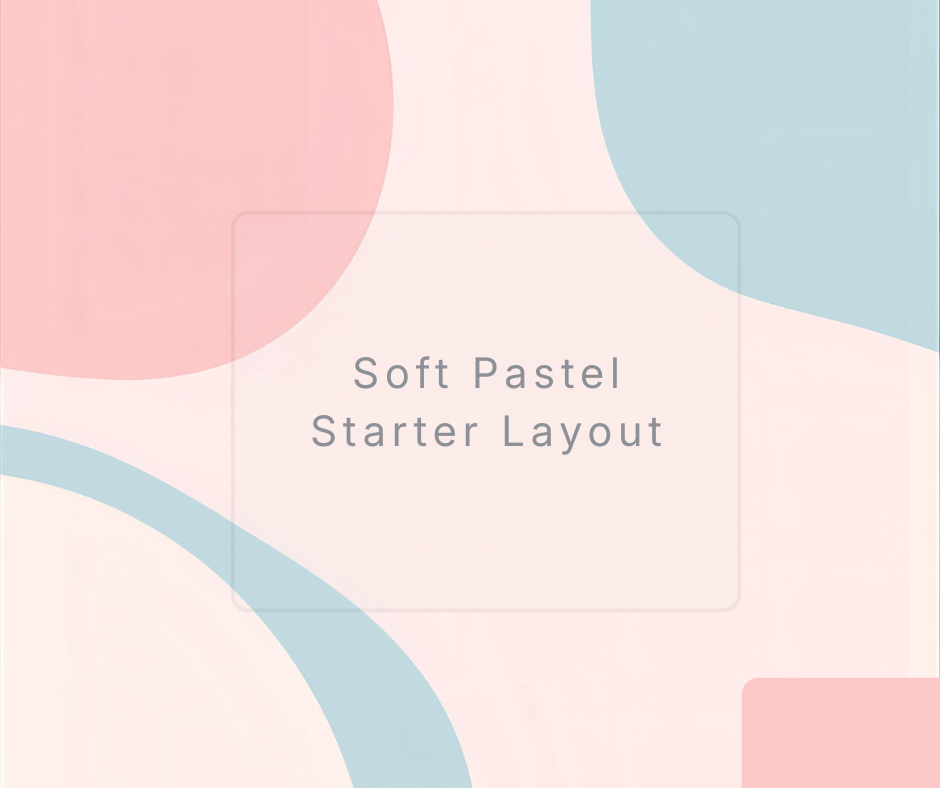
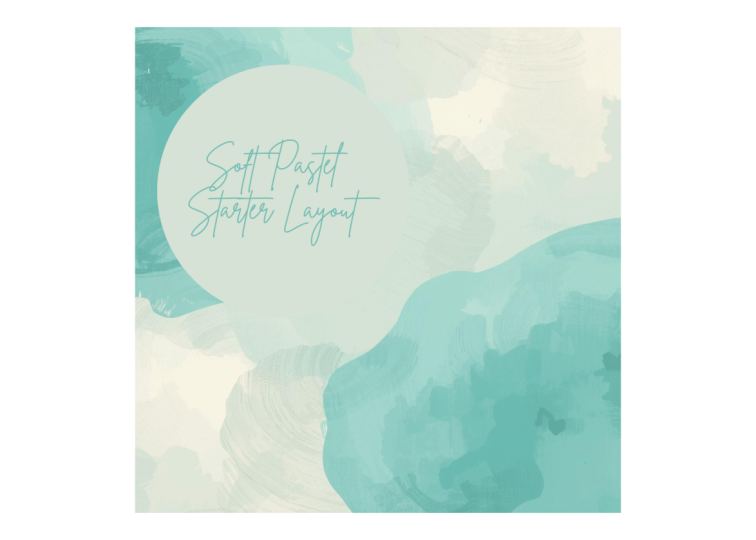
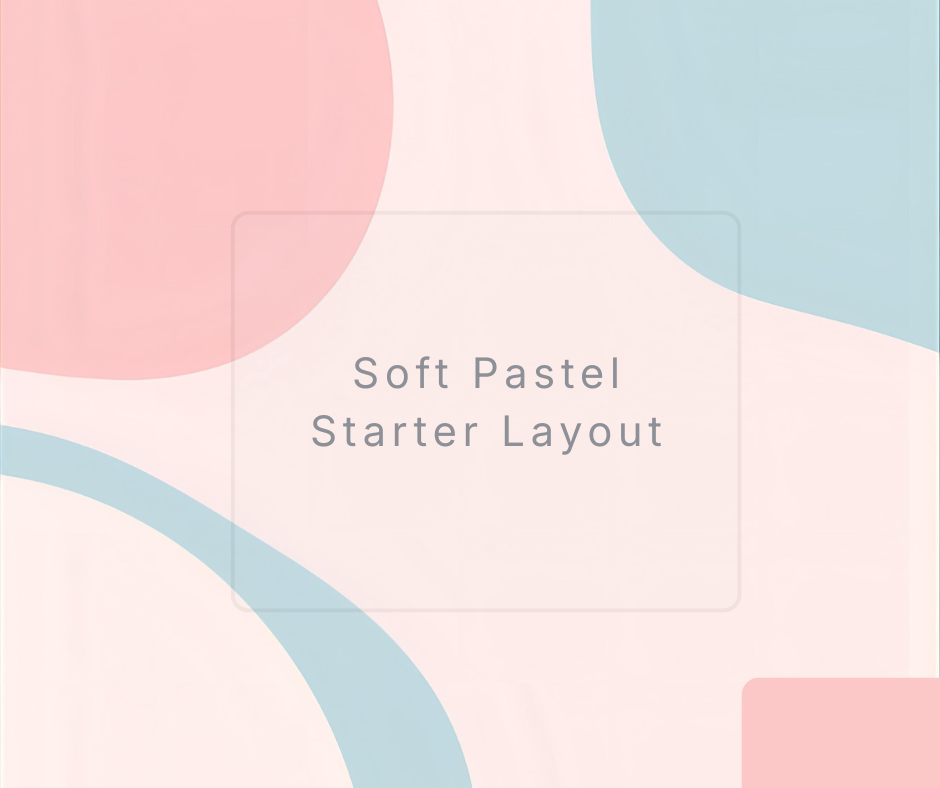
We’ll create a soft pastel minimalist starter layout you can reuse for your posts, mood boards, announcements, or anything you want to share. The steps are slow, calm, and beginner-friendly, and you’ll see everything in real time. You don’t need experience. You don’t need to be “artistic.” You only need the willingness to try.

By the end, you’ll know exactly how to begin any new design without freezing or second-guessing.
Meet Your Teacher

Teacher Profile Image

Paul Nene

Helping beginners take action

Teacher

I help beginners take action and stop overthinking so you can move forward and finish what you start.

My classes are designed for busy people who feel stuck or unsure where to begin. Instead of overwhelming you with too much information, I focus on a few simple steps that help you make real progress right away.

You won't just watch. You'll follow along with clear demos and walkthroughs, take small actions and see progress as you go. Each class is simple, practical, and easy to finish, even if you only have a short amount of time.

With more than ten years of experience in video editing and digital workflows, I break everything down into small ste... See full profile

Level: Beginner

Class Ratings

Expectations Met?
    Exceeded!
  • 0%
  • Yes
  • 0%
  • Somewhat
  • 0%
  • Not really
  • 0%

Why Join Skillshare?

Take award-winning Skillshare Original Classes

Each class has short lessons, hands-on projects

Your membership supports Skillshare teachers

Learn From Anywhere

Take classes on the go with the Skillshare app. Stream or download to watch on the plane, the subway, or wherever you learn best.

Transcripts

1. Start With Confidence: Your First Soft Pastel Layout: Sometimes opening Canva feels like stepping into a big empty room. There's space, but no direction. If you've been staring at that blank white page and wondering how to begin, I understand that feeling. It can be uncomfortable not knowing what to place first, what colors to choose, or how to make everything look clean. Not alone. Many beginners feel the same way, and it doesn't mean you're bad at design. It just means you haven't been shown a simple way to start. In this class, I'll give you that path. We'll build your design slowly step by step. We'll begin with AI generated visuals, add simple shapes, and bring everything together with a clean layout and soft pastel finish. Each part helps you start with more ease and less pressure. I'm teaching this because I know how it feels to be new. I was there, too, unsure of where to click and afraid to make the wrong choice. What helped me was having a clear steps and a friendly voice guiding me through each one. That's what I'll give you today. This class is for beginner creatives with low confidence. If you've ever said, I don't know where to start, this session is exactly for you. The end, you'll know how to create a simple design without feeling stuck. Let's take a quick look at what we'll create a soft pastel, minimalist layout with simple shapes, air spacing, and a clean aesthetics. It's easy to follow, and you'll be able to reuse it for anything you want to design afterward. Our flow is simple. Image first, graphic seconds, layout third. Aesthetics finish last. One clean path from confusion to clarity. I'm excited to guide you. Let's begin. 2. Understanding the Starting Point: Opening a blank canvas can feel like trying to begin a story without knowing the first sentence. That empty space can make your mind go quiet. You may feel unsure about every choice because there's nothing on the screen to respond to. You're not doing anything wrong. What you need is a gentle starting point, a small visual seed that gives your design direction. Here's the idea we'll work with. Beginning becomes easier when you play something soft and simple on that page first. Once you have one element, the next step becomes clear. You will not be creating from zero. You'll be shaping what's already there. This is why we start with AI generated visuals. They give you something to react to, something to build around. It removes the pressure of inventing from nothing. Imagine walking to a room that already has a warm lamp turned on. It feels different. That tiny glow guides the whole atmosphere. That's what your first visual will do for your design. Before we move on, open Canva and create a new blank canvas. Don't worry about the size. It can be square, horizontal or vertical. Whatever feels comfortable, just open it so you can follow along. The key idea is simple. Give yourself a soft starting point, then build around it. That's how you move from stock to steady. 3. Generate Your First Soft Pastel Visual: Let's take your first step together. We'll create a soft pastel image using Canvas magic media, then images. I'll walk slowly so you can follow without rushing. Look at your left side bar in Canva. You'll see app section. Click it once, a panel will slide open. Scroll just a little until you see the label Magic Media. Or you can search it here, then press Enter. Type it gently. When it opens, choose images. You'll now see a box where you can type a description. In that box, type a soft simple idea like soft pastel abstract shapes in gentle pink and blue tones, minimal clean background. Keep it short. You don't need anything fancy. Click the purple generate button, wait for the images to load. Take your time. You'll see a set of column pastel visuals appear. Choose one that feels light and friendly, not too busy. Click on your chosen image. Canva will place it on your canvas. Drag the corners carefully if you want it larger. If it feels too big or too small, adjust it slowly. There is no rush. If you want a different aesthetics, you can generate again. Try mint green pastel shapes. Or soft lavender minimalist forms or peach pastel floating circles, just small gentle changes. What you're doing right now is creating the first glow in the room, something soft that helps the rest of your choices feel easier. Once again, beginning becomes easier when you give yourself a gentle visual anchor. 4. Add Simple Graphics to Support the Visual: Now that you have a soft pastel image on the canvas, let's add a simple shapes that help your design feel balance. This step builds structure without stress. Look at the left hand side of Canva again. Tap elements. Once it opens, move just a little until you see shapes. You can click all to expand. Choose a simple circle or rectangle, something clean. Click the shape once and it will appear on your canvas. Drag it gently to a corner or side. You're not trying to create anything perfect yet. You're just adding a friendly structure. The shape looks too bold, select the color box in the toolbar and change it to a soft pastel. Try pale pink, warm beige, gentle mint, or a light lavender. You will feel the design soften right away. If your cursor is stuck, you can always double click outside. If you want variety, duplicate the shape by pressing Command D or Control D. Place the second one on the opposite side for balance or rotate it a little to create a playful look. You can try variations, a round circle overlapping your main visuals, a thin rectangle acting as a soft border or a faded square to hold the text later. Each little shape adds comfort to your canvas. You're giving your design a gentle frame. Again, the main idea here is, once you have a starting point, adding simple elements becomes natural instead of stressful. 5. Build Your Layout and Add the Aesthetic Finish: Now, let's bring everything together. The pieces are already there. This tap shapes them into a clean layout that feels complete. Click the main pastel image, move it slightly upward or to the side until the spacing feels comfortable. Don't overthink. Imagine you're placing something on a shelf, a small adjustment until it looks pleasant. Next, click your shapes, align them gently. If one feels too heavy, lower its transparency. Click on it, then tap the transparency icon in the top corner. Slide it left until it looks soft and aire. Now at a small text piece. Click text on the left, choose heading, and type something simple like soft pastel starter layout. Use a clean font like nosens or Inter. Change the font color to a gentle gray or muted pastel. If the text feels too strong, make it smaller. If it feels too weak, space it out using letter spacing. You're learning to shape things slowly with care. For the final touch, adjust the whole canvas, click any element, and just adjust anything that feels right. Now, step back for a moment. Look at your layout. You started with nothing, and now you have a gentle, clean design. One small step after another. Now, again, when you begin with something small and build slowly, design becomes calm, not overwhelming. 6. Create Your Soft Pastel Minimalist Starter Layout: Here's how to create your final project design in the simplest way. First, open a new blank Canvas in Canva. Use a square size if you want something easy to repurpose. Then go to apps, Magic Media, then images. Generate a soft, pastel, abstract visual with a short phrase. Choose one that feels gentle. Next, open elements and add one or two simple shapes. Choose pastel colors that match the image. Place them slowly without rushing. Let the design breathe. Then choose a clean font or add your title or phrase. Keep it small, keep it calm. Finally, adjust spacing, soften the background color, and look at the design as a whole. If anything feels too strong, make it lighter. If anything feels uneven, move it a little. Trust your eyes. Your final result should feel light, airy, and calmy a design you can reuse for future work. Please upload your design in the project gallery. I'll be there to check it and cheer for you. 7. Bring It All Together: You've done so well. You took a blank canvas that once felt intimidating and turn it into something soft, gentle and complete. That alone shows how capable you are, even as a beginner. Let's recap your path. You began by creating pastel visual to remove pressure. You added simple shapes that gave your design structure. You build a clean layout and give it a soft aesthetic finish. One slow step at a time. Your takeaway is simple. You don't need to start from zero. You only need one soft starting point. And everything becomes easier. Don't forget to upload your layout in the Project Gallery. I'd really love to see what you made. Before you go, if this class help you feel a little more confident, leaving a short review truly helps me grow as a teacher. And it also helps other beginner creatives find this class when they need it. And if you'd like to keep learning with me, you can follow me here on Skillshare, so you don't miss any future beginner friendly classes. You did great. Take a moment to feel proud, and I'll see you in the next class.